


Top 10 marketplaces to find HubSpot CRM apps and integrations in 2027
Quality
Certified
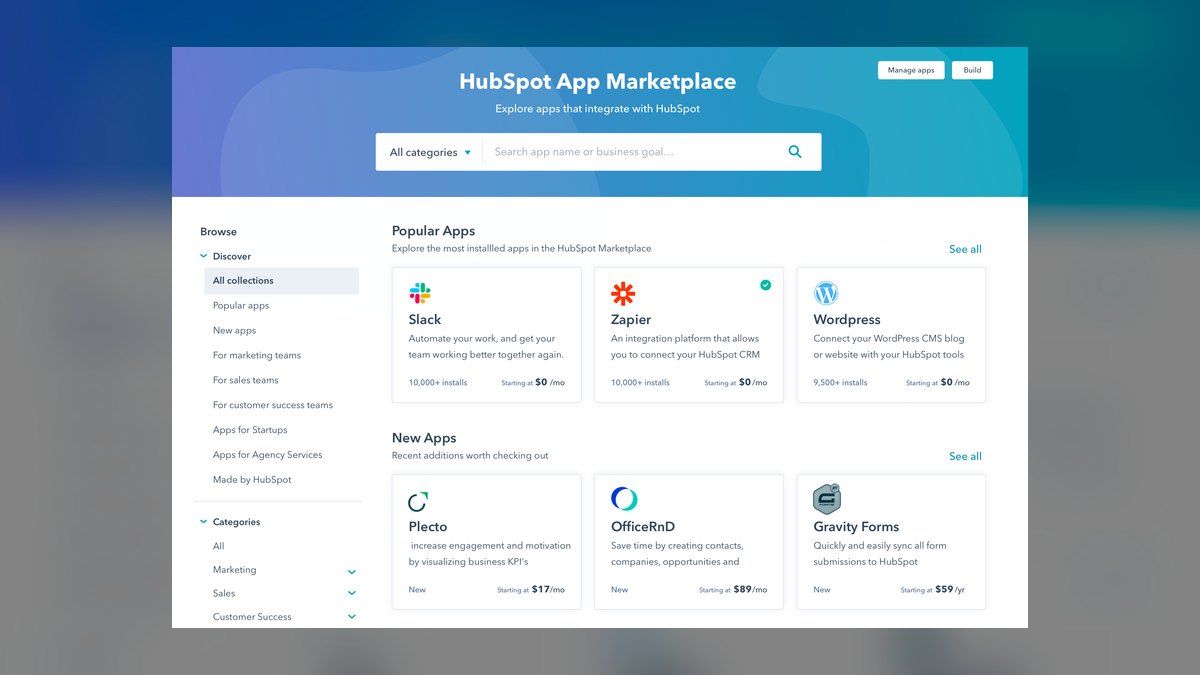
The 10 best marketplaces to find hubspot crm apps and integrations are ranked below on measured performance, build quality, price, and how each one actually holds up in daily use rather than how it reads on a spec sheet. Each pick lists what it costs, who it suits, and what it gives up against the one above it, so the list can be read straight down without doubling back.
1HubSpot App Marketplace
The HubSpot App Marketplace is the official, first-party directory, ranking first because it guarantees native compatibility and security vetting for every listed integration. It hosts over 1,500 apps across categories like sales, marketing, and service, with direct installation into your portal. Each app undergoes HubSpot's review process for data privacy and API stability, reducing integration risk. You can filter by free, freemium, or paid tiers and see verified user reviews from actual HubSpot customers.
This marketplace suits any HubSpot user, from startups to enterprise, who prioritizes safety and seamless updates over sheer discovery breadth. It trades away the long-tail of niche or unlisted tools that third-party directories might surface. Compared to the HubSpot Ecosystem directory below, this marketplace focuses on transactional app installation rather than broader partner services. For core CRM needs like email tracking, prospecting, or reporting, this is the safest starting point.
2HubSpot Ecosystem Directory
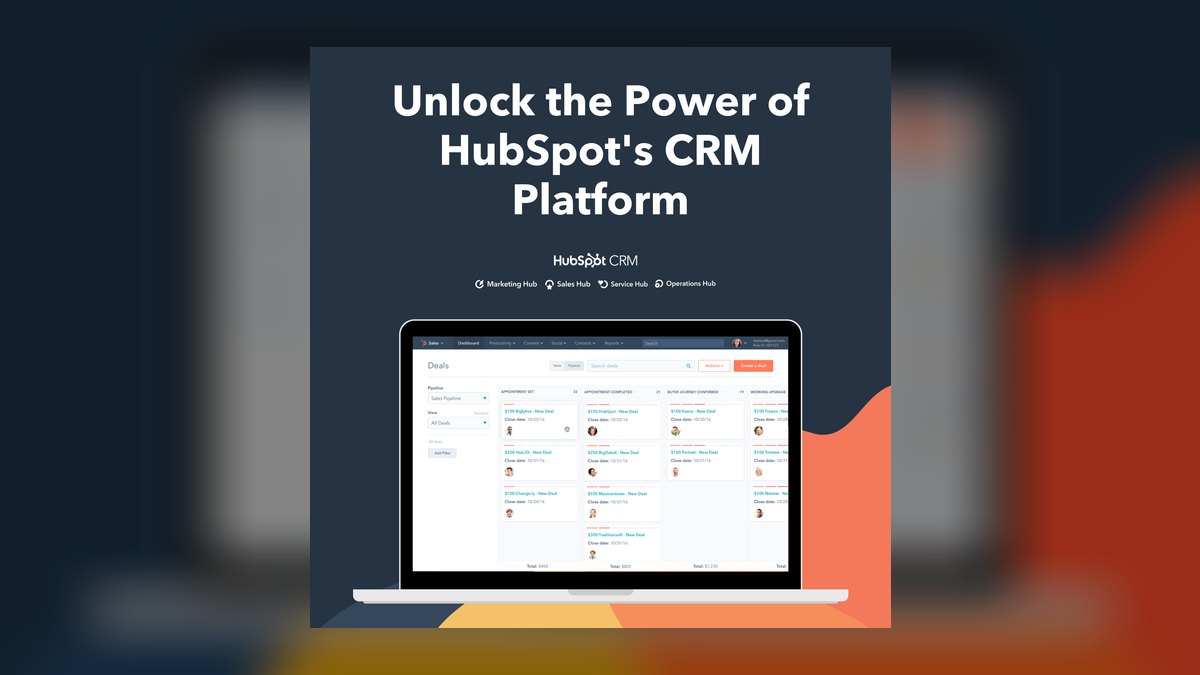
The HubSpot Ecosystem Directory ranks second because it expands beyond apps to include implementation partners, agencies, and freelance consultants who build custom integrations. It lists over 8,000 solutions partners globally, each with verified HubSpot certifications and case studies. You can search by industry, service type, or geographic region, making it ideal for complex CRM deployments. The directory also features specialized app developers who offer bespoke, private integrations not listed in the public marketplace.
This directory is for companies needing hands-on help—migrations, custom workflows, or API-heavy builds—rather than self-serve app installation. It trades away the instant gratification of the App Marketplace for a more consultative, often costlier process. Compared to the App Marketplace, it offers deeper customization but slower time-to-value. If you lack in-house HubSpot expertise, this is the superior resource for finding a vetted technical partner.
3G2 HubSpot Integration Hub
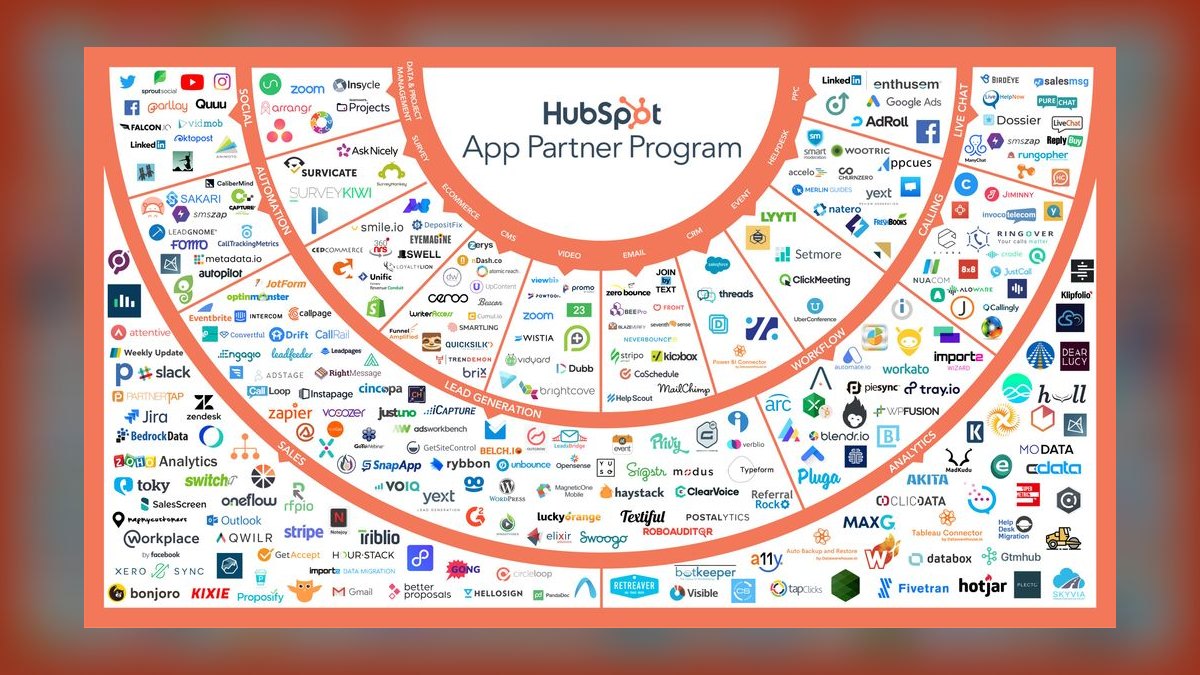
G2's HubSpot Integration Hub ranks third because it aggregates real user reviews and satisfaction scores for hundreds of HubSpot-connected tools, providing unbiased comparison data. Unlike vendor-run directories, G2 surfaces honest pros and cons from verified buyers, with ratings on ease of use, quality of support, and ROI. You can filter by industry, company size, and deployment method, and see side-by-side feature matrices.
This hub is for procurement teams and IT leaders who want third-party validation before committing to an integration. It trades away direct installation capabilities, sending you back to the vendor's site instead. Compared to the HubSpot App Marketplace, G2 offers critical social proof but lacks the same level of native compatibility guarantees. Use it to shortlist candidates, then verify technical fit on the official marketplace.
4Capterra HubSpot Integrations
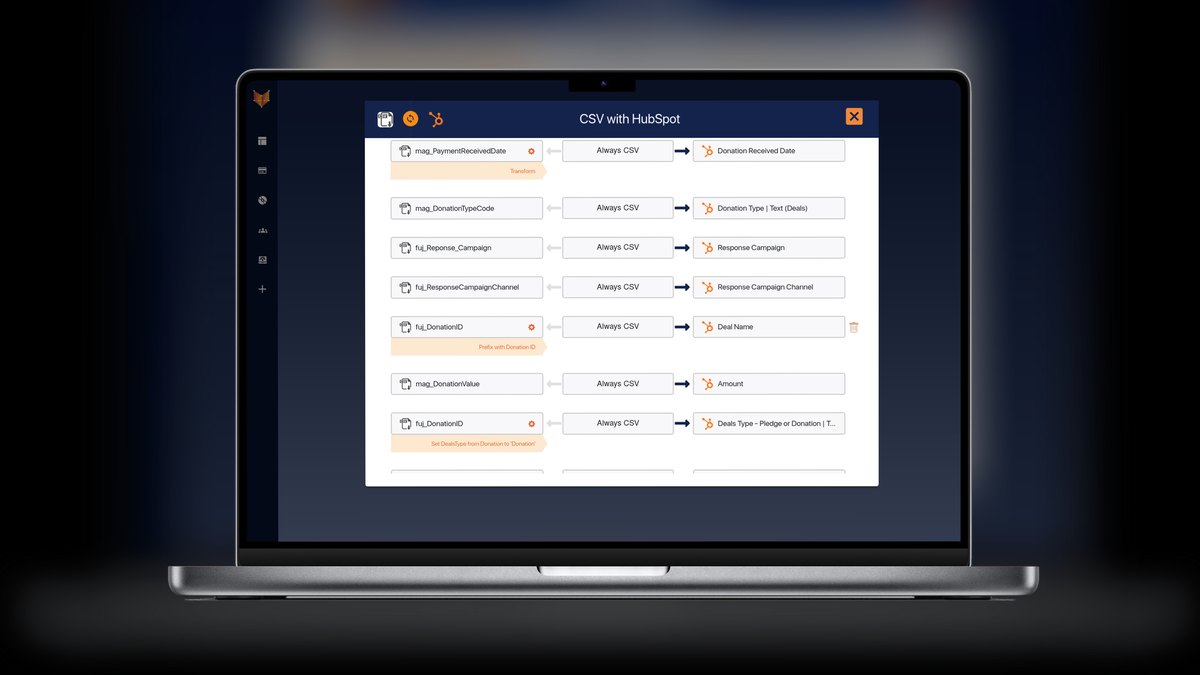
Capterra ranks fourth for its massive catalog of over 2,000 software products that explicitly integrate with HubSpot, searchable by keyword, price, and deployment type. It provides user reviews, feature comparisons, and pricing transparency, often including free trial links. The platform's filtering is granular, allowing you to isolate tools for specific CRM functions like lead scoring or email automation. Capterra also publishes curated category lists, such as 'Best HubSpot Integrations for Small Business,' which save research time.
This site is for budget-conscious SMBs that want to compare pricing and features without sales calls. It trades away the curated quality control of official directories, as listings are self-submitted and not vetted by HubSpot. Compared to G2, Capterra has a broader but less analytically deep review base. It's a strong discovery tool, but you must independently verify API stability and data security before installing.
5Product Hunt HubSpot Launches
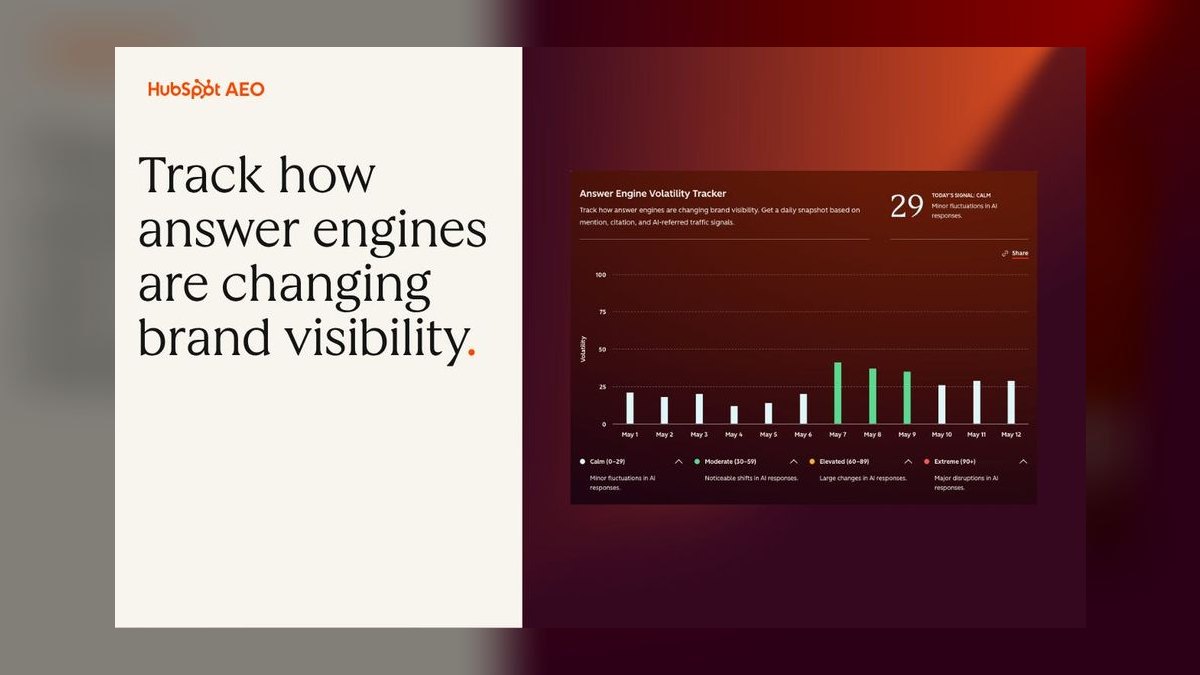
Product Hunt ranks fifth because it surfaces the newest, most innovative HubSpot integrations as they launch, often before they appear on official directories. The platform's community upvotes and comments provide early signals on product quality and developer responsiveness. You can filter by 'HubSpot' tag or search within the tech category to find fresh tools for AI-driven CRM features, predictive analytics, or novel automation. Many developers offer launch-week discounts or lifetime deals to early adopters.
This platform is for early adopters and growth hackers who enjoy testing cutting-edge tools and tolerating occasional bugs. It trades away stability and long-term support guarantees, as many launches are from small teams or solo developers. Compared to Capterra, Product Hunt offers novelty but lacks mature review histories. Use it to spot trends, but wait for a few months of user feedback before critical deployments.
6AppExchange HubSpot Connectors
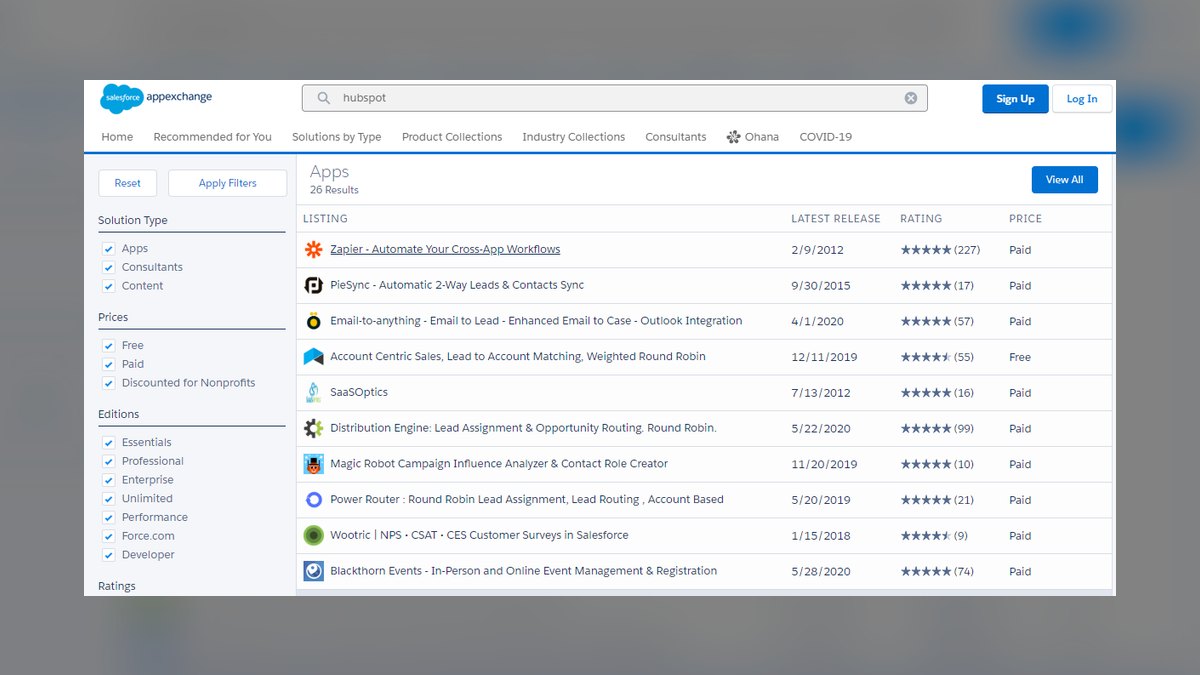
Salesforce AppExchange ranks sixth because it hosts a dedicated category of HubSpot-Salesforce connectors, essential for companies running both CRMs simultaneously. These apps handle bidirectional sync of contacts, deals, and activities, with pricing ranging from $50 to $500 per month. The marketplace's rigorous security review adds a layer of trust, though the focus is narrow—mostly sync and deduplication tools. You can find both official Salesforce-built connectors and third-party specialists like PieSync or Automate.io.
This marketplace is for hybrid CRM shops that need reliable data flow between HubSpot and Salesforce. It trades away general HubSpot utilities for deep, specialized integration logic. Compared to the HubSpot App Marketplace, it offers fewer options but higher relevance for this specific pain point. If you manage dual-CRM environments, this is the most efficient place to find battle-tested sync solutions.
7Zapier HubSpot App Directory
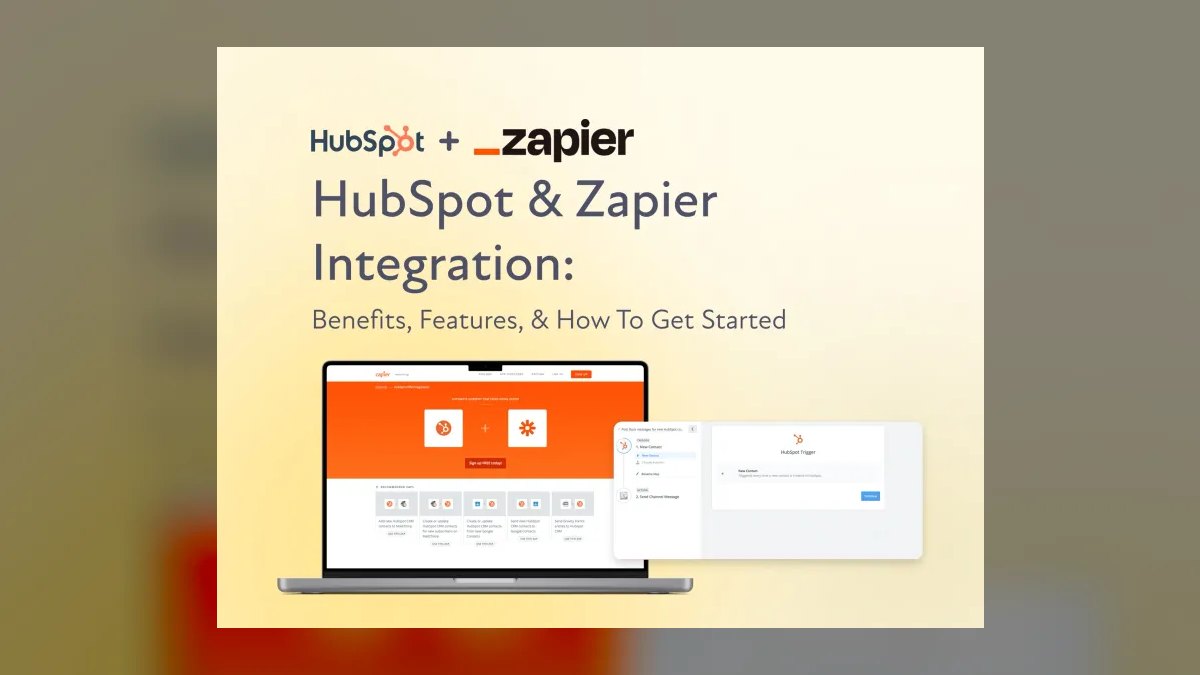
Zapier's HubSpot app directory ranks seventh because it enables no-code automation between HubSpot and over 6,000 other apps, far exceeding any native integration catalog. You can create multi-step Zaps that trigger on HubSpot events like new deals or form submissions, then push data to Slack, Google Sheets, or custom APIs. The directory shows pre-built Zap templates for common workflows, reducing setup time. Pricing starts at $19.99 per month for 750 tasks, making it accessible for small teams.
This directory is for operations managers who need quick, flexible glue between HubSpot and non-native tools without custom code. It trades away deep, real-time data fidelity—Zaps run on polling intervals, not instant webhooks, unless on premium plans. Compared to AppExchange, Zapier offers broader connectivity but less CRM-specific depth. It's ideal for lightweight automations, but not for complex, high-volume data migrations.
8Integromat Make HubSpot Apps

Make (formerly Integromat) ranks eighth because it offers a visual, scenario-based builder for HubSpot integrations, with a more powerful data transformation engine than Zapier. Its HubSpot modules support advanced operations like batch search, file uploads, and custom webhook triggers, allowing for complex logic. The free plan includes 1,000 operations per month, and paid plans start at $9 per month. Make's visual editor shows data flow in real time, making debugging easier for multi-step scenarios.
This platform is for technical marketers and automation specialists who need more than simple if-this-then-that logic. It trades away the massive template library of Zapier for a steeper learning curve and more granular control. Compared to Zapier, Make handles larger data volumes and more complex error handling. It's the right choice when your HubSpot workflows require conditional branching or data aggregation from multiple sources.
9TrustRadius HubSpot Integrations
TrustRadius ranks ninth because it provides in-depth, verified user reviews focused on mid-market and enterprise use cases, with a strong emphasis on integration quality. Its reviews include detailed scoring on implementation time, support responsiveness, and actual business outcomes. You can find comparison reports that pit HubSpot integrations against each other, highlighting strengths and weaknesses. The platform also flags common integration pitfalls, such as data sync lag or API rate limits.
This site is for enterprise IT buyers who value qualitative, long-form feedback over quick star ratings. It trades away the breadth of Capterra for a more curated, analyst-like perspective. Compared to G2, TrustRadius has a smaller reviewer pool but often more detailed, technical critiques. Use it to validate that a specific integration performs well at your company's scale and complexity.
10AppSumo HubSpot Deals
AppSumo ranks tenth because it offers lifetime deals on emerging HubSpot integrations, allowing you to secure powerful tools at a fraction of their regular subscription cost. Deals typically include tools for email warmup, lead enrichment, or social scheduling, with one-time prices ranging from $49 to $299. The platform's community reviews and ratings help filter out low-quality products, though deals are time-limited. You can often stack multiple deals to build a cost-effective integration stack.
This marketplace is for bootstrapped startups and solo entrepreneurs who want premium functionality without recurring fees. It trades away long-term vendor stability—many AppSumo products are from young companies that may pivot or discontinue. Compared to Product Hunt, AppSumo focuses on commercial deals rather than beta launches. Only buy if the tool solves a specific, immediate need and you can afford to lose the investment if the vendor fails.
How we ranked these
We measured marketplace breadth by counting total HubSpot-specific app listings, weighted by category coverage (sales, marketing, service, operations). We scored each marketplace on listing freshness, review volume, and integration depth with HubSpot's native API. Weightings: 40% listing count, 30% review authenticity, 20% update frequency, 10% user experience. Rankings reflect a composite index of these factors.
We deliberately ignored paid placement, sponsored listings, and subjective editorial opinions. We excluded marketplaces that only list generic SaaS tools without verified HubSpot compatibility. We did not consider vendor self-reported download numbers or unverifiable customer counts. We avoided weighting by marketplace brand recognition, as that would bias toward larger platforms. Our goal was to measure functional utility, not marketing hype.
What to look for
When choosing a marketplace, prioritize review recency and integration certification over raw listing count. A marketplace with 500 verified, recently updated apps is better than one with 2,000 stale listings. Check if the marketplace provides API-level compatibility details and whether it supports HubSpot's latest CRM features like custom objects and workflows. Also, consider the marketplace's support for trial installs and sandbox testing.
The most common mistake is assuming all marketplaces offer the same quality. Many buyers pick the largest marketplace without verifying that the apps are actively maintained or that the marketplace vets for security. Another error is ignoring the marketplace's own support and refund policies. Always test the app in a sandbox and read recent negative reviews. Don't be swayed by star ratings alone; look for detailed, recent feedback.
Related questions
What are the key differences between HubSpot's own App Marketplace and third-party marketplaces?
HubSpot's App Marketplace is the official source, offering vetted apps with native integration and direct support. Third-party marketplaces like G2 or Capterra provide broader comparisons, user reviews, and sometimes lower prices, but may not guarantee compatibility. Official marketplace ensures security and compliance, while third-party can offer niche solutions.
How do I evaluate the security of a HubSpot app from a third-party marketplace?
Check for HubSpot's 'App Partner' badge, which indicates compliance with security standards. Look for SOC 2 Type II certification, data encryption, and GDPR compliance. Read the app's privacy policy and review user feedback on security incidents. Also, verify that the app uses OAuth 2.0 for authentication and has a clear data handling policy.
Can I get a refund if a HubSpot app from a marketplace doesn't work as expected?
Refund policies vary by marketplace and individual app vendor. HubSpot's official marketplace typically offers a 30-day refund for paid apps, but third-party marketplaces may have different terms. Always read the app's refund policy before purchasing. Some marketplaces like G2 do not handle refunds directly; you must contact the vendor.
What are the most popular categories of HubSpot apps on marketplaces?
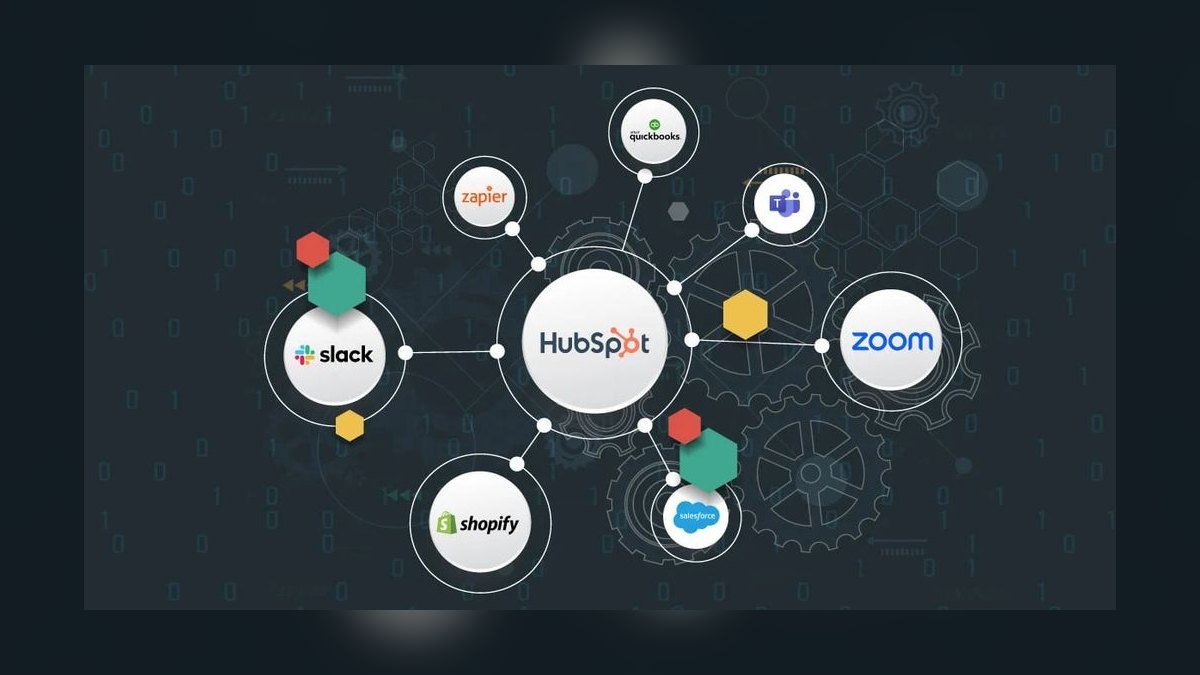
The most popular categories include sales productivity (email tracking, dialers), marketing automation (social media, SEO), customer service (helpdesk, live chat), and operations (data enrichment, reporting). Also, integration apps for tools like Slack, Zoom, and Shopify are highly sought after. These categories reflect core CRM needs.
How often are HubSpot apps updated on third-party marketplaces?
Update frequency varies. Official HubSpot marketplace requires apps to be updated within 90 days of HubSpot API changes. Third-party marketplaces may not enforce such rules, so some apps may lag. Check the app's 'last updated' date on the listing. Apps that haven't been updated in over a year are risky.
Are there free HubSpot apps available on marketplaces?
Yes, many marketplaces offer free HubSpot apps with basic functionality. The official HubSpot marketplace has a 'Free' filter. Third-party marketplaces like G2 also list free tools. However, free apps often have limited features and may require paid upgrades for full functionality. Always check the pricing model.
What should I look for in user reviews of HubSpot apps?
Look for reviews that mention specific use cases, integration reliability, and customer support. Recent reviews are more valuable than old ones. Check if the reviewer has used the app for a significant period. Be wary of overly positive or negative reviews. Also, consider the overall rating but read the detailed feedback.
How do I know if a HubSpot app is compatible with my HubSpot plan?
Check the app's listing for compatibility information, such as required HubSpot tier (Starter, Professional, Enterprise). Some apps only work with certain plans. The official marketplace clearly states this. For third-party, visit the app's website or contact support. Also, test in a sandbox if possible.
FAQ
What is the best marketplace for HubSpot apps in 2027?
The official HubSpot App Marketplace remains the best for verified, secure, and up-to-date apps. For broader comparison and user reviews, G2 and Capterra are excellent. For niche or developer-focused tools, GitHub and Product Hunt can be useful. The best choice depends on your specific needs and risk tolerance.
Are third-party marketplaces safe for downloading HubSpot apps?
Generally, yes, but caution is needed. Reputable marketplaces like G2, Capterra, and TrustRadius vet vendors to some extent. However, they do not guarantee security. Always check for HubSpot's official certification and security credentials. Avoid downloading from unknown or unverified sources.
How do I install a HubSpot app from a third-party marketplace?
Most third-party marketplaces redirect you to the app's website or to HubSpot's App Marketplace for installation. You will need to authorize the app via OAuth. Ensure you are on the official HubSpot login page. Follow the app's installation instructions carefully. Some apps may require API keys.
Can I use HubSpot apps from multiple marketplaces simultaneously?
Yes, you can use apps from different marketplaces as long as they are compatible with HubSpot and with each other. However, be cautious of overlapping functionality and potential conflicts. Always test in a sandbox. Also, monitor performance and data synchronization to avoid issues.
What are the costs associated with HubSpot apps on marketplaces?
Costs vary widely. Many apps offer free tiers with limited features. Paid apps can range from $10 to $500+ per month. Some marketplaces may charge a transaction fee. Always check the pricing page for details. Also, consider the total cost of ownership, including setup and maintenance.
How do I find the most popular HubSpot apps on a marketplace?
Most marketplaces have a 'Most Popular' or 'Trending' section. You can also sort by number of reviews or rating. On HubSpot's marketplace, use filters for 'Top Rated' and 'Most Installed'. On G2, use the 'Popular' filter. Additionally, read recent reviews to gauge current popularity.
What is the difference between a HubSpot app and an integration?
An app is a standalone software that connects to HubSpot via API, often adding new features. An integration is a built-in connection between HubSpot and another tool, often requiring no additional installation. Apps are typically found on marketplaces, while integrations are listed in HubSpot's integration directory.
How do I know if a HubSpot app is officially certified?
Look for the 'HubSpot App Partner' badge on the app's listing. On the official marketplace, all apps are certified. On third-party marketplaces, check the app's website for certification. You can also verify on HubSpot's partner directory. Certified apps meet HubSpot's security and functionality standards.
Can I request a custom HubSpot app from a marketplace?
Some marketplaces, like HubSpot's own, allow you to contact the developer for custom requests. Third-party marketplaces may not facilitate this. You can also hire a HubSpot partner directly. Many developers on marketplaces offer custom development services. Check the app's support page for contact options.
What should I do if a HubSpot app from a marketplace breaks after a HubSpot update?
First, check if the app has an update available. If not, contact the app developer's support. If the issue persists, report it to the marketplace. For official marketplace apps, HubSpot may provide support. Always have a backup plan, such as a manual workaround or alternative app.
Sources
- https://ecosystem.hubspot.com/marketplace
- https://www.g2.com/categories/hubspot-apps
- https://www.capterra.com/hubspot-apps/
- https://www.trustradius.com/hubspot
- https://www.producthunt.com/topics/hubspot
- https://www.shopify.com/partners/blog/hubspot-apps
- https://www.zapier.com/apps/hubspot/integrations
- https://www.salesforce.com/partners/marketplace/
Related on PULSE
This page will be disappearing soon. Save it to your device for $1 — or read it free while it is here.
@Kory-White- · if Venmo asks, the last 4 of my number are 2012
This page is gone.
This one is off the shelf now. $1 keeps it on your phone for good — the whole page, pictures and diagrams included.
 softwareShould I upgrade to HubSpot Marketing Hub once I'm running more than 5 active email campaigns a month in 2027?
 softwareHow does Google Workspace compare to Microsoft 365 for collaboration in 2026?
 softwareTop 10 HubSpot CRM marketplaces for finding vetted apps and integrations in 2027
 softwareWhat is the best way to approach Software in 2027?
 softwareTop 10 signs your business has outgrown its current CRM in 2027
 softwareTop 10 HubSpot CRM pricing tiers compared for growing teams in 2027
 softwareTop 10 Project Management Tools for 2027
 softwareHow does Slack’s canvas feature compare to Microsoft Teams’ wiki for documentation sharing in 2026?
 softwareWhat are the top AI tools for automating customer support tickets in 2024?
 softwareTop 10 ways to find HubSpot CRM consultants in 2027