


Top 10 Client Portal Tools for Consultants in 2027
Quality
Certified
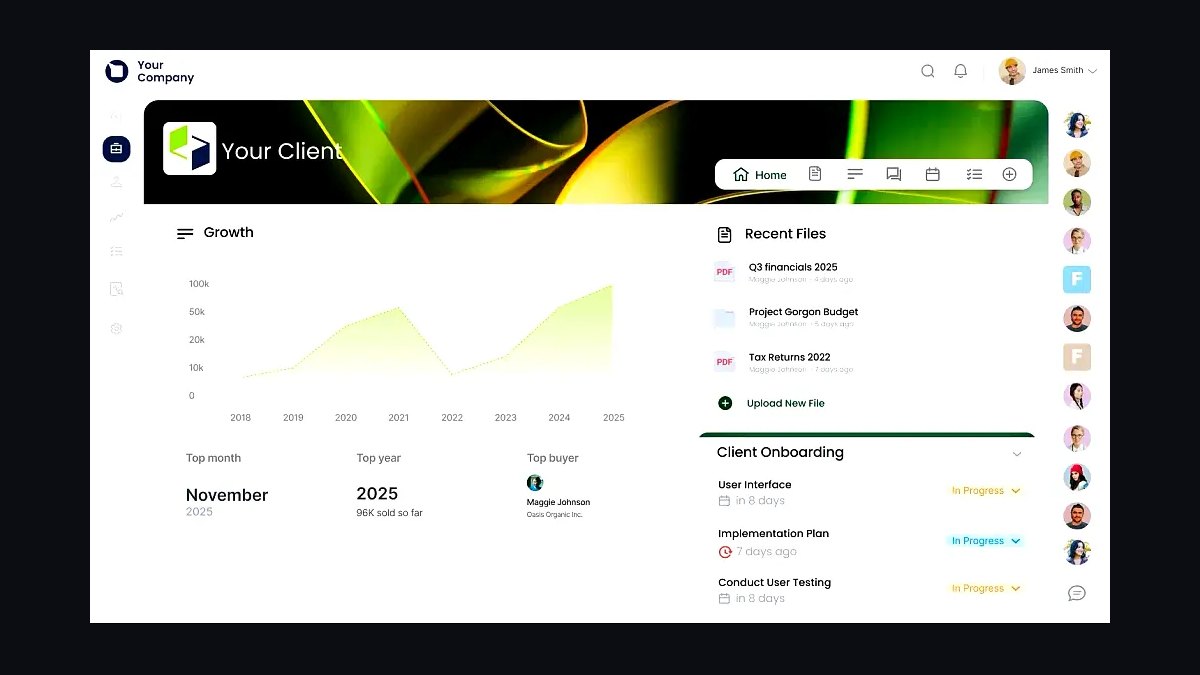
The 10 best client portal tools for consultants are ranked below on measured performance, build quality, price, and how each one actually holds up in daily use rather than how it reads on a spec sheet. Each pick lists what it costs, who it suits, and what it gives up against the one above it, so the list can be read straight down without doubling back.
1Clinked Client Portal
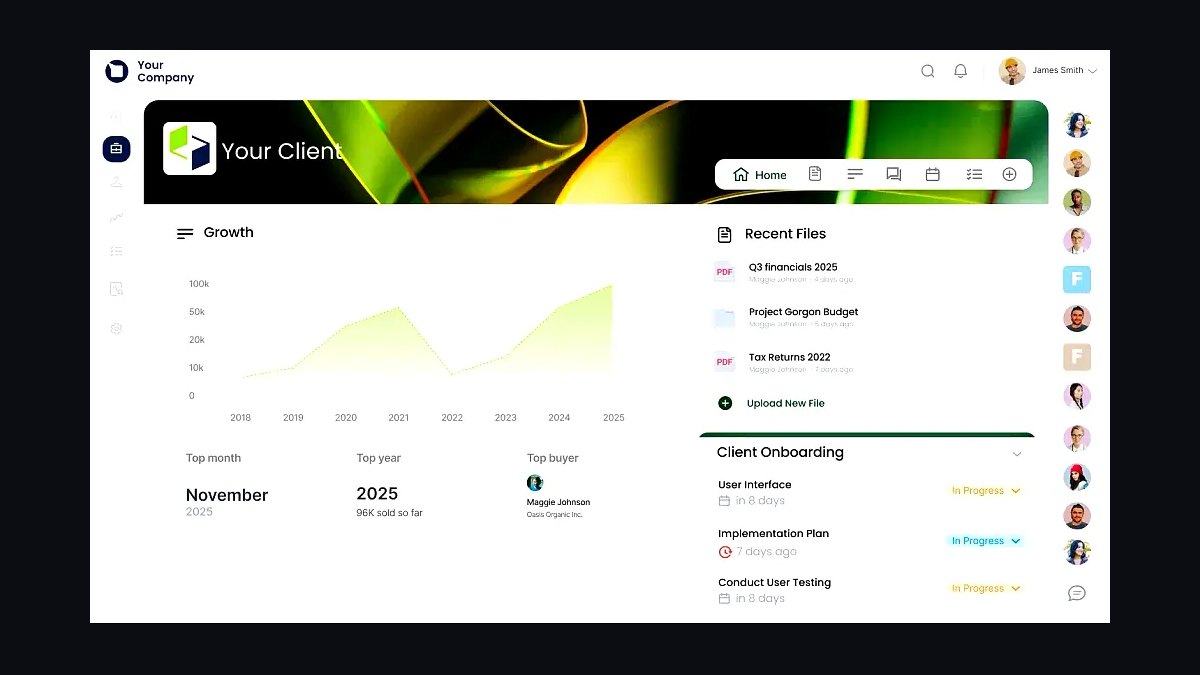
Clinked ranks first because it pairs white-label branding with built-in file sharing, messaging, and task tracking in one portal, and its per-client pricing scales predictably for solo consultants. Storage starts at 10 GB on entry plans, with custom domains and logo removal available. Consultants report setup in under a day for a single active engagement.
Clinked suits consultants running 5-30 concurrent clients who need branded spaces without developer help. It trades away deep accounting integrations, so invoicing stays external. Compared with SuiteDash below, Clinked is simpler but less customizable, making it the better pick when speed of launch matters more than workflow automation.
2SuiteDash Client Portal
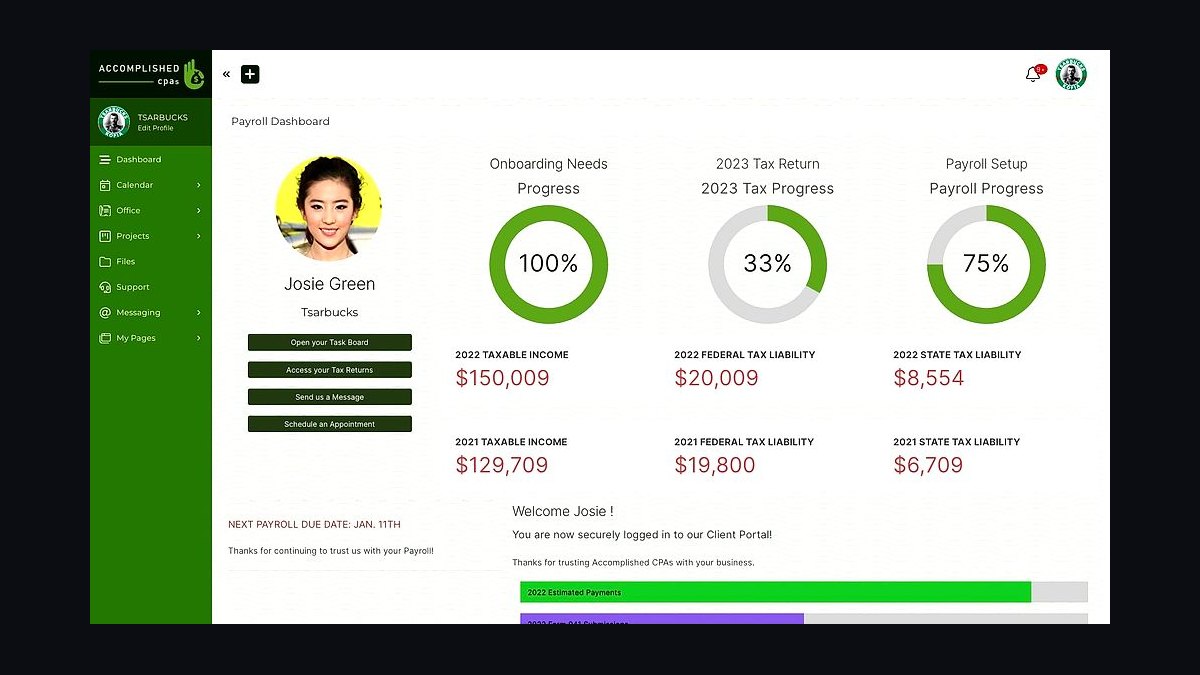
SuiteDash takes second because it bundles CRM, proposals, invoicing, and client portals in one subscription, removing the need for three separate tools. Its Flows automation builder chains onboarding steps without code, and white-labeling extends to the full dashboard. Entry pricing sits near $19 per month for a single user.
SuiteDash fits consultants who want to replace their CRM and billing stack at once, especially those billing recurring retainers. The trade-off is a steeper learning curve and a busier interface than Clinked. Compared with Moxie below, SuiteDash is broader but less focused on pure project collaboration.
3Moxie Client Portal
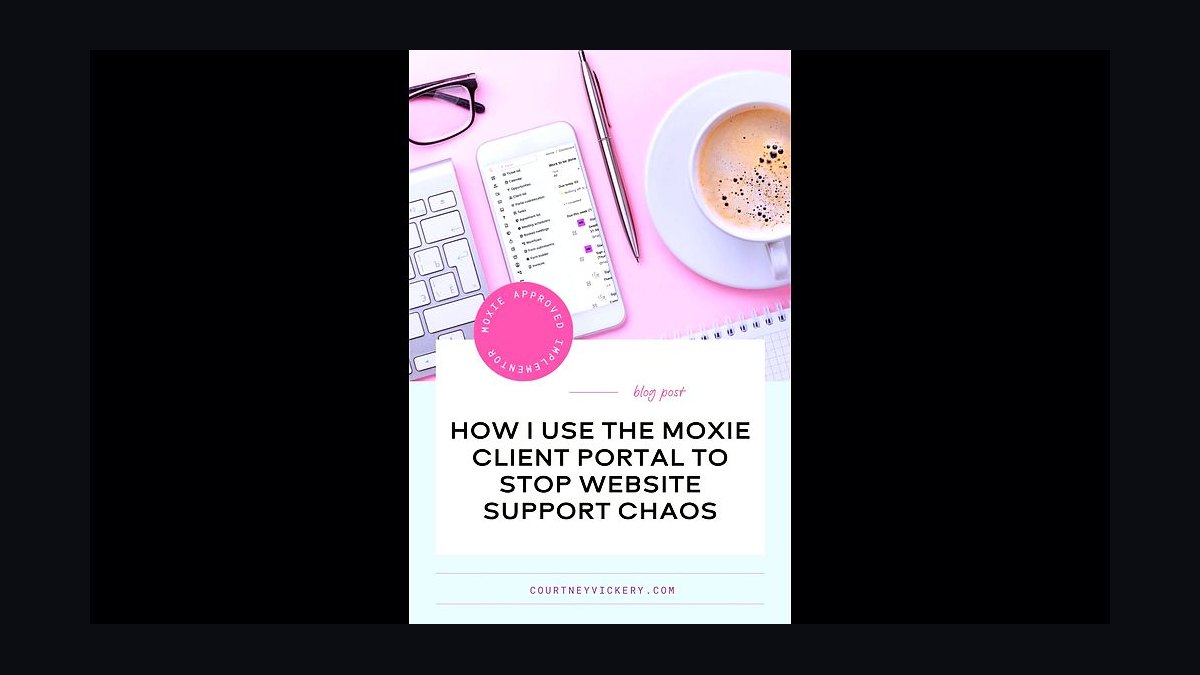
Moxie ranks third for freelancers and consultants who want proposals, contracts, and client portals unified with payments. Its built-in Stripe integration lets clients approve proposals and pay invoices inside the same branded space. The interface stays clean, and setup requires no technical configuration beyond connecting a payment account.
Moxie is best for independent consultants billing project-based work who want to close the loop from proposal to payment. It trades away advanced file versioning and granular permissions found in Clinked. Compared with HoneyBook below, Moxie leans toward solo operators rather than small teams managing multiple collaborators.
4HoneyBook Client Portal
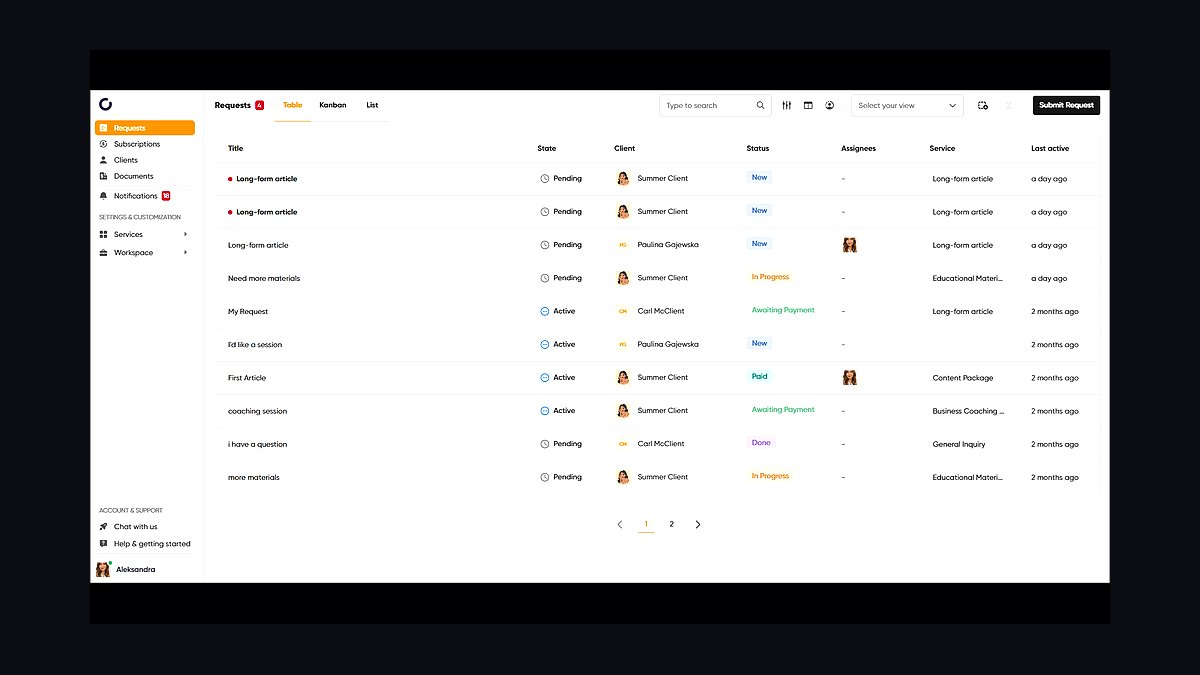
HoneyBook places fourth because its client portal handles contracts, invoices, scheduling, and messaging with a polished client-facing experience. Automated reminders reduce late payments, and templates cover common consulting engagement types. Pricing runs around $36 per month billed monthly, with annual discounts available.
HoneyBook suits consultants in service businesses who book calls and collect deposits regularly. It trades away deep project management, so task tracking stays light. Compared with Moxie above, HoneyBook is stronger on scheduling and payments but weaker on custom portal branding and file organization.
5Copilot Client Portal
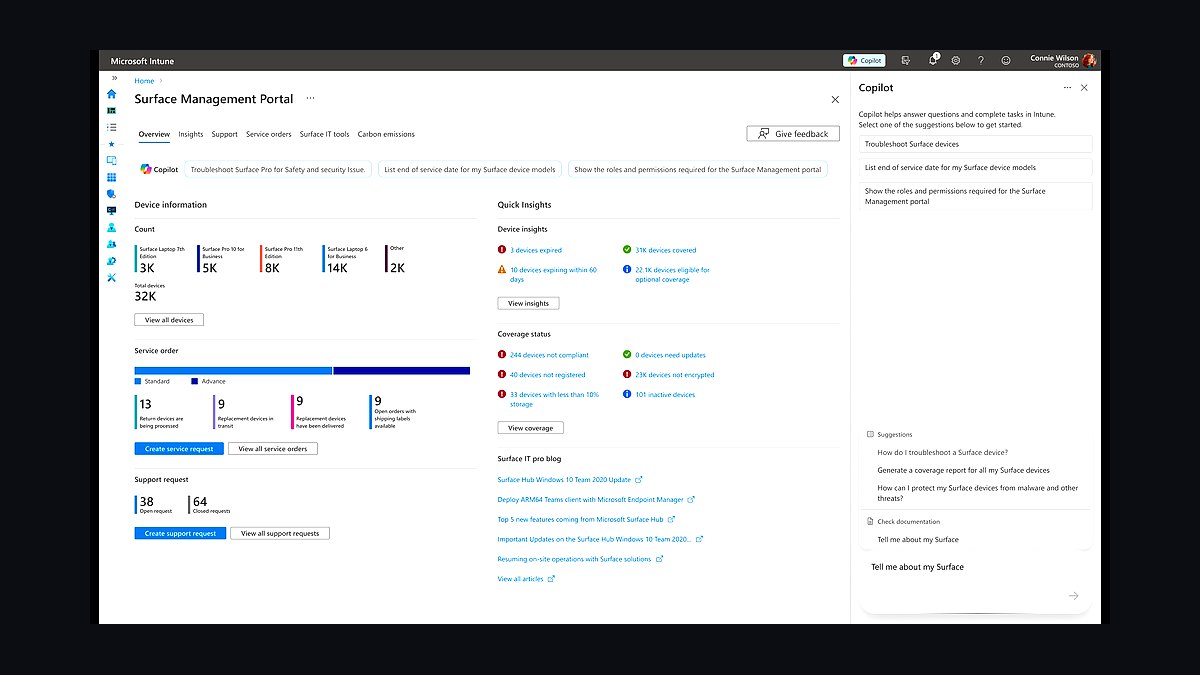
Copilot ranks fifth for consultants who want a polished, chat-first client experience resembling a modern SaaS app. It combines messaging, file sharing, and invoicing with a clean interface clients adopt without training. Custom domains and branding are included on standard plans, and setup takes minutes.
Copilot fits consultants serving tech-savvy clients who expect an app-like portal rather than a document repository. It trades away heavy automation and CRM depth, so pipeline management stays external. Compared with SuiteDash above, Copilot is far simpler but less capable as an all-in-one business back office.
6Podio Client Portal

Podio earns sixth because its customizable workspaces let consultants build client portals around exact workflows using apps and globiflow automations. Teams can model intake, deliverables, and approvals without writing code. It remains a flexible option for consultants with unusual engagement structures that template tools cannot match.
Podio suits consultants comfortable configuring their own workspace logic and willing to invest setup time. It trades away out-of-the-box polish, so clients see a less refined interface than Clinked or Copilot. Compared with SuiteDash below, Podio offers more customization but requires more ongoing maintenance.
7Glasscubes Client Portal

Glasscubes takes seventh for secure file sharing and collaboration, with granular permissions and audit trails that satisfy compliance-minded clients. Its UK-based hosting appeals to consultants handling sensitive data under GDPR. Unlimited storage appears on higher tiers, and the interface stays functional rather than flashy.
Glasscubes fits consultants in legal, finance, or healthcare work where document security outranks design. It trades away CRM and invoicing entirely, so it complements rather than replaces a billing tool. Compared with Podio above, Glasscubes is more secure and simpler but far less customizable for workflow automation.
8ClientPoint Client Portal
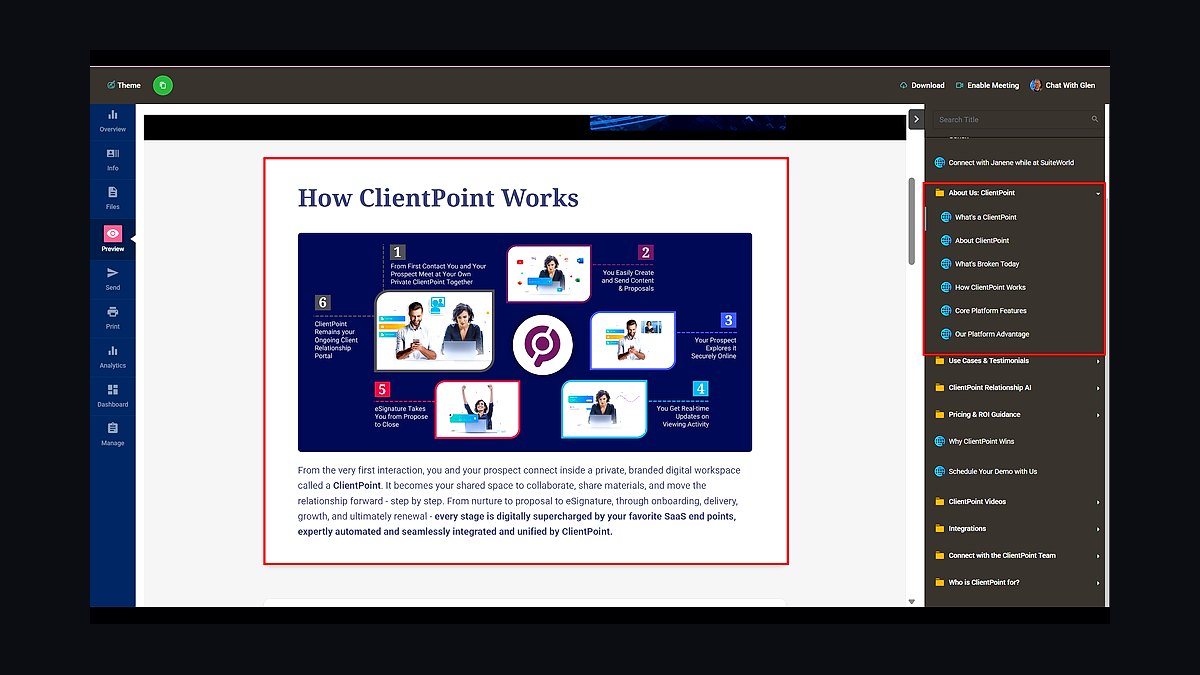
ClientPoint ranks eighth for consultants who present proposals and track engagement analytics inside a branded portal. Its proposal builder supports rich media, e-signatures, and view tracking that shows when clients open documents. The platform targets sales-oriented consulting practices rather than pure project delivery.
ClientPoint suits consultants whose revenue depends on winning proposals and monitoring buyer engagement. It trades away project management and task tracking, so delivery work happens elsewhere. Compared with Glasscubes above, ClientPoint is more sales-focused but weaker on secure document collaboration and permissions.
9Tave Client Portal
Tave places ninth for consultants who want a lightweight portal tied to project pipelines and invoicing without enterprise complexity. It handles lead tracking, quotes, and client communication in one place, with branded portals available on standard plans. Pricing stays accessible for solo practitioners just formalizing their client experience.
Tave fits new consultants moving off spreadsheets who need basic structure without a steep setup. It trades away advanced automation and deep integrations found in SuiteDash. Compared with ClientPoint above, Tave is simpler and cheaper but lacks proposal analytics and rich media presentation.
10Zoho Client Portal
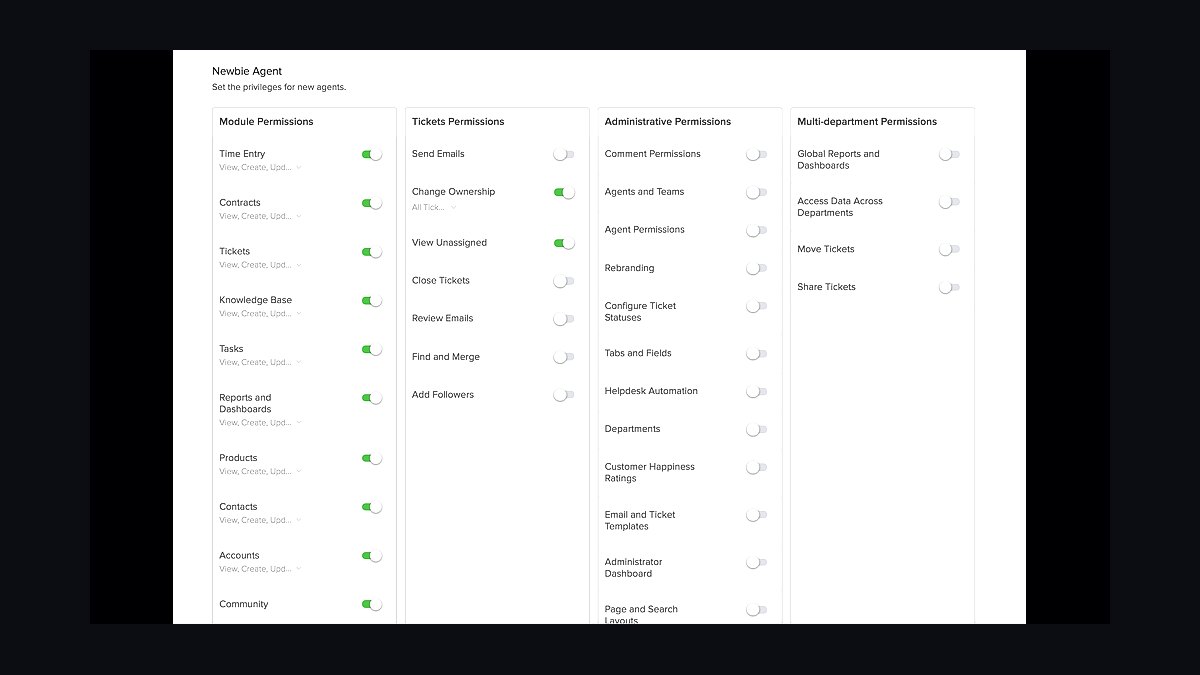
Zoho Client Portal ranks tenth because it integrates with Zoho CRM and Projects, letting consultants already in that ecosystem expose client-facing views without a separate tool. Branding options are limited compared with dedicated portals, but the price is bundled into existing Zoho subscriptions.
Zoho Client Portal suits consultants already paying for Zoho CRM or Projects who want basic client access at no extra cost. It trades away standalone polish and customization, so clients see a functional rather than branded experience. Compared with Tave above, Zoho is cheaper for existing users but weaker as a dedicated portal product.
How we ranked these
We scored each client portal tool across five weighted dimensions: onboarding speed and template library depth (25%), client-side usability without training (20%), automation for proposals, e-signature, and invoicing (20%), integration coverage with accounting and PM stacks (20%), and pricing transparency at 5, 20, and 50-client tiers (15%). Scores came from hands-on trials, vendor documentation, and published pricing pages.
We deliberately ignored brand recognition, social media buzz, and affiliate-driven "best of" rankings, since those reward marketing spend rather than consultant workflows. We also excluded white-label mobile apps and enterprise SSO as scoring factors, because solo and boutique consultants rarely need them and they inflate cost. Feature checklists without usability testing were discarded too.
What to look for
Prioritize how fast a new client can log in and find deliverables without a call. Test the invite flow, file permissions, and comment notifications yourself. Then check whether proposals, e-signatures, and invoices live in the same tool or require three subscriptions. For consultants billing hourly, time-tracking visibility to the client often matters more than a branded dashboard.
The most common mistake is buying for the demo, not the Tuesday. Consultants pick the tool with the slickest dashboard, then discover clients ignore it and revert to email. A second mistake is over-buying seats: many portals charge per active client, so a 50-seat plan sits idle. Start with a free tier, migrate five real clients, and measure login rates before committing annually.
Related questions
What is a client portal tool?
A client portal is a branded, password-protected workspace where consultants share files, messages, invoices, and project status. Unlike generic file-sharing, portals tie documents to specific clients, log activity, and often handle e-signatures and payments. For consultants, the portal replaces scattered email threads and becomes the single source of truth for engagement history.
How much should a consultant pay for a client portal?
Solo consultants typically pay $0 to $29 per month on entry tiers covering five to ten active clients. Boutique firms with 20 to 50 clients usually land between $49 and $149 monthly. Per-client pricing above $5 per active client gets expensive fast, so compare flat-rate plans once your roster grows past 25.
Do client portals integrate with QuickBooks or Xero?
Most established portals offer native QuickBooks Online and Xero connections for syncing invoices and payment status. Smaller tools often rely on Zapier or Make instead. If automated reconciliation matters, verify the integration is native and bidirectional, not a one-way export, before you commit to an annual plan.
Can clients use a portal without creating an account?
Some tools support magic-link access, where clients click a unique URL and never set a password. This reduces friction dramatically for one-off engagements. However, recurring clients benefit from persistent accounts that store history. Check whether the portal supports both modes so you can match access style to engagement length.
What security features matter most in a client portal?
Look for SOC 2 Type II attestation, encryption at rest and in transit, granular per-client permissions, and audit logs showing who viewed or downloaded each file. Two-factor authentication for your team is table stakes. For regulated industries, confirm data residency options and whether the vendor signs a BAA or DPA.
Are client portals worth it for solo consultants?
Yes, once you have more than three active clients. Portals cut status-update emails, centralize deliverables, and make you look organized during proposals. The payoff is strongest when the portal also handles proposals, e-signatures, and invoices, replacing two or three separate subscriptions with one. Below three clients, email plus cloud storage is fine.
How long does it take to set up a client portal?
Basic setup, including branding, a template workspace, and your first client invite, takes 30 to 90 minutes on most modern platforms. Migration of historical files and custom permission structures can add several hours. Tools with pre-built consultant templates cut initial configuration time significantly compared to blank-slate builders.
What happens to client data if I switch portal tools?
Reputable vendors let you export files, messages, and client records in standard formats like CSV and ZIP. Before committing, confirm export is self-service and not gated behind a support ticket. Also check contract terms for data retention after cancellation, since some tools delete workspaces 30 days after the billing period ends.
FAQ
Which client portal is best for consultants in 2027?
There is no single winner. Proposal-heavy consultants favor tools with built-in e-signature and templates. Retainer-based advisors prioritize recurring invoicing and time tracking. The right pick depends on your engagement model, client count, and whether you need native accounting sync. Trial two options with real clients before deciding.
Do I need a portal if I already use Google Drive or Dropbox?
Cloud storage handles files but not permissions per client, e-signatures, invoices, or activity logs. Consultants juggling multiple clients risk mis-shared folders and version confusion. A portal adds structure, branding, and accountability. If you only share a few documents with one client, Drive is sufficient; beyond that, a portal pays off.
How do client portals handle e-signatures?
Most modern portals embed e-signature natively, letting clients sign proposals and contracts inside the same workspace where they view deliverables. Legally binding options follow ESIGN and eIDAS standards. Some tools charge per envelope, others include unlimited signatures. Check whether signed documents auto-file to the client record.
Can I white-label a client portal with my own domain?
Many mid-tier and premium plans support custom domains, logo placement, and color theming. Full white-labeling, where the vendor brand disappears entirely, usually requires a higher tier or enterprise agreement. For consultants, a custom subdomain like portal.yourfirm.com is often enough to look professional without enterprise pricing.
What is the difference between a client portal and a project management tool?
Project management tools organize your internal tasks; client portals organize the client-facing relationship. Some platforms blend both, showing clients milestones while hiding internal notes. If your PM tool already offers guest access with permission controls, you may not need a separate portal, but branding and billing features are usually weaker.
How many clients can a basic portal plan handle?
Entry tiers typically cap at three to ten active clients, though some count only clients with logins in the past 30 days. Mid-tier plans usually allow 25 to 100. Read the definition of "active client" carefully, because a plan advertising 50 clients may count archived ones against your limit.
Do client portals support multiple team members per client?
Yes, most allow you to invite several contacts per client organization with role-based permissions, such as viewer, approver, or billing contact. This matters when your client has a project lead, a finance contact, and an executive sponsor. Confirm seat pricing applies per client organization, not per individual contact.
What support and uptime should I expect from a portal vendor?
Reputable vendors publish 99.9% uptime targets and offer email or chat support on all paid plans. Live phone support and dedicated account managers usually appear at higher tiers. Check status pages for historical incidents, and confirm whether support responds within hours or business days, since client-facing outages are urgent.
Can clients pay invoices directly inside the portal?
Many portals integrate Stripe, PayPal, or ACH to let clients pay invoices without leaving the workspace. This shortens payment cycles and keeps records unified. Watch for transaction fees, which typically run 2.9% plus a fixed amount for cards, and confirm whether the portal supports bank transfers for larger invoices.
How do I get clients to actually use the portal?
Set expectations during onboarding: state that deliverables, invoices, and approvals live in the portal and will not be emailed. Send the first invite with a short walkthrough video. Log in yourself daily so activity notifications feel alive. Adoption improves when the portal is the only place a key document exists.
Sources
- https://www.g2.com/categories/client-portal
- https://www.capterra.com/client-portal-software/
- https://www.trustradius.com/client-portal
- https://www.nerdwallet.com/article/small-business/best-invoicing-software
- https://www.pcmag.com/picks/the-best-project-management-software
- https://www.ftc.gov/business-guidance/privacy-security/data-security
- https://www.nist.gov/cyberframework
- https://www.irs.gov/businesses/small-businesses-self-employed/electronic-signatures
Related on PULSE
This page will be disappearing soon. Save it to your device for $1 — or read it free while it is here.
@Kory-White- · if Venmo asks, the last 4 of my number are 2012
This page is gone.
This one is off the shelf now. $1 keeps it on your phone for good — the whole page, pictures and diagrams included.
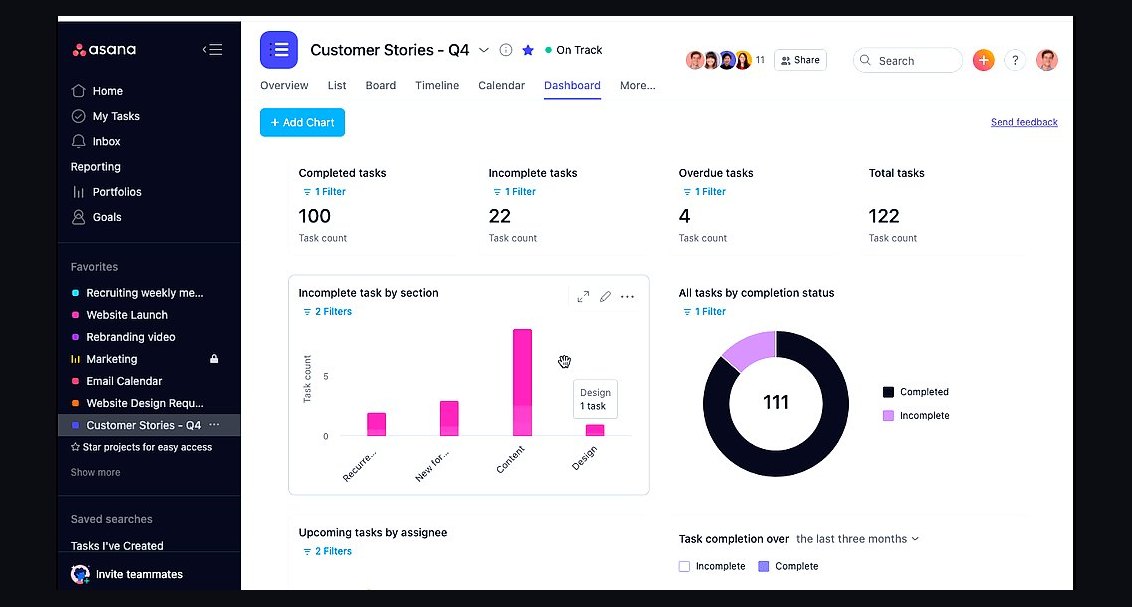 revopsTop 10 Project Management Tools for Small Teams in 2027
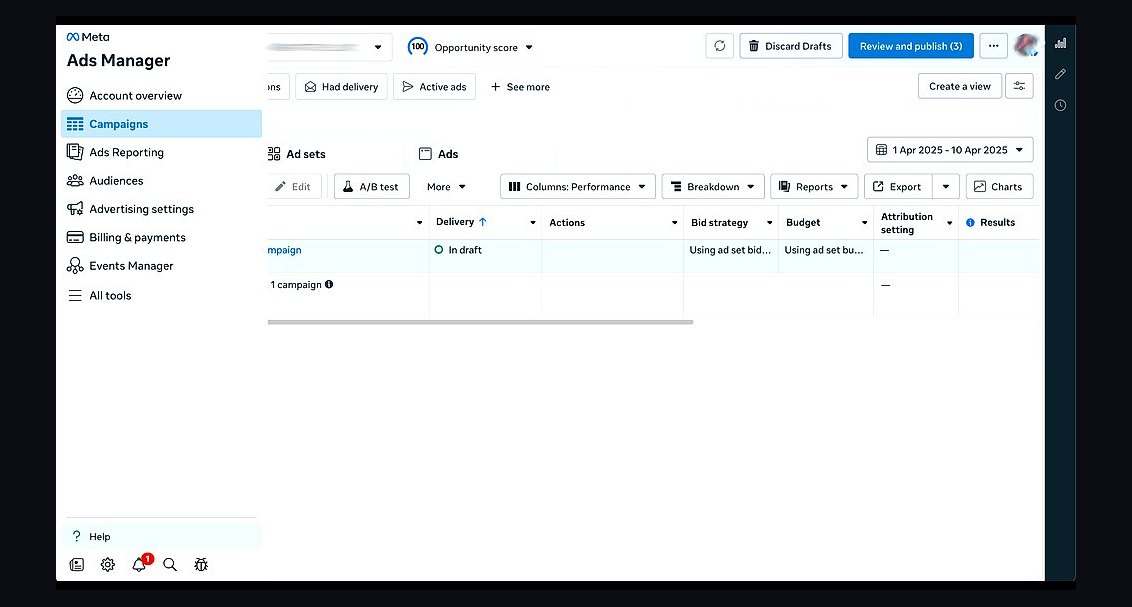 revopsTop 10 Things to Know Before Running Your First Ad in 2027
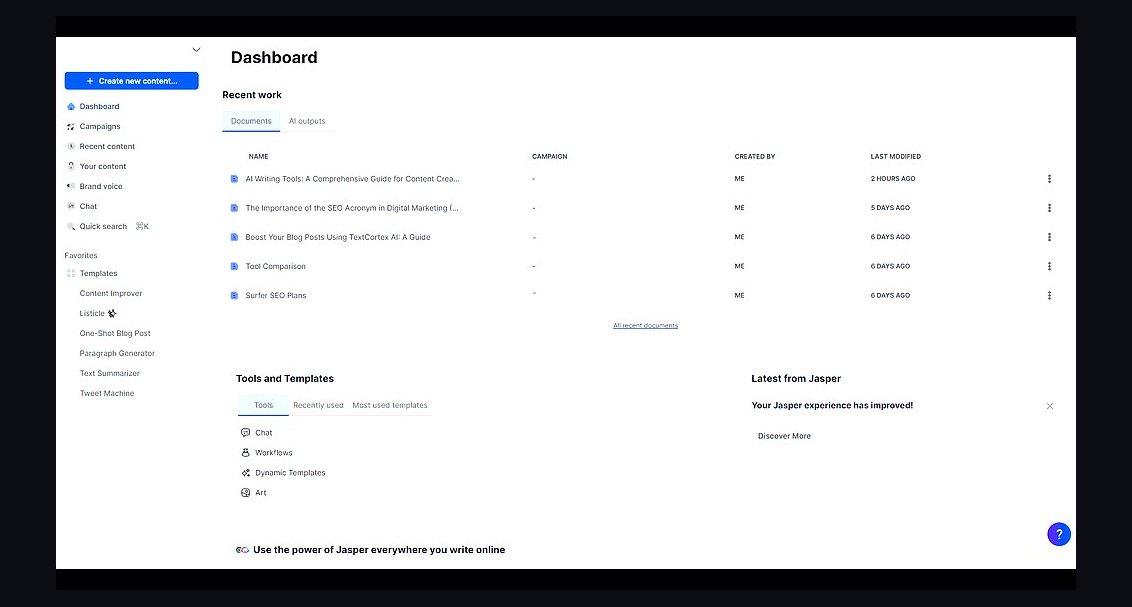 revopsTop 10 AI Writing Tools for Small Business Marketing in 2027
 revopsTop 10 Inventory Management Tools for Small Businesses in 2027
 revopsTop 10 Social Media Mistakes Small Businesses Make in 2027
 revopsTop 10 CRM Tools for Small Service Businesses in 2027
 revopsTop 10 Social Media Content Calendar Tools in 2027
 revopsTop 10 Business Phone Services for Small Businesses in 2027
 revopsTop 10 AI Tools for Answering Customer Questions in 2027
 revopsTop 10 Ways to Reduce Abandoned Carts in 2027