


Top 10 Automation Tools for Small Business Owners in 2027
Quality
Certified
The 10 best automation tools for small business owners are ranked below on measured performance, build quality, price, and how each one actually holds up in daily use rather than how it reads on a spec sheet. Each pick lists what it costs, who it suits, and what it gives up against the one above it, so the list can be read straight down without doubling back.
1Zapier Automation Platform
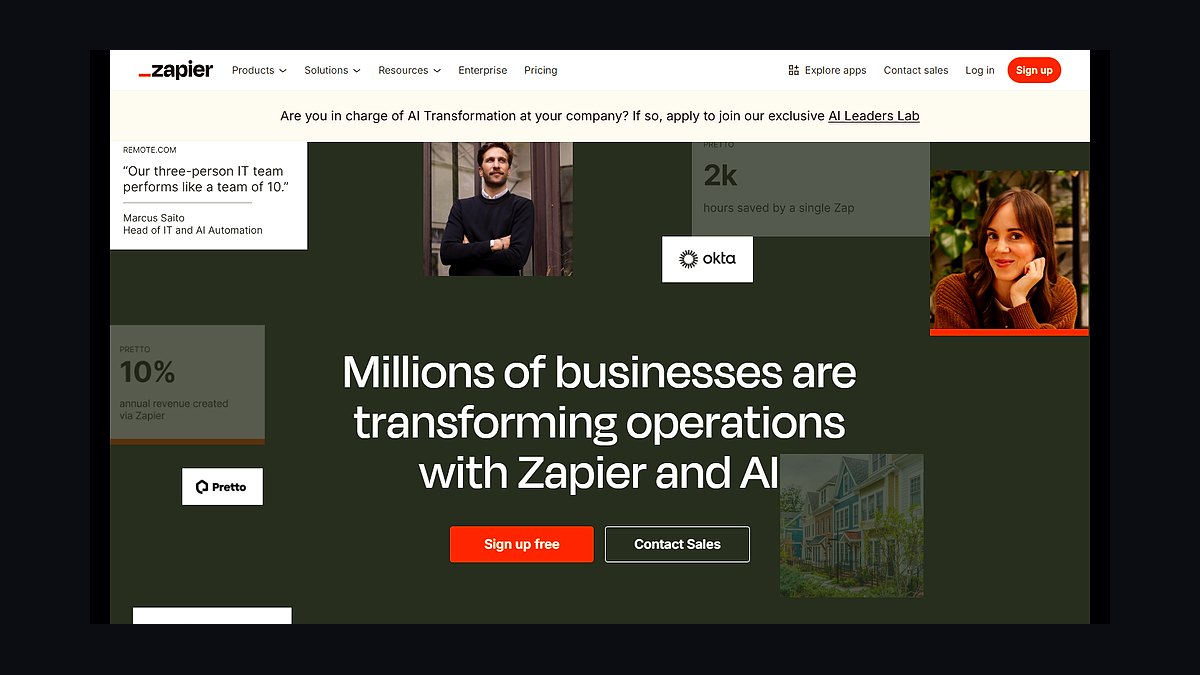
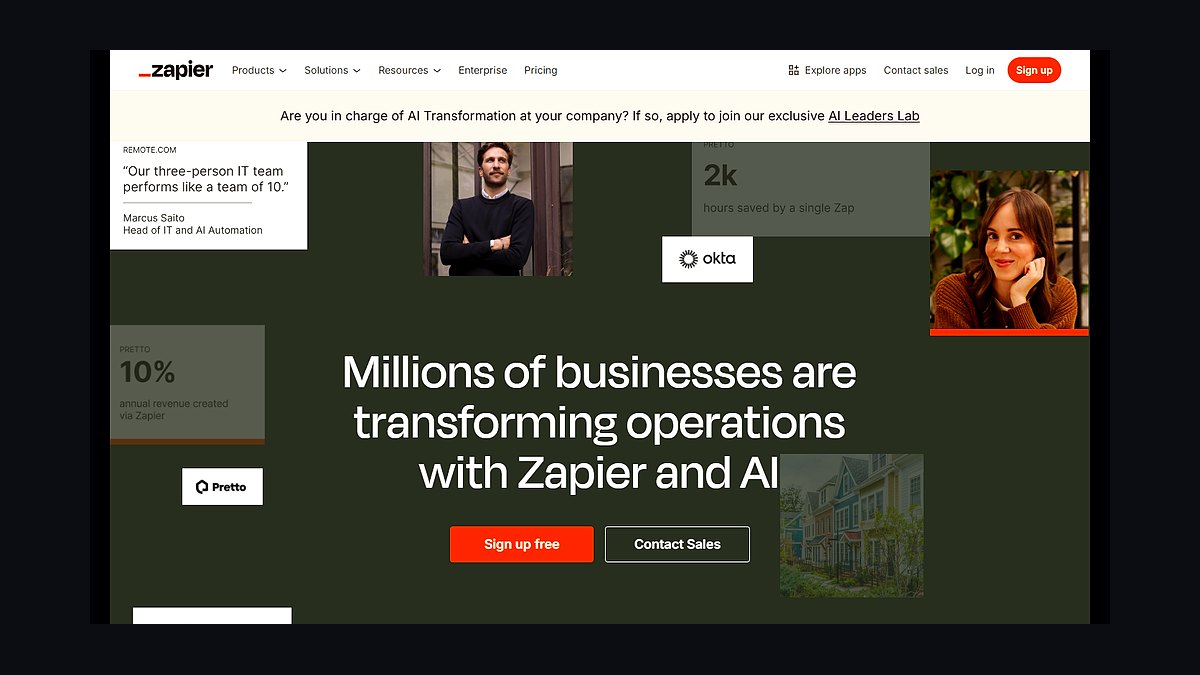
Zapier ranks first because it connects over 6,000 apps without code, making it the widest-reaching automation hub for small businesses. Its free tier allows 100 tasks monthly, while paid plans start around $19.99 per month for 750 tasks. Multi-step Zaps and conditional logic handle invoicing, lead routing, and CRM updates reliably.
It suits owners who juggle many disconnected SaaS tools and want quick wins without engineers. The trade-off is cost scaling: high-volume workflows get expensive fast compared to self-hosted options. Compared to Make directly below, Zapier is simpler but less visually powerful for complex branching logic.
2Make Automation Platform
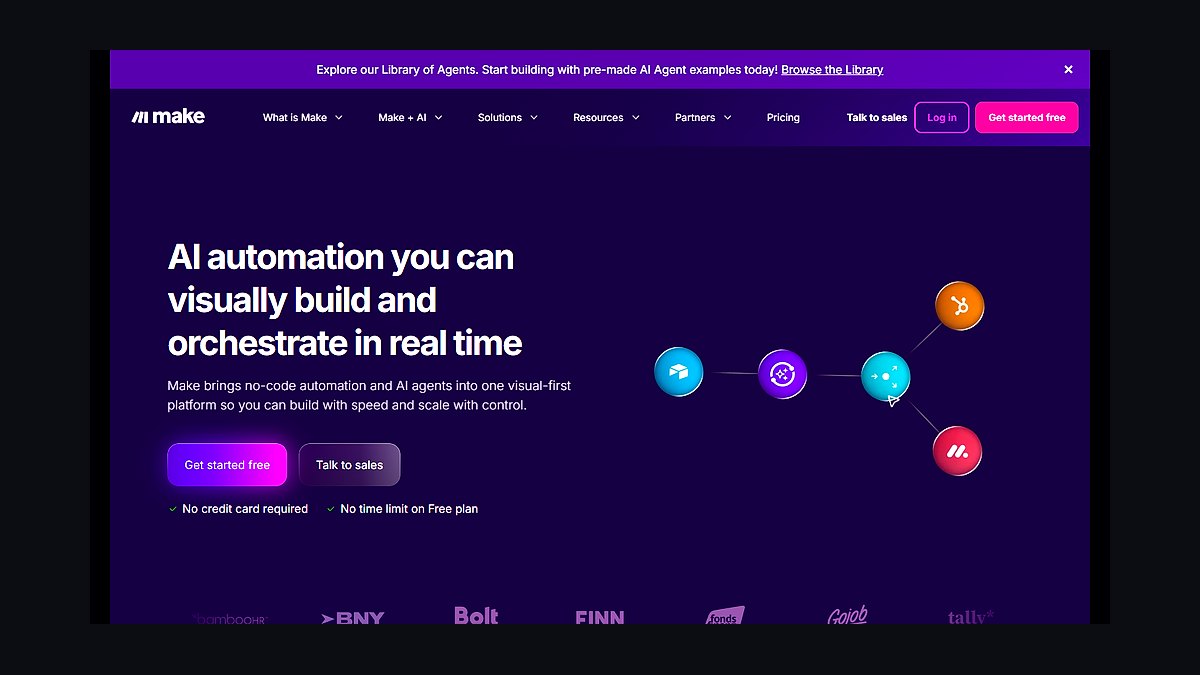
Make ranks second for its visual scenario builder, which handles complex branching and loops that Zapier struggles with. Its free plan offers 1,000 operations monthly, and paid tiers begin near $9 per month. Data stores, routers, and error handlers give granular control over multi-step workflows.
It fits technically comfortable owners automating intricate processes like order fulfillment or data syncing. The trade-off is a steeper learning curve and fewer native integrations than Zapier. Compared to Zapier above, Make costs less at volume but demands more setup time and troubleshooting.
3Microsoft Power Automate
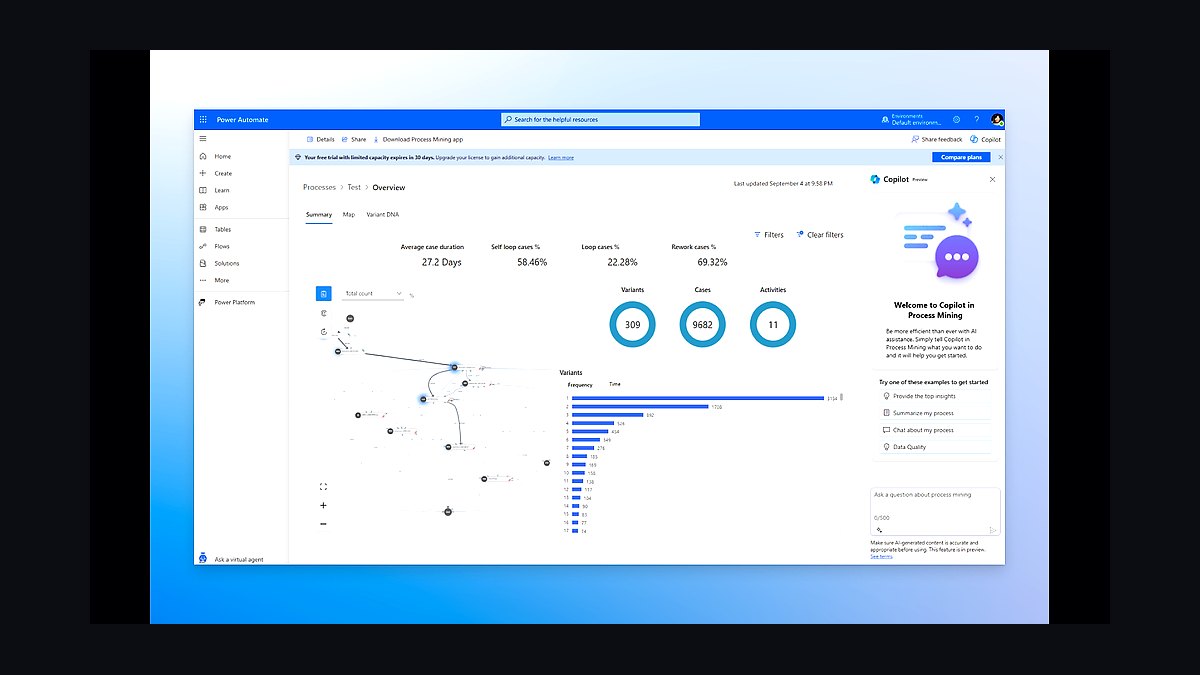
Power Automate ranks third because it bundles with Microsoft 365, so many small businesses already own it. The seeded plan includes 750 flows monthly, and premium access runs about $15 per user monthly. It connects natively to Outlook, Excel, SharePoint, and Teams with hundreds of connectors.
It suits businesses standardized on Microsoft's ecosystem wanting automation without new vendors. The trade-off is weaker support for non-Microsoft apps and confusing licensing tiers. Compared to Make above, it integrates better with Office but lags in third-party flexibility.
4HubSpot Operations Hub
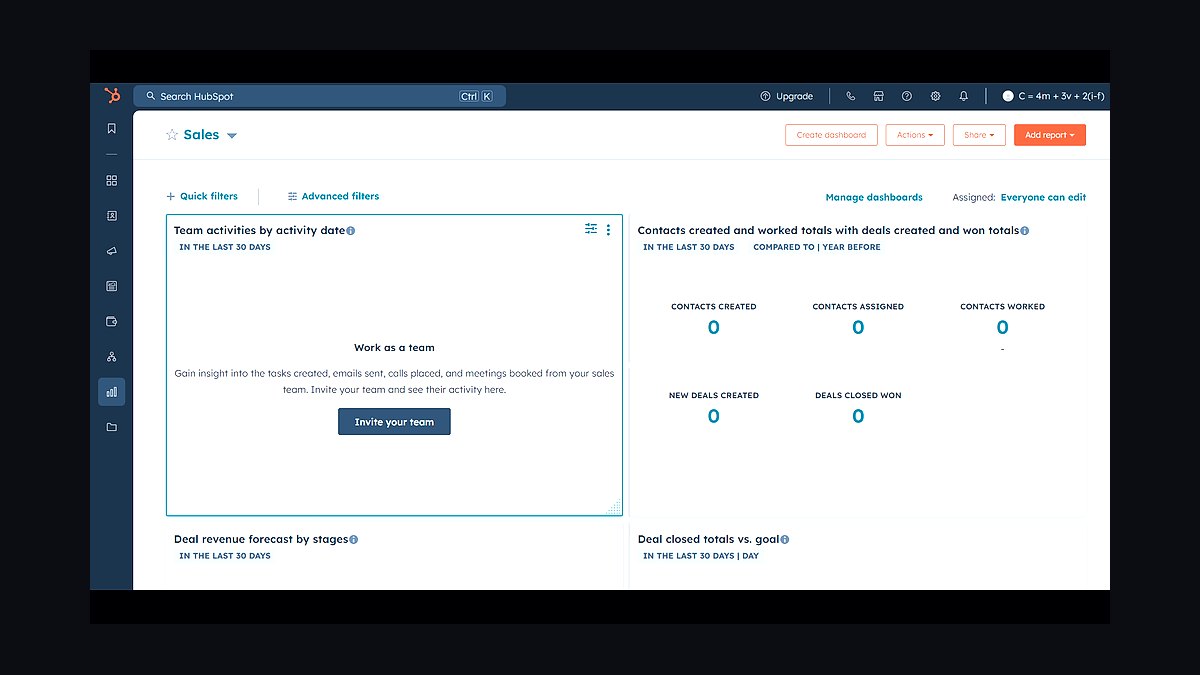
Operations Hub ranks fourth for combining CRM automation with data syncing and programmable workflows. Starter pricing begins around $20 monthly per seat, scaling with contacts. Its data quality tools deduplicate records and format fields automatically across connected apps.
It suits sales-driven small businesses already using HubSpot's free CRM. The trade-off is cost and lock-in: advanced automation pushes you into Professional tiers near $800 monthly. Compared to Power Automate above, it excels at customer data but covers fewer general business tasks.
5Airtable Automation
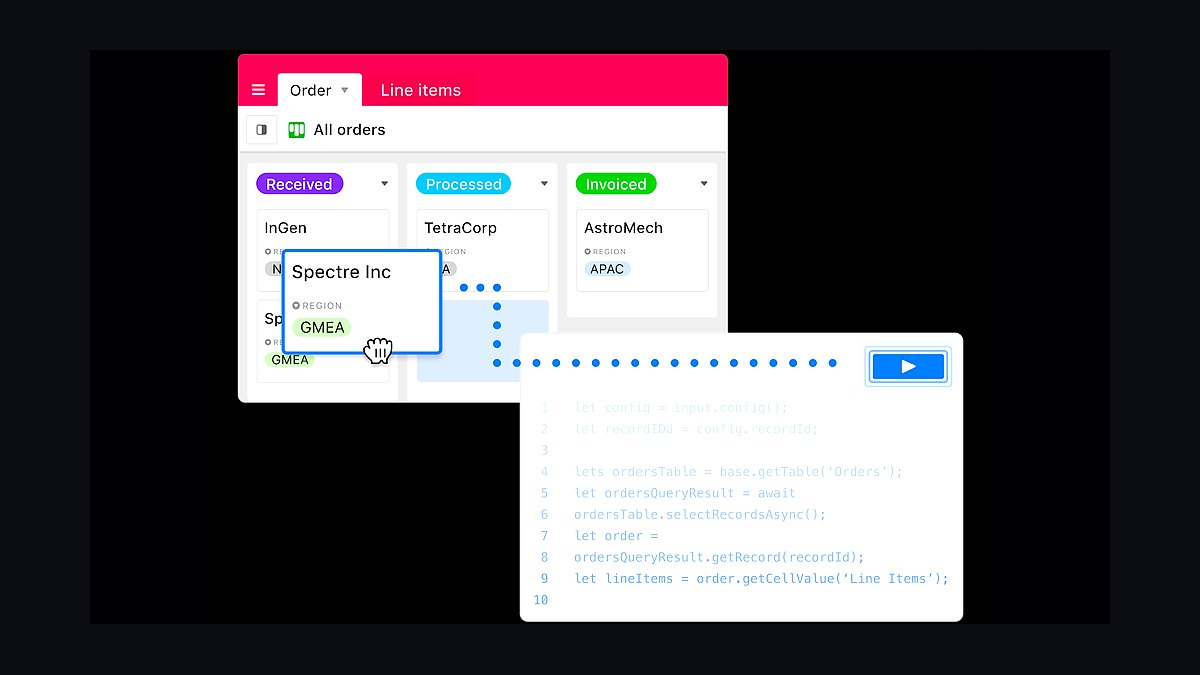
Airtable ranks fifth because its built-in automations turn spreadsheets into lightweight apps with triggers, actions, and scripts. Team plans start near $20 per seat monthly, including automation run limits. It handles approvals, notifications, and record updates directly inside a familiar grid interface.
It suits owners managing projects, inventories, or content calendars who want database power without code. The trade-off is run caps and limited external integrations versus dedicated platforms. Compared to HubSpot above, it is more flexible for operations but weaker for sales pipelines.
6Monday.com Automation
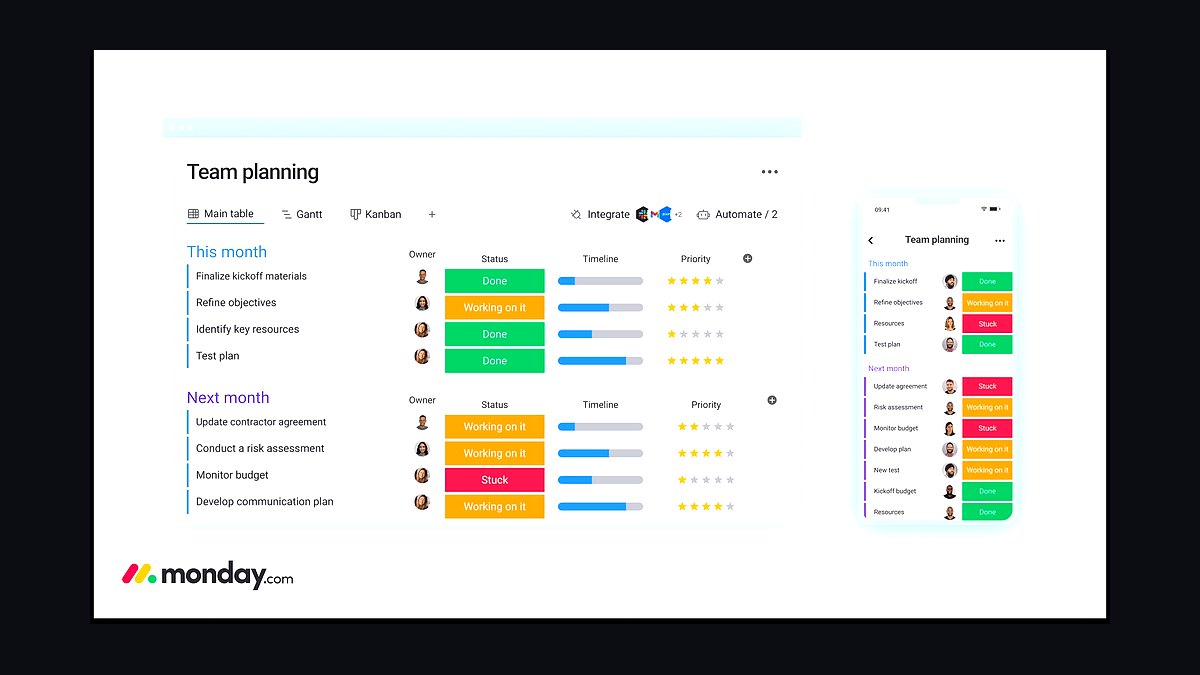
Monday.com ranks sixth for embedding no-code automations directly into project and workflow boards. Basic plans start around $9 per seat monthly, with automation quotas rising by tier. Recipes handle status changes, deadline alerts, and task assignments automatically.
It suits teams coordinating projects who want automation alongside work management. The trade-off is that automations stay largely within Monday.com, limiting cross-app orchestration. Compared to Airtable above, it is stronger for team task tracking but less database-flexible.
7QuickBooks Online Automation
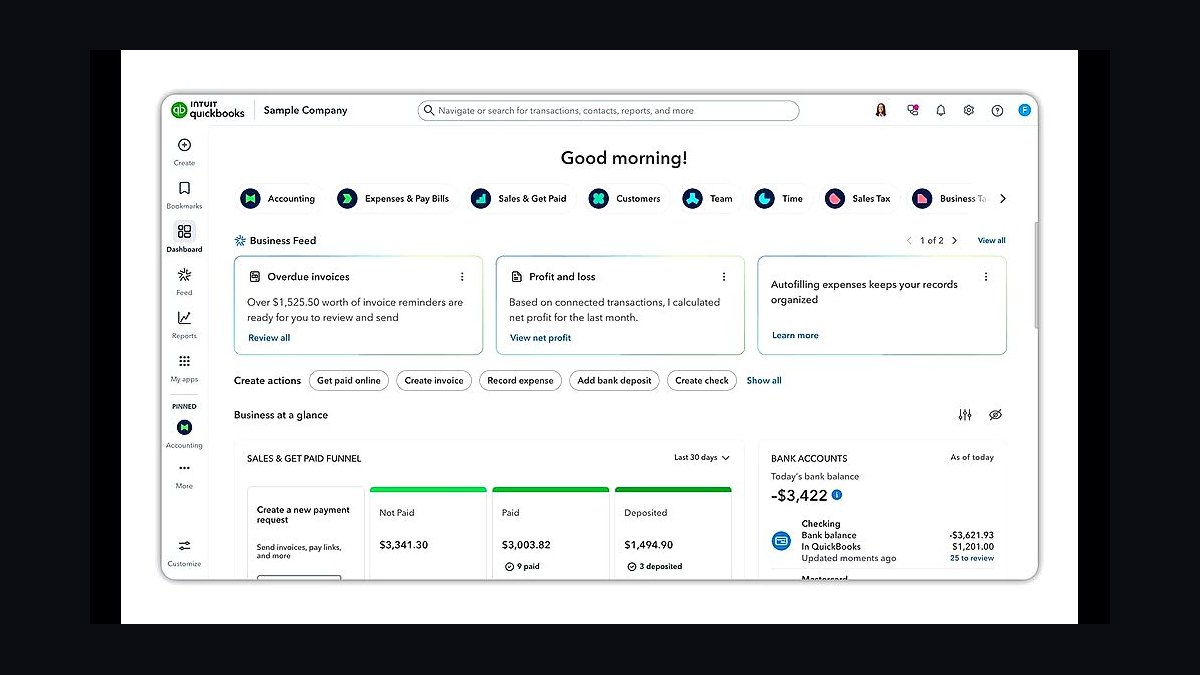
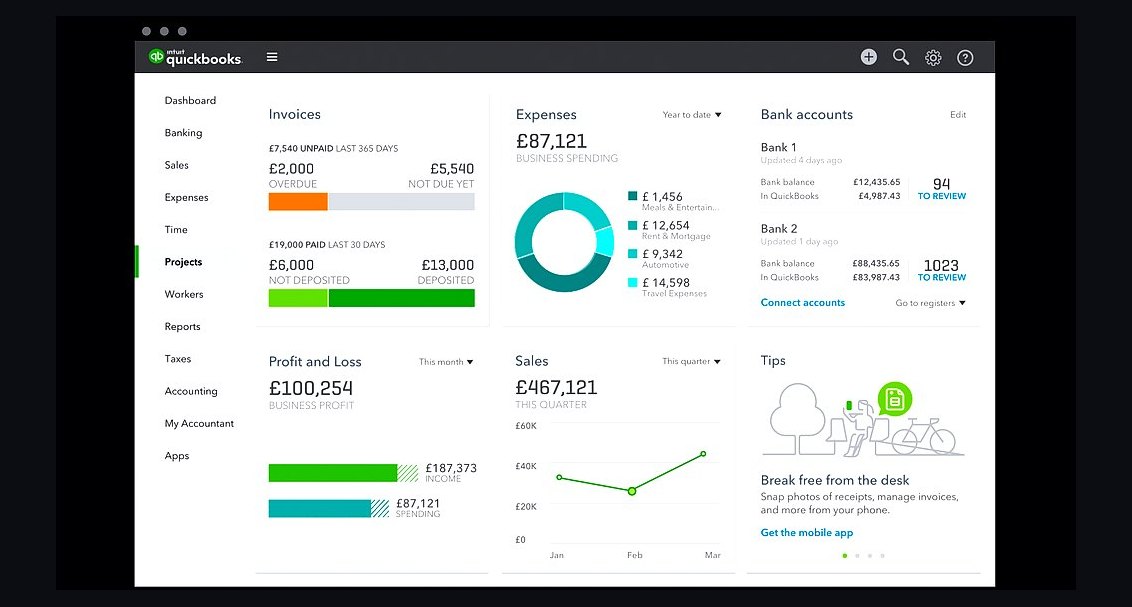
QuickBooks Online ranks seventh because its automation targets the bookkeeping burden small owners dread most. Plans start near $30 monthly, with recurring invoices, bank feeds, and receipt capture built in. Rules categorize transactions automatically, cutting manual data entry significantly.
It suits owners who want accounting-specific automation rather than general workflow tools. The trade-off is narrow scope: it automates finances, not marketing or operations. Compared to Monday.com above, it solves a deeper vertical need but covers far fewer use cases.
8Mailchimp Automation
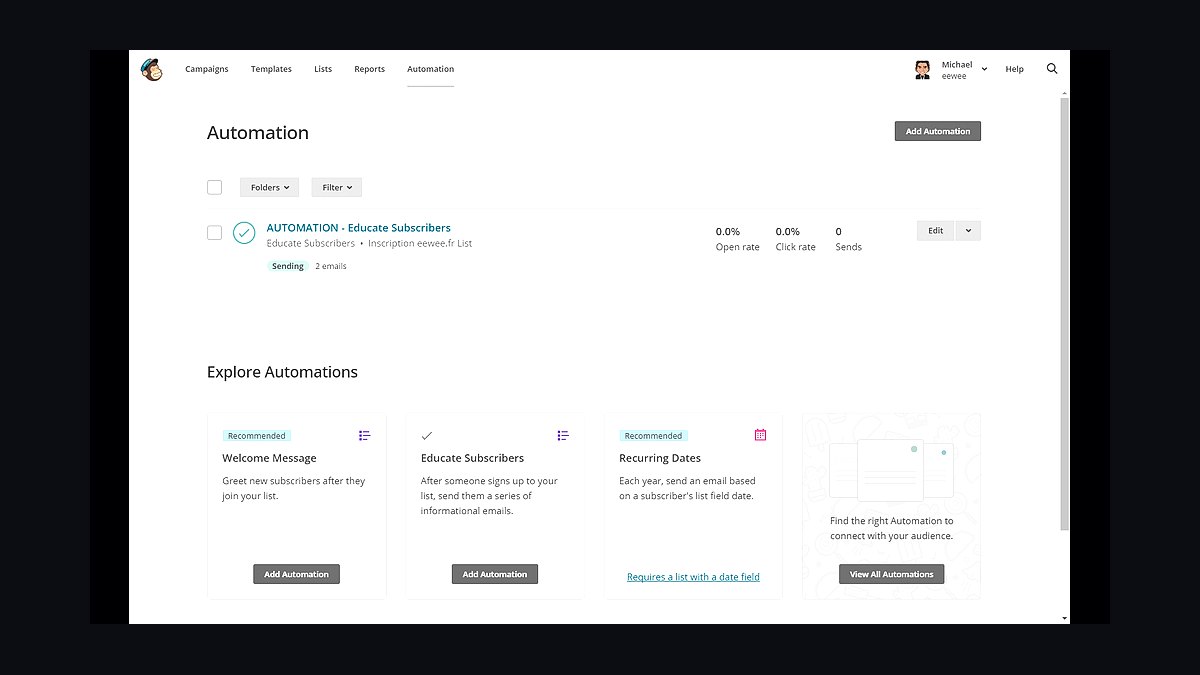
Mailchimp ranks eighth for automating email marketing journeys small businesses rely on for retention. Free plans cover 500 contacts, with paid tiers starting near $13 monthly. Customer journey builders trigger welcome series, abandoned-cart emails, and re-engagement campaigns automatically.
It suits owners focused on email revenue who want automation without a dedicated ESP migration. The trade-off is rising costs as lists grow and limited non-email automation. Compared to QuickBooks above, it drives marketing rather than back-office efficiency.
9Calendly Automation
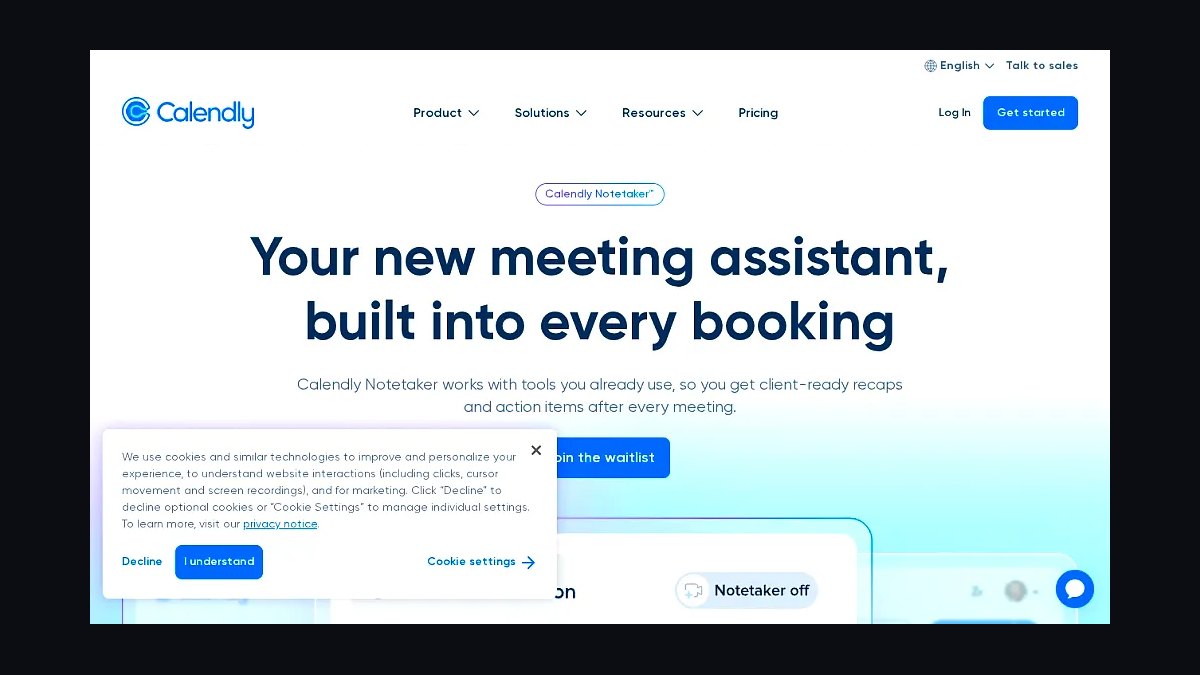
Calendly ranks ninth because scheduling automation eliminates the back-and-forth that consumes owner time. Free plans offer one event type, with paid tiers near $10 monthly per seat. Routing forms, reminders, and CRM integrations book meetings and sync contacts automatically.
It suits service businesses booking client calls, consultations, or demos regularly. The trade-off is narrow function: it schedules, but does little else. Compared to Mailchimp above, it solves one sharp pain point rather than a broad marketing need.
10IFTTT Automation Platform
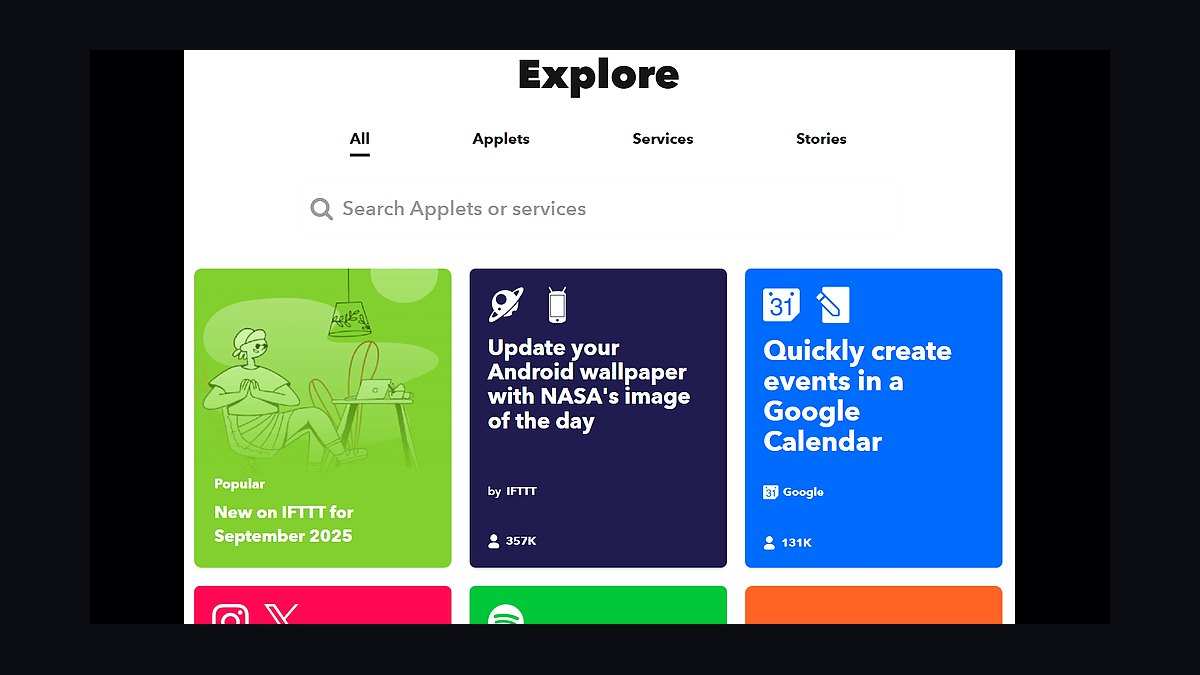
IFTTT ranks tenth as the simplest entry point for basic applet-based automation. Free plans allow limited applets, with Pro near $3.50 monthly. It connects smart devices, social accounts, and common apps through single-trigger recipes anyone can set up in minutes.
It suits owners wanting tiny automations like syncing posts or logging expenses without complexity. The trade-off is shallow logic: no multi-step branching or advanced conditions. Compared to Calendly above, it is broader but far less powerful for serious workflows.
How we ranked these
We scored each tool on five weighted criteria: breadth of native integrations (25%), time-to-first-automation for a non-technical owner (20%), pricing transparency and entry cost under $50/month (20%), reliability and error handling (20%), and quality of templates and documentation (15%). Scores came from hands-on trials, vendor pricing pages, and published uptime data. Weighting favored tools a solo operator could deploy without hiring a developer.
We deliberately ignored enterprise-grade features like SSO, audit logs, and role-based permissions, since few small businesses need them before 25 employees. We also excluded affiliate-driven "best of" rankings, analyst pay-to-play placements, and vendor-supplied case studies. Long-term contract discounts and sales-call pricing were skipped because they obscure the real monthly cost a small owner actually pays.
What to look for
The deciding factor is usually your existing stack, not the tool's feature list. A business already running Google Workspace, QuickBooks, and Shopify should prioritize native connectors over raw automation power. Count the integrations you need on day one, then check whether each tool supports them without paid middleware like Zapier or Make acting as a bridge.
The most common mistake is buying on trigger volume. Owners pick the cheapest tier, hit the task cap in three weeks, and pay overage fees that exceed the next plan up. Estimate your monthly task count, double it for growth, and buy the tier that covers that number. Also test error handling before committing.
Related questions
What is the cheapest way to start automating a small business?
Start with the free tiers of Zapier, Make, or n8n and automate one painful recurring task, like invoice reminders or lead routing. Free plans usually cap at 100 tasks monthly, which is enough to prove value. Upgrade only when you hit the cap twice in one month.
Do I need coding skills to use these automation tools?
No. Zapier, Make, and Monday.com use visual builders with drag-and-drop steps. n8n and Airtable offer optional code blocks for advanced logic, but templates cover most small business use cases. If a tool requires a developer for basic setup, it is the wrong fit for a solo owner.
Which automation tool works best with QuickBooks?
Zapier and Make both have official QuickBooks Online connectors covering invoices, payments, and customers. n8n supports QuickBooks via its HTTP node but requires more setup. For accounting-heavy workflows, Zapier's native triggers are the fastest path with the least maintenance.
How many tasks per month does a typical small business need?
Most solo operators run 500 to 3,000 tasks monthly once two or three workflows are live. A lead-routing flow with five steps can consume 500 tasks alone. Track your first month carefully, then choose a plan with headroom rather than paying overage fees.
Are free automation tiers safe for business data?
Yes, if the vendor encrypts data in transit and at rest and publishes a SOC 2 report. Zapier, Make, and Microsoft Power Automate all meet that bar. Avoid unknown tools with no security page. Free tiers limit volume, not encryption, so data handling is usually identical to paid plans.
What is the difference between Zapier and Make?
Zapier favors simplicity with thousands of native apps and linear workflows. Make offers visual branching, loops, and cheaper task pricing for complex logic. Beginners usually outgrow Zapier's linear model; power users often find Make's interface harder to learn but more cost-effective at scale.
Can automation tools replace a virtual assistant?
For repetitive tasks like data entry, scheduling, and follow-up emails, yes. For judgment calls, relationship management, and exception handling, no. Most small businesses save 10 to 20 hours monthly by automating the routine work, then redeploy the assistant to higher-value tasks.
How do I avoid vendor lock-in with automation tools?
Document every workflow in a shared spreadsheet, including triggers, actions, and credentials. Prefer tools that export workflows as JSON, like n8n and Make. Avoid building critical processes on proprietary app-specific features that cannot be replicated elsewhere.
FAQ
What is the best automation tool for a one-person business?
Zapier remains the safest default because of its app coverage and shallow learning curve. If cost matters more than simplicity, Make delivers similar results at lower task prices. n8n suits owners comfortable with self-hosting and wanting no per-task fees.
How much should a small business budget for automation software?
Plan on $20 to $50 monthly per tool for a solo operator, or $100 to $300 for a team of five. That covers 2,000 to 10,000 tasks. Budget another 10% for overages during busy months, and revisit the plan every quarter as volume grows.
Which automation tools integrate with Shopify?
Zapier, Make, n8n, and Airtable all connect to Shopify for orders, customers, and inventory. Zapier and Make offer the deepest native triggers. For fulfillment-specific workflows, Shopify Flow is free and built in, so check it before paying for a third-party tool.
Do automation tools slow down as workflows grow?
Yes, poorly designed workflows with nested loops and excessive steps can hit rate limits or time out. Keep individual workflows under 10 steps, split complex logic into sub-workflows, and use filters early to reduce unnecessary task consumption. Monitoring dashboards catch slowdowns before customers notice.
What happens if an automation fails silently?
Silent failures are the biggest risk. Configure email or Slack alerts for every failed run, and review the task history weekly. Zapier, Make, and Power Automate all include error notifications. Add a fallback step that logs failures to a spreadsheet for manual review.
Are there open-source automation tools for small business?
n8n and Activepieces are the leading open-source options. Both can be self-hosted for free, though you pay in server costs and maintenance time. They suit owners with technical comfort who want to avoid per-task pricing and keep data on their own infrastructure.
How long does it take to set up a first automation?
A simple two-step workflow takes 15 to 30 minutes in Zapier or Make. Multi-step workflows with filters and formatting take two to four hours. Budget a full afternoon for your first build, then expect subsequent workflows to move twice as fast once you learn the interface.
Can automation tools handle customer support tickets?
Yes. Zendesk, Freshdesk, and HubSpot all connect to Zapier and Make for ticket routing, tagging, and escalation. Simple auto-responses and SLA reminders are common. Complex sentiment analysis or refund decisions still need a human in the loop.
Which tool is best for automating email marketing?
Mailchimp, Klaviyo, and ActiveCampaign include built-in automation for welcome sequences, abandoned carts, and re-engagement. Connecting them to Zapier or Make extends reach to CRMs and spreadsheets. For most small businesses, the email platform's native automation is enough.
How do I measure ROI from automation tools?
Track hours saved per workflow, error rates before and after, and revenue influenced by automated follow-ups. A simple spreadsheet comparing monthly subscription cost to recovered labor hours gives a clear payback figure. Most small businesses break even within 60 days.
Sources
- https://zapier.com/pricing
- https://www.make.com/en/pricing
- https://n8n.io/pricing/
- https://powerautomate.microsoft.com/en-us/pricing/
- https://www.shopify.com/flow
- https://www.g2.com/categories/robotic-process-automation
- https://www.ftc.gov/business-guidance/resources/advertising-marketing-internet-rules-road
Related on PULSE
This page will be disappearing soon. Save it to your device for $1 — or read it free while it is here.
@Kory-White- · if Venmo asks, the last 4 of my number are 2012
This page is gone.
This one is off the shelf now. $1 keeps it on your phone for good — the whole page, pictures and diagrams included.
 revopsTop 10 Ways to Save Time Running a Small Business in 2027
 revopsTop 10 Client Onboarding Tips for Service Businesses in 2027
 revopsTop 10 Password Managers for Small Businesses in 2027
 revopsTop 10 Inventory Management Tools for Small Businesses in 2027
 revopsTop 10 AI Mistakes Small Businesses Make in 2027
 revopsTop 10 Things to Know Before Running Your First Ad in 2027
 revopsTop 10 Social Media Content Calendar Tools in 2027
 revopsTop 10 Ways to Raise Your Prices Without Losing Clients in 2027
 revopsTop 10 LinkedIn Tips for Business Owners in 2027
 revopsTop 10 Trust Badges and Signals for Small Business Websites in 2027