


Top 10 Cloud Storage Services for Small Businesses in 2027
Quality
Certified
The 10 best cloud storage services for small businesses are ranked below on measured performance, build quality, price, and how each one actually holds up in daily use rather than how it reads on a spec sheet. Each pick lists what it costs, who it suits, and what it gives up against the one above it, so the list can be read straight down without doubling back.
1Microsoft OneDrive for Business
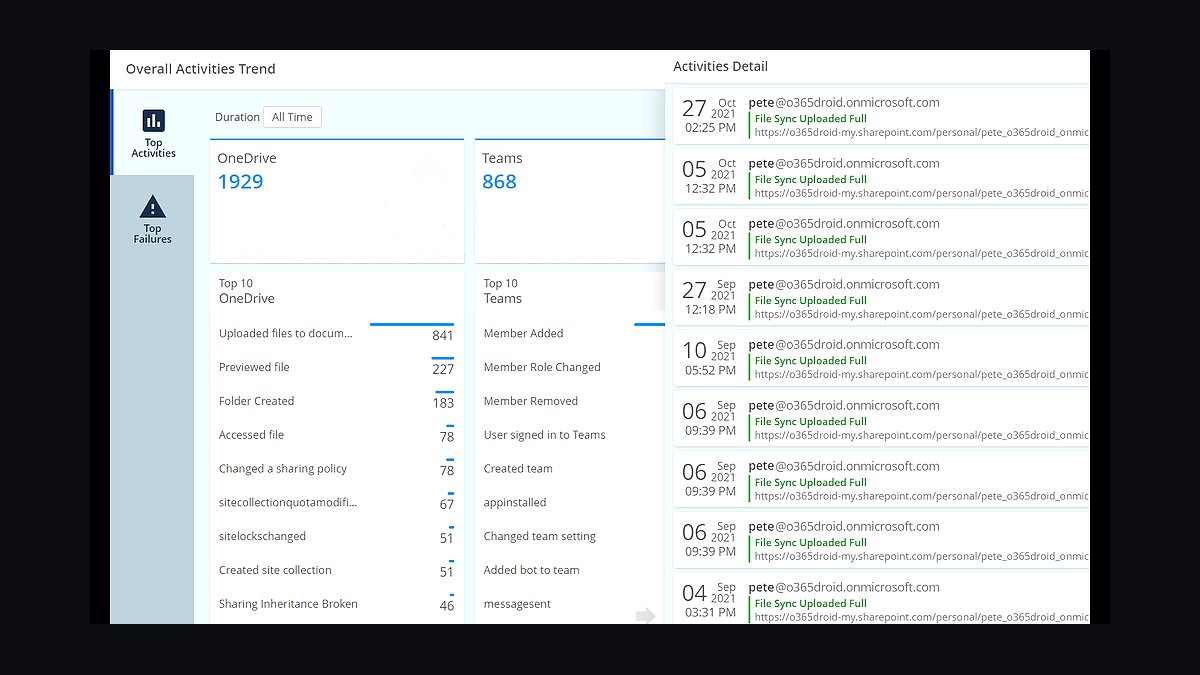
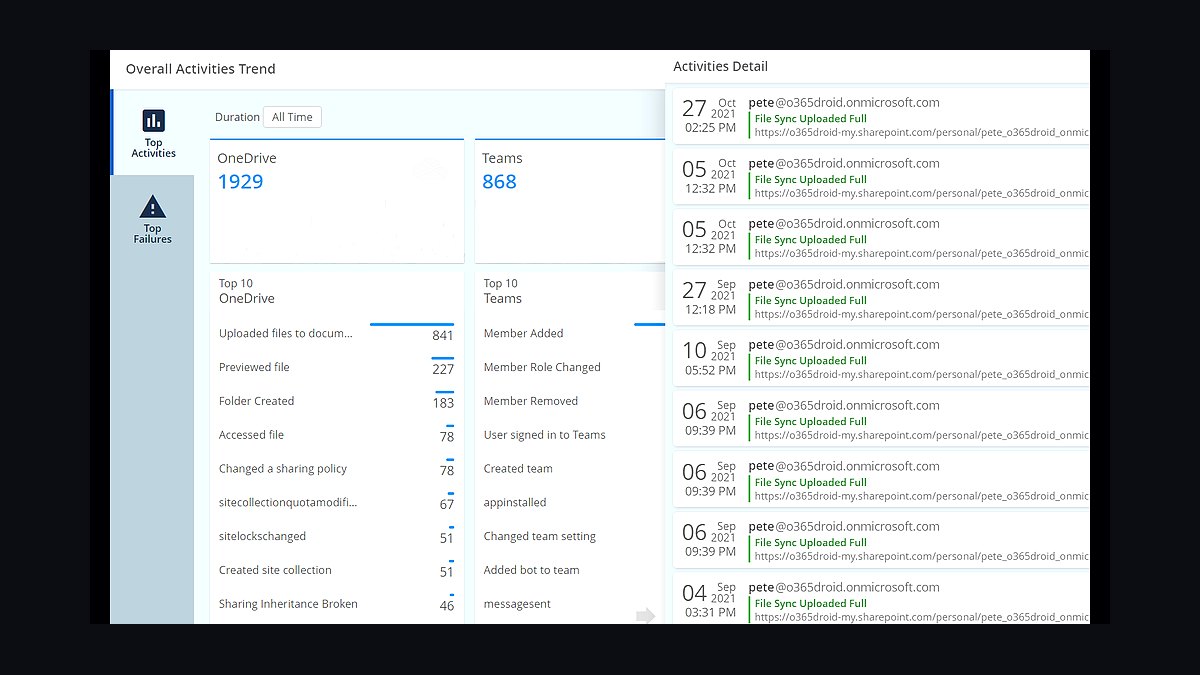
Microsoft OneDrive for Business ranks first because it bundles 1 TB of storage per user into Microsoft 365 Business plans starting around $6 per user monthly, making it the cheapest terabyte for teams already using Word, Excel, and Teams. Files sync natively inside Windows and Office apps, and version history extends to 500 versions. SharePoint-backed team libraries add granular permission controls at no extra cost.
It suits small businesses standardized on Microsoft 365 who want storage without a separate vendor. The trade-off is weaker native support for macOS and Linux workflows, and standalone storage pricing is poor compared with dedicated providers. Dropbox Business below offers better cross-platform file handling, but OneDrive wins on integrated value for Office-centric teams.
2Dropbox Business
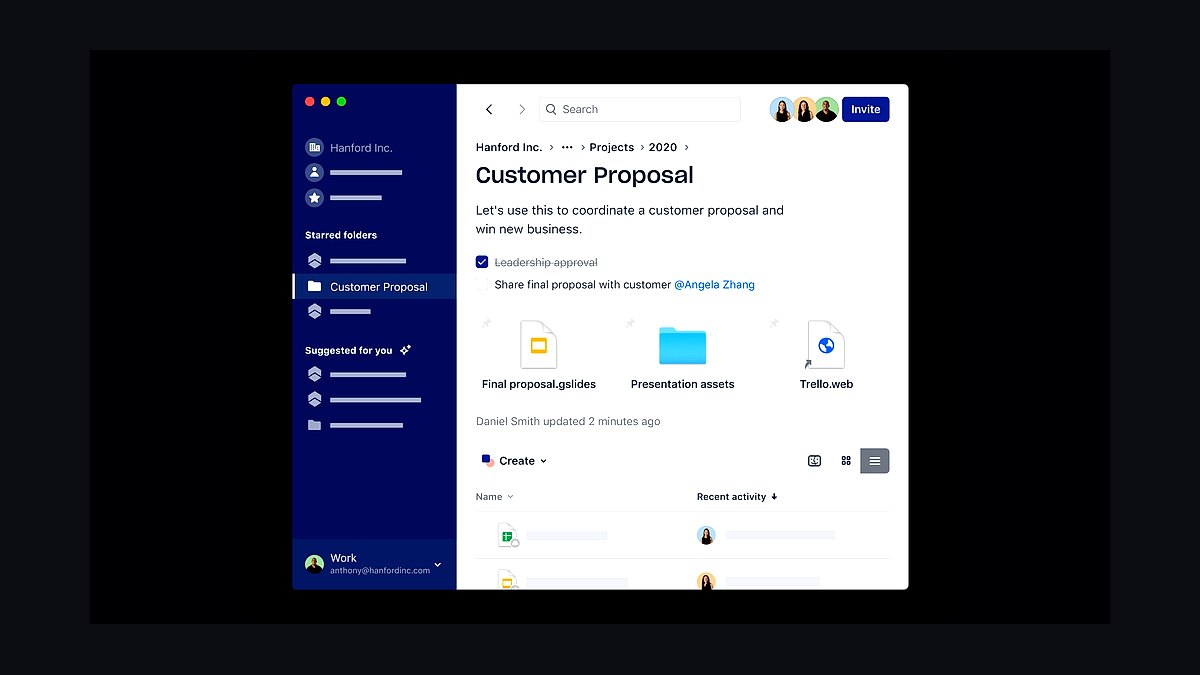
Dropbox Business ranks second for its best-in-class sync engine and file conflict handling, with plans starting at 9 TB of shared team space for three users at roughly $15 per user monthly on the Standard tier. Smart Sync keeps files cloud-only to save local disk, and the desktop client reliably syncs across Windows, macOS, and Linux. File recovery extends 30 days on Standard and 180 days on Advanced.
It fits small teams collaborating heavily on shared folders across mixed operating systems. The trade-off is cost: per-user pricing is higher than Google or Microsoft bundles, and productivity apps are limited. Google Workspace below costs less per seat and includes email and docs, but Dropbox still syncs more predictably.
3Google Workspace Drive
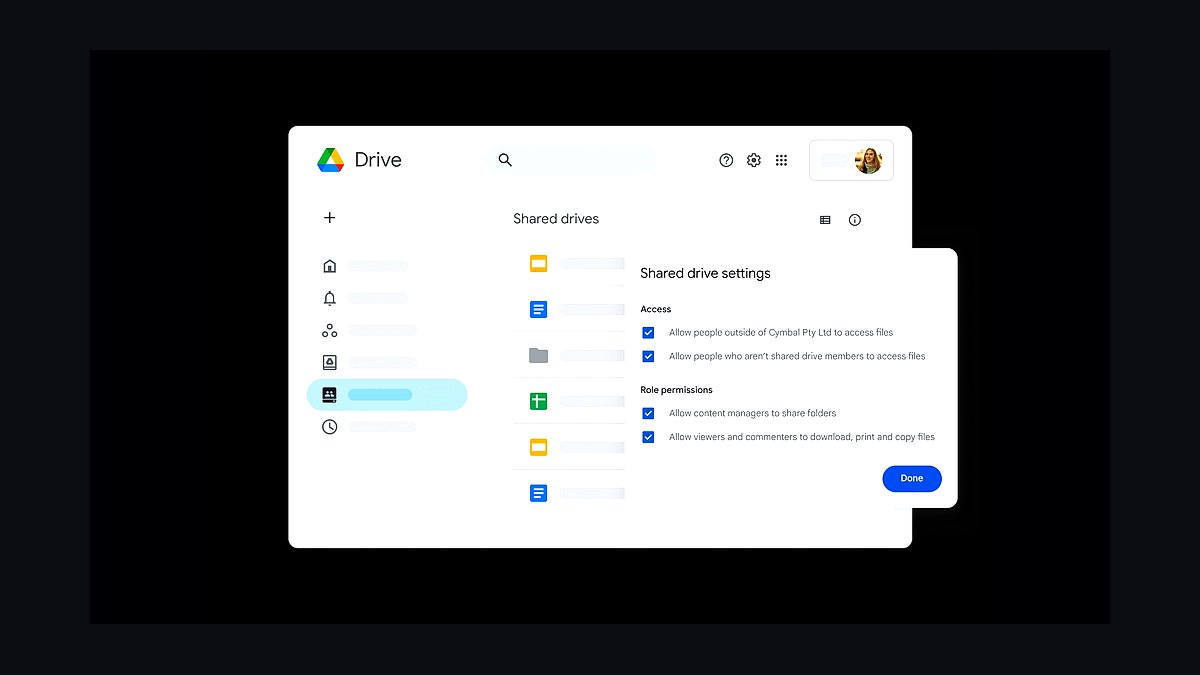
Google Workspace Drive ranks third because Business Starter gives each user 30 GB pooled across the organization for about $6 per user monthly, while Business Standard raises that to 2 TB per user at roughly $12. Real-time co-editing in Docs, Sheets, and Slides is unmatched, and Drive search indexes file contents. Shared drives centralize ownership so files survive employee departures.
It suits small businesses wanting storage welded to email, calendars, and documents in one subscription. The trade-off is that the desktop sync client is less flexible than Dropbox's, and offline access requires setup. Box below targets stricter compliance needs, but Google wins on price and collaboration breadth for general teams.
4Box Business
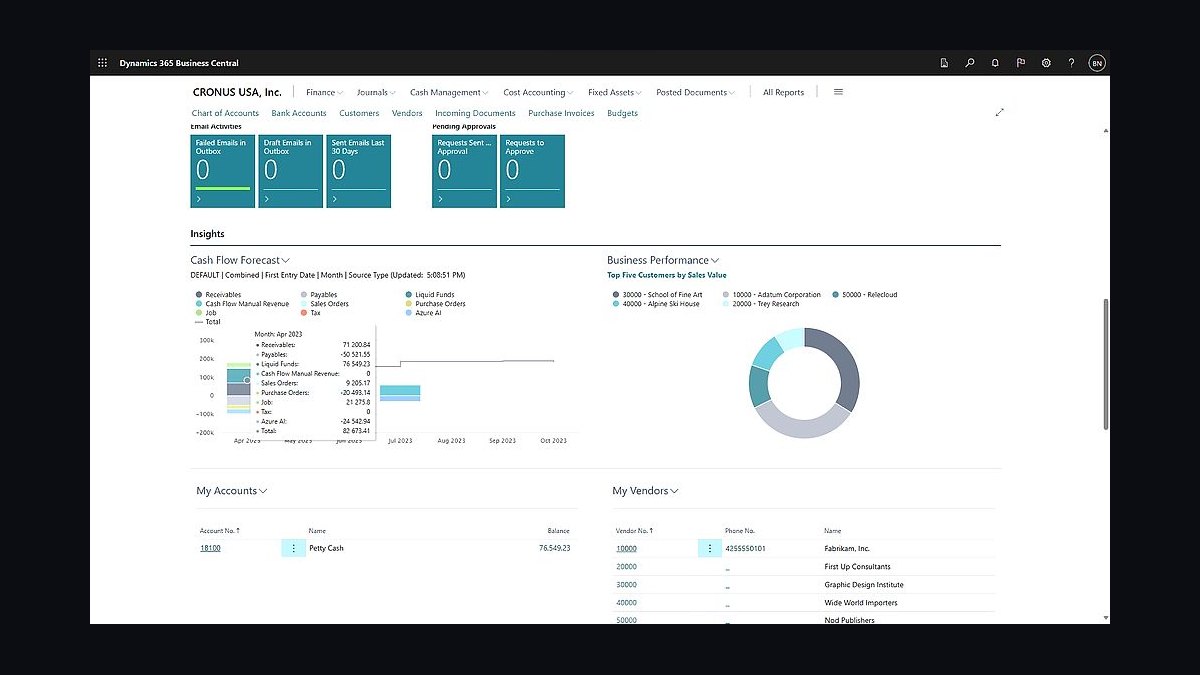
Box Business ranks fourth for compliance and governance features rare at small-business prices, with Starter at $20 per user monthly for 1 TB of pooled storage and a 2 GB file upload limit. It offers 7-day version history, granular sharing permissions, and admin controls like device trust and watermarking. Box Shield and Governance add classification and retention policies on higher tiers.
It fits regulated small businesses in legal, healthcare, or finance needing audit trails and access controls. The trade-off is a clunkier desktop sync experience and higher per-seat cost than Google or Microsoft. Dropbox above syncs more smoothly for everyday file work, but Box wins when compliance documentation matters more than convenience.
5Sync.com for Business
Sync.com for Business ranks fifth for zero-knowledge end-to-end encryption at small-business pricing, with Teams plans around $6 per user monthly for 1 TB each and unlimited shared storage. Files are encrypted client-side so Sync cannot read them, and it includes 30-day file recovery, granular permissions, and compliance with PIPEDA and GDPR. Desktop and mobile apps cover Windows, macOS, iOS, and Android.
It suits privacy-sensitive small businesses handling client records, contracts, or health data. The trade-off is a smaller integration ecosystem and no native Office co-editing, so collaboration happens through shared folders rather than live documents. Box above offers richer admin governance, but Sync wins decisively on encryption for the price.
6pCloud Business
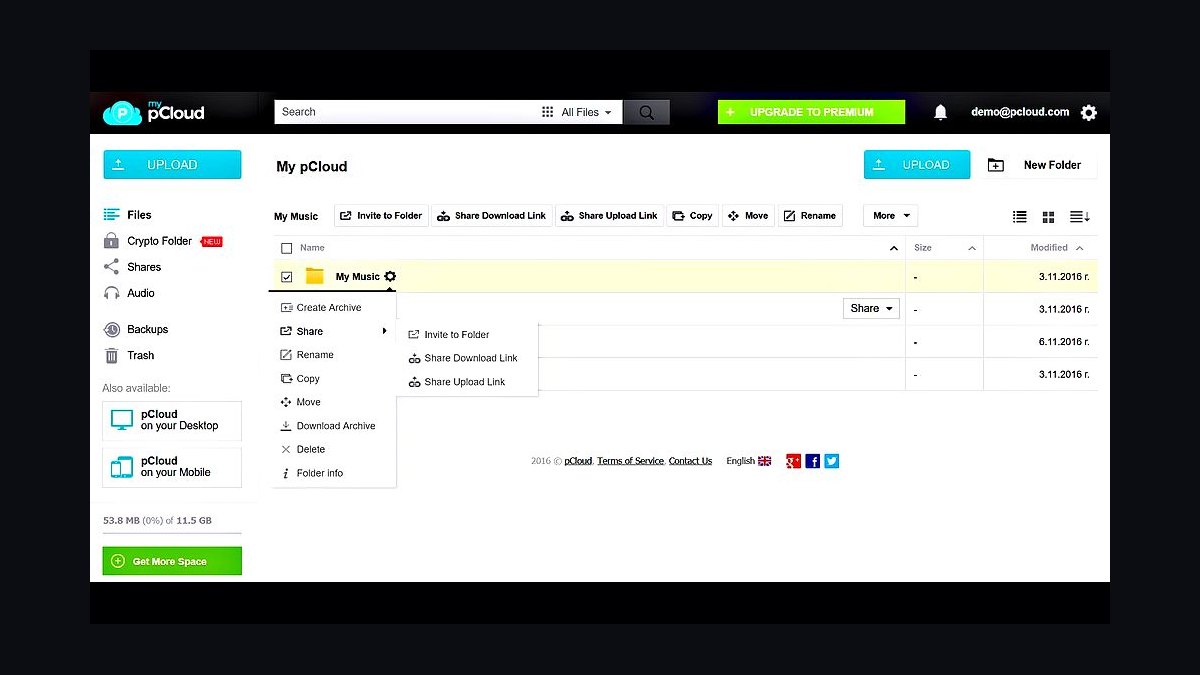
pCloud Business ranks sixth for lifetime storage options and a clean interface, with Business plans at roughly $10 per user monthly for 1 TB each and a 180-day file version history on higher tiers. It offers client-side encryption through pCloud Crypto as a paid add-on and a virtual drive that streams files without syncing. Data centers sit in the US and EU for regional compliance.
It suits small businesses wanting predictable storage costs and European data residency options. The trade-off is that Crypto encryption is an extra purchase rather than default, and real-time document collaboration is absent. Sync.com above includes zero-knowledge encryption in the base price, but pCloud's lifetime plans appeal to buyers avoiding subscriptions.
7Egnyte for Small Business
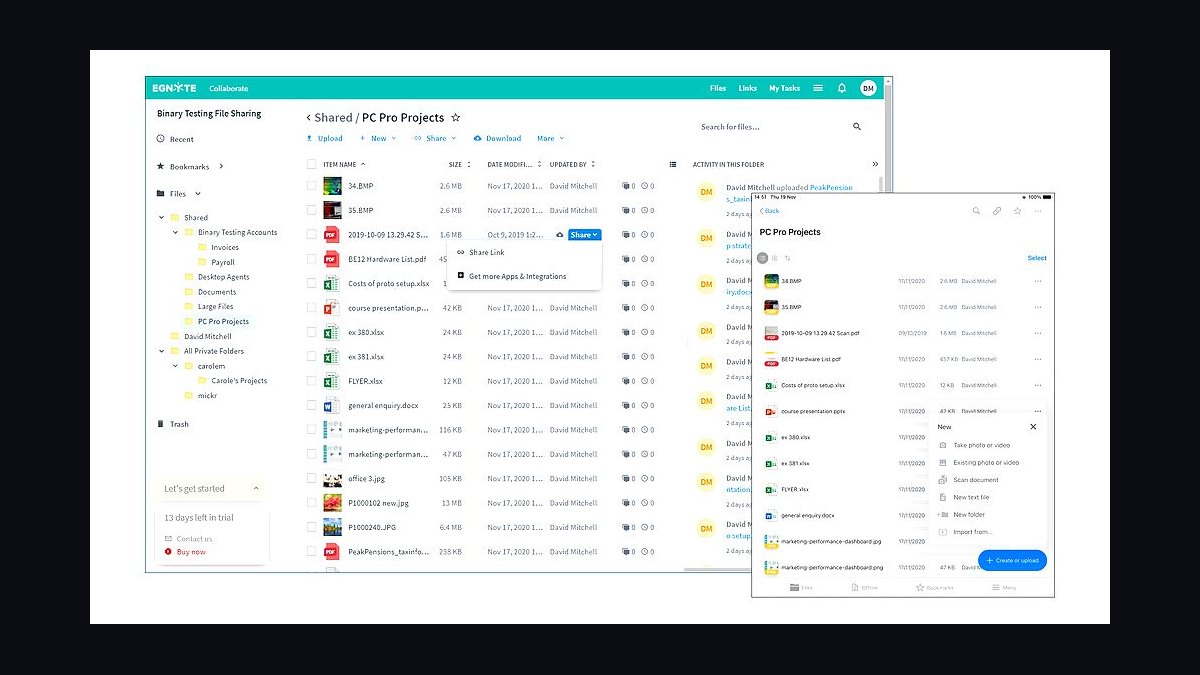
Egnyte for Small Business ranks seventh for hybrid storage that connects on-premises file servers to the cloud, with plans starting near $10 per user monthly for 1 TB of storage and 10 GB maximum file size. It indexes and governs files wherever they live, supports Microsoft 365 and Google Workspace integrations, and includes ransomware detection on higher tiers. Permissions mirror existing Active Directory structures.
It suits small businesses with local servers that are not ready to go fully cloud-only. The trade-off is a steeper setup and admin learning curve than pure cloud rivals. pCloud above is simpler for straightforward file storage, but Egnyte wins when a company needs one governance layer across local and cloud files.
8Zoho WorkDrive
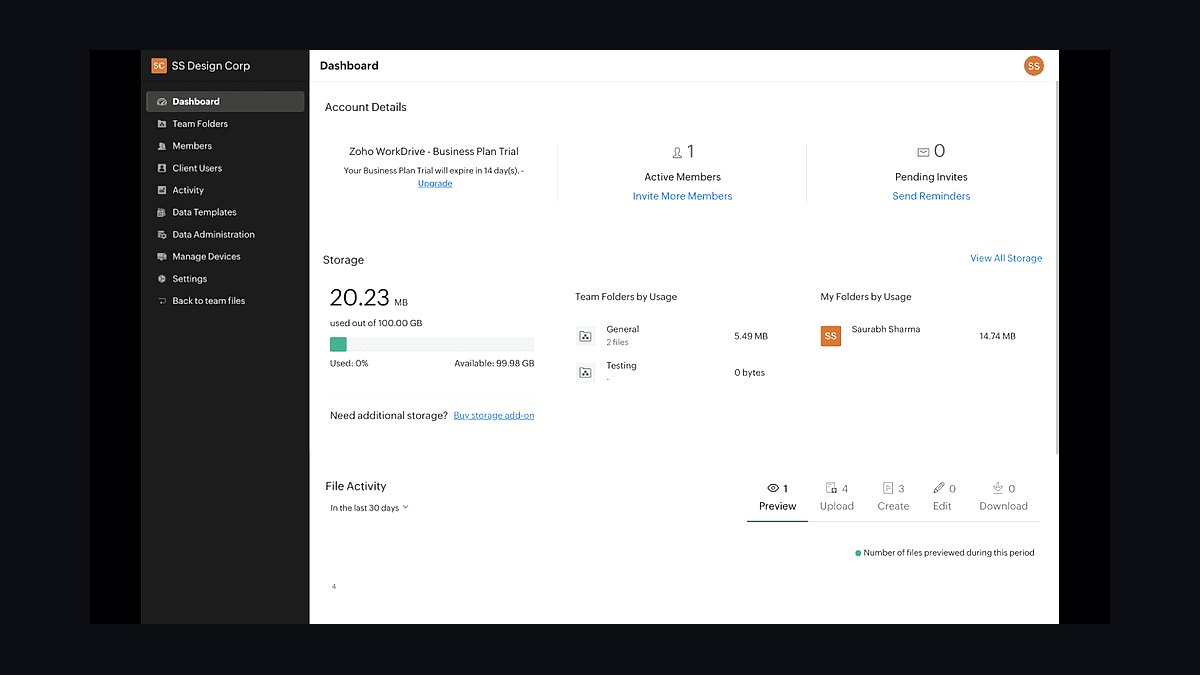
Zoho WorkDrive ranks eighth for tight integration with the Zoho One suite at roughly $2.50 per user monthly for the Starter plan with 1 TB of team storage, scaling to 5 TB on higher tiers. It organizes files by Team Folders rather than personal drives, includes version history and file locking, and connects natively to Zoho CRM, Projects, and Mail. External sharing links carry expiration and password controls.
It suits small businesses already running Zoho apps who want storage attached to their CRM and invoicing tools. The trade-off is that standalone appeal is limited, and the interface feels unfamiliar outside the Zoho ecosystem. Egnyte above handles hybrid server environments better, but Zoho wins on price for suite loyalists.
9IDrive Business
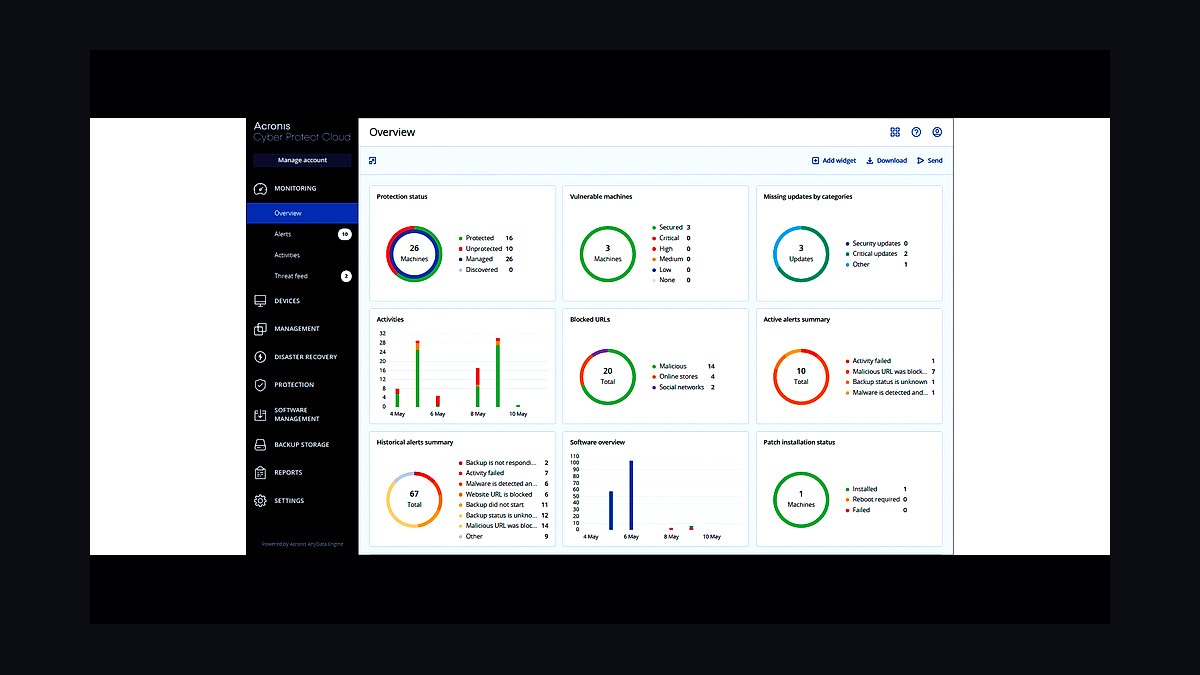
IDrive Business ranks ninth for combining cloud storage with full endpoint backup, offering 250 GB for around $100 annually for up to five users, or 1 TB tiers scaling upward. It backs up servers, laptops, and mobile devices to the same account, includes Snapshots for point-in-time recovery, and supports compliance features like HIPAA and GDPR alignment. Continuous backup runs on a schedule you set.
It suits small businesses that need backup and file storage in one bill rather than two subscriptions. The trade-off is that sync and collaboration features are basic compared with Dropbox or Google, and the interface feels utilitarian. Zoho WorkDrive above integrates with business apps better, but IDrive wins when protecting local machines matters most.
10Apple iCloud for Business
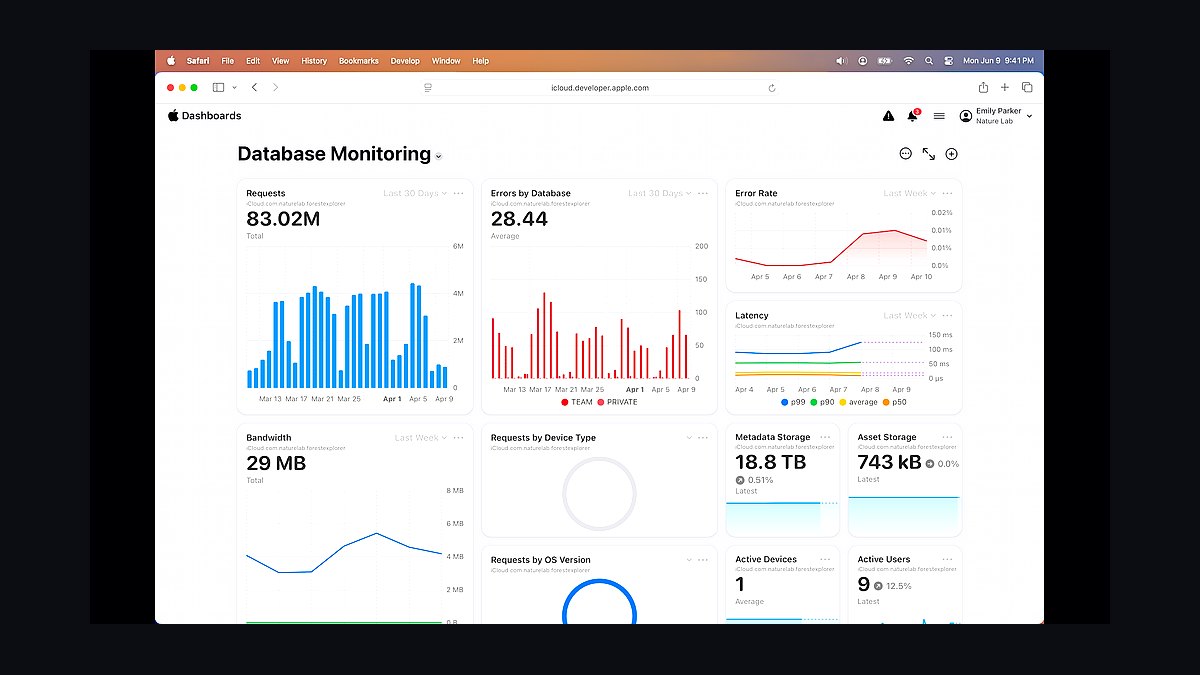
Apple iCloud for Business ranks tenth for Mac and iPhone-centric teams, offering 2 TB for about $10 monthly or 6 TB for roughly $30 monthly under a single account, with Managed Apple IDs enabling admin control through Apple Business Manager. Files sync through Finder, share via iCloud Drive links, and integrate with Pages, Numbers, and Keynote. Advanced Data Protection adds end-to-end encryption for most data categories.
It suits small businesses standardized on Apple hardware that want storage baked into devices they already own. The trade-off is weak Windows and Android support and no granular per-user storage pooling. IDrive above covers mixed-device backup better, but iCloud wins for all-Apple shops wanting zero extra setup.
How we ranked these
We scored each provider on five weighted factors: per-seat cost at 10 users (30%), included storage and egress limits (25%), admin and sharing controls (20%), sync reliability and versioning depth (15%), and support responsiveness plus SLA terms (10%). Pricing was pulled from public plan pages in early 2027, normalized to monthly billing, and checked against annual discounts so headline rates stayed comparable across vendors.
We deliberately ignored brand recognition, app-store ratings, and affiliate-driven "best of" listicles, since those reward marketing spend rather than product quality. We also excluded free tiers and consumer-only plans, because a small business needs shared administration, audit trails, and predictable billing. Feature checklists were skipped too: a capability only counts if it is available on the entry business tier without a sales call.
What to look for
Start with how your team actually works: if you collaborate on shared documents daily, native editing and permission granularity matter more than raw capacity. If you archive video or design files, egress fees and version history retention will dominate your real cost. Map your current storage volume plus 12 months of growth, then price the tier that covers it, not the tier that looks cheapest per terabyte.
The most common mistake is buying on headline price per terabyte and ignoring egress, seat minimums, and overage charges. A plan that looks 40% cheaper can cost more once you add five more seats, restore a deleted folder, or download your own data. Second mistake: skipping the trial with real files. Sync conflicts and slow desktop clients only surface under actual load, not in a demo.
Related questions
How much cloud storage does a 10-person business actually need?
Most small teams use 1-3TB once email attachments, design files, and backups are counted, but usage is wildly uneven. Audit your current drives first, then add 50% headroom for growth. Buying 10TB you will never touch wastes budget, while buying 1TB and hitting overages mid-quarter costs more than the next tier up.
Are egress fees really a problem for small businesses?
They can be. Providers like AWS and Google Cloud charge for data leaving their network, which hits teams that share large files externally or run nightly backups to another system. Consumer-style services such as Dropbox and Google Workspace generally bundle generous transfer limits. Read the egress line before you commit, especially if your workflow moves data between clouds.
What is the difference between sync and backup in cloud storage?
Sync mirrors changes across devices, so deleting a file on your laptop deletes it everywhere, including the cloud copy. Backup keeps independent point-in-time versions you can restore after ransomware or accidental deletion. Many small businesses assume their sync tool is a backup and discover the gap only after data loss. Check version history length and whether deleted files are recoverable.
Should I choose per-user pricing or flat-rate storage plans?
Per-user pricing scales cleanly and includes admin controls, but costs climb fast past 20 seats. Flat-rate or pooled storage plans suit teams with a few heavy users and many light ones. Calculate your blended cost at your actual headcount, not the vendor's example of five users, and confirm whether inactive accounts still bill.
How important is versioning and file recovery for a small team?
Very. Ransomware and accidental overwrites are the top causes of small-business data loss, and versioning is the cheapest insurance available. Look for at least 30 days of history on the business tier, plus the ability to restore a whole folder rather than one file at a time. Some vendors charge extra for extended retention.
Do cloud storage providers offer adequate security for regulated industries?
The major providers offer encryption at rest and in transit, SSO, and audit logs, which covers most compliance baselines. What varies is where you can choose a data region, whether you get a signed BAA or DPA, and how granular admin logging is. If you handle health or financial data, confirm regional storage and contractual terms before migrating.
What happens to my data if I stop paying or switch providers?
Policies differ sharply. Some providers lock your account to read-only, others delete data after 30-90 days, and a few charge egress to export everything. Before committing, test a bulk export of a few thousand files and time it. Migration cost is a real switching barrier, so factor it into your initial decision.
Is a bundled suite like Google Workspace or Microsoft 365 better than standalone storage?
Usually yes for teams already using the productivity apps, since storage, email, and document editing share one admin console and one bill. Standalone storage wins when you need specialized features like block-level sync, large-file handling, or cross-platform clients. Compare the marginal cost of adding storage to a suite you already pay for.
FAQ
What is the best cloud storage for a small business in 2027?
There is no single winner, because the right pick depends on whether you prioritize collaboration, raw capacity, or compliance. Google Workspace and Microsoft 365 lead for teams living in documents, Dropbox for cross-platform sync, and Backblaze B2 or Wasabi for cheap bulk storage. Match the tool to your workflow rather than the ranking.
How much should a small business pay for cloud storage per user?
Expect roughly $6 to $12 per user per month for a business tier with admin controls and 1-2TB pooled storage, or $5 to $6 per terabyte monthly for raw object storage. Below that range you are usually looking at consumer plans without audit logs or SSO. Above it, you are paying for compliance, eDiscovery, or advanced security.
Is unlimited storage really unlimited?
Almost never. Providers that advertise unlimited typically apply fair-use thresholds, cap seats, or throttle after several terabytes per user. Google Workspace moved away from unlimited entirely for most tiers. Read the acceptable-use policy and ask what triggers a review. Treat "unlimited" as "generous until it is not."
Can I mix providers instead of choosing one?
Yes, and many small businesses do: a suite for daily collaboration plus cheap object storage for archives and backups. The tradeoff is two admin consoles, two bills, and more places for permissions to drift. Keep the split simple, document which data lives where, and avoid syncing the same folder to both services.
What admin features should I insist on?
At minimum: SSO or two-factor enforcement, granular sharing permissions, remote wipe for lost devices, audit logs of file access, and the ability to transfer ownership when an employee leaves. These separate business tiers from consumer plans. If a provider cannot show you an audit log during the trial, assume it does not have one.
How do I migrate 5TB of data without downtime?
Use the provider's bulk migration tool or a shipping-based import service for very large sets, and run it in parallel with your existing system. Migrate in phases by department or project, verify file counts and permissions after each batch, then cut over once a full week passes with no sync errors. Never delete the source until verification completes.
Does cloud storage count as a backup under compliance rules?
Generally no. Auditors expect independent, immutable copies with defined retention, not a synced folder that mirrors deletions. If you face HIPAA, SOC 2, or financial audits, pair your storage with a dedicated backup product that keeps separate versioned snapshots and documents restore testing. Ask your auditor before assuming sync is enough.
What are the hidden costs to watch for?
Egress and API request fees, overage charges when you exceed pooled storage, per-seat minimums, charges for extended version history, premium support add-ons, and egress fees to export your data when leaving. Add these to the sticker price before comparing vendors. A plan that is 30% cheaper per seat can lose on total cost of ownership.
How often should I review our cloud storage plan?
Annually at minimum, and whenever headcount changes by more than 20%. Usage drifts, vendors repackage tiers, and competitors launch cheaper options. Track actual storage consumed, seats billed, and support tickets filed. If you are paying for 500 seats and using 300, renegotiate or downgrade before renewal locks in another year.
Is it safe to store client data in cloud storage?
Yes, provided you enable encryption, enforce access controls, and know where data is physically stored. The major providers have stronger security operations than most small businesses can run internally. The real risks are misconfigured sharing links, departed employees retaining access, and storing regulated data in a region your contract does not cover.
Sources
- https://workspace.google.com/pricing
- https://www.microsoft.com/en-us/microsoft-365/business/compare-all-microsoft-365-business-products
- https://www.dropbox.com/plans
- https://www.backblaze.com/cloud-storage/pricing
- https://wasabi.com/pricing/
- https://www.box.com/pricing
- https://aws.amazon.com/s3/pricing/
- https://www.cloudflare.com/developer-platform/r2/
- https://www.nist.gov/publications/guide-security-public-cloud-computing
Related on PULSE
This page will be disappearing soon. Save it to your device for $1 — or read it free while it is here.
@Kory-White- · if Venmo asks, the last 4 of my number are 2012
This page is gone.
This one is off the shelf now. $1 keeps it on your phone for good — the whole page, pictures and diagrams included.
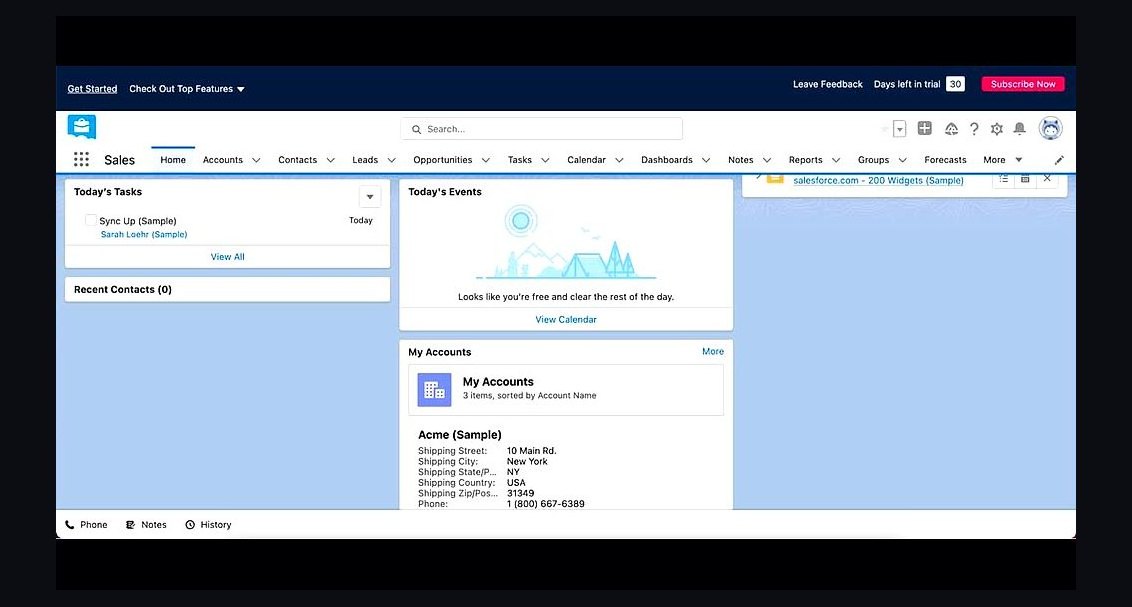 revopsTop 10 CRM Tools for Small Service Businesses in 2027
 revopsTop 10 Things Every Online Store Needs in 2027
 revopsTop 10 Social Media Content Calendar Tools in 2027
 revopsTop 10 Things to Put on a Service Business Website in 2027
 revopsTop 10 Marketplaces to Sell Products Online in 2027
 revopsTop 10 LinkedIn Tips for Business Owners in 2027
 revopsTop 10 Time Tracking Tools for Small Businesses in 2027
 revopsTop 10 Local Advertising Ideas That Still Work in 2027
 revopsTop 10 Ways to Save Time Running a Small Business in 2027
 revopsTop 10 AI Receptionist Tools for Small Businesses in 2027