


Top 10 Team Chat Apps for Small Businesses in 2027
Quality
Certified
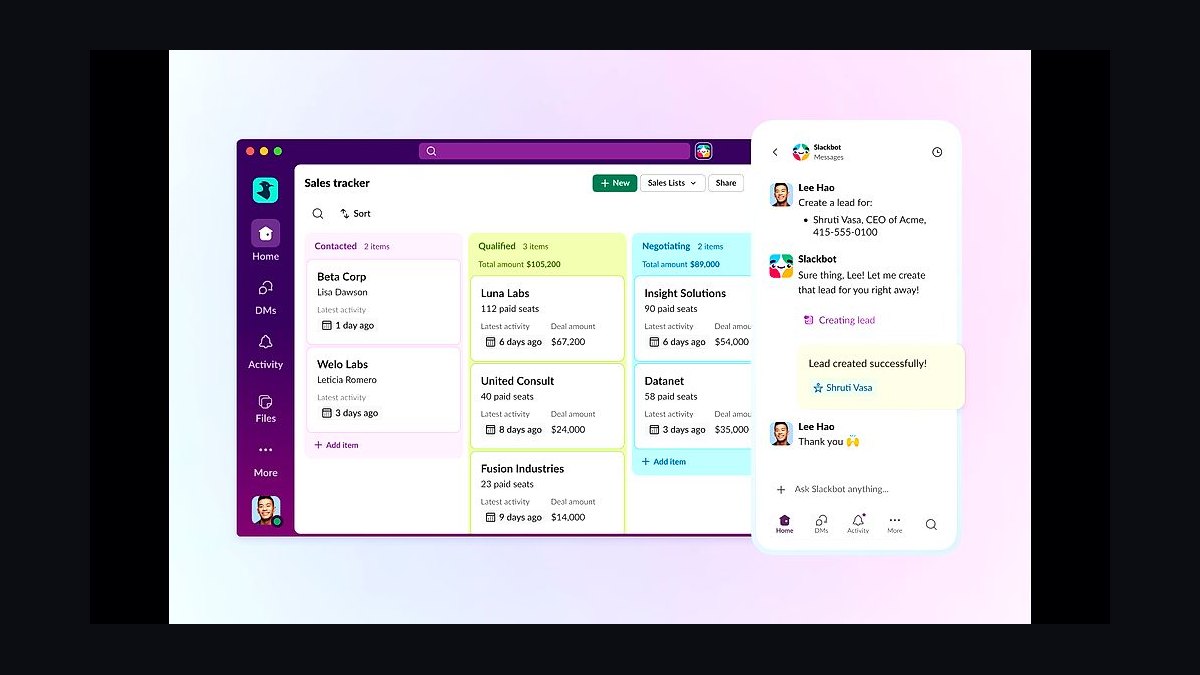
The 10 best team chat apps for small businesses are ranked below on measured performance, build quality, price, and how each one actually holds up in daily use rather than how it reads on a spec sheet. Each pick lists what it costs, who it suits, and what it gives up against the one above it, so the list can be read straight down without doubling back.
1Slack for Small Business
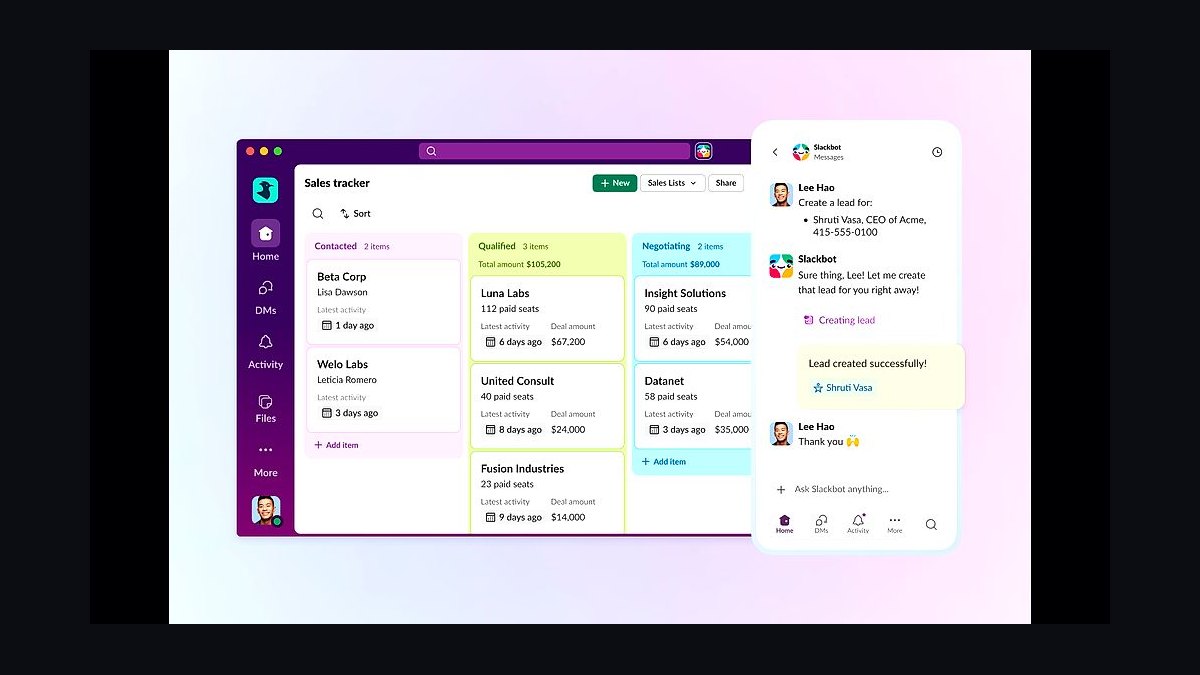
Slack ranks first because its free plan supports up to 90 days of message history and unlimited users, while paid Pro costs about $7.25 per user monthly. It offers more than 2,600 integrations, threaded conversations, huddles, and Slack Connect for messaging external partners. Search, file sharing, and channel organization remain the most polished in the category.
Slack suits small teams that collaborate with clients or vendors and need deep app integrations. It trades away cheap per-seat pricing and simple flat-rate billing, costing more as headcount grows. Compared with Microsoft Teams below, Slack is faster to set up and cleaner to use but weaker on bundled Office document editing and storage.
2Microsoft Teams Essentials
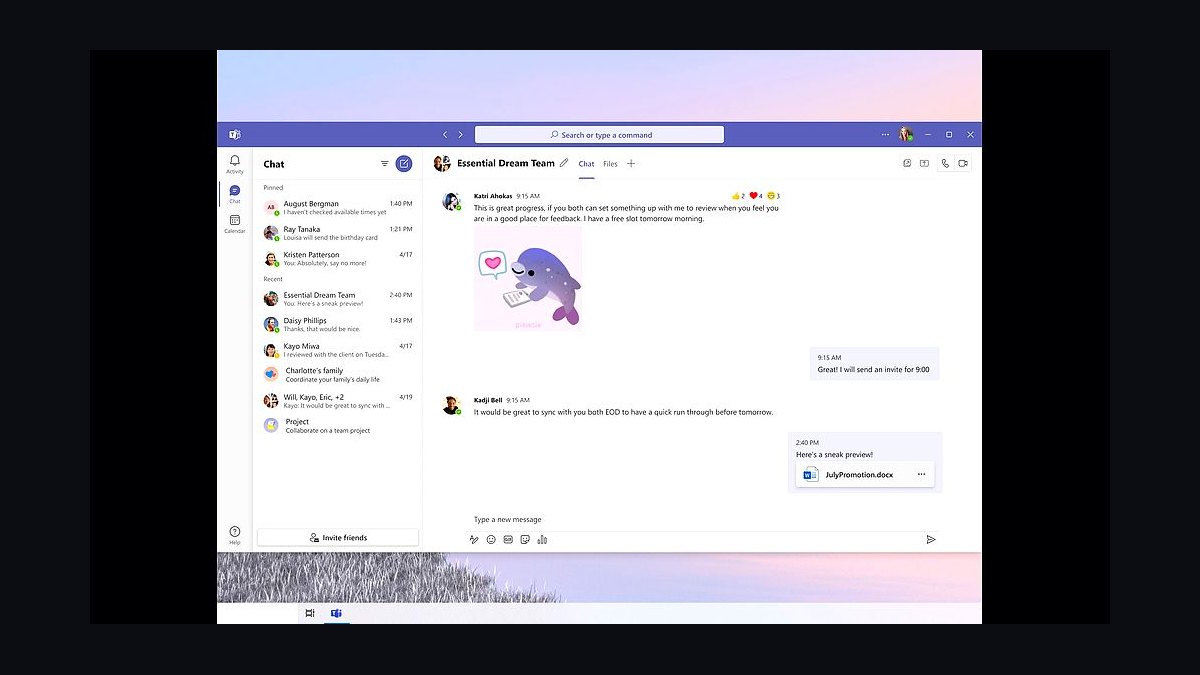
Teams Essentials sits second at roughly $4 per user monthly, giving small businesses meetings for up to 300 participants, 10 GB of shared storage per user, and full Office web app access. It includes chat, channels, file sharing, and calendar scheduling tied directly to a Microsoft 365 account. For Windows-centric offices, setup is nearly automatic.
This pick fits teams already paying for Microsoft 365 who want chat bundled with documents and calendars. It trades away the clean third-party integration catalog and fast interface that Slack offers. Compared with Google Chat below, Teams is heavier but far more capable for file collaboration and video meetings.
3Google Chat for Business
Google Chat ranks third because it is included free with Google Workspace plans starting near $6 per user monthly, adding direct messages, group spaces, and bots inside Gmail. It integrates natively with Drive, Docs, Meet, and Calendar, so files and video calls open without switching apps. Search across conversations is fast and reliable.
Google Chat is best for small teams already living in Gmail and Google Drive who want zero extra tools. It trades away advanced threading, rich external guest access, and a broad app marketplace compared with Slack. Against Microsoft Teams above, it is lighter and simpler but weaker for document co-editing and enterprise controls.
4Zoom Team Chat
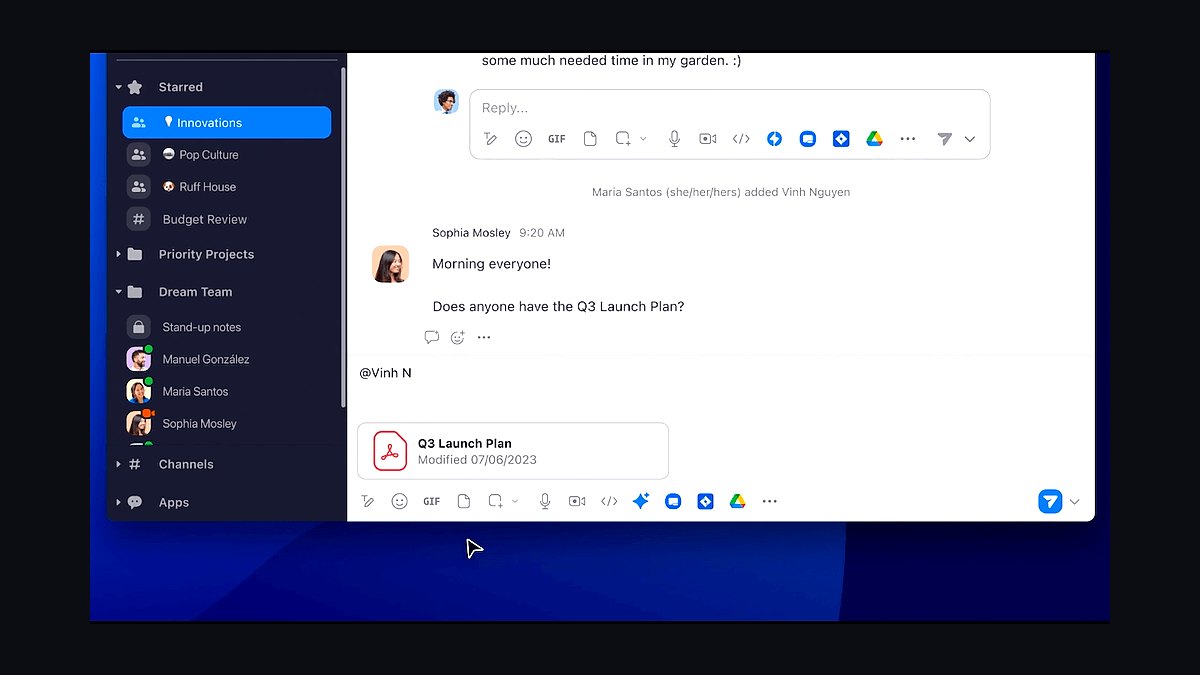
Zoom Team Chat places fourth because it is bundled into paid Zoom Workplace plans starting around $13.33 per user monthly, so teams already hosting meetings pay nothing extra. It provides channels, direct messages, file sharing, threaded replies, and scheduling that links straight to Zoom meetings. Video call quality remains best in class.
This suits small businesses whose work revolves around frequent video meetings and webinars. It trades away the deep integration ecosystem and mature search that Slack and Teams offer. Compared with Google Chat above, Zoom Team Chat is stronger for calls but weaker for document-centric collaboration and email-adjacent workflows.
5Discord for Communities
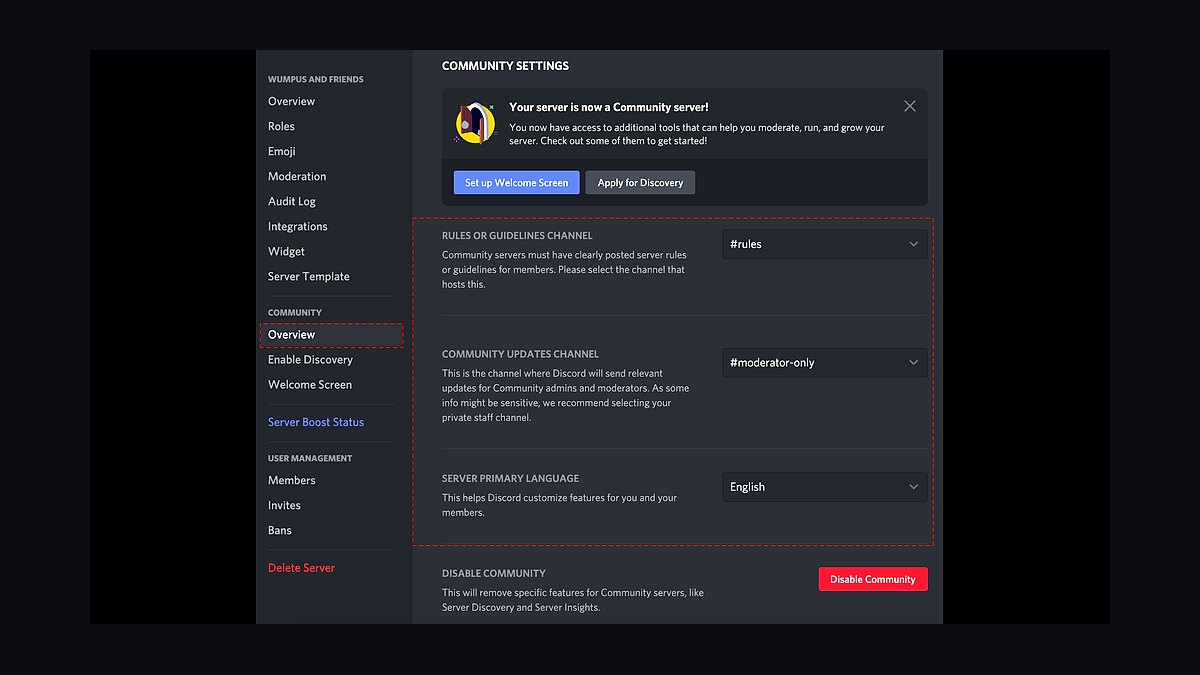
Discord ranks fifth because its free tier offers unlimited message history, unlimited users, voice channels, and screen sharing at no cost. Server boosts and Nitro upgrades add higher upload limits and better streaming quality for a few dollars monthly. Voice channels stay open persistently, which suits always-on teams.
Discord fits small creative teams, gaming studios, and community-driven businesses that value casual voice rooms. It trades away business features like compliance exports, guest management, and enterprise admin controls. Compared with Slack above, Discord is cheaper and more relaxed but noticeably less structured for formal client communication and file governance.
6Mattermost Team Edition
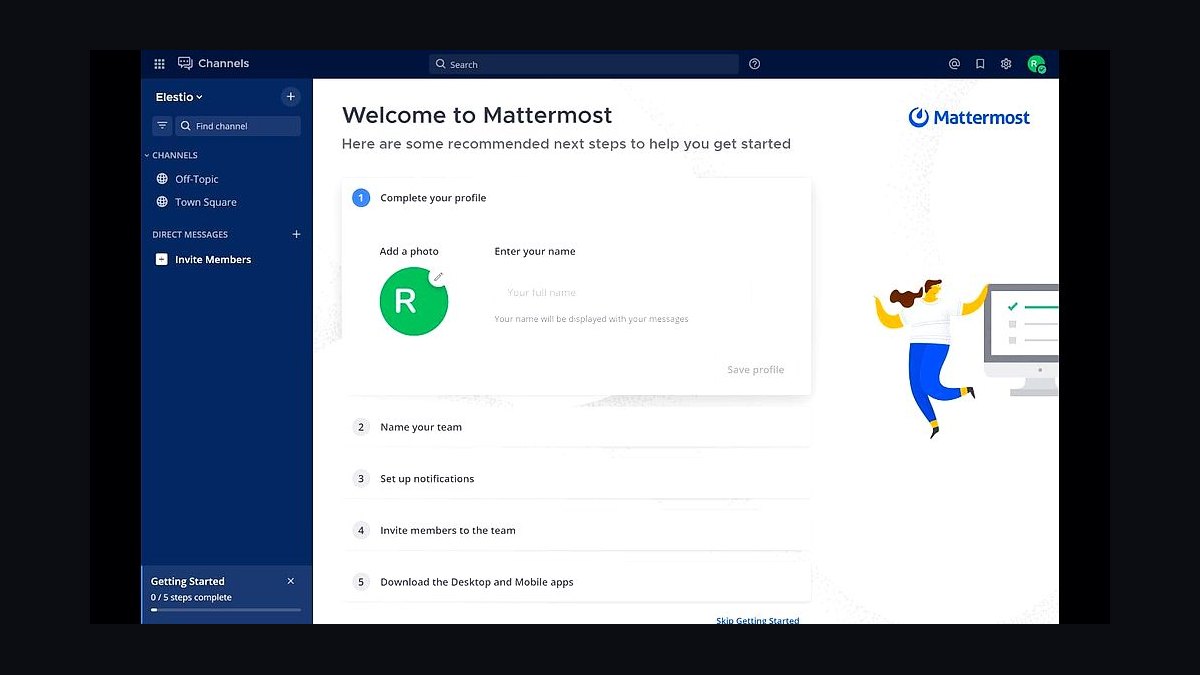
Mattermost Team Edition ranks sixth because it is free and self-hosted, letting small businesses run chat on their own servers with unlimited users and full message history. It offers channels, threads, file sharing, and slash commands, plus a paid Professional tier near $10 per user monthly for compliance and SSO. Data never leaves your infrastructure.
This pick suits technical teams with regulatory or data-residency requirements and an IT person to manage servers. It trades away the polish, mobile reliability, and integration breadth of Slack and Teams. Compared with Discord above, Mattermost is far more business-ready but demands real setup and maintenance effort.
7Zulip for Small Teams
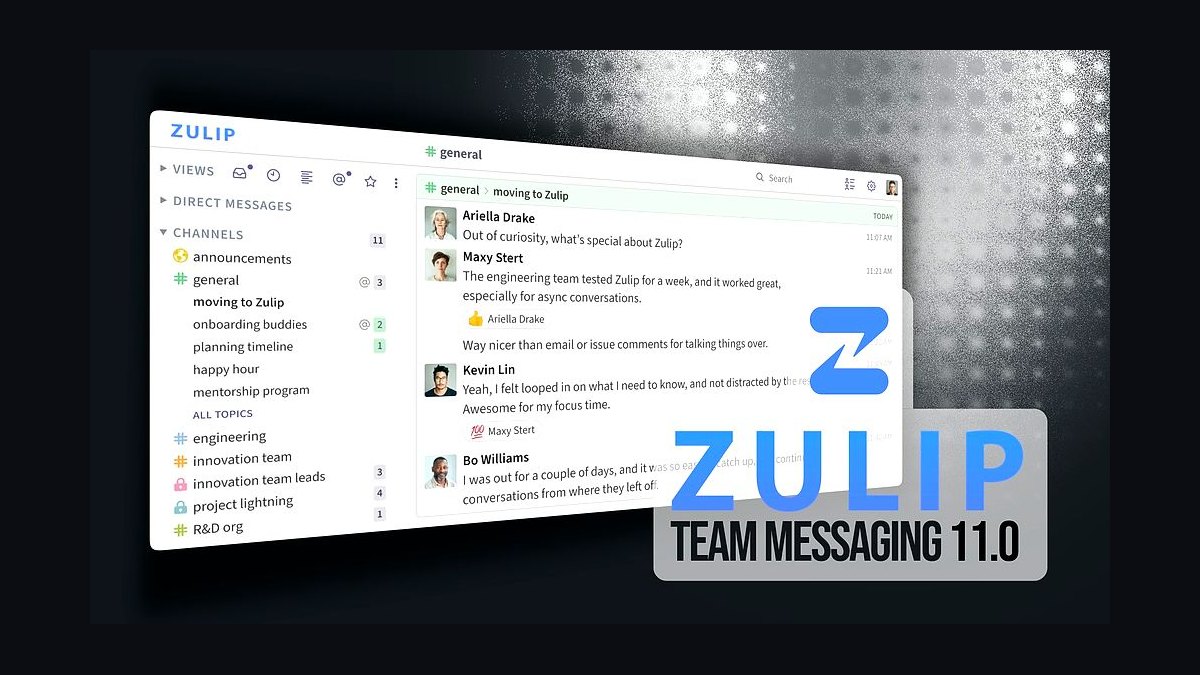
Zulip ranks seventh because its unique threaded model organizes every conversation into searchable topics, which measurably reduces missed messages in busy channels. Cloud plans start around $6.67 per user monthly, and the self-hosted version is free. It supports integrations, markdown, and both web and desktop clients.
Zulip fits small distributed teams that discuss many parallel projects and need clean topic-based history. It trades away the familiar channel-only interface and large app marketplace that Slack provides. Compared with Mattermost above, Zulip is easier to host and better organized, but its threading model takes adjustment and mobile apps feel less polished.
8Rocket.Chat for Business
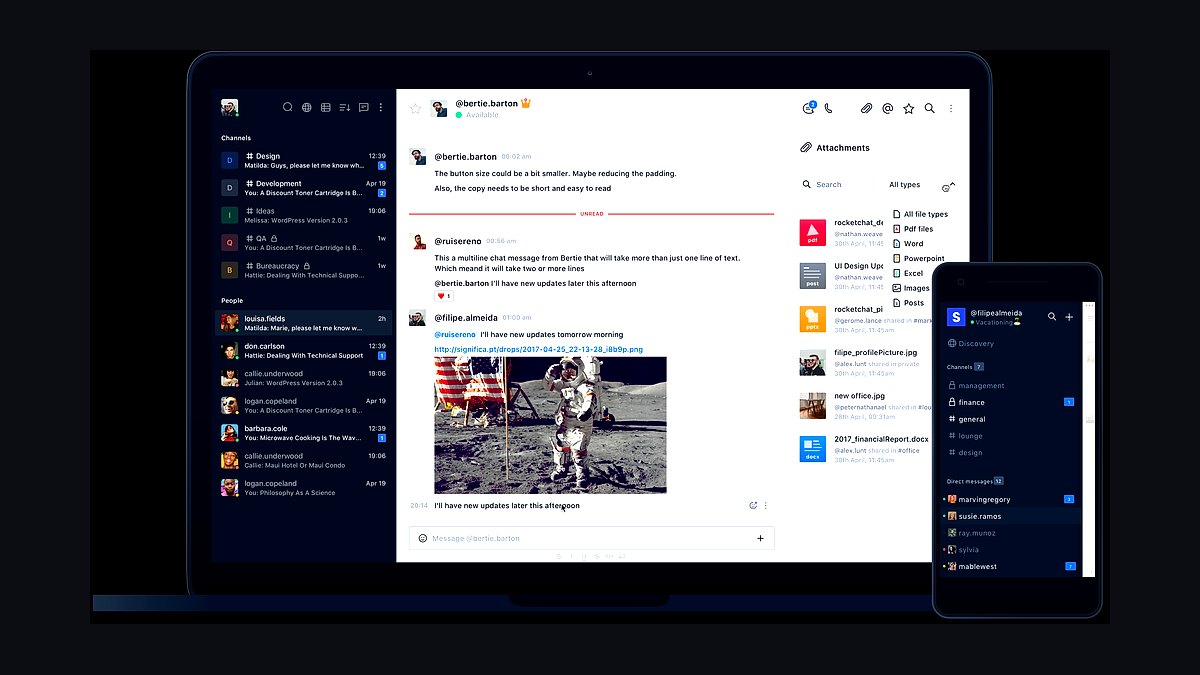
Rocket.Chat ranks eighth because it offers a free self-hosted community edition plus cloud plans starting near $7 per user monthly, with omnichannel messaging that merges live chat, email, and WhatsApp into one inbox. It includes channels, threads, video calls, and marketplace apps. Deployment works on your own servers or theirs.
This suits small businesses handling customer conversations alongside internal chat and wanting data control. It trades away the seamless user experience and vast integration library of Slack. Compared with Zulip above, Rocket.Chat is stronger for customer-facing messaging but heavier to administer and less focused on internal topic organization.
9Flock for Teams
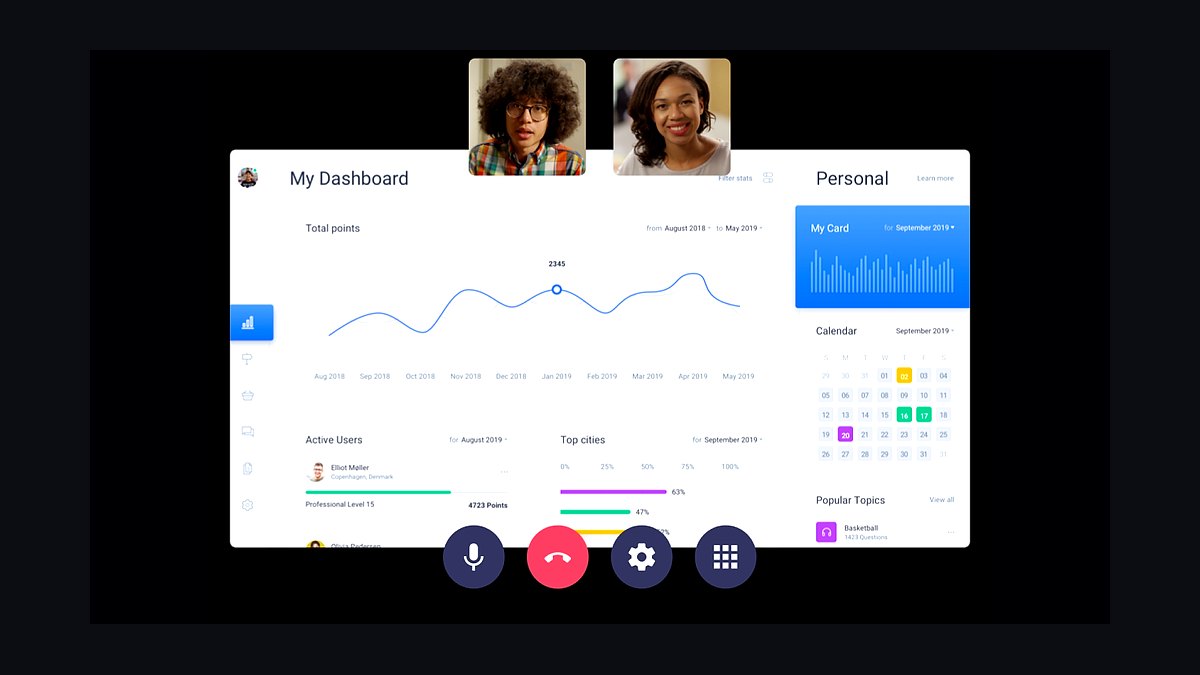
Flock ranks ninth because its free plan includes unlimited users and 10,000 searchable messages, while paid plans start near $4.50 per user monthly. It bundles channels, direct messages, video calls, to-dos, and polls into one lightweight app. Setup takes minutes and the interface stays uncluttered.
Flock fits very small teams wanting a low-cost Slack alternative without heavy configuration. It trades away integration depth, advanced search, and the mature mobile experience of larger rivals. Compared with Rocket.Chat above, Flock is easier to adopt but less flexible for hosting, compliance, and customer-facing omnichannel support.
10Twist by Doist
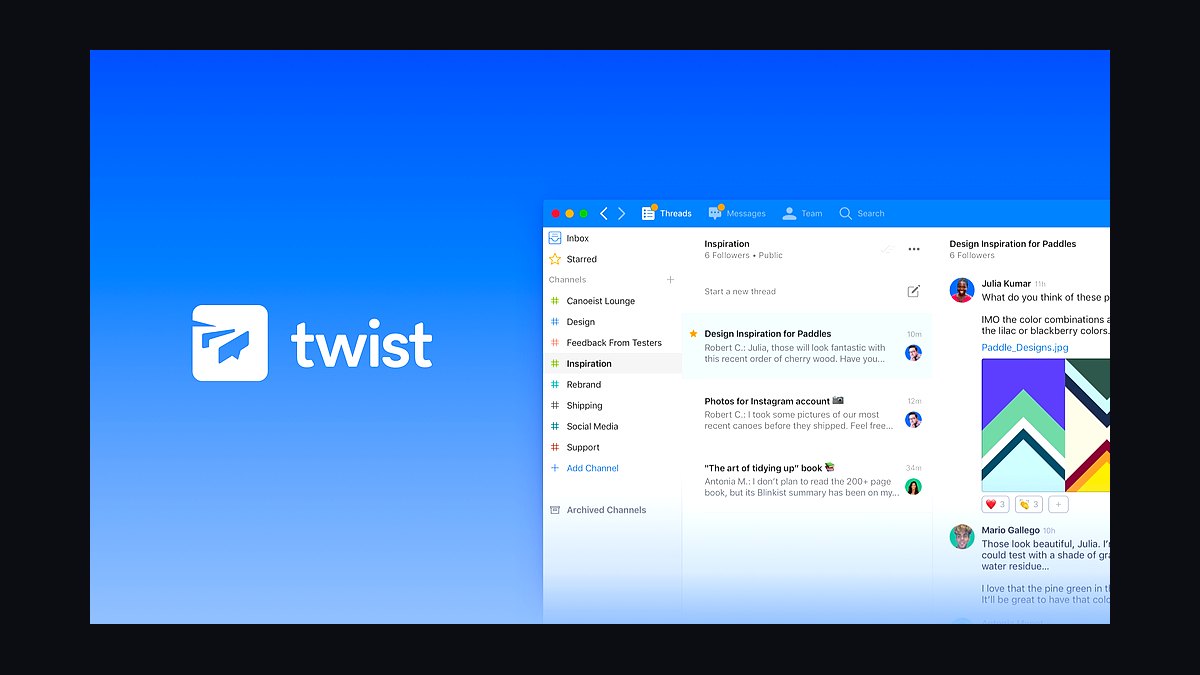
Twist ranks tenth because it is built around asynchronous threaded conversations, with a free plan for unlimited users and paid plans near $6 per user monthly. Every discussion lives in its own thread, so no one has to read a scrolling channel to catch up. It integrates with Todoist and supports file sharing and search.
Twist fits small remote teams spread across time zones that prefer thoughtful written updates over instant replies. It trades away real-time presence, huddles, and the broad app ecosystem Slack offers. Compared with Flock above, Twist is better for asynchronous depth but weaker for quick real-time chat and casual team banter.
How we ranked these
We scored each app on five weighted criteria: per-seat pricing at 5, 25, and 100 users (30%), core messaging reliability including uptime history and message delivery guarantees (25%), admin and security controls such as SSO, SCIM, and retention policies (20%), integration depth with calendars, CRMs, and file storage (15%), and onboarding friction measured by time-to-first-message for a non-technical employee (10%).
We deliberately ignored brand recognition, app store ratings, and marketing claims about AI features. Those signals reward incumbents and hype cycles rather than day-to-day usability for a five-person shop. We also excluded video call quality and file storage limits, since most small teams already pay for a separate video tool and cloud drive, making those specs redundant in this comparison.
What to look for
The single biggest factor is whether your team already lives inside another ecosystem. A Microsoft 365 shop should default to Teams; a Google Workspace shop should weigh Chat against Slack. Migration cost, not monthly price, usually decides the winner. Check whether the free tier caps message history, because losing searchable history after 90 days quietly destroys institutional memory.
The mistake most buyers make is trialing five apps at once and judging them on day-one novelty. Instead, pick two, run them in parallel for two weeks with real projects, and watch which one people open without being told. Also verify guest access and per-channel permissions before committing, since those gaps only surface after you have invited clients.
Related questions
How much should a small business pay per user for a team chat app?
Most small teams should budget between $3 and $9 per user per month on annual billing. Below that range you usually lose message history or admin controls. Above it you are paying for enterprise compliance features a 10-person company rarely needs. Always calculate the 12-month cost including any required add-ons.
Is a free team chat plan good enough for a growing company?
Free tiers work for under five people doing casual coordination, but they typically cap searchable history at 90 days and limit integrations. Once you hire your sixth employee or need to search old decisions, upgrade. The hidden cost of free plans is lost context, which is harder to recover than a monthly subscription fee.
Should we choose Slack or Microsoft Teams for a small business?
Choose based on your existing productivity suite, not on the chat app itself. Teams is cheaper and better if you already pay for Microsoft 365, since it bundles with Office and OneDrive. Slack is faster, cleaner, and has a deeper third-party integration directory. Switching ecosystems just for chat is rarely worth the migration pain.
What security features actually matter in a team chat app?
Prioritize single sign-on, two-factor authentication enforcement, data retention controls, and the ability to export or delete messages on demand. For regulated industries, check for SOC 2 Type II and HIPAA support. Encryption in transit is table stakes. End-to-end encryption sounds appealing but breaks search and compliance archiving, so most businesses skip it.
How long does it take to migrate a small team to a new chat app?
Plan on one to two weeks for a team under 25 people. The technical migration of channels and files takes a day or two with vendor tools, but habit change takes longer. Run both apps in parallel for the first week, designate a champion per department, and set a hard cutoff date for the old tool.
Do small businesses need guest access in their chat app?
Yes, if you work with freelancers, clients, or external agencies. Guest accounts let you share a single channel without paying for a full seat or exposing your entire workspace. Check the guest seat pricing carefully, because some vendors charge nearly full price for limited guest permissions, which defeats the purpose.
What integrations should a small business prioritize in a chat app?
Start with your calendar, cloud file storage, and project tracker, since those cover most daily workflows. Add your CRM if sales lives in chat. Avoid installing dozens of integrations at launch; each one adds notification noise. Review which integrations are actually used after 30 days and remove the rest.
Can a team chat app replace email entirely for a small business?
No, and trying to do so creates problems. Chat is for quick coordination and informal decisions; email remains necessary for contracts, formal approvals, and external communication with clients who do not use your chat tool. The realistic goal is reducing internal email volume by 60 to 80 percent, not eliminating it.
FAQ
What is the best team chat app for a small business in 2027?
There is no universal winner. Microsoft Teams wins for Microsoft 365 shops, Google Chat for Workspace users, and Slack for teams that prioritize integrations and speed. The right answer depends on your existing software stack, budget per seat, and whether you need guest access for clients or contractors.
How do team chat apps price for small businesses?
Almost all charge per active user per month, with discounts for annual billing. Entry tiers run roughly $3 to $5 per user, mid tiers $7 to $9, and enterprise tiers $12 or more. Watch for free-tier history limits and guest seat pricing, which often surprise buyers at renewal time.
Do we need SSO and SCIM if we only have 15 employees?
SSO is worth it once you have more than about 10 people or handle sensitive client data, because it centralizes password policy and speeds offboarding. SCIM automated provisioning is a nice-to-have at that size. If your identity provider is already in place, enabling SSO usually costs nothing extra.
Which team chat app has the best uptime record?
Slack, Microsoft Teams, and Google Chat all publish status pages and generally exceed 99.9 percent monthly availability. Outages still happen, usually lasting under an hour. For business continuity, configure a fallback like email or SMS for urgent alerts rather than relying on any single vendor's uptime.
Can we use two team chat apps at the same time?
Yes, and many small businesses do during a transition or when clients insist on a specific platform. The risk is fragmented conversations and duplicated notifications. If you run two permanently, assign clear purposes to each, such as one for internal work and one for client-facing channels.
How important is mobile app quality in a team chat tool?
Very important if anyone works remotely or travels. Test push notification reliability, message search, and file preview on both iOS and Android before committing. A polished desktop app with a sluggish mobile experience leads to missed messages and frustrated field staff, which undermines the whole rollout.
What happens to our message history if we switch chat apps?
Most vendors offer export tools, but formats vary and threaded conversations often lose structure during migration. Plan to archive old history as read-only files rather than importing everything. Realistically, teams reference recent months far more than years-old messages, so perfect historical fidelity matters less than you think.
Are AI features in team chat apps worth paying extra for?
Sometimes, but rarely at launch. Meeting summaries and thread recaps save real time for managers drowning in channels. Auto-generated action items are less reliable. If AI is bundled into a tier you already need for security or admin features, take it. Do not upgrade solely for AI in 2027.
How do we get employees to actually adopt a new chat app?
Move one real project into the new tool on day one instead of running training sessions. Appoint a champion per team, keep channel structure simple, and archive the old workspace rather than leaving it open. Adoption follows usefulness, not mandates, so make the new app the only place a key update gets posted.
Do team chat apps comply with data privacy regulations?
Major vendors offer GDPR data processing agreements, SOC 2 reports, and regional data residency options. Healthcare and finance teams need HIPAA or FINRA-compliant configurations, which usually require a higher tier. Confirm retention and eDiscovery capabilities with your legal counsel before signing an annual contract.
Sources
- https://slack.com/pricing
- https://www.microsoft.com/en-us/microsoft-teams/compare-microsoft-teams-options
- https://workspace.google.com/products/chat/
- https://www.g2.com/categories/team-chat
- https://www.capterra.com/team-collaboration-software/
- https://www.pcmag.com/picks/the-best-team-chat-apps
- https://www.techradar.com/best/best-team-chat-apps
- https://www.forbes.com/advisor/business/software/best-team-chat-apps/
Related on PULSE
This page will be disappearing soon. Save it to your device for $1 — or read it free while it is here.
@Kory-White- · if Venmo asks, the last 4 of my number are 2012
This page is gone.
This one is off the shelf now. $1 keeps it on your phone for good — the whole page, pictures and diagrams included.
 revopsTop 10 Ways to Build Trust on Your Website in 2027
 revopsTop 10 Marketing Agencies for Small Businesses in 2027
 revopsTop 10 Video Meeting Tools for Small Businesses in 2027
 revopsTop 10 Field Service Management Apps in 2027
 revopsTop 10 Copywriting Tips for Small Business Websites in 2027
 revopsTop 10 AI Writing Tools for Small Business Marketing in 2027
 revopsTop 10 AI Tools for Small Business Owners in 2027
 revopsTop 10 Questions to Ask Before Signing a Web Design Contract in 2027
 revopsTop 10 Project Management Tools for Small Teams in 2027
 revopsTop 10 Proposal Software Tools for Small Businesses in 2027