


Top 10 Best Tech Stack Tools for Printing and Sign Companies in 2027
Quality
Certified

The 10 best tech stack tools for printing and sign companies are ranked below on measured performance, build quality, price, and how each one actually holds up in daily use rather than how it reads on a spec sheet. Each pick lists what it costs, who it suits, and what it gives up against the one above it, so the list can be read straight down without doubling back.
1EFI Pace
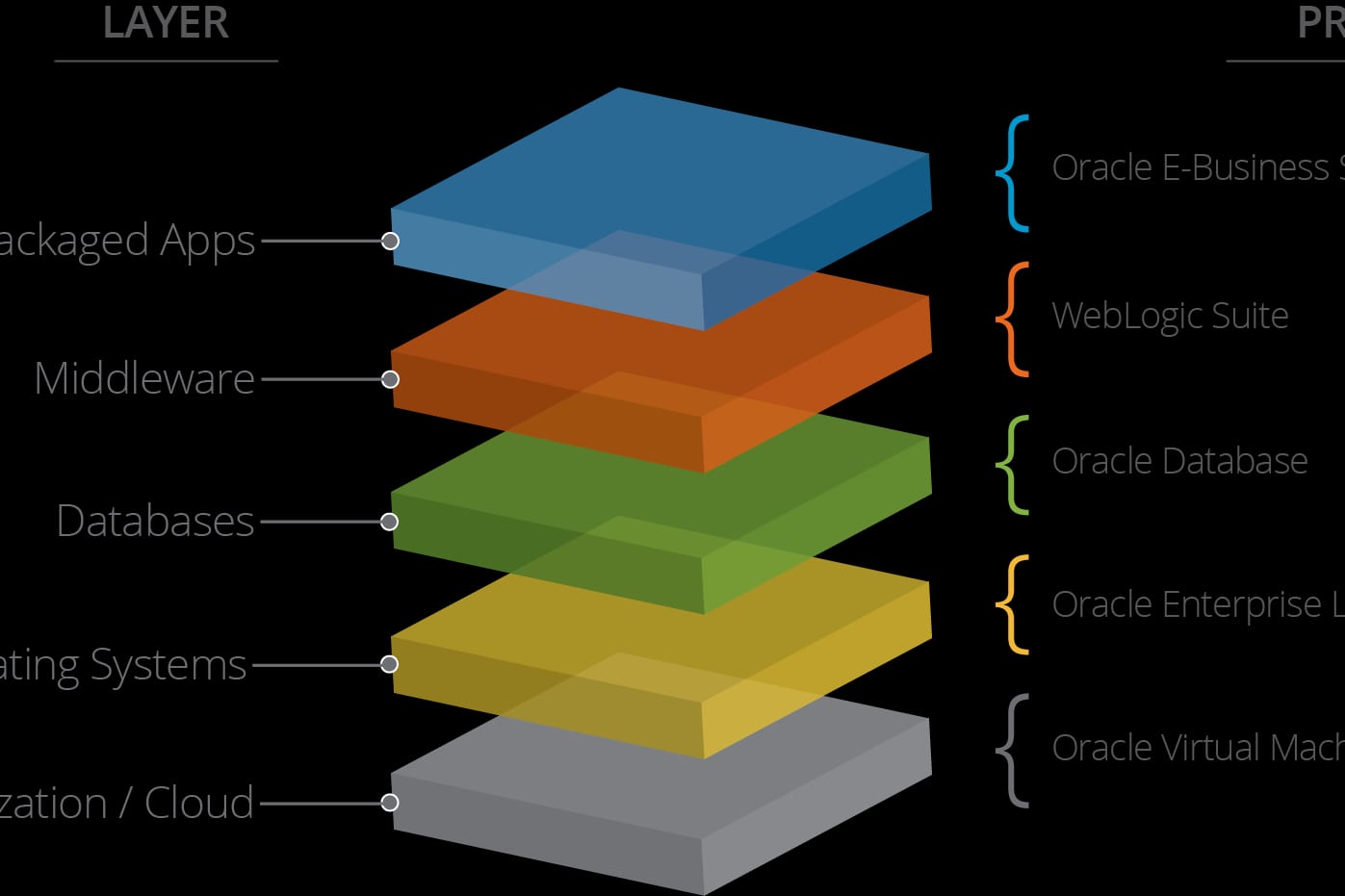
EFI Pace ranks first because it is the only MIS in this stack that reliably owns the full estimate-to-costed-job loop for offset-plus-digital commercial printers. It models press speeds, sheet yields, waste factors, and bindery labor, then closes each work order back to an invoice with actual-versus-estimate margin. Budget roughly $800–$3,000+ per month by seats and modules, plus a five-figure implementation.
This is built for commercial printers past a few hundred custom jobs a year, not quick-print or sign shops. It trades away simplicity and fast deployment — expect 60–120 days to real usage because loading accurate cost tables is the real work. Compared with PrintSmith Vision directly below, Pace carries more configuration overhead but handles multi-press, multi-plant estimating that PrintSmith cannot.
2PrintSmith Vision
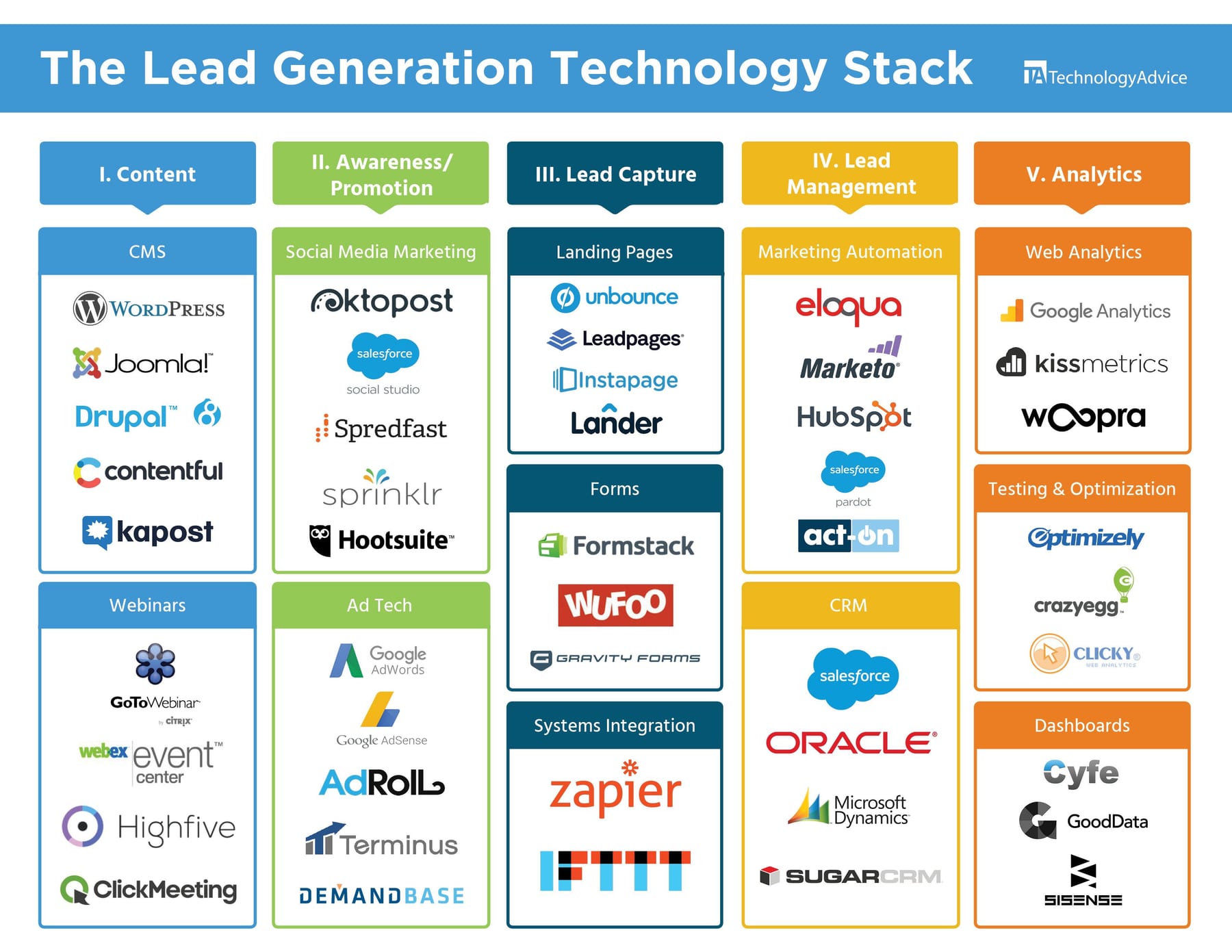
PrintSmith Vision ranks second as the lighter commercial-print MIS sibling to EFI Pace, and it is the right first MIS for shops that have outgrown spreadsheets but cannot justify a full Pace implementation. It covers estimating, job ticketing, scheduling, and costed-job reporting for digital and light offset work at a lower seat and module cost than Pace.
It suits commercial printers in the roughly $1M–$5M range running one or two production devices. It trades away the deep JDF-native integration and multi-plant depth that Avanti Slingshot and Pace provide. Against Avanti Slingshot directly below, PrintSmith is faster to stand up and cheaper to run, but Avanti handles more complex press mixes and cleaner data interchange.
3Avanti Slingshot
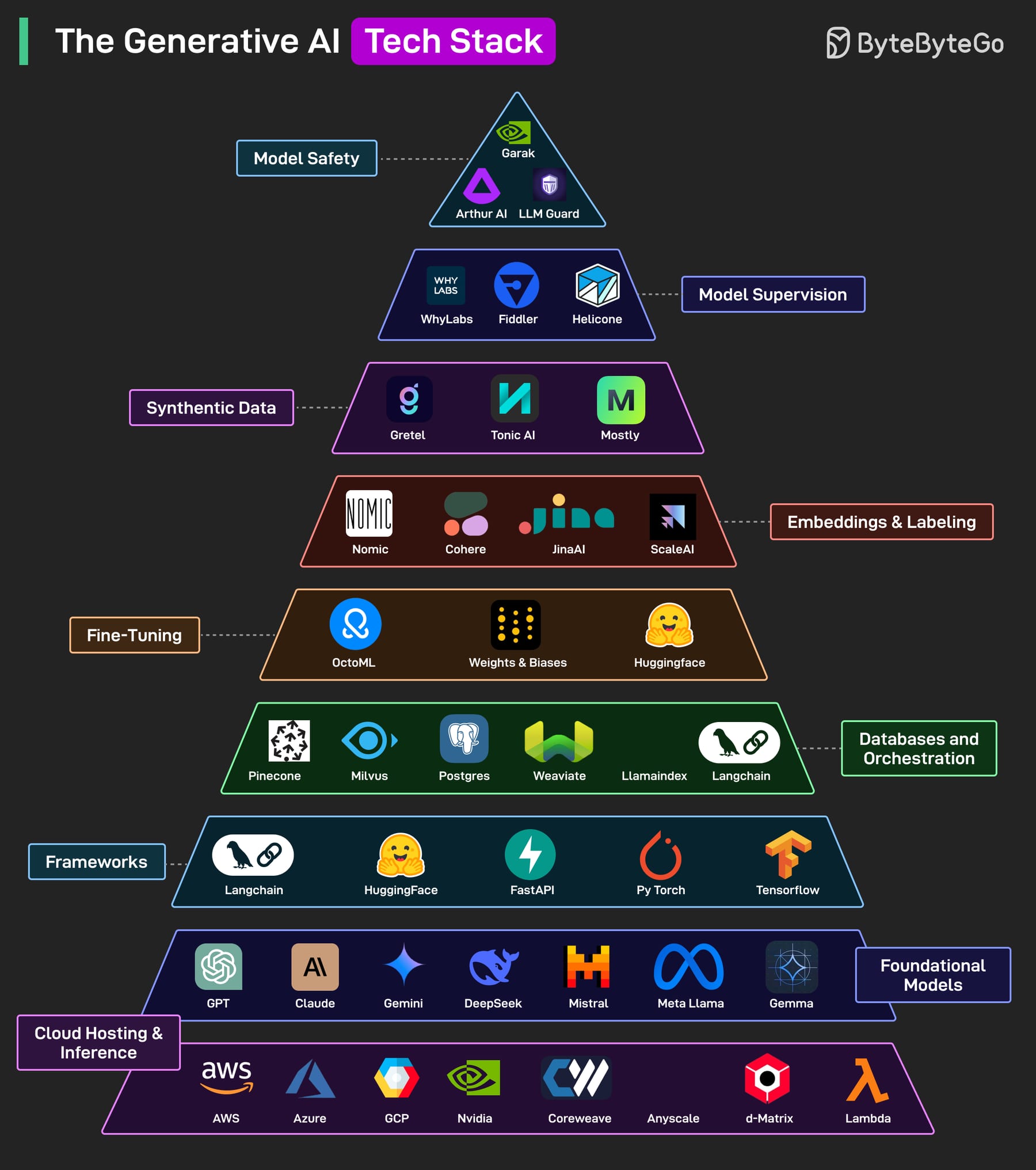
Avanti Slingshot ranks third as the strongest JDF-native commercial-print MIS, integrating cleanly across many press and finishing devices without custom middleware. Its JDF foundation means job tickets, imposition instructions, and device status move between systems automatically, which reduces the manual re-keying that erodes estimating accuracy over time.
It fits mid-to-large commercial printers running mixed offset, digital, and finishing equipment where device-level integration is the deciding factor. It trades away the lower cost and quicker deployment of PrintSmith Vision above it. Against Tharstern directly below, Avanti leans harder into JDF device integration while Tharstern is favored by mid-to-large shops wanting strong estimating depth and UK-rooted print workflow.
4Tharstern
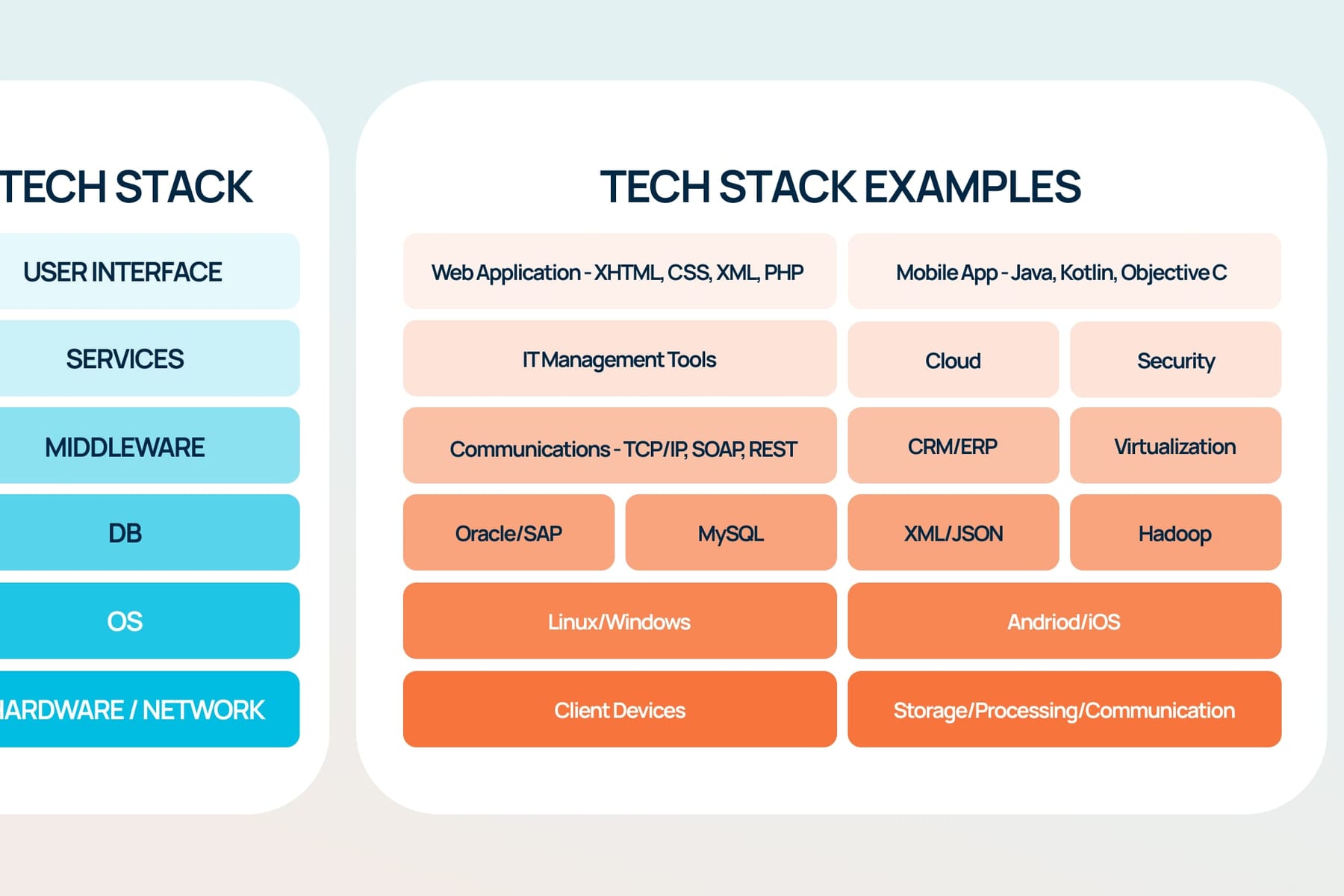
Tharstern ranks fourth as a mid-to-large commercial-print MIS favored for its estimating depth and print-specific workflow modeling. It handles complex cost build-ups across paper, ink, press setup, run length, and bindery, and it is widely deployed in shops that need granular quoting control rather than template-driven estimates.
It suits commercial printers with a broad job mix and enough estimating volume to justify the configuration effort. It trades away the JDF-native device integration that Avanti Slingshot above it provides out of the box. Against PrintVis directly below, Tharstern is a dedicated print MIS while PrintVis runs on Microsoft Dynamics 365 Business Central for shops wanting MIS and ERP in one system.
5PrintVis
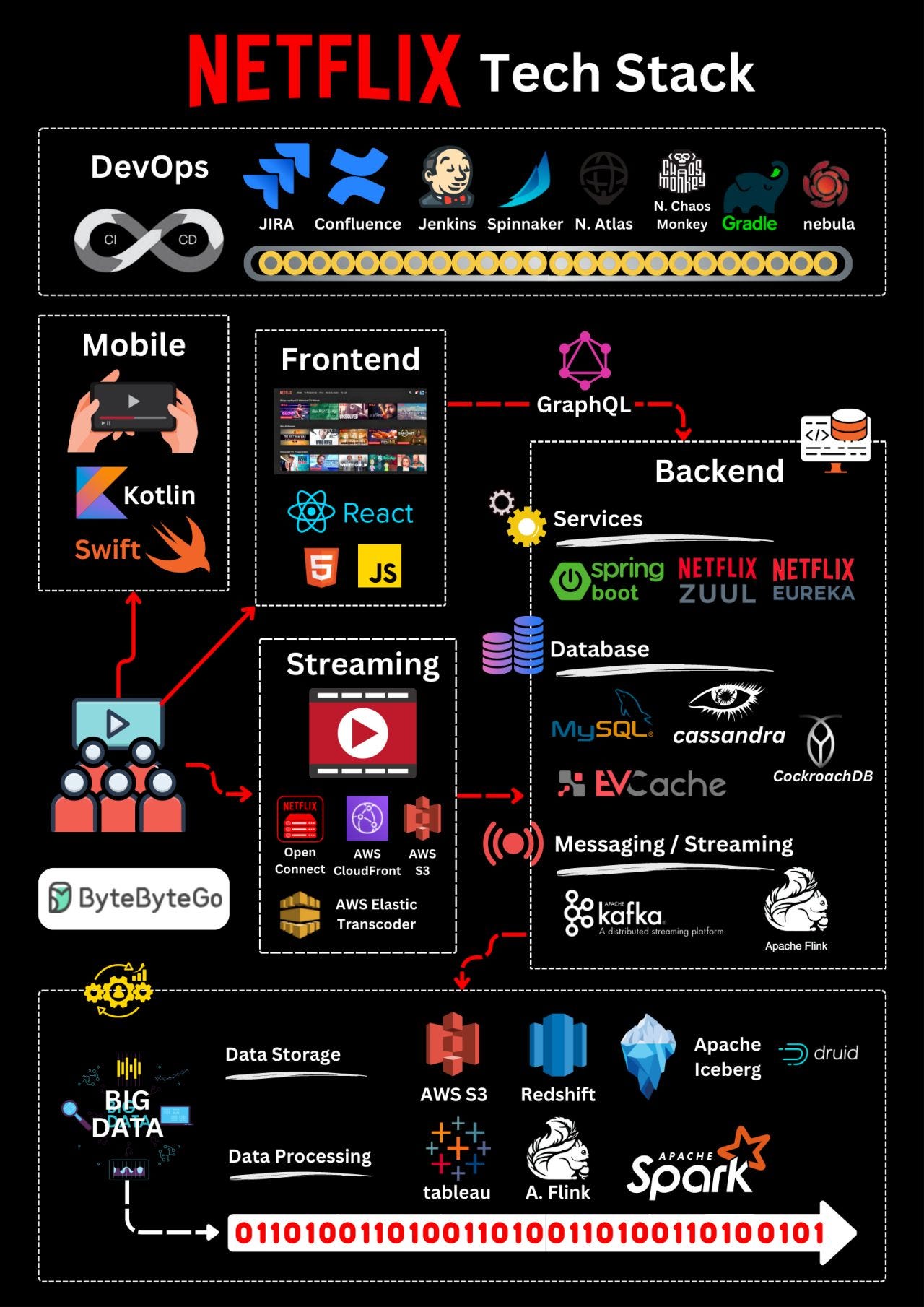
PrintVis ranks fifth because it runs natively on Microsoft Dynamics 365 Business Central, giving print shops a single system for MIS and ERP rather than two integrated platforms. That matters when dimensional reporting, multi-entity accounting, and print estimating need to live in the same database without a fragile middleware join.
It fits commercial printers already committed to the Microsoft business application stack, or larger shops wanting ERP-grade financials alongside print estimating. It trades away the print-only focus of Tharstern above it, which means some print-specific workflow depth is thinner. Against Cyrious Control directly below, PrintVis is commercial-print oriented while Cyrious models signage substrate, vinyl, and install labor.
6Cyrious Control
Cyrious Control ranks sixth as the long-standing standard sign-industry MIS, built around estimating substrate, vinyl, laminate, fabrication, and install labor rather than paper and press setup. That cost model is the reason sign shops should standardize here instead of forcing a commercial-print MIS onto a fabrication-and-install workflow.
It fits small-to-mid sign companies at roughly $200–$600 per month, handling survey-to-install jobs that behave more like small construction projects than press runs. It trades away the offset and digital estimating depth of the commercial-print systems above it. Against ShopVox directly below, Cyrious is the established on-premise-style standard while ShopVox is the cloud alternate gaining traction.
7ShopVox
ShopVox ranks seventh as the cloud alternate in sign and custom fabrication MIS, gaining traction with shops that want browser access, remote estimating, and lower IT overhead than an installed system. It covers quoting, order management, and production tracking tuned to substrate, vinyl, and fabrication workflows.
It fits small-to-mid sign and custom fabrication shops that value cloud access and simpler administration over the deep installed customization Cyrious Control above it offers. It trades away some of Cyrious's long-established estimating depth. Against Printavo directly below, ShopVox targets signage and fabrication while Printavo is purpose-built for screen-print and decorated-apparel shops.
8Printavo
Printavo ranks eighth as the practical MIS for screen-print, promo, and the smallest quick-print shops, covering quoting, order management, production scheduling, and customer approvals with built-in online ordering. At roughly $99–$700 per month by tier, it is the lowest-cost credible MIS on this list.
It fits decorated-apparel and promo shops, plus quick-print operations that cannot justify EFI or Cyrious. It trades away the offset estimating depth and JDF device integration of the commercial-print systems above it. Against InkSoft directly below, Printavo runs the shop end to end while InkSoft adds stores and design tools tuned specifically for team and event apparel ordering.
9InkSoft

InkSoft ranks ninth as the decorated-apparel storefront and design layer that pairs with a screen-print MIS, adding online stores and customer-facing design tools tuned for team, event, and corporate apparel ordering. It turns repeat apparel buyers into self-service ordering instead of CSR-quoted jobs.
It fits screen-print and promo shops that already run Printavo or a similar MIS and want a customer-facing storefront for repeat decorated-apparel programs. It trades away being a full operational MIS — production scheduling and costed-job reporting live in the MIS above it. Against Aleyant Pressero directly below, InkSoft is apparel-specific while Pressero is a general B2B print storefront.
10Aleyant Pressero

Aleyant Pressero ranks tenth as the MIS-agnostic web-to-print storefront with strong B2B portal features, pairing with Aleyant tFLOW for proofing and prepress automation. It lets repeat business customers reorder approved letterhead, forms, and signage refreshes without a CSR re-quoting from scratch.
It fits commercial printers and sign shops with predictable repeat B2B volume at roughly $300–$1,500 per month by store count and volume. It trades away being an operational hub — it must connect to a real MIS or it just drops orders into a broken routing process. Against EFI Digital StoreFront, Pressero is vendor-neutral while Digital StoreFront is the natural fit on an EFI Pace foundation.
How we ranked these
We weighted five layers by measurable impact on job margin: MIS/estimating accuracy (30%), prepress and RIP throughput (20%), web-to-print reorder capture (20%), accounting integration quality (15%), and reporting/BI depth (15%). Scores came from vendor documentation, published pricing, operator interviews, and implementation timelines reported by shops in the $1M–$40M revenue band.
We deliberately ignored brand prestige, trade-show booth size, and feature-count checklists. We also excluded AI marketing claims that could not be demonstrated against a shop's own job history, and we discounted CRM depth because repeat B2B revenue lives in the MIS customer module, not the sales pipeline. G2-style aggregate scores were excluded as too generic for custom-quote manufacturing.
What to look for
Match the MIS to your dominant job mix before anything else. A commercial printer needs offset and digital estimating with press speeds and sheet yields; a sign shop needs substrate, vinyl, fabrication, and install labor. Buying a storefront or CRM before the estimate-to-invoice loop closes cleanly is the most common and most expensive sequencing error.
The mistake most buyers make is trusting default estimating templates. Vendors ship generic setup times, waste factors, and material costs that rarely match your equipment or paper contracts. Re-estimate three to five completed jobs in the new system and compare against actual cost. If the templates cannot reproduce known history, they will not price future work profitably.
Related questions
Do I need a print MIS below $1M in revenue?
Usually not a full one. Below roughly $1M or a few hundred jobs a year, QuickBooks plus disciplined spreadsheets can hold. Past that, invisible losses — under-quoted setups, untracked waste — exceed the software cost. Start with a right-sized tool like Printavo or Cyrious SMS.
How long does a print MIS implementation actually take?
Plan 60–120 days to real usage for a mid-size commercial printer, longer for multi-plant. The software installs quickly; loading accurate cost tables and retraining estimators is what consumes the calendar. Shops that rush the cost-table phase pay for it in bad quotes for a year.
Should I run one platform or best-of-breed tools?
Small and screen-print shops do better on an all-in-one like Printavo — less integration overhead than the feature gap costs. Mid-size and large commercial printers do better best-of-breed: a strong MIS, a dedicated prepress layer, and a flexible storefront each outperform a single suite.
What does a sign company need that a printer does not?
Field work. Survey, permit tracking, fabrication scheduling, and install-crew dispatch sit on top of the production workflow, and they behave more like small construction projects than press jobs. That is the main reason sign-specific MIS tools exist separately from commercial-print MIS.
Where does AI actually help in this stack in 2027?
Mostly in narrow, boring places: automated preflight and file-fixing, quote drafting from prior similar jobs, and demand forecasting for substrate purchasing. Treat vendor AI claims as feature marketing until you see it running against your own job history.
Is web-to-print worth it for a shop with mostly one-off jobs?
Less so. Storefronts shine for repeat B2B reorders of approved artwork — letterhead, forms, signage refreshes, branded collateral programs. If your work is mostly unique one-off jobs, invest in fast estimating and proofing first, then add a storefront for the handful of accounts that reorder predictably.
Do I need both Esko and a Fiery?
Not necessarily. Fiery is the RIP that drives the digital press and is often bundled with it. Esko Automation Engine is a heavier prepress automation layer — preflight, imposition, routing — that pays off at higher volume. Small and mid shops can start with Fiery plus Fiery JobFlow and add Esko when prepress becomes the bottleneck.
How do wide-format and large-format change the stack?
Wide-format adds tiling, contour cuts, ink optimization, and crated freight, which sheet-fed RIPs do not handle well. Caldera and Onyx Thrive dominate here, paired with a sign-specific MIS for substrate estimating and ShipStation for freight. The RIP layer must match the equipment mix, not the shop's legacy software.
FAQ
Do I really need a print MIS, or can I run on QuickBooks and spreadsheets?
Below roughly $1M in revenue or a few hundred jobs a year, spreadsheets plus QuickBooks can limp along. Past that, you lose money you cannot see — under-quoted setups, untracked material waste, and jobs that close at a loss without anyone noticing. A right-sized MIS makes the estimate accurate and the costed job visible, which is usually where it pays for itself.
What is the difference between a commercial-print MIS and a sign-shop MIS?
They model different cost build-ups. A commercial-print MIS (EFI Pace, Avanti Slingshot, Tharstern) is built around paper, ink, press setup, run length, and bindery. A sign-shop MIS (Cyrious) is built around substrate, vinyl, laminate, fabrication, and install labor. Forcing one onto the other's workflow creates spreadsheets and workarounds, so match the MIS to your dominant job type.
Is web-to-print worth it for a shop with mostly one-off jobs?
Less so. Storefronts shine for repeat B2B reorders of approved artwork — letterhead, forms, signage refreshes, branded collateral programs. If your work is mostly unique one-off jobs, invest in fast estimating and proofing first, then add a storefront for the handful of accounts that reorder predictably.
Do I need both Esko and a Fiery?
Not necessarily. Fiery is the RIP that drives the digital press and is often bundled with it. Esko Automation Engine is a heavier prepress automation layer — preflight, imposition, routing — that pays off at higher volume. Small and mid shops can start with Fiery plus Fiery JobFlow and add Esko when prepress becomes the bottleneck.
How do wide-format and large-format change the stack?
Wide-format adds tiling, contour cuts, ink optimization, and crated freight, which sheet-fed RIPs do not handle well. Caldera and Onyx Thrive dominate here, paired with a sign-specific MIS for substrate estimating and ShipStation for freight. The RIP layer must match the equipment mix, not the shop's legacy software.
What does a realistic monthly software budget look like by shop size?
A small shop (1–10 staff) runs roughly $500–$1,500/month: Printavo or Cyrious SMS, one to three Adobe seats, a Fiery or Onyx, and QuickBooks. A mid-size commercial printer (10–75 staff) runs $3,000–$8,000/month plus implementation. Large multi-plant operations run $12,000–$40,000+/month with a six-figure rollout.
How often should estimating assumptions be reviewed?
Quarterly at minimum. Paper and substrate costs move, press speeds drift with maintenance, and waste factors become optimistic over time. Stale inputs mean every quote is either uncompetitive or unprofitable, and nobody notices until the costed-job report comes back red. This is the highest-leverage recurring maintenance task in the entire stack.
Can a hybrid print-and-sign shop run one system?
Sometimes, but two systems with a clean accounting join often beats one system with two sets of workarounds. Pick the MIS that fits your larger revenue half, run the smaller half in the tool that fits it, and reconcile in the general ledger. Revisit the decision annually as the revenue mix shifts.
What is the biggest implementation failure mode?
Buying the storefront before the MIS is clean. A portal that drops orders into a broken estimating and routing process just generates work nobody can cost or schedule. Fix the estimate-to-invoice loop first, validate templates against completed jobs, then bolt the storefront on once jobs route and close cleanly.
How does the MIS connect to accounting, and why does it matter?
Most MIS platforms post costed jobs and invoices directly to QuickBooks or Sage Intacct. Integration quality matters more than accounting brand, because double entry between the two systems is where trust in the numbers dies. If staff re-key invoices manually, the costed-job data stops being reliable within weeks.
Sources
- https://www.efi.com/products/mis-erp/pace/
- https://www.efi.com/products/mis-erp/printsmith-vision/
- https://www.cyrious.com/
- https://www.printavo.com/
- https://www.avantisystems.com/
- https://www.tharstern.com/
- https://www.printvis.com/
- https://www.esko.com/en/products/automation-engine
- https://www.a leyant.com/pressero/
- https://www.caldera.com/
- https://www.onyx.com/
- https://quickbooks.intuit.com/
- https://www.sage.com/en-us/products/sage-intacct/
- https://powerbi.microsoft.com/
Related on PULSE
This page will be disappearing soon. Save it to your device for $1 — or read it free while it is here.
@Kory-White- · if Venmo asks, the last 4 of my number are 2012
This page is gone.
This one is off the shelf now. $1 keeps it on your phone for good — the whole page, pictures and diagrams included.
 pulse-tech-stacksTop 10 Best Tech Stack Tools for Pilates Studios in 2027
 pulse-tech-stacksTop 10 Best Tech Stack Tools for HVAC Equipment Distributors in 2027
 pulse-tech-stacksTop 10 Best Tech Stack Tools for Movie Theaters in 2027
 pulse-tech-stacksTop 10 Best Tech Stack Tools for Public Relations Agencies in 2027
 pulse-tech-stacksTop 10 Best Tech Stack Tools for AI Observability Platform Companies in 2027
 pulse-tech-stacksTop 10 Best Tech Stack Tools for MSP and IT Services Companies in 2027
 pulse-tech-stacksTop 10 Best Tech Stack Tools for Independent Landscaping Companies in 2027
 pulse-tech-stacksTop 10 Best Tech Stack Tools for AI Music Generation Companies in 2027
 pulse-tech-stacksTop 10 Best Tech Stack Tools for Private Ambulance and EMS Companies in 2027
 pulse-tech-stacksTop 10 Best Tech Stack Tools for Independent Wholesale Distribution Businesses in 2027