


How do I troubleshoot cell phone signal issues in 2027?
Quality
Certified

To troubleshoot cell phone signal issues, isolate whether the problem is device-side or network-side: check a second phone in the same spot, consult your carrier's outage map, toggle Airplane Mode, reseat the SIM/eSIM profile, and reset network settings. If signal stays weak indoors, enable Wi-Fi calling or add a network extender; if it's an outdoor dead zone, a carrier-grade booster or a carrier switch usually fixes it.
What it is and why it matters
A cell phone signal issue is any breakdown between your device's radio and the carrier's tower: no bars, one bar that won't hold a call, "SOS only," data that shows full signal but won't load a page, or calls that drop mid-sentence. Each symptom points to a different failure point — physical distance from the tower, obstruction by building materials, network congestion at the cell site, a misconfigured or corrupted SIM/eSIM profile, outdated carrier settings, or a hardware antenna fault in the phone itself. Treating all of these as one generic "bad signal" problem is why most home fixes fail; the fix for congestion (switch bands, use Wi-Fi calling) is nearly the opposite of the fix for a dead antenna (replace the device).
By 2027, the stakes for getting this troubleshooting right are higher than they were even three years earlier. Two-factor authentication codes, mobile banking approvals, ride-share and delivery dispatch, and a growing share of remote-work VPN and MFA handshakes all assume a phone can receive an SMS or push notification within seconds. Carriers have also shifted more voice traffic onto VoLTE and 5G NR voice-over-new-radio, which means a "signal issue" today is as likely to be a data/IMS registration failure as a raw RF problem — the phone can show four bars and still fail to place a call because the IMS (IP Multimedia Subsystem) session never registered. Satellite-to-phone emergency messaging, now built into recent iPhone and Android flagship generations, has also added a new troubleshooting branch: some "no signal" situations are no longer true dead zones, they're situations where the terrestrial network is down but a satellite fallback is available and simply not configured or not supported on that specific plan.
Understanding *why* signal fails narrows the fix. Rural and low-density coverage gaps are still fundamentally a distance-from-tower problem — signal strength falls off roughly with the square of distance and gets worse with terrain like hills, dense tree cover, or valleys. Urban and indoor issues are usually attenuation: modern Low-E (low-emissivity) window coatings, used in most commercial buildings and a growing share of new residential construction, can block 20-40 dB of cellular signal, which is enough to turn a strong outdoor signal into an unusable indoor one. Congestion issues show up as full bars with no throughput, typically at large events, during commute-hour cell-site overload, or after a natural disaster when everyone in the area is transmitting at once. Device-side issues — a cracked internal antenna connector, a bent SIM tray, corrosion from water exposure, or a software radio-stack bug — are the rarest cause but the one people jump to first, usually after they've already ruled out everything else by accident through random resets.
The step-by-step process
Work through signal troubleshooting in a fixed order, because each step either eliminates or confirms a category of cause, and skipping ahead wastes time re-testing the same layer twice.
- Confirm it isn't isolated to one device. Put a second phone, ideally on the same carrier, in the exact same physical spot. If it also shows no signal, the problem is environmental or carrier-side, not your phone.
- Check the carrier's live outage map and status page (all four major U.S. carriers and their MVNOs publish one). A localized outage, tower maintenance window, or fiber backhaul cut explains a huge share of "sudden" signal loss and needs zero further troubleshooting — it resolves on the carrier's timeline.
- Toggle Airplane Mode on for 15 seconds, then off. This forces a fresh tower re-registration and clears a stale radio-resource-control (RRC) connection, which is the single highest-yield fix for transient signal loss.
- Power-cycle the device fully (not just Airplane Mode) if step 3 doesn't help. A full reboot clears the baseband processor's session state, which a soft toggle sometimes doesn't.
- Reseat the physical SIM, or re-download the eSIM profile. SIM contacts corrode and eSIM profiles occasionally get stuck in a bad state after an OS update; removing and reinserting a physical SIM, or deleting and re-adding an eSIM line through carrier settings, resolves registration failures that look identical to weak signal.
- Update carrier settings and OS. iOS and Android both push periodic "carrier settings updates" separate from the OS itself — these contain band tables and roaming/APN configuration. An out-of-date carrier settings file is a common, invisible cause of degraded LTE/5G performance.
- Reset network settings (this wipes saved Wi-Fi, Bluetooth, and VPN configs, so warn the user first). This clears corrupted APN entries, which cause a phone to sit on 3G/LTE fallback instead of 5G, or to fail data sessions entirely while voice still works.
- Check for physical interference: a thick metal or magnetic phone case, a car's metallized windshield, or standing near a large metal structure can meaningfully attenuate signal — testing outdoors and case-off isolates this in under a minute.
- Escalate to the carrier if all of the above fails: request a line-level network reset on their side (this re-provisions the SIM's HLR/HSS record), and ask specifically whether the account is flagged for any fraud hold or port-out lock, which silently blocks data/voice while leaving bars showing.
- If it's a location problem, not an account problem, move to physical remediation: Wi-Fi calling, a network extender, or a signal booster (covered below).
Costs, timelines, and typical ranges

Most of the software-side steps above cost nothing and resolve within minutes: an Airplane Mode toggle or reboot takes under two minutes and fixes a large share of transient issues immediately. A carrier settings/OS update is a five- to fifteen-minute download depending on connection quality. A full network settings reset takes about a minute to execute but costs the user time re-entering Wi-Fi passwords afterward — budget five to ten minutes for that cleanup on a typical household of devices.

When the fix requires carrier involvement, a line-level SIM/HLR reset is usually resolved on a support call within 10-20 minutes, though it can take up to 24 hours to fully propagate across the network. A SIM or eSIM replacement, when the existing one is physically damaged or corrupted beyond a re-provision, is typically free with an active line and takes same-day to three business days depending on whether it's done in-store (immediate) or mailed (3-5 days).
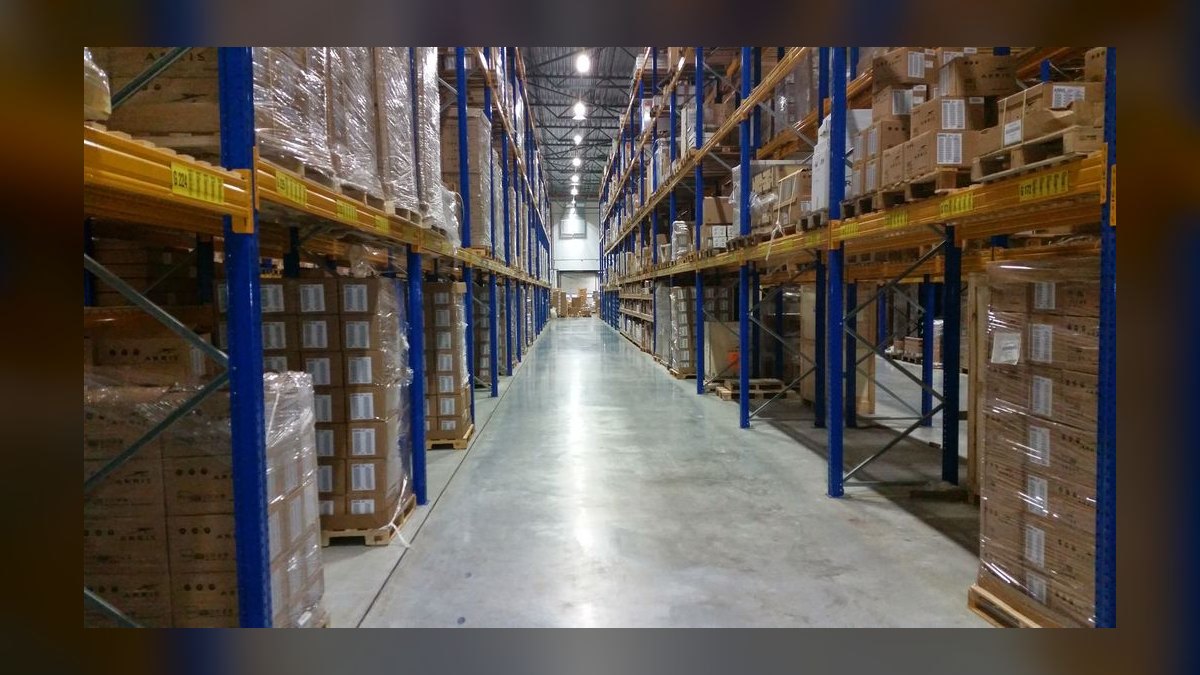
For persistent indoor coverage problems, the remediation options span a wide cost range. Wi-Fi calling is free and instant to enable, and is the correct first move for anyone with usable home broadband — it routes voice and SMS over the internet connection instead of the cell radio, sidestepping indoor attenuation entirely. Carrier-provided network extenders (small cellular femtocells that bridge to your home internet) run free-to-$250 depending on carrier and contract tier, and are typically shipped and self-installed within a week. Consumer-grade cellular signal boosters — the kind that use an outdoor antenna to capture a weak signal and rebroadcast it indoors — run roughly $200 to $600 for a single-room to whole-home unit, with self-installation taking two to four hours including outdoor antenna mounting and cable routing. Commercial-grade boosters for offices, warehouses, or multi-floor buildings run $1,000 to $4,000-plus in equipment, and professional installation with a signal survey typically adds $150 to $500 to the visit and a half-day to full-day on-site window. All cellular boosters sold in the U.S. must be FCC-registered and carrier-consent-compliant; unregistered boosters can be ordered to be shut off remotely by the carrier if they interfere with the network.
If none of that resolves it and the root cause is confirmed to be genuinely poor macro coverage in the area — not a device or account fault — the realistic remaining options are a carrier switch (instant activation, no equipment cost, but only worth it after confirming the alternate carrier's coverage map actually differs at that address) or, for a business site, a formal request to the carrier for a dedicated small-cell deployment, which is a multi-month process typically reserved for sites with high employee density.
Where teams get it wrong
IT and operations teams managing a fleet of company phones make a specific, repeatable set of mistakes when triaging signal complaints, and most of them come down to skipping the isolation step.
The most common mistake is assuming a reported "bad signal" ticket is a device problem and jumping straight to a hardware swap or factory reset before confirming whether a second device in the same location has the identical issue. This wastes a device replacement cycle — and the associated data migration and downtime — on what's actually a building or carrier issue that follows the user to their next phone too.

The second is ignoring case and accessory interference. Rugged cases with integrated metal kickstands, magnetic mounting plates (including some MagSafe-compatible car mounts), and battery cases with their own internal antennas can measurably degrade signal and NFC/UWB performance. Teams troubleshoot for hours without ever testing the phone case-off.
The third is not accounting for building materials when a whole floor or wing reports issues at once. Low-E glass, structural rebar in poured concrete, and radiant floor heating with embedded metal mesh all attenuate cellular RF significantly more than older wood-and-drywall construction. A floor that had fine coverage before a renovation, or in an older building next to a newer Low-E-glass one, is a strong signal that the fix is a network extender or booster, not a device-level fix — but teams often cycle through device troubleshooting for every affected employee individually instead of recognizing the pattern and solving it once at the site level.
The fourth mistake is resetting network settings as a first resort instead of a later step. It clears saved Wi-Fi networks and VPN profiles fleet-wide if pushed via MDM without warning, creating a bigger support burden than the original signal complaint, and it should only be used after cheaper, non-disruptive steps (Airplane Mode toggle, reboot, SIM reseat) have already been ruled out.

The fifth is not distinguishing IMS/VoLTE registration failures from RF signal failures. A phone can display full 5G signal bars while calls fail to connect, because the IMS session — the layer that actually sets up VoLTE/VoNR calls — has failed to register separately from the radio connection. Teams see "full bars" and rule out signal as the cause, then chase a phantom software bug, when toggling Airplane Mode or re-registering the SIM (which forces a fresh IMS registration) was the actual fix.
The sixth is failing to document which frequency bands and carrier aggregation combinations a device supports before troubleshooting a multi-carrier or international fleet. A phone purchased unlocked in one region may lack the specific mid-band or C-band spectrum a carrier relies on for indoor penetration in another region, which looks exactly like a signal bug but is actually a hardware/spectrum mismatch with no software fix — only a device swap to a model with the right band support resolves it.
Decision framework: when to choose what
Once the isolation steps confirm the problem isn't a quick software fix, the right remediation depends on three variables: whether the problem is indoor or outdoor, whether it affects one person or a whole site, and whether it's temporary or ongoing.
For a single user with an occasional indoor dead spot and working home or office broadband, Wi-Fi calling is the correct first move — it's free, already built into the phone, and typically just needs to be toggled on in carrier settings. For a single user with a true outdoor/rural coverage gap where Wi-Fi calling isn't available (no broadband at the location), the choice is between a personal signal booster (cost-effective if the location is fixed, like a home) or a carrier switch after verifying the alternate carrier's coverage map for that specific address, not just the general marketing map.

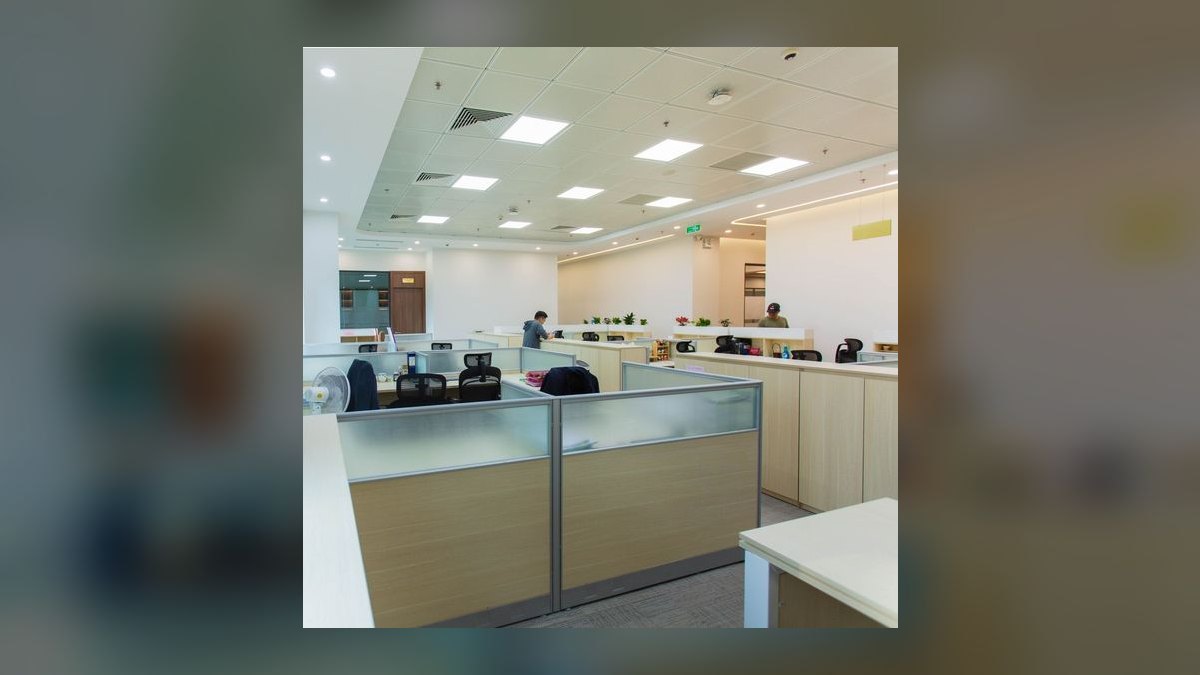
For a shared site — an office, warehouse, or retail location — where multiple people report the same issue, a network extender is the right call if the underlying broadband connection has spare capacity and the affected area is a single room or floor; a professionally installed commercial booster is the right call for a whole building or multi-floor complex, since it solves the problem once for everyone instead of per-device. If the site has enough device density (roughly 20+ concurrent users) and coverage is a permanent, structural problem, it's worth escalating to the carrier for a formal small-cell or DAS (distributed antenna system) evaluation rather than continuing to layer consumer equipment.
For a temporary situation — a large event, a natural-disaster response area, or a short-term job site — none of the permanent fixes are worth the cost; the right move is a rented or portable cellular booster, satellite messaging fallback where supported, or simply routing critical communication through Wi-Fi calling if any connectivity is available on-site.
Related questions
Why does my phone show full bars but calls still fail?
Bars measure raw radio signal strength, not whether the IMS/VoLTE session used to set up calls has registered. Full bars with failed calls usually means an IMS registration failure — an Airplane Mode toggle or SIM re-registration typically fixes it.
Is a cell signal booster legal to use at home?
Yes, as long as it's FCC-registered and carrier-consent-compliant, which nearly all boosters sold through major retailers are. Register it with your carrier after installation to avoid it being flagged and shut off remotely.
Does a phone case really affect signal strength?
Yes — metal, magnetic mounts, and some rugged battery cases can measurably attenuate signal and interfere with NFC/UWB. Testing case-off is a fast, free diagnostic step before assuming a network or account problem.
Will satellite messaging fix my dead zone?
Only for emergency SOS texts on supported recent devices and plans, not for normal calls, data, or non-emergency texts — it's a fallback for true no-coverage situations, not a general signal fix.
FAQ
Why did my signal suddenly get worse with no changes on my end? The most common cause is a carrier-side outage, maintenance window, or local tower congestion — check the carrier's live outage map before troubleshooting the device, since this explains a large share of sudden, unexplained drops.

Does restarting my phone actually help with signal issues? Yes, more often than people expect. A restart clears the baseband processor's session state and forces a fresh tower registration, which resolves many transient signal and call-failure issues that a simple Airplane Mode toggle doesn't fully clear.
Should I reset network settings to fix signal problems? Only after simpler steps fail — it wipes saved Wi-Fi passwords, Bluetooth pairings, and VPN configs, so it's a higher-cost fix that should follow, not precede, a reboot, SIM reseat, and carrier settings update.
How do I know if it's my phone or the carrier's network? Put a second phone, ideally the same carrier, in the exact same spot. If it also shows weak or no signal, the issue is environmental or network-side, not your device.
Can old phone hardware be the real cause of signal issues? Yes, particularly if the phone lacks support for the specific mid-band or C-band spectrum a carrier relies on for indoor coverage in your area — this looks like a software bug but only a device with the right band support fixes it.
Is Wi-Fi calling as reliable as regular cellular calling? For voice quality, yes, as long as the underlying broadband connection is stable; it's often more reliable than a weak cellular signal indoors, since it bypasses the cellular radio path entirely.
Sources
- https://www.fcc.gov/consumers/guides/wireless-signal-boosters
- https://www.fcc.gov/general/cell-phone-signal-boosters
- https://www.att.com/support/article/wireless/KM1008818/
- https://www.verizon.com/support/signal-strength-troubleshooter/
- https://www.t-mobile.com/support/coverage/network-status
- https://support.apple.com/en-us/HT201699
- https://support.google.com/pixelphone/answer/9083908
- https://www.gsma.com/futurenetworks/ip_services/volte/
- https://www.cisa.gov/topics/emergency-communications
- https://www.consumerreports.org/electronics/cell-phones/
Related on PULSE
- How do I fix slow Wi-Fi connectivity at home in 2027?
- What's the difference between Wi-Fi calling and VoLTE?
- How do I know if my phone plan supports satellite SOS messaging?
- What should I check before switching cell phone carriers?
- How do I troubleshoot dropped calls on a company-managed phone fleet?
- What causes "SOS only" mode on a smartphone?
This page will be disappearing soon. Save it to your device for $1 — or read it free while it is here.
@Kory-White- · if Venmo asks, the last 4 of my number are 2012
This page is gone.
This one is off the shelf now. $1 keeps it on your phone for good — the whole page, pictures and diagrams included.
 telcoBest Cellular and Wireless Carrier in Indianapolis in 2027
 telcoWhat does SpaceX buying 800 MHz spectrum mean for Verizon, AT&T and T-Mobile in 2027?
 telcoBest Cellular and Wireless Carrier in Utah in 2027
 telcoBest Family Cell Phone Plans in 2027
 telcoBest Value Cell Phone Carriers in 2027
 telcoBest Cellular and Wireless Carrier in Denver in 2027
 telcoBest Cellular and Wireless Carrier in Omaha in 2027
 telcoBest Cellular and Wireless Carrier in Spokane in 2027
 telcoBest Phones for Seniors in 2027
 telcoAre phone trade-in deals actually worth it in 2027?