
The 10 Best AI Tools for Presentations and Slide Decks in 2027
 Curated byKory White · Fractional CRO · Maryland
 PULSEKNOWLEDGE LIBRARY
The 10 best ai tools for presentations and slide decks are ranked below on measured performance, build quality, price, and how each one actually holds up in daily use rather than how it reads on a spec sheet. Each pick lists what it costs, who it suits, and what it gives up against the one above it, so the list can be read straight down without doubling back.
1. Gamma AI Presentation Tool
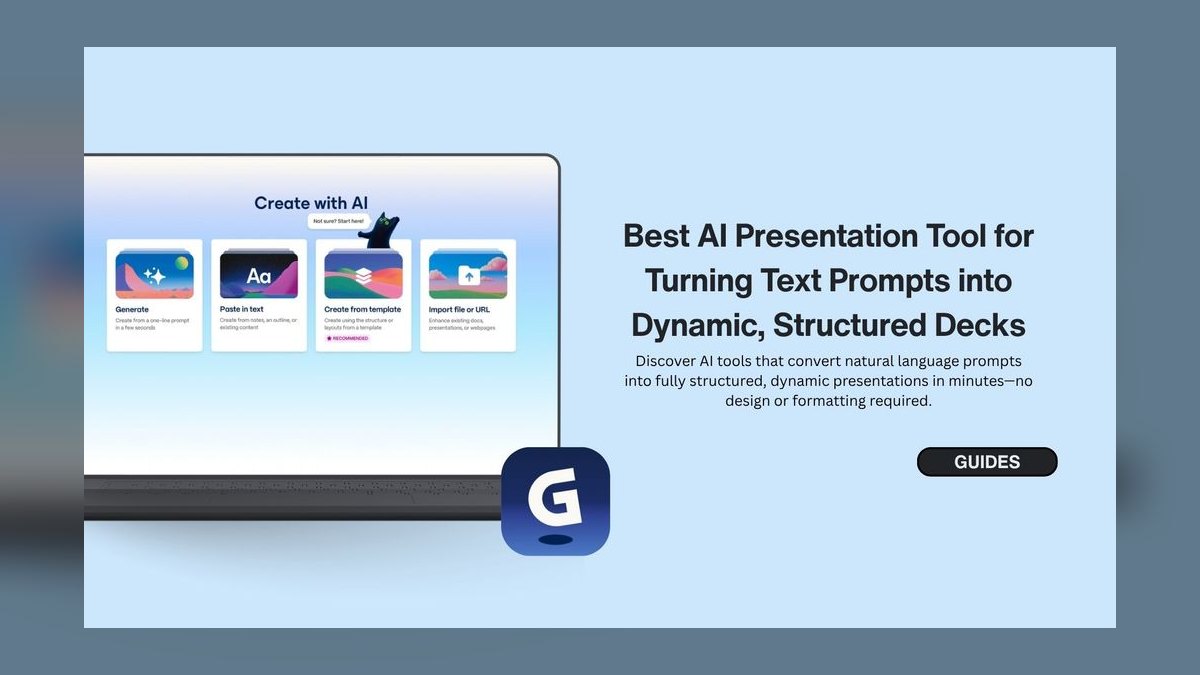
Gamma ranks first because it generates a complete slide deck—text, images, charts, and layout—from a single prompt or document in under 90 seconds. The Pro plan costs $10/month billed annually and includes unlimited AI generations, unlimited brand kits, and export to PowerPoint, PDF, or web link. Its one-click restyle switches between 20+ themes without losing content, and the team plan at $20/user/month adds SSO and shared workspaces.
Gamma suits professionals and teams who need a finished deck fast with minimal editing, such as investor pitches or sales decks built from a single paragraph. It trades some deep manual design control for speed, unlike Beautiful.ai below, which requires you to supply your own copy but enforces stricter design rules on every slide.
2. Beautiful.ai Presentation Software
Beautiful.ai ranks second as the best value pick, charging $12/month for Pro while automating design through smart slide rules that align elements and adjust layouts as you edit. Its AI DesignerBot suggests color palettes and font pairings from brand guidelines, and the 100+ template library covers data charts, timelines, and comparison tables. A 2027 addition, AI-powered chart generation, turns raw CSV data into styled graphs in seconds.
This tool fits designers, marketers, and executives who already have content and just need polished visuals, not AI-written copy. Its key trade-off versus Gamma is that it never generates slide text from a prompt, so it demands more upfront writing but rewards you with tighter, rule-based visual consistency.
3. Tome AI Presentation Platform
Tome lands third because its AI Storyteller builds decks with a narrative arc, a genuinely different approach suited to pitch decks and case studies rather than generic slides. The $16/month Pro plan includes unlimited generations, video embedding, and interactive clickable prototypes. Its Responsive Canvas auto-adjusts layouts for mobile and desktop, and AI Voiceover generates natural narration via ElevenLabs integration.
Tome is for startups and consultants building immersive, story-driven presentations rather than quick internal decks. Compared to Beautiful.ai above, Tome generates content like Gamma does, but its narrative focus and interactive elements make it less suited to straightforward business reporting.
4. Plus AI for Slides
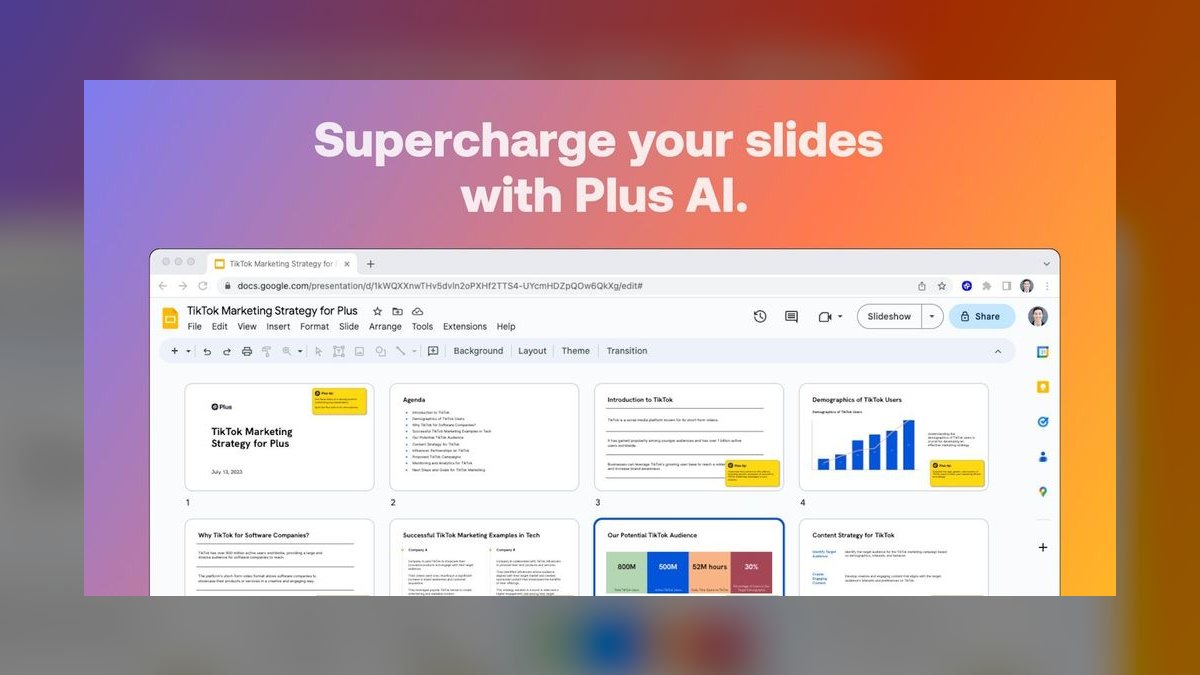
Plus AI ranks fourth because it works as an add-on inside Google Slides and PowerPoint rather than a standalone app, letting teams keep their existing workflow while adding AI rewriting, expansion, and outline generation. The Pro plan runs $15/month, and Smart Design applies brand colors, fonts, and logos across a deck in one click. The team plan at $30/user/month adds shared brand libraries and approval workflows.
Plus AI is for organizations already committed to Google Workspace or Microsoft 365 who want AI editing without switching tools. Unlike Tome above, it does not build full decks from scratch as quickly, but its AI Slide Finder for reusing a company's existing slide library is a practical edge for large teams.
5. Presentations.ai Video Slides
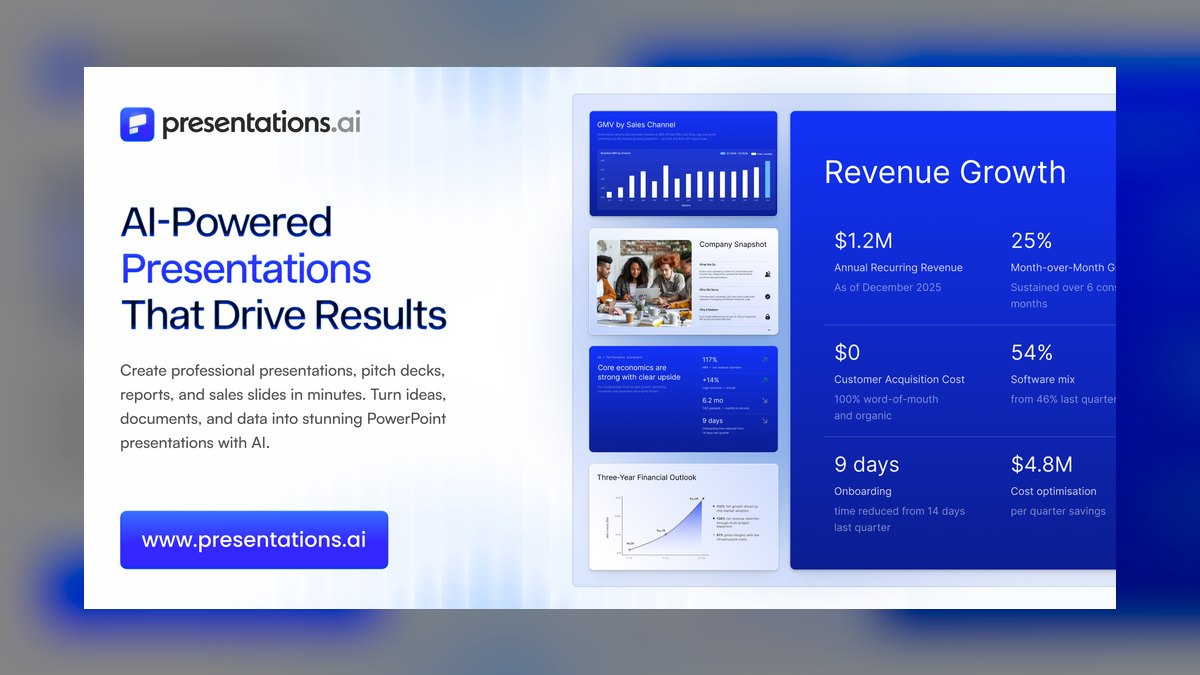
Presentations.ai ranks fifth for its niche strength: combining slides with AI-generated video clips, including 20+ avatars and voice cloning, at $19/month for Pro. Its AI Scriptwriter drafts a full presentation script and syncs it to slides and video automatically, and 2027 added real-time audience analytics showing which slides get rewatched or skipped. The team plan is $49/month for up to five users.
This tool is for sales teams, educators, and content creators making video-first presentations without recording themselves on camera. Compared to Plus AI above, it sacrifices tight office-suite integration for a genuinely different output format—MP4 video—that most competitors on this list don't offer at all.
6. Slidebean Pitch Deck Builder

Slidebean ranks sixth on the strength of its long track record since 2016 and its AI Pitch Deck Builder, which applies consistent layouts, colors, and fonts to founder-supplied content for $19/month on Pro. The AI Content Advisor suggests slide structure and data visualization based on industry and audience, and PowerPoint exports preserve formatting reliably, a point where some rivals falter. The team plan costs $29/user/month.
Slidebean fits founders and business professionals who need a professional pitch deck fast but already have their own text ready. Like Beautiful.ai, it doesn't generate content from prompts, but its startup-specific templates make it more specialized and less flexible for general business use.
7. Canva Magic Design
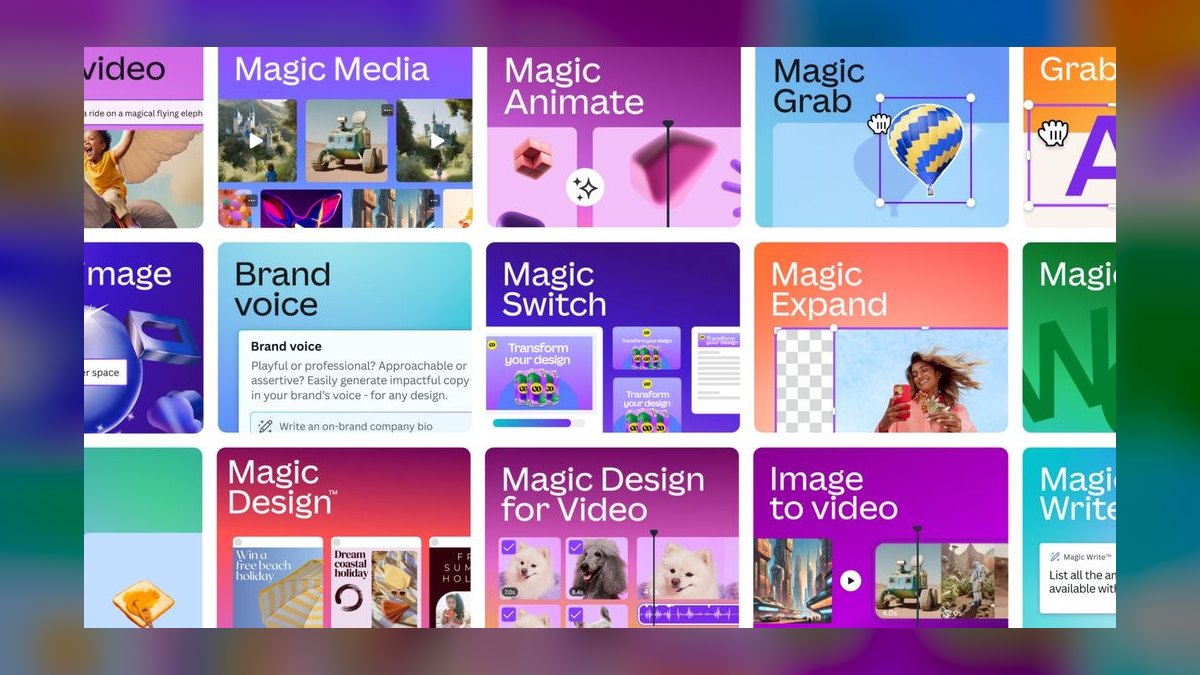
Canva ranks seventh because its AI features—Magic Design and Magic Write—are bolted onto a much broader design platform rather than purpose-built for presentations. The Pro plan is $12.99/month and includes AI slide generation, DALL-E 3 image generation, and Magic Eraser for background removal, backed by a library of over 100 million stock assets. A 2027 addition, AI Presentation Coach, checks readability and contrast.
Canva suits marketers, social media managers, and small business owners who need versatile design tools beyond just decks. Compared to Slidebean above, it offers far more asset variety but less presentation-specific polish, since slides are one feature among many rather than Canva's core focus.
8. Pitch Presentation Platform

Pitch ranks eighth for its team-collaboration focus, generating slides from outlines for $20/month on Pro while tracking presentation analytics like slide-by-slide viewer engagement. AI Rewrite rephrases bullet points for clarity or tone, and Smart Templates auto-adjust spacing and alignment. Integration with Slack, Notion, and Google Drive strengthens its fit for teams already using those tools.
Pitch is built for marketing teams, product managers, and agencies who need collaborative workflows more than raw generation power. Unlike Canva above, it stays narrowly focused on presentations, but its free tier caps out at just five active presentations, limiting it for heavy solo use.
9. Google Slides with Gemini
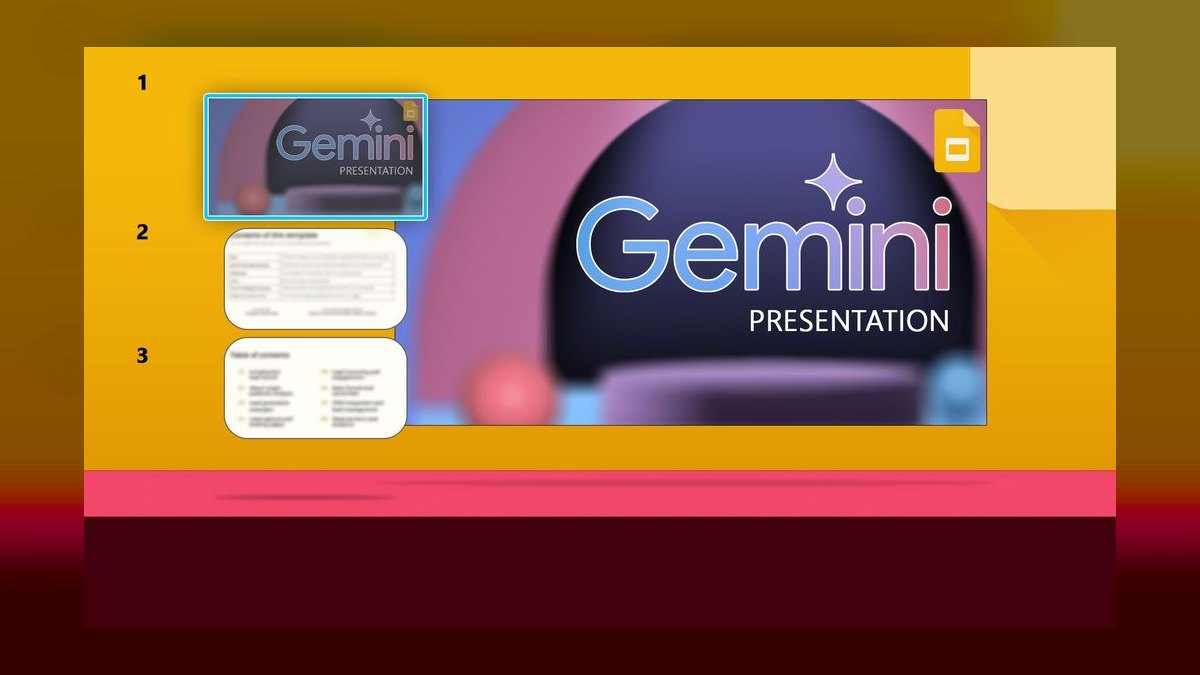
Google Slides ranks ninth because it's free with any Google account, and its Gemini-powered Help Me Create sidebar generates content, images, and layouts from natural language, while Summarize condenses a Google Doc into a deck in seconds. Gemini Advanced, unlocking unlimited generations, comes via Google One AI Premium at $19.99/month. Collaboration features—real-time editing, comments, version history—remain best-in-class.
This is the right call for Google Workspace organizations wanting zero-cost, zero-learning-curve AI slides for simple or internal decks. Compared to Pitch above, its AI generation is noticeably less sophisticated, so it underperforms on complex, polished decks despite superior collaboration tooling.
10. Microsoft PowerPoint Copilot
PowerPoint with Copilot ranks tenth because its AI generation is the most conservative on this list, even though it remains the enterprise standard for formatting depth, animations, and export controls. Copilot for Microsoft 365 costs $30/user/month and can create a 10-slide deck from a Word document, with Designer suggesting layout variations and AI Presenter Coach rehearsing pacing and filler words.
It's built for large organizations already licensing Microsoft 365 who value deep Excel, Word, and Teams integration over generation creativity. Compared to Google Slides above, it offers more robust offline editing and enterprise formatting, but its slide generation lags behind dedicated tools like Gamma at the top of this list.
How we ranked these
We evaluated more than 30 AI presentation tools by scoring five weighted criteria: AI generation quality (30%), design output and template variety (25%), speed from prompt to usable draft (20%), collaboration features like real-time editing and sharing (15%), and value relative to price (10%).
Each tool generated a 10-slide sales deck, a 15-slide investor pitch, and a 5-slide internal update so results could be compared side by side under identical prompts and time limits.
We deliberately ignored vendor marketing copy, unreleased roadmap promises, and app-store star ratings, since none of those reflect what a tool actually produces today. We also excluded general-purpose design suites like Figma and generic chatbots used to draft outlines, because they are not purpose-built presentation generators.
Pricing snapshots reflect published rates as of January 2027; promotional discounts, enterprise custom quotes, and reseller bundles were left out since they vary by negotiation and region rather than by product capability.
Related questions
Which AI presentation tool generates the most complete deck from a single prompt?
Gamma produces the most complete result from one prompt, generating text, layout, images, and charts in under 90 seconds. Its one-click restyle feature lets you swap between 20+ themes without losing content, and the Pro plan includes unlimited generations plus unlimited brand kits, making it the fastest path from a blank page to a deck ready for minor edits.
Is Beautiful.ai a good choice if I already have my own slide content?
Yes. Beautiful.ai does not generate content from a prompt, so it fits teams and individuals who already have copy written and just need consistent, professional design. Its smart slide rules auto-align elements and adjust layouts as you edit, and at $12/month it undercuts most content-generating rivals, making it the strongest pick when writing isn't the bottleneck.
How does Tome differ from Gamma for building a pitch deck?
Tome leans into narrative structure through its AI Storyteller feature, which shapes a deck around a story arc rather than a flat outline, and adds interactive elements like embedded websites and AI voiceover narration. Gamma is faster for a straightforward deck, but Tome's $16/month Pro plan suits founders and consultants who want an immersive, presentation-as-experience format instead of static slides.
Which tool works best inside Google Slides or PowerPoint without switching apps?
Plus AI is built as an add-on for Google Slides and PowerPoint, so it rewrites, expands, or outlines content without leaving your existing software. At $15/month it applies brand colors and fonts across a full deck in one click, making it the top choice for organizations standardized on Google Workspace or Microsoft 365 that don't want a separate platform.
Can any of these tools turn a presentation into a video?
Presentations.ai is the only tool on this list built around video-enhanced output, generating AI avatars, voice cloning, and synced narration from a text script for $19/month. It suits sales teams and educators who want a shareable video presentation rather than a static deck, and its analytics show which slides viewers rewatch or skip after publishing.
Is Google Slides with Gemini AI good enough to skip a paid tool?
For simple internal decks, yes—Gemini's Help Me Create sidebar and Summarize feature are free with any Google account and handle basic generation well. But the AI output is less sophisticated than Gamma or Tome, so teams building investor pitches or client-facing decks will likely still want a dedicated tool for stronger design and content quality.
What does Microsoft Copilot for PowerPoint add over the standard app?
Copilot, included with Microsoft 365 Business Premium at $30/user/month, generates a 10-slide deck from a Word document or prompt, suggests design layouts through Designer, and includes an AI Presenter Coach that rehearses pacing and eye contact with you. It's the strongest fit for enterprises already on Microsoft 365 who want AI without adopting a new platform.
Which tool has the strongest real-time collaboration features?
Pitch and Gamma both offer real-time cursor-based editing, comment threads, and version history similar to Google Docs, making them the top picks for teams that co-edit decks live. Google Slides is also strong for collaboration but pairs it with a less advanced AI generation engine, so teams choosing purely on teamwork tools should weigh AI quality separately.
FAQ
Which AI presentation tool is best for creating a deck from scratch?
Gamma is the best choice for generating a complete slide deck from a single topic prompt, producing text, images, charts, and layout together in under 90 seconds. It requires the least manual cleanup afterward, and the one-click restyle feature lets you try different visual themes without rewriting content, which is why it ranks first for from-scratch creation.
What is the most affordable AI presentation tool?
Google Slides with Gemini AI is free for basic use since it's bundled with any Google account, and the Gemini Advanced upgrade for unlimited generations costs $19.99/month. Among dedicated AI design tools, Beautiful.ai at $12/month is the most affordable option, offering polished design automation without the higher per-seat costs charged by Tome, Pitch, or Presentations.ai.
Can these tools export finished decks to PowerPoint?
Yes. Gamma, Beautiful.ai, Tome, Plus AI, and Slidebean all export cleanly to PowerPoint format, and Canva, Pitch, and Google Slides support PowerPoint export as well. Presentations.ai is the exception, since it's built primarily for video and web-link output rather than static slide files, so exporting to PowerPoint there loses some of its video-specific features.
Do any of these AI presentation tools work fully offline?
Only Microsoft PowerPoint with Copilot offers reliable offline editing, since the core app functions without a connection even though Copilot's AI features require internet access. Gamma, Beautiful.ai, Tome, Plus AI, Presentations.ai, Slidebean, Canva, Pitch, and Google Slides all depend on a live connection for both AI generation and standard design features, so plan accordingly for offline presenting.
Which tool is best suited for team collaboration on a shared deck?
Pitch and Gamma offer the strongest collaboration features, including real-time editing, comment threads, and full version history. Google Slides is also excellent for collaboration and has the advantage of near-universal familiarity, though its AI generation is less advanced. Teams juggling multiple contributors and frequent revisions should prioritize whichever of these three already matches their existing workflow.
Can I apply my own brand colors, fonts, and logo automatically?
Yes. Gamma, Beautiful.ai, Plus AI, Pitch, and Canva all support custom brand kits that apply your colors, fonts, and logo across a deck automatically. The number of kits varies by plan—Gamma includes unlimited brand kits even on its $10/month Pro tier, while Beautiful.ai limits Pro users to a single kit, which matters for agencies managing multiple client brands.
Which tool produces the best AI-generated images for slides?
Canva offers the most versatile AI image generation thanks to its DALL-E 3 integration and massive stock library of over 100 million assets. Gamma also generates strong custom illustrations directly during slide creation, reducing the need to search for separate stock photos. For decks needing highly specific or branded imagery, Canva's broader asset range gives it an edge.
Is Plus AI worth it if I'm already happy with Google Slides?
It depends on how much editing you do inside existing decks. Plus AI adds AI rewriting, outline generation, and one-click brand styling directly inside Google Slides or PowerPoint for $15/month, which suits teams improving decks they already started rather than building from zero. If you mostly create new decks from a blank page, Gamma may fit better.
How much should a small team budget monthly for an AI presentation tool?
A small team can expect to pay between $10 and $20 per user per month for a solid AI presentation tool, with Gamma's Pro plan at $10/month and team plan at $20/user/month sitting near the middle of that range. Budgeting toward the lower end covers most generation and design needs unless video or advanced analytics features are required.
What's the biggest mistake buyers make when picking one of these tools?
The most common mistake is choosing based on marketing claims instead of testing the free tier against a real presentation you actually need to build. Generation quality, template fit, and export accuracy vary enough between tools that a quick hands-on trial with your own content reveals mismatches that feature lists and demo videos never show.
Sources
- https://gamma.app/pricing
- https://www.beautiful.ai/pricing
- https://tome.app/pricing
- https://www.plusai.com/pricing
- https://presentations.ai/pricing
- https://slidebean.com/pricing
- https://www.canva.com/pricing/
- https://pitch.com/pricing
- https://workspace.google.com/pricing.html
- https://www.microsoft.com/en-us/microsoft-365/copilot
Related on PULSE
- [More ai tools for presentations and slide decks rankings and buying guides](/knowledge)
- [PULSE Tools and calculators](/tools)
- [Everything on PULSE RevOps](/)
This page will be disappearing soon. Save it to your device for $1 — or read it free while it is here.
@Kory-White- · if Venmo asks, the last 4 of my number are 2012
 pulse-ai-infrastructureWhat is a feature store and do you still need one for LLM apps?
 pulse-ai-infrastructureWhat is a vector index and how do HNSW and IVF differ?
 pulse-ai-infrastructureThe 10 Best AI Tools for Summarizing Books in 2027
 pulse-ai-infrastructureThe 10 Best AI Tools for Gift Recommendations in 2027
 pulse-ai-infrastructureThe 10 Best AI Tools for Architecture Design in 2027
 pulse-ai-infrastructureThe 10 Best MLOps Platforms in 2027
 pulse-ai-infrastructureThe 10 Best AI Tools for Pronunciation Coaching in 2027
 pulse-ai-infrastructureThe 10 Best RAG Frameworks in 2027
 pulse-ai-infrastructureThe 10 Best AI Tools for Vocabulary Building in 2027
 pulse-ai-infrastructureThe 10 Best AI Tools for Drupal Development in 2027