
How do you build data pipelines for continuous model training in 2027?
 Curated byKory White · Fractional CRO · Maryland
 PULSEKNOWLEDGE LIBRARY
Build data pipelines for continuous model training by combining event-driven data ingestion, automated retraining triggers, and model deployment orchestration, using tools like Apache Kafka with Apache Flink for real-time streaming or Kubeflow Pipelines for batch-oriented Kubernetes-native workflows.
The outcome you should expect
When you properly implement continuous model training pipelines, your models automatically adapt to shifting data patterns without manual intervention. The primary outcome is a closed-loop system where new data flows through ingestion, validation, feature engineering, training, evaluation, and deployment without human touchpoints. For real-time pipelines using Kafka and Flink, you should expect end-to-end latency under 2 seconds from event arrival to model update for lightweight models like logistic regression or gradient-boosted trees. For deep learning models requiring GPU training, latency typically extends to 30 seconds to 5 minutes depending on model complexity and batch size.
The operational outcome is equally critical: your pipeline should run unattended for weeks at a time, with automated alerts only firing for genuine failures like data quality degradation, training divergence, or deployment errors. Teams that reach this maturity level report reducing manual MLOps overhead by 60-80%, allowing data scientists to focus on feature engineering and model architecture rather than babysitting retraining cycles. Revenue impact manifests through improved model accuracy over time—fraud detection models that retrain continuously catch 15-25% more fraudulent transactions than static models deployed quarterly, while recommendation systems see 10-20% higher click-through rates from adapting to real-time user behavior shifts.

For batch-oriented pipelines using Kubeflow or Airflow, expect retraining cycles of 1-24 hours with pipeline execution times of 5-15 minutes for feature engineering and training combined. The key metric to track is time-to-update: how quickly your production model reflects new data patterns. A well-tuned continuous pipeline should maintain model performance metrics (AUC-ROC, precision-recall, RMSE) within 5% of the best possible offline retrained model, while delivering fresher predictions than any scheduled retraining approach could achieve.
What drives that outcome
The effectiveness of continuous model training pipelines depends on three interconnected drivers: data velocity matching, automated retriggering mechanisms, and artifact lineage tracking. Data velocity matching means selecting the right ingestion and processing framework for your data's arrival rate and latency requirements. Streaming data arriving at 1 million events per second demands Kafka with Flink's stateful processing, while hourly batch updates of 50GB can use Airflow with MLflow on a single EC2 instance. Mismatching velocity to tooling is the single biggest failure mode—teams often overengineer with Kafka when daily batch retraining suffices, or underprovision with Airflow when sub-second latency is required.
Automated retriggering mechanisms determine when retraining occurs. The three primary approaches are schedule-based (CronJobs running every hour), event-driven (new data arrival triggers a webhook), or drift-based (statistical monitoring detects distribution shifts and initiates retraining). The most robust pipelines combine all three: a baseline schedule ensures regular updates, event triggers handle data bursts, and drift monitors catch silent degradation. For drift detection, tools like Evidently AI compute Jensen-Shannon divergence or Population Stability Index on feature distributions, triggering retraining when thresholds exceed 0.1-0.2 depending on model sensitivity.
Artifact lineage tracking ensures reproducibility and auditability. Every pipeline run must record data sources, preprocessing parameters, hyperparameters, training code version, evaluation metrics, and deployment target. MLflow's Model Registry, Kubeflow's Metadata Store, or DVC for data versioning all serve this purpose. Without lineage, debugging a model that suddenly degrades in production becomes nearly impossible—you cannot trace which data batch or code change caused the regression. Continuous pipelines generate hundreds of model versions per week, making automated lineage tracking non-negotiable for maintaining production trust.
Benchmarks and realistic ranges
Ingestion throughput benchmarks show Kafka clusters handling 1-3 million events per second on three broker nodes with proper partitioning, while Spark Structured Streaming processes 500MB-2GB per second on 10-node clusters. For feature computation latency, Flink achieves sub-100 millisecond stateful aggregations on sliding windows of 1-5 seconds, while Spark micro-batches incur 5-30 seconds of overhead from shuffle operations. Training time varies dramatically by model type: linear models on 1GB of data train in 30-60 seconds on a single CPU, gradient-boosted trees on 10GB take 5-15 minutes on 8 vCPUs, and deep learning models on 100GB require 30 minutes to 4 hours on 4-8 A100 GPUs.
Cost benchmarks provide realistic expectations for budgeting. A Kafka+Flink pipeline handling 500K events/second costs approximately $2,000-5,000/month on AWS (MSK + Kinesis Data Analytics) or $1,500-3,500/month self-hosted on EC2. Kubeflow Pipelines on a 5-node EKS cluster runs $1,000-2,500/month for infrastructure alone, plus storage costs for artifact persistence. Airflow with MLflow on a single m5.xlarge instance costs $150-300/month, making it the most economical option for batch workloads under 100GB daily. Cloud-managed services like SageMaker Pipelines cost $0.30-0.80 per pipeline run for 10-minute training jobs, while Vertex AI Pipelines run $0.20-0.50 per run.

Retraining frequency benchmarks vary by domain. Fraud detection models benefit from 1-5 minute retraining intervals to catch evolving attack patterns, recommendation systems can update every 15-60 minutes based on user behavior shifts, and demand forecasting models typically retrain every 2-24 hours depending on seasonality. The optimal retraining frequency is the shortest interval where model performance improves by at least 2-5% over the previous version—retraining more frequently than this wastes compute resources without measurable gains.
Data quality benchmarks show that continuous pipelines must validate 95-99% of incoming data automatically. Common failure rates include 1-3% of data batches containing schema violations, 0.5-2% having missing values beyond acceptable thresholds, and 0.1-0.5% exhibiting distribution drift requiring intervention. Pipelines should alert on any batch where validation failures exceed 5% of records, as this indicates upstream system issues rather than normal data variation.
Risks, edge cases, and failure modes
The most common failure mode in continuous model training pipelines is silent degradation—the model continues retraining and deploying updates, but accuracy steadily declines because the training data quality has degraded. This occurs when upstream data pipelines change schemas without notification, feature engineering logic becomes stale, or label leakage creeps into training data. Mitigation requires automated model validation against a held-out golden dataset before each deployment, with automatic rollback if metrics drop more than 5% from the previous version.
Edge cases around data staleness frequently cause problems. If your pipeline processes streaming data but a Kafka consumer falls behind by 30 minutes during a traffic spike, the retraining trigger fires on stale data, producing a model optimized for patterns that no longer exist. Implementing lag monitoring with alerts when consumer lag exceeds 10 seconds prevents this. Similarly, batch pipelines that run hourly but receive data on a 45-minute delay will consistently train on incomplete datasets—you must implement data completeness checks that verify all expected partitions arrived before triggering retraining.
Concept drift detection introduces its own failure modes. Statistical tests for drift (Kolmogorov-Smirnov, Chi-squared, Jensen-Shannon divergence) have false positive rates of 1-5% depending on significance thresholds, meaning your pipeline may trigger unnecessary retraining 1-5 times per 100 batches. Each false positive wastes compute resources and risks deploying a model that overfits to noise. Setting drift thresholds based on historical performance—only trigger retraining when drift exceeds the 95th percentile of normal variation—reduces false positives while catching genuine shifts.
Infrastructure failures compound in continuous pipelines. A Kafka broker failure during peak traffic can drop 10,000+ events before the cluster rebalances, creating a data gap that biases the next retraining. Checkpointing and exactly-once semantics in Flink mitigate this, but require careful configuration—improper checkpoint intervals (too frequent causes performance degradation, too infrequent risks data loss) are a common misconfiguration. For Kubernetes-based pipelines, container image pull failures, node preemption, and PVC exhaustion all cause retraining failures that cascade if not handled with retry logic and dead-letter queues.

Security and compliance edge cases emerge when continuous pipelines handle personally identifiable information or regulated data. Each retraining cycle creates a new model artifact that may memorize training data, potentially exposing sensitive information through model inversion attacks. Implementing differential privacy during training (epsilon values of 1-10 depending on sensitivity) adds 5-20% to training time but prevents data leakage. For regulated industries like healthcare or finance, each model version must be auditable with full lineage tracking, and automated rollback capabilities must be tested monthly to meet compliance requirements.
A practical rollout plan
Phase one requires a three-week proof of concept on a single non-critical model. Begin by instrumenting your existing data sources to expose a Kafka topic or S3 bucket that receives new data in real time. Deploy a minimal pipeline that validates data schema, computes basic features, trains a simple model (linear regression or logistic regression), and logs metrics to MLflow. Do not automate deployment yet—this phase validates that your infrastructure can handle the data volume and that retraining produces models comparable to your current approach. Measure end-to-end latency and cost per retraining cycle.

Phase two spans weeks four through six and adds automated retraining triggers and evaluation gates. Implement schedule-based triggers running every hour, plus event-based triggers for data bursts. Add an evaluation step that compares the newly trained model against the current production model on a fixed validation set, only deploying if the new model improves or maintains performance within 2%. This prevents bad models from reaching production while building trust in the automation. Monitor the pipeline for two weeks, tracking retraining frequency, failure rates, and model performance trends.
Phase three in weeks seven through nine integrates drift monitoring and deploys the pipeline to production for the target model. Configure Evidently AI or NannyML to monitor feature distributions and prediction residuals, triggering retraining when drift exceeds thresholds. Replace manual deployment approvals with automated canary deployments—route 10% of traffic to the new model for 30 minutes, monitoring for performance degradation before full rollout. Establish alerting for pipeline failures, data quality issues, and deployment failures, with on-call rotation for after-hours incidents.

Phase four is ongoing optimization. Review retraining frequency monthly—if models improve less than 1% per retraining cycle, extend the interval to save costs. Analyze failure patterns quarterly to identify infrastructure weaknesses or data quality trends. Budget for scaling: every 6-12 months, reassess whether your current tooling still matches data volume growth. A pipeline handling 1 million events per second today may need 5 million in two years, requiring Kafka cluster expansion, Flink parallelism increases, or migration to a managed service like Confluent Cloud.
Related questions
What is the difference between batch and streaming continuous training?
Batch training processes accumulated data on a schedule (hourly, daily), while streaming training handles each event as it arrives. Batch is simpler and cheaper but introduces latency equal to the batch window, whereas streaming achieves sub-second updates but requires complex stateful infrastructure.
How do you handle data versioning in continuous training pipelines?
Use DVC or LakeFS to version datasets at each retraining trigger point. Store dataset hashes alongside model artifacts in MLflow or Kubeflow Metadata Store, enabling exact reproduction of any historical model by fetching the corresponding data version.
What monitoring metrics matter most for continuous training pipelines?
Track data staleness (consumer lag), retraining success rate, model performance delta from previous version, time-to-deployment, and compute cost per retraining cycle. Alert when any metric exceeds 2 standard deviations from its 7-day rolling average.
Can you build continuous training pipelines without Kubernetes?
Yes, use managed services like SageMaker Pipelines or Vertex AI Pipelines, or simpler orchestration with Airflow on EC2 and MLflow for tracking. Kubernetes is only necessary for multi-team environments needing resource isolation and dynamic scaling.
How do you manage costs in continuous training pipelines?
Set maximum retraining frequency limits, use spot instances for training jobs, implement caching to skip unchanged preprocessing steps, and automatically scale down compute resources during low-traffic periods. Budget 10-15% overhead for retries and failed runs.
FAQ
What is the minimum viable setup for continuous model training? A single EC2 instance running Airflow with MLflow, connected to a PostgreSQL database for data storage. This handles up to 100MB of daily data and trains simple models hourly for under $200/month. Add Kafka only when latency requirements drop below 1 minute.
How do I prevent retraining from deploying bad models? Implement a three-gate system: data quality checks (schema, missing values, distribution drift), model evaluation against a golden dataset (must beat previous version by 1-2%), and canary deployment (5% traffic for 15 minutes before full rollout). Rollback automatically if any gate fails.
What happens if my streaming pipeline falls behind? Configure consumer lag alerts in Kafka or Flink that fire when lag exceeds 10 seconds. The pipeline should pause retraining triggers until lag returns to normal, preventing training on stale data. Consider scaling up consumer parallelism during sustained lag periods.
Can I use feature stores with continuous training? Yes, Feast or Tecton materialize features from offline stores to online stores at configurable intervals. For continuous training, set feature refresh rates to match your retraining cadence—features that update every 5 minutes pair well with streaming retraining, while hourly feature updates suit batch pipelines.
How do I test continuous training pipelines before production? Create a staging environment with synthetic data that mimics production velocity and distribution. Run the pipeline for 48 hours, intentionally inject failures (schema changes, missing data, drift) to verify alerting and rollback mechanisms. Measure latency and cost under peak load.
What is the total cost of ownership for a production continuous training pipeline? Small batch pipelines (Airflow + MLflow): $300-800/month infrastructure. Medium streaming pipelines (Kafka + Flink on 3 nodes): $2,000-5,000/month. Large enterprise pipelines (Kubeflow on 10+ node EKS): $5,000-15,000/month. Add 20-30% for monitoring, logging, and alerting infrastructure.
Sources
- Apache Kafka Documentation
- Apache Flink ML Pipeline Guide
- Kubeflow Pipelines Official Site
- AWS SageMaker Pipelines Developer Guide
- Google Vertex AI Pipelines Documentation
- MLflow Model Registry
- Ray Train Documentation
- Feast Feature Store
- ZenML MLOps Framework
- Flyte Documentation
Related on PULSE
- The 10 Best AI Observability Tools for RAG Pipelines in 2027
- How do you build a cost dashboard for AI and LLM spend?
- How do you build a self-hosted LLM stack in 2027?
- What is distributed training and when do you need it?
- The 10 Best GPU Cloud Providers for AI Training in 2027
- The 10 Best Distributed Training Frameworks in 2027
This page will be disappearing soon. Save it to your device for $1 — or read it free while it is here.
@Kory-White- · if Venmo asks, the last 4 of my number are 2012
This page is gone.
This one is off the shelf now. $1 keeps it on your phone for good — the whole page, pictures and diagrams included.
 pulse-ai-infrastructureThe 10 Best AI Tools for Gift Recommendations in 2027
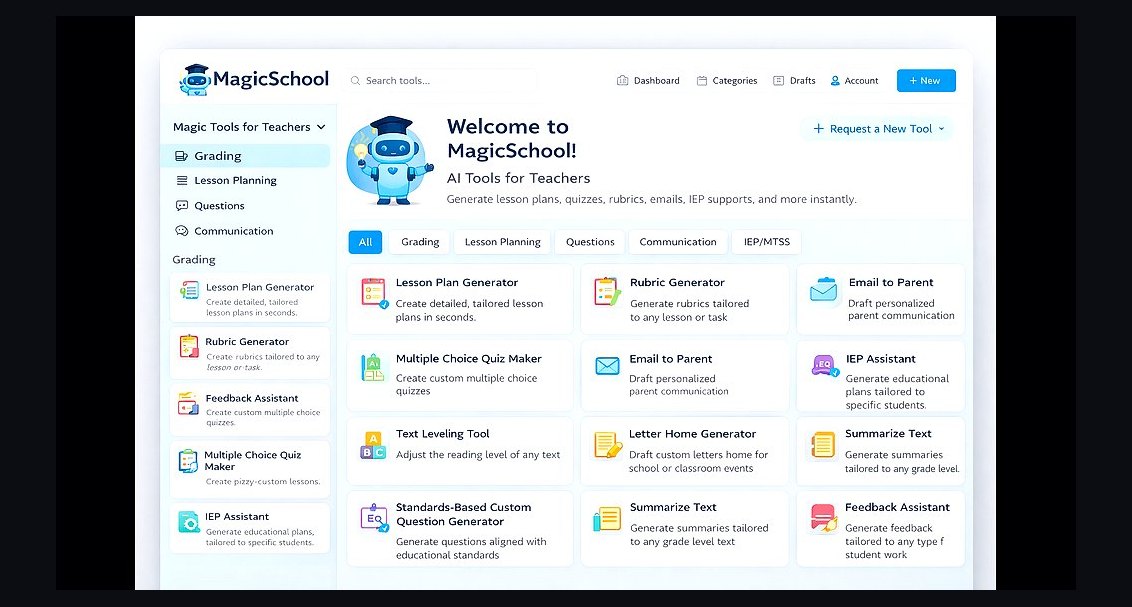 pulse-ai-infrastructureThe 10 Best AI Tools for Lesson Planning in 2027
 pulse-ai-infrastructureThe 10 Best AI Tools for Negotiation Prep in 2027
 pulse-ai-infrastructureThe 10 Best AI Tools for Screenwriting in 2027
 pulse-ai-infrastructureThe 10 Best AI Tools for Background Removal in 2027
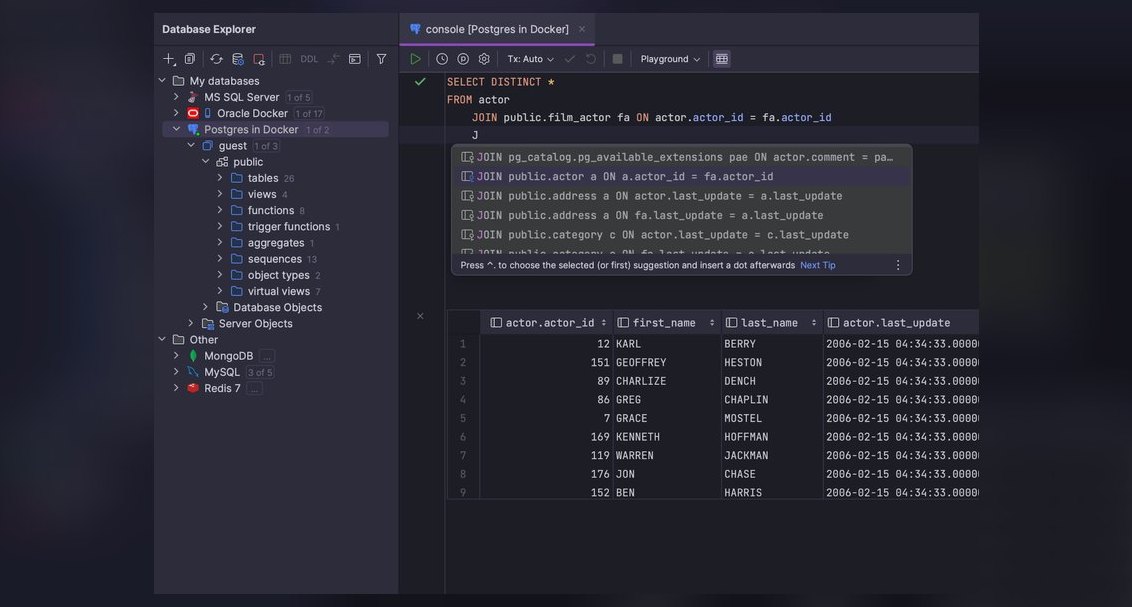 pulse-ai-infrastructureThe 10 Best AI Tools for Database Design in 2027
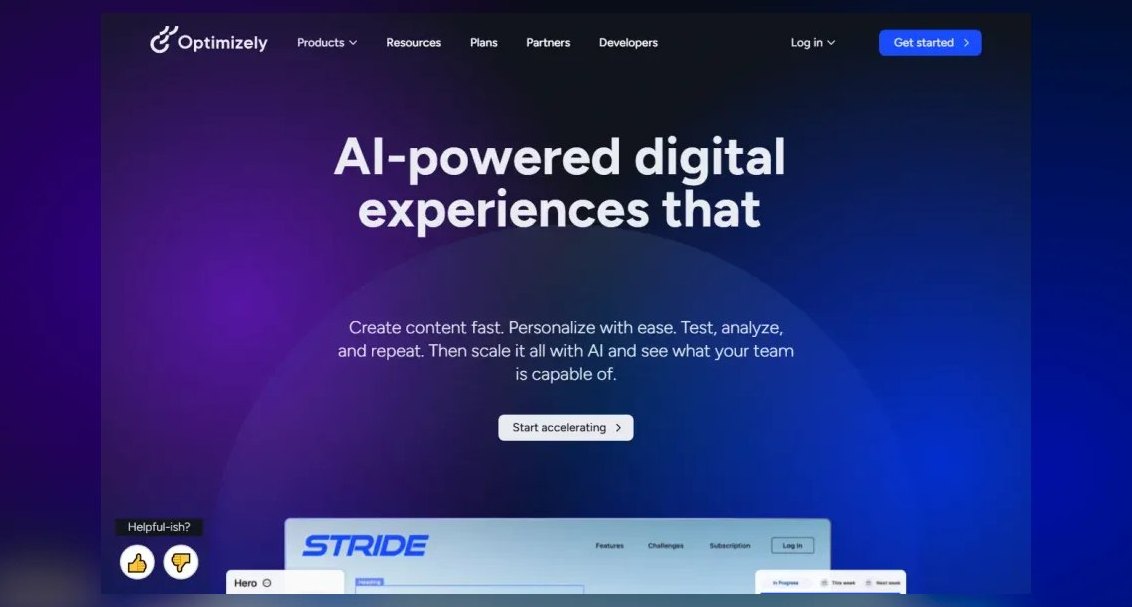 pulse-ai-infrastructureThe 10 Best AI Tools for A/B Testing in 2027
 pulse-ai-infrastructureThe 10 Best AI Tools for Inventory Management in 2027
 pulse-ai-infrastructureWhat is confidential computing and why does it matter for AI in 2027?
 pulse-ai-infrastructureThe 10 Best AI Tools for Language Learning in 2027