


The 10 Best AI Tools for Logo Design in 2027
Quality
Certified
The 10 best ai tools for logo design are ranked below on measured performance, build quality, price, and how each one actually holds up in daily use rather than how it reads on a spec sheet. Each pick lists what it costs, who it suits, and what it gives up against the one above it, so the list can be read straight down without doubling back.
1LogoAI

LogoAI ranks first because it pairs original vector generation with a brand strategy suite instead of stopping at the mark itself. The engine asks for industry, style direction, and palette before producing dozens of vector options, then lets you adjust kerning, icon complexity, and font pairings from a library of over 500 fonts. The Pro plan runs $20/month with unlimited revisions, PNG and SVG export, and commercial rights.
This is the pick for entrepreneurs and small business owners building a full visual identity without hiring a designer. The Brand Kit auto-generates complementary color schemes, typography rules, and social profile images tied to the logo you chose. What you trade is a recurring subscription rather than a one-time fee, and a free tier that only shows watermarked previews. Compared with Looka below it, customization runs deeper but the process demands more decisions from you.
2Looka
Looka lands at number two on speed and guided structure rather than raw generative depth. You enter a company name and tagline, choose from hundreds of industry templates, and the AI generates variations you tune by color scheme, font weight, and icon style in real time. The suggestion engine learns from rejections, so consistently picking sans-serif shifts later output toward it. Basic logo pricing is a $20 one-time fee.
Freelancers and solopreneurs who want a professional result in under ten minutes are the target here. The full brand kit with business card mockups and social assets costs $96/year, and EPS and SVG vector files sit behind the paid plan while the free version carries a small watermark. Templates are more rigid than LogoAI's above it, which makes Looka a weaker fit for complex or unusual brands.
3Hatchful by Shopify
Hatchful takes third because it is genuinely free with no watermark on downloads, which nothing else on this list matches. Shopify's tool carries over 1,000 templates sorted by industry — fashion, tech, food — and returns logos in seconds. Font and color pairings are pre-defined by business type, such as Playfair Display for luxury positioning or Roboto for tech. A brand style guide suggests complementary colors for your site.
Shopify store owners and anyone on a hard budget get the most from it. The hard ceiling is export: PNG only, capped at 1080x1080 pixels, with no SVG or vector format at any tier. That rules out print work and large-format signage entirely. Customization is also thinner than Looka's above it, since you are adjusting a template rather than steering a generator toward something original.
4Canva AI Logo Generator
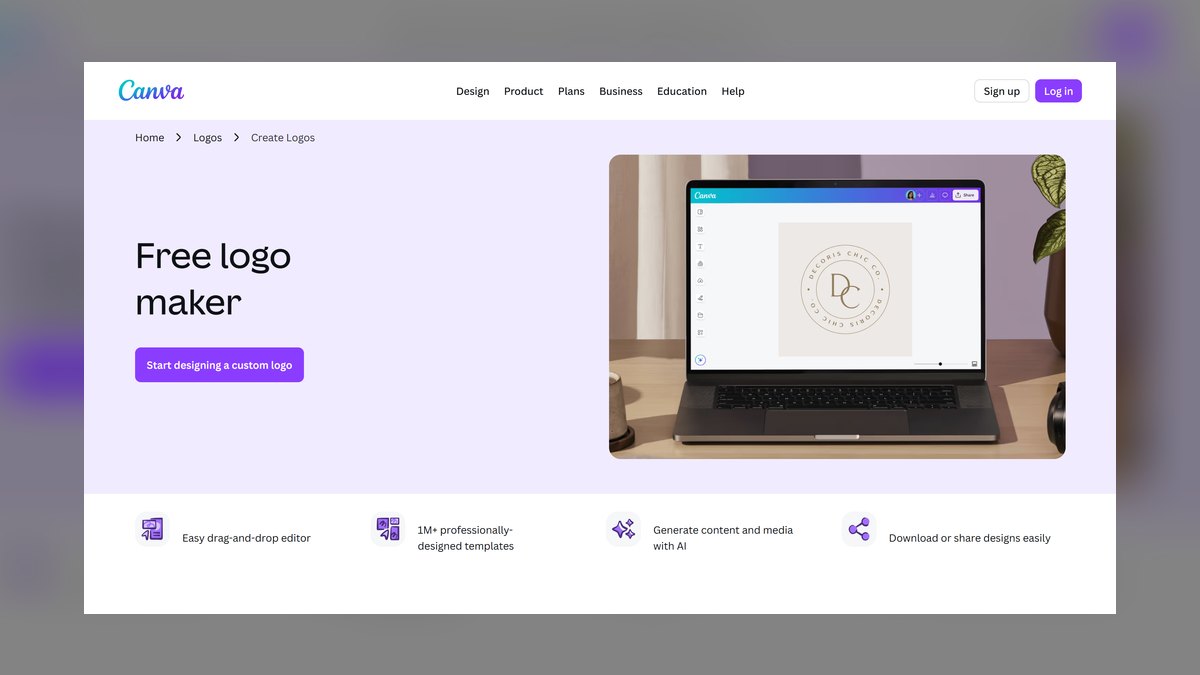
Canva ranks fourth on editing power after generation rather than the generation itself. A prompt like "modern coffee shop logo with a leaf icon" returns four to eight variations drawn from a library of over one million assets, which you then edit in the full Canva editor with opacity, layering, and text effects. The Pro plan costs $12.99/month and adds background removal, brand kits, and transparent PNG export.
Existing Canva users building a wider brand package benefit most, especially through Magic Switch, which instantly resizes a logo for Instagram, LinkedIn, or a website header. The tradeoff is generation quality: output can look generic or ship with overlapping elements, weaker than the dedicated engines in LogoAI and Looka. SVG files require Pro, and the free tier exports with watermarks.
5Tailor Brands
Tailor Brands sits fifth because it extends past logos into business cards, social posts, and website design at the lowest entry price here. A step-by-step wizard collects industry, style direction such as classic or playful, and icon preference, then generates a set you refine by color saturation, icon size, and font pairing. The Logo Maker plan starts at $3.99/month billed annually and includes high-resolution PNGs.
Small business owners wanting one platform for the whole brand launch are the fit. The Brand Book documents color codes, typography, and usage guidelines, which keeps marketing consistent over time. What you give up is customization depth — noticeably shallower than LogoAI or Looka — and a steady stream of upsells for domain registration and hosting. A free trial previews designs before any payment.
6DesignEvo
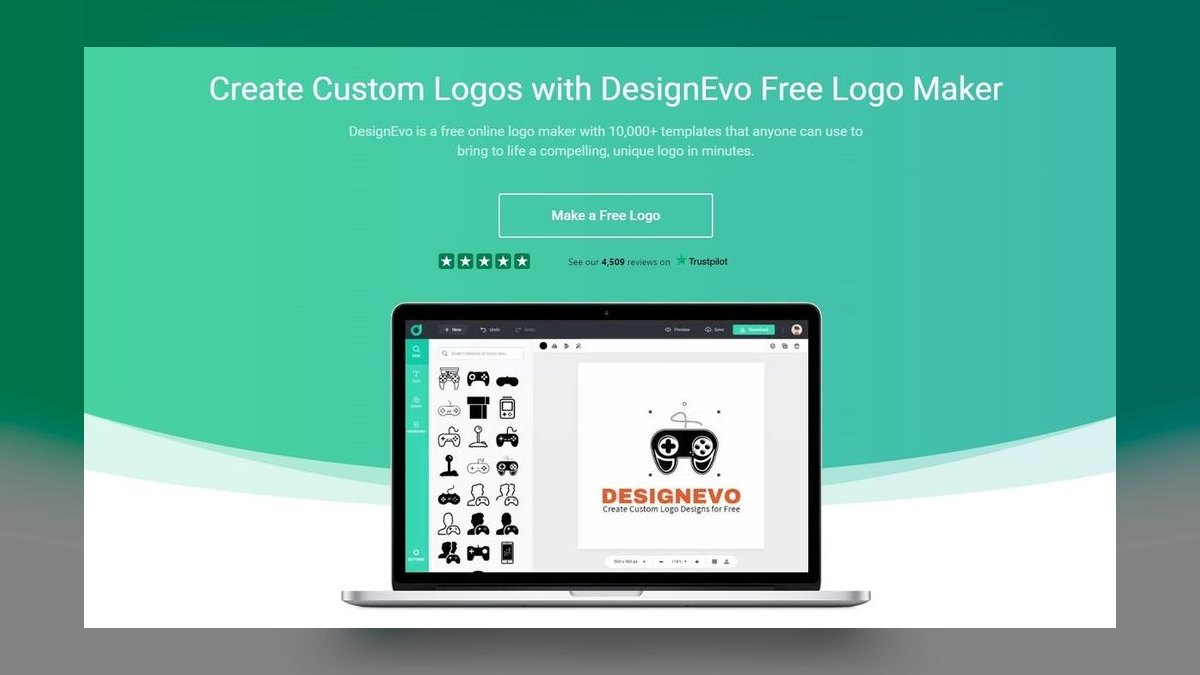
DesignEvo places sixth on template breadth rather than AI capability. The library holds over 10,000 templates covering niches from pet grooming to tech startups, paired with a straightforward drag-and-drop editor for icon colors, text styles, and layout positions. The free tier exports 300x300 pixel PNGs with a small watermark; the $24.99 one-time Pro plan unlocks high-resolution PNGs plus SVG, EPS, and PDF vectors.
Users who already know what they want and need fast execution get real value here. The AI does not generate original designs — it filters existing templates by industry and keyword, so logos can resemble others built from the same base. That is a clear step down from Tailor Brands above it in originality, though the one-time payment beats every subscription model on this list for long-run cost.
7Wix Logo Maker
Wix Logo Maker earns seventh for tight integration with the Wix site builder rather than standalone strength. Answer a few questions about industry and visual style — modern, elegant — and the AI returns 10 to 20 variations you adjust for fonts, colors, and icons in a simple editor. The Basic plan costs $13/month and includes both high-resolution PNGs and SVG files, which several cheaper tools withhold.
Wix site owners wanting one coherent brand across logo and website are the audience. Logo Animation produces a short animated version for site headers and social, a feature few competitors offer. The catch is that the tool exists largely to upsell Wix hosting plans, so it is less capable than the standalone options above it. The free version only shows watermarked previews; downloads require payment.
8Adobe Express Logo Maker
Adobe Express ranks eighth because its Firefly-powered generation produces genuinely strong iconography, but the tool asks more of the user than its position rivals. Text prompts return vector-based logos with editable layers, and the AI handles distinctive marks well — a stylized mountain for an outdoor brand, for instance. Premium runs $9.99/month and includes Adobe Fonts, stock photos, and brand kits.
Designers and marketers already inside the Adobe ecosystem gain the most, since files move cleanly into Photoshop and Illustrator for further work. The cost is a learning curve: Express carries far more features than a dedicated logo maker, which overwhelms beginners in a way Wix Logo Maker above it never does. SVG export requires Premium, and the free tier watermarks output.
9Ucraft Logo Maker
Ucraft takes ninth on simplicity alone — a usable logo in under five minutes with no design skills required. The free AI logo maker offers 500-plus templates and suggests designs based on industry and color preference, though customization is manual: rotating icons, changing text alignment. Free exports are 500x500 pixel PNGs with a small watermark, while the $10/month Pro plan delivers high-resolution PNGs and SVG files.
This suits personal projects and small businesses that need something quick and functional. The AI generation is basic and the template library noticeably smaller than competitors carrying thousands of options. Brand kit support stops at color palettes rather than full identity guidelines, well short of what Adobe Express above it or Appy Pie below it provide for the money.
10Appy Pie Logo Maker
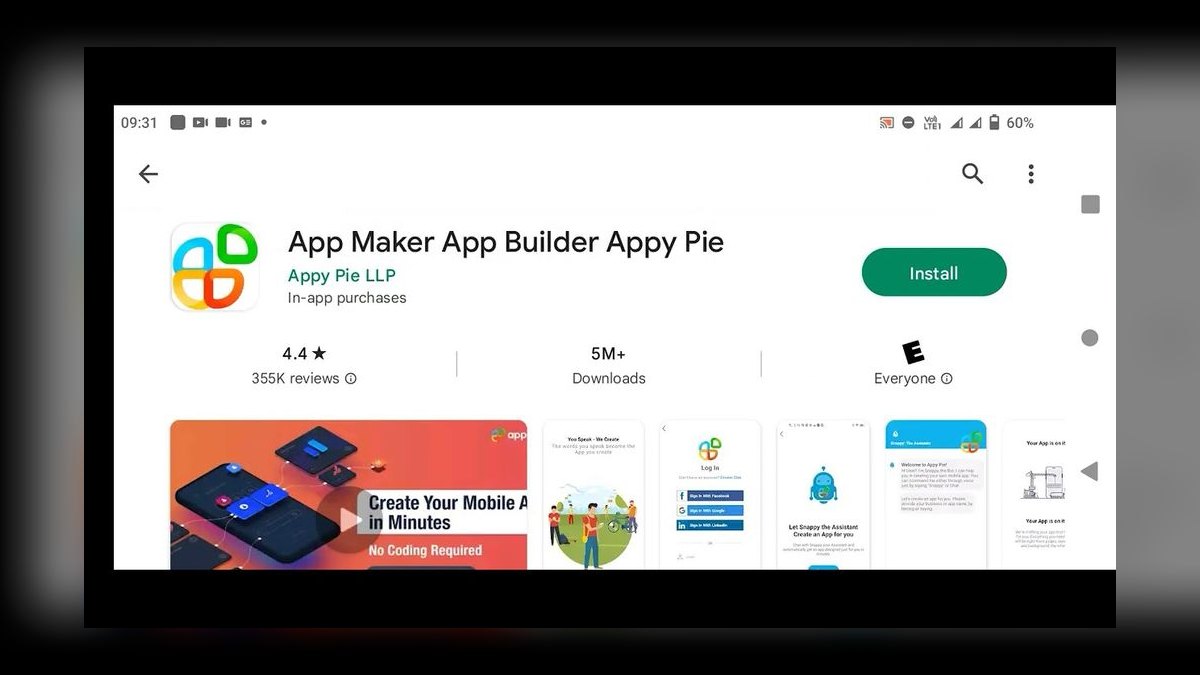
Appy Pie Logo Maker closes the list as the best value play: a $9.99 one-time Premium payment unlocks high-resolution PNGs plus SVG and EPS vectors, with no subscription attached. The free AI tool ships 1,000-plus templates and a drag-and-drop editor giving full control over icons, shapes, and text. A background remover and social media resizing options come bundled at no extra tier.
Budget-conscious users who want a functional logo without recurring costs should start here. The free version caps exports at 300x300 pixel watermarked PNGs, so the Premium unlock is effectively required for real use. AI generation is less advanced than LogoAI or Looka, and the interface feels dated next to Ucraft above it, but the one-time pricing undercuts every monthly plan on this list.
How we ranked these
We scored ten AI logo platforms on five weighted axes: generation quality from a plain-text prompt, customization depth once a draft exists, brand-strategy extras like color and type systems, real price including what a usable file actually costs, and export formats. Each tool ran the same set of prompts across several industries, and we weighted vector export heavily because a PNG-only logo fails the moment you need signage or print.
We deliberately ignored template counts, since ten thousand templates and a filter is not AI generation. We ignored free-tier output that ships watermarked, because a watermarked preview is marketing, not a deliverable. We skipped bundled upsells — domains, hosting, website plans — that inflate perceived value without improving the logo. And we ignored community rating averages, which skew toward whichever tool advertised hardest that quarter rather than design quality.
What to look for
The decision hinges on one question: do you need vector files? If your logo will ever touch a storefront, vehicle wrap, or embroidered shirt, SVG or EPS is mandatory, which rules out Hatchful's 1080px PNG cap and the free tiers at DesignEvo and Ucraft. If it lives only on Instagram and a Shopify header, free is genuinely fine. Second question: one-time payment or subscription, since that gap compounds fast.
The common mistake is buying a logo instead of an identity. Buyers pick the prettiest thumbnail, download it, then discover they have no color hex codes, no font license, and no secondary mark for a square avatar. Six months later everything is inconsistent. Tools like LogoAI and Tailor Brands ship a brand book precisely because that document, not the mark itself, is what keeps a small business looking coherent.
Related questions
Do AI logo generators produce genuinely original designs?
It depends on the engine. Tools using true generative models, like LogoAI's style transfer or Adobe's Firefly, assemble novel iconography per prompt. Template filters such as DesignEvo and Ucraft surface existing designs matched to your keyword, meaning another business in your niche may pick the same base. If originality matters, favor prompt-driven generation over template browsing.
Can you trademark a logo made with an AI tool?
Trademark protection depends on commercial use and distinctiveness in your market, not on who or what drew the mark. The practical risk is that template-based tools produce marks other businesses also use, which undermines distinctiveness. Confirm your paid plan grants exclusive commercial rights, run a search for similar marks in your class, and consult an attorney before filing.
Why do free AI logo tools cap resolution so low?
The cap is the business model. Hatchful gives away 1080x1080 PNGs because Shopify wants store signups, not logo revenue. DesignEvo and Ucraft limit free exports to 300x300 and 500x500 respectively, sizes adequate for an avatar but useless for print. The vector file is the conversion point, so it sits behind the paywall almost everywhere.
Is a subscription or one-time payment better for a logo?
One-time wins for most small businesses. Appy Pie at $9.99 once and Looka at $20 for a basic logo cost less than three months of a $20/month plan. Subscriptions make sense only if you need continuing revisions, expanding brand assets, or the platform's other design tools. Otherwise you rent access to a file you already downloaded.
What file formats should you demand before paying?
Ask for SVG or EPS plus a high-resolution transparent PNG at minimum. Vector scales infinitely for signage and embroidery; transparent PNG handles web placement over colored backgrounds. A PDF version helps with printers. If a tool offers only flattened JPG or a small PNG, you will pay a designer to redraw the mark later, erasing any savings.
How do brand kits differ from a plain logo download?
A brand kit documents the system around the mark: hex codes, typography pairings, spacing rules, and pre-sized social avatars. LogoAI generates complementary palettes automatically, Tailor Brands ships a Brand Book, and Looka bundles mockups at $96 per year. Without one, every future flyer and landing page becomes a guess about which blue you actually use.
Do these tools work for complex or multi-brand companies?
Not well. AI logo makers optimize for a single wordmark plus icon, which fits a solo operator or one storefront. Sub-brands, product families, and co-branded lockups need a designer thinking about hierarchy across marks. Looka's templates are especially rigid here. Use these tools for the first logo, then hire when the portfolio outgrows one identity.
How much editing can you do after the AI generates a draft?
Range is wide. LogoAI exposes kerning, icon complexity, and pairings from a 500-plus font library. Canva drops output into its full editor with layering and opacity control. Wix and Ucraft offer color and font swaps only. Adobe Express hands you editable vector layers that open in Illustrator, which is the deepest path if you already own the software.
FAQ
Which AI logo tool is best overall for 2027?
LogoAI takes the top spot by pairing prompt-driven generation with a brand strategy suite that outputs palettes, typography rules, and social profile images alongside the mark. The $20 monthly Pro plan covers unlimited revisions, SVG and high-resolution PNG export, and commercial rights. Looka is the runner-up when you prefer a guided template flow over open-ended customization.
Can you get a watermark-free logo without paying anything?
Yes, through Hatchful by Shopify, which exports clean PNGs with no watermark at 1080x1080 pixels. That covers social avatars and web headers. The trade-off is no vector output, so print and signage are off the table. Appy Pie, DesignEvo, and Ucraft all watermark their free exports and gate clean files behind a paid tier.
Do free plans include commercial usage rights?
Paid plans across all ten tools grant commercial rights explicitly. Free tiers vary and some restrict use to personal or preview purposes, so read the license before putting a free download on packaging or a storefront. When a free export carries a watermark, that watermark is usually the license mechanism — removing it violates the terms.
What does a professional AI logo actually cost?
The realistic range runs $10 to $250 for the first year. Appy Pie's $9.99 one-time Premium is the floor for vector files. Looka's basic logo is $20 once, with the full brand kit at $96 annually. LogoAI runs $20 monthly, Wix $13 monthly, Adobe Express $9.99 monthly, and Tailor Brands starts at $3.99 billed annually.
Which tool is the best value if budget is the constraint?
Appy Pie Logo Maker, on the strength of a $9.99 one-time Premium unlock that includes high-resolution PNG plus SVG and EPS vectors, a background remover, and social resizing. There is no recurring charge. The AI generation is weaker than LogoAI's and the interface shows its age, but you get usable production files for less than one month elsewhere.
Does Canva's AI logo generator compete with dedicated tools?
It competes on ecosystem, not on generation. Canva produces four to eight variations per prompt against a million-asset library, and Magic Switch instantly resizes for Instagram, LinkedIn, or a site header. Output sometimes reads generic with overlapping elements. Choose it if you already build decks and social posts in Canva; SVG requires the $12.99 monthly Pro plan.
When should you use Adobe Express instead of a simpler tool?
When the logo is a starting point rather than a finished file. Firefly generates editable vector layers that open directly in Illustrator or Photoshop, and Premium at $9.99 monthly adds Adobe Fonts and brand kits. The cost is complexity — Express carries far more surface area than a single-purpose logo maker, which overwhelms first-time users.
Are website-builder logo makers worth using?
Only if you are already on that platform. Wix Logo Maker at $13 monthly adds logo animation and keeps branding consistent with your site, and Ucraft turns out a serviceable mark in under five minutes. Both exist primarily to funnel you toward hosting plans, so the logo engine gets less investment than standalone competitors receive.
How long does generating a usable logo take?
Looka regularly lands a professional result in under ten minutes, and Ucraft claims under five. LogoAI takes longer because the intake asks about industry, style direction, and palette before generating, and the refinement controls invite iteration. Budget an hour if you want a full brand kit, and expect several rounds of rejecting drafts to train suggestions.
What happens if the AI output looks close but not right?
Use tools with real refinement controls rather than regenerating endlessly. LogoAI adjusts kerning, icon complexity, and font pairings on an existing draft. Looka's suggestion engine learns from rejections, so consistently declining serif options shifts future output toward sans-serif. If neither converges after a dozen attempts, the prompt is the problem — describe the icon concretely instead of the mood.
Sources
- https://logoai.com
- https://looka.com
- https://hatchful.shopify.com
- https://www.canva.com/features/ai-logo-generator/
- https://www.tailorbrands.com
- https://www.designevo.com
- https://www.wix.com/logo/maker
- https://www.adobe.com/express/create/logo
- https://www.ucraft.com/logo-maker
- https://www.appypie.com/logo-maker
Related on PULSE
This page will be disappearing soon. Save it to your device for $1 — or read it free while it is here.
@Kory-White- · if Venmo asks, the last 4 of my number are 2012
This page is gone.
This one is off the shelf now. $1 keeps it on your phone for good — the whole page, pictures and diagrams included.
 pulse-ai-infrastructureThe 10 Best Secrets Management Tools for LLM Applications in 2027
 pulse-ai-infrastructureHow do you A/B test different LLMs in production in 2027?
 pulse-ai-infrastructureThe 10 Best AI Tools for Domain and DNS Management in 2027
 pulse-ai-infrastructureThe 10 Best RAG Frameworks in 2027
 pulse-ai-infrastructureWhat is the role of Kubernetes in modern AI infrastructure in 2027?
 pulse-ai-infrastructureThe 10 Best AI Tools for Speech Writing in 2027
 pulse-ai-infrastructureWhat is a semantic cache and how much can it cut inference costs in 2027?
 pulse-ai-infrastructureThe 10 Best AI Tools for Account-Based Marketing in 2027
 pulse-ai-infrastructureThe 10 Best AI Tools for Schema Markup in 2027
 pulse-ai-infrastructureThe 10 Best AI Tools for Website Content Planning in 2027