


The 10 Best AI Tools for 3D Modeling in 2027
Quality
Certified
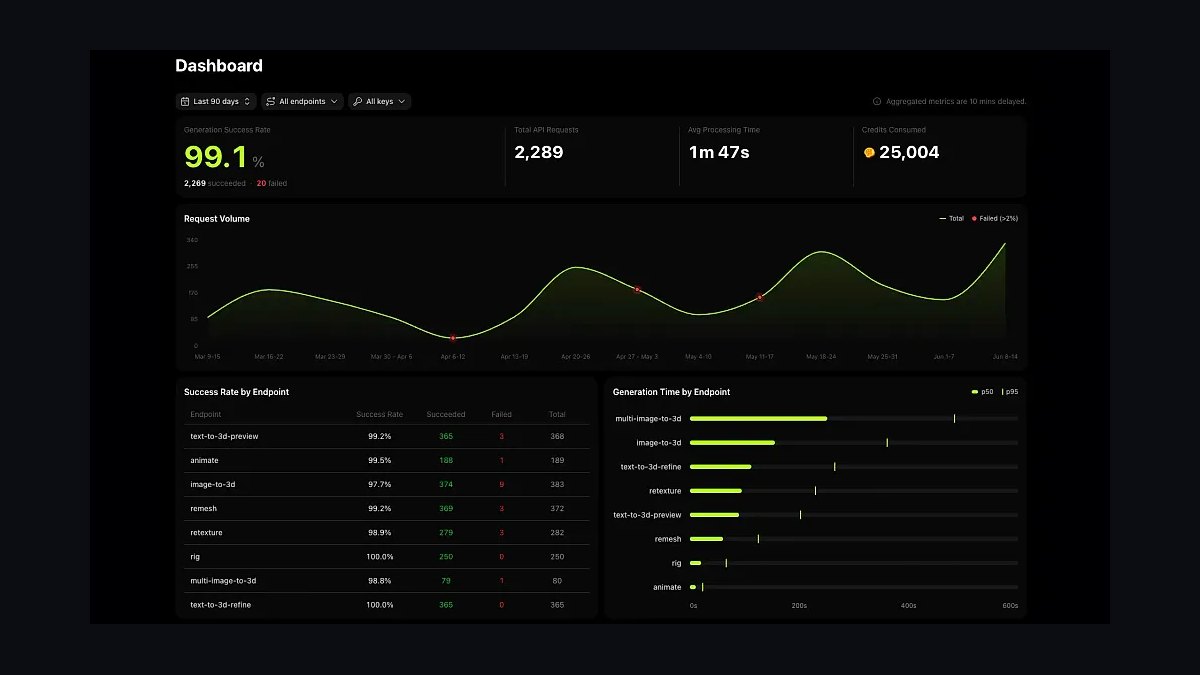
The 10 best ai tools for 3d modeling are ranked below on measured performance, build quality, price, and how each one actually holds up in daily use rather than how it reads on a spec sheet. Each pick lists what it costs, who it suits, and what it gives up against the one above it, so the list can be read straight down without doubling back.
1Meshy AI

Meshy AI ranks first because it is the most complete AI 3D platform, covering text-to-3D, image-to-3D, and AI texturing in one pipeline. It uniquely offers quad-dominant topology control, making assets editable and deformable for animation. Exports include GLB, FBX, OBJ, STL, USDZ, and Blender format, with PBR materials that import cleanly into Unity, Unreal, and Godot. Auto-rigging for bipedal characters is built in, collapsing three separate tools into one subscription.
This is for working professionals who need a single platform from prompt to rigged asset. It trades away the absolute lowest cost per model, with paid plans starting around $20 per month for commercial rights. Compared to Tripo AI below, Meshy offers broader pipeline features like retopology and text-to-texture. For a studio that values workflow integration over raw speed, Meshy is the standard.
2Tripo AI

Tripo AI ranks second as the best value pick, generating usable textured meshes in seconds to a minute with consistently clean geometry. Built by VAST, it co-developed TripoSR with Stability AI, which shows in its strong reconstruction of full 3D forms from single 2D images. It offers text-to-3D, image-to-3D, PBR texturing, and auto-rigging with exports to GLB, FBX, OBJ, and USDZ.
This is for indie developers and solo creators producing dozens of props who need volume and speed. It trades away the more mature rigging and retopo features found in Meshy. A free daily credit allotment allows serious testing before paying, and subscriptions are inexpensive relative to the top pick. For rapid asset blockouts and marketplace fodder, Tripo AI is the tool to hand a small team.
3Luma AI
Luma AI ranks third for its distinct capability in capture, pioneering phone-based NeRF and Gaussian splatting scans that reconstruct real objects from video. This makes it the cleanest consumer-grade path to a digital twin of a physical product, sculpture, or location. It also runs Genie, a text-to-3D generator that produces four textured candidates per prompt with common export formats. The photogrammetry-style reconstruction is something prompt-only tools cannot match.
This is for anyone whose source is the real world rather than a text description. It trades away the pure generation speed and pipeline features of Meshy and Tripo AI. While Luma's brand now spans video generation, its 3D reconstruction remains a distinct and valuable capability. If you need to digitize a physical object, start here rather than with a text prompt.
4Rodin AI
Rodin AI ranks fourth because it targets the high end of geometric detail, preserving sharp hard-surface edges and fine sculptural detail that other generators smooth away. Made by Deemos, it is a favorite for mechanical parts, props, and detailed characters where silhouette fidelity matters. It outputs PBR materials and reasonable topology suited for further sculpting in ZBrush or Blender. The credit-based pricing with tiered subscriptions supports standard exports for downstream work.
This is for artists who care about crisp detail over raw speed, especially for hero objects that get close-ups. It trades away the speed and cost efficiency of Tripo AI, and its pipeline features are less broad than Meshy's. For background filler, Rodin is overkill, but for a centerpiece asset, its output is among the best available. Use it when the model must withstand scrutiny.
5Kaedim AI

Kaedim AI ranks fifth because it is built specifically for game studios needing shippable meshes, with a human-in-the-loop QA layer that cleans topology toward game-ready, animation-friendly geometry. It generates base meshes from concept images and delivers assets with controllable polygon targets suited for Unity and Unreal pipelines. This extra production guarantee is why studios pay enterprise rates rather than using a consumer subscription.
This is for funded studios where the cost of artist time outweighs tool subscription costs. It trades away the accessibility and low price of consumer tools like Tripo AI. For hobby use it is overkill, but for a professional pipeline it can be the cheapest option per usable asset. Compared to Rodin above, Kaedim prioritizes production-ready geometry over raw detail, making it the safer choice for shipping.
6Spline AI
Spline AI ranks sixth as a browser-based 3D design tool for web and product interfaces, with generative features that create objects, textures, and animations directly inside an interactive scene. AI-generated elements remain manipulable Spline objects rather than baked meshes, allowing real-time editing. It exports to GLB/GLTF and React/web components, making it embeddable in sites without a heavy engine. This is purpose-built for product configurators, landing-page heroes, and UI prototypes.
This is for designers and front-end teams, not film or game artists. It trades away the high-fidelity mesh output of Kaedim and Rodin for an interactive, editable canvas. The strength is the seamless workflow from prompt to a live web experience. If your deliverable lives in a browser, Spline AI is the most direct tool on this list for that specific need.
7Adobe Substance 3D
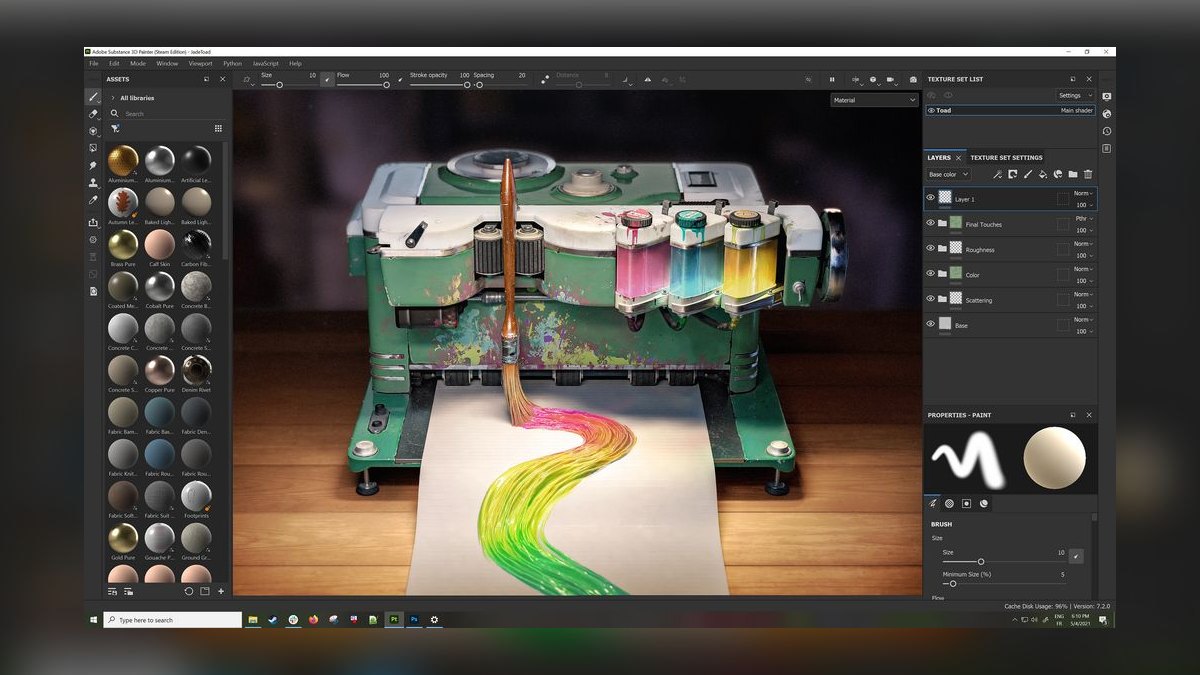
Adobe Substance 3D ranks seventh as the industry-standard texturing and material backbone, with AI woven through tools like Sampler that turn a single photo into a tileable PBR material. Firefly-powered text-to-texture generates materials from prompts, and Modeler offers VR and desktop sculpting. This is not a one-click mesh generator but the professional default for look-development on AI-generated geometry. Creative Cloud integration and rock-solid commercial licensing make it a trusted enterprise choice.
This is for studios already running Substance Painter and Stager who need AI material creation inside their existing workflow. It trades away the mesh generation capability of tools like Meshy or Tripo AI. Compared to Spline AI above, it targets film and game pipelines rather than web experiences. For texturing and material refinement, Substance 3D is the professional standard that other tools feed into.
8NVIDIA Omniverse
NVIDIA Omniverse ranks eighth as the platform play, built on OpenUSD for large teams to assemble, simulate, and render 3D scenes collaboratively. Its generative research, including Edify 3D developed with Shutterstock, plugs into the ecosystem for licensed, commercially safe assets. On RTX hardware, it handles real-time ray tracing and physics at a scale single-tool generators do not address. The value is interoperability, connecting Blender, Maya, 3ds Max, and AI generators through a shared USD layer.
This is for enterprise, simulation, and digital-twin work rather than a solo artist generating one prop. It trades away the simplicity and speed of consumer tools for a complex infrastructure layer. Compared to Adobe Substance 3D, Omniverse is about orchestrating a whole pipeline, not just texturing. If your problem is coordinating a studio's 3D workflow, this is the foundational layer.
9Sloyd AI

Sloyd AI ranks ninth for its underrated approach of parametric generation, producing models built from real-time editable parameters like height, leg count, or seat width. Adjust a slider and the geometry rebuilds instantly with clean, game-ready topology every time, a predictability diffusion-style generators cannot promise. It runs in the browser, exports GLB, FBX, and OBJ, and carries sensible UVs and low poly counts out of the box. A free tier makes it genuinely accessible for testing.
This is for developers who want deterministic, editable results rather than a re-roll lottery, ideal for game props, furniture, and modular kits. It trades away the organic detail and texturing of tools like Rodin or Meshy. Compared to NVIDIA Omniverse, it is a single-user tool, not a collaboration platform. For clean, parametric variants at scale, Sloyd is the smartest pick on this list.
10Masterpiece X
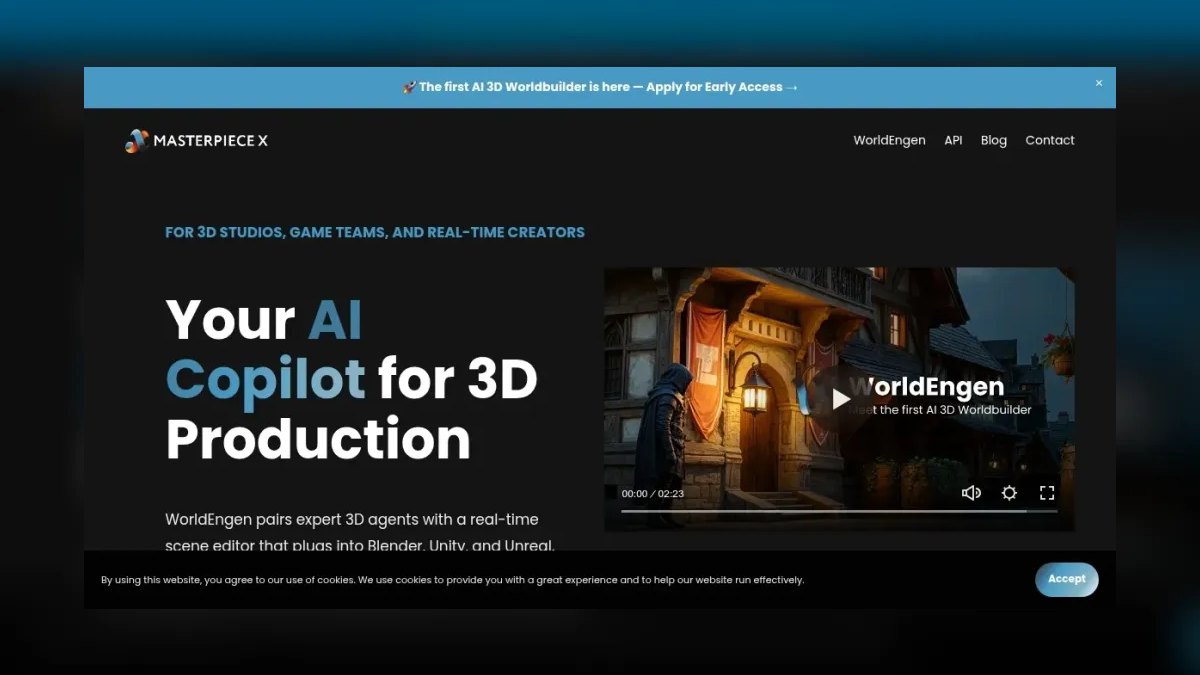
Masterpiece X ranks tenth because it generates textured and animated 3D models from text, with a creation flow accessible on Meta Quest VR as well as desktop. Its standout feature is producing assets that arrive already textured and rigged with animation, lowering the barrier for creators who cannot model or animate by hand. The platform includes a free generation allowance and exports to standard formats for use elsewhere.
This is for rapid prototyping, education, and creators who want an animated character without touching a rig. It trades away fine detail and production-grade topology found in higher-ranked tools like Kaedim or Rodin. Compared to Sloyd above, it offers animation out of the box but less parametric control. For approachable entry into AI 3D creation, Masterpiece X rounds out the list effectively.
How we ranked these
We ranked tools by weighting mesh quality and topology first, then PBR texture output, export formats, engine compatibility, generation speed, pricing, commercial licensing, and control surfaces like retopology and auto-rigging. Testing included hard cases: mechanical parts, organic characters, and thin geometry like railings, because clean spheres prove nothing. We also considered the breadth of the pipeline, from prompt to rigged asset.
We deliberately ignored marketing claims, preview renders, and tools that restrict commercial use on free tiers. We did not weigh brand recognition or community size, as these do not correlate with production readiness. We also excluded tools that lack export to standard formats or that produce only static meshes without texture or rigging options, as they fail in real workflows.
What to look for
What actually matters is matching the tool to your output: game studios need production-ready topology (Kaedim), web designers need interactive objects (Spline AI), and artists need detail (Rodin). Speed and cost per model matter for volume, but pipeline integration—export formats, PBR, rigging—determines whether assets are usable. Test with your own hard cases, not demos.
The mistake most buyers make is choosing on price or hype without verifying topology and licensing. A cheap tool that produces non-manifold meshes or restricts commercial use costs more in cleanup and legal risk. Also, don't assume one tool does everything; many workflows combine a generator (Meshy) with a texturer (Substance 3D).
Related questions
What is the best AI tool for 3D modeling in 2027?
Meshy is the best overall for most professionals because it covers text-to-3D, image-to-3D, and PBR texturing in one pipeline, with quad topology exports to Blender, Unity, and Unreal. Tripo AI is the best value for indie studios. Choose based on whether you need an all-in-one workflow or speed and cost per model.
How do Meshy and Tripo AI compare?
Meshy offers a more complete pipeline with quad-dominant topology, auto-rigging, and text-to-texture, while Tripo AI excels in speed and low cost per model. Meshy is better for professional, all-in-one use; Tripo is ideal for indie developers needing volume. Both export to GLB, FBX, OBJ, and USDZ with PBR materials.
Can AI-generated 3D models be used in game engines?
Yes, tools like Meshy and Tripo AI export clean quad topology and PBR materials that work in Unity, Unreal, and Blender with minimal cleanup. However, complex animations or ultra-low-poly requirements may still need manual adjustments. Always test in your target engine before committing.
What is the best AI tool for texturing 3D models?
Adobe Substance 3D is the industry standard for texturing, with AI-powered Sampler and Firefly text-to-texture. Meshy also offers text-to-texture for painting PBR materials onto existing models. For a full pipeline, Meshy integrates texturing with generation, while Substance is best for look-development on any geometry.
Which AI 3D tool is best for beginners?
Tripo AI is often recommended for beginners due to its fast generation and simple interface, with a free daily credit allotment. Masterpiece X is also beginner-friendly, offering textured and rigged models from text, even on Meta Quest VR. Meshy has a steeper learning curve but offers more control.
What is the best AI tool for 3D printing?
For 3D printing, you need watertight, manifold meshes. Meshy and Tripo AI export STL and OBJ, but you may need to check for non-manifold edges. Rodin preserves sharp details for mechanical parts. Sloyd offers parametric, clean topology that is predictable for printing. Always verify with a slicer.
Are there free AI 3D modeling tools?
Yes, Meshy and Tripo AI offer free tiers with watermarks and restricted commercial use. Sloyd has a free tier with parametric models. Luma AI offers free scans with limits. For serious work, paid plans start around $20/month, which is necessary for commercial rights and higher resolution.
What is the best AI tool for capturing real-world objects?
Luma AI is the best for phone-based NeRF and Gaussian splatting scans, allowing you to reconstruct real objects or environments from video. It is ideal for digital twins and photogrammetry-style reconstruction. For pure generation, Meshy and Tripo are better, but Luma is unmatched for physical sources.
FAQ
Can AI-generated 3D models be used directly in game engines?
Yes, many tools like Meshy and Tripo AI now export clean quad topology and PBR materials that work in Unity, Unreal, and Blender with minimal cleanup. However, complex animations or ultra-low-poly requirements may still need manual adjustments.
How long does it take to generate a 3D model with AI in 2027?
Most tools produce a base mesh in 10–60 seconds, with higher-detail or textured outputs taking up to a few minutes. Real-time previews are common, but final rendering for production assets can take longer.
Do I need 3D modeling experience to use these AI tools?
No, many tools accept text prompts or single images and generate usable models automatically. However, some knowledge of topology, UV mapping, or texturing helps when refining outputs for professional use.
What file formats do AI 3D tools typically export?
Common exports include OBJ, FBX, GLB, and STL, with some tools offering native Blender, Unity, or Unreal formats. Check each tool’s documentation for exact compatibility.
Are AI 3D models free to use commercially?
Licensing varies by tool—some allow commercial use with a paid subscription, while others include it in free tiers. Always review the terms for your specific tool and intended use case.
Which AI 3D tool is best for beginners?
Tripo AI is often recommended for beginners due to its fast generation and simple interface, while Meshy offers a more comprehensive pipeline for those willing to learn a bit more. Free trials are available for both.
What is the best AI tool for high-detail sculpts?
Rodin (Hyper3D) from Deemos preserves sharp hard-surface edges and fine sculptural detail, making it a favorite for mechanical parts and detailed characters. It outputs PBR materials and reasonable topology suited for further sculpting in ZBrush or Blender.
What is the best AI tool for game studios?
Kaedim is built for game studios, offering a human-in-the-loop QA layer that cleans topology toward game-ready, animation-friendly geometry. It focuses on image-to-3D with controllable polygon targets and exports suited to Unity and Unreal pipelines.
What is the best AI tool for web-based 3D design?
Spline AI is a browser-based 3D design tool for web and product interfaces, allowing you to generate objects, textures, and animations directly inside an interactive scene. It exports to GLB/GLTF and React/web components, ideal for product configurators and landing pages.
What is the best AI tool for parametric, editable 3D models?
Sloyd uses parametric generation, producing models built from real-time editable parameters like height, leg count, or seat width. It runs in the browser, exports GLB, FBX, and OBJ, and offers clean, game-ready topology with sensible UVs and low poly counts.
Sources
- https://www.meshy.ai/
- https://www.tripo3d.ai/
- https://lumalabs.ai/
- https://hyper3d.ai/
- https://www.kaedim3d.com/
- https://spline.design/
- https://www.adobe.com/products/substance3d.html
- https://www.nvidia.com/en-us/omniverse/
- https://www.sloyd.ai/
- https://www.masterpiecex.com/
Related on PULSE
This page will be disappearing soon. Save it to your device for $1 — or read it free while it is here.
@Kory-White- · if Venmo asks, the last 4 of my number are 2012
This page is gone.
This one is off the shelf now. $1 keeps it on your phone for good — the whole page, pictures and diagrams included.
 pulse-ai-infrastructureThe 10 Best AI Tools for Writing Poetry in 2027
 pulse-ai-infrastructureThe 10 Best AI Tools for Domain and DNS Management in 2027
 pulse-ai-infrastructureThe 10 Best AI Tools for Reading PDFs Aloud in 2027
 pulse-ai-infrastructureThe 10 Best Vector Databases for RAG in 2027
 pulse-ai-infrastructureHow do you secure an LLM application’s infrastructure in 2027?
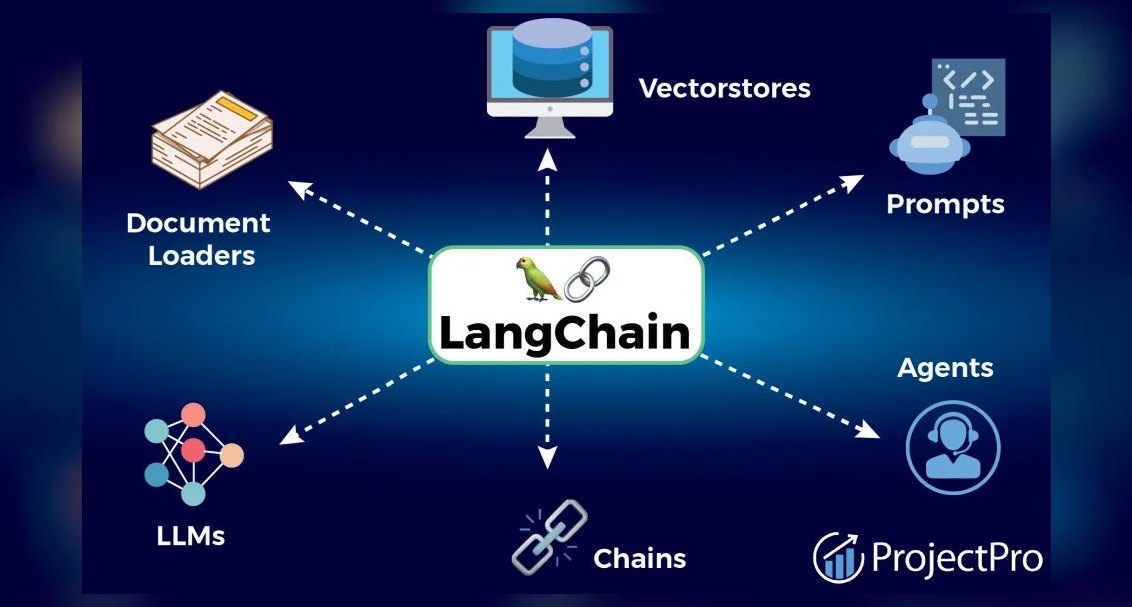 pulse-ai-infrastructureThe 10 Best RAG Frameworks in 2027
 pulse-ai-infrastructureHow do you set up observability for a RAG application in 2027?
 aiThe 10 Best AI Tools for Angular Development in 2027
 pulse-ai-infrastructureThe 10 Best AI Tools for Tattoo Design in 2027
 pulse-ai-infrastructureThe 10 Best AI Tools for Writing Fiction in 2027