


The 10 Best AI Tools for Book Covers in 2027
Quality
Certified
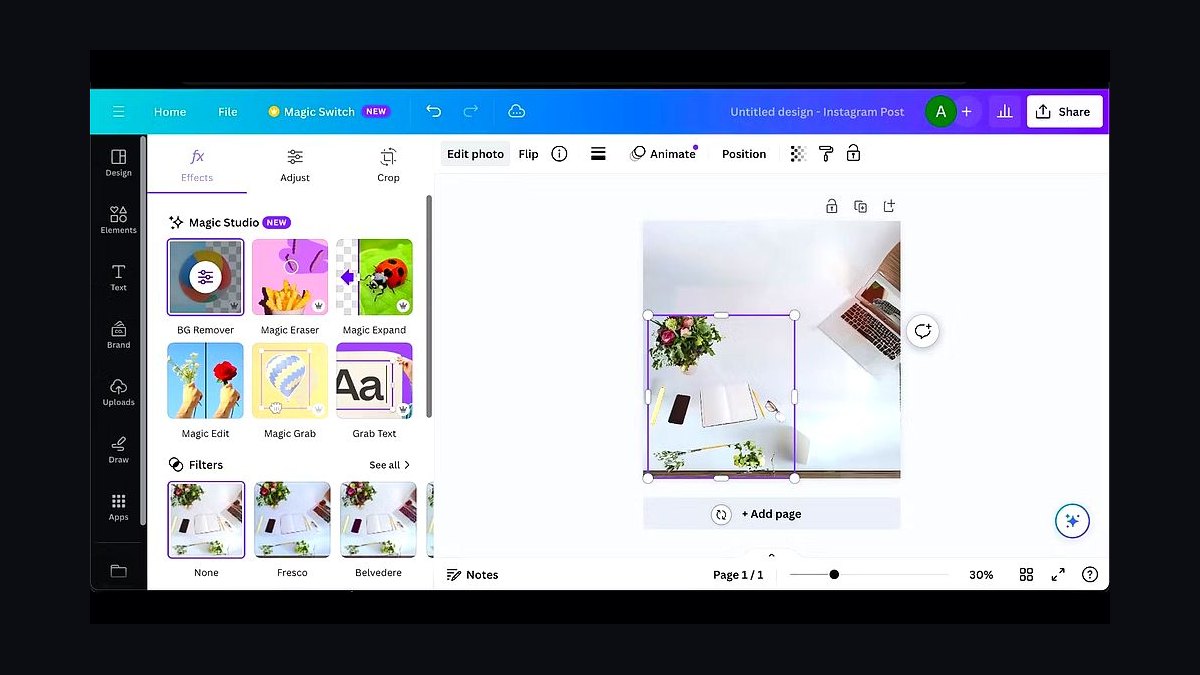
The 10 best ai tools for book covers are ranked below on measured performance, build quality, price, and how each one actually holds up in daily use rather than how it reads on a spec sheet. Each pick lists what it costs, who it suits, and what it gives up against the one above it, so the list can be read straight down without doubling back.
1Canva Magic Studio
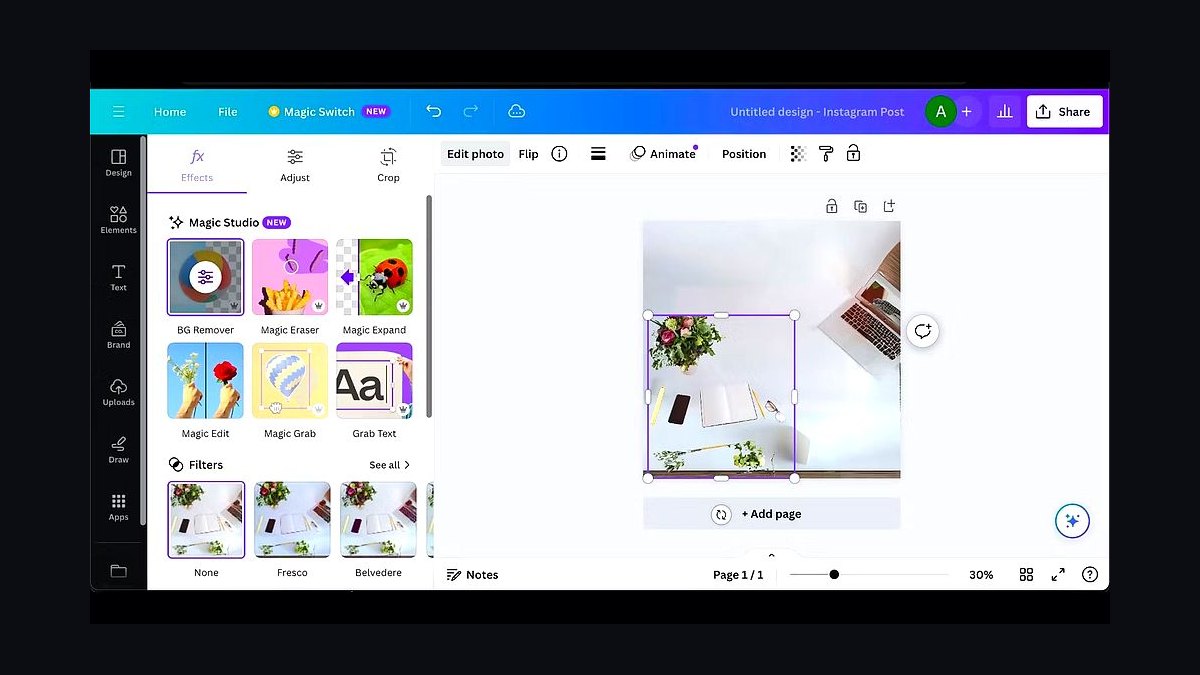
Canva Magic Studio ranks first because it is the only tool here that takes an author from generated artwork to a print-ready, KDP-correct cover in one place. Magic Media produces the imagery, while the layout engine handles real fonts, kerning, and drop shadows. Built-in presets cover 6" × 9" and 5" × 8" trim sizes with full wraparound front, spine, and back files.
It suits indie authors and small presses who want a finished, exportable cover today rather than a raw square JPEG. The trade-off is less raw artistic control than Midjourney or Leonardo.ai, and its generator is weaker than Ideogram at baking title text into the image itself. Compared with Adobe Firefly plus Photoshop directly below, it is faster but less professionally finished.
2Adobe Firefly in Photoshop
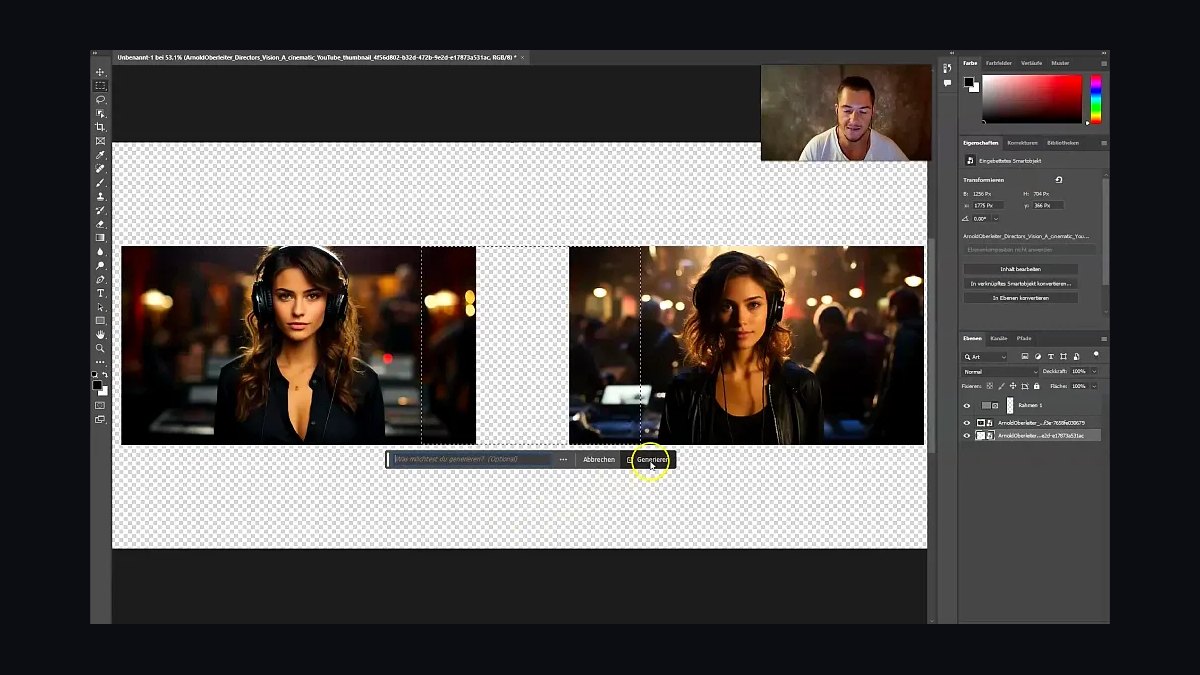
Adobe Firefly inside Photoshop takes second because it pairs commercially indemnified training data with the best typography and retouching engine available. Generative Fill and Generative Expand extend art across a full wraparound on controllable layers, and true CMYK conversion plus soft-proofing serve offset print runs. The Photography plan starts near $9.99 per month, with Firefly credits metered by tier.
It is for designers and authors already fluent in Adobe who need a defensible, agency-grade file. The trade-off is a steep learning curve and no one-click export to KDP specs. Against Canva Magic Studio above, it wins on licensing safety and finishing control but loses badly on speed for a solo self-publisher.
3Midjourney
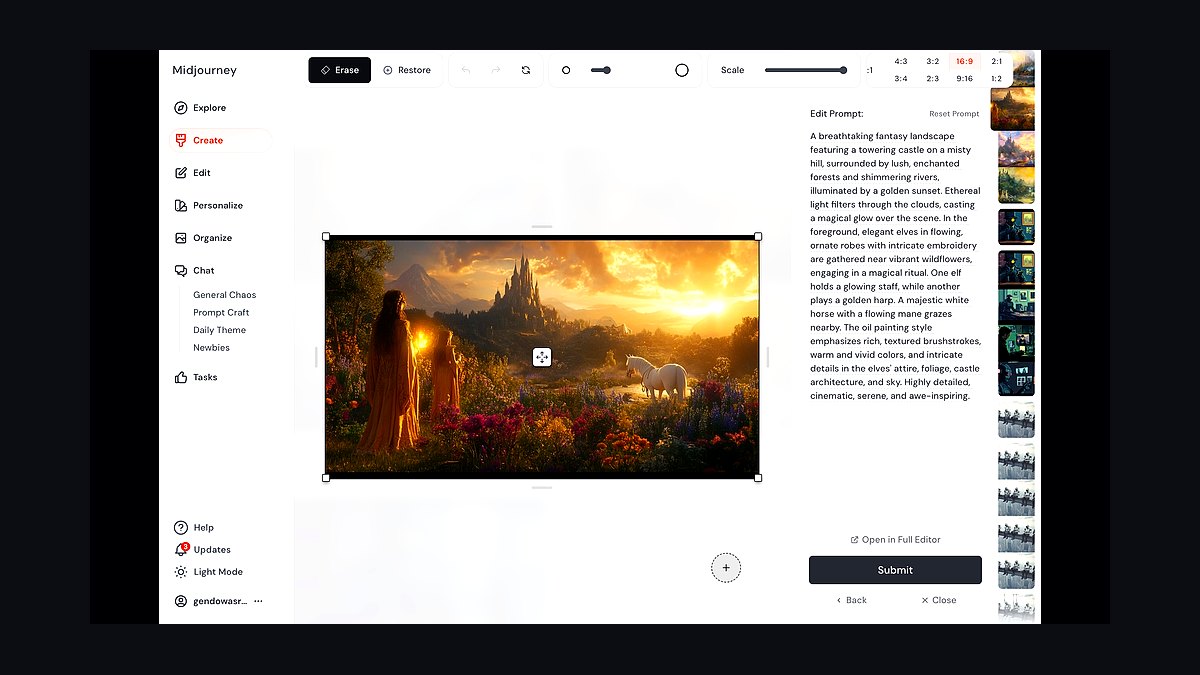
Midjourney ranks third for raw artistic quality, still the favorite of professional cover designers for painterly fantasy, cinematic thriller, and atmospheric literary imagery. Aspect ratio control with --ar 2:3 approaches standard 6×9 proportions, style and character references hold a series protagonist consistent, and Vary Region acts as targeted inpainting. Plans run about $10 to $60 per month by fast GPU hours.
It is for authors who want standout illustration and will finish typography elsewhere. The trade-off is that it lays out no text at all and commercial rights depend on your subscription tier. Against Adobe Firefly in Photoshop above, it delivers stronger art but no indemnification and no print-ready file.
4Ideogram
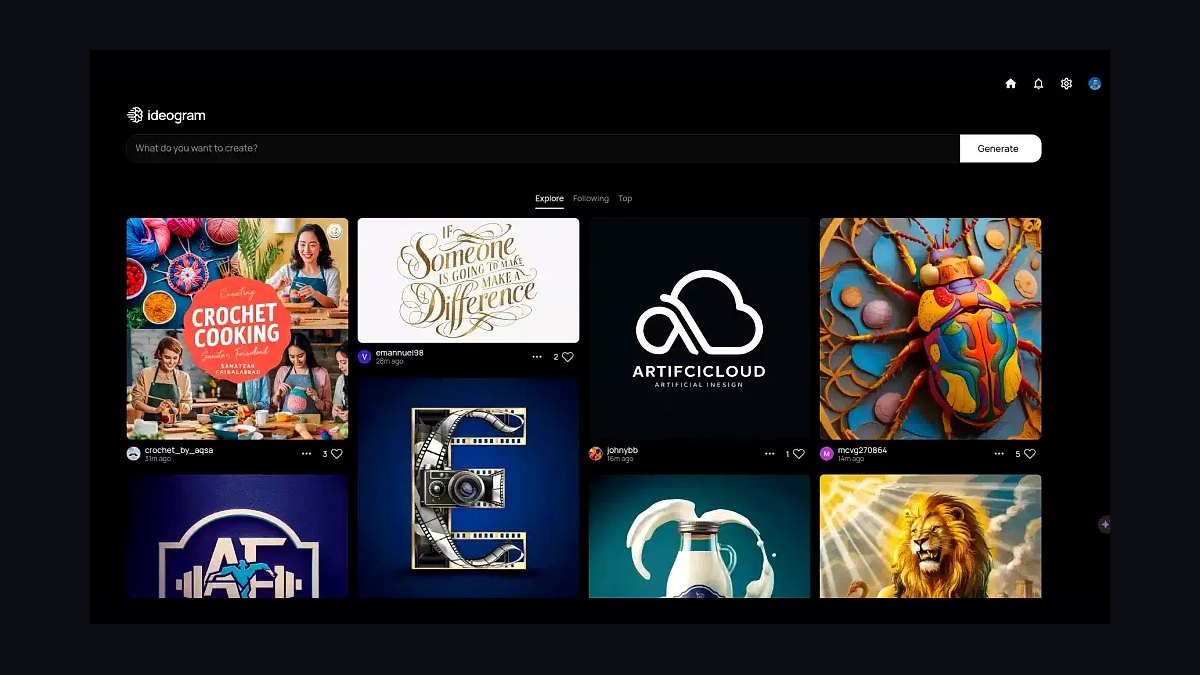
Ideogram earns fourth and Best Value by solving the costliest problem in AI cover work: legible text inside the image. It reliably renders titles, taglines, and author names directly in the artwork, reaching a near-final cover without a separate layout pass. Aspect ratios suit portrait covers, Magic Prompt expands terse prompts, and Remix holds composition while you iterate on type. Free daily generations lead into paid tiers near $8 and $20 monthly.
It is for self-publishers producing several covers a year on a tight budget, especially in typographic genres like thriller, business, and romantasy. The trade-off is that its illustration depth trails Midjourney above, and rendered text still needs pixel-by-pixel verification before upload.
5BookBrush
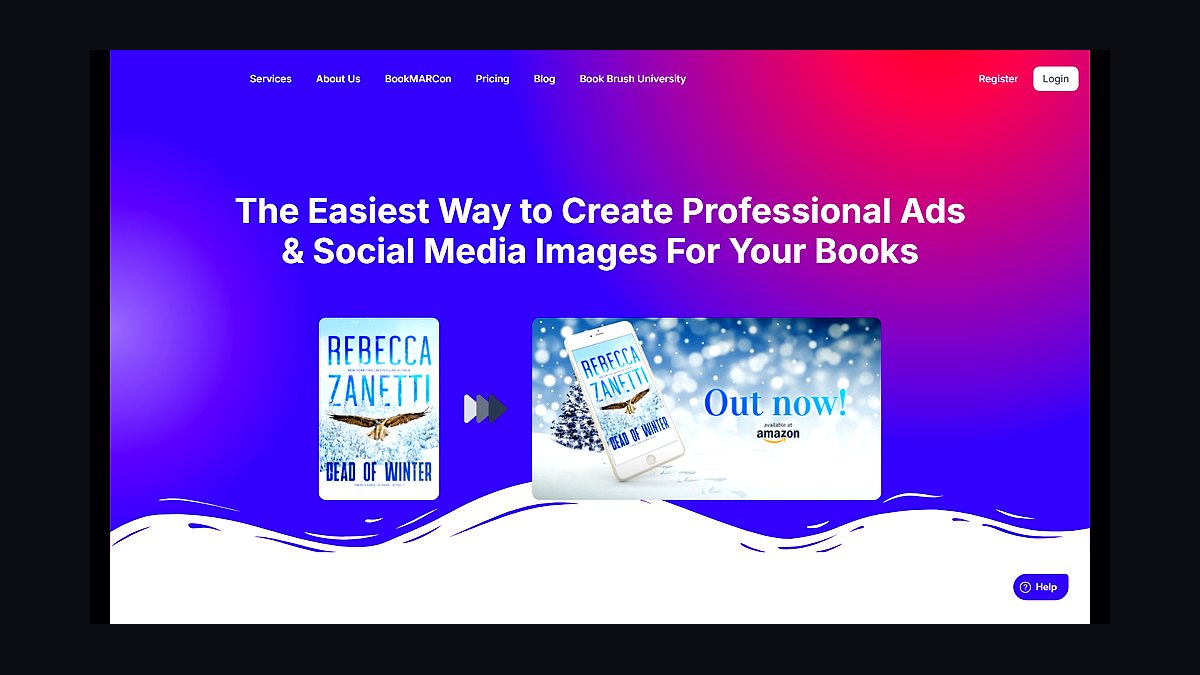
BookBrush ranks fifth because it is built specifically for authors rather than general designers. Its Cover Creator and wrap/spine tool calculate print spine width and assemble a full paperback wraparound from your front cover, while a large library of 3D book mockups and Instant Mockup turns flat art into styled product shots. Annual subscription tiers carry AI generation credits tied to plan level.
It is for authors who want covers plus the marketing assets around them, including ad creative sized for Amazon, BookBub, and social. The trade-off is that its pure art generation trails Ideogram above. Against Book Bolt below, it leans toward author branding and promotion rather than high-volume KDP catalog production.
6Book Bolt
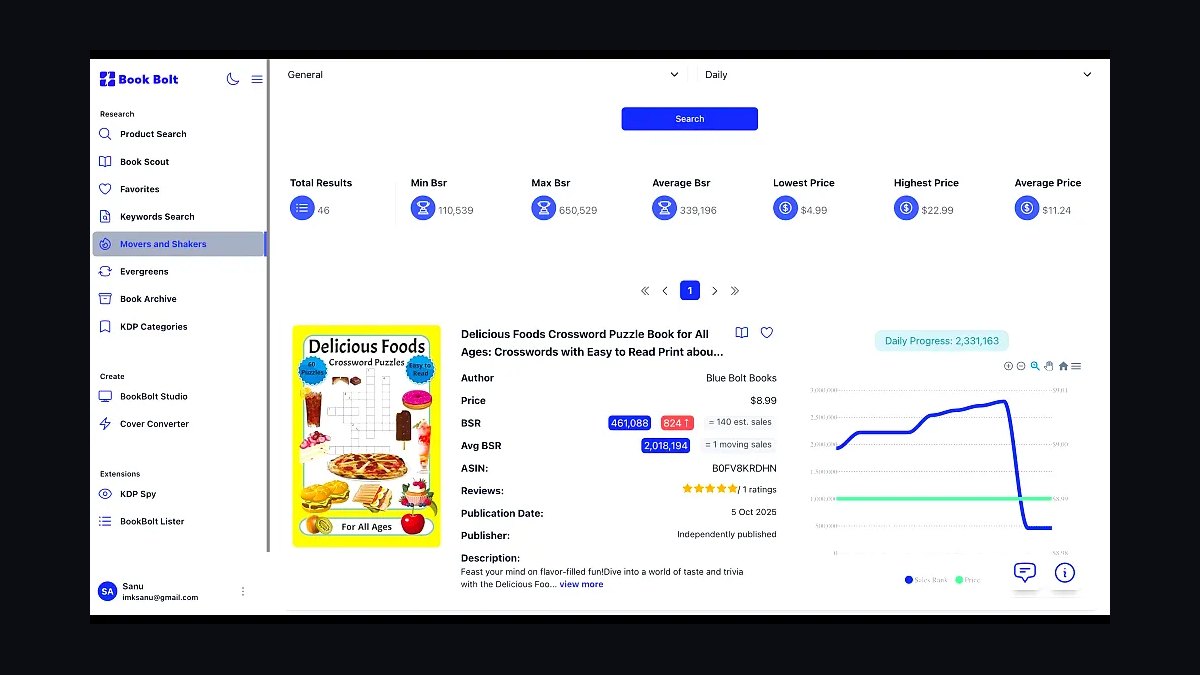
Book Bolt ranks sixth as the purpose-built tool for Amazon KDP low-content and self-publishing catalog work. Its Cover Designer generates a correctly sized template from your page count, trim size, and paper type, computing spine width automatically so the wraparound lines up at the printer. Bundled keyword and niche research plus listing tools support volume publishers. Entry tiers commonly run about $9.99 and $19.99 monthly.
It is for publishers running many SKUs a month across journals, planners, notebooks, and trade paperbacks. The trade-off is weak fit for literary fiction published one cover at a time, and its AI imagery is not the strongest here. Against BookBrush above, it favors catalog throughput over author marketing assets.
7DALL-E 3
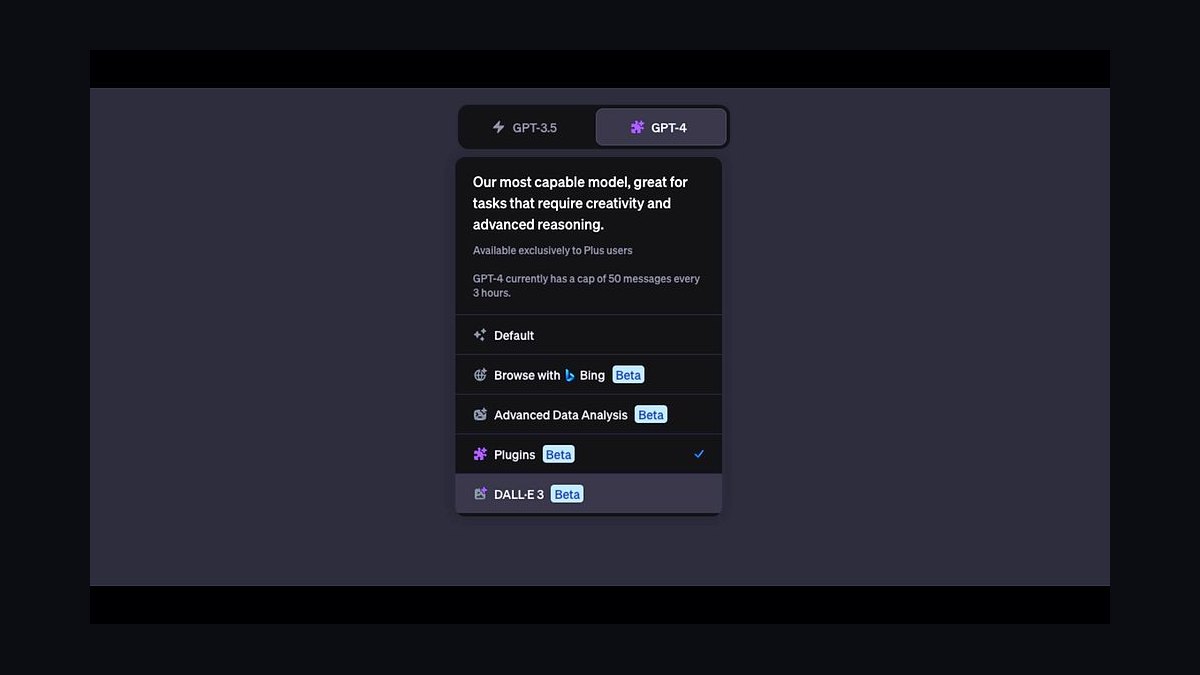
DALL-E 3 ranks seventh as the most conversational route to cover art, accessed through ChatGPT or the OpenAI API. You describe a scene in plain language and refine through dialogue — stormier sky, lighthouse moved left, darker mood — which forgives authors who do not think in prompt syntax. It follows complex multi-element prompts unusually well, and the API enables batch generation for series or A/B cover testing.
It is for authors who want to talk a cover into existence and add type later. The trade-off is unreliable in-image text and less print tooling than Book Bolt above. Against Recraft below, it is more conversational but less design-system consistent.
8Recraft
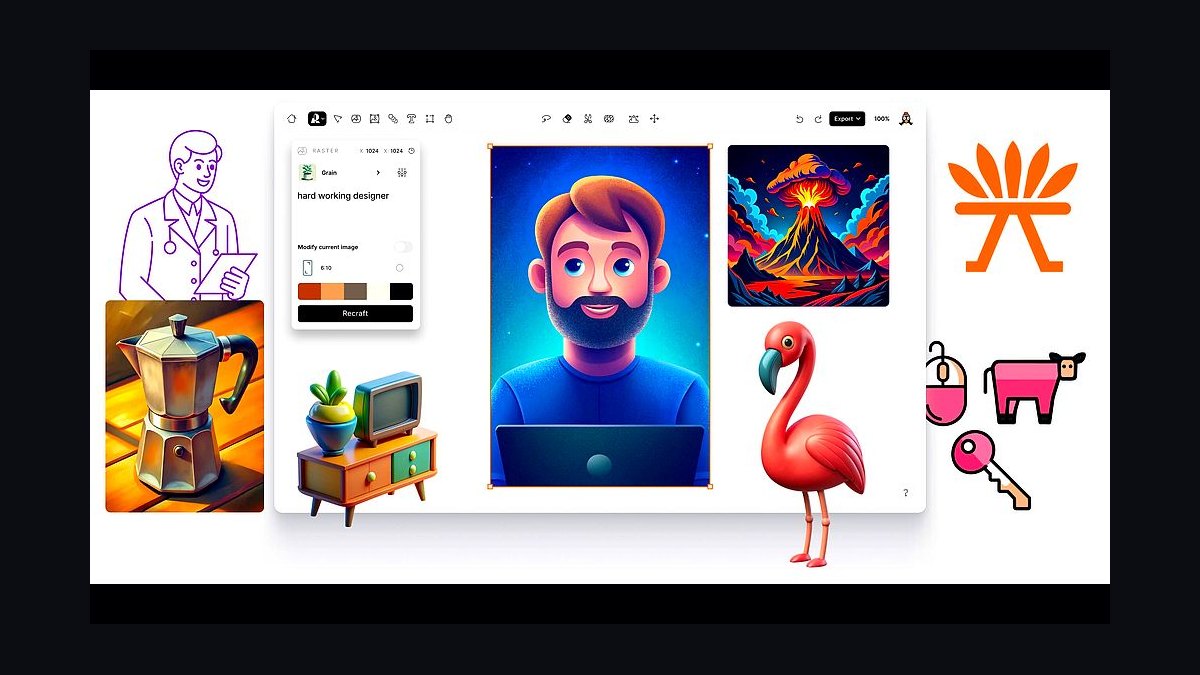
Recraft ranks eighth for brand-consistent, vector-capable design that suits nonfiction, business books, and series needing a repeatable visual system. It generates both raster and true SVG vector art, and its brand and style controls lock a palette and aesthetic across multiple covers. On-image text is handled more competently than older models, and the editing canvas lets you place and restyle type. A free tier with daily credits leads into plans near $12 monthly.
It is for authors who value controlled, designed-looking covers over painterly drama, especially where crisp scalable graphics matter at any trim size. The trade-off is weaker cinematic illustration than DALL-E 3 above. Against Leonardo.ai below, it wins on vector output and consistency but loses on genre-scene control.
9Leonardo.ai
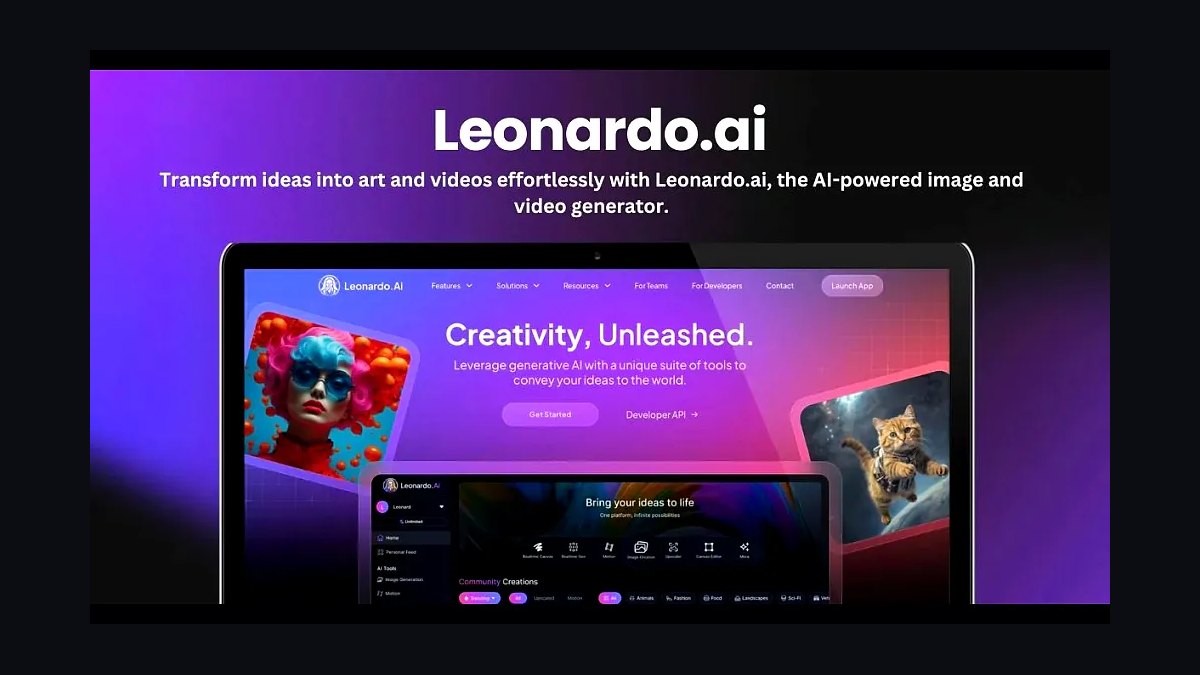
Leonardo.ai ranks ninth for genre illustration depth across fantasy, sci-fi, horror, and game-adjacent covers. It exposes more engine control than consumer tools: fine-tuned model presets, Elements for style blending, image guidance for pose and composition, and an AI Canvas for inpainting and outpainting into a full wraparound. Upscaling reaches print-usable resolution. A free daily token allowance leads into tiers near $12 and $30 monthly.
It is for authors needing character and scene consistency across a series or a very specific visual style broad models miss. The trade-off is that title typography must still be finished in a layout app. Against Recraft above, it offers stronger scene control but no true vector export.
10Adobe Express
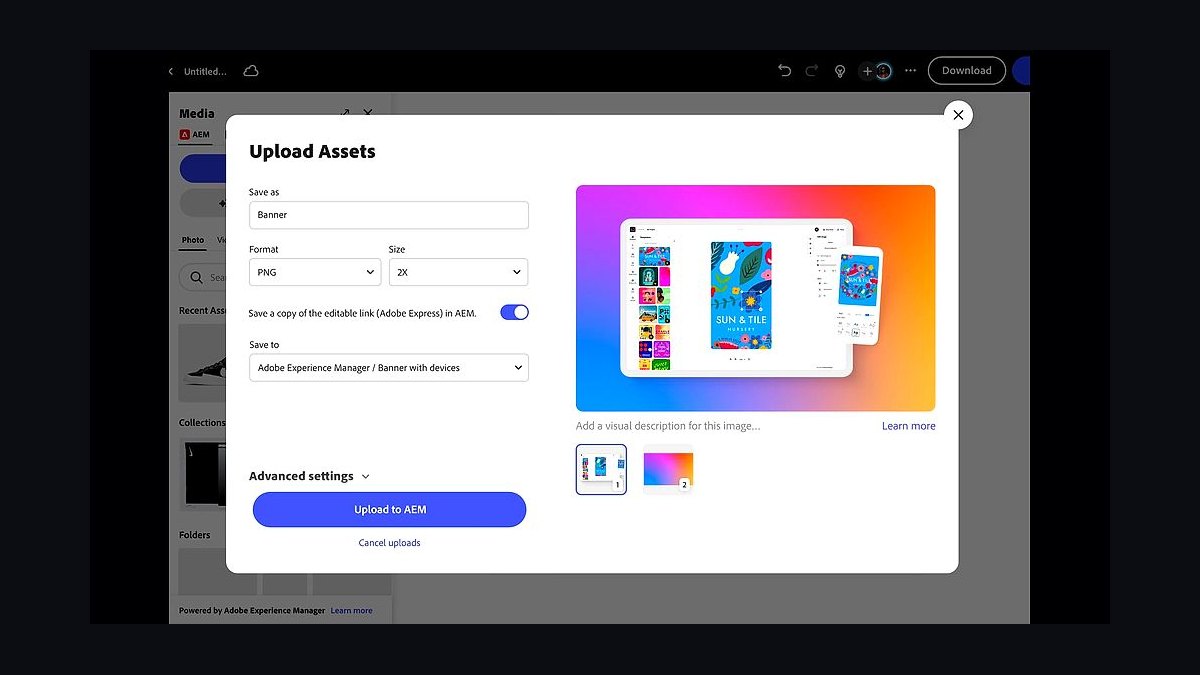
Adobe Express ranks tenth as the fast, free-tier-friendly option that taps the same Firefly engine for Text to Image and Generative Fill inside a Canva-style template editor. Resizable templates, a deep font library, and background removal make it quick to assemble a cover, and it inherits Firefly's commercially trained imagery. A real free plan exists, with Premium around $9.99 monthly unlocking more fonts, credits, and assets.
It is for authors who want Canva-like ease but prefer to stay inside the Adobe ecosystem and inherit Firefly's licensing posture. The trade-off is far less control than the Firefly plus Photoshop stack above and weaker art than Leonardo.ai. Against Canva Magic Studio at the top, it trades KDP-specific templates for Adobe familiarity.
How we ranked these
We scored ten AI cover tools on five weighted criteria: typography and in-image text rendering (25%), print readiness including 300 DPI, 0.125" bleed, spine-width math and full wraparound support (25%), image quality and control such as reference images and in/out-painting (20%), commercial licensing safety for KDP and Apple Books sales (15%), and price plus workflow fit including free tiers and author-specific features (15%).
Each tool was tested against real 6"×9" and 5"×8" trim sizes.
We deliberately ignored raw benchmark aesthetics, social-media virality, and prompt-length limits, because a beautiful square JPEG that cannot be sized to a KDP template or legally sold is worthless to an author. We also skipped enterprise team features, API throughput, and stock-photo library size, since indie authors and small presses rarely use them. Only tools reaching a sellable, print-ready file were ranked highly.
Related questions
What is the best AI tool for book covers in 2027?
Canva Magic Studio takes the top spot because it pairs generative artwork with a real layout engine and KDP-correct templates. It handles title typography, spine width, and print-ready PDF export in one place, which pure image models still cannot do. Adobe Firefly inside Photoshop is the runner-up for licensing safety and pro finishing.
Can you sell AI-generated book covers on Amazon KDP?
Yes. KDP permits AI-generated cover art, but you must disclose AI-generated content during publishing. Confirm your tool's license grants commercial rights at your sales volume, and that you hold rights to every font and stock element layered on top. Adobe Firefly offers indemnification on eligible plans.
Which AI tool renders book title text most accurately?
Ideogram leads for legible in-image text, reliably rendering titles, taglines, and author names directly in the artwork. Recraft is a close second and adds true SVG vector output. Even so, verify every letter pixel-by-pixel before upload, because AI text rendering is good now, not infallible.
Do AI book covers need 300 DPI and bleed?
Yes. Print covers need 300 DPI at full trim size with 0.125-inch bleed on all outside edges. Paperbacks also require a full wraparound covering back, spine, and front, and spine width depends on page count and paper type. Use the KDP Cover Calculator or IngramSpark template generator to confirm.
Is Midjourney good for book cover art?
Midjourney remains the favorite of professional cover designers for raw artistic quality and mood, especially fantasy, thriller, and literary imagery. Aspect ratio control, style reference, character reference, and Vary Region make it strong for series work. It does not lay out text, so finish typography in Photoshop or Affinity Publisher.
What is the cheapest way to make an AI book cover?
Pair Ideogram's free daily generations with Canva's free tier for layout. Ideogram handles legible in-image text, and Canva supplies KDP-sized templates and print-ready export at no cost. Adobe Express also offers a usable free plan with Firefly-powered generation if you prefer the Adobe ecosystem.
Can AI keep a character consistent across a book series?
Increasingly yes, but it still needs curation. Midjourney's character reference, Leonardo.ai's image guidance and Elements, and custom trained references all help hold a protagonist's look across multiple covers. Expect touch-ups between books, and lock a style reference so palette and rendering stay consistent.
Do I still need a human cover designer if I use AI?
For high-stakes releases, often yes. AI excels at drafts, concepts, and tight budgets, but a designer brings genre instincts, typographic polish, and thumbnail-level marketability that generators miss. Many professionals now generate base art with these tools, then finish the cover by hand in Photoshop or Affinity.
FAQ
Can AI book covers be sold on Amazon KDP?
Yes. KDP does not prohibit AI-generated cover art, though it asks you to disclose AI-generated content during publishing. Make sure your tool's license grants commercial rights at your scale, and that you hold rights to any fonts and stock elements layered on top of the generated image.
Why does AI keep spelling my title wrong?
Most image models generate text as shapes rather than characters, so letters garble. Use Ideogram or Recraft, which render text far better, or, more reliably, generate the art with no text and add your title in Canva, Photoshop, or Affinity Publisher where you control kerning and fonts.
What size and resolution does a print cover need?
Aim for 300 DPI at full trim size with 0.125-inch bleed on all outside edges. For paperbacks you need a full wraparound covering back, spine, and front, and spine width depends on page count and paper type. Use the KDP Cover Calculator or IngramSpark template generator.
Which AI cover tool is best on a tight budget?
Ideogram for its free daily generations and strong in-image text, paired with Canva's free tier for layout. Together they can produce a finished cover at near-zero cost. Adobe Express also has a usable free plan if you prefer staying inside the Adobe ecosystem.
Do I still need a human cover designer?
For high-stakes releases, often yes. AI is excellent for drafts, concepts, and tight budgets, but a designer brings genre instincts, typographic polish, and thumbnail-level marketability. Many pros now use these tools to generate base art, then finish by hand.
Can I keep one character consistent across a series?
Use Midjourney's character reference, Leonardo.ai's image guidance and Elements, or train a custom reference. Consistency is improving but still requires curation and touch-ups between books. Lock a style reference too so palette and rendering stay stable across the series.
Is Canva or Adobe Firefly better for book covers?
Canva wins when you want a finished, exportable cover today, since its layout engine and KDP templates handle typography and spine math. Firefly inside Photoshop wins when a designer or agency is finishing the file and you need indemnified training data plus true CMYK soft-proofing.
Are AI-generated covers copyrightable?
In the United States, purely AI-generated images generally lack copyright protection because they lack human authorship. Adding substantial human authorship, such as original typography, composition, and editing, strengthens your claim. Consult an intellectual property attorney for your specific cover and jurisdiction.
How long does it take to make an AI book cover?
With Canva Magic Studio or Ideogram, a usable draft can take under an hour, and a polished print-ready file a few hours including spine and bleed checks. Midjourney or Leonardo.ai workflows run longer because typography and wraparound assembly happen in a separate layout application.
What is the biggest mistake authors make with AI covers?
Skipping the print-spec check. AI tools rarely compute spine width correctly on their own, and a mismatch between page count, trim size, and paper type gets your file rejected. Always run your final cover through the KDP Cover Calculator or IngramSpark template generator before uploading.
Sources
- https://kdp.amazon.com/en_US/help/topic/G201953020
- https://www.ingramspark.com/plan-your-book/print/cover/cover-template-generator
- https://www.adobe.com/products/firefly.html
- https://www.canva.com/create/book-covers/
- https://www.midjourney.com/
- https://ideogram.ai/
- https://openai.com/index/dall-e-3/
- https://leonardo.ai/
- https://bookbolt.io/
- https://bookbrush.com/
Related on PULSE
This page will be disappearing soon. Save it to your device for $1 — or read it free while it is here.
@Kory-White- · if Venmo asks, the last 4 of my number are 2012
This page is gone.
This one is off the shelf now. $1 keeps it on your phone for good — the whole page, pictures and diagrams included.
 pulse-ai-infrastructureThe 10 Best LLMOps Platforms in 2027
 pulse-ai-infrastructureHow do you build a self-hosted LLM stack in 2027?
 pulse-ai-infrastructureThe 10 Best AI Tools for Tattoo Design in 2027
 pulse-ai-infrastructureThe 10 Best AI Tools for Writing Fiction in 2027
 pulse-ai-infrastructureThe 10 Best Streaming Data Platforms for AI in 2027
 pulse-ai-infrastructureThe 10 Best AI Tools for CI/CD for Web Apps in 2027
 pulse-ai-infrastructureThe 10 Best AI Tools for Party Planning in 2027
 pulse-ai-infrastructureThe 10 Best AI Tools for Essay Writing in 2027
 pulse-ai-infrastructureThe 10 Best AI Tools for Squarespace Websites in 2027
 pulse-ai-infrastructureHow do you evaluate LLM output quality at scale in 2027?