


The 10 Best AI Tools for Motion Capture in 2027
Quality
Certified
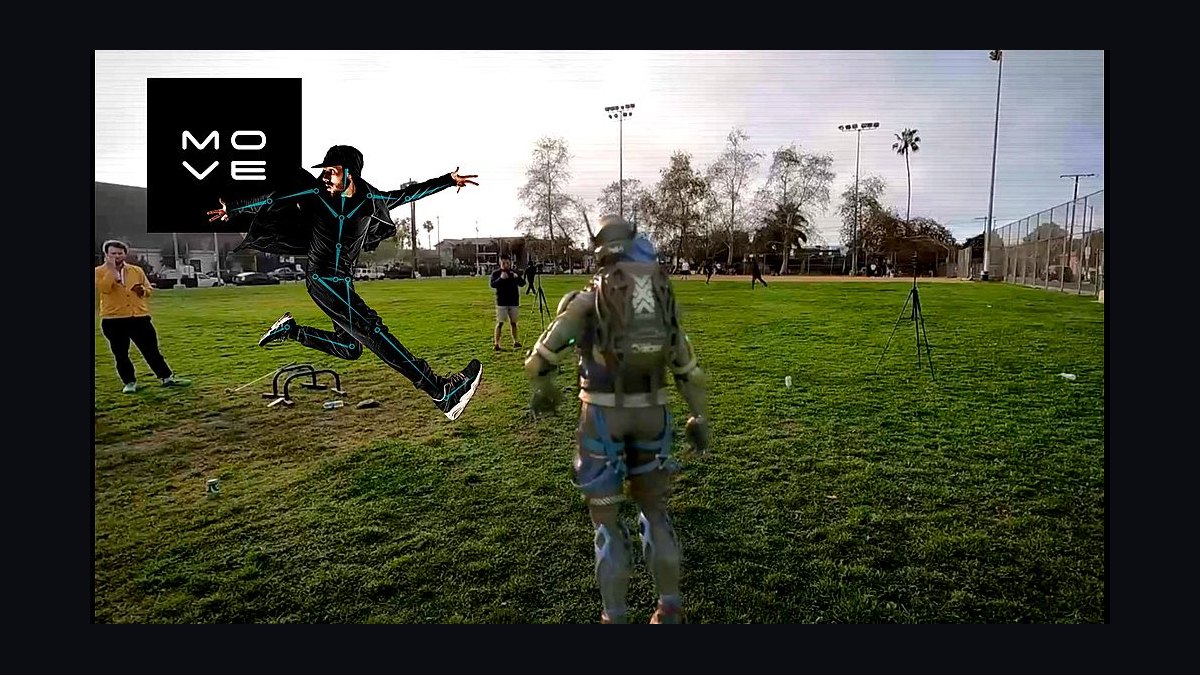
The 10 best ai tools for motion capture are ranked below on measured performance, build quality, price, and how each one actually holds up in daily use rather than how it reads on a spec sheet. Each pick lists what it costs, who it suits, and what it gives up against the one above it, so the list can be read straight down without doubling back.
1Move.ai Move Pro
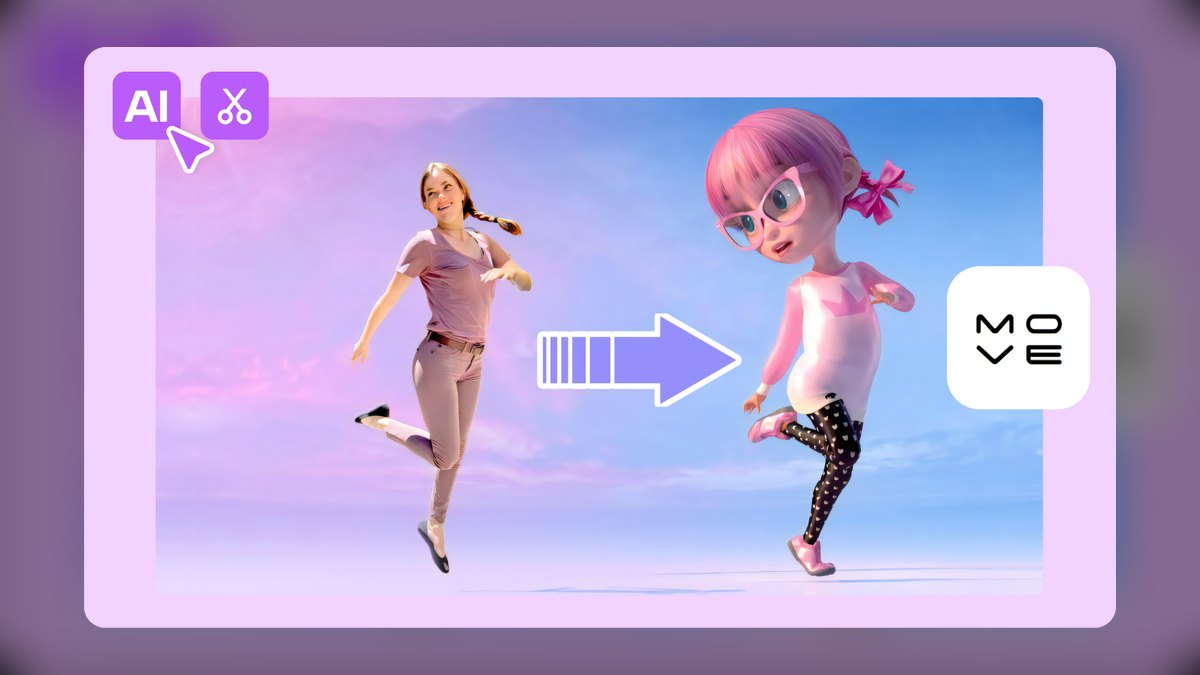
Move.ai Move Pro ranks first because it delivers optical-grade markerless motion capture using only 2 to 12+ synced consumer cameras, eliminating the need for a suit or dedicated stage. Its neural pose estimation and biomechanical solving produce clean 3D skeletal data with strong foot contact and multi-actor separation, even with iPhone or GoPro footage. Output ships as FBX, BVH, USD, and MotionBuilder-ready files, retargeting cleanly onto MetaHuman and custom rigs.
This tool is for virtual production studios, indie film crews, and sports analysts who need broadcast-quality data without a six-figure Vicon or Qualisys volume. The tradeoff is strict calibration discipline: cameras must be genuinely synced and the space well-lit, and licensing runs on studio subscription tiers rather than a one-time purchase. Compared to Rokoko's hybrid approach, Move Pro offers superior accuracy for multi-camera volumes but lacks the portability of an inertial suit for uncontrolled environments.
2Rokoko Smartsuit Pro II
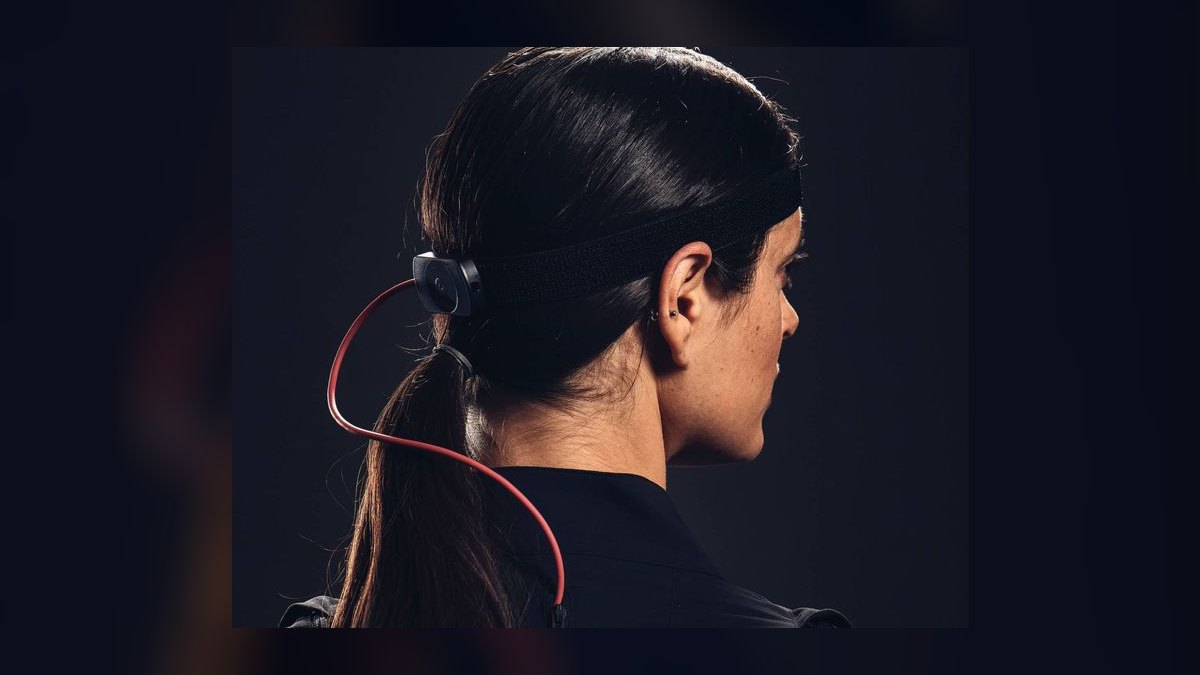
Rokoko ranks second because its Smartsuit Pro II combines 19 IMU sensors with the free Rokoko Vision AI camera path, offering a hybrid workflow that adapts to any environment. The suit captures full-body motion in any lighting, outdoors included, while Vision provides markerless capture from one or two webcams in the browser. Real-time streaming into Blender, Unreal, or Unity works through the free Rokoko Studio software, and Smartgloves add finger tracking.
This is for indie-to-pro creators, VTubers, and live performers who need reliable capture where cameras fail, such as run-and-gun shoots or stages with heavy metal interference. The catch is inherent positional drift over long takes without the optional Coil Pro EMF base. Compared to Move.ai's camera-only pipeline, Rokoko trades absolute accuracy for portability and lighting independence, making it the stronger choice when you cannot control the capture environment.
3DeepMotion Animate 3D
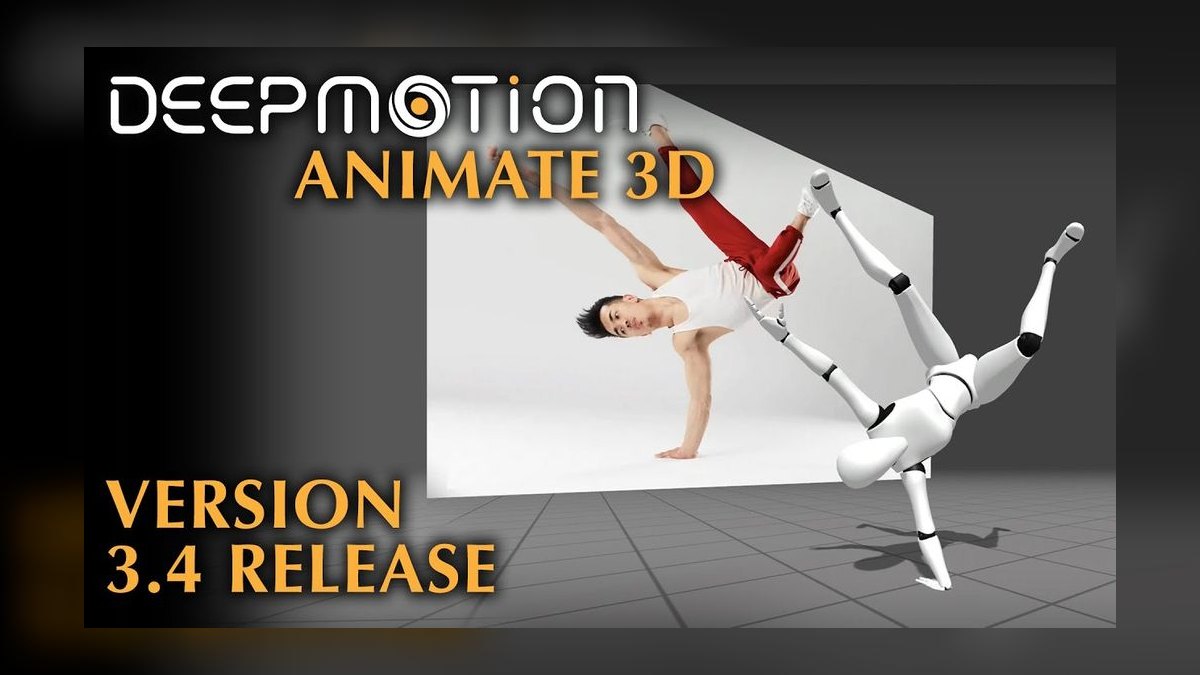
DeepMotion Animate 3D ranks third because it converts a single ordinary video clip into 3D animation entirely in the cloud, requiring no suit, calibration, or multi-camera rig. Upload an MP4, choose a character format, and the AI returns FBX, BVH, or GLB with optional physics simulation to reduce foot sliding and add secondary motion. Features like SLAM for root motion tracking, face tracking, and hand tracking ship in higher tiers.
This is for game developers and AR/VR creators who need quick, serviceable animation libraries without a capture setup. Single-camera AI has a ceiling: depth ambiguity means crossed limbs and ground-truth contact are weaker than a multi-camera solve from Move.ai. For background characters, prototyping, and stylized work, it is fast and cheap; for hero shots, you will clean up in Cascadeur or hand keyframes, making it a solid middle ground between Plask and Rokoko.
4Wonder Studio
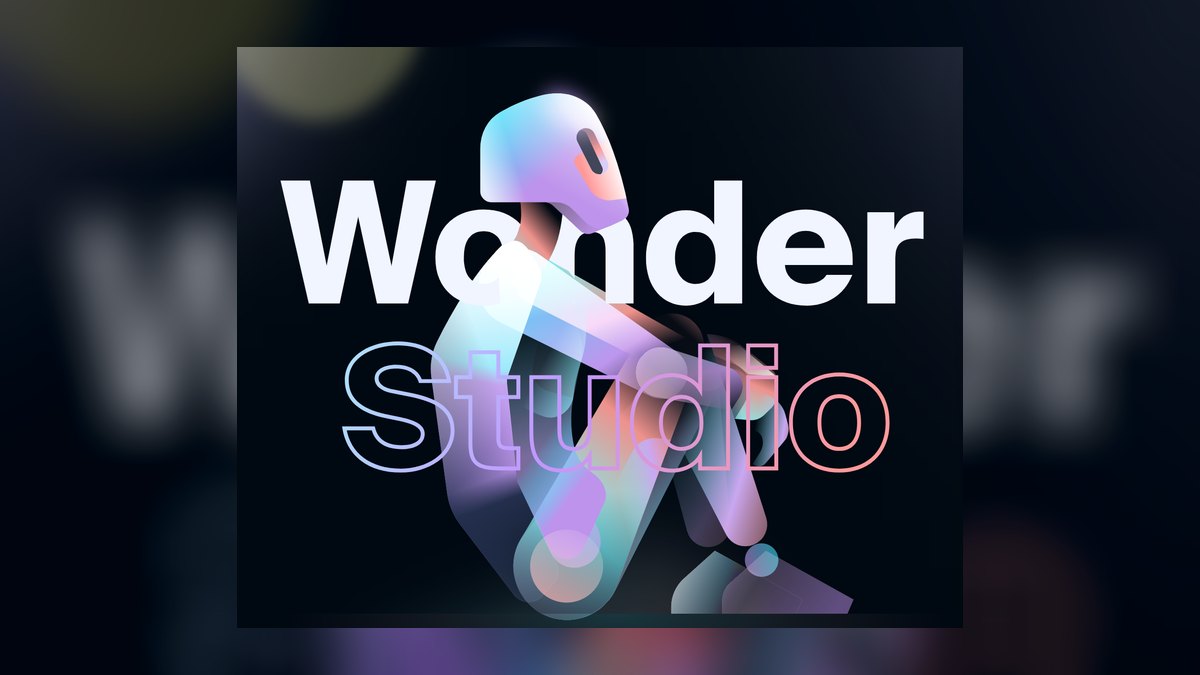
Wonder Studio ranks fourth because it fuses AI motion capture with automated VFX, detecting an actor in live-action footage and replacing them with an animated CG character in one pass. Body motion, basic facial performance, lighting, and compositing are handled automatically, saving hours of manual rotoscoping and keyframing. Now part of Autodesk, it exports underlying motion and clean plates to Maya, Blender, Unreal, and Nuke, keeping control in professional pipelines. This integration raises its ceiling for studio adoption.
This is for filmmakers and content studios turning single-camera shots into finished creature or character sequences without a full VFX team. The constraint is that it is optimized for full-body character replacement in cinematic footage, not loopable game cycles or biomechanical analysis. Compared to DeepMotion's general-purpose animation output, Wonder Studio trades flexibility for a narrower, higher-end cinematic workflow, making it less suitable for indie game developers but powerful for narrative production.
5Radical Motion
Radical Motion ranks fifth because its Radical Live mode streams a performer's motion into Unreal Engine or a browser viewer from a single webcam or phone in real time. The offline path handles uploaded video for higher accuracy, and output supports FBX and direct engine streaming. A laptop is enough to drive a character, making it highly accessible for live virtual events and previz. The cloud solve keeps hardware requirements minimal.
This is for live virtual event producers, previz artists, and creators who need immediate on-screen body motion without hardware investment. As with all monocular systems, expect softer accuracy on rotation-heavy and occluded motion versus multi-camera capture from Move.ai. Compared to DeepMotion's offline-only cloud processing, Radical's real-time streaming is the key differentiator, but it sacrifices some offline precision, making it a niche pick for live performance rather than polished animation.
6Plask Motion
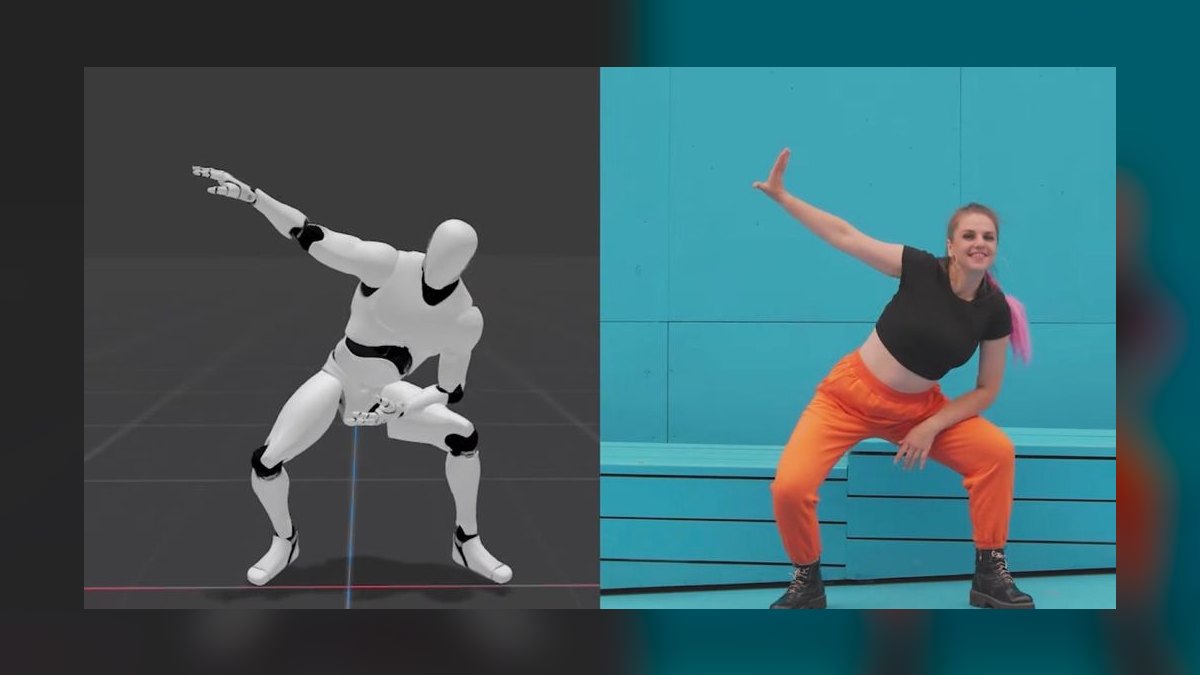
Plask Motion ranks sixth because a genuinely useful tier is free, runs in the browser, and needs nothing but an uploaded video or webcam to extract 3D motion. It includes a built-in timeline editor for fixing errors and retargeting without bouncing to another app, a feature most free competitors lack. Exports cover FBX, BVH, and glTF for Blender, Unity, and Unreal. This zero-friction entry point makes it the best value in AI mocap.
This is for indie game developers, students, and animators who need a starter motion library on a near-zero budget. Quality sits below multi-camera tools like Move.ai, and heavy use pushes you to paid plans for resolution and export volume. Compared to Radical's real-time streaming, Plask is offline-only but offers a more complete editing workflow, making it the better teaching tool and budget pick for those learning mocap fundamentals.
7Cascadeur
Cascadeur ranks seventh because it is not a recording tool but an AI-assisted keyframe animation software whose AutoPoser and AutoPhysics infer balanced, physically plausible poses from a few control points. It is the outlier on this list, generating motion when there is no performer to record, making it a complement to capture tools. It exports FBX and DAE, has a free tier for individual creators, and physics tools keep center-of-mass believable during jumps and throws.
This is for animators who need to clean up noisy capture or generate exaggerated, snappy motion that pure recording cannot deliver. It demands animation skill rather than a camera, so it is not a one-click solution. Compared to Plask's video-based editing, Cascadeur offers far more control over physical plausibility, but it cannot capture a real performance, so professionals pair it with a tool like Move.ai or Rokoko for best results.
8Theia Markerless
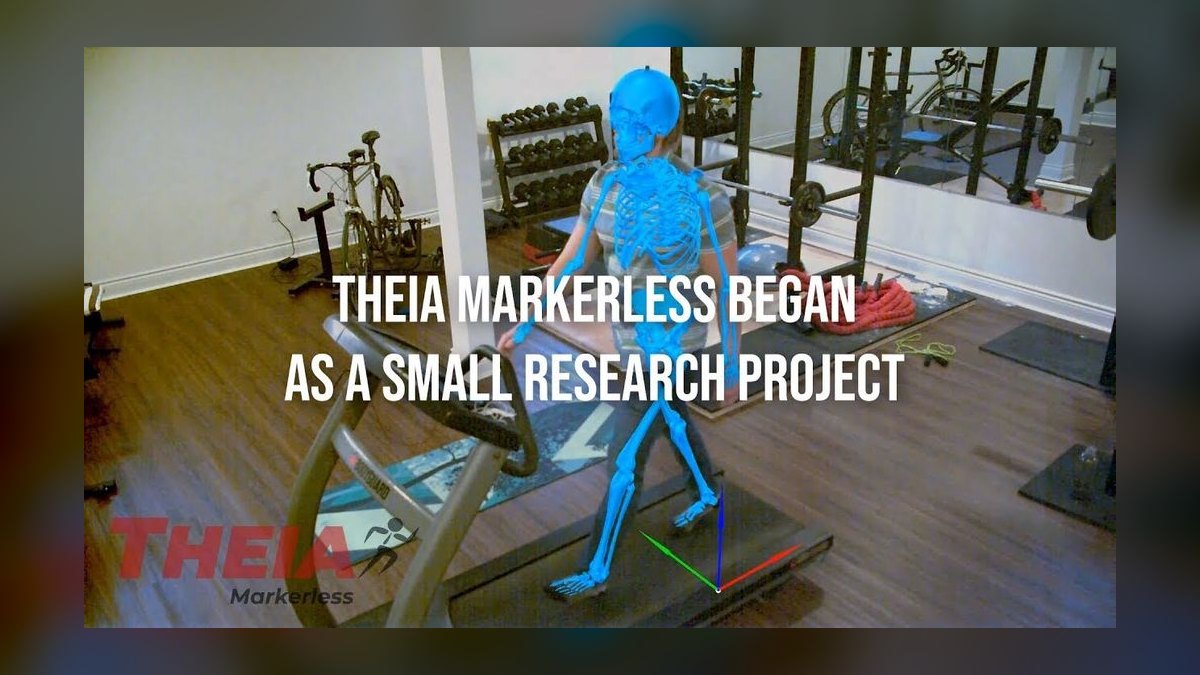
Theia Markerless ranks eighth because its Theia3D software targets biomechanics specifically, using deep-learning pose estimation from synchronized calibrated video for clinical gait analysis and sports science without reflective markers. It integrates with Visual3D and force-plate data, delivering defensible joint kinematics that animation tools cannot match. Removing markers cuts setup time dramatically and avoids skin-movement artifacts that plague marker placement. This is why university labs and pro sports teams have adopted it.
This is for labs, clinics, and sports performance teams whose deliverable is a number, not a character. It is research-grade, enterprise-priced, and outputs joint angles and kinematics rather than stylized FBX for games. Compared to Move.ai's broadcast-grade animation data, Theia prioritizes scientific accuracy over creative flexibility, making it unsuitable for animators but the markerless standard for human movement analysis.
9The Captury
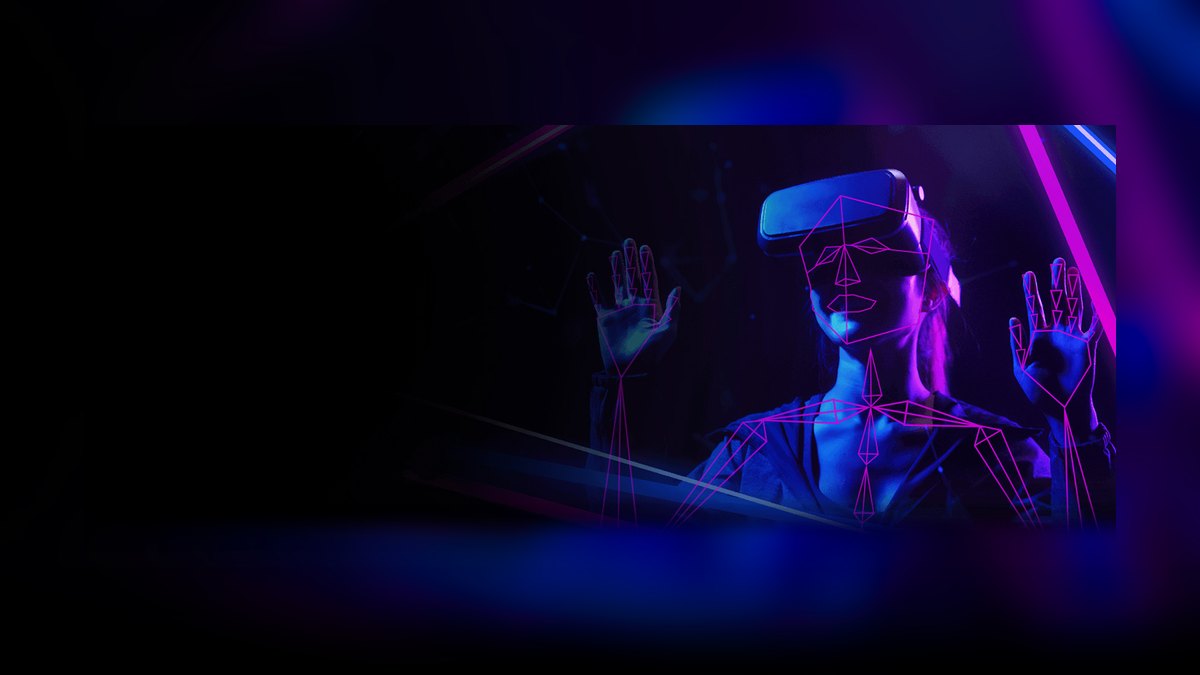
The Captury ranks ninth because CapturyLive streams real-time markerless skeletons from a multi-camera rig into engines and DCC tools with low latency, handling several performers at once more robustly than monocular tools. It is popular in research, VFX, and virtual production where live feedback is critical. It integrates with MotionBuilder, Unreal, and Unity, and its multi-person tracking is a genuine strength. This makes it a solid institutional choice for dedicated volumes.
This is for studios and labs wanting marker-free capture in a fixed, calibrated camera setup with real-time output. It requires a calibrated multi-camera volume and is priced for institutions, so it is not a solo-creator pick. Compared to Theia's biomechanics focus, The Captury is more animation-oriented but less accessible than Move.ai, which offers similar multi-camera accuracy with more flexible camera configurations and a lower entry barrier for smaller teams.
10Sony Mocopi
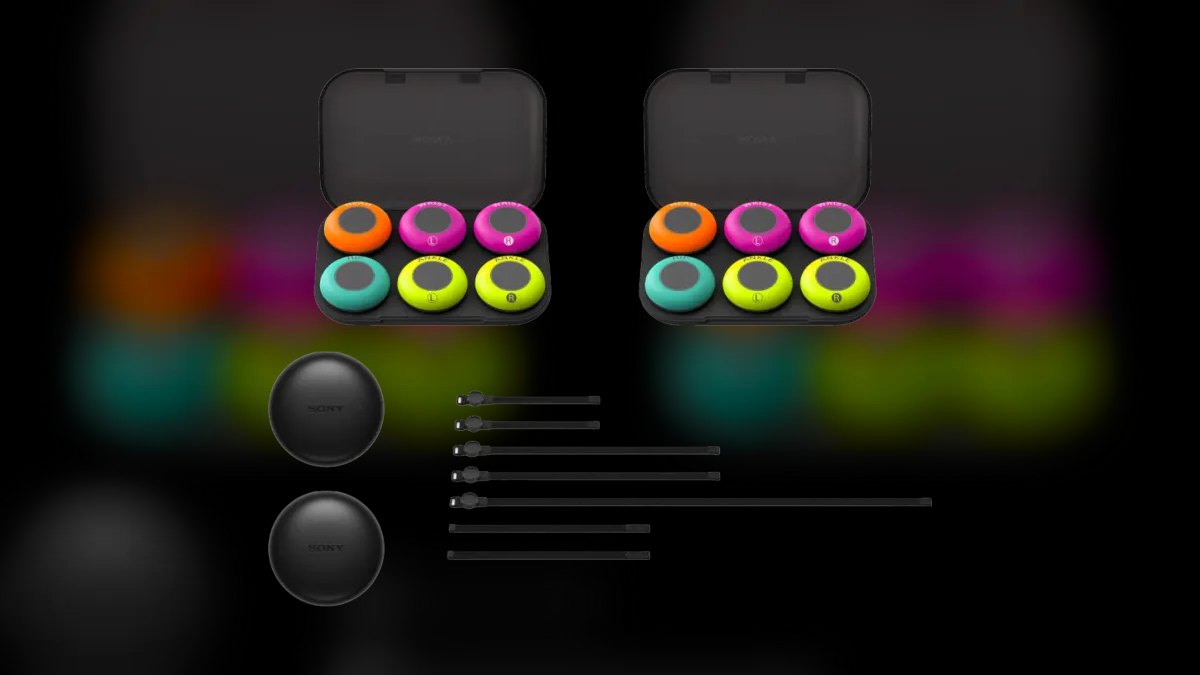
Sony Mocopi ranks tenth because it is a consumer wearable kit with six lightweight band-mounted sensors on the head, wrists, hips, and ankles that drive a full-body avatar through a phone app, priced around $450. It is IMU-based with Sony's sensor fusion smoothing the sparse input, making it the most accessible real full-body kit on this list.
This is for VTubers, hobbyists, and previz artists who want portable, lighting-independent full-body capture far below suit prices. Six sensors cannot match a 19-sensor suit's fidelity, so fast or subtle motion looks approximate, and there is drift. Compared to Rokoko's Smartsuit Pro II, Mocopi trades accuracy and robustness for a fraction of the cost and size, making it the entry-level hardware pick for those who need a wearable but cannot justify a pro-suit budget.
How we ranked these
We measured capture fidelity, output formats, hardware burden, hands and face tracking, price-to-value, and real-time versus offline performance. Each tool was weighted on joint accuracy, foot-lock stability, drift during fast or occluded motion, and direct retargeting to Unreal, Unity, Blender, Maya, and MetaHuman. Free tiers, per-clip credits, and total cost including hardware were also factored into the ranking.
We deliberately ignored pure optical marker systems with no meaningful AI layer, as markerless alternatives now do the same job. We also excluded roadmap promises and unreleased features, prioritizing tools shipping real capabilities today. This ensures the ranking reflects practical, working solutions for animators, game developers, VFX artists, biomechanists, and virtual production supervisors.
Related questions
What is the best AI motion capture tool for 2027?
Move.ai (Move Pro) is the best overall for 2027, offering markerless, multi-camera capture without a suit or stage. It delivers broadcast-grade skeletal data from 2-12+ synced cameras, including iPhones. It's ideal for studios and virtual production, with output to FBX, BVH, USD, and MetaHuman.
How does Rokoko compare to Move.ai?
Rokoko offers a hybrid approach with Vision AI video capture and the Smartsuit Pro II inertial suit. Move.ai is purely markerless and camera-based, while Rokoko's suit works in any lighting and outdoors. Rokoko is better for live streaming and VTubers, while Move.ai excels in multi-camera accuracy.
Can I use AI motion capture with just one camera?
Yes, tools like DeepMotion, Radical, and Plask Motion work with a single video or webcam. However, single-camera systems have limitations with depth ambiguity and occlusions. For higher accuracy, Move.ai recommends 2-12+ synced cameras to avoid limb swaps and improve foot contact.
What is the best free AI motion capture tool?
Plask Motion is the best free option, offering browser-based capture from uploaded video or webcam. It includes a built-in editor for fixing errors and retargeting, and exports to FBX, BVH, and glTF. It's ideal for indie developers and students on a near-zero budget.
Is AI motion capture accurate enough for AAA games?
For most production needs, yes, especially with Move.ai's Move Pro, which delivers broadcast-grade data. However, for extremely complex motions like finger tracking or fast acrobatics, you may still need a suit or optical markers. Test on your worst-case footage to ensure quality.
What is the difference between markerless and inertial motion capture?
Markerless AI uses cameras and neural pose estimation, requiring no hardware but can struggle with occlusions. Inertial suits like Rokoko's Smartsuit use IMU sensors, working in any lighting but prone to drift over long takes. Choose based on your environment and need for portability.
Can AI mocap be used for real-time live streaming?
Yes, tools like Rokoko Vision and Radical offer real-time markerless capture from a single webcam, popular for VTubers and live performers. Latency is typically under a second. For higher fidelity, Rokoko's Smartsuit Pro II provides real-time streaming into Unreal, Unity, and Blender.
What is the best AI tool for biomechanics research?
Theia Markerless (Theia3D) is the standard for biomechanics, offering deep-learning pose estimation for clinical gait analysis and sports science. It outputs joint angles and kinematics, not stylized FBX, and integrates with Visual3D and force plates. It's enterprise-priced for labs and research teams.
FAQ
Can I use AI motion capture with just one iPhone?
Yes, several tools like Rokoko Vision and Plask Motion work with a single iPhone camera. However, for the highest quality markerless capture, Move.ai recommends 2–12+ synced cameras to avoid occlusions and improve skeletal accuracy.
How much does professional AI mocap cost in 2027?
Prices vary widely: free browser-based tools like Plask Motion exist, Rokoko’s Smartsuit Pro II costs around $2,500, and Move.ai’s studio subscriptions range from hundreds to low thousands per month depending on camera count and resolution. There’s no single fixed price.
Is AI motion capture accurate enough for AAA games or film?
For most production needs, yes—especially Move.ai’s Move Pro, which delivers broadcast-grade data. But for extremely complex motions like finger tracking or fast acrobatics, you may still need a suit or optical markers for best results.
Do I need special lighting or a green screen?
Not necessarily. Most AI tools work in normal indoor lighting with any background. However, consistent, even lighting and minimal background clutter improve tracking quality, especially for single-camera setups.
Can AI mocap work for real-time live streaming or VTubing?
Absolutely. Rokoko Vision and similar tools offer real-time markerless capture from a single webcam, making them popular for VTubers and live performers. Latency is typically under a second.
What’s the main trade-off between markerless AI and a suit?
Markerless AI is faster to set up and requires no hardware investment, but can struggle with occlusions or fast, complex movements. Suits like Rokoko’s Smartsuit are more reliable for full-body capture in challenging scenarios, but cost more and take time to don and calibrate.
What is the best AI tool for generating motion without a performer?
Cascadeur is the top choice for AI-assisted keyframe animation, using AutoPoser and AutoPhysics to infer balanced poses from control points. It's ideal for fight choreography and stylized action, and complements capture tools by cleaning up noisy data.
How does Sony Mocopi compare to Rokoko's Smartsuit?
Sony Mocopi is a $450 consumer kit with six sensors, while Rokoko's Smartsuit Pro II costs around $2,500 with 19 sensors. Mocopi is more portable and affordable but has lower fidelity and more drift. Smartsuit offers better accuracy and real-time streaming for professional use.
What is Wonder Studio and who is it for?
Wonder Studio, now part of Autodesk, automatically replaces actors with CG characters in live-action footage, combining AI mocap and VFX. It's best for filmmakers and content studios wanting finished creature sequences without a full VFX pipeline. It exports motion to Maya, Blender, and Nuke.
What should I test before buying an AI mocap tool?
Test on your worst-case footage: fast spins, crouches, two performers, and limb crossings. Capture quality varies wildly by motion type. A tool that aces a walk cycle can fall apart on a fight scene. Most tools offer free trials or tiers for this purpose.
Sources
- https://www.move.ai/
- https://www.rokoko.com/
- https://www.deepmotion.com/
- https://wonderdynamics.com/
- https://www.radicalmotion.com/
- https://plask.ai/
- https://cascadeur.com/
- https://www.theiamarkerless.ca/
- https://www.thecaptury.com/
- https://www.sony.net/Products/mocopi-dev/en/
Related on PULSE
This page will be disappearing soon. Save it to your device for $1 — or read it free while it is here.
@Kory-White- · if Venmo asks, the last 4 of my number are 2012
This page is gone.
This one is off the shelf now. $1 keeps it on your phone for good — the whole page, pictures and diagrams included.
 pulse-ai-infrastructureThe 10 Best AI Tools for Speech Writing in 2027
 pulse-ai-infrastructureThe 10 Best AI Tools for Reading PDFs Aloud in 2027
 pulse-ai-infrastructureHow do you deploy AI models at the edge in 2027?
 pulse-ai-infrastructureThe 10 Best Secrets Management Tools for LLM Applications in 2027
 pulse-ai-infrastructureThe 10 Best RAG Frameworks in 2027
 pulse-ai-infrastructureHow much does AI Infra cost in 2027?
 pulse-ai-infrastructureHow do you choose a vector database for a production RAG system in 2027?
 pulse-ai-infrastructureWhat is a semantic cache and how much can it cut inference costs in 2027?
 pulse-ai-infrastructureWhat is distributed training and when do you need it in 2027?
 pulse-ai-infrastructureWhat is the difference between batch and real-time inference infrastructure in 2027?