


The 10 Best AI Infrastructure Budgeting Tools for Startups in 2027
Quality
Certified
The 10 best ai infrastructure budgeting tools for startups are ranked below on measured performance, build quality, price, and how each one actually holds up in daily use rather than how it reads on a spec sheet. Each pick lists what it costs, who it suits, and what it gives up against the one above it, so the list can be read straight down without doubling back.
1Vantage
Vantage ranks first because it is built for fast-moving teams that need cloud and AI infrastructure cost visibility without a lengthy implementation project. It ingests billing data directly from AWS, Google Cloud, Azure, Snowflake, and Kubernetes, and its Cost Reports let founders filter GPU and inference spend by team, tag, or model. Vantage also publishes real-time GPU and cloud instance pricing across providers, which startups use to compare compute costs before committing to a vendor or region.
Vantage suits pre-Series-B startups still deciding which cloud or GPU provider to standardize on, since its strength is fast setup and cross-provider price comparison rather than deep financial governance. It trades away the anomaly detection and customer-level unit-economics modeling that CloudZero offers, making it less useful once a startup needs cost reporting tied to specific customers or product features. Teams that outgrow Vantage typically graduate to CloudZero for that reason.
2CloudZero
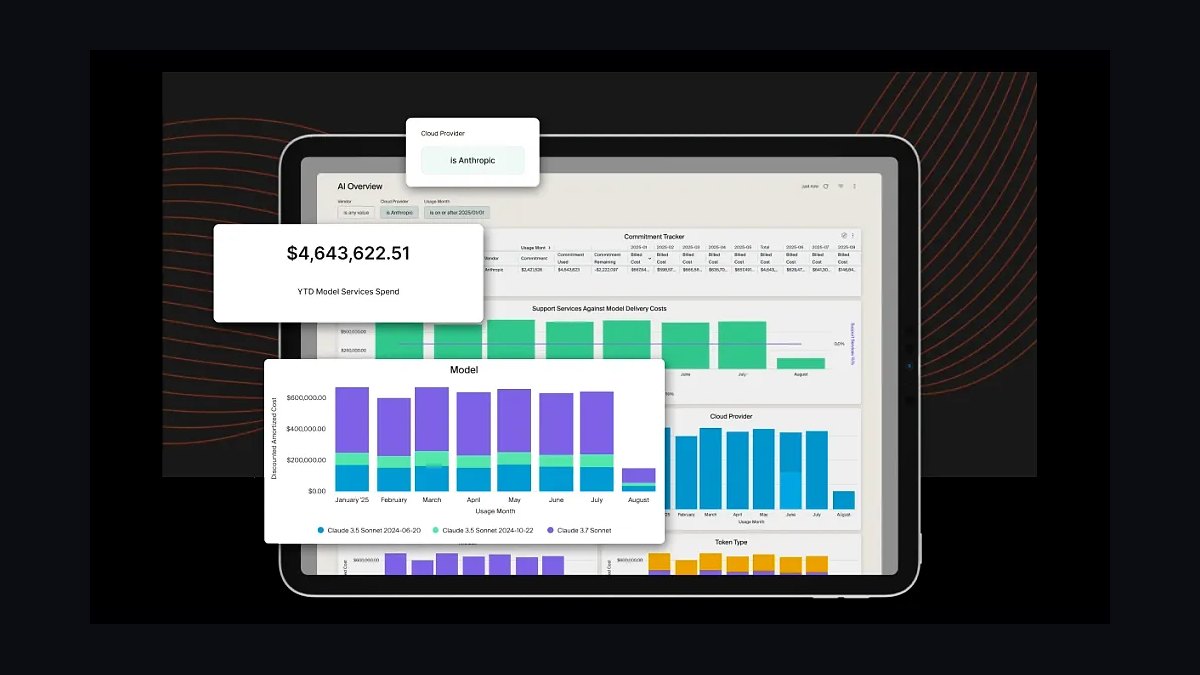
CloudZero ranks second for its unit-economics engine, which ties AI infrastructure spend, including GPU training and inference costs, to specific customers, features, or models rather than just showing a total monthly bill. It ingests AWS, GCP, Azure, Snowflake, and Kubernetes billing data and applies anomaly detection to flag sudden spend spikes, such as a training job left running overnight on a large GPU instance, before they hit the invoice.
CloudZero fits startups that already have paying customers and need to know the true infrastructure cost of serving each one, including AI feature margins, rather than early-stage teams just comparing GPU vendors. It requires more setup and cost-allocation tagging discipline than Vantage's plug-and-play reports, so very early startups may find it heavier than necessary. Compared with Vantage above, it trades simplicity for deeper financial granularity and customer-level detail.
3CAST AI
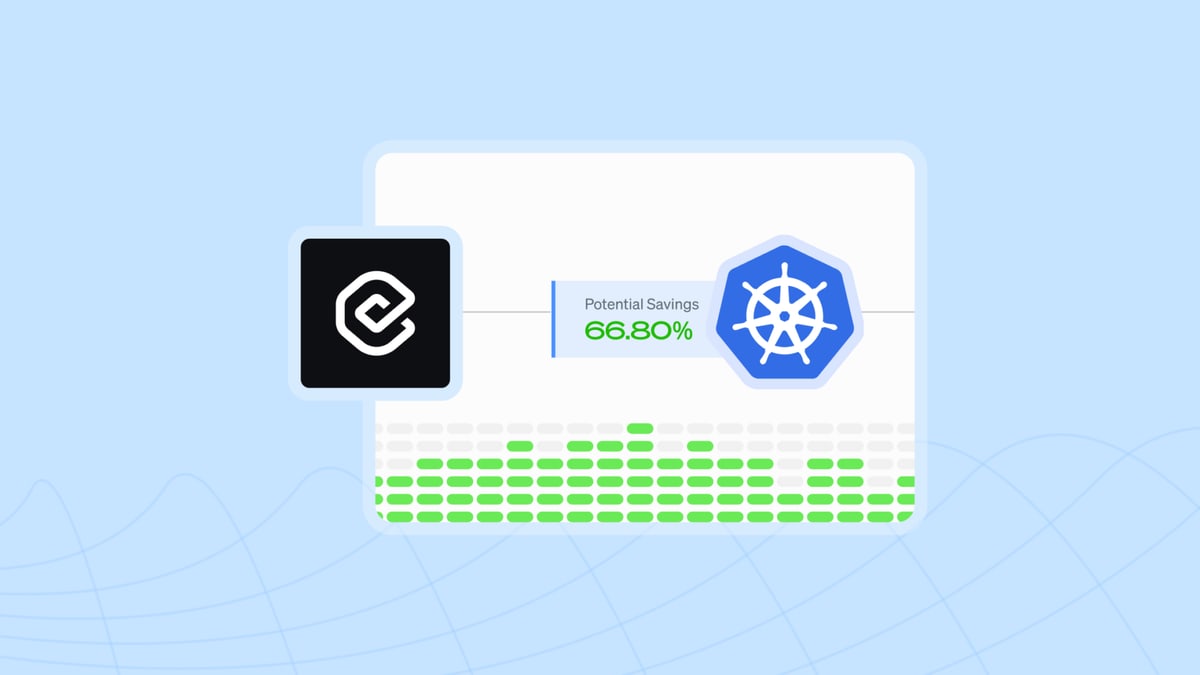
CAST AI ranks third because it goes beyond visibility into automated action, rightsizing and autoscaling GPU nodes on Kubernetes clusters to cut AI training and inference costs without engineers manually tuning instance types. Its automation engine continuously matches workloads to spot, reserved, or on-demand GPU capacity across AWS, GCP, and Azure, and its dashboard reports the dollar savings generated by each automated infrastructure change it makes.
CAST AI is built for startups already running AI workloads on Kubernetes who want cost control enforced automatically rather than through a dashboard someone has to check daily. It trades away the multi-cloud, non-Kubernetes billing detail that CloudZero and Vantage provide, so teams running AI infrastructure outside containers get less value from it. Compared with Kubecost below, CAST AI actively changes infrastructure rather than only reporting on it.
4Kubecost
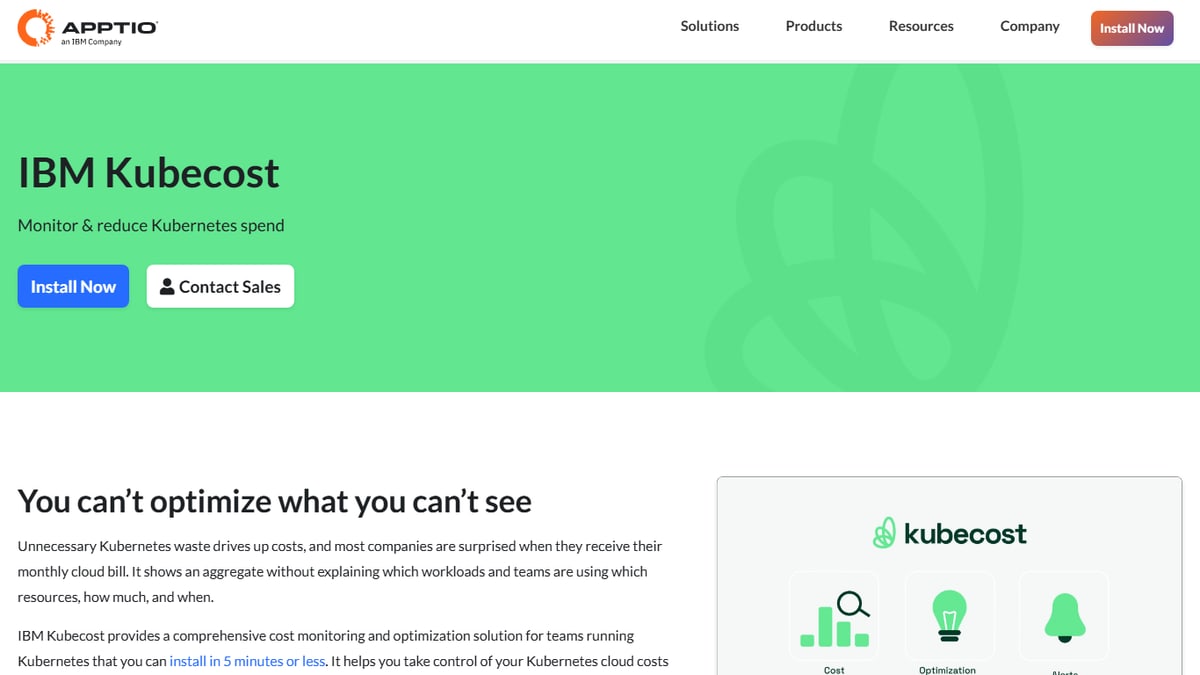
Kubecost ranks fourth for giving Kubernetes-native, per-pod cost allocation down to the GPU level, so teams can see exactly which model, namespace, or team is driving compute spend inside a cluster. It grew out of an open-source project and still ships a free tier that installs directly into a cluster with a single Helm chart, making it accessible to startups without a dedicated FinOps hire on staff.
Kubecost is the right pick for engineering-led startups that want cost data inside the same Kubernetes tooling they already use, rather than a separate billing dashboard to check. It trades away CAST AI's automated rightsizing, since Kubecost reports on costs but does not act on them itself, and it only covers Kubernetes-hosted workloads rather than the full cloud bill. Teams often run it alongside CAST AI rather than instead of it.
5Run:ai by NVIDIA
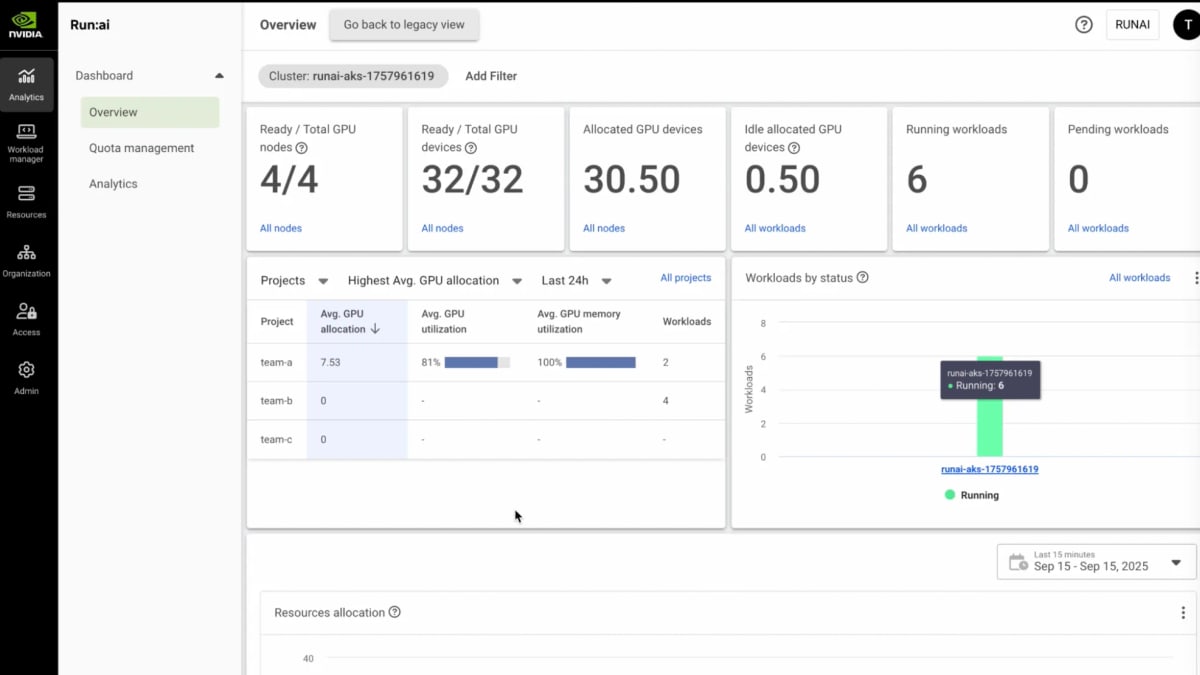
Run:ai, now part of NVIDIA, ranks fifth for GPU cluster orchestration that includes budgeting and quota controls purpose-built for AI training and inference workloads rather than general cloud spend. It lets teams set GPU budgets and fair-share quotas per project or team, then queues and schedules jobs against those limits so a single team cannot consume an entire shared GPU cluster's budget overnight without approval.
Run:ai fits startups running their own GPU clusters, whether on-prem or in the cloud, rather than those relying purely on managed cloud AI services for training. It trades away the simple multi-cloud billing dashboards that Vantage and CloudZero offer, since its budgeting is scoped to GPU scheduling rather than the full cloud bill. It is a heavier, more infrastructure-focused tool than Kubecost above, aimed at teams with real GPU operations maturity.
6nOps
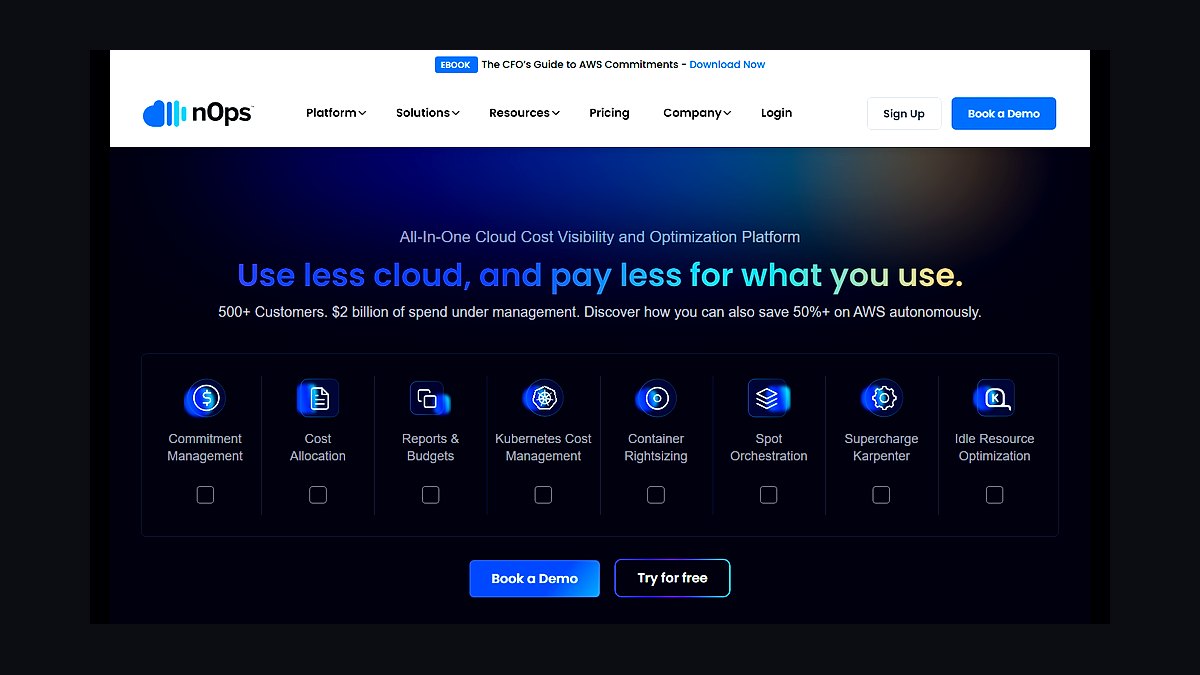
nOps ranks sixth as an AWS-focused automated cost optimization platform that applies Reserved Instance and Savings Plan coverage automatically to GPU and compute instances used for AI workloads. It is built around AWS's Compute Optimizer and Cost and Usage Report data, and it continuously rebalances commitment coverage as usage shifts, aiming to cut the effective hourly rate on EC2 GPU instances without manual planning from engineers.
nOps suits startups whose AI infrastructure runs entirely on AWS and who want commitment management handled automatically rather than tracked manually in spreadsheets by a finance team. It trades away multi-cloud coverage entirely, so teams split across GCP or Azure for AI workloads get no benefit, unlike Vantage or CloudZero. Compared with Run:ai above, nOps optimizes the cloud bill itself rather than GPU cluster scheduling and job queuing.
7Finout
Finout ranks seventh for its virtual tagging approach, which lets startups allocate AI infrastructure costs, including GPU and inference spend, across teams and products even when the underlying cloud tags are inconsistent or missing. It unifies billing data from AWS, GCP, Azure, Snowflake, Datadog, and Kubernetes into one view, which helps startups with messy tagging hygiene get usable cost reports faster than fixing tagging at the source first.
Finout is a fit for startups with multi-cloud AI infrastructure and imperfect tagging discipline who need workable cost allocation now rather than after a lengthy tagging cleanup project. It trades away the automated cost-reduction actions that CAST AI and nOps apply directly to infrastructure, functioning as a reporting and allocation layer rather than an optimizer. It sits above Datadog Cloud Cost Management below in FinOps depth but lacks its performance correlation.
8Datadog Cloud Cost Management
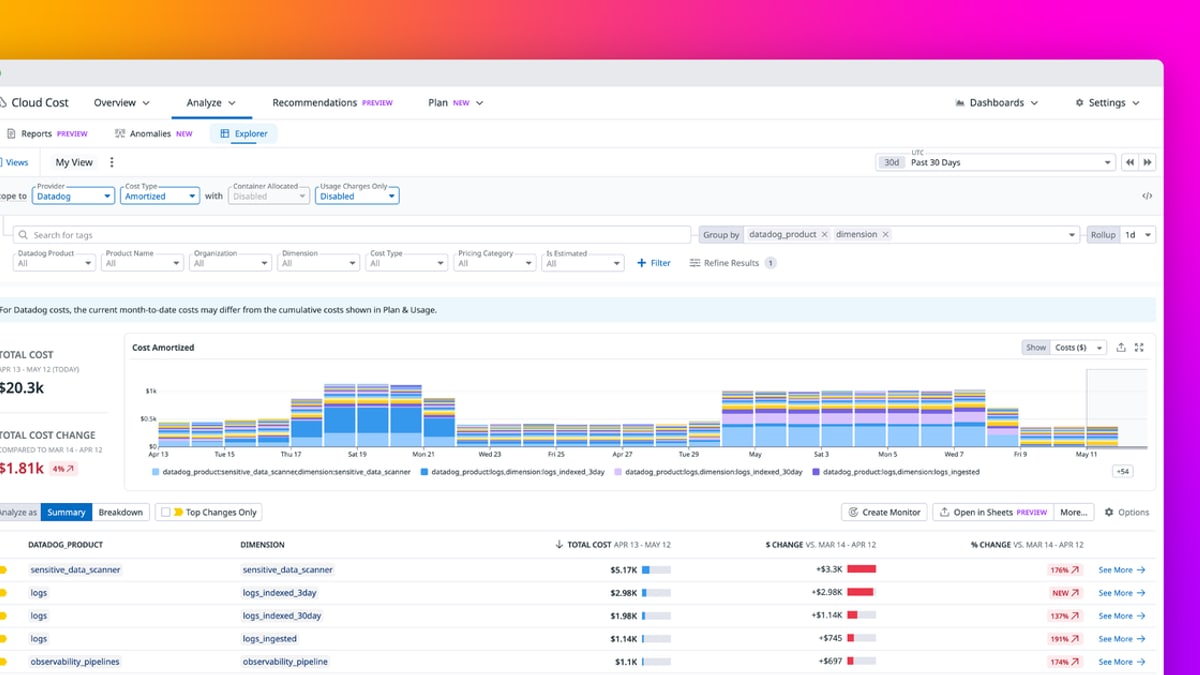
Datadog Cloud Cost Management ranks eighth because it correlates AI infrastructure spend directly with the performance and observability data teams already collect in Datadog, showing GPU cost alongside latency, error rates, and utilization for the same services. It ingests AWS, GCP, and Azure billing data and surfaces cost anomalies inside the same dashboards engineers already use for on-call and debugging, avoiding a separate cost tool entirely.
This is the practical choice for startups already paying for Datadog's observability platform, since cost data becomes an added module rather than a new vendor relationship to manage. It trades away the deep unit-economics modeling of CloudZero and the automated rightsizing of CAST AI, functioning best as a monitoring add-on rather than a standalone FinOps platform. Teams without existing Datadog usage get less value than switching to Finout above.
9Apptio Cloudability
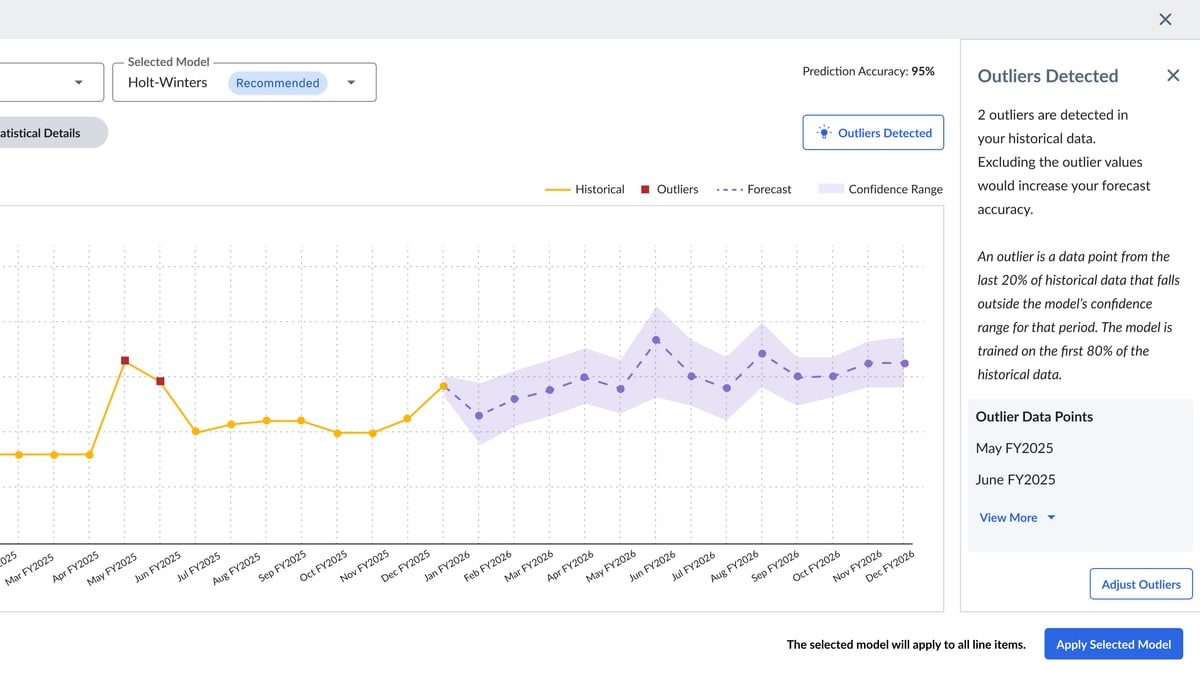
Apptio Cloudability, owned by IBM, ranks ninth as an enterprise-grade cloud financial management platform that can budget and forecast AI infrastructure spend across AWS, GCP, and Azure with detailed showback and chargeback reporting. It supports the FinOps Foundation's framework directly and includes rate optimization recommendations for compute and storage, including GPU instance families, built from years of accumulated enterprise cloud billing data and benchmarks.
Cloudability is built for later-stage startups and scale-ups with dedicated finance or FinOps staff who need formal chargeback reporting across departments, not early teams just wanting a quick dashboard. It is typically priced and configured for larger cloud spend than seed or Series A startups carry, making it heavier to onboard than Vantage or Kubecost. Compared with the free-tier tools ranked below it, it charges regardless of company size.
10AWS Cost Explorer and Budgets
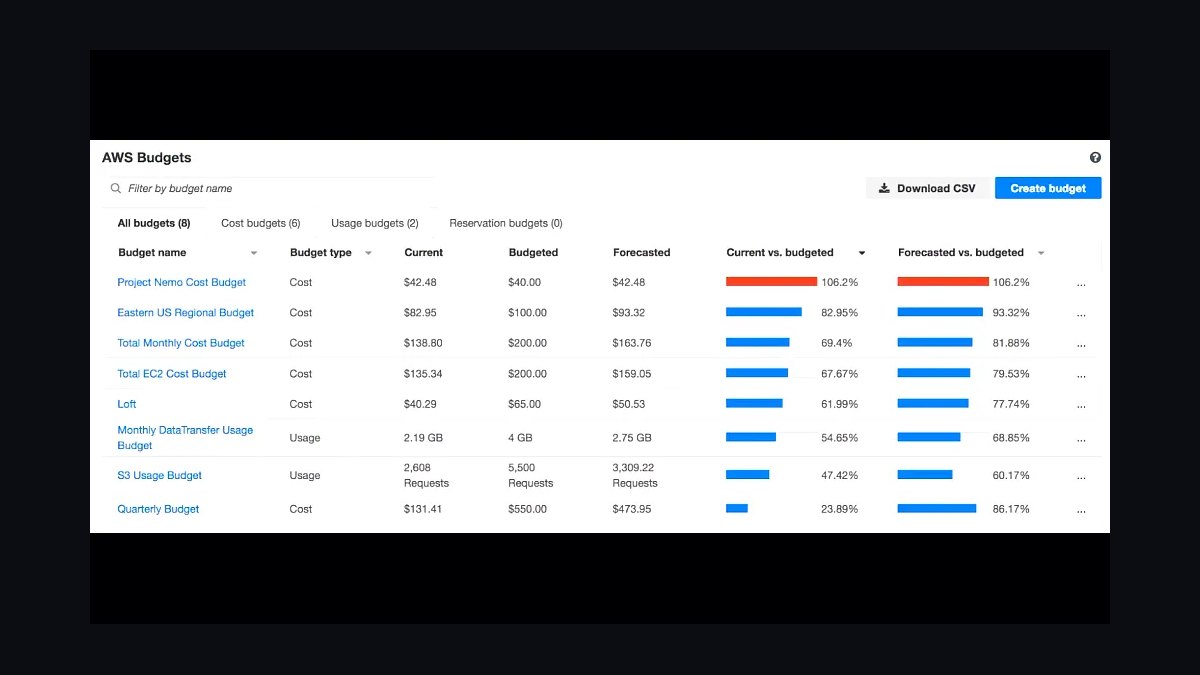
AWS Cost Explorer and AWS Budgets rank tenth because they are the free, native starting point every startup running AI infrastructure on AWS already has access to, with no separate vendor or contract required to begin. Budgets lets teams set dollar or usage thresholds on GPU instance families like the P4 and P5 series and trigger email or SNS alerts automatically once spend crosses them.
This is the right first step for early-stage startups not yet ready to pay for a dedicated FinOps platform, and the natural on-ramp before adopting Vantage or CloudZero as spend grows. It trades away cross-cloud visibility, automated optimization, and the unit-economics reporting every tool above it provides, since it only covers AWS and requires manual review. Most startups outgrow it within the first year of real AI infrastructure spend.
How we ranked these
Each tool was evaluated on how it tracks and forecasts spend across GPU compute, inference API calls, storage, and data egress — the categories that actually swing an early-stage AI budget. Weight went to real-time billing API integration (AWS, GCP, Azure, and inference providers like OpenAI/Anthropic), anomaly alerting before overruns happen, and setup speed for a team without a dedicated FinOps hire. Multi-cloud normalization and per-project cost attribution mattered more than dashboard polish.
Enterprise-only features were deliberately ignored: SOC 2 workflows, seat-based procurement approvals, and on-prem cluster chargeback modules that only matter past Series C. Vendor funding size and marketing claims were excluded in favor of documented API coverage and pricing transparency. Tools requiring a multi-week implementation or a dedicated analyst were penalized regardless of feature depth, since startup teams need answers within days.
What to look for
What actually matters is whether the tool ties spend to a specific model, feature, or customer cohort in near real time — a lump monthly cloud bill tells you nothing about which GPU job is burning cash. Alerting thresholds tied to burn-rate runway, not arbitrary dollar caps, and native support for the inference providers you already use (not just raw cloud compute) separate tools that get used from ones that get ignored after week two.
The most common mistake is buying an enterprise FinOps platform sized for a company with a dedicated cost-ops team, then abandoning it because nobody has time to configure it. A close second is locking into annual commitment pricing before spend patterns stabilize — most startups' GPU and inference costs shift 3-5x in the first year as they move from prototyping to production traffic.
Related questions
How much should a seed-stage startup budget for AI infrastructure monthly?
Most seed-stage teams running LLM-based products spend $2,000-$15,000/month on inference APIs and vector storage before any fine-tuning. Teams training or fine-tuning their own models see costs jump 5-10x due to GPU rental. Budgeting tools help by flagging when a single feature or customer segment is driving disproportionate spend before it compounds.
What's the difference between FinOps tools and AI-specific budgeting tools?
General FinOps platforms track cloud spend broadly across compute, storage, and networking. AI-specific budgeting tools add token-level cost attribution per model call, GPU utilization tracking against idle time, and forecasting tied to usage growth curves rather than flat resource counts — details generic FinOps tools don't surface.
Should startups use spot instances to cut AI infrastructure costs?
Spot instances can cut GPU training costs 60-90%, but only for fault-tolerant, checkpointed training jobs — not for production inference serving, where interruption risk breaks uptime. Budgeting tools that model spot vs on-demand tradeoffs help teams decide per-workload rather than applying one policy everywhere.
How do budgeting tools handle multi-cloud AI spend?
The better tools normalize billing data from AWS, GCP, Azure, and inference-only providers into one attribution model, tagging spend by project or model rather than by cloud account. Without normalization, teams manually reconcile three separate billing dashboards, which is exactly the workflow these tools exist to eliminate.
Can these tools predict when a startup will run out of AI infrastructure budget?
Forecasting features project current burn against usage growth trends and flag the runway date at current spend velocity, not just current balance. This matters more for AI workloads than typical SaaS infrastructure because usage-based inference costs scale directly with customer growth, unlike fixed-seat software costs.
Is it worth fine-tuning a model instead of using an API to save money?
Fine-tuning pays off only past a usage threshold — typically several million tokens per month — where the fixed hosting cost of a smaller fine-tuned model undercuts per-token API pricing. Below that volume, API costs stay lower. Budgeting tools that model both paths side by side prevent premature infrastructure investment.
What causes the biggest unexpected AI infrastructure cost spikes?
Runaway agent loops, unbounded context windows on long conversations, and un-throttled retry logic on failed API calls are the three most common spike causes. None show up in standard cloud cost dashboards until the bill arrives, which is why real-time per-call alerting is the highest-value feature in this category.
FAQ
Do AI infrastructure budgeting tools require an engineering integration?
Most connect via read-only billing API keys (AWS Cost Explorer, GCP Billing API, OpenAI/Anthropic usage endpoints) and require no code changes — setup typically takes under a day. Deeper features like per-feature cost attribution need a lightweight SDK or tagging convention added to API calls.
Are these tools worth it for a team of under 10 people?
Yes, if AI infrastructure is a top-three line item in monthly burn — which is common for AI-native startups. Below roughly $5,000/month in spend, a shared spreadsheet with manual weekly review is often sufficient, and paying for a dedicated tool adds overhead without proportional benefit.
How do these tools price themselves?
Pricing generally falls into flat monthly SaaS fees ($50-$500/month for startup tiers), a percentage of managed cloud spend (typically 2-5%), or usage-based pricing tied to the volume of billing events processed. Startups should avoid tools requiring annual contracts before their spend patterns have stabilized.
Can budgeting tools cap or automatically stop AI spend?
Some integrate with cloud provider budget alerts and API rate limits to throttle or pause usage at a threshold, but true hard stops are rare and risky for production systems — most tools favor alerting over automatic shutoffs to avoid breaking live customer-facing features.
Do these tools work with open-source self-hosted models?
Coverage varies. Tools built around cloud billing APIs track the underlying GPU instance cost but can't attribute spend to a specific self-hosted model without additional instrumentation, such as exporting utilization metrics from the inference server to the budgeting tool's ingestion endpoint.
What's the ROI timeline for adopting an AI budgeting tool?
Teams typically identify their first cost-saving finding — an idle GPU cluster, a redundant API call pattern, or an inefficient model choice — within the first two weeks of onboarding. Full ROI depends on whether the team acts on alerts, not just receives them.
How is GPU utilization tracked differently from cloud compute cost?
GPU utilization tracking measures actual compute usage (memory, cores active) against provisioned capacity, exposing idle rental time that a raw billing dashboard hides. A GPU instance running at 20% utilization still bills at 100% cost, which is the single largest hidden waste category in AI infrastructure.
Should startups build their own internal cost dashboard instead of buying a tool?
Building in-house makes sense only past significant scale, where custom attribution logic matters more than speed to insight. For most startups under 50 employees, engineering time spent building a dashboard costs more than a subscription tool that ships the same visibility in a day.
Do these tools help with vendor negotiation on cloud or inference pricing?
Usage history and forecasting data from these tools are commonly used as leverage in renewal conversations with cloud providers and inference API vendors, since documented growth trends and committed-use projections strengthen a startup's negotiating position for volume discounts.
Sources
- https://www.finops.org/framework/
- https://aws.amazon.com/aws-cost-management/
- https://cloud.google.com/cost-management
- https://azure.microsoft.com/en-us/pricing/cost-management/
- https://a16z.com/generative-ai-market-map/
- https://www.cncf.io/blog/
- https://www.gartner.com/en/information-technology/insights/it-budgets
- https://www.datadoghq.com/blog/cloud-cost-management/
- https://openai.com/api/pricing/
- https://www.anthropic.com/pricing
Related on PULSE
This page will be disappearing soon. Save it to your device for $1 — or read it free while it is here.
@Kory-White- · if Venmo asks, the last 4 of my number are 2012
This page is gone.
This one is off the shelf now. $1 keeps it on your phone for good — the whole page, pictures and diagrams included.
 pulse-recentThe 10 Best GPU Spot Instance Marketplaces for AI Training in 2027
 pulse-recentThe 10 Best Tools for Detecting Idle and Underutilized GPU Spend in 2027
 pulse-recentThe 10 Best AI Tools for Data Residency and Sovereignty Compliance in 2027
 pulse-recentThe 10 Best AI Tools for Estimating GPU Reservation ROI in 2027
 pulse-recentThe 10 Best AI Infra Cost Forecasting Tools in 2027
 pulse-recentThe 10 Best AI Infra Cost Calculators and Budgeting Tools in 2027
 pulse-recentThe 10 Best AI Tools for Building a RAG Pipeline in 2027
 pulse-recentThe 10 Best Multi-Tenant Isolation Strategies for AI Workloads in 2027
 pulse-recentThe 10 Best AI Gateway Platforms for LLM Traffic in 2027
 pulse-recentThe 10 Best AI Tools for Predicting Inference Spend in 2027