


What should I look for in a portable power station for remote work in 2027?
Quality
Certified
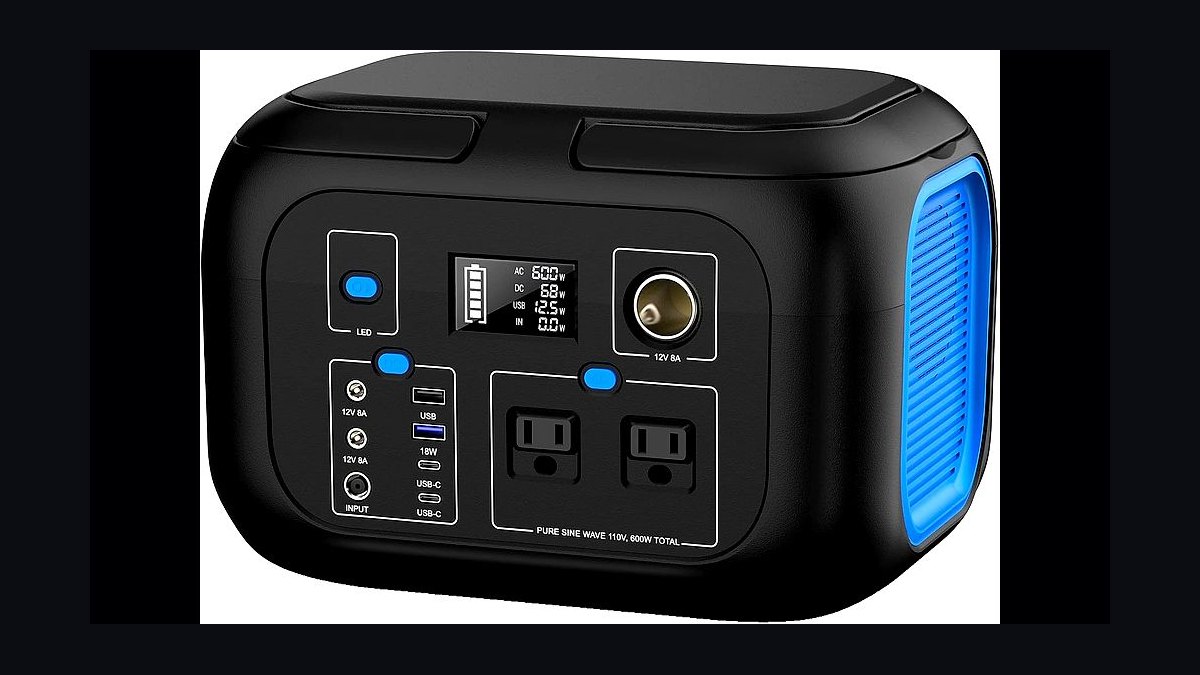
For remote work in 2027, prioritize a portable power station with 500–1,000Wh capacity, 300W+ USB-C Power Delivery output, pure sine wave AC inverter, LiFePO4 chemistry rated for 3,000+ cycles, and under 15 lb weight. Match capacity to your longest outage, verify pass-through UPS switching under 20ms, and confirm solar input headroom before buying.
What it is and why it matters
A portable power station is a battery-backed inverter in a carry case: it stores DC energy in a lithium pack, then converts it to AC (via an inverter) and DC (via USB and barrel ports) so you can run a laptop, monitor, router, and phone charger without a wall outlet. For remote workers in 2027, it has stopped being a camping accessory and become continuity infrastructure. The reason is structural: remote and hybrid arrangements mean your income depends on a home network and a charged laptop, and the grid, your building's wiring, or your utility's outage schedule no longer sit inside your control.
The distinction that matters most is between a portable power station and three things it gets confused with. A UPS (uninterruptible power supply) is designed for seconds-to-minutes of ride-through and battery replacement every three to five years; it is not built to run a workspace for eight hours. A gas generator produces far more power per dollar but needs fuel, ventilation, and maintenance, and it cannot sit in an apartment. A power bank charges a phone and maybe a laptop at 100W, but it cannot run a monitor and router together. The portable power station sits in the gap: silent, indoor-safe, fume-free, and sized in the 300Wh–2,000Wh band that covers a full remote workday.
Why the 2027 framing matters: three shifts have converged. First, LiFePO4 (lithium iron phosphate) has displaced older NMC lithium-ion in most mid-range units, roughly tripling cycle life and improving thermal safety. Second, USB-C Power Delivery has standardized at 140W–240W per port, so a single cable can now run a 16-inch laptop at full speed without a barrel adapter. Third, pass-through charging with automatic transfer switching has become common, which means the station can sit between the wall and your desk permanently and behave like a UPS while also being grab-and-go. A unit bought in 2027 with these three features will still be useful in 2035; a unit bought without them will be e-waste by 2030.
The practical question is not "how much power can it make" but "how many hours of my actual workday does it cover, and how fast can I refill it." Those two numbers — runtime and recharge time — determine whether the station is a genuine backup or a toy. Everything below is organized around measuring them honestly.

The step-by-step process
Start by measuring, not shopping. Most buyers invert this and end up with either a 300Wh unit that dies mid-afternoon or a 2,000Wh unit they never lift.
Step 1 — Inventory your critical load. List every device that must stay running during an outage, and find its real wattage. Do not use the marketing number on the box; use a plug-in watt meter for one full workday. Typical remote-work figures:
- 14-inch laptop under load: 45–65W (charging), 15–25W (topping off)
- 16-inch laptop or mobile workstation: 90–140W peak
- External monitor, 27-inch 4K: 25–45W
- Mesh router or cable modem: 8–15W each
- VoIP desk phone or conference speaker: 5–10W
- LED desk lamp: 5–10W
- Phone and headset charging: 10–20W combined
A realistic remote desk totals 150–250W when everything is active, and 80–120W averaged over an eight-hour day because laptops and monitors idle.

Step 2 — Convert to watt-hours. Multiply average load by hours you need. An eight-hour workday at 110W average is roughly 880Wh of usable energy. Because inverters lose 10–15% in DC-to-AC conversion, divide by 0.85: you need about 1,035Wh of rated capacity. If you only need to bridge a two-hour outage, the same math gives roughly 260Wh.
Step 3 — Check the inverter's continuous rating, not its peak. A station rated 1,000Wh but with a 300W continuous inverter cannot run a 500W load no matter how full the battery is. Look for continuous output at least 1.5× your simultaneous peak. Surge ratings (often 2× continuous for a few seconds) only matter for motors and compressors, which a desk setup does not have.
Step 4 — Verify the output ports match your devices. Count USB-C PD ports at 100W or higher, USB-A ports, 12V DC barrel or car socket, and AC outlets. A station with one 140W USB-C port and two AC outlets covers most desks; a station with four 18W USB-A ports and one AC outlet does not.
Step 5 — Confirm pass-through and transfer time. If the station will live under your desk permanently, it must support pass-through charging (wall power flows through to your devices while the battery charges) and automatic transfer switching. Transfer time under 20ms keeps a desktop PC and monitor from rebooting; 10ms or less is ideal.
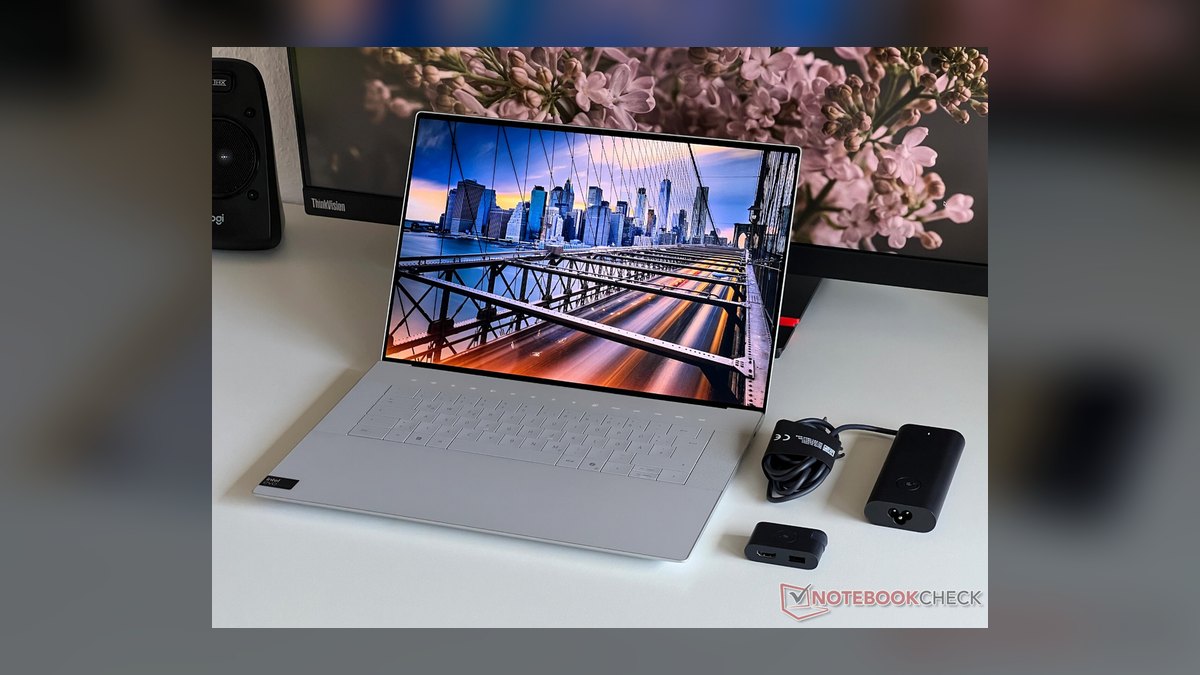
Step 6 — Plan the recharge path. Wall recharge from 0–80% typically takes 1–2 hours on modern units with fast-charge bricks, and 4–8 hours on older or larger ones. Solar input matters if you want independence from the grid: a 200W panel in good sun adds roughly 140–160Wh per hour after losses, so a 1,000Wh station needs most of a clear day.
The most common failure in this process is skipping Step 1 and guessing. Guessing produces a station sized for a phone, not a workstation.
Costs, timelines, and typical ranges
Prices below are general market bands for 2027, not quotes for any specific brand; treat them as budgeting anchors and verify against current listings.
Capacity tiers and what they buy you:
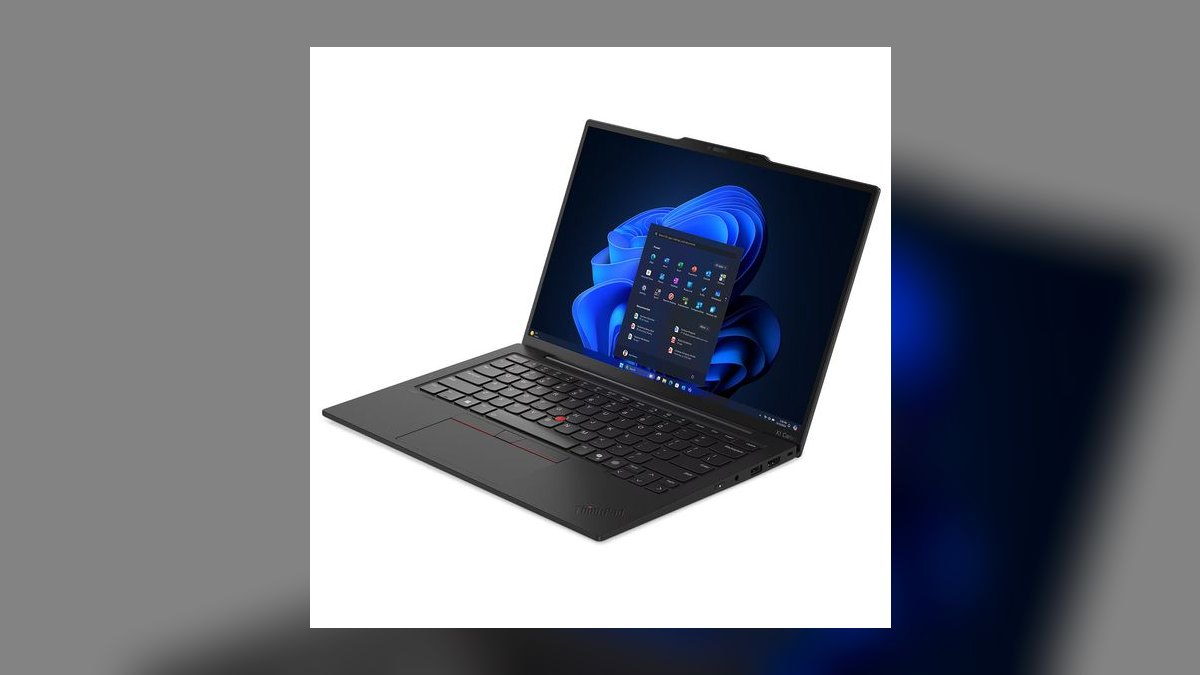
- 300–500Wh, roughly $200–$400, 8–12 lb. Covers a laptop, router, and phone for four to six hours. Enough for a short outage or a coffee-shop work session with no outlet. Cannot run a monitor and desktop together for long.
- 500–1,000Wh, roughly $400–$800, 12–20 lb. The sweet spot for remote work. Runs a full desk for six to ten hours, supports 300–600W continuous AC, and usually includes a 100W+ USB-C PD port. This is the tier most remote workers should target.
- 1,000–1,500Wh, roughly $800–$1,300, 20–30 lb. Covers a full workday plus evening use, or two workstations. Often includes expandable battery ports and 800W+ inverters. Heavy enough that you will not carry it daily.
- 1,500–2,500Wh, roughly $1,300–$2,500, 30–50 lb. Whole-desk plus refrigerator or CPAP for a day. Effectively a wheeled or two-person lift; not portable in the backpack sense.
Chemistry and lifespan costs. LiFePO4 packs are typically rated 3,000–6,000 charge cycles to 80% capacity, which at one cycle per day is eight to sixteen years. Older NMC lithium-ion packs are rated 500–1,000 cycles, roughly two to three years of daily use. LiFePO4 usually costs 15–30% more upfront and pays back within the first replacement cycle. If a listing does not state the chemistry or the cycle rating, assume the worse option.
Accessories and hidden costs:
- Solar panel, 100–200W: $150–$400, plus a compatible charge controller if not built in
- Extra battery module (on expandable units): $400–$900
- Car charging cable: $20–$50
- Replacement AC adapter if lost: $60–$150
- Surge protector for the station's own input: $25–$60
Timelines. Ordering to delivery is typically two to seven days for in-stock units. Full recharge from empty on wall power runs 1–2 hours for fast-charge 500–1,000Wh units and 4–8 hours for larger or older designs. Solar recharge is weather-dependent and rarely faster than four to six hours even in good conditions. If you are buying ahead of a known outage season, buy at least three weeks early so you can test a full discharge and recharge cycle before you depend on it.

Total realistic budget for a remote-work setup: $500–$900 gets a 700–1,000Wh LiFePO4 station, a 100W folding solar panel, and cables. That covers a full workday of desk power plus a recharge path that does not require the grid.
Where teams get it wrong
Sizing to peak instead of average. Buyers see a 600W inverter and assume they can run 600W for eight hours. They cannot: 600W for eight hours is 4,800Wh. The inverter rating tells you what the station can momentarily support, not how long it lasts. Size to watt-hours, then check the inverter clears your peak.
Ignoring inverter efficiency. A 1,000Wh station does not deliver 1,000Wh at the AC outlet. Expect 85–90% after conversion and internal losses, so plan on 850–900Wh usable. Buyers who skip this end up 15% short exactly when it matters.
Buying NMC because it is cheaper. The upfront savings of 20–30% disappear at the first battery replacement, usually within three years of daily cycling. For a device meant to sit under a desk for a decade, LiFePO4 is the lower total cost.
Confusing "solar ready" with "solar included." Many listings advertise solar input but ship no panel. The panel is often 30–50% of the total system cost. Read the box contents.
Assuming pass-through means UPS. Some stations pass wall power through but drop output for 30–100ms during a switch, which reboots a desktop. If you need true UPS behavior, look for a stated transfer time and test it by unplugging the station while a desktop is running.
Overlooking the cold and the heat. Lithium packs lose capacity in freezing temperatures and degrade faster stored hot. A station kept in a garage that hits 100°F in summer or 20°F in winter will underperform and age faster than one kept indoors at room temperature.
Forgetting the router. The most common real-world failure is a station that runs the laptop but not the modem and router, leaving the worker with a powered computer and no internet. Put network gear on the critical load list first.
Never testing under load. A station that has never been discharged to 20% and recharged to 100% has unknown behavior. Run one full cycle before you need it, and note how long it actually lasted versus the spec.
Decision framework: when to choose what
Use the framework below to map your situation to a tier, then verify the specific features.
Choose a 300–500Wh unit when: your outages are short and rare, you work from cafés and co-working spaces, you only need to top up a laptop and phone, or you need something under 10 lb you can carry daily. Accept that a monitor and desktop are out of scope.
Choose a 500–1,000Wh unit when: you work from home full-time, you need six to ten hours of desk power, you want pass-through UPS behavior under your desk, and you want one USB-C cable to run a 16-inch laptop. This is the default recommendation for remote work in 2027.
Choose a 1,000–1,500Wh unit when: you need a full workday plus evening, you run two workstations, you want expandability, or you also need to keep a CPAP, refrigerator, or medical device running. Accept the weight and treat it as semi-portable.
Choose 1,500Wh+ or linked units when: you are covering a household, a multi-day outage, or a small home office with a desktop and peripherals. Plan on wheels or a permanent location.
Choose LiFePO4 over NMC when: the station will cycle daily, you plan to keep it more than three years, or it will live in a warm room. Choose NMC only for occasional, light use where upfront price dominates.
Choose solar input when: you want independence from the grid, you live where outages last more than a day, or you work off-grid. Skip it if you only need two-hour ride-through and wall power is reliable.
Choose a UPS-style station when: you run a desktop PC, a NAS, or any equipment that reboots badly. Confirm transfer time under 20ms and test it.
The framework collapses to one sentence: size by watt-hours, buy LiFePO4, confirm the ports, and test the transfer time before you trust it.
Related questions
How many watt-hours do I need for an eight-hour remote workday?
Measure your average desk load, typically 80–120W, then multiply by eight hours and divide by 0.85 for inverter loss. That gives roughly 750–1,130Wh. A 1,000Wh LiFePO4 station covers a standard remote workday with margin.
Is LiFePO4 worth the extra cost over lithium-ion?
Yes for daily or frequent use. LiFePO4 is rated 3,000–6,000 cycles versus 500–1,000 for NMC, so it lasts three to six times longer. The 15–30% upfront premium pays back at the first replacement you avoid.
Can a portable power station replace a UPS for my desktop?
Only if it supports pass-through charging with automatic transfer under 20ms. Many stations do, but some drop output for 30–100ms and will reboot a desktop. Verify the stated transfer time and test it under load.
How long does it take to recharge a power station?
Modern 500–1,000Wh units recharge from empty to 80% in one to two hours on wall power. Larger 1,500Wh+ units take four to eight hours. Solar recharge depends on panel wattage and weather, rarely beating four hours even in good sun.
What size solar panel do I need?
For a 1,000Wh station, a 200W panel adds roughly 140–160Wh per hour in good sun after losses, so a full recharge takes most of a clear day. Match panel wattage to the station's maximum solar input rating.
FAQ
What capacity should a remote worker buy in 2027?
Target 500–1,000Wh. That covers a full desk — laptop, monitor, router, modem, phone — for six to ten hours, supports 300–600W continuous AC, and usually includes a 100W+ USB-C PD port. Buy smaller only for short outages or café work; buy larger only for multi-day coverage or two workstations.
Does inverter efficiency really change my sizing?
Yes, materially. A 1,000Wh station delivers roughly 850–900Wh at the AC outlet after DC-to-AC conversion and internal losses. If you size to the rated number without the 0.85 factor, you will come up 10–15% short on runtime exactly when you need it.

How do I know if a station is a true UPS?
Look for a stated transfer time, ideally under 20ms, and pass-through charging that lets wall power flow to your devices while the battery charges. Then test it: run a desktop, unplug the station's wall input, and see whether the desktop stays on. If it reboots, it is not a UPS.
Will a power station run my router and modem?
Yes, and you should prioritize them. A mesh router and cable modem together draw roughly 16–30W, so a 1,000Wh station runs them for over 24 hours. The most common real-world failure is powering the laptop but not the network gear, leaving no internet.
How long will a LiFePO4 station last?
Packs are typically rated 3,000–6,000 cycles to 80% capacity. At one cycle per day that is eight to sixteen years. NMC packs rated 500–1,000 cycles last roughly two to three years of daily use, which is why chemistry matters more than capacity for long-term value.
Can I charge a power station from solar and the wall at the same time?
Many mid-range and larger units support simultaneous wall and solar input, which roughly doubles recharge speed. Check the station's maximum combined input rating and confirm both ports can be used together; not all models allow it.
Sources
- https://www.energy.gov/energysaver/emergency-power
- https://www.ready.gov/power-outages
- https://www.osha.gov/electrical
- https://www.nrel.gov/research/re-solar.html
- https://www.energy.gov/eere/solar/solar-energy-technologies-office
- https://www.cpsc.gov/Regulations-Laws--Standards
- https://www.ul.com/services/battery-testing
- https://www.iec.ch/
- https://www.nerc.com/
- https://www.consumerreports.org/
Related on PULSE
This page will be disappearing soon. Save it to your device for $1 — or read it free while it is here.
@Kory-White- · if Venmo asks, the last 4 of my number are 2012
This page is gone.
This one is off the shelf now. $1 keeps it on your phone for good — the whole page, pictures and diagrams included.
 pulse-reviewsTop 10 Backpack Leaf Blowers — Best Overall + Best Value in 2027
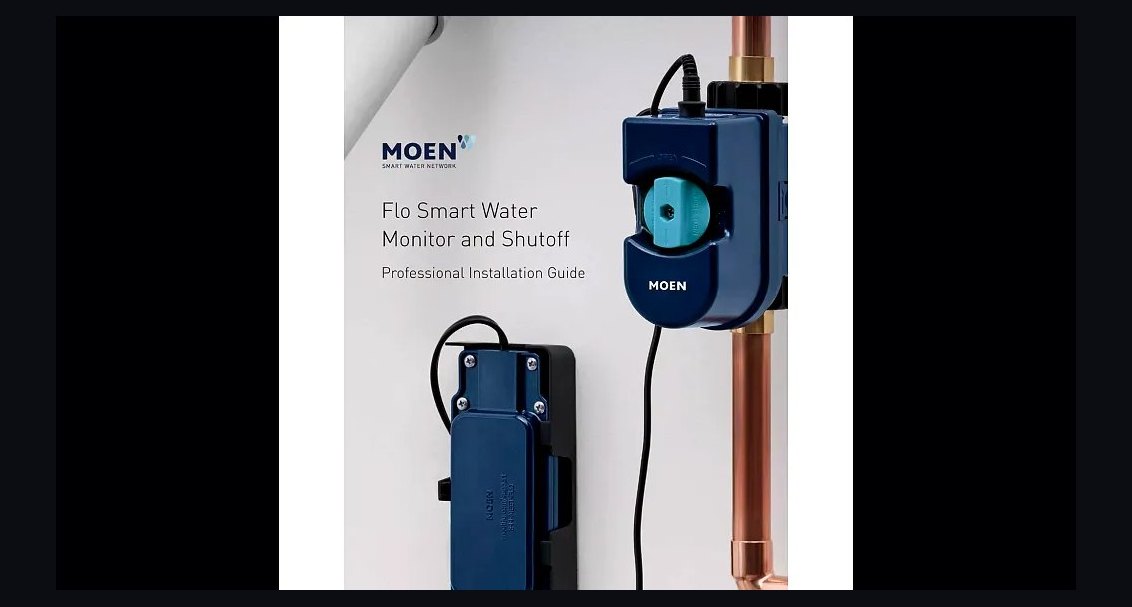 pulse-reviewsTop 10 Smart Water Leak Detectors — Best Overall + Best Value in 2027
 pulse-reviewsTop 10 Premium Dress Shoes for Sales Executives in 2027
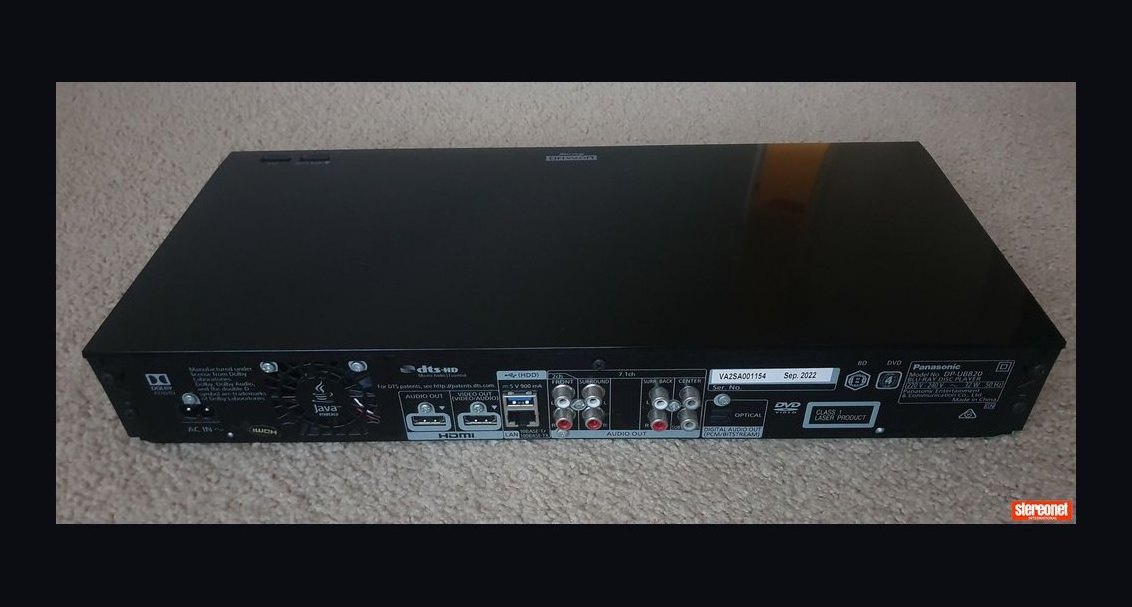 pulse-reviewsTop 10 DVD Players — Best Overall + Best Value in 2027
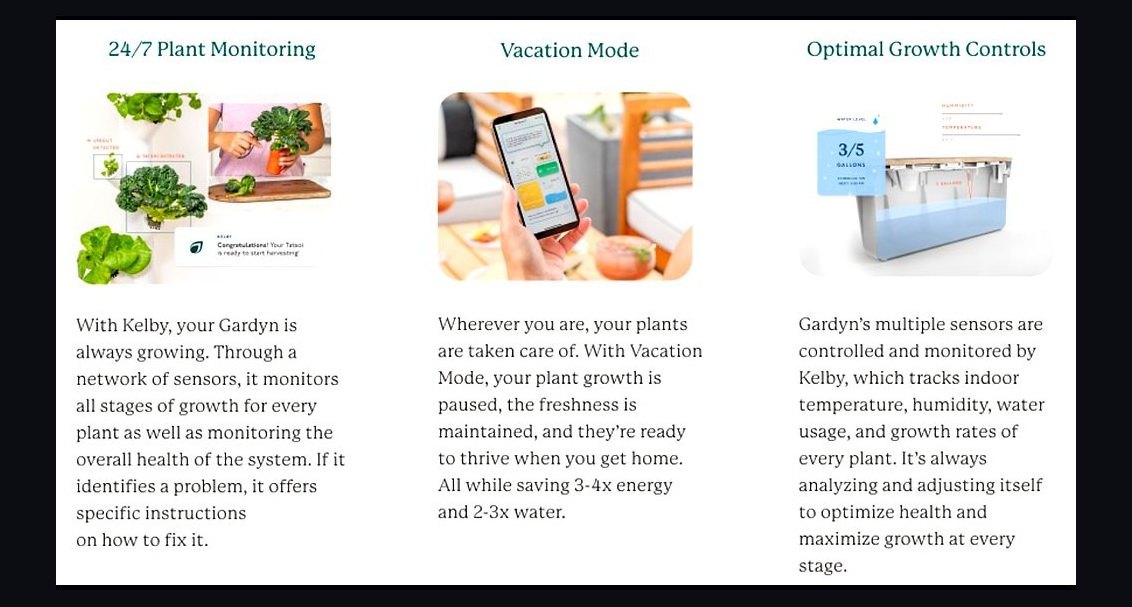 pulse-reviewsTop 10 Indoor Smart Gardens — Best Overall + Best Value in 2027
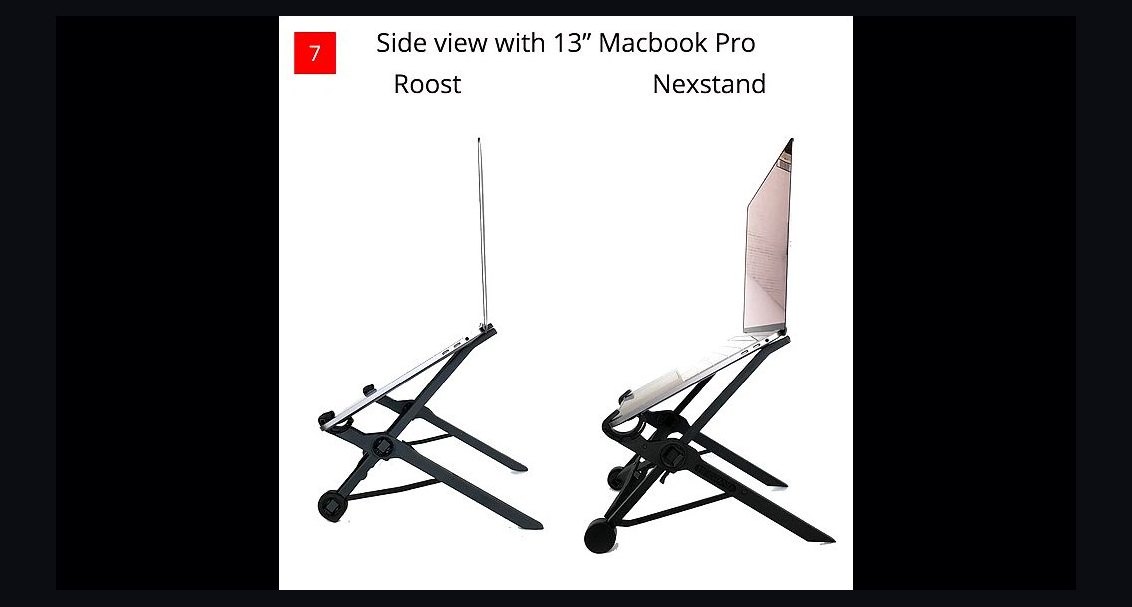 pulse-reviewsTop 10 Laptop Stands for Remote AEs in 2027
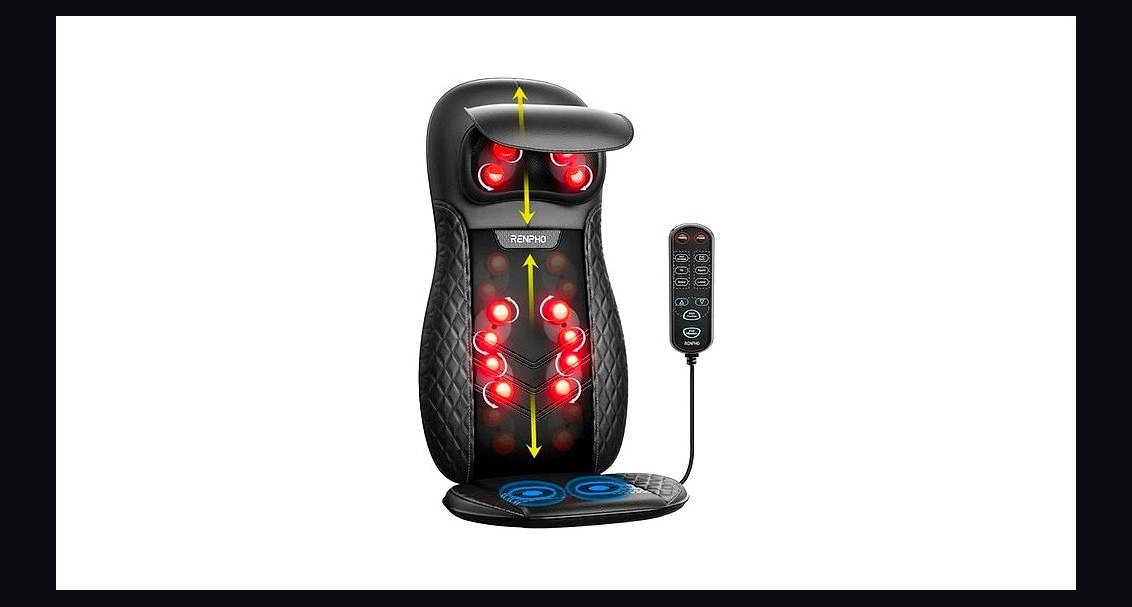 pulse-reviewsTop 10 Electric Back Massagers — Best Overall + Best Value in 2027
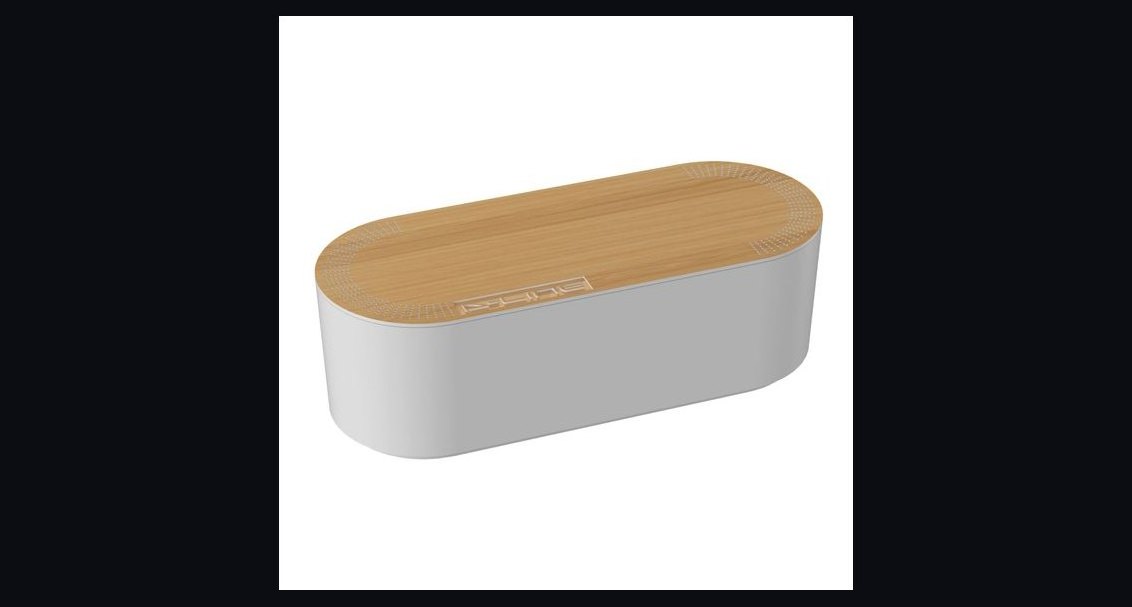 pulse-reviewsTop 10 Cable Management Boxes for Sales Home Office in 2027
 pulse-reviewsTop 10 Noise-Cancelling Headphones for Sales Reps on Phone Calls in 2027
 pulse-reviewsTop 10 Electric Spice Grinders — Best Overall + Best Value in 2027