


How long does a robot vacuum battery typically last before it needs replacing in 2027?
Quality
Certified
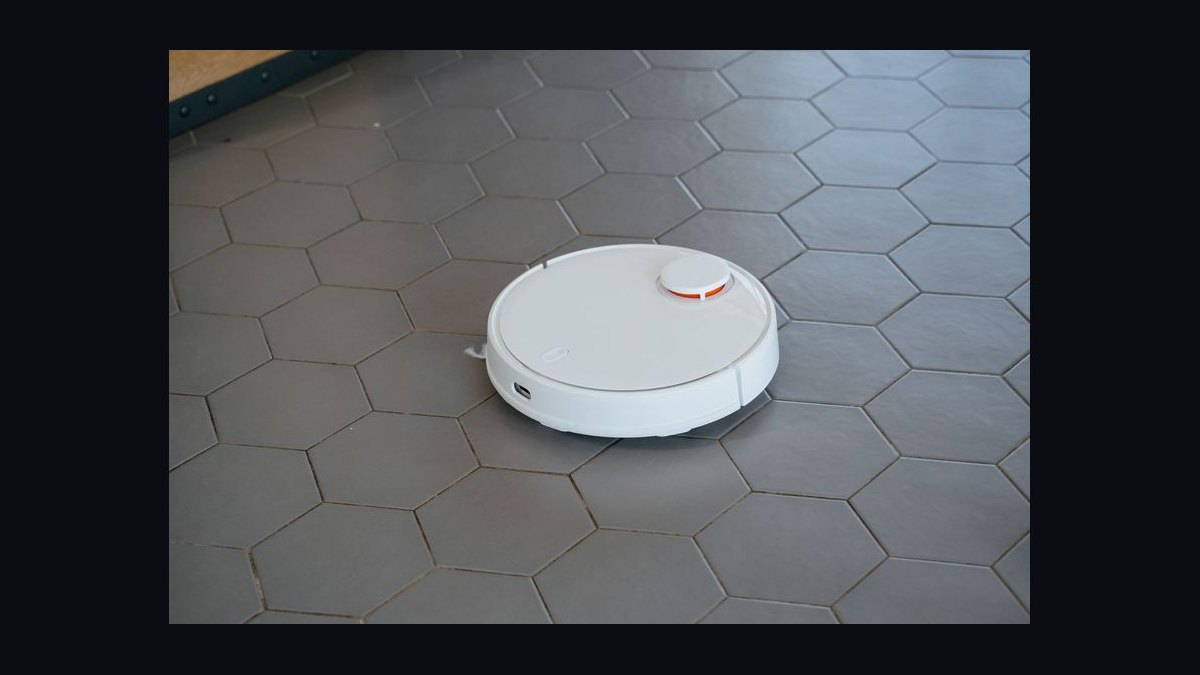
A robot vacuum battery typically lasts two to four years before it needs replacing, which works out to roughly 300 to 500 full charge cycles. Most owners notice degraded runtime — often a 20–40% drop from new — somewhere in year three. Lithium-ion packs in 2027 models generally hold up longer than the nickel-metal-hydride cells used in older units.
The two battery paths compared: replace the pack or replace the robot
When a robot vacuum starts dying mid-clean, you face a fork: swap the battery or buy a new machine. Both are legitimate, and the right answer depends on the age of the unit, the cost of the pack, and whether the rest of the hardware is still healthy.
Replacing the battery is the cheaper path by a wide margin. A replacement lithium-ion pack for a mainstream robot vacuum generally runs $30 to $80, and third-party options can dip below $25. The robot's motors, brushes, sensors, and navigation hardware usually outlast the battery by years, so a fresh pack can restore near-original runtime for a fraction of a new unit's price. The catch is that battery replacement only makes sense if the rest of the machine still works well — if the wheels are grinding, the lidar is failing, or the app no longer connects, a new battery just delays the inevitable.

Buying a new robot vacuum is the path most people take once the unit is four or more years old, or when a repair costs more than half the price of a replacement. Newer models bring better navigation, stronger suction, self-emptying docks, and — relevant here — improved battery management that stretches cycle life. The trade-off is obvious: you spend $200 to $800 instead of $40, and you retire a machine that might have had another two years in it with a cheap pack.
There is also a middle path that gets overlooked: buying a certified refurbished robot vacuum. Refurbished units often ship with a fresh or tested battery and a short warranty, landing 30–50% below new pricing. For someone whose current robot is genuinely dead, this splits the difference between repair and full replacement.
The decision rarely hinges on the battery alone. It hinges on total cost of ownership. If you have already replaced brushes, filters, and a wheel module in the past year, you are sinking money into an aging platform — a new unit may be the smarter spend. If the robot has been trouble-free and only the runtime has shrunk, the pack is almost always the right call.

One more consideration: battery chemistry and availability. Older robots using nickel-metal-hydride packs degrade faster and are increasingly hard to source, since most manufacturers have moved to lithium-ion. If you own a NiMH-era machine, replacement packs may be discontinued, which pushes you toward a new purchase whether you like it or not. Lithium-ion packs from the last several years are far better supported, and aftermarket suppliers keep them in stock well past the manufacturer's own discontinuation date.
How to decide between them
The flowchart below walks through the practical decision. Start with the age of the robot and the severity of the runtime loss, then branch on whether the rest of the hardware is sound. The key thresholds are four years of age, a 40% runtime drop, and a repair cost exceeding half the price of a new unit.

The logic is deliberately conservative. A robot under two years old with failing runtime is almost certainly a warranty case, not a battery-purchase case — lithium-ion packs should not degrade that fast unless the cell is defective or the charging circuit is faulty. Between two and four years, the 40% threshold matters: a robot that has lost a quarter of its runtime is annoying but often still functional, especially if it can recharge and resume. Past four years, the calculus flips toward replacement unless the machine is in unusually good shape.
Concrete numbers behind each option
Numbers make the decision concrete. Here is what the two paths actually cost and deliver, drawn from typical market ranges rather than any single vendor.

Replacement battery pack. Expect $30 to $80 for a first-party pack, $20 to $45 for a reputable third-party equivalent. Installation takes five to fifteen minutes on most models — usually a few screws and a connector, sometimes a slide-out tray with no tools at all. A fresh pack restores runtime to roughly the original spec, which for most mid-range robots means 90 to 150 minutes per charge. Cycle life on a new lithium-ion pack runs 300 to 500 full cycles, which at one clean per day is about one to one-and-a-half years of daily use, or three to four years at two to three cleans per week.
New robot vacuum. Entry-level units run $150 to $300, mid-range $300 to $600, and premium self-emptying models $600 to $1,200 and up. Runtime on a new mid-range robot is typically 100 to 180 minutes, with premium models sometimes exceeding 200 minutes in eco mode. Battery cycle life is similar to a replacement pack — 300 to 500 cycles — but newer units often add smarter charging that avoids topping off to 100% every time, which can extend real-world life.
Certified refurbished. Usually 30–50% off new pricing, so $120 to $400 for the same tiers. Many ship with a 90-day to one-year warranty and a tested battery. The runtime is close to new, though you cannot always verify how many cycles the pack has already seen.
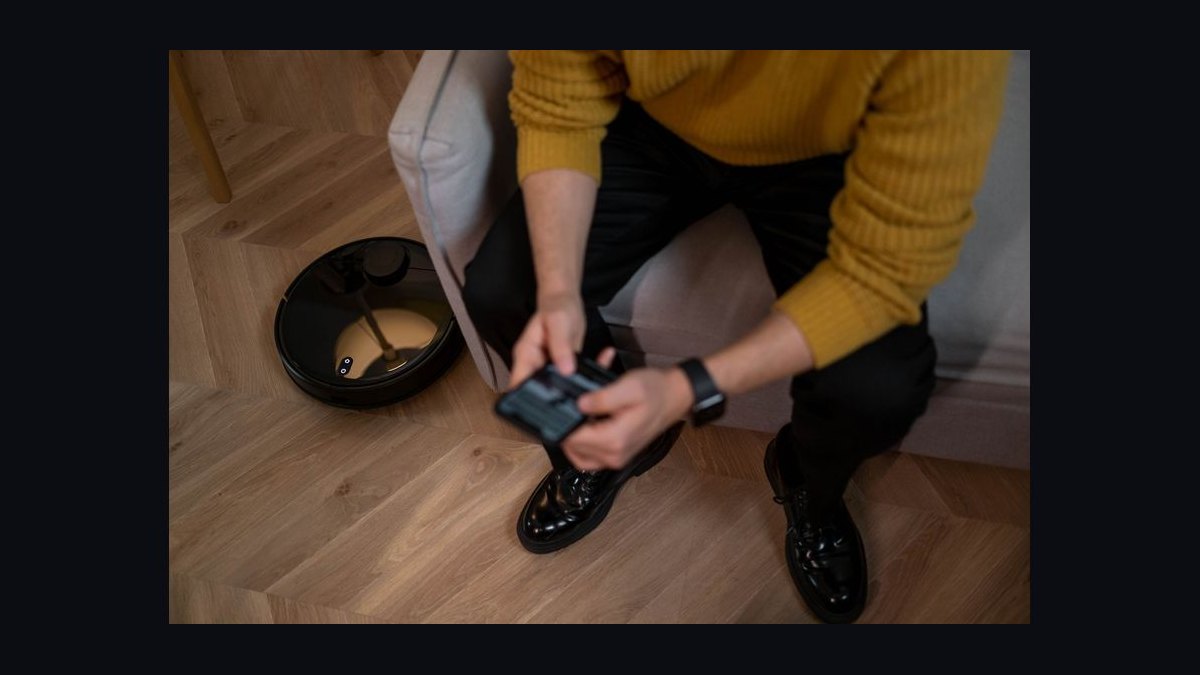
Ongoing consumables. Whichever path you choose, budget for brushes, filters, and mop pads. Filters typically need replacing every two to three months ($10–$20 for a multi-pack), main brushes every six to twelve months ($15–$30), and side brushes more often on models that use them. These costs are identical whether you keep the old robot or buy new, so they do not tip the decision — but they do mean the "cheap" repair path is never truly just the battery.
Energy and time. Charging a robot vacuum draws very little power — on the order of a few cents per full charge in most markets. The bigger hidden cost is your time: a robot that dies mid-clean and needs a recharge-and-resume cycle adds an hour or more to the job. If degraded runtime is forcing you to run the robot twice, that friction is a real cost the battery price tag does not capture.
The break-even is straightforward. If a replacement pack costs $50 and a new comparable robot costs $350, the pack pays for itself if it delivers even a few more months of service. It only loses if the rest of the machine fails soon after — which is exactly why the age and hardware-health checks in the flowchart matter.
Implementation details and sequencing

If you decide to replace the pack, the sequence below keeps the job safe and verifiable. The single most important rule: match the voltage, capacity, and connector exactly, and buy from a supplier with a return policy. A pack that is physically similar but electrically wrong can damage the charging circuit or fail to charge at all.
A few details that trip people up. First, always charge a new pack fully before the first real clean — partial first charges can confuse the battery gauge and make runtime look worse than it is. Second, some robots require a reset or a calibration cycle after a battery swap; check the manual, because a robot that reports the wrong percentage is usually fixed by a full discharge-and-recharge cycle. Third, keep the old pack out of the trash — lithium-ion cells should go to a battery recycling point, which most electronics retailers and municipal waste sites provide.
If you decide to replace the robot instead, sequence it around your cleaning needs. Buy the new unit, run it alongside the old one for a week if you can, and confirm the new model handles your floor plan — thresholds, rugs, and tight spaces are where robots differ most. Then retire the old unit: wipe it down, remove the battery if it is removable, and recycle both responsibly. If the old robot still has life in it, a donated or resold unit with a fresh $40 pack can serve someone else for another couple of years.

For either path, start a simple maintenance log. Note the date of the battery swap or purchase, the runtime you measured on a full charge, and the dates you replace filters and brushes. When runtime starts dropping again, you will know exactly how long the pack lasted rather than guessing. That log is also what tells you whether a future failure is a battery problem or a sign the whole machine is due for retirement.
One last sequencing note: if your robot uses a self-emptying dock, the dock itself has no battery — it is mains-powered — so a runtime problem is always the robot's pack, never the dock. That eliminates one common misdiagnosis before you spend any money.
Related questions
How long does a robot vacuum battery typically last per charge?
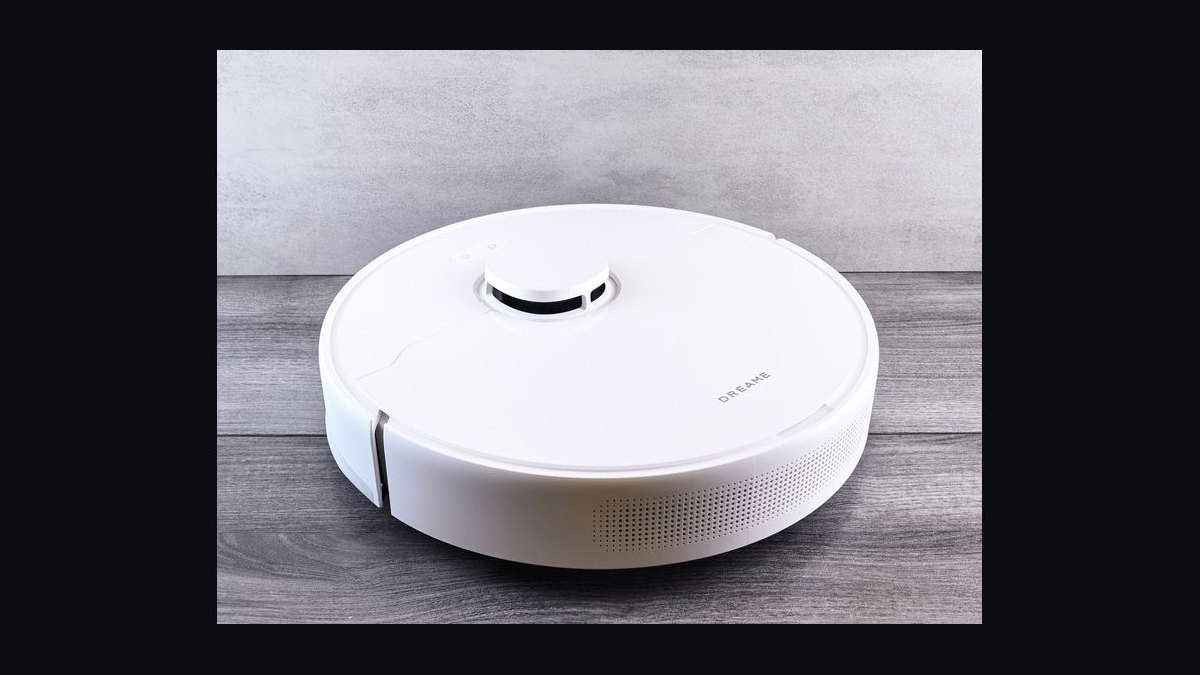
Most mid-range robots run 90 to 150 minutes per charge when new, with premium models reaching 180 to 200 minutes in eco mode. Runtime shrinks as the pack ages, often dropping 20–40% by year three. Heavier suction modes and thick carpet cut runtime significantly.
Can you replace a robot vacuum battery yourself?
Yes, on most models. The pack usually sits under a removable cover or in a slide-out tray, held by a few screws or clips. The job takes five to fifteen minutes. Match voltage, capacity, and connector exactly, and buy from a seller with a return policy.
Does a robot vacuum battery need to be fully drained before charging?
No. Modern lithium-ion packs prefer partial charges and dislike being run to zero repeatedly. Leaving the robot on its dock between cleans is fine. Occasional full discharge-and-recharge cycles help calibrate the battery gauge, but deep draining every time shortens life.
Do robot vacuum batteries lose capacity if left on the dock?
Slight long-term wear is normal, since the pack sits near full charge. Most modern docks manage this with smarter charging that avoids constant topping off. The effect is minor compared to cycle count and heat. Storing a spare pack at around 50% charge is better than at 100%.
FAQ
How long does a robot vacuum battery typically last before it needs replacing?
Typically two to four years, or roughly 300 to 500 full charge cycles. Daily cleaning pushes you toward the shorter end; two or three cleans a week stretches it longer. The first clear sign is a runtime drop of 20–40% from when the robot was new.
How do I know when the battery is the problem and not something else?
If runtime shrinks gradually over months, it is almost always the battery. If the robot dies suddenly, refuses to charge, or reports erratic percentages, suspect the charging contacts, dock, or circuit board first. Clean the contacts and test a full charge before buying a pack.
Is it worth replacing the battery in an older robot vacuum?
Yes, if the unit is under four years old and the rest of the hardware is healthy. A $30–$80 pack can restore near-original runtime. If the robot is older, or you have already replaced wheels, sensors, or the mainboard recently, a new or refurbished unit is usually the better spend.
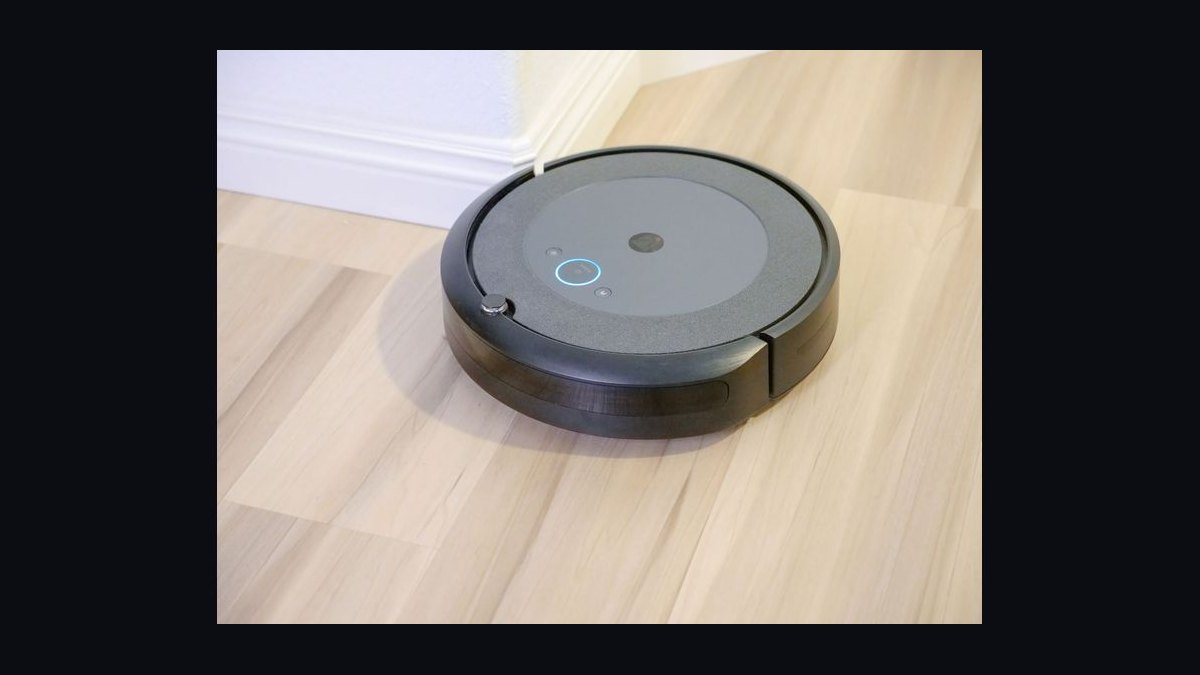
How much does a replacement robot vacuum battery cost?
First-party packs generally run $30 to $80. Reputable third-party equivalents cost $20 to $45. Prices vary by capacity and brand. Avoid suspiciously cheap packs with no reviews or warranty, since mismatched cells can damage the charging circuit.
Can I use a higher-capacity battery than the original?
Sometimes, if the voltage and connector match and the pack fits the compartment. A higher-capacity pack can extend runtime, but it may also run hotter and take longer to charge. Stick to the manufacturer's spec unless the seller explicitly confirms compatibility with your model.
How should I dispose of an old robot vacuum battery?
Take lithium-ion packs to a battery recycling point — most electronics retailers, hardware stores, and municipal waste sites accept them. Never put them in household trash. Tape the terminals before transport to reduce fire risk from accidental shorting.
Sources
- https://www.irobot.com/en_US/blog/how-to-care-for-your-roomba-battery.html
- https://www.techradar.com/news/robot-vacuum-battery
- https://www.cnet.com/home/kitchen-and-household/how-to-make-your-robot-vacuum-battery-last-longer/
- https://www.consumerreports.org/home-garden/vacuum-cleaners/robot-vacuum-buying-guide/
- https://www.pcmag.com/picks/the-best-robot-vacuums
- https://www.nytimes.com/wirecutter/reviews/best-robot-vacuum/
- https://www.energy.gov/energysaver/batteries
Related on PULSE
This page will be disappearing soon. Save it to your device for $1 — or read it free while it is here.
@Kory-White- · if Venmo asks, the last 4 of my number are 2012
This page is gone.
This one is off the shelf now. $1 keeps it on your phone for good — the whole page, pictures and diagrams included.
 pulse-reviewsTop 10 Sports Earbuds — Best Overall + Best Value in 2027
 pulse-reviewsTop 10 Premium Travel Coffee Mugs for Sales Reps in 2027
 pulse-reviewsTop 10 USB-C Hubs for Sales Travel in 2027
 pulse-reviewsTop 10 Noise-Cancelling Headphones for Sales Reps on Phone Calls in 2027
 pulse-reviewsTop 10 Boom Pole Kits — Best Overall + Best Value in 2027
 pulse-reviewsTop 10 YouTube Lighting Kits — Best Overall + Best Value in 2027
 pulse-reviewsTop 10 Foldable Phones — Best Overall + Best Value in 2027
 pulse-reviewsTop 10 Electric Hot Pots — Best Overall + Best Value in 2027
 pulse-reviewsTop 10 Backpack Leaf Blowers — Best Overall + Best Value in 2027
 pulse-reviewsTop 10 NVMe SSD Enclosures — Best Overall + Best Value in 2027