


How do you get started with Gaming in 2027?
Quality
Certified

Getting started with gaming in 2027 means picking one of two entry paths: buying local hardware you own outright, or subscribing to a cloud-streaming service that runs games on remote servers. Local hardware costs more upfront but works offline forever; cloud costs less monthly and needs strong internet. Test cloud free first.
Local hardware versus cloud streaming: the two real entry paths
Every beginner decision in gaming collapses into one fork: do you buy a machine that renders games locally, or do you rent compute from a data center and stream the finished frames to a screen you already own? Everything else — which storefront, which controller, which genre — is downstream of that choice, and getting it wrong is the single most expensive mistake a new player makes.
The local-hardware path means a console or a gaming PC sitting in your room, doing the rendering. Its defining trait is ownership: once the box is paid for, the marginal cost of playing is zero. It works when your internet is down, when your ISP throttles, when the streaming service sunsets a title or shuts down entirely. Latency is a function of your display and controller, not the distance to a server. Modding, emulation, local file access, offline single-player campaigns — these all live here and only here. The trade-off is capital: you pay hundreds to over a thousand dollars before you play a single frame, and the machine depreciates on a fixed curve whether you use it daily or twice a year.
The cloud path means a subscription to a service like NVIDIA GeForce NOW, Xbox Cloud Gaming, or Amazon Luna, which runs the game on their hardware and sends you a compressed video stream while your inputs travel back upstream. Its defining trait is elasticity: you can start this afternoon on a five-year-old laptop, a tablet, a phone, or a smart TV, and stop next month with nothing stranded. The GPU upgrade cycle stops being your problem. The trade-off is dependency — you are renting access, and access is conditional on your connection quality, your geographic distance to the nearest data center, the service's licensing deals, and the company's continued willingness to run the business.
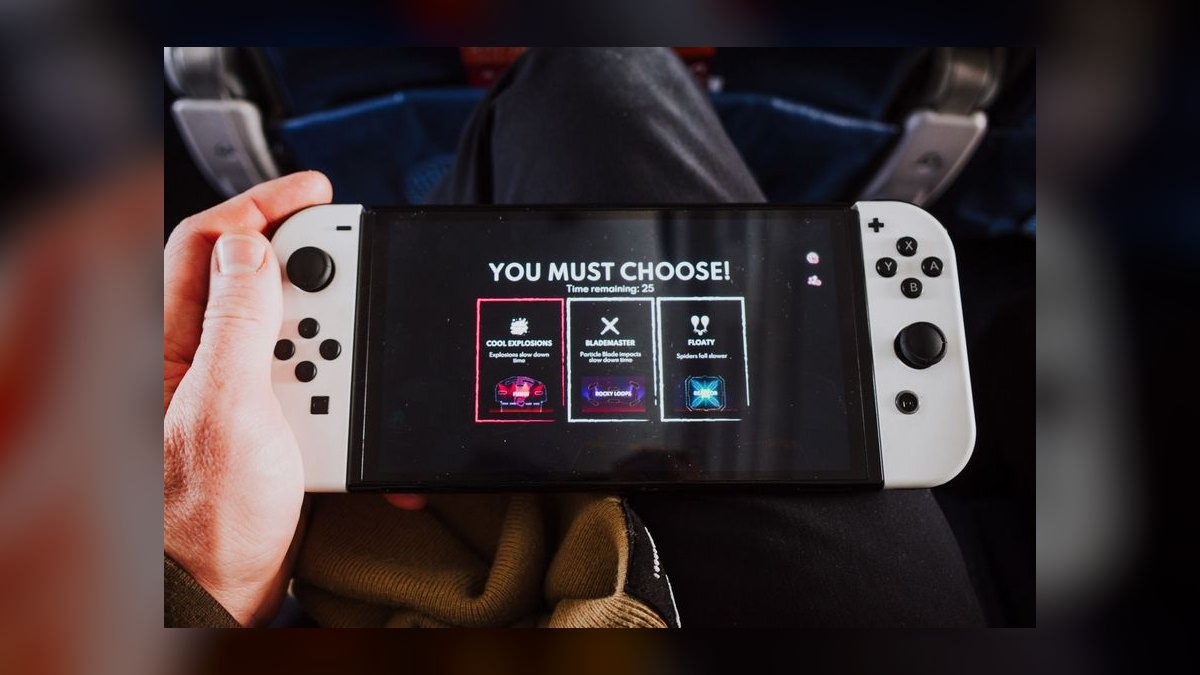
There is a third position most experienced players eventually land on, and beginners should know it exists: hybrid. A modest local machine handles the games you own and replay, while a cloud subscription covers the graphically demanding titles you want to try once. This is often the correct answer, but it is a poor *starting* point because it doubles your decision surface before you know your own preferences.
The honest framing for a beginner: cloud is the low-regret way to discover whether you actually like gaming; local hardware is the correct investment once you know that you do. Spending $10–$25 to find out you prefer turn-based strategy over shooters is dramatically cheaper than spending $700 to learn the same thing. The industry's own economics reflect this — subscription and streaming models exist precisely because the upfront-purchase model was a barrier that kept revenue on the table, and publishers found that lowering the entry cost expanded the audience faster than it cannibalized full-price sales.
One clarification worth making early: "cloud gaming" and "subscription library" are different products that are frequently bundled and therefore frequently confused. A subscription library (Game Pass, PlayStation Plus tiers, Apple Arcade, Google Play Pass) gives you *rights to play a rotating catalog*. Cloud streaming gives you *remote compute*. Some subscriptions include both; some include only the library, and you download those games to local hardware. When you compare prices, be sure you know which of the two you are actually buying, because a library subscription is useless without a machine to run it on, and a streaming tier that ships without a library still requires you to own the games you stream.
How to decide between them
Work through the decision in a fixed order, because the constraints are not equally binding. Connection quality is a hard gate — if you fail it, cloud is off the table regardless of budget. Budget is the next gate. Genre preference and offline requirements are tiebreakers.
Step one: measure your actual connection, not your advertised plan. Run a speed test at the time of day you would actually be gaming — evenings on shared residential connections behave very differently from mid-morning. You need three numbers: download throughput, latency (ping) to a nearby server, and jitter (the variance in that latency). Throughput determines resolution. Latency determines whether fast games feel responsive. Jitter determines whether the experience is *consistently* acceptable or randomly falls apart, and it is the number most beginners never check even though it causes the most frustration. A connection that averages 20 ms but spikes to 120 ms every few seconds is worse for gaming than a steady 45 ms.
Step two: check the physical link. Wi-Fi adds latency and, more importantly, adds jitter. If cloud gaming is your plan, wired Ethernet to the streaming device is the single highest-return change you can make, and it costs the price of a cable. If wiring is impossible, a modern 5 GHz or 6 GHz band with the device in the same room as the router is the fallback. Streaming over a congested 2.4 GHz band from two rooms away will produce an experience that makes cloud gaming look far worse than it is.
Step three: run the free trials before spending anything. Every major cloud service offers a free or low-cost tier or trial window. This is not a marketing gimmick to be endured — it is a diagnostic. Play a fast-reaction game and a slow one on the free tier. If the fast game feels laggy and unpleasant, you have learned something about your specific house that no review can tell you, and you should route toward local hardware.
Step four: identify whether your must-play games are even available. Cloud catalogs are shaped by licensing, not by technology. Publishers opt in and out. If there are two or three specific titles that are the whole reason you want to start, confirm they are streamable on the service you are considering before you subscribe. If they are not, the decision is made for you.
Step five: account for offline requirements. If you travel, commute without reliable data, live somewhere with unstable power or internet, or simply want a machine that works during an outage, local hardware is not optional — it is the requirement.
The diagram encodes a bias worth stating plainly: it routes toward local hardware whenever there is doubt. That is deliberate. A local machine that turns out to be more than you needed still plays games. A cloud subscription on a connection that cannot carry it produces an experience bad enough that people conclude they don't like gaming, when what they actually didn't like was a laggy video stream.
Concrete numbers behind each option
Prices move and vary by region, so treat these as the shape of the cost curves rather than a quote. The point is the relationship between the numbers, which has been stable for several years.
Cloud streaming, monthly. Consumer streaming tiers generally sit in the $10–$25 per month band, with entry tiers at the low end (lower resolution, session length caps, queue times during peak hours) and premium tiers at the high end (higher resolution and framerate, priority access, longer sessions). Annual commitments typically shave 15–20% off the monthly rate. Free tiers exist on several services and are genuinely useful for evaluation, though they impose session limits — commonly around an hour — and put you in a queue behind paying users.
Run the arithmetic honestly: at $17/month you are spending roughly $204/year, and about $612 over three years. That is real money, and it buys you no residual asset. But it also carries no depreciation risk, no repair cost, and no obsolescence — you're always on the service's current hardware.
Connection requirements are the hidden line item. Broad guidance across the major services: roughly 15–25 Mbps sustained for 1080p60, and 35–50 Mbps for 4K. Latency under about 40 ms to the data center is where fast-twitch games stop feeling wrong; under 20 ms is genuinely good. If your current plan doesn't clear those bars, add the cost of an upgrade to the cloud column — a $20/month internet upgrade doubles your effective cloud spend and can flip the entire comparison.
Console, one-time. Current-generation home consoles land in the several-hundred-dollar range, with digital-only variants typically $50–$100 cheaper than disc-drive models. Handheld and hybrid systems sit meaningfully below that. Budget for the extras that are not optional in practice: a second controller if anyone else will ever play ($50–$75), an expansion storage card or drive if the built-in capacity is small ($80–$150 for a meaningful bump — modern games routinely run 50–150 GB each, so a 1 TB internal drive holds fewer titles than beginners expect), and an online-play subscription if you want multiplayer ($60–$130/year depending on tier).

PC, one-time. A pre-built entry-level gaming desktop capable of solid 1080p play at high framerates generally starts in the $700–$900 range; $1,000–$1,400 buys comfortable 1440p. Self-building saves perhaps 10–20% and buys you upgradeability and repair knowledge, at the cost of a weekend and some risk tolerance. Gaming laptops carry a persistent premium of roughly 20–40% over equivalent desktop performance, plus thermal throttling and a shorter useful life — buy one only if portability is a genuine requirement, not a nice-to-have.
Peripherals are where PC budgets quietly inflate. A 120 Hz or 144 Hz monitor is the upgrade most beginners underrate and most experienced players consider essential, and decent ones start around $150–$250. A headset runs $50–$150. A controller, if you want one for platformers and driving games, adds $50–$70.
The crossover math. Compare total cost of ownership over 36 months. Cloud at $17/month plus a $130/year online-inclusive setup runs roughly $600–$700 over three years. A $800 pre-built PC plus a $200 monitor plus $100 in peripherals is $1,100 upfront, but the marginal monthly cost afterward is near zero if you play free-to-play and sale-priced titles. Somewhere between month 24 and month 40, local hardware wins on pure cost — and it retains resale value, while the subscription retains nothing.
Games themselves. New major releases cluster at $60–$70. Seasonal sales on major PC and console storefronts routinely discount one- to two-year-old titles by 50–75%, which means patience is worth real money — a $70 game bought eighteen months late is frequently $20. Free-to-play titles cost nothing to enter and monetize through cosmetics and battle passes, which are genuinely optional for gameplay purposes but are designed by revenue teams to feel less optional than they are. Set a hard monthly cap before you install one.
Library subscriptions in the $10–$20/month range replace much of the game-purchase line entirely. For a beginner sampling genres, this is the highest-value spend in gaming — trying eight games in a month to find the two you love would cost $500 at retail and costs one subscription fee here.
Implementation details and sequencing
Order matters. Doing these steps out of sequence is how people end up with a machine that doesn't fit their taste or a subscription they can't use.
Week one — evaluate before you spend. Run your speed and jitter tests at your real gaming hours. Sign up for a free cloud tier and play two or three genuinely different games: something fast (a shooter or fighting game), something slow (strategy or a narrative adventure), and something cooperative. Take notes on what you actually enjoyed, not what you expected to. Most beginners discover their preferences are nothing like their assumptions. Install a free-to-play title on whatever device you already own — the entry cost is zero and the mechanics generalize.
Week two — commit to a path and set up accounts properly. Create your platform account with a unique password from a password manager and enable two-factor authentication immediately, before you attach a payment method. Gaming accounts accumulate real value — purchased libraries, subscription entitlements, saved payment cards — and they are actively targeted. Enable the platform's spending controls at the same time: purchase confirmation prompts, monthly spend caps, and, if minors are involved, parental controls covering playtime, communication, and content ratings. Set these on day one, because retrofitting them after a surprise charge is a worse conversation.
Week three — buy hardware, if that's your path, in the right order. Buy the machine, then a display, then peripherals — and buy each only after you feel the previous one's limits. Do not buy a $300 controller for a game you haven't played. If you went console, plug in and you're effectively done in twenty minutes. If you went PC, budget an evening: install the OS if it didn't ship configured, install GPU drivers directly from the manufacturer, install one storefront client, and update everything before you launch anything. Enable a framerate counter so you can see what your machine actually does rather than guessing.
Week four — tune settings, then join a community. Every game ships with settings that trade visual fidelity for framerate. Learn the three that matter most: resolution scaling, shadow quality, and any form of ambient occlusion — these are usually the biggest performance levers per unit of visual loss. On cloud, tune in the opposite direction: cap your stream bitrate to what your connection reliably sustains rather than what it peaks at, because a stable 1080p stream beats a 4K stream that stutters. Then find one community — a Discord server for a game you're playing, a subreddit, a local group — and ask beginner questions in the channel designated for them. The single largest accelerator for a new player is one person who answers questions.
Ongoing — ergonomics and health, set up before they become problems. Monitor at eye level, roughly arm's length away. Feet flat, elbows near ninety degrees. Follow the 20-20-20 pattern for eye strain: every twenty minutes, look at something roughly twenty feet away for twenty seconds. Take a real break — standing, walking — at least once an hour. Wrist and hand strain from mouse and controller use is cumulative and much easier to prevent than to treat; if you feel tingling or persistent ache, stop and change your setup rather than pushing through it. Use the platform's built-in playtime tracking. Gaming is a hobby, and hobbies that consume sleep stop being fun.
Reassess monthly. The one habit that separates people who enjoy this hobby from people who quietly bleed money into it: on the same day each month, look at what you actually played. If you didn't open a subscription's catalog, cancel it — digital subscriptions are trivially resubscribable, and services count on inertia. If you consistently hit your cloud tier's limits, upgrade deliberately rather than drifting into it. If you bought hardware and it sits unused, that's information too.
Related questions
Can I start gaming without buying any hardware?
Yes, if your connection supports it. Cloud services stream to phones, tablets, laptops, and smart TVs you likely already own. A controller helps but a touchscreen or keyboard works for many genres. Free tiers let you test the experience before paying anything.
Is a console or a PC better for a complete beginner?
A console is simpler — plug in, sign in, play, with no driver or settings management. A PC is more flexible, has a larger and cheaper game library, and doubles as a work machine. Beginners who want minimum friction should choose console.
How much internet speed do I actually need for cloud gaming?
Roughly 15–25 Mbps sustained handles 1080p60; 35–50 Mbps handles 4K. Latency matters more than raw speed — aim for under 40 ms ping with low jitter. Wired Ethernet beats Wi-Fi meaningfully for consistency.
Should I buy games or use a subscription library?
Subscribe first. Sampling many genres cheaply is worth more to a beginner than owning two titles. Buy the specific games you replay for years, ideally during seasonal sales at 50–75% off, and let the subscription cover exploration.
Do I need to spend money on microtransactions to compete?
No. In reputable free-to-play titles, purchases are overwhelmingly cosmetic or convenience-oriented and do not gate competitive performance. Set a monthly spending cap regardless, since these systems are engineered by revenue teams to encourage incremental spending.
FAQ
What is the single first thing I should do before spending money? Run a speed and latency test at the exact hour you'd actually play, then use a free cloud tier to try three different genres. That costs nothing and tells you two things reviews cannot: whether your connection can carry streaming, and what kind of games you personally enjoy.
How much storage do I need on a console or gaming PC? More than you'd guess. Individual modern titles frequently run 50–150 GB, so a 1 TB drive realistically holds eight to fifteen games. If you plan to keep several installed simultaneously, budget $80–$150 for expansion storage at purchase time rather than deleting and reinstalling constantly.
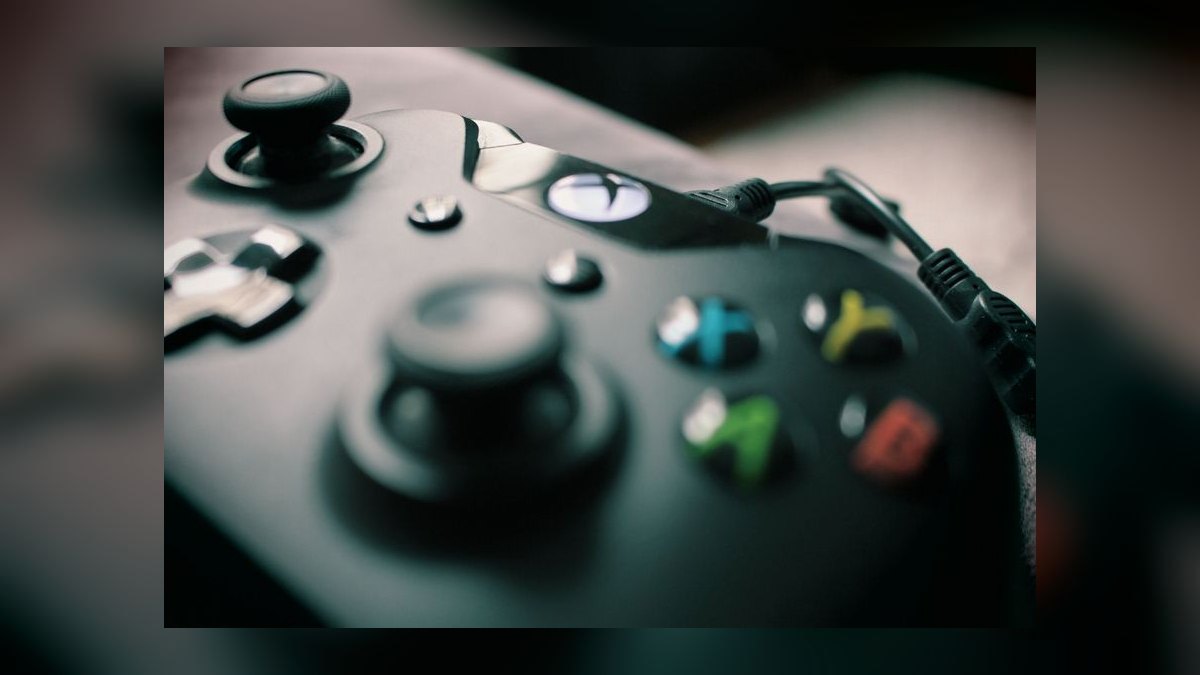
Can I play with friends who use a different platform? Usually. Cross-platform play is common in major multiplayer titles now, though it is a per-game decision by the publisher, not a guarantee. Check the specific game before buying it as a way to play with a particular group, and note that cross-progression — carrying your account across devices — is rarer than cross-play.
Are gaming laptops worth the premium? Only if portability is a real requirement. Expect to pay roughly 20–40% more for equivalent performance versus a desktop, with more thermal throttling under sustained load and a shorter practical lifespan. If the machine will live on one desk, a desktop delivers considerably more performance per dollar.
What should I do if fast-paced games feel sluggish on cloud streaming? Switch to wired Ethernet first — it fixes more cases than any other change. Then lower the stream's target resolution or bitrate to something your connection sustains steadily, disable other bandwidth consumers on the network, and enable any low-latency or performance mode the service offers. If it's still bad, your distance to the data center may be the limit, and local hardware is the answer.
How do I keep my gaming account from being stolen? Use a unique password from a password manager and turn on two-factor authentication before attaching a payment method. Never enter credentials on a site reached from a chat link, and treat "free currency" offers as phishing by default. Accounts holding large purchased libraries are valuable targets and are traded actively.
Sources
- NVIDIA GeForce NOW — system and network requirements
- Xbox Cloud Gaming
- Xbox Game Pass
- PlayStation Plus membership tiers
- Steam
- ESRB ratings and parental controls
- American Academy of Ophthalmology — computer use and eye strain
- Mayo Clinic — screen time and health
- PC Gamer — hardware and PC gaming guides
- Discord
Related on PULSE
This page will be disappearing soon. Save it to your device for $1 — or read it free while it is here.
@Kory-White- · if Venmo asks, the last 4 of my number are 2012
This page is gone.
This one is off the shelf now. $1 keeps it on your phone for good — the whole page, pictures and diagrams included.
 pulse-gamingTop 10 Gaming strategies for 2027
 pulse-gamingTop 10 best Gaming options in 2027
 pulse-gamingWhat should you know before investing in Gaming in 2027?
 pulse-gamingIs Gaming worth it in 2027?
 pulse-gamingWhat is the best way to approach Gaming in 2027?
 pulse-gamingWhat are the most common mistakes in Gaming in 2027?
 pulse-gamingHow much does an RTX 5070 Ti cost in 2027?
 pulse-gamingHow much does Gaming cost in 2027?
 pulse-gamingThe 10 Best Retro Video Games to Collect in 2027
 pulse-gamingTop 10 Gaming Steering Wheels — Best Overall + Best Value in 2027