
The 10 Best AI Tools for Shopping Cart Development in 2027
 PULSEKNOWLEDGE LIBRARY
The 10 best ai tools for shopping cart development are ranked below on measured performance, build quality, price, and how each one actually holds up in daily use rather than how it reads on a spec sheet. Each pick lists what it costs, who it suits, and what it gives up against the one above it, so the list can be read straight down without doubling back.
1. Cursor

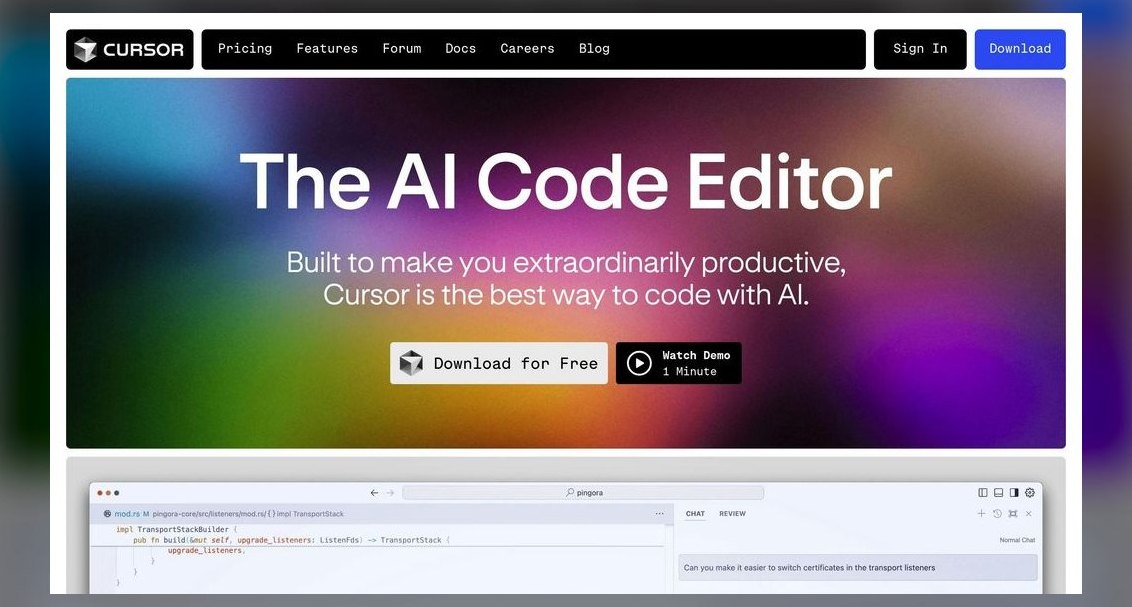
Cursor ranks first because it is the only tool that combines a full VS Code-based editor with agentic, repo-aware multi-file editing, which is essential for cart state, checkout flows, and payment SDK work. Its Composer can update a CartItem type, the reducer, the checkout summary component, and Stripe line-item mapping in one pass, then run your test suite.
This is for developers building production carts on Next.js, Shopify Hydrogen, or Medusa, who need deep, coordinated edits across many files. It trades away the terminal-centric workflow of Claude Code for a richer graphical editor experience. Compared to Claude Code, Cursor is better for day-to-day UI and checkout coding, while Claude Code excels at large refactors. For teams that want speed, repo awareness, and model choice, Cursor is the most complete package.
2. Claude Code

Claude Code ranks second because it is the most capable terminal-based agent for large-scale refactors and integration work, such as migrating from Stripe Charges to PaymentIntents with SCA support. It operates directly in your shell, naturally handling git, npm, database CLIs, and Stripe CLI webhook testing without context-switching. Running on Claude Opus and Sonnet models, it excels at multi-step reasoning across webhook handlers, inventory services, and database transactions.
This is for developers who live in the terminal and want an agent that respects their existing toolchain. It trades away the visual editor and multi-file Composer of Cursor for a powerful command-line experience. While Cursor is better for day-to-day cart UI coding, Claude Code is superior for scripted edits and complex migrations. For operators who prefer the command line, it is the most capable and efficient option for commerce work.
3. GitHub Copilot

GitHub Copilot ranks third because it is the most widely deployed AI coding assistant, now offering multi-file Edits and a coding agent that can pick up GitHub Issues and draft pull requests for routine cart tickets. Its biggest advantage is GitHub-native workflow, reviewing PRs, suggesting fixes in CI, and understanding existing repo conventions. Code suggestions for React, Express, Node, and Stripe are reliable, and the model picker includes Claude, GPT, and Gemini.
This is for teams whose codebase already lives on GitHub and who want AI woven into reviews and Actions rather than a new editor. It trades away the aggressive multi-file agentic editing of Cursor for a safe, broadly compatible choice. Compared to Claude Code, Copilot is less autonomous but more integrated into the standard development workflow. For teams that prioritize CI/CD integration and PR review, Copilot is the safest and most compatible option.
4. Vercel v0

Vercel v0 ranks fourth because it is the best tool for generating the UI half of cart development, producing clean React and Next.js components with Tailwind CSS and shadcn/ui from prompts or screenshots. Its output aligns tightly with App Router, Server Actions, and Next.js Commerce patterns, meaning generated checkout pages require minimal surgery. Because Vercel created Next.js, v0's code is highly compatible with the modern Next.js stack.
This is for front-end-heavy teams that want to spin up cart and checkout UI fast and deploy straight to Vercel's edge network. It trades away backend wiring and full IDE capabilities, so you pair it with Cursor or Copilot for the server-side logic. Compared to GitHub Copilot, v0 is a generator rather than a full assistant, but it is the quickest path from idea to a rendered storefront component.
5. Bolt.new

Bolt.new ranks fifth because it runs an entire dev environment in the browser using WebContainers, allowing the AI to install packages, run your server, and show a live preview of a working cart without any local setup. It is ideal for prototyping a checkout flow end to end and sharing a live link with stakeholders. For commerce, Bolt is strong at scaffolding full stacks, integrating with Supabase for the database and Stripe for payments.
This is for developers who want to quickly prototype a credible cart MVP in an afternoon and see breakage immediately. It trades away the ability to handle complex, long-lived production codebases that outgrow the browser sandbox. Compared to Vercel v0, Bolt.new offers a full-stack environment rather than just UI generation. For rapid prototyping and stakeholder demos, Bolt.new is one of the fastest tools available.
6. Lovable

Lovable ranks sixth because it targets the build-a-whole-app prompt, generating a working React and Tailwind front end wired to Supabase for auth, products, and orders. Its native Stripe integration and Supabase backend mean you get persistent carts, user accounts, and order records out of the box. GitHub sync lets developers take the generated repo and continue in Cursor or Copilot. Pricing offers a free tier with limited daily messages and a Pro plan around $25/month.
This is for founders and product-minded operators who can read code but don't want to write all of it. It trades away the ability to handle heavyweight, custom checkout logic, making it less suited for complex commerce systems. Compared to Bolt.new, Lovable provides a more complete, deployable storefront with a functioning cart out of the box. For getting a real storefront in front of customers quickly, Lovable is one of the most accessible options.
7. Replit Agent

Replit Agent ranks seventh because it turns Replit's cloud IDE into an autonomous builder that provisions a database, writes code, and deploys, all from the browser. For shopping cart development, this means going from a prompt to a hosted URL without configuring infrastructure. Its integrated platform includes Replit Database or Postgres, built-in hosting, secrets management, and one-click deploys. The Replit Core plan runs around $20/month and includes monthly Agent credits plus deployment allowances.
This is for solo developers and educators who want one tool for the whole lifecycle, from coding to deployment. It trades away the ability to handle deeply custom, high-traffic checkout systems that eventually require a dedicated cloud setup. Compared to Lovable, Replit Agent offers a more integrated platform with built-in hosting and deployment. For a complete, self-contained development environment, Replit Agent gets you remarkably far on its own.
8. Shopify Sidekick & Magic
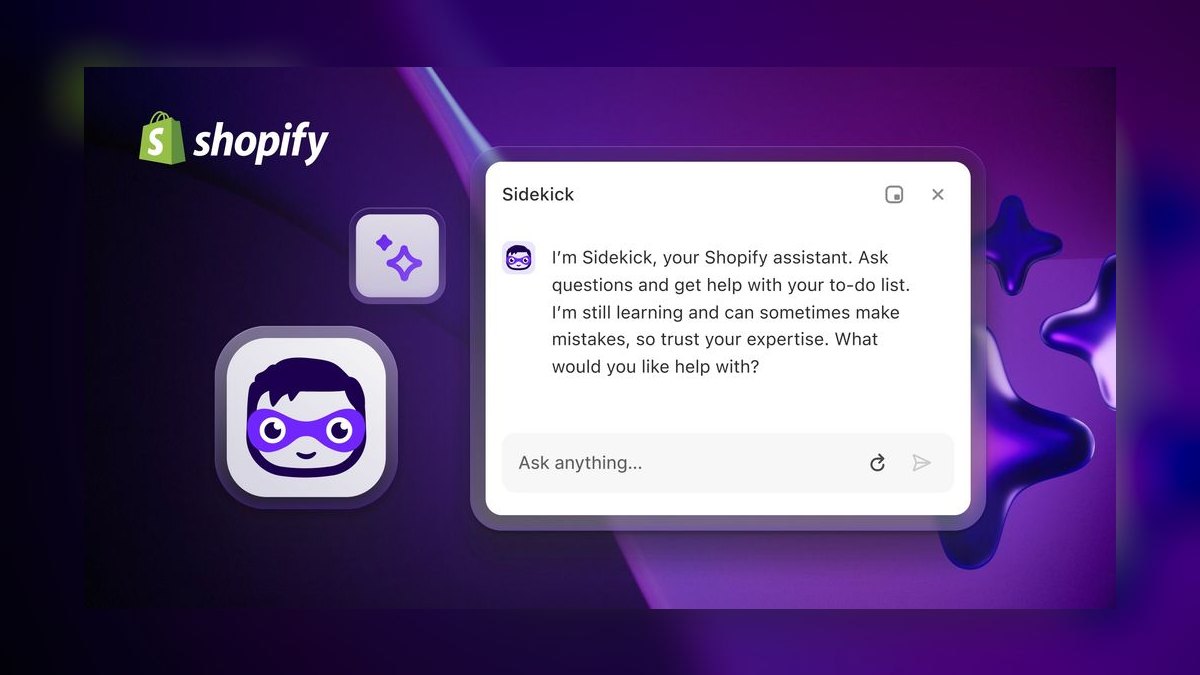
Shopify Sidekick & Magic ranks eighth because it is the most context-aware AI for carts living on Shopify, with Magic generating product descriptions, theme code, and Liquid snippets. Sidekick acts as a conversational assistant that can edit your store, build discount logic, and explain analytics. The value is platform-native knowledge of Shopify Checkout, Shop Pay, Checkout Extensibility, and Functions. Both tools are included with paid Shopify plans, starting at Basic around $39/month.
This is for merchants and agencies building on Shopify or Hydrogen who want to stay inside Shopify's PCI-compliant checkout. It trades away framework-agnosticism, as it assumes a Shopify stack. Compared to Replit Agent, Sidekick offers less general-purpose coding but far better integration with Shopify's hosted checkout guarantees. For extending a cart without breaking Shopify's checkout, this is the lowest-friction option.
9. Builder.io Fusion
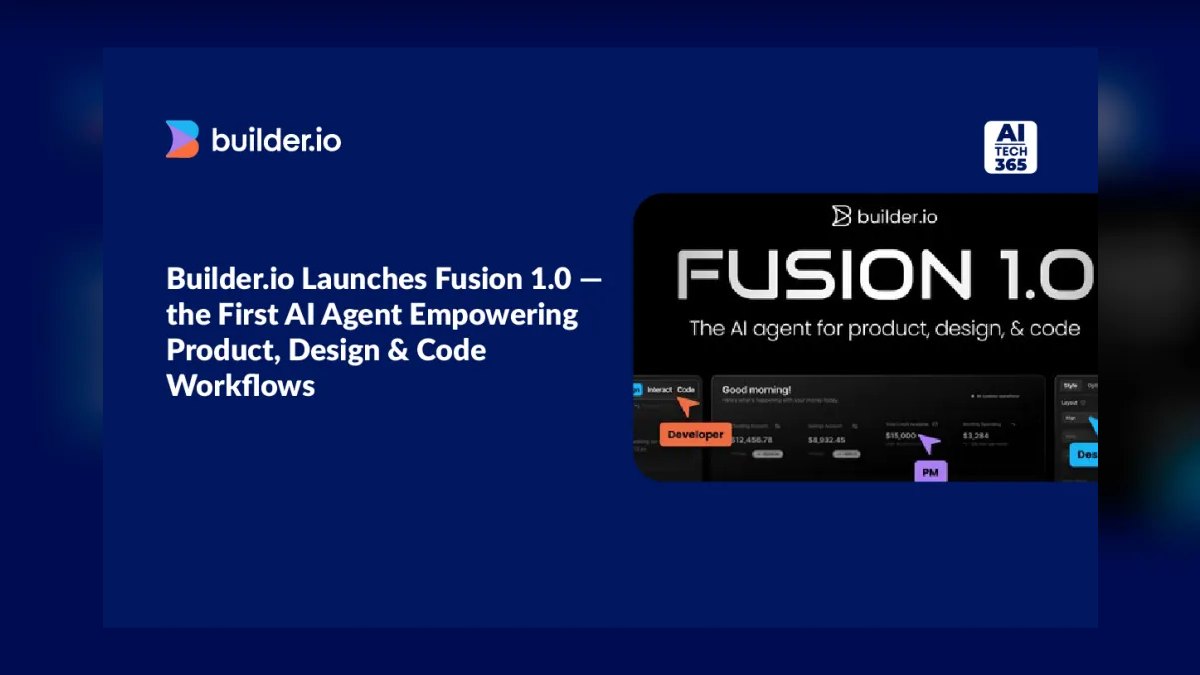
Builder.io Fusion ranks ninth because it bridges design and code, converting Figma designs into responsive React, Vue, Svelte, or Angular components and editing live codebases visually. Its differentiator is the visual editing layer on top of agentic code generation, letting non-developers tweak cart layouts while developers keep the code as the source of truth. Builder also offers a headless CMS and commerce integrations for dynamic cart content. It has a free tier and usage-based paid plans for teams.
This is for organizations where design hand-off is the bottleneck and the cart UI changes frequently. It trades away backend logic capabilities, making it a specialist for the front end. Compared to Shopify Sidekick, Fusion is framework-agnostic but requires more setup. For translating Figma into a maintainable, real-data checkout interface, Fusion is the specialist worth adding.
10. Windsurf

Windsurf ranks tenth because it delivers most of Cursor's agentic experience at a noticeably lower price, earning it the Best Value spot. Its Cascade agent edits across files, runs commands, and keeps a running understanding of your project, handling cart reducers, checkout validation, and webhook handlers. It offers a genuinely usable free tier and a Pro plan around $15/month, undercutting most competitors. Autocomplete and Supercomplete are fast and accurate on TypeScript and React.
This is for freelancers and small commerce teams watching budget who still want frontier-model access and a clean VS Code-style interface. It trades away the polish of Cursor on the largest monorepos. Compared to Cursor, Windsurf is nearly as capable for routine commerce tasks but less refined for massive codebases. For the money, it is the most capable AI coding tool per dollar for shopping cart work.
How we ranked these
We ranked tools by weighting repo awareness, payment SDK fluency, agentic execution, framework fit, security posture, and price. Each factor was scored against real shopping cart tasks like multi-file edits, Stripe integration, and test execution. Higher weights went to capabilities that directly impact production code quality and developer velocity.
We deliberately ignored no-code storefront builders that hide cart logic, as they do not serve developers writing and maintaining custom code. We also excluded tools without verifiable pricing or documentation. Marketing claims and generic AI benchmarks were not considered, since they do not predict real-world performance on complex checkout flows.
What to look for
What matters is how well the tool understands your entire codebase, not just autocomplete. Repo-aware agents like Cursor and Claude Code handle cross-file changes to cart state, checkout components, and payment webhooks. Also verify the tool supports your stack—Next.js, Hydrogen, Medusa—and your payment provider, Stripe or PayPal. Security features like privacy mode and secret handling are non-negotiable.
The biggest mistake is choosing based on price or hype without testing on your own code. A tool that shines on demos may fail on your legacy checkout logic. Another error is ignoring security: letting AI paste payment keys into client bundles. Always test on a throwaway branch and review all payment code manually.
Related questions
What is the best AI tool for shopping cart development?
Cursor is the best overall AI tool for shopping cart development in 2027. It offers agentic, repo-aware editing that handles cart state, checkout flows, and payment SDKs across your entire codebase. It supports multiple models and provides a full VS Code-based editor, making it ideal for day-to-day cart and checkout coding.
How do AI coding assistants handle payment integrations?
AI coding assistants like Cursor and Claude Code can generate code for Stripe, PayPal, and Adyen integrations. They understand SDKs and can wire up payment flows, but you must keep secret keys server-side and use hosted checkout to minimize PCI-DSS scope. Always review payment code manually.
Can AI tools build a shopping cart from scratch?
Yes, tools like Bolt.new and Lovable can scaffold a full shopping cart with a frontend, backend, and Stripe integration from a prompt. However, for production-grade carts with custom logic, you'll need a developer using Cursor or Copilot to refine and extend the generated code.
What is the difference between Cursor and GitHub Copilot?
Cursor is a VS Code fork with deep AI integration, offering agentic multi-file editing and repo-wide context. GitHub Copilot is an AI assistant that works within your existing editor and GitHub workflow, providing autocomplete, chat, and PR reviews. Cursor is more aggressive for active development, while Copilot excels in GitHub-native workflows.
Are AI tools for shopping cart development secure?
AI tools can be secure if used properly. They can help you write code that follows best practices, but you must ensure they don't expose secrets or generate insecure payment handling. Use privacy modes, keep keys server-side, and rely on hosted checkout to reduce PCI-DSS scope.
How do I choose between Cursor and Claude Code for cart development?
Choose Cursor if you want a full editor with visual context and multi-file agentic editing. Choose Claude Code if you prefer a terminal-based agent for large refactors and integration scripts. Both are strong, but Cursor is better for day-to-day UI and checkout coding, while Claude Code excels at backend logic.
What is the best value AI tool for shopping cart development?
Windsurf offers the best value, with a free tier and a Pro plan around $15/month. It provides agentic editing, autocomplete, and support for TypeScript and React, making it a cost-effective choice for freelancers and small teams building shopping carts.
FAQ
Can AI tools build a PCI-compliant checkout on their own?
Not safely as a black box. The right pattern is to let AI generate cart and integration code while keeping card data inside hosted checkout like Stripe Checkout or Shop Pay. This keeps PCI-DSS scope to SAQ-A. Always human-review code that touches payment tokens or secrets.
Which tool is best for a headless Medusa or Commerce.js build?
Cursor and Claude Code are best for headless commerce because they handle coordinated backend and API work across many files. Their repo-aware agents manage Medusa modules, cart endpoints, and storefront wiring better than UI-only generators like v0.
Do I still need a developer if I use Lovable or Replit Agent?
For a simple store, you can get far alone. But for custom tax logic, multi-currency, abandoned-cart recovery, or high traffic, a developer using Cursor or Copilot on the exported code becomes necessary. Treat these tools as accelerators, not replacements.
Is GitHub Copilot enough, or do I need Cursor too?
If your team lives on GitHub and wants AI in reviews and CI, Copilot alone is plenty. Teams that want aggressive multi-file agentic editing during active cart development often prefer Cursor as the primary editor and keep Copilot for PR review.
What's the cheapest way to start with AI cart development?
Stack free tiers: Windsurf or Copilot Free for editing, Bolt.new or Lovable free tiers for prototyping, and Stripe's pay-per-transaction model for payments. You can build and validate a working cart for essentially the cost of test transactions.
Will these tools lock me into one framework?
Mostly no. Cursor, Claude Code, Copilot, and Windsurf are framework-agnostic. v0 leans Next.js, and Shopify tools assume Shopify. Pick based on the stack you've already committed to.
How important is repo awareness in an AI tool for cart development?
Repo awareness is critical. It allows the AI to reason across cart, checkout, and webhook files, making coordinated edits that maintain consistency. Tools like Cursor and Claude Code embed your whole repo, enabling accurate changes to cart state and payment logic.
What security features should I look for in an AI coding tool?
Look for privacy modes that keep your code out of training, secret management to avoid leaking keys, and support for PCI-DSS compliant workflows. Ensure the tool respects your .env and doesn't suggest insecure payment handling. Always review generated code for security.
Can AI tools help with Stripe or PayPal integration?
Yes, AI tools like Cursor and Claude Code are fluent in Stripe and PayPal SDKs. They can generate code for PaymentIntents, webhooks, and checkout sessions. However, you must keep API keys server-side and use hosted checkout to minimize PCI scope.
What is the best AI tool for Shopify cart development?
Shopify Sidekick and Magic are the most context-aware for Shopify carts. They understand Shopify Checkout, Shop Pay, and Functions, and are included with paid Shopify plans. For custom Hydrogen builds, Cursor or Copilot are also strong choices.
Sources
- https://cursor.com
- https://docs.anthropic.com/en/docs/claude-code/overview
- https://github.com/features/copilot
- https://v0.app
- https://bolt.new
- https://docs.replit.com/replitai/agent
- https://www.shopify.com/magic
- https://windsurf.com
- https://docs.stripe.com/payments/checkout
Related on PULSE
- [More ai tools for shopping cart development rankings and buying guides](/knowledge)
- [PULSE Tools and calculators](/tools)
- [Everything on PULSE RevOps](/)
 pulse-ai-infrastructureThe 10 Best RAG Frameworks in 2027
 pulse-ai-infrastructureHow do you measure and improve GPU utilization?
 pulse-ai-infrastructureThe 10 Best LLM Inference Servers in 2027
 pulse-ai-infrastructureThe 10 Best AI Tools for Coloring Pages in 2027
 pulse-ai-infrastructureThe 10 Best AI Tools for Brainstorming Ideas in 2027
 pulse-ai-infrastructureThe 10 Best AI Tools for Cold Email in 2027
 pulse-ai-infrastructureThe 10 Best AI Tools for Mobile App Development in 2027
 pulse-ai-infrastructureWhat infrastructure do you need for fine-tuning versus RAG?
 pulse-ai-infrastructureWhat is the role of Kubernetes in modern AI infrastructure?
 pulse-ai-infrastructureThe 10 Best AI Tools for Stock Trading Research in 2027