 Pulse Reviews and Analysis
How Many Employees Should I Schedule Each Shift at My Deli?
 Curated by Kory White · Fractional CRO, CRO Syndicate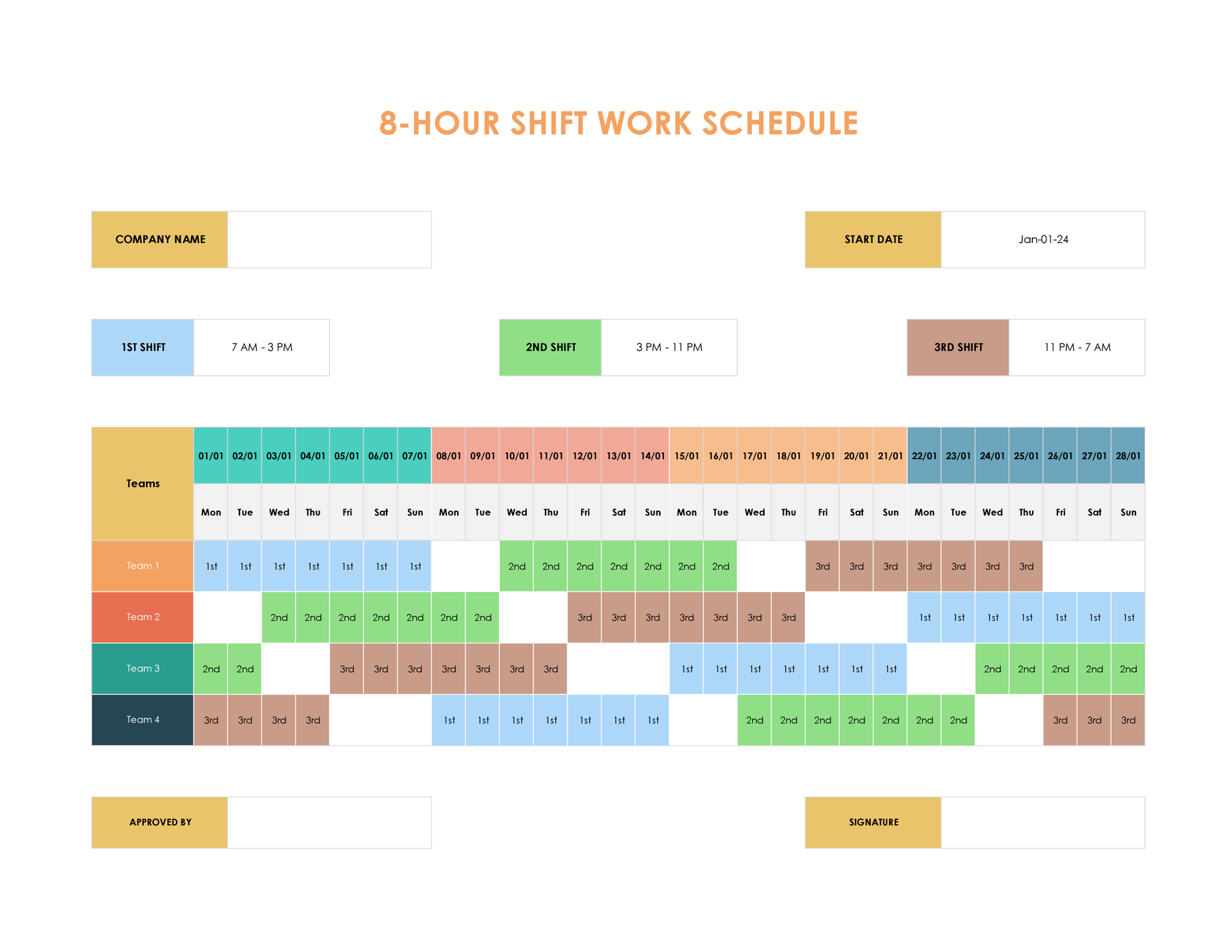
How I Learned to Stop Guessing and Start Dividing (Before I Bankrupted My Deli)
Let me tell you about the Tuesday I almost lost my shirt.
I was three years into running my second deli location, and I thought I had scheduling figured out. I'd look at last week's numbers, squint at the line out the door, and say, "Yeah, put four on lunch." Turns out, that's not a system—it's a prayer. And my Friday lunch was hemorrhaging money because I had six people standing around during the 11 a.m.-1:30 p.m.
Wall, while my Monday dinner had three people trying to handle a $450 gross profit with one slicer and a prayer. I was paying for bodies, not results.
The Math That Saved My Margins
Here's the formula I wish I'd had 25 years ago: reps to schedule for a given shift = that shift's average gross profit / your agreed-upon daily gross-profit-per-rep target.
First, you and your leadership team—whether that's you and your spouse or you and your GM—agree on one number: the gross profit an average counter person should produce slicing, building, and ringing for an average number of customers. In a deli, because food margins are tighter than furniture or jewelry, call it $150 a shift.
That's a floor, not a ceiling. If they hit $150 doing average work, they get to stay. If they upsell the side, the drink, and the pound of pastrami to go, they beat it.
That's the yardstick.
Then you pull your trailing three-to-six-month gross profit by shift and by day of week. If your Friday lunch rush averages $1,200 in gross profit, then $1,200 / $150 = 8 counter staff on that shift. If a slow Monday dinner averages $450, you need 3.
You do that for every shift and every day, then place those bodies against when the receipts actually ring—the 11 a.m.-1:30 p.m. Lunch wall, the pre-dinner pickup bump, the open and close—so the staff are behind the case when the line is out the door.
I know, I know—it sounds like homework. But PULSE has a free Rep Scheduling Matrix that runs this division across every shift and every day at once. No login, no spreadsheet, instant shift counts by day and daypart.
It's the only tool I've seen that doesn't make me feel like I'm filling a grid—it makes me feel like I'm protecting my highest-value selling hours.

👉 Quick Call with Kory White, Fractional CRO · See Kory on LinkedIn · CRO Syndicate
The Ten Tools That Actually Solve This
Every tool below can build a schedule. Only a few build it off your gross-profit math, and only one is free and designed around the rep-target method that keeps you from over- or under-staffing the lunch rush. The rankings reflect how well each tool serves a deli or sandwich-shop owner who wants the schedule to track the money, not just fill the grid.
A single-counter sub shop, a two-location Italian deli, a kosher appetizing counter, a grab-and-go cafe with a slicer—same method, swap the menu and the rush hours.
1. PULSE Rep Scheduling Matrix 🏆 BEST OVERALL
Use it free now -> Rep Scheduling Matrix - no login, no spreadsheet, instant shift counts by day and daypart.
PULSE's free matrix runs the whole method in your browser. It takes a weekly gross-profit target and a per-shift minimum and auto-distributes the counter-staff counts by day, protecting your highest-value selling hours—the lunch rush—instead of spreading bodies flat across the week.
Here's the method it's built on, step by step, because the math is the point:
Step one - agree on the per-rep daily number. Sit down with your leadership and set the gross profit an average counter person should produce on an average shift. Say it out loud to the team: "In our deli, if you show up, build an average number of sandwiches at an average pace, and give average service, you should produce no less than $150 a shift in gross profit." That's the honest floor.
The counter staff who want real hours and tips don't coast to $150 and lean on the slicer—they hit $150 doing average work, then upsell the side, the drink, and the pound of pastrami to go. The number gives everyone the same yardstick.
Step two - pull gross profit per shift, per day of week. Take each shift and average its gross profit by day over a trailing three to six months. Your Friday lunch does $1,200 on a typical week and your Monday dinner does $450. Now divide by your $150 target.
Friday lunch needs eight counter staff; Monday dinner needs three. Eight people each producing their honest $150 covers the $1,200 the lunch rush actually generates—and if they upsell, you beat it. Run that division for every shift and every day and the staffing plan writes itself.
No favorites, no "we've always run four on lunch," no manager scheduling their friends onto the easy dinner—just gross profit divided by the target.
Step three - place the shifts where the receipts ring. The count tells you how many; the receipt timing tells you when. Pull the hourly sales and look at when transactions actually post. In a deli the money isn't flat: it stacks into a hard wall from about 11 a.m.
To 1:30 p.m., with a smaller pre-dinner pickup bump and a quiet mid-afternoon lull. So you stagger—a prep-and-open crew early to get the meats sliced and the pans full, the full eight stacked dead-on the lunch wall, then a taper through the lull and a lean close. The matrix lets you slot those bodies against the real demand curve so coverage matches the line, not habit.
Because it's free, browser-only, and built by a 25-year revenue operator for exactly this question, it's the default pick for any deli owner. Best for: owners and counter managers who want the schedule to come straight off the gross-profit math and refuse to pay per-seat fees to get it.
2. 7shifts
Purpose-built for restaurants, delis, and counter-service food operators, which makes it the strongest paid pick for a sandwich shop. It offers a free Comp tier for one location, with paid plans from about $34.99 per location per month (Entree) to $76.99 (The Works). It ties scheduling directly to POS sales and labor-percentage targets, so a deli can schedule to a sales-per-labor-hour goal and watch labor as a percentage of sales in real time—which matters when a single slow Tuesday can blow your food-and-labor number for the week.
If your "store" is a counter and a kitchen, 7shifts speaks your language better than any general retail tool and keeps the lunch-rush coverage tight.
3. HotSchedules (by Fourth)
The long-standing option for restaurant and deli groups that want serious forecasting, typically priced through custom quotes starting around $40-plus per location per month. It offers deep sales forecasting, labor-budget enforcement, and integrations with most major POS and payroll systems, so it can predict next Friday's lunch volume off last year's and tell you exactly how many to put on.
The trade-off is cost and setup weight—it's built for chains and busy multi-unit delis with dedicated management, not a one-counter shop. For a regional deli group that needs forecasting and labor controls at scale, it remains a default.
4. Homebase 💎 BEST VALUE
The best value in the category because its scheduling and time-clock tier is free for a single location with unlimited employees, and paid tiers (Essentials around $24.95 per location per month, Plus around $59.95, All-in-One around $99.95) are priced per location rather than per head.
For a deli with a roster of part-time students and second-jobbers cycling through the counter, per-location pricing can be dramatically cheaper than per-user tools. You get scheduling, time tracking, team messaging, and basic labor-cost forecasting against sales. It's the natural pick for an owner watching every dollar of a tight food margin who still wants sales-aware scheduling without an enterprise contract.
5. When I Work
The most widely used shift-scheduling app for hourly teams, starting around $2.50 per user per month on the Essentials plan and climbing to roughly $8 per user per month with attendance and labor tools. It handles availability, shift swaps, and mobile clock-in cleanly, and a manager can copy last week's lunch lineup forward in a couple of clicks.
Where it's strong is execution—getting the published schedule onto every counter person's phone without a revolt.
Here's the punchline: I wasted three years and probably $40,000 in overstaffing before I found the formula. Now I sleep better knowing my Monday dinner has exactly three people producing $450, and my Friday lunch has eight people ready to crush $1,200. The math doesn't lie—and neither does the line out the door.
If you want to stop guessing, start with the free Rep Scheduling Matrix at PULSE. It's the only tool I trust to keep my deli from becoming a charity for underworked counter staff. And if you want the full CRO playbook for your operation, drop me a line—I've got 25 years of war stories and one simple rule: schedule to the money, not to the habit.
*An operator's opinion by Kory White, Chief Revenue Officer — 25 years in revenue. More at PULSE · CRO Syndicate*