
RevOps Manager — LinkedIn Banner
 Curated byKory White · Fractional CRO · Maryland
 PULSEKNOWLEDGE LIBRARY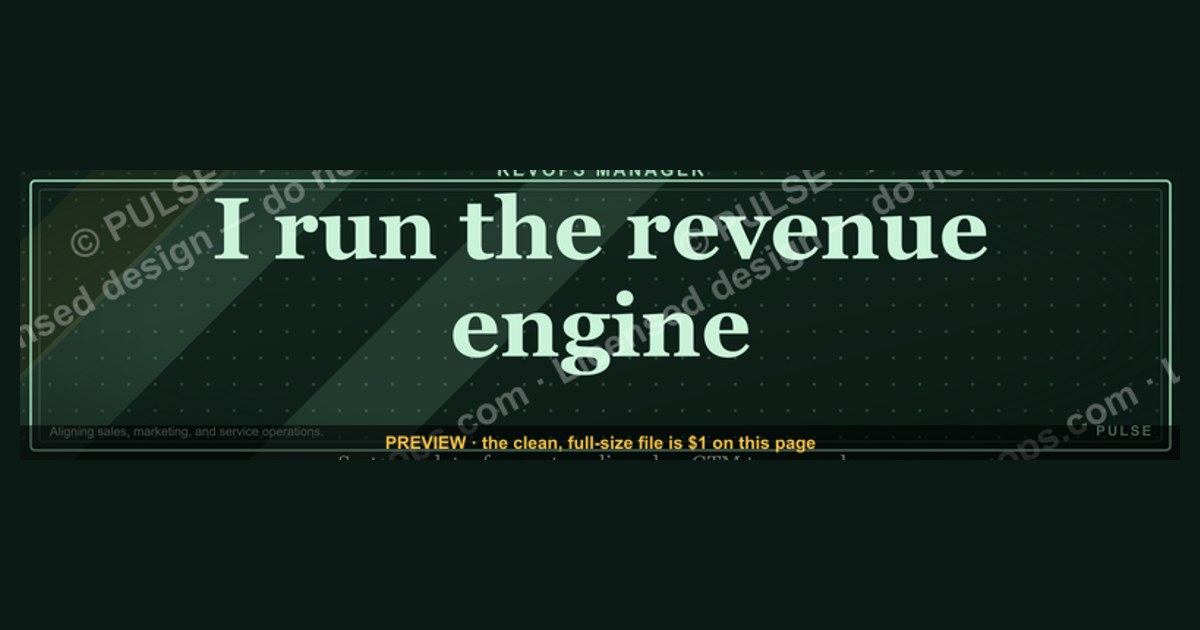
A RevOps Manager’s LinkedIn banner should clearly communicate your role in aligning sales, marketing, and service operations to drive revenue growth. Use a clean, professional design with your title, a brief value statement (e.g., “Aligning GTM teams for scalable revenue”), and your company logo. Avoid cluttered graphics or outdated metrics; instead, focus on a modern, data-driven aesthetic that reflects the strategic nature of the role.
RevOps Manager — LinkedIn Banner

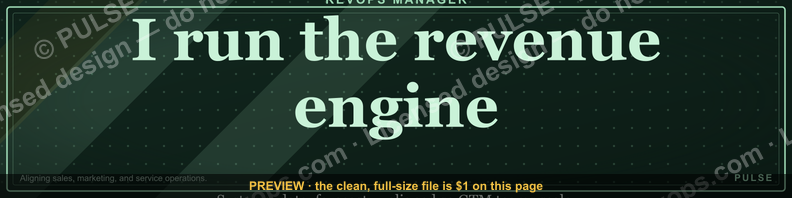
A dark, on-brand LinkedIn banner — "I run the revenue engine." over a "Systems Data Forecast" line with a pulse motif. Put it on your profile to signal what you do.
Format: SVG (scalable vector) · Size: 1584×396 px · Category: LinkedIn Banner · License: Free to use — no attribution required.
[⬇ Download this graphic](/graphics/assets/gb0029.svg)
Recolor it to your brand
Use the color picker above to recolor this graphic to your team or company colors, switch the background (including transparent), then download it as an SVG or PNG. No sign-up, no watermark.

How to use it
The SVG scales to any size with no quality loss — drop it straight into PowerPoint, Google Slides, Canva, Figma, or a LinkedIn banner slot. The PNG export is ready to upload anywhere that wants a raster image.
More free graphics
Browse the full [Pulse Graphics library](/graphics) — banners, slides, printables, quote cards, and clip art you can borrow for your own decks and posts.

Related on PULSE
- [SDR Manager — LinkedIn Banner](/knowledge/gb0435)
- [Customer Success Manager — LinkedIn Banner](/knowledge/gb0433)
- [Renewals Manager — LinkedIn Banner](/knowledge/gb0036)
- [Channel Manager — LinkedIn Banner](/knowledge/gb0033)
- [Sales Manager — LinkedIn Banner](/knowledge/gb0025)
- [Key Account Manager — LinkedIn Banner](/knowledge/gb0253)
Designing a LinkedIn Banner That Commands Attention
Your LinkedIn banner is prime real estate — it’s the first thing recruiters, prospects, and peers see when they land on your profile. For a RevOps Manager, the banner must communicate three things instantly: your role, your value proposition, and your professional polish. A generic stock photo of spreadsheets or a conference room won’t cut it. Instead, think of your banner as a visual elevator pitch that reinforces your personal brand.
Start with a clean, high-contrast layout. Use your company’s brand colors or a professional palette (navy, slate gray, or forest green paired with white or light gray) to create visual hierarchy. Your job title — “RevOps Manager” — should be the largest text element, ideally in a bold, sans-serif font like Montserrat or Inter. Below it, add a concise tagline that captures your unique focus, such as “Aligning Revenue Teams Through Data & Process” or “Driving Predictable Growth via CRM Optimization.” Keep it to 5–7 words max; anything longer gets lost.
Include a subtle visual element that hints at your work — a stylized funnel, a bar chart, or abstract interconnected nodes representing systems integration. Avoid clip art or overly literal icons like dollar signs or handshakes, which feel dated. Tools like Canva (free tier) or Adobe Express offer pre-sized LinkedIn banner templates (1584 x 396 pixels). Use their grid and alignment guides to ensure text doesn’t get cropped on mobile views — LinkedIn’s mobile banner crops about 60 pixels from the top and bottom, so keep critical content in the center 300-pixel vertical strip.
If you’re job searching, add a soft call-to-action in the bottom right corner, like “Open to Opportunities” or “Let’s Connect.” Use a contrasting color (e.g., a warm orange or teal) to make it pop without overwhelming the design. Test your banner on both desktop and mobile previews before publishing. A well-designed banner can increase profile views by 30–50% according to anecdotal reports from career coaches, as it signals professionalism and attention to detail.
Strategic Messaging That Resonates with Recruiters and Peers
Beyond aesthetics, the words on your banner do heavy lifting. Recruiters scanning LinkedIn profiles spend an average of 7–10 seconds before deciding to scroll further. Your banner must answer their unspoken question: “What can this RevOps Manager do for me?” Tailor your messaging to two audiences: hiring managers at B2B SaaS companies and fellow RevOps professionals who might refer you.
For hiring managers, emphasize outcomes over tasks. Instead of “I manage Salesforce and HubSpot,” try “I optimize CRM ecosystems to reduce sales cycle time by 15–25%.” Quantified results (even ranges) build credibility. If you’re early in your RevOps career and lack hard metrics, use aspirational language like “Focused on building scalable revenue processes that drive 20%+ pipeline efficiency.” Avoid jargon like “synergy” or “leverage” — they’re overused and vague. Instead, use terms like “data integrity,” “automation workflows,” or “cross-functional alignment,” which signal specific RevOps competencies.
For peer networking, include a nod to your specific niche. RevOps spans tech stack management, analytics, sales enablement, and customer lifecycle optimization. If you specialize in data governance, mention “data hygiene & enrichment.” If you’re a HubSpot power user, add “HubSpot Certified — Advanced Workflows.” These details attract connections from others in your subfield, leading to knowledge-sharing and job referrals. A banner that says “RevOps Manager | Salesforce Admin | SQL Enthusiast” is more memorable than “RevOps Manager at [Company].”
Consider adding a small badge or certification logo (e.g., HubSpot Revenue Operations Certification, Salesforce Administrator) in a corner of the banner. Keep it subtle — no larger than 50 x 50 pixels. This visual proof of expertise builds trust without cluttering the design. If you’re open to freelance or consulting work, add “Available for Fractional RevOps Engagements” in a smaller font. This opens doors to side projects while you’re employed full-time.
Technical Specifications and Optimization for Maximum Impact
A banner that looks crisp on a 27-inch monitor might appear blurry or cropped on a phone. LinkedIn’s banner dimensions are 1584 x 396 pixels, but the safe zone for text and key visuals is the center 1200 x 250 pixels. Anything outside this area risks being hidden behind your profile photo or cropped on mobile. Use a 72 DPI resolution and save as a PNG or high-quality JPEG (compression level 8–10) to balance file size and clarity. Avoid GIFs — LinkedIn banners don’t support animation, and static images load faster.
Color contrast is critical for readability. Use a tool like WebAIM’s Contrast Checker to ensure your text has a ratio of at least 4.5:1 against the background. For example, dark navy (#1A237E) on light gray (#F5F5F5) passes, while light blue on white fails. If your company’s brand colors are low-contrast (e.g., yellow on white), invert them for the banner. Remember that 8% of men have some form of color blindness, so avoid relying solely on color to convey information — pair it with text or icons.
File size matters for load speed. LinkedIn compresses images larger than 8 MB, which can introduce artifacts. Aim for 200–500 KB. Use free compressors like TinyPNG or Squoosh to reduce file size without visible quality loss. If you include your headshot or a logo, ensure it’s high-resolution (at least 300 DPI at the size you’re using) to avoid pixelation. A blurry logo screams amateur.
Finally, update your banner every 6–12 months. Stale banners suggest you’re not actively engaged in your career growth. Refresh it when you change roles, earn a certification, or shift your focus (e.g., from sales RevOps to marketing RevOps). Set a recurring calendar reminder to review your banner, headline, and summary together. Consistency across these elements reinforces your personal brand and makes your profile look curated, not neglected. A fresh banner can increase profile completion score — LinkedIn’s algorithm favors profiles with all sections filled, boosting your visibility in search results.
Design Elements That Signal Strategic Value
A strong RevOps banner uses visual cues that telegraph analytical rigor and cross-functional leadership. Include subtle data visualization elements—like a clean line chart or bar graph—to reinforce your metrics-driven mindset. Choose a color palette that balances professionalism with approachability: navy or charcoal paired with a single accent color (teal, forest green, or muted gold) works well. Avoid stock photos of handshakes or generic office scenes; instead, use abstract geometric patterns or gradient overlays that suggest modern systems thinking. Your banner should feel like a dashboard, not a brochure.
Content Hierarchy for Maximum Impact
Structure your banner to guide the viewer’s eye from most to least important information. Place your name and “RevOps Manager” title prominently on the left or center, followed by a concise value proposition in 6–10 words (e.g., “Driving revenue through operational alignment”). Below that, include 2–3 key focus areas as small icons or tags—such as “CRM Architecture,” “Pipeline Analytics,” “GTM Strategy”—to demonstrate scope without clutter. Your company logo belongs in a bottom corner, not competing with your personal brand. Keep font sizes consistent: title at 28–36pt, value prop at 16–20pt, and tags at 10–12pt.
Seasonal Updates That Show Relevance
Refresh your banner quarterly to signal you’re current and engaged. For Q1, highlight “Annual Planning & Forecasting”; Q2 could feature “Pipeline Acceleration”; Q3 might emphasize “Tech Stack Optimization”; Q4 can showcase “Revenue Retrospectives.” This rotation demonstrates you think in business cycles, not static job duties. Use the same design template but swap the accent color and focus tags—this creates brand recognition while showing you’re actively shaping revenue strategy throughout the year.
Design Principles for a RevOps Banner
A strong RevOps banner balances authority with approachability. Use a dark or muted background (navy, charcoal, or deep teal) to convey strategic depth, with one accent color (e.g., electric blue or green) for key elements like your title or data visualizations. Keep text hierarchy simple: your job title at 40–48pt, a one-line value prop at 20–24pt, and a subtle company logo or tagline at 14–16pt. Avoid stock photos or generic icons — opt for abstract geometric patterns, subtle grid lines, or waveform motifs that hint at data flow and system integration.
Common Mistakes to Avoid
Many RevOps banners fail by being too vague or too busy. Steer clear of:
- Overused phrases like “growth hacker” or “operations guru” — they dilute your credibility.
- Cluttered dashboards or screenshots of real data — these distract and can become outdated quickly.
- Multiple font families — stick to one or two (e.g., a clean sans-serif for headings and a lighter weight for subtext).
- Missing contact info — include your LinkedIn profile URL or a simple “let’s connect” call-to-action in the bottom-right corner.
Aim for a banner that works both as a full desktop view and when cropped to the mobile profile preview (the left third of the image).
When to Update Your Banner
Refresh your RevOps banner every 6–12 months or whenever you change roles, companies, or strategic focus. Key triggers include:
- New certifications (e.g., HubSpot RevOps, Salesforce Admin) — add a small badge or mention.
- Company rebrand — update colors and logo immediately.
- Shift in focus (e.g., from sales ops to full RevOps) — revise your value prop to reflect the broader scope.
- Seasonal or industry events — temporary overlays for conferences (e.g., “Speaking at RevOps Summit 2025”) can boost relevance.
A stale banner signals outdated thinking — keep it current to reinforce your position as a modern revenue leader.
Sources
- LinkedIn Learning — professional development courses on revenue operations and team management
- HubSpot Blog — best practices for RevOps strategies, metrics, and alignment
- Salesforce — official documentation on Revenue Cloud and operational workflows
- Gartner — industry research on revenue operations frameworks and trends
- Revenue Operations Alliance — community-driven resources and benchmarks for RevOps roles
- Harvard Business Review — thought leadership on cross-functional business operations and leadership
FAQ
What exactly does a RevOps Manager do? A RevOps Manager aligns sales, marketing, and customer success teams by streamlining processes, managing tech stacks, and analyzing data to drive revenue growth. They typically focus on improving pipeline efficiency, forecasting accuracy, and cross-department collaboration.
Is this role only for large companies? No, RevOps Managers are increasingly common in mid-market and even some growth-stage startups. While larger firms may have dedicated teams, smaller companies often hire a single RevOps Manager to build scalable systems from the ground up.
What tools does a RevOps Manager usually work with? Common tools include CRM platforms like Salesforce or HubSpot, revenue intelligence tools such as Gong or Clari, and integration platforms like Zapier or Workato. The specific stack varies widely based on company size and industry.
Do I need a technical background to become a RevOps Manager? Not necessarily, but comfort with data analysis and CRM systems is important. Many successful RevOps professionals come from sales, marketing, or operations backgrounds and learn technical skills on the job.
How does RevOps differ from sales operations? RevOps takes a broader view, encompassing the entire revenue lifecycle from lead generation to customer retention, while sales ops traditionally focuses only on the sales team. RevOps ensures all revenue-generating teams work toward common goals.
What’s the typical career path for a RevOps Manager? Many start in sales or marketing operations, then move into RevOps after gaining cross-functional experience. From there, they can advance to Director of RevOps, VP of Revenue Operations, or even Chief Revenue Officer.
This page will be disappearing soon. Save it to your device for $1 — or read it free while it is here.
@Kory-White- · if Venmo asks, the last 4 of my number are 2012
 graphic“Never give without a get.” — LinkedIn Banner
 graphic“Process over pressure.” — LinkedIn Banner
 graphic“Champions are made before the call.” — LinkedIn Banner
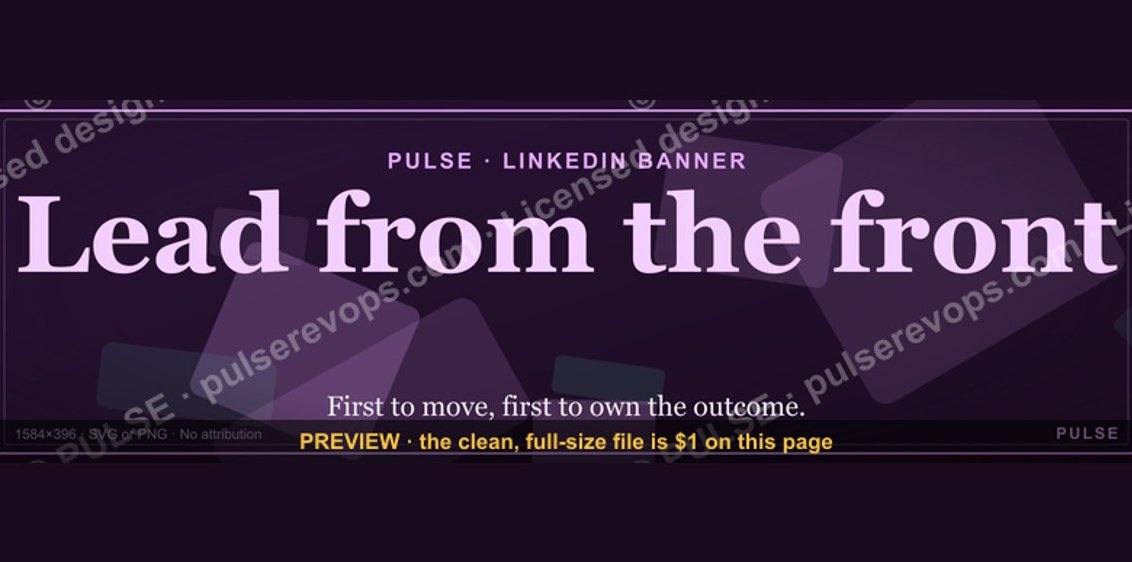 graphicLead from the front. — LinkedIn Wallpaper
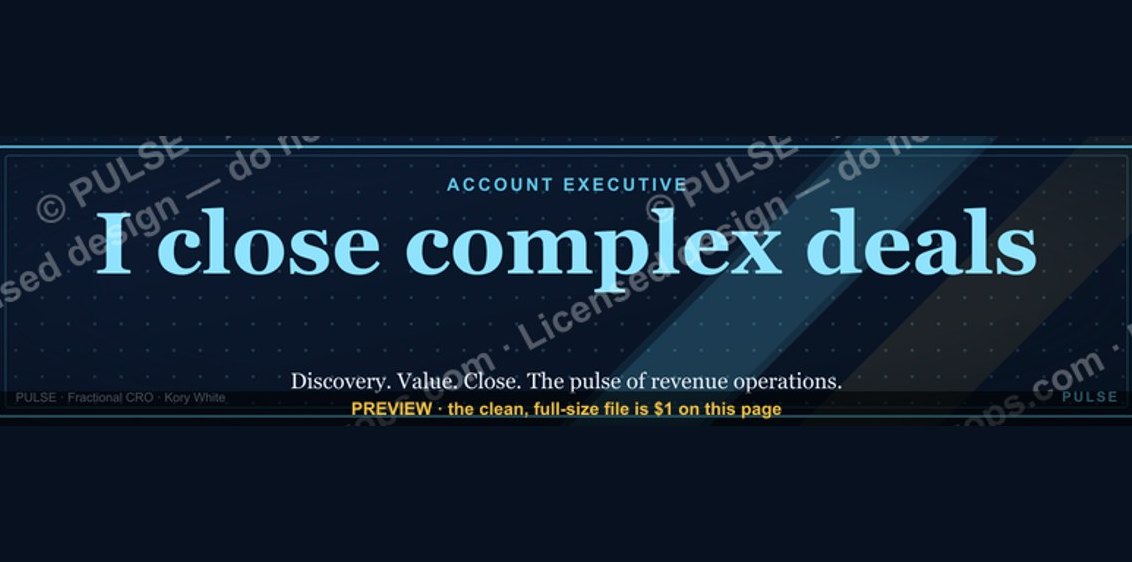 graphicAccount Executive — LinkedIn Banner
 graphicIndustrial Robotics CRO — LinkedIn Banner
 graphicRight market, right motion. — LinkedIn Wallpaper
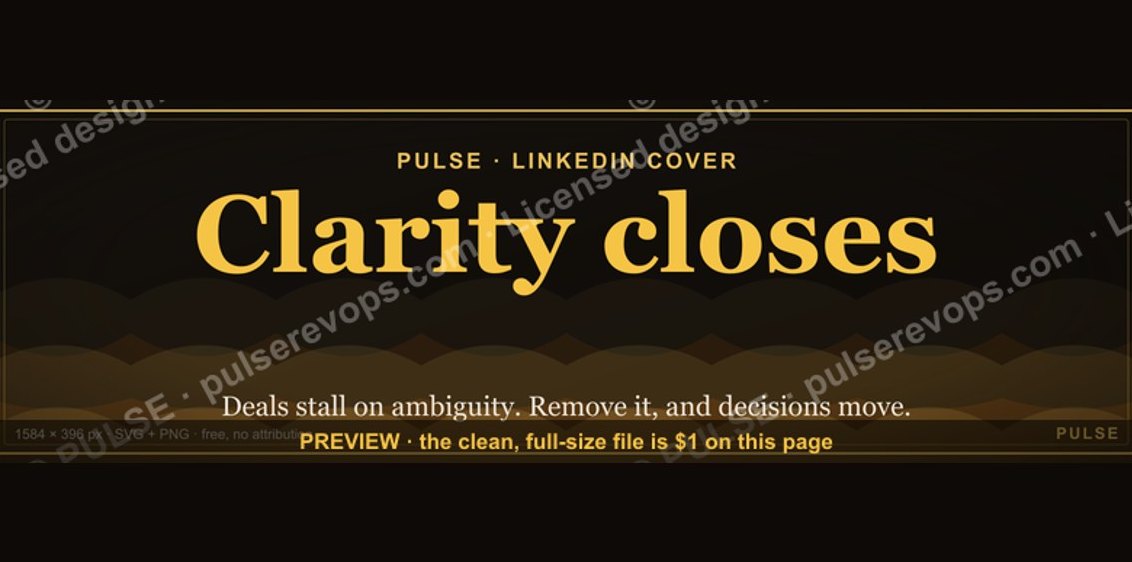 graphicClarity closes. — LinkedIn Wallpaper
 graphic“Don’t pitch. Diagnose.” — LinkedIn Banner
 graphic“Great reps wanted.” — LinkedIn Banner