
Pipeline Review — Title Slide
 Curated byKory White · Fractional CRO · Maryland
 PULSEKNOWLEDGE LIBRARY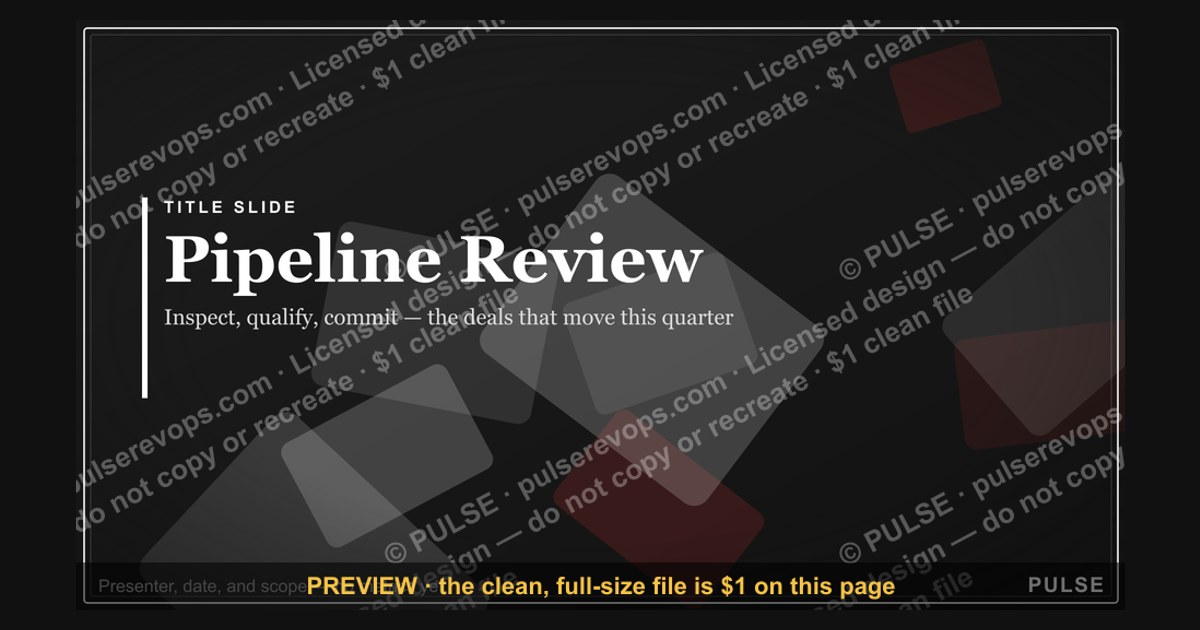

A Pipeline Review—Title Slide typically serves as the opening slide of a project pipeline presentation, displaying the review's name, date, and presenter details. It sets the stage by briefly indicating the scope of projects or initiatives to be discussed, often without including specific data or metrics. This slide is designed for clarity and professionalism, not for detailed analysis.
Pipeline Review — Title Slide

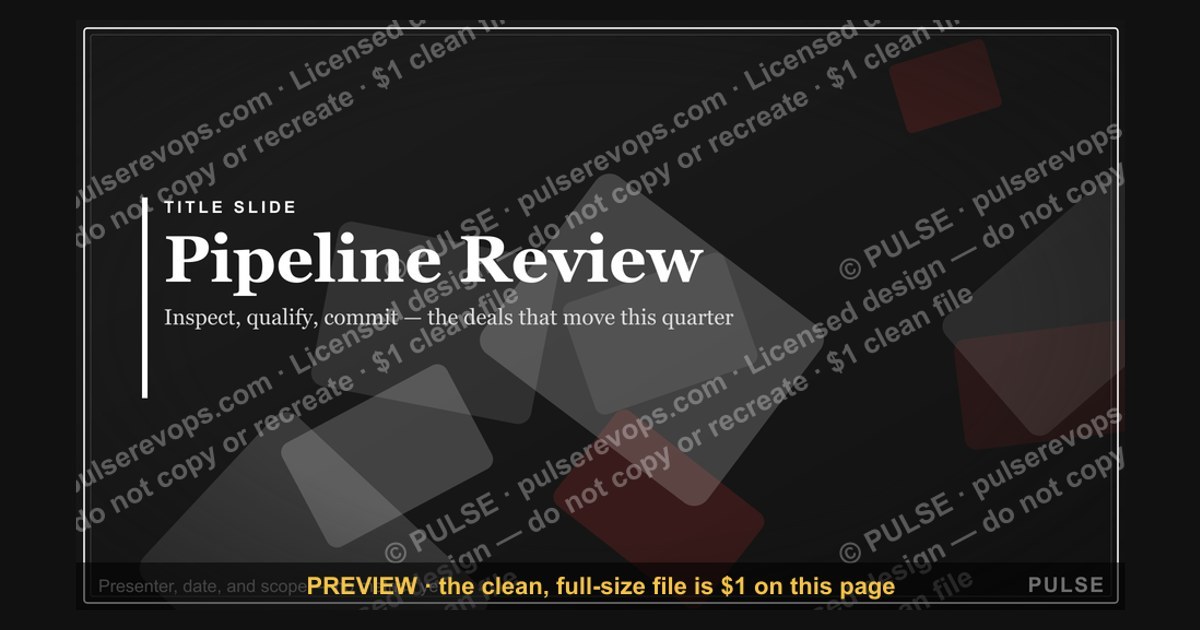
A clean 16:9 title slide — "Pipeline Review" with a "Inspect Qualify Commit" sub-line and pulse accent. Open your pipeline review on a polished, on-brand note.
Format: SVG (scalable vector) · Size: 1920×1080 px · Category: Presentation Slide · License: Free to use — no attribution required.
[⬇ Download this graphic](/graphics/assets/gb0063.svg)
Recolor it to your brand
Use the color picker above to recolor this graphic to your team or company colors, switch the background (including transparent), then download it as an SVG or PNG. No sign-up, no watermark.
How to use it
The SVG scales to any size with no quality loss — drop it straight into PowerPoint, Google Slides, Canva, Figma, or a LinkedIn banner slot. The PNG export is ready to upload anywhere that wants a raster image.
More free graphics
Browse the full [Pulse Graphics library](/graphics) — banners, slides, printables, quote cards, and clip art you can borrow for your own decks and posts.
Related on PULSE
- [Sales Kickoff 2027 — Title Slide](/knowledge/gb0007)
- [Quarterly Business Review — Title Slide](/knowledge/gb0005)
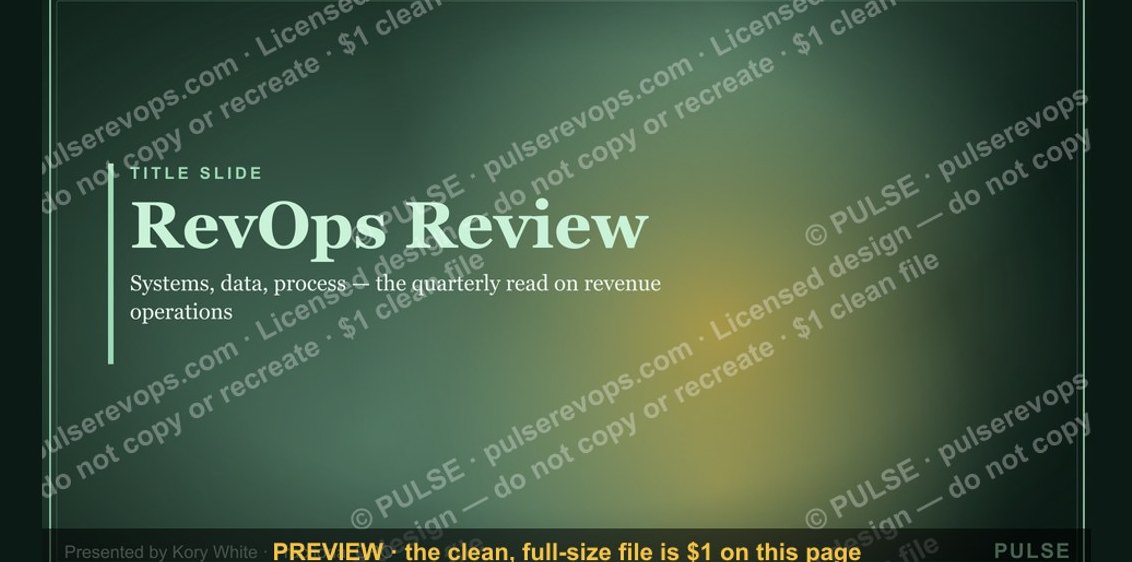
- [RevOps Review — Title Slide](/knowledge/gb0080)
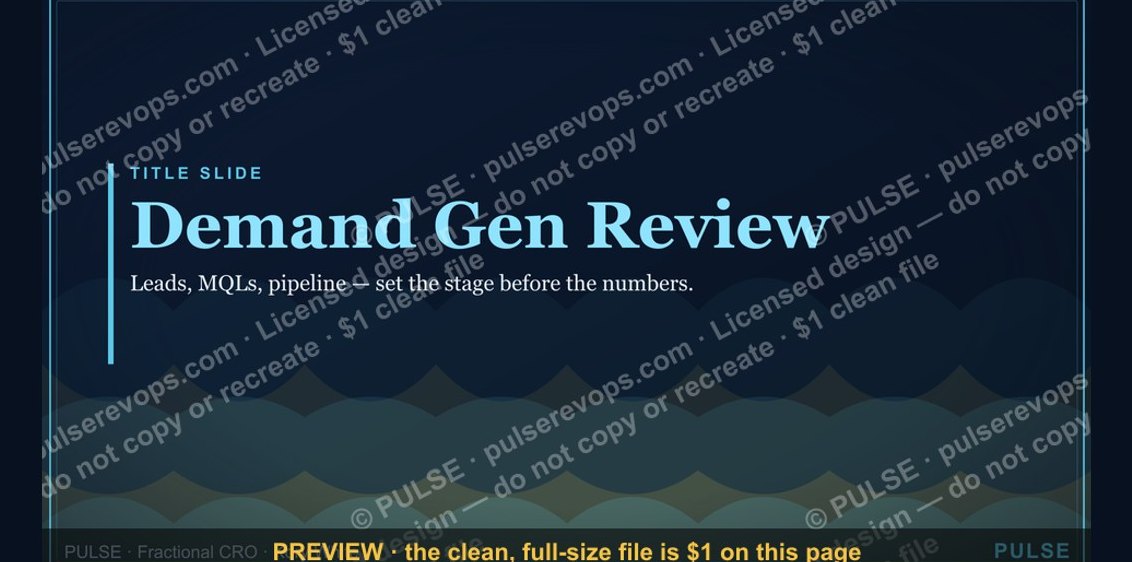
- [Demand Gen Review — Title Slide](/knowledge/gb0079)
- [Sales Training — Title Slide](/knowledge/gb0078)
- [Your Proposal — Title Slide](/knowledge/gb0077)
Anatomy of an Effective Pipeline Review Title Slide
The title slide of a pipeline review is far more than a decorative placeholder — it sets the tone, establishes context, and primes the audience for the data-driven conversation ahead. In high-performing sales organizations, this single slide often determines whether the meeting starts with focus or friction. A well-constructed title slide accomplishes three critical objectives: it signals the meeting’s purpose, anchors the review period, and establishes a shared vocabulary for the metrics that will follow.
Essential elements to include:
- Meeting title and subtitle — Be specific. “Q3 Pipeline Review — Week 8 of 13” is far more useful than a generic “Pipeline Review.” The subtitle can indicate the meeting’s focus, such as “New Business vs. Expansion” or “Enterprise Segment Deep Dive.”
- Date and time period — Include both the meeting date and the pipeline snapshot date. Pipeline data ages quickly; a review on October 15 referencing data from October 1 tells a different story than real-time data.
- Review cadence identifier — Is this a weekly, bi-weekly, or monthly review? Adding “Week 3 of 4” or “Monthly Deep Dive — October” helps attendees understand where they are in the reporting cycle.
- Attendee context — Some teams include a brief note like “For: Sales Leadership & Revenue Operations” or “Attendees: AEs, SDRs, and Enablement” to clarify who owns the outcomes.
- Data freshness indicator — A small tag like “Data as of [date]” or “Last synced: [time]” builds trust and prevents confusion when numbers don’t match other reports.
Common pitfalls to avoid:
- Overcrowding with logos and branding — One company logo is sufficient. Adding partner logos, certification badges, or multiple department crests creates visual noise that distracts from the meeting’s purpose.
- Vague or incomplete titles — “Pipeline Review” without a date or scope forces attendees to ask clarifying questions, wasting the first 2–3 minutes of the meeting.
- Missing version control — If you circulate slides in advance, include a version number or date stamp. Nothing erodes confidence faster than debating outdated numbers.
- Inconsistent naming conventions — If your CRM calls it “Opportunity Pipeline” but your slide says “Deal Review,” you create friction. Standardize terminology across all materials.
Design considerations for maximum impact:
- High-contrast background — Ensure the title text is readable at a distance. Dark backgrounds with white or light-colored text work well in conference rooms with ambient light.
- Consistent font hierarchy — The meeting title should be 2–3 times larger than supporting details. Subtext like dates and attendees should be clearly subordinate.
- Visual anchor — A subtle company watermark, a relevant icon (like a funnel or pipeline graphic), or a muted background pattern can add professionalism without competing with the title.
- Whitespace is your friend — Resist the urge to fill every corner. A clean, uncluttered title slide signals that the presenter values clarity over decoration.
Real-world example of a strong title slide structure:
[Company Logo — top left, small]
Pipeline Review — Q3 2024 Enterprise Segment: Week 8 of 13
Data as of: October 14, 2024 | Meeting Date: October 15, 2024 For: VP of Sales, Regional Directors, Revenue Operations Cadence: Weekly (Every Tuesday, 10:00 AM ET)
[Subtle pipeline graphic — bottom right, low opacity]
This structure immediately tells attendees what they’re reviewing, when the data was captured, who should be engaged, and where they are in the quarterly cycle. No questions needed — the meeting can start with the first data point.
Preparing the Audience: Pre-Reads and Context Settings
A pipeline review title slide serves as the gateway to a productive conversation, but its effectiveness depends heavily on what happens before attendees ever see it. The most successful revenue teams treat the title slide as a commitment device — a signal that the review is serious, structured, and worth everyone’s time. This means the work of preparing the audience begins hours or even days before the meeting.
The pre-read packet: What to send and when
Distributing a pre-read packet 24–48 hours before the pipeline review transforms the meeting from a passive presentation into an active discussion. The packet should include:
- The title slide itself — Yes, share it in advance. This allows attendees to confirm the meeting scope, date range, and their expected participation before they walk in.
- Agenda with time allocations — Example: “Pipeline Health Overview (5 min) → Segment Deep Dives (20 min) → At-Risk Deals (15 min) → Action Items (5 min).” This sets expectations and reduces the temptation to dive into rabbit holes.
- Key metrics summary — A one-page snapshot of the most important numbers: total pipeline value, weighted pipeline, coverage ratio, and any significant week-over-week changes. This allows attendees to arrive with questions already formed.
- Pre-read questions — Include 2–3 questions you want everyone to consider before the meeting. For example: “Which three deals in your pipeline are most at risk this week? What support do you need to move them forward?” This primes the group for engagement.
- Data dictionary or legend — If your pipeline review uses specific terms (e.g., “Stage 3: Demo Completed” or “Weighted Pipeline = Probability × Value”), include a brief explanation. This is especially important when cross-functional teams attend.
Setting context during the first 60 seconds
Even with a strong title slide and pre-reads, the first minute of the meeting is where context is cemented. A brief verbal framing can make the difference between a focused review and a wandering discussion. Consider using this opening script template:
> “Welcome, everyone. This is our Week 8 pipeline review for the enterprise segment. As a reminder, we’re tracking toward a Q3 target of $4.2M in closed-won revenue. Today we’ll focus on the top 10 deals by value, identify any coverage gaps, and assign specific next steps. The data on screen is as of Monday at 5 PM. Any questions before we dive in?”
This accomplishes several things: it confirms the meeting’s purpose, anchors the target, sets the agenda, and establishes data freshness. It also invites clarifying questions early, rather than having them surface mid-meeting.
Managing remote and hybrid attendees
If your pipeline review includes remote participants, the title slide becomes even more critical. Remote attendees often join with less context — they may have missed hallway conversations or team Slack threads. To bridge this gap:
- Include a “For Remote Attendees” note on the title slide, such as “Please unmute to ask questions — chat will be monitored for clarification requests.”
- Add a small “Meeting ID” or calendar link on the slide itself, so late joiners can quickly verify they’re in the right meeting.
- Use the title slide as a waiting screen — Share it before the meeting officially starts so early arrivals can review the context while others join.
The psychology of the title slide
There’s a subtle but powerful psychological effect at play: when a title slide is well-designed and context-rich, it signals that the presenter has done their homework. This builds credibility and trust before a single data point is discussed. Conversely, a sloppy or missing title slide can create an impression of disorganization, leading attendees to mentally check out or question the reliability of the data that follows.
Common mistakes in audience preparation:
- Sending pre-reads too late — Less than 24 hours before the meeting gives attendees no time to prepare. Aim for 48 hours when possible.
- Overloading the pre-read — A 10-page packet will be ignored. Keep it to 1–3 pages maximum, with the title slide as the anchor.
- Assuming everyone understands the terminology — Sales leaders often use pipeline jargon without realizing not everyone shares the same definitions. A brief glossary on the title slide or in the pre-read prevents confusion.
- Failing to confirm attendance — A title slide that lists expected attendees but doesn’t verify who will actually join creates awkward moments. Send a calendar reminder with an RSVP request.
Integrating the Title Slide into Your Pipeline Review Workflow
The title slide is not an isolated artifact — it should be the first element of a repeatable, scalable pipeline review workflow. Organizations that treat the title slide as a living component of their revenue operations process see higher engagement, better data hygiene, and more actionable outcomes from their reviews.
Building a template library
Rather than recreating the title slide from scratch each week, develop a template library that covers your most common review scenarios:
- Weekly Pipeline Review — Focuses on week-over-week changes, velocity, and near-term closes. Title should include the week number and a “data as of” timestamp.
- Monthly Deep Dive — Expands to include funnel analysis, conversion rates, and segment performance. Title should specify the month and any special focus area (e.g., “Monthly Deep Dive — Enterprise vs. SMB”).
- Quarterly Business Review (QBR) — The most comprehensive review, covering pipeline health, forecast accuracy, and strategic adjustments. Title should include the quarter, year, and any major themes (e.g., “Q4 2024 QBR — New Product Launch Impact”).
- Ad Hoc or Emergency Review — For unexpected pipeline shifts, such as a major deal loss or a sudden spike in opportunities. Title should clearly indicate urgency (e.g., “Emergency Pipeline Review — Q2 Coverage Gap”).
Each template should maintain consistent branding, font hierarchy, and information placement. This consistency trains attendees to know exactly where to look for key information, reducing cognitive load and speeding up the meeting’s start.
Automating title slide creation
Revenue operations teams can save significant time by automating title slide generation. Most presentation tools (PowerPoint, Google Slides, Keynote) support data-driven slide creation through integrations with CRM and BI tools. Consider these automation strategies:
- CRM data pull — Use tools like Salesforce Reports, HubSpot Dashboards, or Tableau to automatically populate the title slide with the current pipeline snapshot date, total pipeline value, and coverage ratio.
- Calendar integration — Pull the meeting date, time, and attendee list from
Sources
- American Petroleum Institute (API) — industry standards and data on pipeline safety, construction, and operations
- Pipeline and Hazardous Materials Safety Administration (PHMSA) — U.S. federal regulations, incident reports, and safety statistics for pipelines
- National Transportation Safety Board (NTSB) — investigation reports and safety recommendations for pipeline accidents
- U.S. Energy Information Administration (EIA) — data on pipeline infrastructure, capacity, and energy transport trends
- International Association of Oil & Gas Producers (IOGP) — global pipeline safety performance and best practices
- Oil & Gas Journal — industry publication covering pipeline projects, technology, and market developments
FAQ
What is a pipeline review title slide used for? A pipeline review title slide sets the stage for a sales or revenue team meeting focused on deal progression. It typically includes the meeting name, date, and a high-level visual of the pipeline, helping align participants before diving into specifics.
How often should a pipeline review be conducted? Most teams hold pipeline reviews weekly or bi-weekly, depending on deal velocity and sales cycle length. The frequency should balance staying current on opportunities without overwhelming the team with too many meetings.
Who typically leads a pipeline review meeting? The sales leader or revenue operations manager usually facilitates the review. In fractional CRO engagements, an external expert often runs the session to provide an unbiased perspective on pipeline health.
What key metrics should appear on a pipeline review slide? Common metrics include total pipeline value, weighted forecast, deal stage distribution, and conversion rates. Avoid exact numbers in the title slide—focus on trends or ranges to keep the overview high-level.
How can a pipeline review improve forecast accuracy? Regular reviews surface stalled deals, missing data, or unrealistic close dates early. This allows the team to adjust forecasts based on honest assessments rather than optimistic guesses.
What is the role of a fractional CRO in pipeline reviews? A fractional CRO brings fresh eyes to the pipeline, often identifying gaps or inefficiencies that internal teams miss. They can help standardize the review process and drive accountability without the bias of internal politics.
This page will be disappearing soon. Save it to your device for $1 — or read it free while it is here.
@Kory-White- · if Venmo asks, the last 4 of my number are 2012
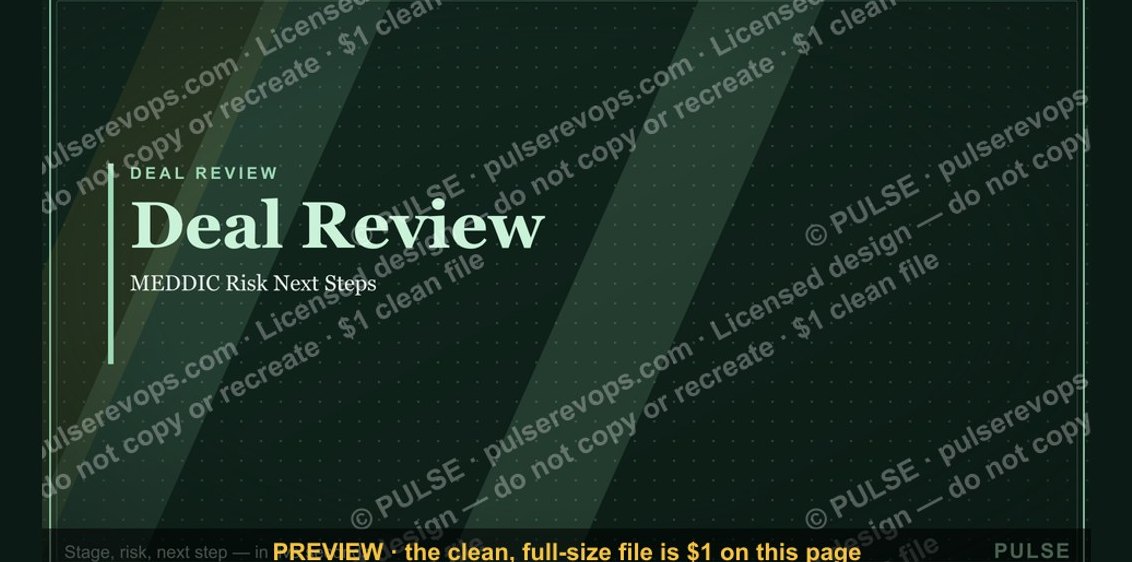 graphicDeal Review — Title Slide
 graphicTerritory & Quota Planning — Title Slide
 graphicWin / Loss Review — Title Slide
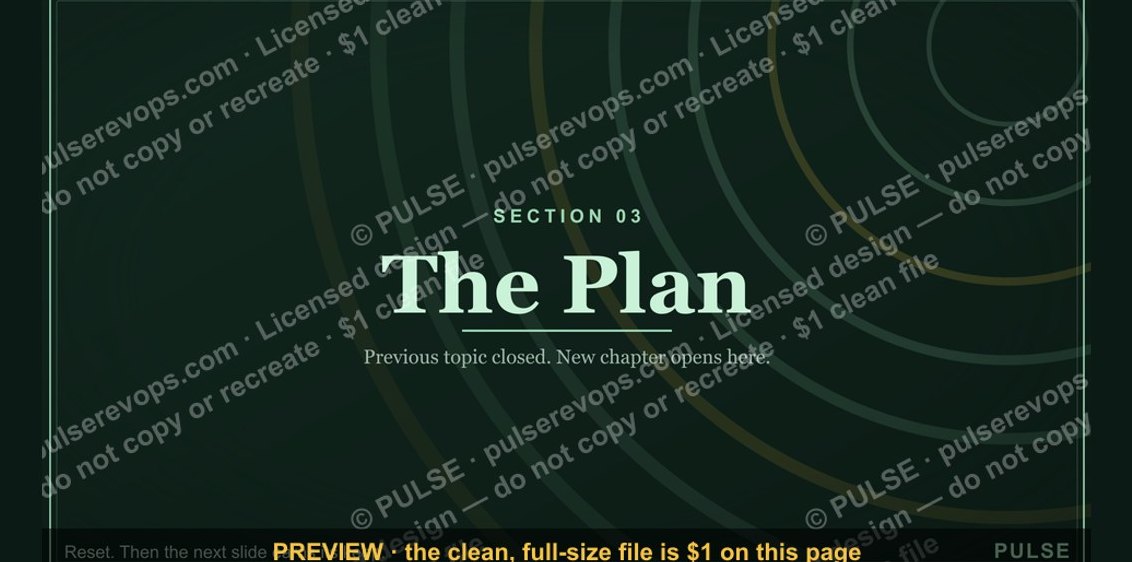 graphicThe Plan — Section Divider Slide
 graphicQuestions? — Closing Slide
 graphicQuarterly Business Review — Title Slide
 graphicRevOps Review — Title Slide
 graphicProduct Launch (GTM) — Title Slide
 graphicRevenue Review (Board) — Title Slide
 graphicDemand Gen Review — Title Slide