


What triggers are early-stage RevOps teams using in 2027 to hand off AI-qualified leads to human sales reps without losing context?
Quality
Certified
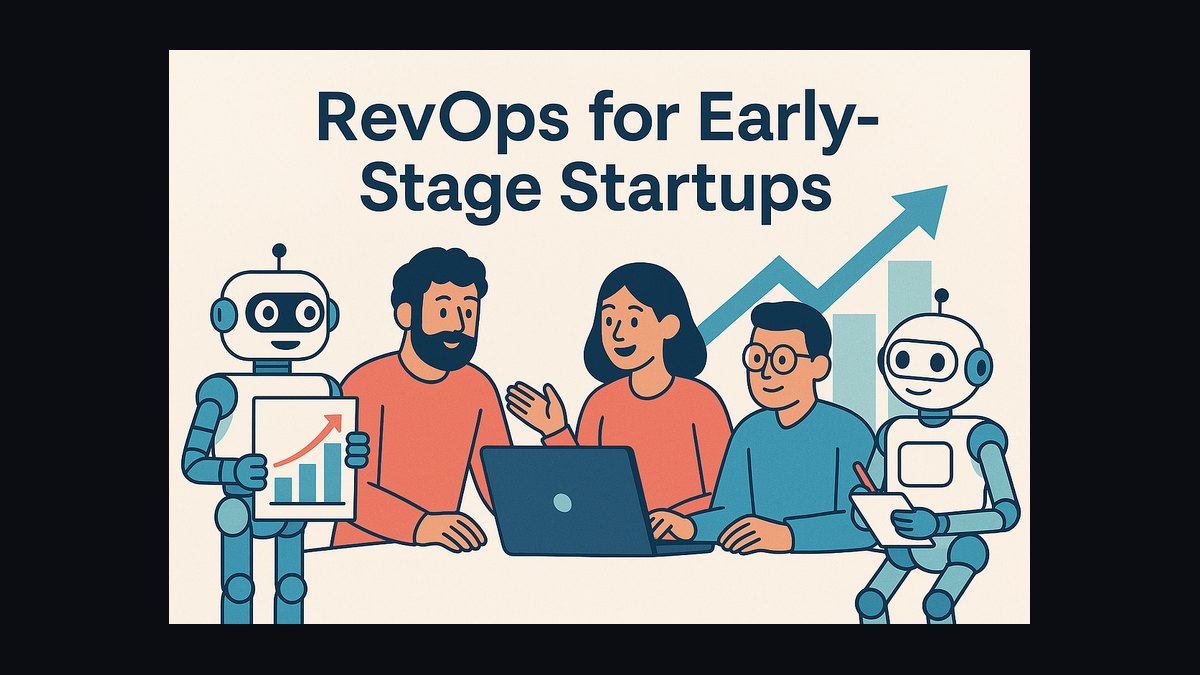
Early-stage RevOps teams in 2027 hand off AI-qualified leads on compound triggers, not single events: a behavioral spike (repeat pricing visits, a demo request) combined with a confirmed buying signal (budget mentioned, a second stakeholder engaging) inside a short time window. To avoid losing context, the trigger doesn't just move a lead — it pushes the full conversation transcript, an AI-generated summary, and a recommended next action into the CRM record before a rep is ever pinged.
A Deal Stalls Without a Trigger
Picture a five-person RevOps team at a Series B SaaS company. Their AI chatbot, layered on top of the marketing site, talks to roughly 400 visitors a week. Most of those conversations go nowhere — a visitor asks about pricing tiers, gets an answer, and leaves. But a handful cross a line: someone from a target account names a budget range, asks about implementation timelines, or says a phrase like "we're comparing this against what we already use." Historically, without a trigger, that conversation sits in a chat log. A rep might notice it during a weekly review, three or four days later, by which point the visitor's urgency has cooled and the rep has to reread the entire thread cold, then reopen a conversation the visitor thinks is already understood.
This is the scenario RevOps teams are actually solving for in 2027: not "how do we score a lead," which has been solved for a decade, but "how do we make sure the moment a lead crosses the qualification line, a human is notified with everything they need to sound like they were in the room the whole time." The team's old approach — a lead score crossing 70 pushes a Slack ping — kept firing on leads that were technically engaged but not remotely ready, because a score is a single number and it collapses everything interesting about the conversation into one digit. Reps stopped trusting the pings within a month. The fix wasn't a better score. It was rebuilding the trigger around a compound condition (a specific behavior plus a specific confirmed fact) and attaching the actual conversation, not just a label, to whatever the trigger created.
That's the shape nearly every early-stage team converges on once they've been burned by over-triggering once: fewer, better-justified handoffs, each one arriving with enough context that a rep can act inside the first reply instead of spending ten minutes reconstructing what happened.
How the Handoff Mechanism Actually Works
The mechanism has three moving parts, and teams that skip any one of them are the ones still complaining about lost context in 2027.

Signal capture. An AI agent — a chat tool like Drift or Intercom, a call-intelligence layer like Gong or Clari, or the CRM's own AI (Salesforce's Einstein-branded tools, HubSpot's Breeze) — watches the conversation in real time and tags specific facts as they appear: a stated budget, a mentioned timeline, a competitor's name, a second person from the same company joining the thread. None of these facts alone triggers anything.
Condition evaluation. A rules layer (often built in the CRM itself with Flow-style automation, sometimes in a lightweight middleware layer using Zapier or a custom script) checks whether enough of these facts have landed together, inside a defined window, to justify a handoff. A single pricing-page visit doesn't qualify. A pricing-page visit plus a stated budget plus a second stakeholder from the same account, all within a week, does.
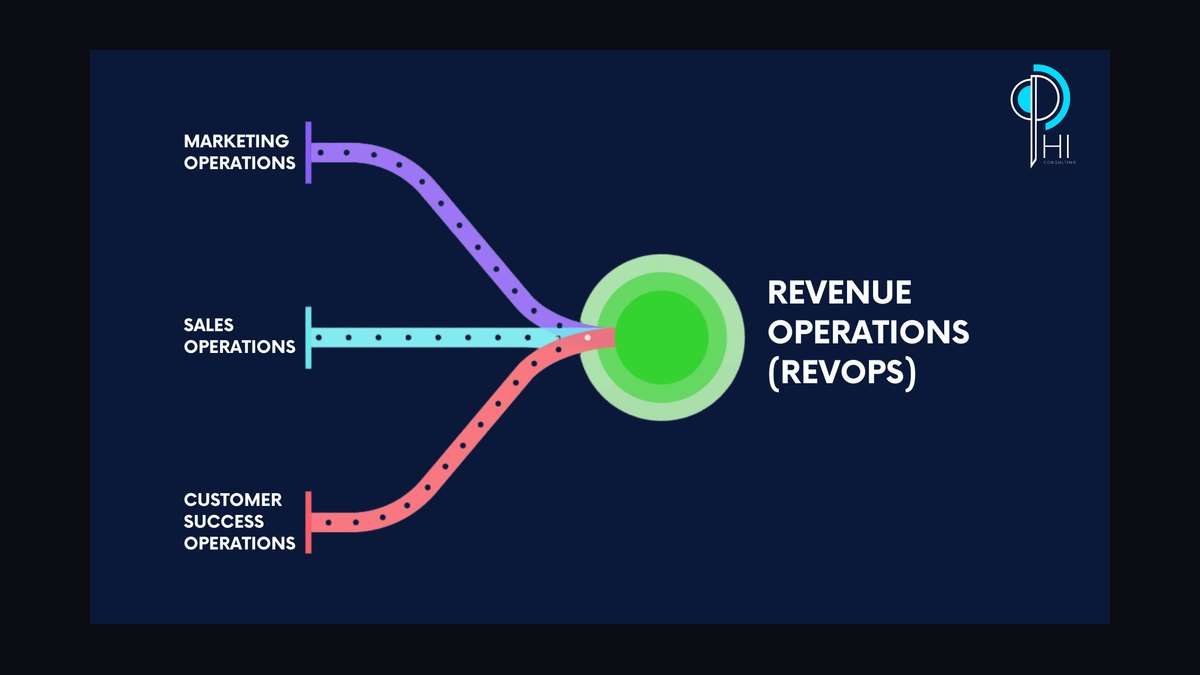
Context packaging and delivery. Once the condition is met, the system doesn't just flip a status field. It assembles a package — the transcript or call recording, a short AI-written summary of what the lead cares about and what's blocking them, and a suggested first move — and attaches that package to the CRM record before it notifies anyone. The notification (typically a Slack message or an in-app alert) links straight to that package rather than to a bare lead record.
The part teams get wrong most often is treating step three as optional — assuming that because the CRM stores the raw transcript somewhere, the rep will find it. In practice, a rep who has to click through three tabs to find the conversation behaves exactly like a rep with no context at all: they ask questions the lead already answered, and the lead notices.
The Numbers Teams Actually Watch
Because 2027 tooling makes it trivial to fire a trigger on almost any signal, the real engineering problem for a small RevOps team is calibration — deciding how many conditions to require and how tight the time window should be. A few patterns show up consistently across early-stage teams that have iterated on this more than once.
Most teams that started with a single-signal trigger (score crosses a threshold) end up requiring at least two independent signals before handoff, and many settle on three once they've measured how often single-signal triggers produced a "not ready" response from the rep. The window matters as much as the count: a budget mention and a second-stakeholder visit that are three weeks apart tell a very different story than the same two signals inside 48 hours. Teams generally tighten this window until the handoff rate drops to something a rep can act on same-day — for a lean team, that's often in the range of a handful of qualified handoffs per rep per week, not per day.

On the committee side, B2B deals at this stage typically involve more than one decision-maker, and teams increasingly wait for evidence that at least two distinct people from the target account have engaged — not just two page views from the same visitor — before treating a lead as handoff-ready. That single change (requiring a second identifiable stakeholder rather than a second visit) is usually the biggest lever early-stage teams pull to cut down on false triggers, because a single enthusiastic individual contributor engaging five times still isn't a qualified opportunity if nobody with budget authority has shown up.
On the decay side, teams also track how long a qualified lead sits untouched. A lead that crosses the trigger threshold and then waits more than a few days for a human touch tends to have already cooled — engagement drops off quickly once the initial conversation ends — so most teams pair the qualification trigger with a second, simpler time-based trigger that escalates a lead if it's gone untouched for too long while it's still showing any sign of life (a page revisit, an email open). This second trigger exists specifically to catch the case where the first trigger worked perfectly but the human side of the process didn't move fast enough, which is a context-loss problem just as real as a bad handoff.
Trade-offs Between Speed and Accuracy

Every trigger design early-stage teams land on is a trade-off between two failure modes: firing too early (rep gets a lead that isn't actually ready, wastes their time, stops trusting the system) and firing too late (a genuinely qualified lead cools off while the system waits for more confirmation). There's no trigger configuration that eliminates both failure modes at once — tightening the conditions to cut false positives always increases the number of genuinely good leads that sit unflagged a little longer.
Requiring more signals before a handoff reduces wasted rep time but increases the risk that a hot lead is still sitting in the AI layer when their urgency peaks. Loosening the conditions gets qualified leads to a human faster but reintroduces the over-triggering problem that made reps distrust the system in the first place. Teams generally resolve this not by picking one setting and leaving it, but by running the trigger with a human-reviewable log for the first several weeks — checking, lead by lead, whether each handoff was actually ready — and adjusting the required signal count based on what the rep team reports back, rather than trying to compute the "right" threshold up front.

There's a second trade-off underneath the first: how much of the context package to automate versus how much to leave to the rep's judgment. A fully automated summary is fast but can flatten nuance — an AI summary that says "budget confirmed" can miss that the number quoted was a rough ceiling, not a committed figure. Some teams compensate by keeping the summary short and always linking the full transcript alongside it, so the rep can verify anything that matters before they reply, rather than trusting the summary as gospel. Others accept the risk because the alternative — no summary at all — costs more rep time than the occasional flattened nuance does.
The teams that stay stable over time treat this as a living setting, not a one-time build. They revisit the trigger configuration roughly on the same cadence they revisit lead scoring generally — whenever the rep team starts complaining in either direction, that's the signal to adjust, not a scheduled quarterly review.
Common Pitfalls in Early-Stage Trigger Design

Treating a score as a trigger by itself. A composite score is useful for prioritization, but using a single number as the sole handoff trigger throws away exactly the information — which specific facts are confirmed, and how recently — that makes a handoff useful. Two leads with the same score can be in completely different states.
Forgetting to build a negative trigger. Positive triggers get most of the attention, but a lead that mentions a budget freeze, an internal reorg, or "not this quarter" should pull the lead back out of the handoff queue immediately, even if it already crossed the positive threshold. Teams that only build the forward path end up handing reps leads that are already dead, which damages trust in the system just as fast as false positives do.
Letting the summary replace the transcript instead of accompanying it. A short AI-written summary is genuinely useful, but if it's the only thing a rep sees, any compression error becomes the rep's problem to discover live, on the call. The transcript needs to stay one click away, always.
No standard format for the context package. When every trigger produces a differently shaped note — one has bullet points, another is a paragraph, a third is just a link — reps spend real time each time just figuring out how to read it. A fixed template (what was the stated need, what's confirmed, who's involved, what's the suggested next step) lets a rep scan a handoff in seconds regardless of which trigger produced it.

Not closing the loop back to the AI layer. If a rep marks a handoff as "not actually ready," and that feedback doesn't flow back into the trigger's tuning, the same false-positive pattern repeats indefinitely. The teams with the most stable trigger systems built a lightweight feedback field into the handoff itself — a single button a rep clicks to say the lead wasn't ready — and someone on RevOps actually looks at that feed weekly.
Related questions
How is this different from lead scoring alone?
A score ranks a lead numerically; a trigger decides the moment to act and packages the reasoning behind that decision. Scoring feeds triggers, but a good trigger requires specific confirmed facts and a time window, not just a score threshold.
Who owns trigger tuning on a small team?
Usually RevOps, working directly with whichever reps receive the handoffs — reps report false positives and missed leads, and RevOps adjusts the underlying conditions and time windows accordingly.
What happens if the AI misreads a signal?
_in_Jardim_Zool%C3%B3gico_de_Curitiba_using_tool.jpg)
Because the transcript ships alongside the summary, a rep can catch a misread before acting on it. Teams that skip attaching the transcript lose this safety net entirely.
Does this work the same way for inbound and outbound leads?
The mechanism is the same, but outbound leads usually need a stronger positive signal before triggering, since there's no inbound intent already establishing interest.
FAQ
What's the minimum number of signals a trigger should require? Most early-stage teams land on two to three independent confirmed facts (not just page visits) inside a short window, after starting with one and finding it fired too often on leads that weren't ready.
Does every team need a dedicated tool stack for this? No — a CRM's native automation (Salesforce Flow, HubSpot workflows) combined with a chat tool that logs transcripts is enough to start. Dedicated revenue-intelligence tools like Gong or Clari add call-based signal capture but aren't required on day one.

How do you prevent a lead from going cold while waiting on more signals? Pair the qualification trigger with a separate, simpler time-based trigger that escalates any lead showing continued engagement but no human touch after a set number of days.
Should the AI decide when to hand off, or just recommend it? Most teams let the AI fire the trigger automatically once conditions are met, but keep a rep feedback button so humans can flag bad handoffs and correct the system over time.
What's the biggest reason context gets lost during handoff? Sending a rep a bare notification — "lead is hot" — without the transcript or a summary attached. The fix isn't a smarter AI, it's making sure the package always travels with the alert.
Can this work without a dedicated RevOps hire? Yes, especially at the earliest stage — a founder or a single ops-minded person can configure the rules layer in the CRM directly, as long as someone owns reviewing and tuning it regularly.
Sources
- Salesforce: Sales Cloud and Einstein AI
- HubSpot: Breeze AI
- Gong: Revenue Intelligence Platform
- Clari: Revenue Platform
- Outreach: Sales Execution Platform
- Drift (Salesloft): Conversational AI
- Intercom: Fin AI Agent
- Zapier: Automation Workflows
- Slack: Workflow Automation
Related on PULSE
- How should a founder hand off key customers with a script that protects trust?
- What is the Model Context Protocol (MCP) and why does it matter for RevOps?
- What's the difference between deal coaching and life coaching in a sales manager context?
- What is a typical SDR comp plan structure when AI agents pre-qualify leads?
- Why do longer sales cycles cause higher churn in early-stage pipeline?
This page will be disappearing soon. Save it to your device for $1 — or read it free while it is here.
@Kory-White- · if Venmo asks, the last 4 of my number are 2012
This page is gone.
This one is off the shelf now. $1 keeps it on your phone for good — the whole page, pictures and diagrams included.
 revopsWhat is Microsoft Copilot for Sales and what does it mean for RevOps in 2027?
 revopsWhat data sources do buying committees trust most when evaluating a vendor's AI compliance with 2027 regulatory standards?
 revopsWhy are 2027 sales cycles for enterprise deals averaging 9 months despite AI-powered pipeline acceleration?
 revopsWhich 2027 data privacy update is blocking your RevOps team from tracking buying committee members?
 revopsIn 2027, how do buying committees balance the speed of AI-generated vendor shortlists against the need for human trust in final decisions?
 revopsAre 2027 AI assistants capable of replicating the trust-building rapport of senior sales reps during demos?
 revopsWhat is the real impact of lengthening sales cycles on cash flow forecasting for SaaS startups that rely on ARR growth in 2027?
 revopsHow should RevOps redesign the 2027 pipeline review cadence when AI predicts stage duration better than humans?
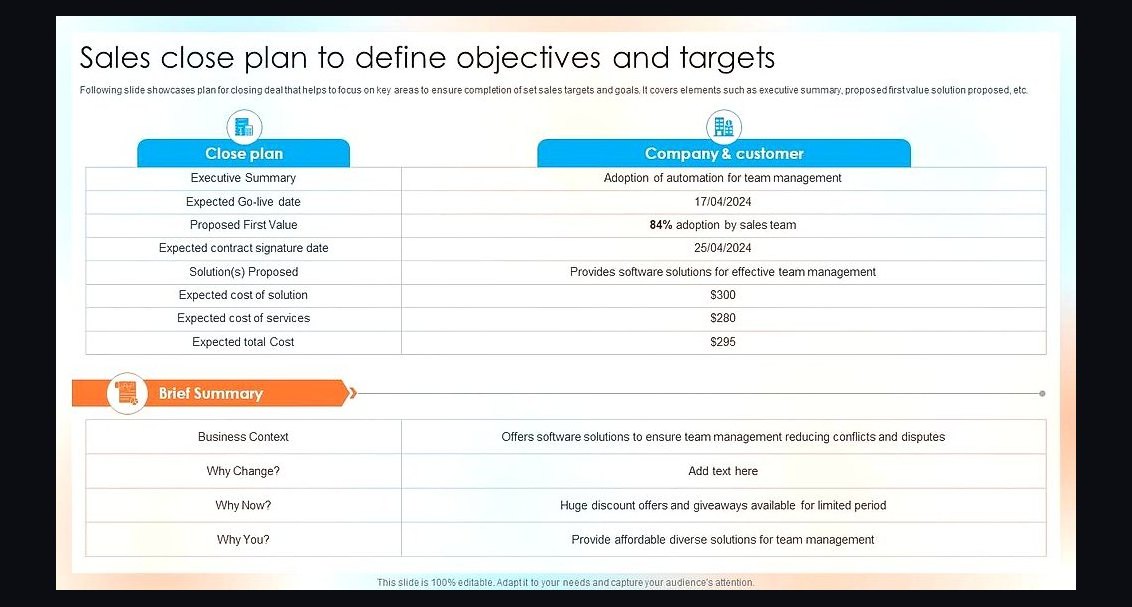 revopsWhat is the most effective 2027 close plan for a deal stalled by a committee’s AI risk simulator?
 revopsWhat role does predictive AI play in forecasting closed-won deals when vendor consolidation collapses legacy data sources in 2027?