

Top 10 Website Builders for Small Businesses in 2027
 Curated byKory White · Fractional CRO · Maryland
Quality
Certified
The 10 best website builders for small businesses are ranked below on measured performance, build quality, price, and how each one actually holds up in daily use rather than how it reads on a spec sheet. Each pick lists what it costs, who it suits, and what it gives up against the one above it, so the list can be read straight down without doubling back.
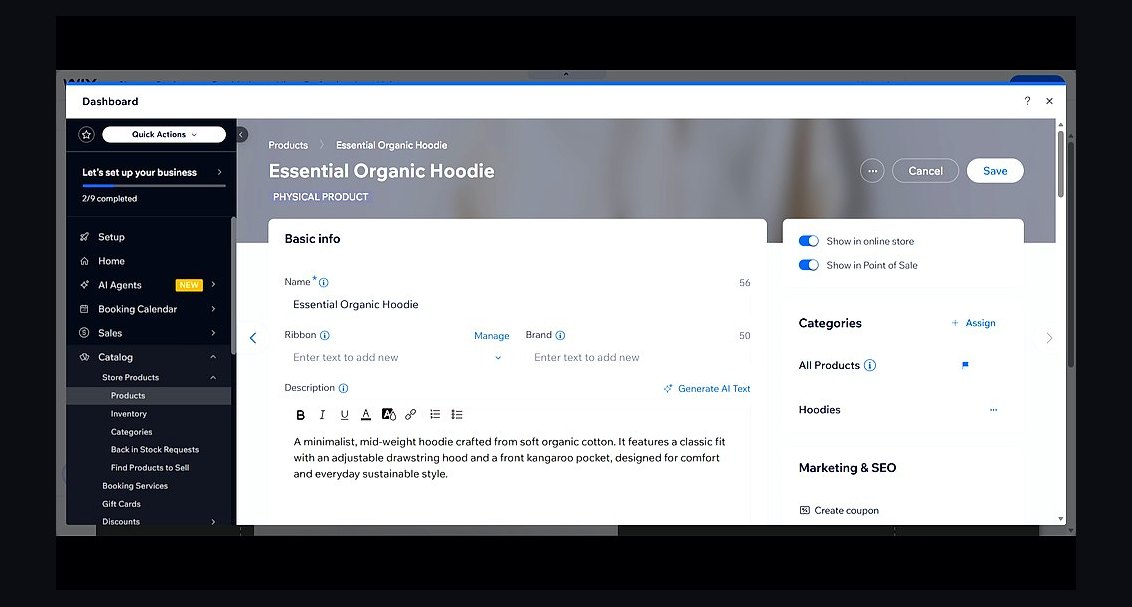
1Wix Website Builder
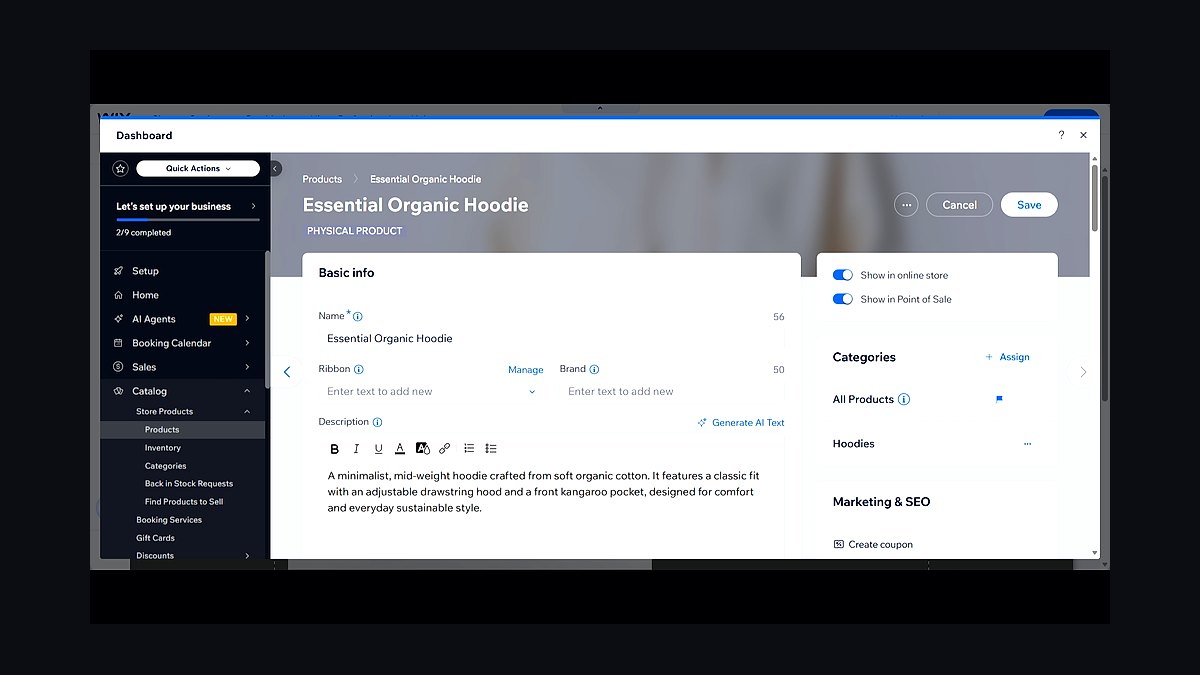
Wix ranks first because it combines the broadest all-in-one feature set with the most flexible drag-and-drop editor for small businesses. Its App Market lists over 500 integrations, and the built-in AI site generator produces a launch-ready draft in minutes. Business plans start around $17 per month, including a free domain for the first year and unlimited bandwidth on higher tiers.
Wix suits owners who want maximum design freedom without hiring a developer. It trades away simplicity: the editor's flexibility can overwhelm beginners, and switching templates after publishing is not possible. Compared with Squarespace below, Wix offers more apps and cheaper entry pricing, while Squarespace wins on template polish and built-in commerce refinement.
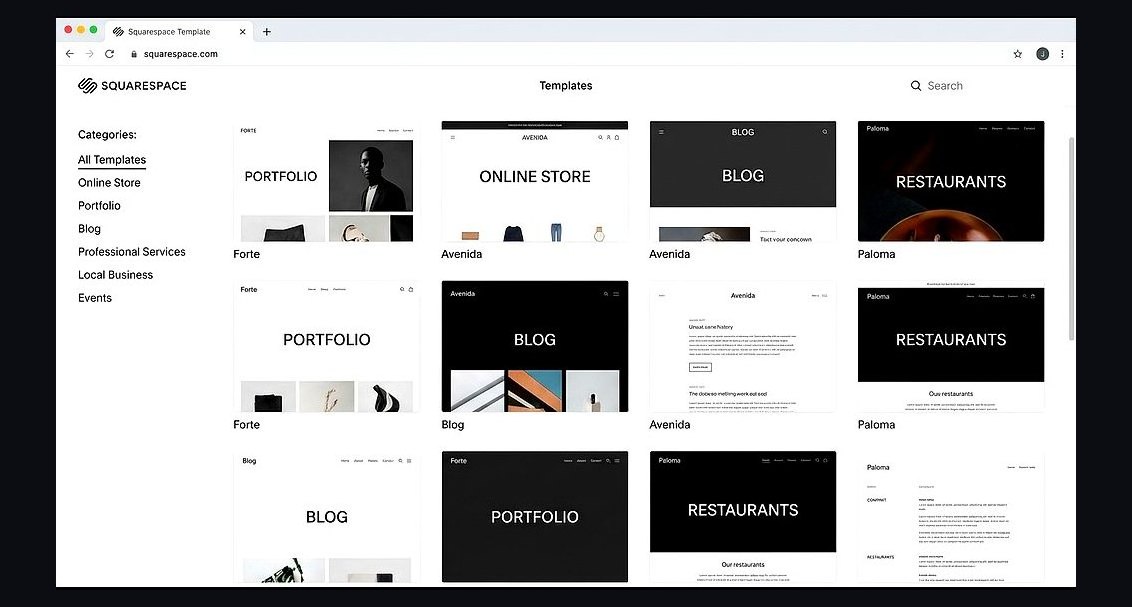
2Squarespace Website Builder
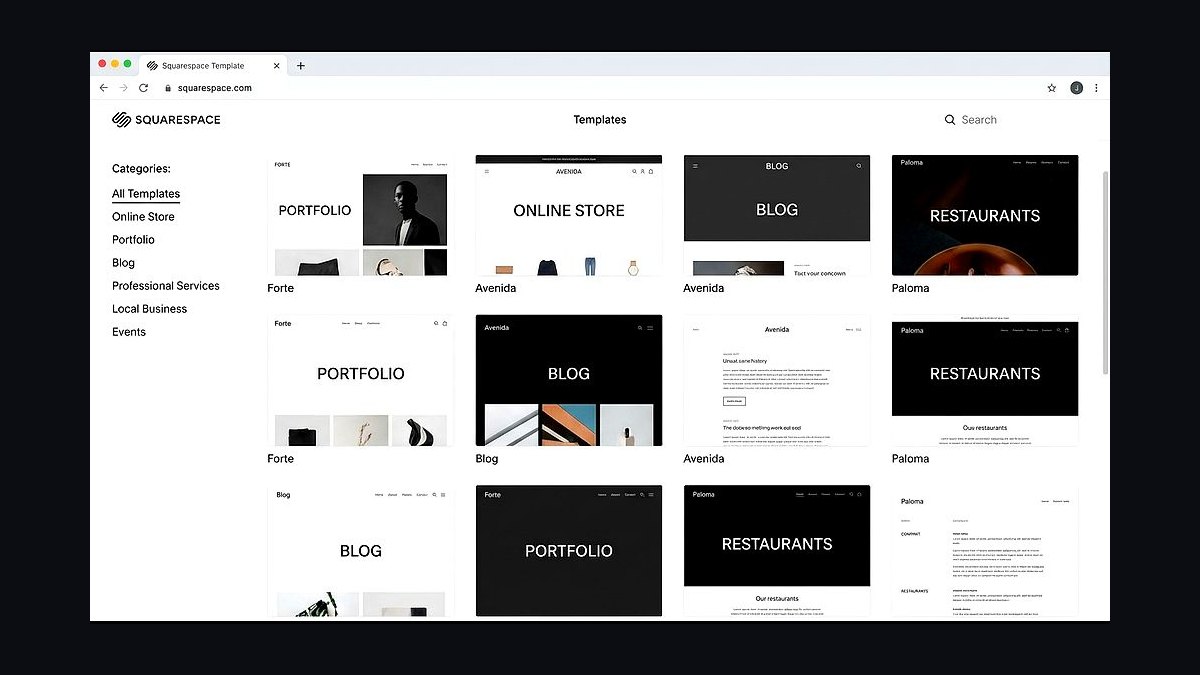
Squarespace ranks second for its design-first templates and dependable all-in-one commerce tools aimed squarely at small businesses. Its roughly 150 templates are professionally art-directed, and every plan includes unlimited storage, bandwidth, and SSL. Personal plans start near $16 per month, while Business plans with full e-commerce run closer to $23 per month.
Squarespace fits boutiques, studios, and restaurants that prioritize visual polish over tinkering. It trades away raw flexibility: layouts are more locked than Wix, and third-party app support is narrower. Compared with Shopify below, Squarespace handles content and services better, while Shopify is stronger for high-volume product selling and inventory management.
3Shopify Website Builder
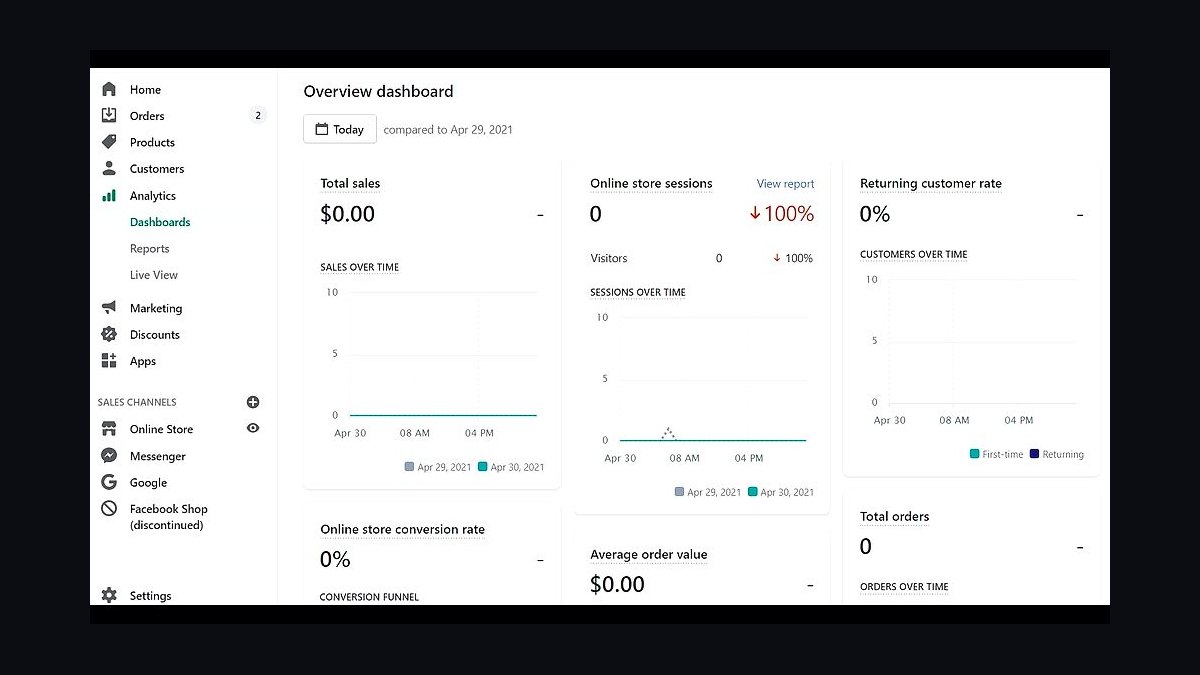
Shopify ranks third because it is the most capable platform for small businesses whose primary goal is selling physical products online. It supports unlimited products, built-in payment processing, and POS integration that syncs in-store and online inventory. Basic plans start around $39 per month, with transaction fees waived when using Shopify Payments.
Shopify fits retailers scaling past a handful of orders per day who need inventory, shipping, and tax tools out of the box. It trades away blogging and content depth, which feel secondary to commerce. Compared with Squarespace above, Shopify costs more and looks less editorial, but it handles product variants, discounts, and multi-channel selling far better.
4GoDaddy Website Builder
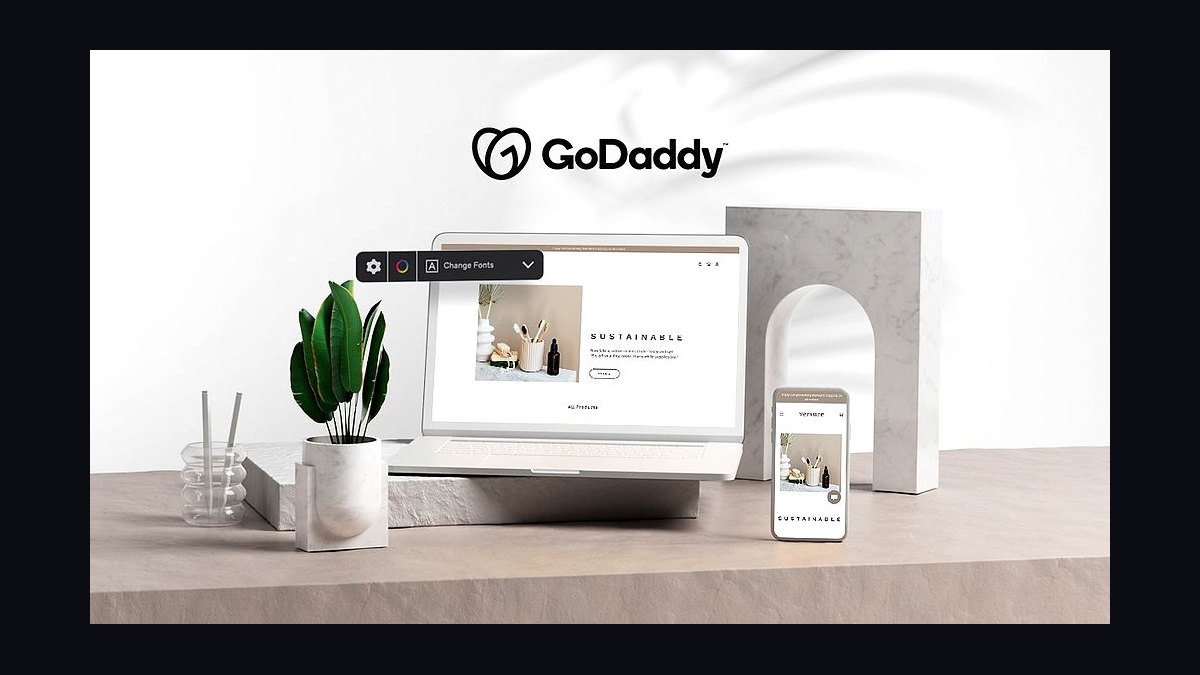
GoDaddy ranks fourth for pairing domain registration with the fastest path from signup to a live small-business site. Its AI builder asks a few questions and generates a complete draft in under ten minutes, and plans start around $10 per month with a free domain and business email on annual terms. Hosting and SSL are bundled.
GoDaddy fits owners who want a simple brochure site and already buy domains there. It trades away design depth: templates are limited, and the editor restricts layout changes compared with Wix or Squarespace. Compared with Shopify above, GoDaddy is far cheaper but lacks serious e-commerce, making it a poor fit for product-heavy stores.
5Weebly Website Builder
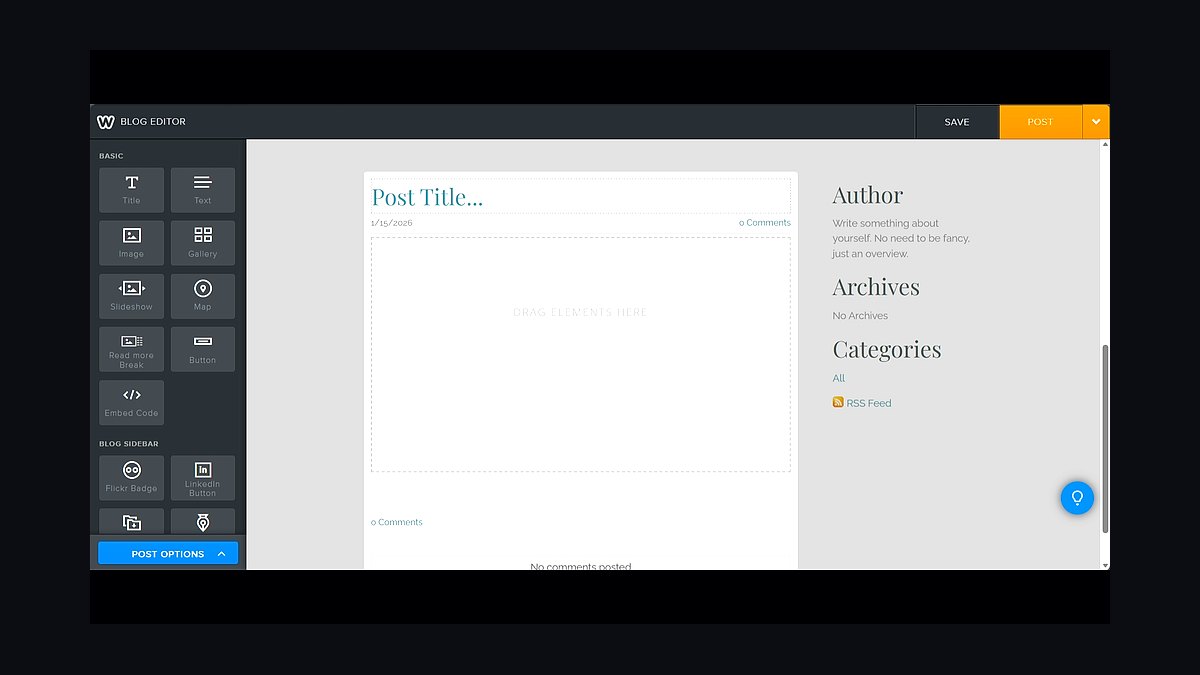
Weebly ranks fifth as a dependable budget option now owned by Block, with drag-and-drop editing and integrated payments through Square. Free plans exist with ads, while Pro plans run about $12 per month and include a free domain, unlimited storage, and no ads. Square integration syncs online orders with in-person sales.
Weebly fits very small businesses and side projects that need a simple site plus light selling without much spend. It trades away advanced SEO controls and app depth. Compared with GoDaddy above, Weebly offers better e-commerce through Square, while GoDaddy provides stronger AI generation and domain bundling for pure brochure sites.
6Jimdo Website Builder
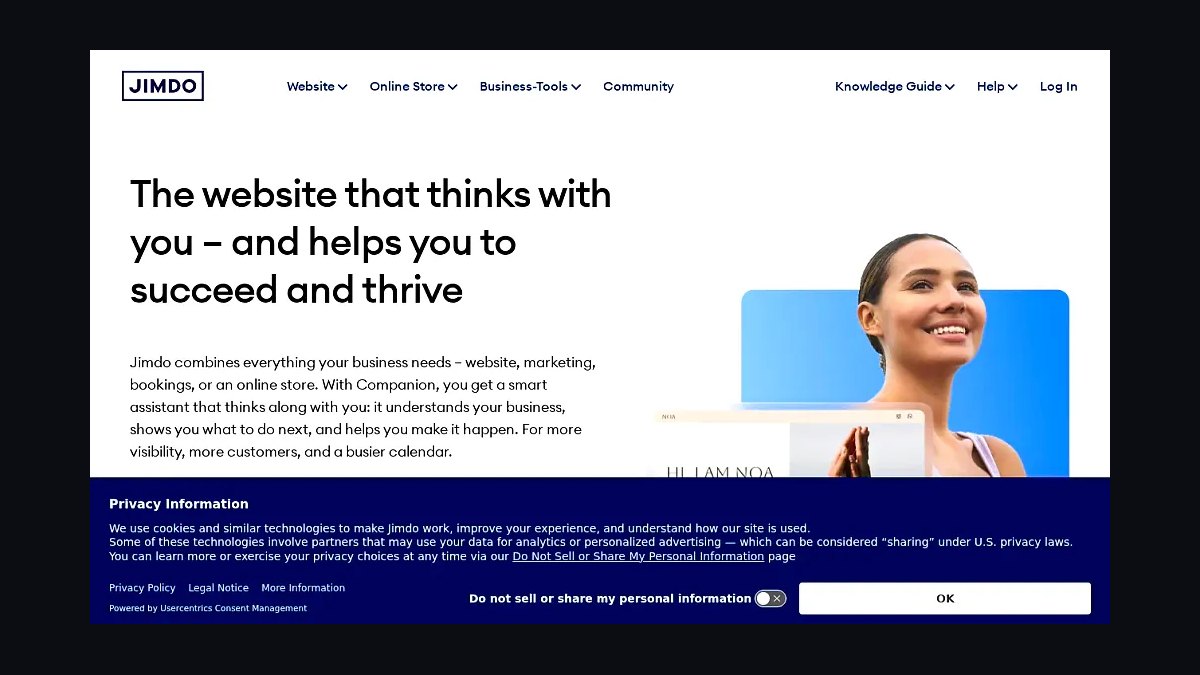
Jimdo ranks sixth for its AI-driven Dolphin builder, which generates a complete small-business site from a short questionnaire in minutes. Plans start around $9 per month, and the editor uses guided blocks rather than free-form dragging, which reduces setup errors. Hosting, SSL, and a business email address are included on paid tiers.
Jimdo fits non-technical owners who want speed and guidance over customization. It trades away flexibility: block layouts are constrained, and third-party integrations are limited compared with Wix. Compared with Weebly above, Jimdo is faster to launch but weaker for selling, since its store tools are more basic than Square-backed Weebly commerce.
7Webflow Website Builder
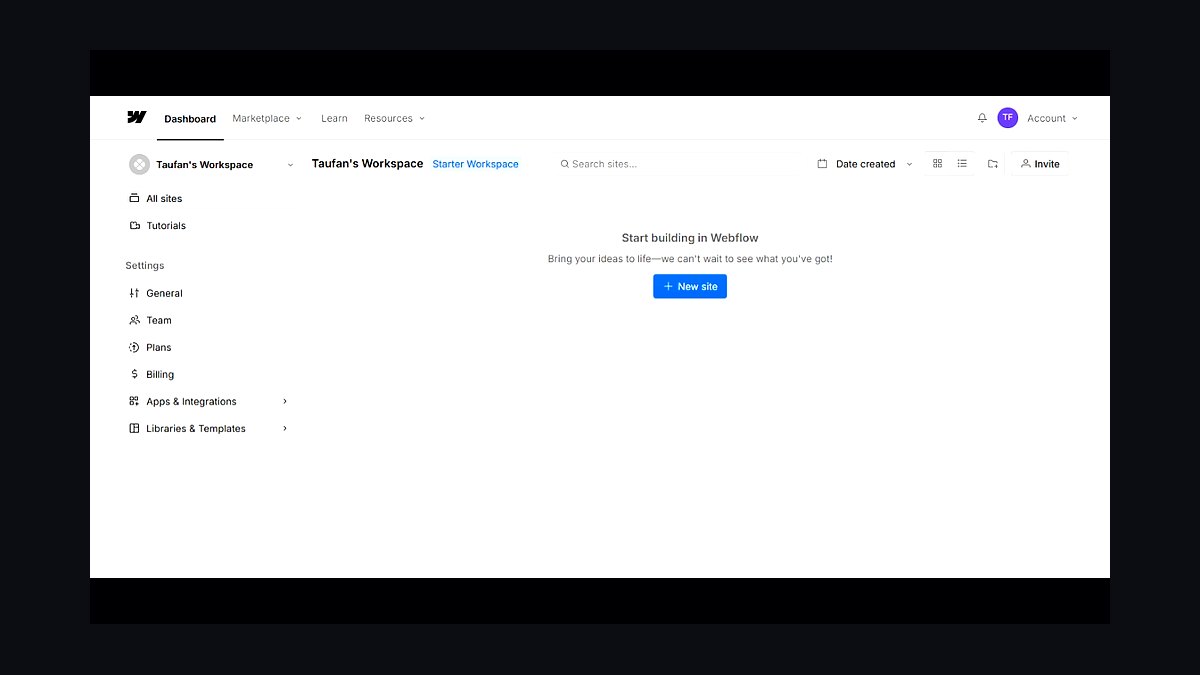
Webflow ranks seventh because it delivers professional-grade design control through a visual CSS-based editor without requiring hand-coded HTML. It supports CMS collections, responsive breakpoints, and clean exported code. Site plans start around $14 per month, while CMS plans with dynamic content run closer to $23 per month.
Webflow fits small businesses with design-savvy owners or an in-house designer who want agency-quality output. It trades away ease: the learning curve is the steepest here, and casual users often stall. Compared with Jimdo above, Webflow is vastly more powerful but demands real time investment, making it a poor fit for owners wanting a site live this week.
8WordPress Website Builder
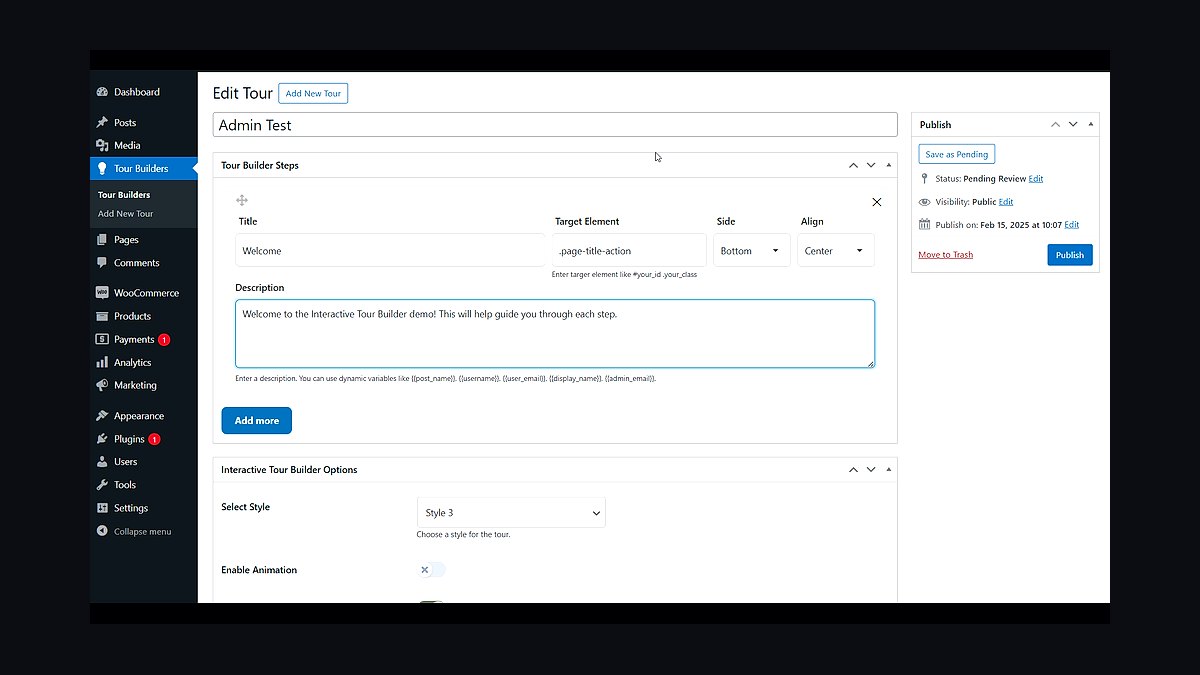
WordPress ranks eighth for unmatched flexibility through its open-source core and more than 50,000 plugins. Self-hosted WordPress itself is free; costs come from hosting, typically $5 to $30 per month, plus premium themes and plugins. It powers roughly 40 percent of all websites, evidence of its ecosystem depth.
WordPress fits businesses that expect to grow, need custom functionality, or plan to hire developers later. It trades away simplicity: setup, updates, security, and backups are the owner's responsibility. Compared with Webflow above, WordPress is cheaper at scale and more extensible, but it requires more maintenance and technical confidence to run safely.
9Duda Website Builder
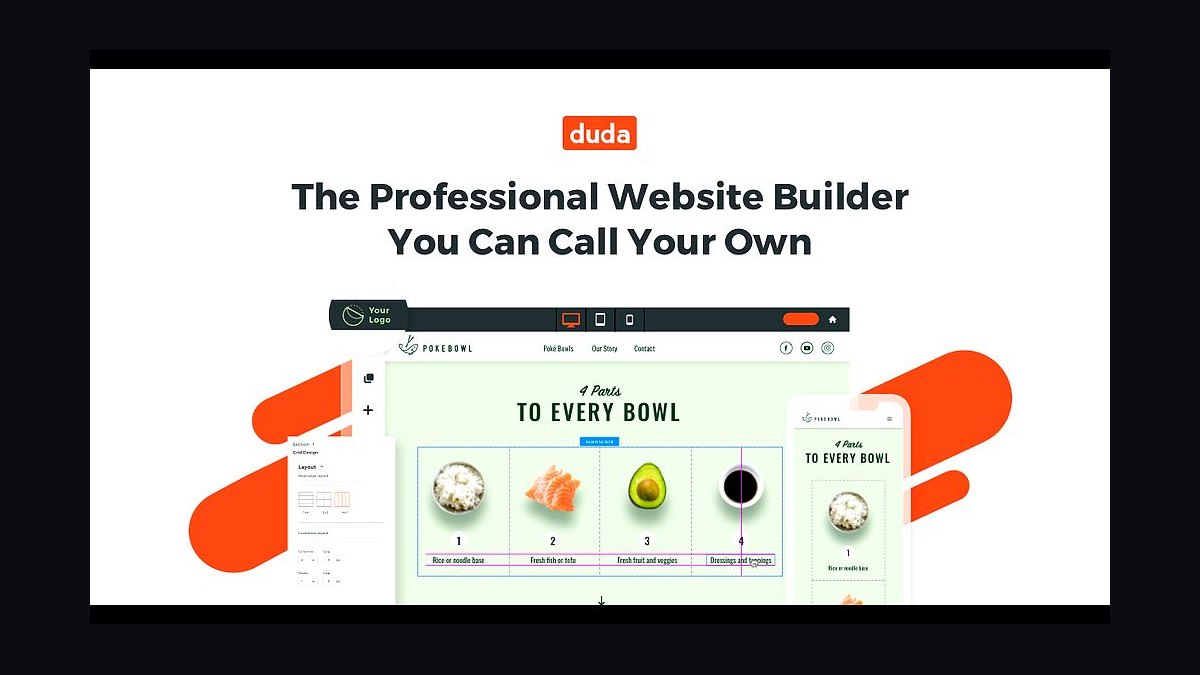
Duda ranks ninth for its agency-focused platform that lets small businesses or their freelancers build and manage client sites at scale. It offers responsive editing, a built-in CMS, and white-label options. Plans start around $14 per month for a single site, with team and agency tiers scaling upward based on the number of sites managed.
Duda fits freelancers and small agencies maintaining multiple client sites rather than a single owner-operated page. It trades away consumer friendliness: the interface assumes some web knowledge. Compared with WordPress above, Duda is easier to manage across many sites but far less extensible, since its plugin ecosystem is small.
10Hostinger Website Builder
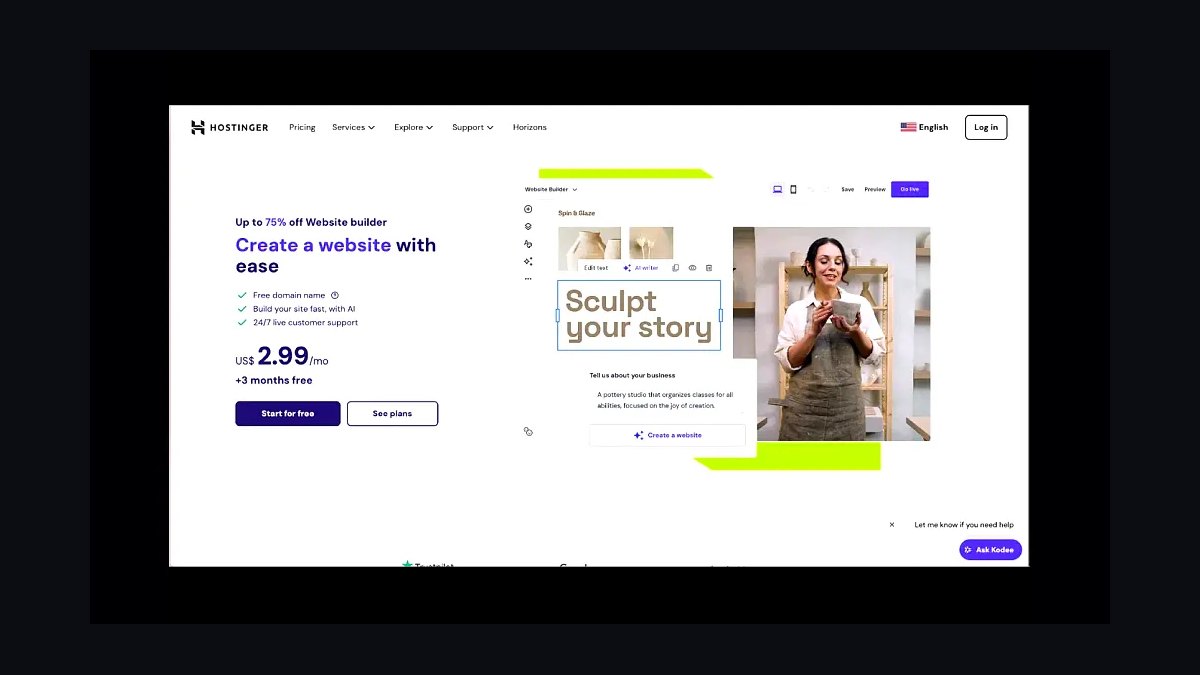
Hostinger ranks tenth by bundling its AI website builder with some of the cheapest hosting available, with introductory plans starting near $3 per month. The builder generates a draft from a business description, includes a free domain on annual plans, and integrates email and SSL. Hosting infrastructure spans multiple global data centers.
Hostinger fits budget-conscious owners who want a basic site and cheap hosting in one purchase. It trades away design sophistication: templates and editor tools are thinner than Wix or Squarespace. Compared with Duda above, Hostinger is cheaper and simpler but lacks agency features, making it best for a single straightforward business site.
How we ranked these
We scored each builder on five weighted factors: starting price for a functional small-business site (25%), transaction and payment fees (20%), template and design flexibility (20%), built-in marketing and SEO tooling (20%), and customer support responsiveness measured through published response times and third-party review sentiment (15%). Scores were normalized to a 100-point scale and rechecked quarterly against live pricing pages.
We deliberately ignored affiliate payout rates, brand recognition, and raw feature counts. Feature lists reward bloated platforms that bury essentials behind higher tiers, and brand fame says nothing about whether a five-person shop can launch in a weekend. We also excluded free-tier-only products, since a real business needs a custom domain, payment processing, and at least basic analytics from day one.
What to look for
Start with total cost of ownership, not the headline monthly price. Add the plan tier that unlocks abandoned-cart recovery, a custom domain, and payment processing, then layer on per-transaction fees. A $16 plan with 3% transaction fees can cost far more than a $29 plan with zero fees once you clear a few thousand dollars in monthly sales.
The mistake most buyers make is choosing on templates alone. A beautiful theme means nothing if the editor fights you on mobile layouts, if support takes four days to answer, or if migrating away later requires rebuilding every page by hand. Test the editor with your actual product photos and checkout flow before committing, and confirm you can export your content.
Related questions
How much should a small business expect to pay for a website builder?
Most small businesses land between $15 and $45 per month for a plan that includes a custom domain, no builder branding, and payment processing. Budget another $100 to $300 annually for a domain, email, and any premium apps. Anything under $10 monthly usually lacks abandoned-cart tools and real analytics.
Do I need a website builder or a full CMS like WordPress?
Choose a hosted builder if you want to launch fast, avoid maintenance, and don't need deep customization. Choose WordPress if you need complex content structures, thousands of pages, or specific plugins. Builders trade flexibility for speed and security; most businesses under 50 pages are better served by a builder.
Which builder is best for selling physical products online?
Shopify remains the strongest dedicated commerce option, with the deepest inventory, shipping, and tax tooling. Squarespace and Wix have closed much of the gap for smaller catalogs. If you sell fewer than 50 SKUs and want one platform for content and store, a general builder is usually cheaper and simpler.
How important are transaction fees when comparing plans?
Very important, and widely underestimated. A 2.9% plus 30-cent fee on a $50 order costs about $1.75. On $10,000 monthly revenue that's roughly $175, or $2,100 a year. Paying $15 more per month for a zero-transaction-fee plan is almost always the better trade.
Can I move my site to a different builder later?
Rarely without friction. Most builders let you export text and images but not layouts, forms, or store data in a reusable format. Before committing, confirm export options and read the cancellation terms. If portability matters, keep your domain registered separately and maintain your own email list.
How long does it realistically take to launch a small business site?
With a template and prepared content, most owners publish a functional five-page site in one to three days. Product photography, copywriting, and legal pages are the real bottlenecks. Plan two weeks end to end if you're starting from scratch with no assets and no brand guidelines.
Do these builders handle SEO well enough on their own?
Modern builders cover the fundamentals: editable titles, meta descriptions, clean URLs, sitemaps, and mobile responsiveness. What they cannot do is write your content or earn backlinks. Treat built-in SEO tools as table stakes and invest your effort in genuinely useful pages targeting specific local searches.
What support should I expect at the entry-level price?
Expect email and chat during business hours, plus a knowledge base. Phone support and priority queues typically start on mid-tier plans. Check published response times and recent reviews before buying, and test support with a pre-sales question to gauge real-world speed.
FAQ
Is the cheapest plan ever good enough for a real business?
Sometimes, but rarely for long. Entry tiers usually exclude a custom domain, remove builder ads, or cap pages and products. Once you add those essentials, the mid-tier price is the real comparison point. Start by pricing the plan that includes everything you need, not the teaser rate.
Do I need a separate web host with these builders?
No. Hosted builders include hosting, SSL certificates, and content delivery in the subscription. That's a core advantage over self-hosted WordPress, where you pay separately for hosting, security, and backups. The tradeoff is less control over server configuration and performance tuning.
How do I evaluate a builder's mobile editing experience?
Open the free trial on your phone and try to change a heading, swap an image, and reorder a section. Many editors technically work on mobile but are painful to use. Since most local traffic is mobile, confirm your finished pages look right on a real device, not just the preview pane.
Are AI site generators worth using for a small business site?
They're useful for a first draft and for generating copy when you're stuck, but they produce generic layouts and thin content. Use AI output as scaffolding, then replace the text with specifics about your services, location, and customers. Search engines reward original, locally relevant content.
What payment methods should the checkout support?
At minimum, major credit and debit cards plus a digital wallet like Apple Pay or Google Pay. Wallets measurably reduce mobile checkout abandonment. If you serve local customers, consider buy-online-pickup-in-store and cash options. Confirm the processor's fee structure before enabling each method.
How do I handle domain names and email?
Register your domain with a dedicated registrar so it stays portable if you switch builders. For email, use a business address on your own domain rather than a free provider. Many builders bundle a mailbox for a year, but renewal pricing is often higher than a standalone email host.
Do I need to worry about accessibility compliance?
Yes, both ethically and legally. Aim for WCAG 2.1 AA basics: sufficient color contrast, alt text on images, keyboard-navigable menus, and readable font sizes. Most builders offer contrast checkers and alt-text fields. Accessibility also improves SEO and usability for every visitor, not just those with disabilities.
How often should I revisit my builder choice?
Review annually, or whenever your plan renews at a higher rate. Pricing, transaction fees, and feature tiers shift constantly, and a platform that fit a one-product shop may not fit a growing catalog. Keep your domain and email list independent so switching remains a realistic option.
What analytics do I actually need on day one?
Page views, traffic sources, and conversion events such as form submissions or completed checkouts. Most builders include basic analytics; connect a free Google Analytics or privacy-focused alternative for deeper reporting. Track one primary conversion per page and ignore vanity metrics until you have consistent traffic.
Can I run a blog and a store on the same builder?
Yes on most mid-tier plans, and it's usually worth doing. Blog content builds organic traffic that feeds product pages, and keeping both on one domain concentrates SEO authority. Confirm the plan includes unlimited blog posts and doesn't charge per additional content collection.
Sources
- https://www.shopify.com/pricing
- https://www.squarespace.com/pricing
- https://www.wix.com/upgrade/website
- https://www.godaddy.com/websites/website-builder
- https://wordpress.com/pricing/
- https://www.hostinger.com/website-builder
- https://www.weebly.com/pricing
- https://www.pcmag.com/picks/the-best-website-builders
- https://www.ftc.gov/business-guidance/resources/advertising-marketing-internet
Related on PULSE
This page will be disappearing soon. Save it to your device for $1 — or read it free while it is here.
@Kory-White- · if Venmo asks, the last 4 of my number are 2012
This page is gone.
This one is off the shelf now. $1 keeps it on your phone for good — the whole page, pictures and diagrams included.
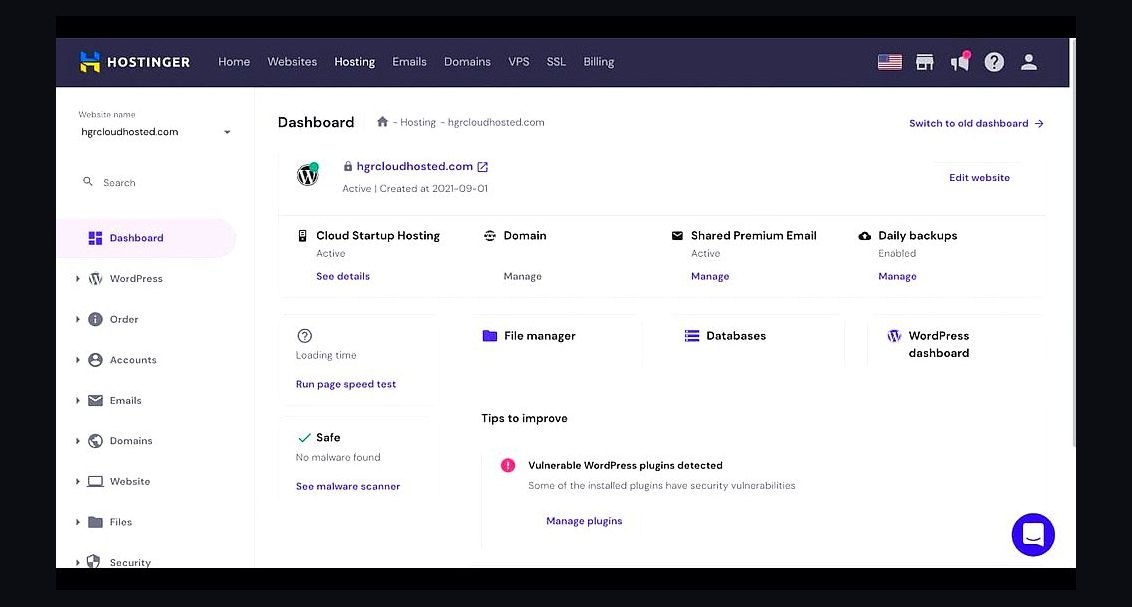 revopsTop 10 Web Hosting Providers for Small Businesses in 2027
 revopsTop 10 Website Builders for Service Businesses in 2027
 revopsTop 10 AI Content Tools for Auto-Publishing Websites in 2027
 revopsTop 10 Website Builders for Restaurants in 2027
 revopsTop 10 Website Builders for Coaches and Consultants in 2027
 revopsTop 10 Tools for Programmatic SEO Websites in 2027
 revopsTop 10 Managed WordPress Hosts in 2027
 revopsTop 10 Tools for Building an Autonomous Website in 2027
 revopsTop 10 Ecommerce Website Platforms in 2027
 revopsTop 10 AI Chatbots for Small Business Websites in 2027