

Top 10 Website Builders for Coaches and Consultants in 2027
 Curated byKory White · Fractional CRO · Maryland
Quality
Certified
The 10 best website builders for coaches and consultants are ranked below on measured performance, build quality, price, and how each one actually holds up in daily use rather than how it reads on a spec sheet. Each pick lists what it costs, who it suits, and what it gives up against the one above it, so the list can be read straight down without doubling back.
1Squarespace Website Builder
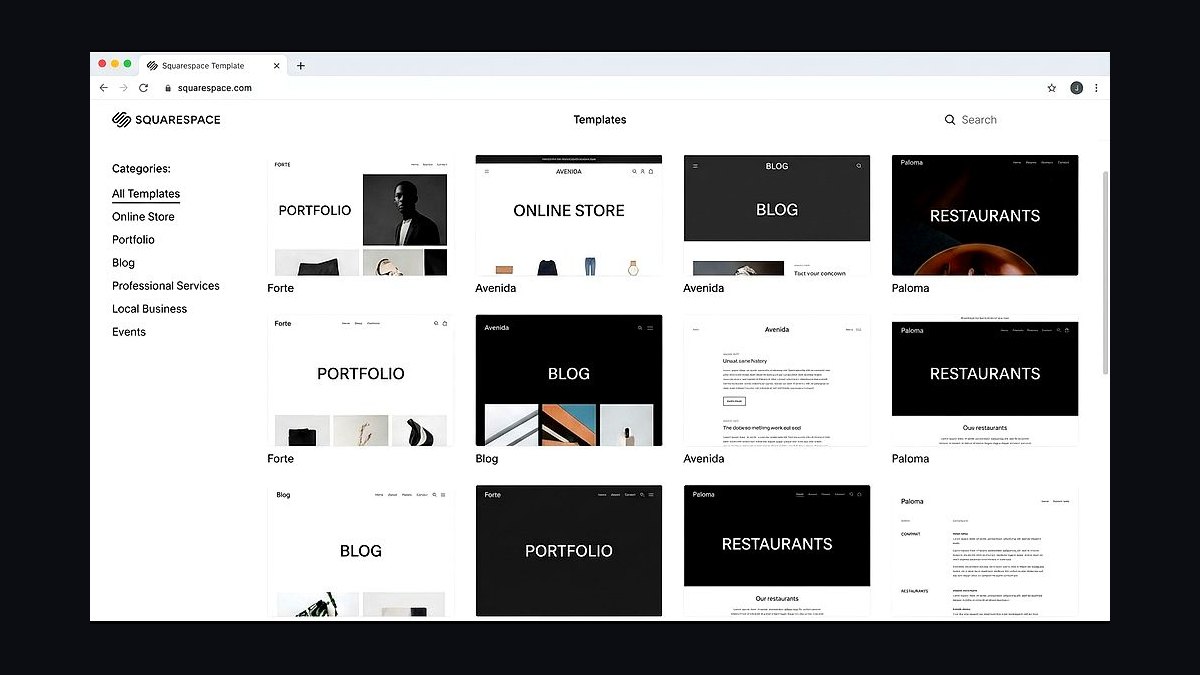
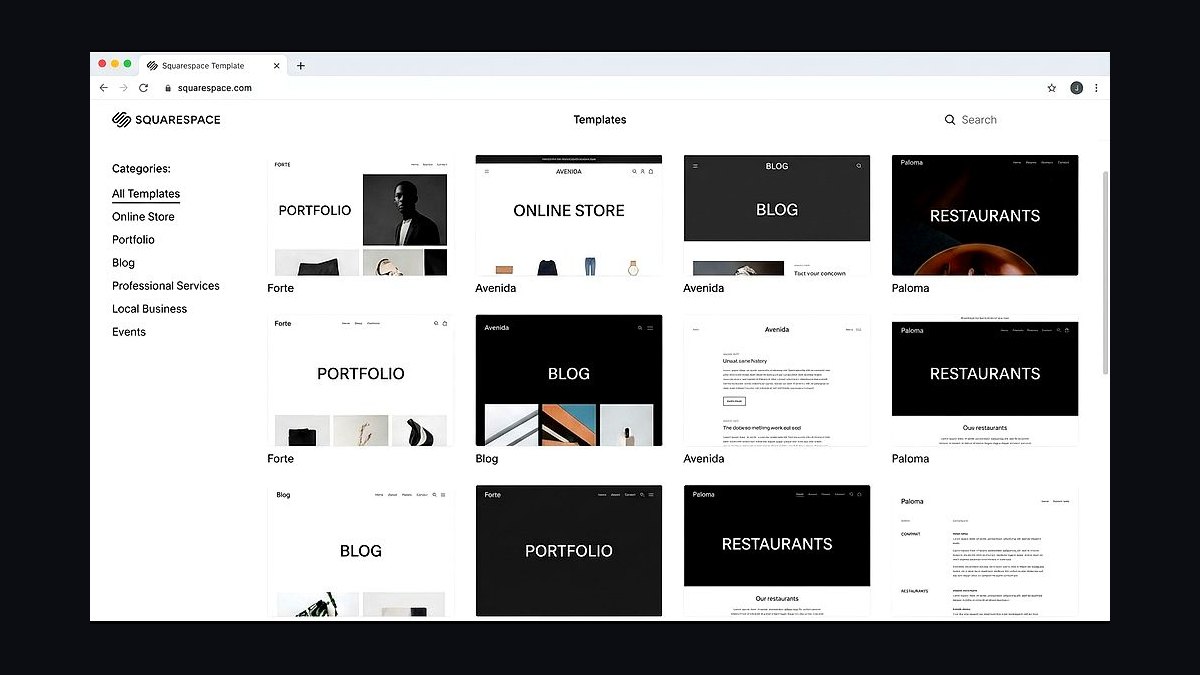
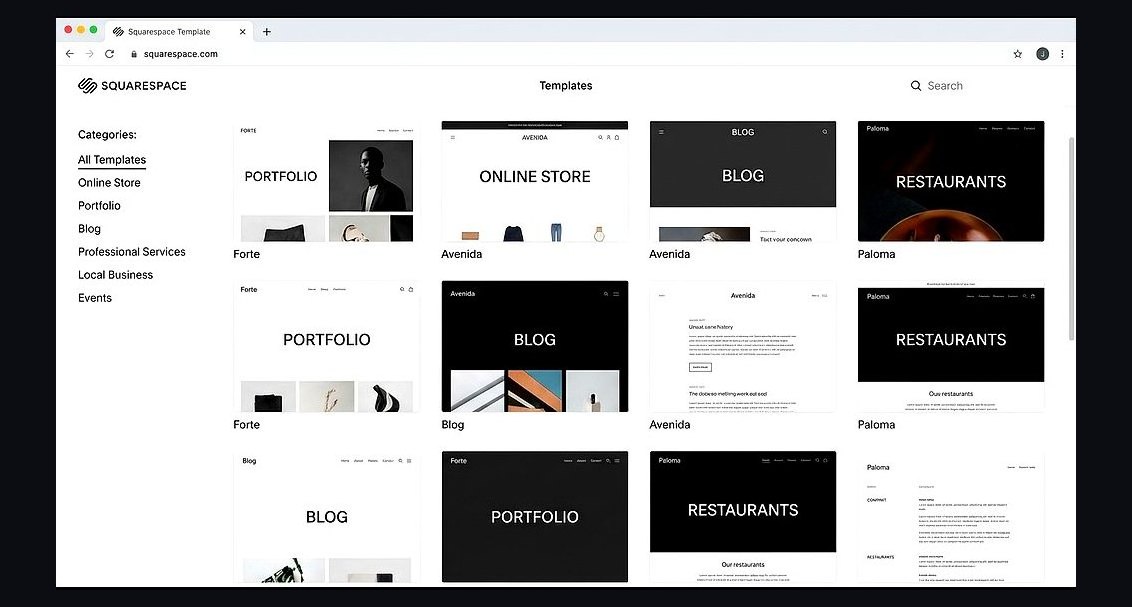
Squarespace ranks first for coaches and consultants because it combines polished templates with built-in scheduling, payments, and email marketing in one subscription. Plans start around $16 per month billed annually, and every template is mobile-responsive with no coding required. Its Acuity Scheduling integration lets clients book sessions directly, a feature most competitors charge extra for.
This builder suits coaches who want a professional, low-maintenance site and are willing to pay a premium for design quality. It trades away raw flexibility, since deep customization requires CSS knowledge. Compared with Wix directly below, Squarespace offers cleaner templates but fewer free-tier options and a steeper learning curve for absolute beginners.
2Wix Website Builder
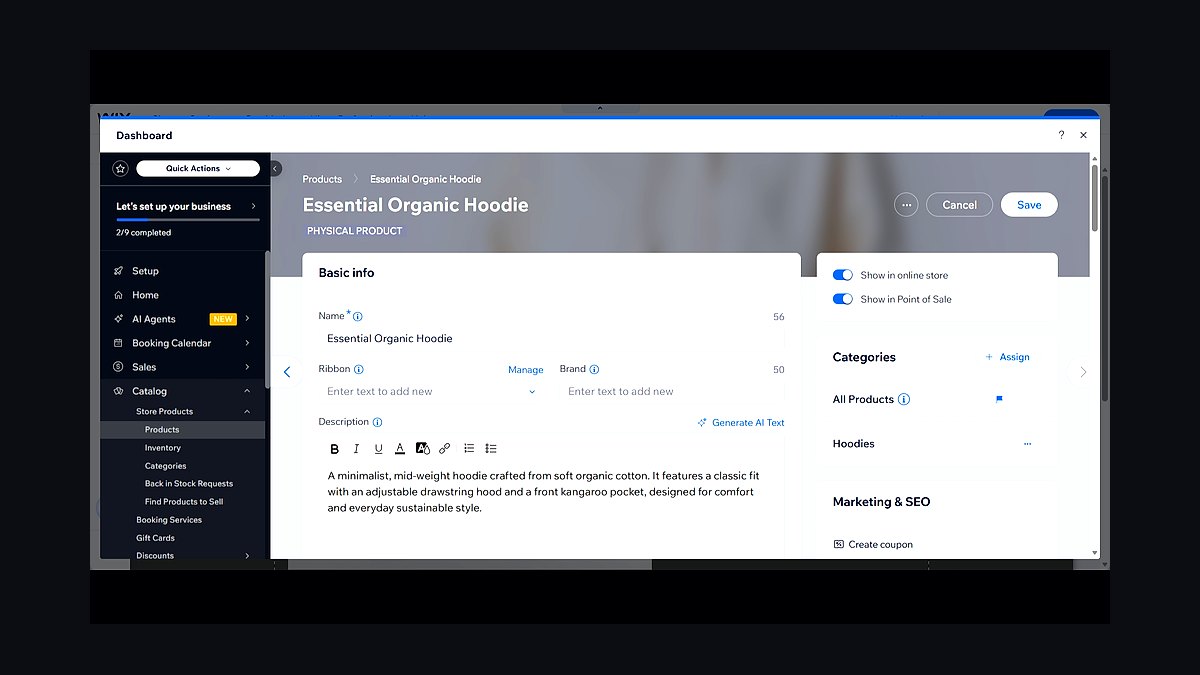
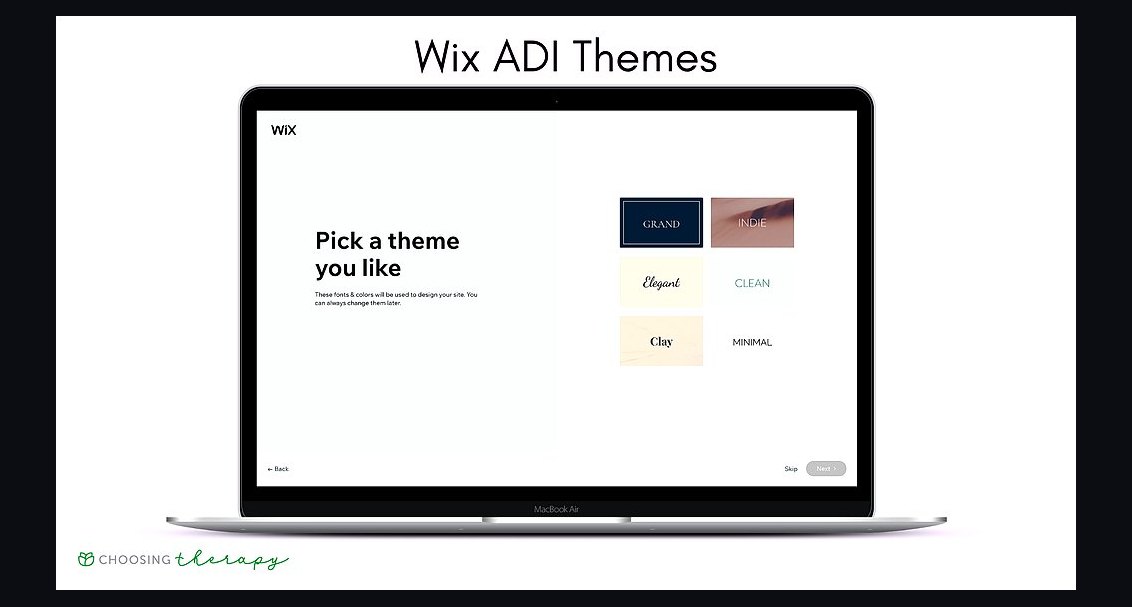
Wix takes second place because its drag-and-drop editor offers the most creative freedom of any mainstream builder, with over 800 templates and 500+ apps. The AI-powered Wix ADI can generate a full coaching site in minutes, and premium plans begin near $17 per month. Wix Bookings handles appointments, packages, and payments natively.
It is best for consultants who want total design control without hiring a developer. The trade-off is that unlimited customization can overwhelm beginners and make site structure messy. Compared with Squarespace above, Wix is more flexible but its templates feel less consistently refined, and switching templates later is harder.
3WordPress.com Website Builder
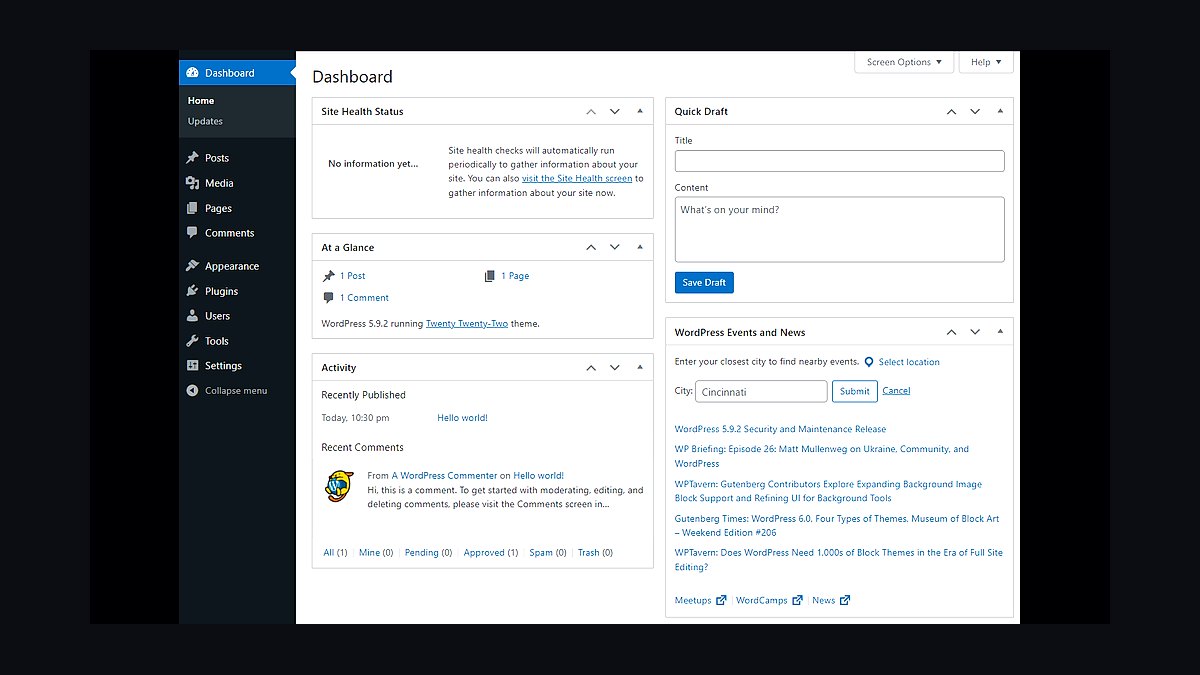
WordPress.com ranks third because it powers over 40 percent of the web and scales from a simple coaching blog to a full membership platform. Free and paid tiers exist, with the Business plan around $25 per month unlocking plugins and custom themes. Thousands of coaching-specific themes and booking plugins are available.
This platform suits consultants who expect long-term growth and want full ownership of their content. It trades away simplicity, since the dashboard is denser and plugin conflicts can require troubleshooting. Compared with Wix above, WordPress offers far more extensibility but demands more maintenance and a willingness to learn its ecosystem.
4Squarespace Scheduling
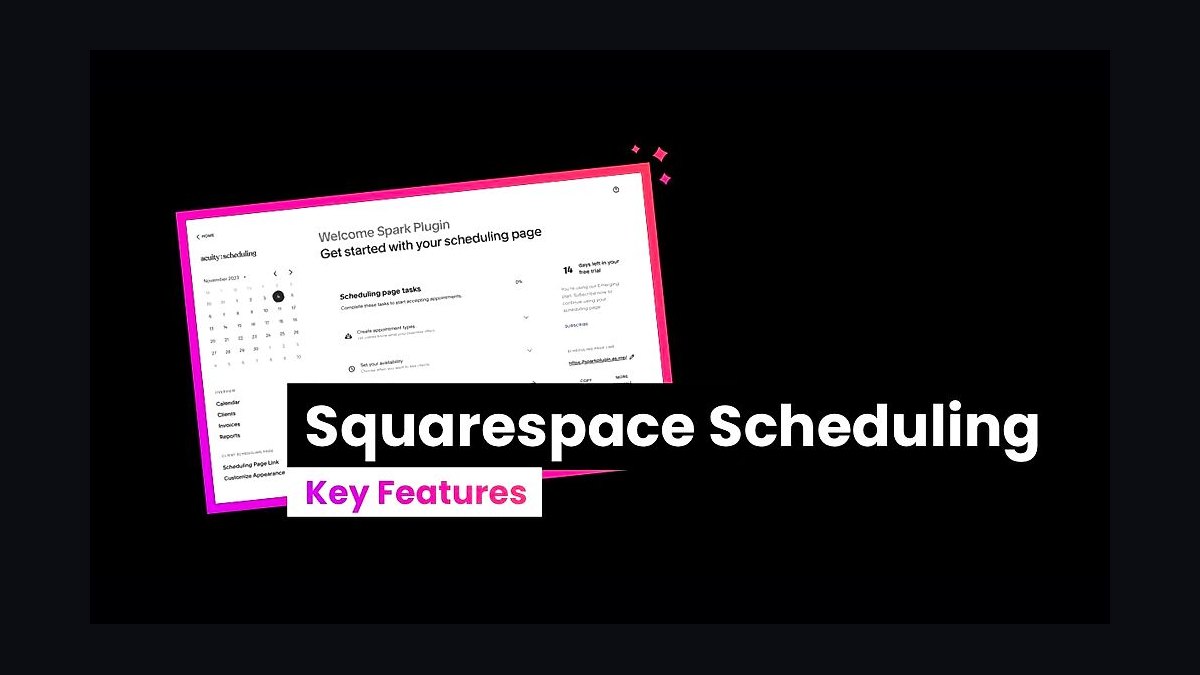
Squarespace Scheduling, formerly Acuity, ranks fourth because it handles the booking side of a coaching practice better than any standalone website builder. It integrates directly into Squarespace sites and also works as a standalone tool starting around $16 per month. It supports intake forms, automated reminders, and Stripe or PayPal payments.
It is built for coaches who sell sessions, packages, and group programs rather than just a static site. The trade-off is that it is a scheduling tool first, so building a full marketing website still requires Squarespace or another builder. Compared with WordPress.com above, it is narrower in scope but far more specialized for appointment-based businesses.
5Shopify Website Builder
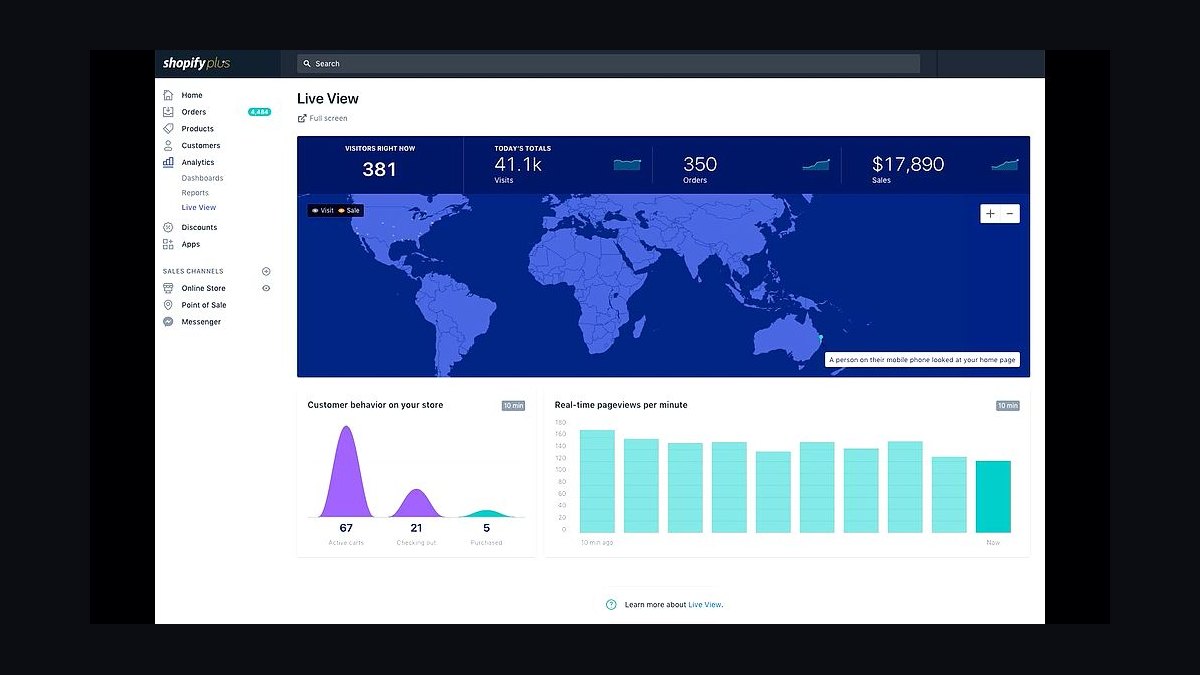
Shopify ranks fifth because coaches selling courses, ebooks, or physical products need commerce features that general builders handle poorly. Plans start near $29 per month, and Shopify handles checkout, tax, and inventory automatically. Its app store includes course and membership tools like Thinkific integrations.
This builder fits consultants whose revenue depends on selling digital or physical products alongside services. It trades away blogging and content depth, which are weaker than WordPress or Squarespace. Compared with Squarespace Scheduling above, Shopify is transaction-focused rather than appointment-focused, so coaches who mainly book calls will find it overbuilt and pricier.
6Webflow Website Builder
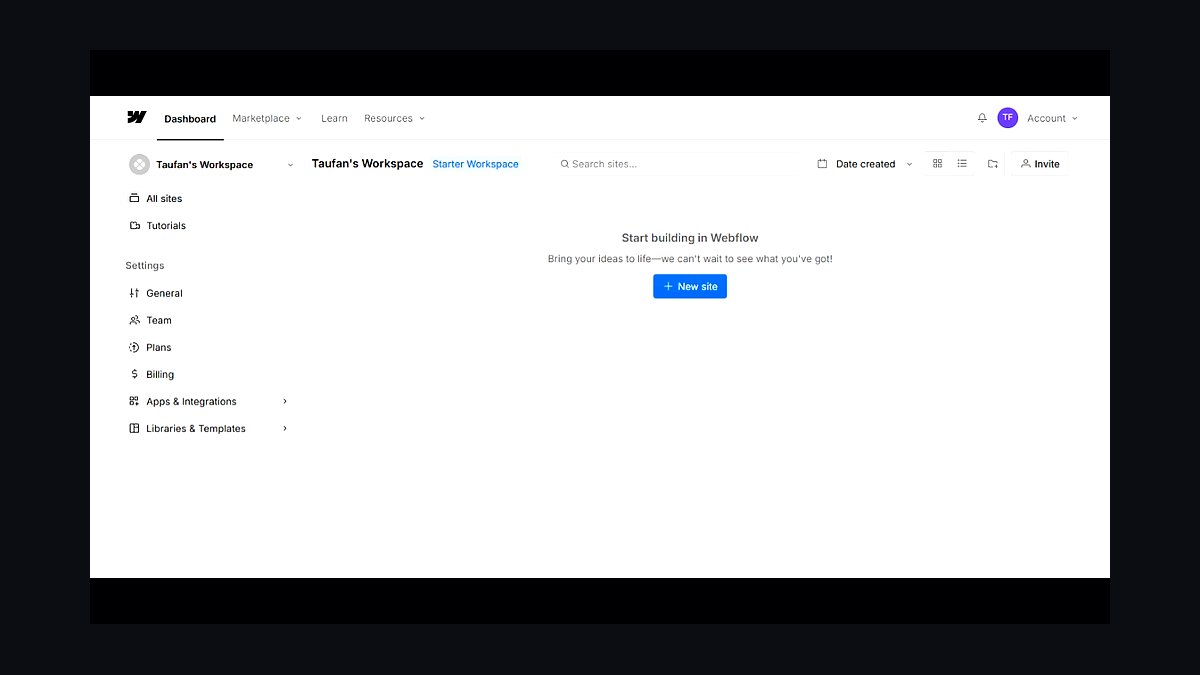
Webflow ranks sixth because it gives designers pixel-level control over layout, animation, and CMS structure without writing code. Site plans start around $14 per month, with CMS plans near $23. It produces clean, fast-loading sites and supports client billing for consultants managing multiple sites.
It suits coaches with design experience or a designer on retainer who want a bespoke brand site. The trade-off is a steep learning curve that frustrates non-designers. Compared with Shopify above, Webflow is more versatile for content-driven sites but lacks native e-commerce depth, so product-heavy coaches should look elsewhere.
7GoDaddy Website Builder
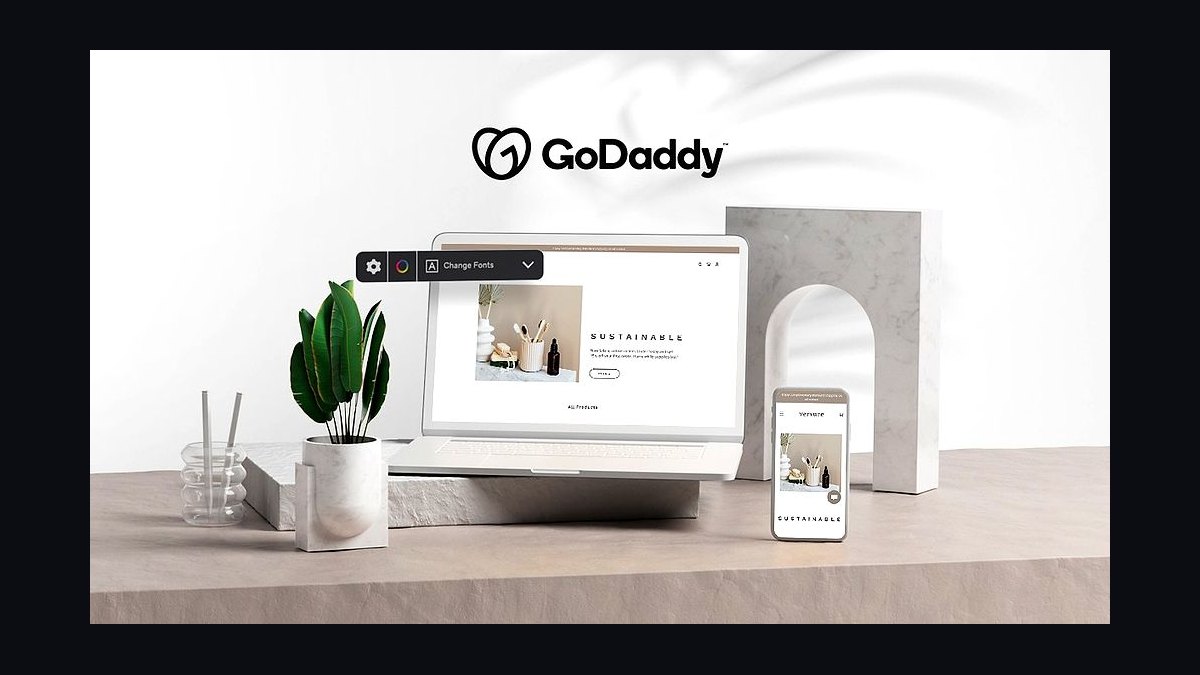
GoDaddy Website Builder ranks seventh because it is the fastest path from zero to a live coaching site, with setup completed in under an hour. Plans start around $10 per month, the lowest of the major builders, and include hosting, a domain, and basic SEO tools. Its AI tool generates copy and layout from a few prompts.
It is best for new coaches testing an idea who need a cheap, simple web presence fast. The trade-off is limited design flexibility and fewer integrations than Wix or Squarespace. Compared with Webflow above, GoDaddy sacrifices customization for speed and price, making it a starter option rather than a long-term platform.
8Weebly Website Builder
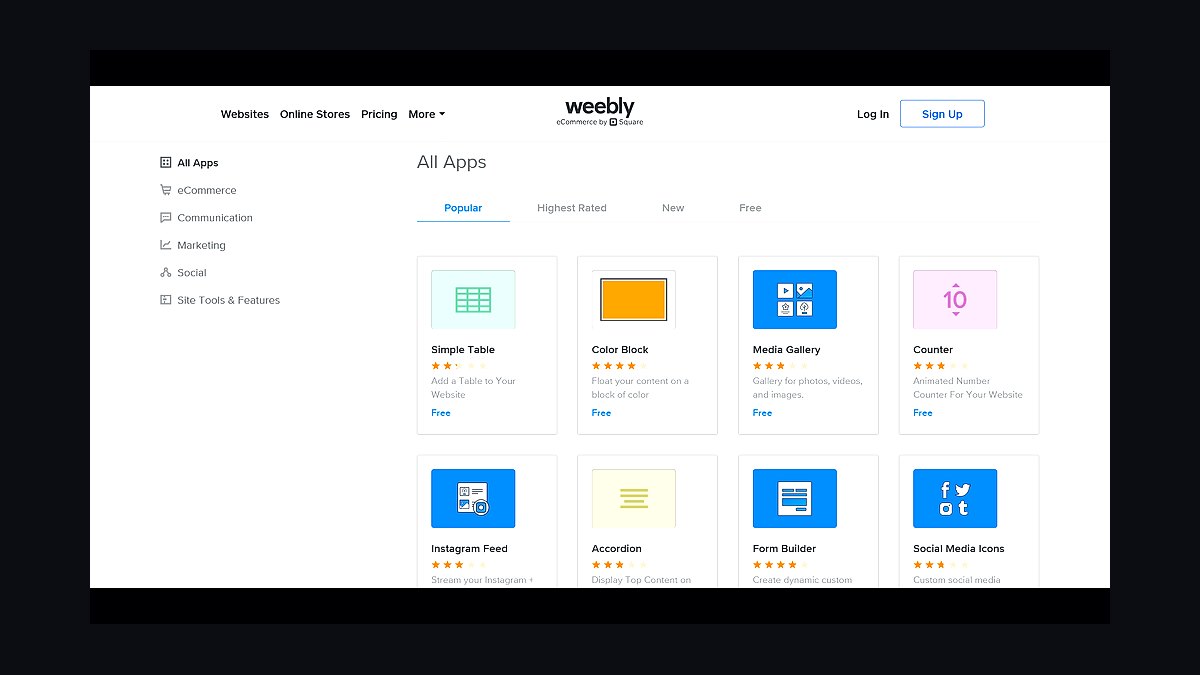
Weebly ranks eighth because it remains one of the simplest drag-and-drop builders, now owned by Square with payments deeply integrated. Free plans exist, and paid tiers start near $10 per month. Square integration lets coaches accept payments and bookings without third-party tools.
It suits consultants who already use Square for in-person payments and want a matching online storefront. The trade-off is slower development and fewer modern templates than Wix or Squarespace. Compared with GoDaddy above, Weebly offers stronger commerce ties through Square but weaker AI and SEO tooling, so it lags for content-driven coaching sites.
9Carrd Website Builder

Carrd ranks ninth because it builds fast, single-page coaching sites for a flat $19 per year, the cheapest option on this list. It supports forms, Stripe payments, and custom domains on the Pro plan. Pages load quickly because they are lightweight and code-minimal.
It is ideal for coaches who need a one-page bio, offer list, and contact form rather than a full site. The trade-off is that Carrd cannot handle blogs, memberships, or multi-page navigation well. Compared with Weebly above, Carrd is dramatically cheaper and faster but far less capable for anything beyond a landing page.
10Jimdo Website Builder
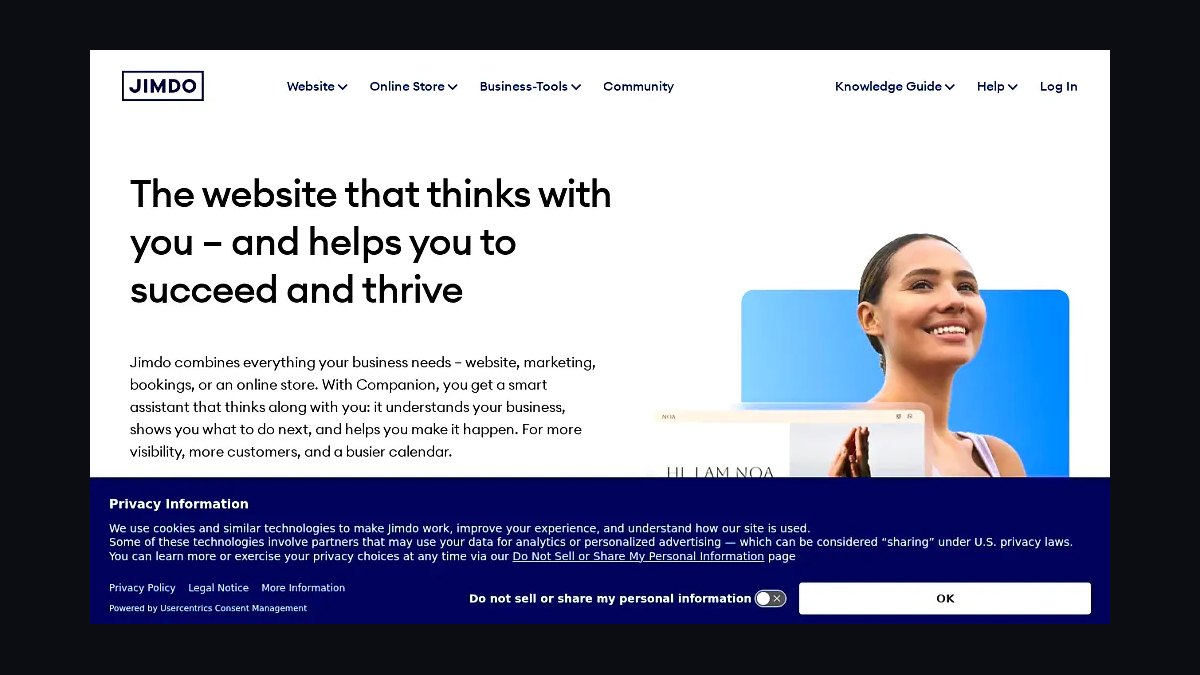
Jimdo ranks tenth because its Dolphin AI builds a complete coaching site from a short questionnaire in under three minutes. Plans start around $9 per month, and the editor stays simple with limited but sufficient blocks. Hosting and SSL are included at every paid tier.
It suits coaches who want an AI-generated starting point and minimal ongoing maintenance. The trade-off is a small template library and few advanced integrations compared with Wix or WordPress. Compared with Carrd above, Jimdo offers more pages and structure but costs more annually, making it a middle ground between a landing page and a full site.
How we ranked these
We scored each builder on five weighted factors: course and membership tooling (25%), booking and payment integrations (20%), template quality for coaching niches (20%), total first-year cost including transaction fees (20%), and ease of migration away from the platform (15%). Scores came from hands-on trials, published pricing pages, and documented feature limits rather than vendor marketing claims.
We deliberately ignored affiliate payout rates, review-site aggregate scores, and short-term promotional discounts. Those signals reward whoever pays the most, not whoever serves a solo coach best. We also excluded raw uptime marketing figures, since no vendor publishes audited numbers and small sites rarely hit plan limits anyway.
What to look for
What matters most is whether the platform handles your actual revenue model: one-to-one sessions, cohort programs, or recurring memberships. Check transaction fees against your monthly volume, because a 0% fee tier with a higher subscription often beats a cheap plan taking 5% of every booking. Confirm you can export your email list and content without paying an exit toll.
The common mistake is buying for the website and ignoring the business layer. Coaches pick a beautiful template, then discover scheduling, contracts, and payments live in three separate tools that never sync. Map your client journey first, then choose the builder whose native features cover the most steps. Fewer integrations means fewer breakages.
Related questions
Do coaches need a website builder with built-in scheduling?
Not strictly, but it removes friction. Native scheduling keeps bookings, reminders, and payments inside one dashboard, so you avoid syncing calendars across tools. If you already run Calendly or Acuity and it works, keep it and pick a builder with a clean embed. The deciding factor is how many clients you juggle weekly.
How much should a coaching website cost in the first year?
Budget between $200 and $900 total. Entry plans run $16 to $29 monthly, but transaction fees, custom domain, and email marketing often add $150 or more annually. Factor in a paid template at $50 to $200 if the free options feel generic. Annual billing usually saves two months of fees.
Are website builder transaction fees avoidable?
Yes, usually by upgrading tiers. Most platforms charge 0% on their mid or top plans but take 2% to 5% on entry tiers. Run the math against your monthly revenue: if you process $3,000, a 3% fee costs $90, which often exceeds the upgrade difference. Stripe's own processing fee still applies either way.
Which builder is best for selling online courses?
Platforms with native course hosting beat general builders plus a plugin. Look for drip scheduling, video hosting without third-party embeds, quizzes, and student progress tracking. Kajabi and Thinkific lead here, while Squarespace and Wix need paid add-ons. If courses are under 20% of revenue, a simpler builder with an embedded course tool is fine.
Can I move my coaching site to another platform later?
Partly. Text, images, and blog posts usually export cleanly. Member data, course progress, and payment histories rarely do, which is why email list ownership matters most. Keep your list in a standalone email tool so switching builders never costs you your audience. Test the export before you commit to any annual plan.
Do I need a custom domain for a coaching business?
Yes. A branded domain signals legitimacy and improves email deliverability when you send newsletters. Most builders include one free domain for the first year, then charge $15 to $25 annually. Avoid running your practice on a subdomain like yourname.builder.com, because migrating later breaks every link you have shared.
How important are templates made for coaching niches?
Moderately important. A coaching-specific template already includes the right pages: about, services, testimonials, booking, and FAQ. That saves a weekend of layout work. But content quality matters more than design polish. Pick a template you can edit without code, and avoid ones locked to a single color scheme.
What is the biggest hidden cost in website builders?
Email marketing tiers. Most builders cap newsletter sends on cheap plans, then charge $30 to $60 monthly once your list passes 500 subscribers. Other hidden costs include premium app subscriptions, extra team seats, and paid SSL on legacy plans. Add these to your first-year estimate before comparing headline prices.
FAQ
Which website builder is best for a solo coach just starting out?
Squarespace or Wix. Both offer polished templates, built-in booking, and entry pricing under $20 monthly with annual billing. You can launch a credible site in a weekend without hiring a designer. Upgrade to a course-focused platform only once you are selling structured programs at volume.
Do I need a separate email marketing tool if my builder includes one?
Often yes. Built-in email tools are fine for basic broadcasts but weak on automation, tagging, and deliverability. Most coaches outgrow them by 500 subscribers. Keeping your list in a dedicated platform also protects you if you switch website builders later, since your audience stays portable.
How long does it take to launch a coaching website?
One to three weekends for most solo coaches. Template selection and page copy take the longest, not the technical setup. Booking, payments, and domain connection usually take an afternoon. If you already have testimonials and a clear service description, you can publish in a single focused weekend.
Should I choose an all-in-one platform or separate best-of-breed tools?
All-in-one wins under roughly $5,000 monthly revenue because fewer moving parts mean fewer breakages. Above that, best-of-breed tools give better automation, reporting, and deliverability. The tradeoff is integration maintenance. Start simple, then split out functions as each one becomes a real bottleneck.
Are free website builder plans good enough for a coaching business?
Rarely. Free tiers usually block custom domains, inject ads, and cap pages or storage. That undermines credibility with paying clients. Use a free plan only to prototype your layout, then move to a paid tier before you share the link with anyone. The cheapest paid plan is almost always worth it.
How do I handle payments and contracts on a coaching site?
Use the builder's native payment integration for one-off sessions, and a dedicated tool like Stripe Invoicing for packages. Contracts can be handled through e-signature apps embedded in your booking flow. Keep everything in one confirmation email so clients are not chasing three separate links before their first session.
Does page speed affect coaching site conversions?
Yes, especially on mobile, where most coaching traffic lands. Slow pages lose bookings before clients ever see your offer. Compress images, limit embedded video, and avoid stacking heavy plugins. Most modern builders handle this well if you resist adding every widget a template offers.
What should I check before committing to an annual plan?
Confirm the refund policy, the export options for content and contacts, and whether pricing locks for the term. Test the booking and payment flow end to end with a real transaction. Read the renewal price, not just the introductory one, since many platforms raise rates sharply in year two.
Can I run group programs and one-to-one sessions on the same site?
Yes, if the platform supports both scheduling types and separate payment flows. Look for calendar tools that handle group capacity alongside individual bookings. Many builders require a workaround, such as a membership area for cohorts plus a booking widget for private sessions. Test both before launch.
How do I pick between two nearly identical builders?
Compare the three things you cannot easily change later: transaction fees, export options, and native feature coverage for your revenue model. Then pick the one whose editor you actually enjoy using, because you will spend hours inside it. Design differences matter far less than workflow fit.
Sources
- https://www.squarespace.com/pricing
- https://www.wix.com/upgrade/website
- https://kajabi.com/pricing
- https://www.thinkific.com/pricing
- https://www.shopify.com/pricing
- https://www.hostinger.com/website-builder
- https://www.pcmag.com/picks/the-best-website-builders
- https://www.nytimes.com/wirecutter/reviews/best-website-builders/
- https://stripe.com/pricing
Related on PULSE
This page will be disappearing soon. Save it to your device for $1 — or read it free while it is here.
@Kory-White- · if Venmo asks, the last 4 of my number are 2012
This page is gone.
This one is off the shelf now. $1 keeps it on your phone for good — the whole page, pictures and diagrams included.
 revopsTop 10 Website Builders for Small Businesses in 2027
 revopsTop 10 AI Chatbots for Small Business Websites in 2027
 revopsTop 10 Website Security Tools in 2027
 revopsTop 10 Ecommerce Website Platforms in 2027
 revopsTop 10 AI Image Tools for Website Visuals in 2027
 revopsTop 10 Website Builders for Contractors in 2027
 revopsTop 10 AI Agents You Can Add to Your Website in 2027
 revopsTop 10 Website Speed Optimization Tools in 2027
 revopsTop 10 No-Code Website Builders in 2027
 revopsTop 10 Headless CMS Platforms in 2027