


Top 10 POS Systems for Small Businesses in 2027
Quality
Certified
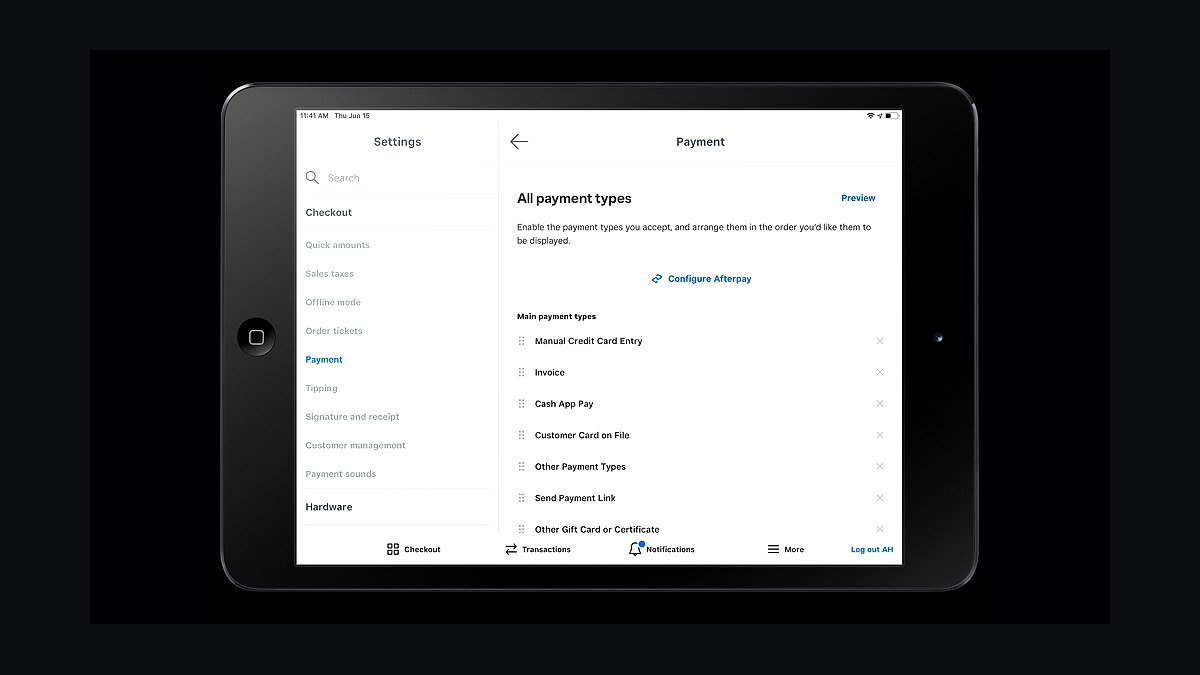
The 10 best pos systems for small businesses are ranked below on measured performance, build quality, price, and how each one actually holds up in daily use rather than how it reads on a spec sheet. Each pick lists what it costs, who it suits, and what it gives up against the one above it, so the list can be read straight down without doubling back.
1Square POS
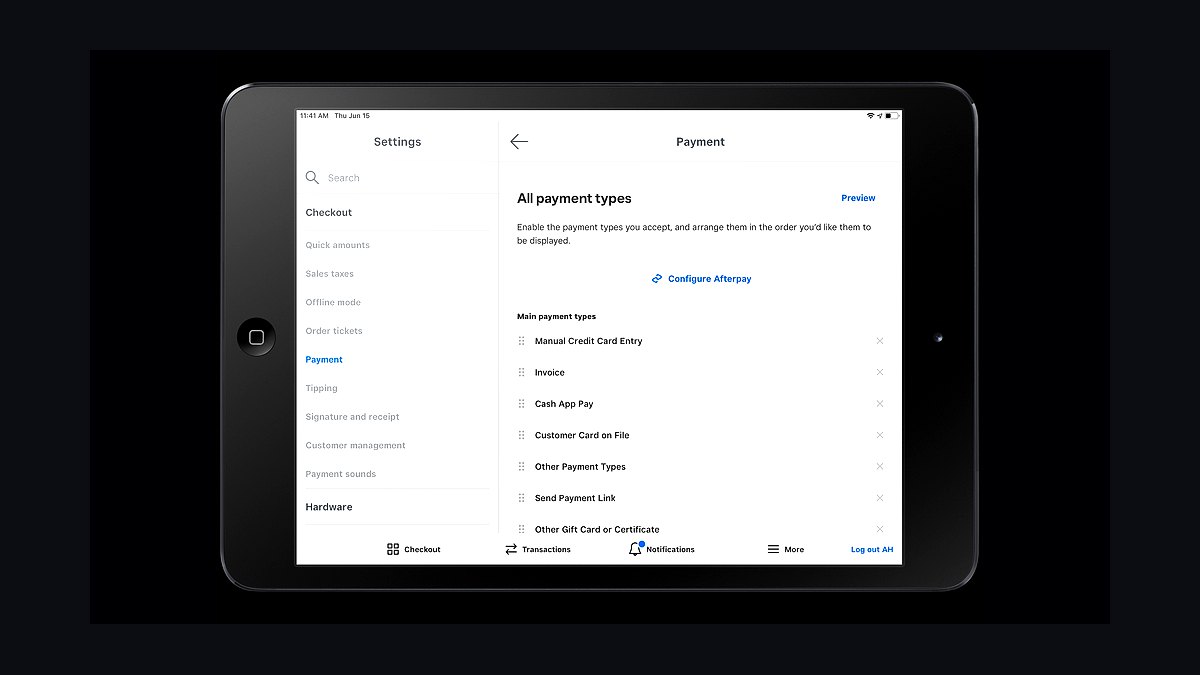
Square POS ranks first because it removes nearly every barrier to entry for a small business, with no monthly software fee on the free plan and a flat 2.6% plus 10 cents per in-person swipe. The free Square Reader is a $49 dongle that plugs into a phone or tablet, and the system handles payments, inventory, and basic reports out of the box. Setup takes minutes, not days, and there is no long-term contract.
Square suits solo operators, market stalls, and cafés turning under $250,000 a year who want to start selling today. It trades away deep customization and dedicated phone support on the free tier, and the paid Plus plan at $89 per month is needed for advanced features. Compared with Shopify POS below, Square is cheaper to start but weaker for complex multi-channel retail.
2Shopify POS
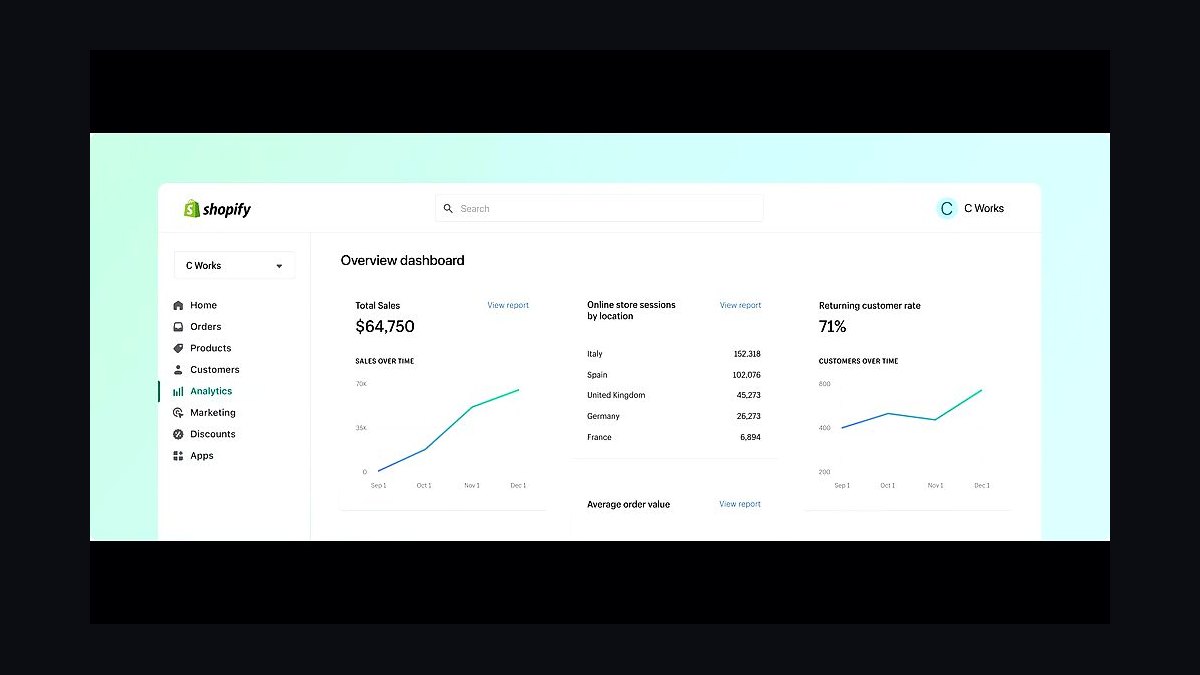
Shopify POS ranks second because it is the strongest choice for a small retailer already selling online, syncing in-store and e-commerce inventory in real time. The POS Pro plan costs $89 per month per location, while the basic POS Lite is included with every Shopify subscription from $39 monthly. It supports unlimited product variants and hardware like the $299 Shopify POS Go handheld.
This system is built for shops with an online store that also want a physical counter, and it handles buy-online-pickup-in-store natively. It trades away affordability for very small sellers, since the $89 Pro fee stacks on top of the web plan. Compared with Square POS above, Shopify is pricier but far better at unifying online and offline sales.
3Lightspeed Retail
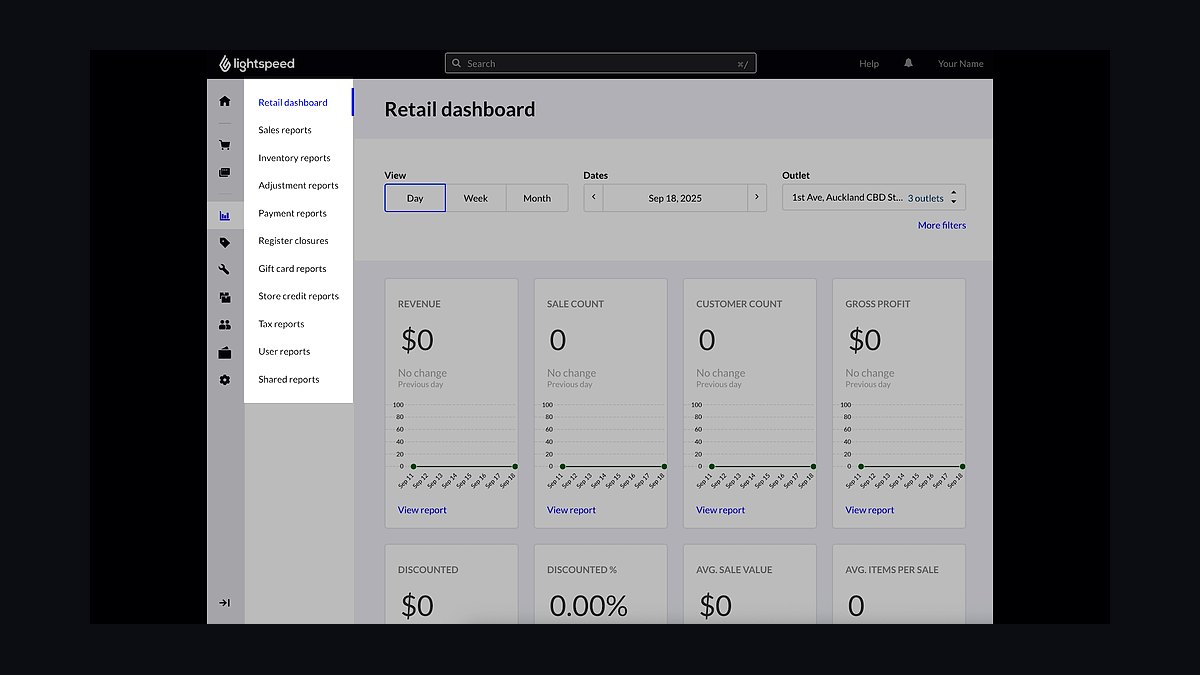
Lightspeed Retail ranks third because it offers the deepest inventory management of any small-business POS, handling serialized items, purchase orders, and multi-store transfers. Pricing starts around $119 per month for the Lean plan, rising to $199 and $289 for Standard and Premium, each billed annually. It supports barcode scanning, work orders, and vendor catalogs with thousands of SKUs.
It is aimed at specialty retailers like bike shops, jewelers, and boutiques that live and die by accurate stock counts. It trades away simplicity and low cost, since the monthly fees and annual commitments are steep for a single register. Compared with Shopify POS above, Lightspeed is more powerful for inventory but harder to learn and more expensive.
4Clover Station
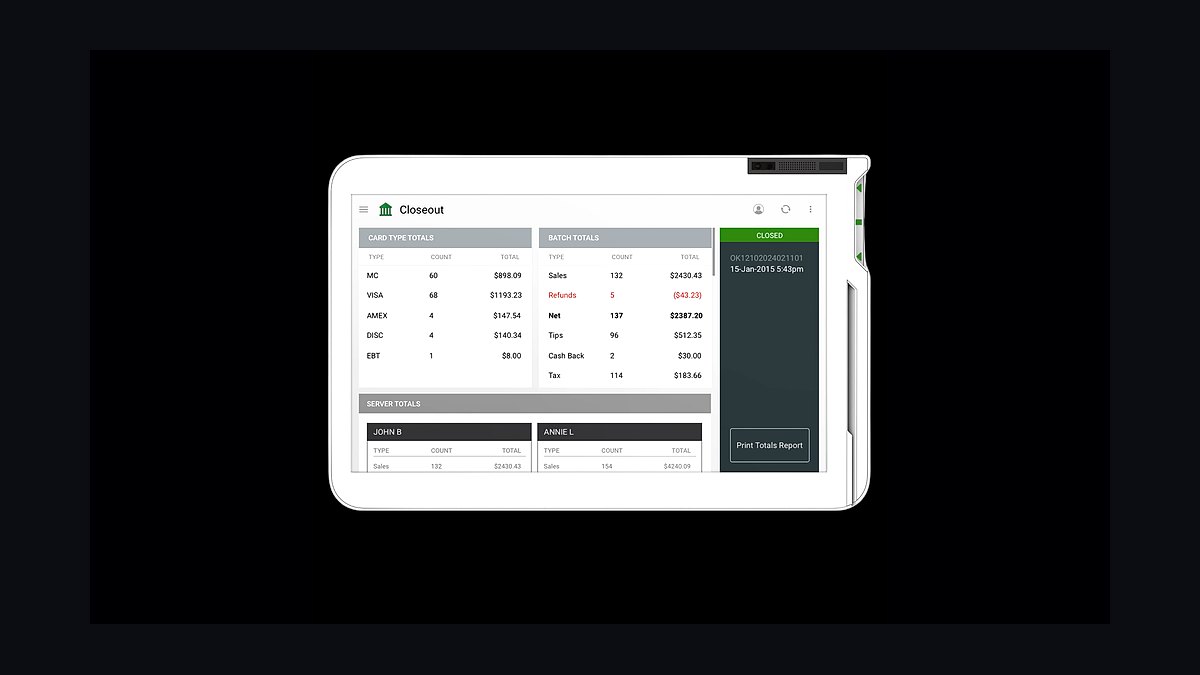
Clover Station ranks fourth because it is a widely available all-in-one countertop terminal sold through major banks and processors, with a large 14-inch touchscreen. Hardware costs roughly $1,799 outright or around $60 to $100 per month on a lease, and transaction rates are negotiated through the merchant's bank. It includes a cash drawer, receipt printer, and customer-facing display.
It fits restaurants, salons, and retail counters that want a single durable terminal and prefer buying through their existing bank. It trades away transparent flat-rate pricing, since rates vary by processor and contracts often run three years. Compared with Lightspeed Retail above, Clover is easier to deploy but locks merchants into a payment processor.
5Toast POS
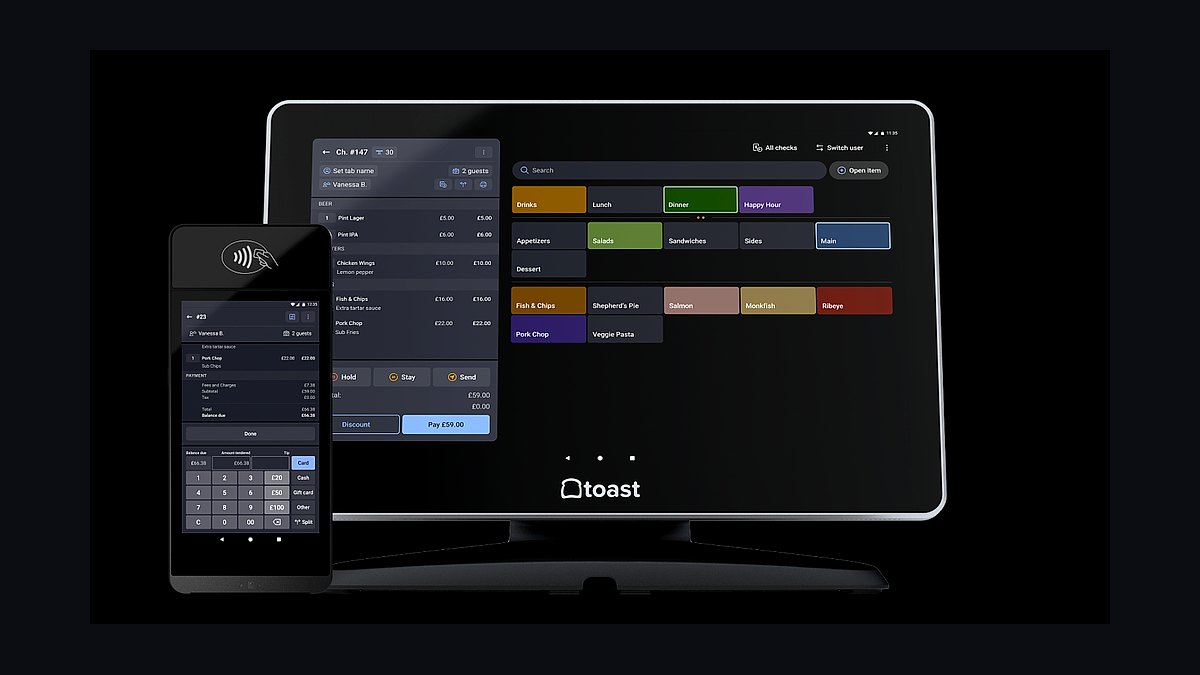
Toast POS ranks fifth because it is purpose-built for restaurants and handles tables, online ordering, and kitchen display tickets natively. Core software starts at $69 per month for the Starter kit, with higher tiers at $165 and $399, plus a 2.49% plus 15 cents card-present rate on its own processing. Hardware bundles begin around $799.
It is designed for full-service and quick-service restaurants, cafés, and bars rather than general retail. It trades away flexibility for non-food businesses and requires using Toast's payment processing. Compared with Clover Station above, Toast is more specialized for food service but far less useful for a boutique or hardware store.
6Revel Systems
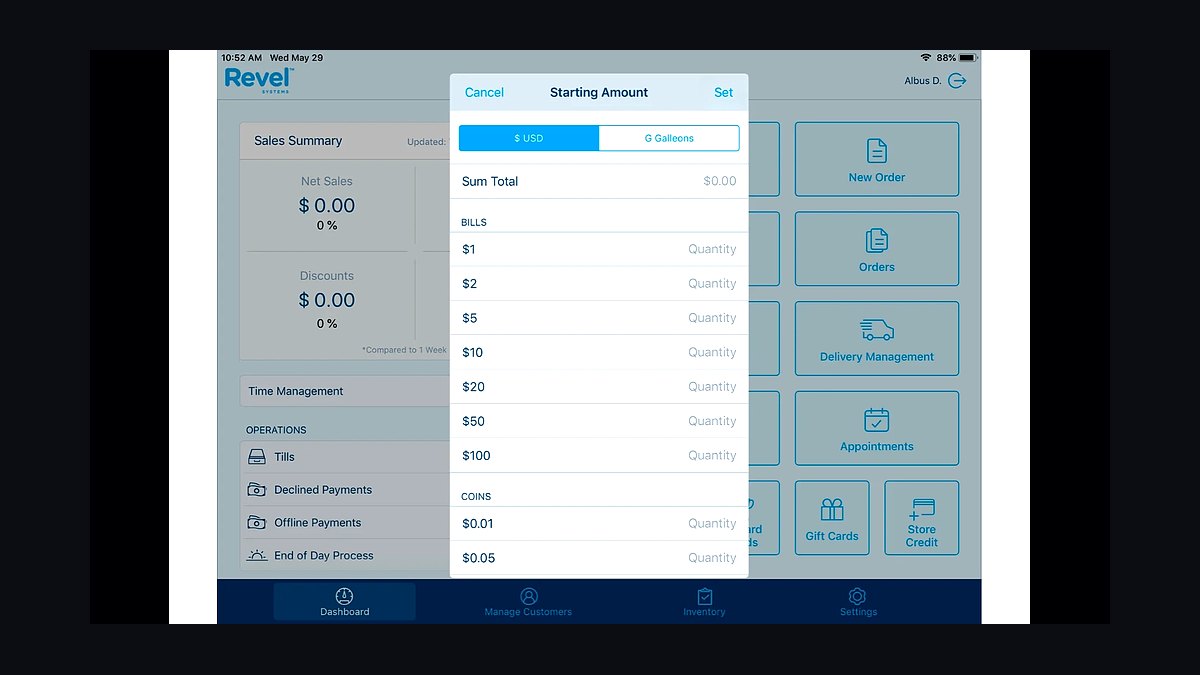
Revel Systems ranks sixth because it is a robust iPad-based POS with strong support for restaurants and multi-location retail, including offline mode. Pricing is custom-quoted and typically runs $99 to $300 per month per terminal, with hardware kits starting near $1,000. It offers detailed analytics, ingredient-level inventory, and loyalty built in.
It targets growing chains and franchises that need multi-terminal management and detailed reporting. It trades away transparent pricing and quick self-setup, since quotes and onboarding take time. Compared with Toast POS above, Revel is more flexible across retail and food but less turnkey and generally more expensive.
7TouchBistro POS
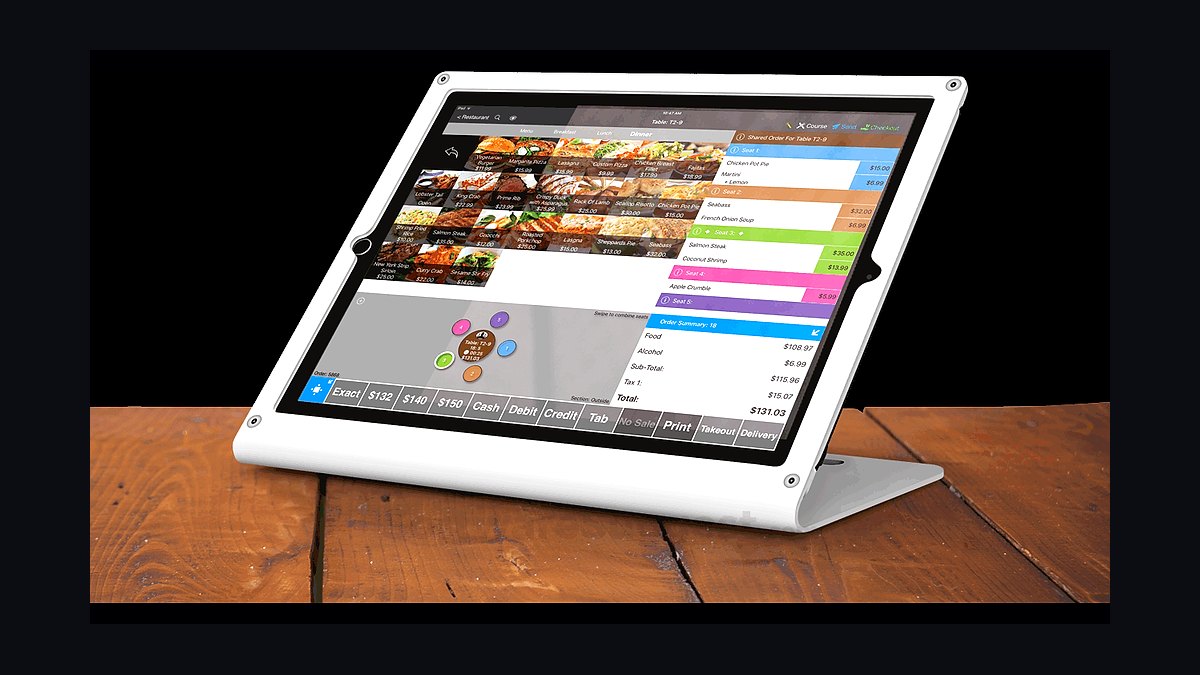
TouchBistro POS ranks seventh because it is an iPad restaurant POS with strong floor-plan, reservations, and menu management features. Software runs about $69 per month for the Solo plan, $189 for Dual, and $399 for Multi, billed annually, with card processing around 2.6% plus 10 cents. It integrates with reservation and loyalty add-ons.
It suits independent restaurants and bars that want a tablet-based system without long hardware contracts. It trades away retail-grade inventory features and requires an iPad plus card reader purchase. Compared with Revel Systems above, TouchBistro is easier to start but less capable for multi-location operations.
8Loyverse POS
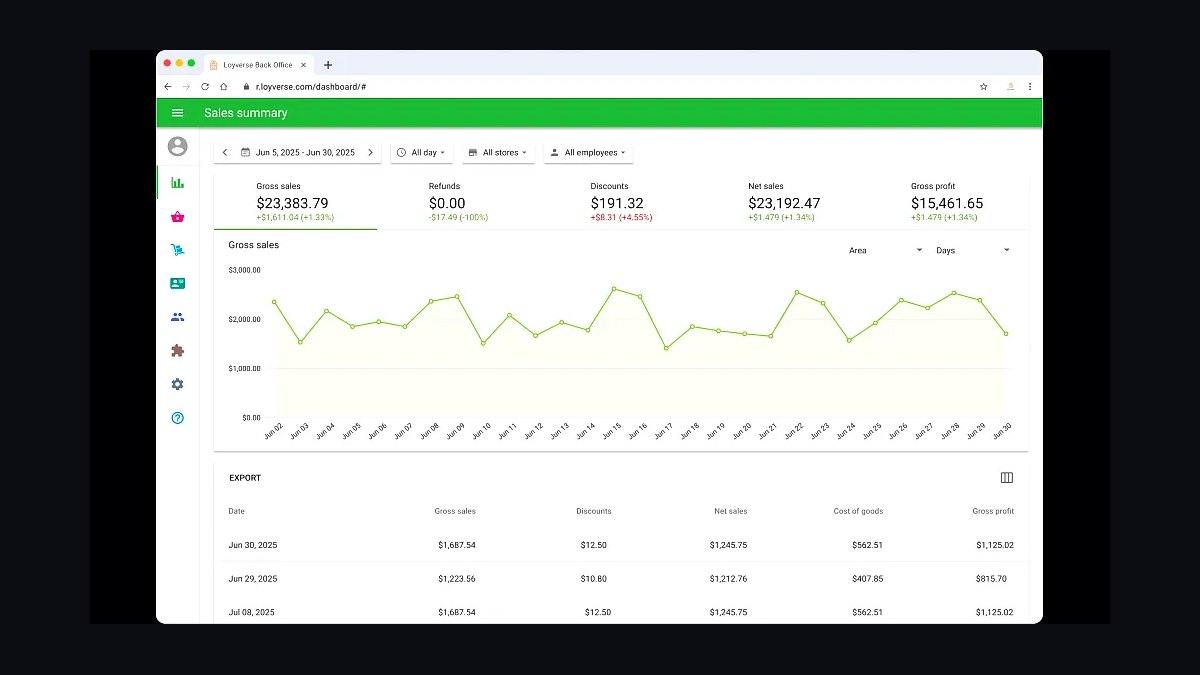
Loyverse POS ranks eighth because it is a genuinely free POS app with no monthly fee, monetized only through optional card processing. It runs on Android and iOS, supports unlimited products and receipts, and offers a free back-office with sales and inventory reports. Paid card readers and the Loyverse Card Reader cost extra.
It is aimed at tiny shops, food trucks, and pop-ups that need a zero-cost register and can accept cash or a separate card terminal. It trades away integrated payments and phone support, so merchants often pair it with Square or Stripe. Compared with TouchBistro POS above, Loyverse is free but far less feature-rich for restaurants.
9Vend by Lightspeed
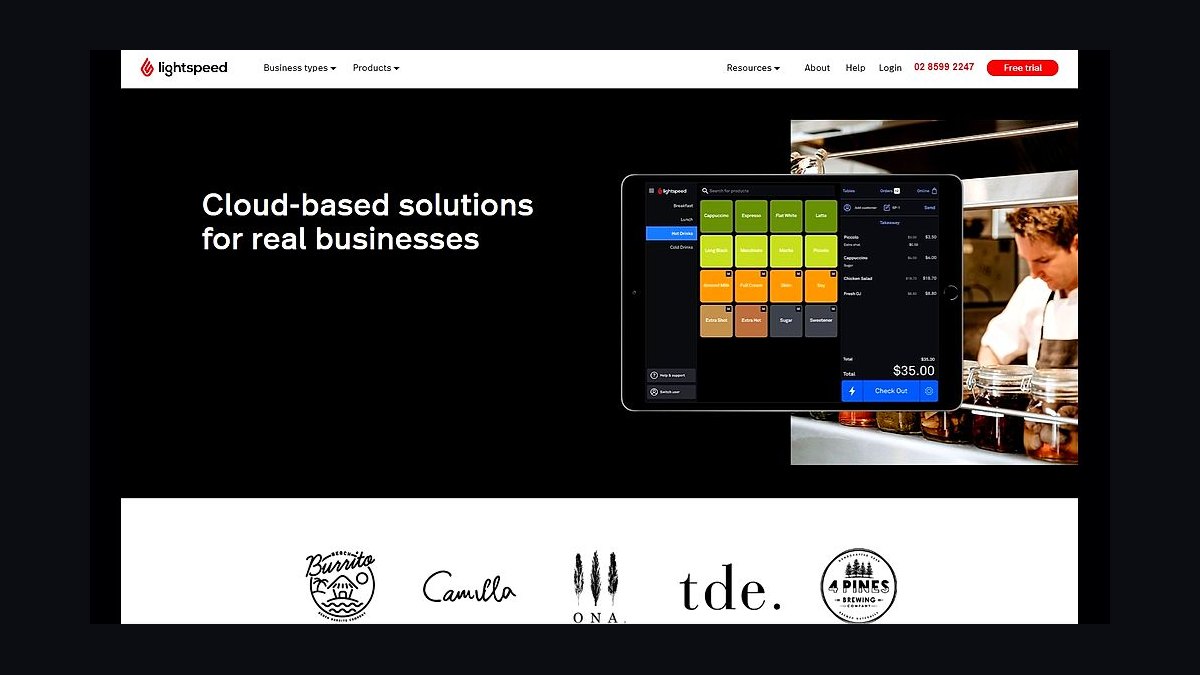
Vend by Lightspeed ranks ninth because it is a cloud iPad POS built for small retail with a clean interface and strong customer loyalty tools. Pricing starts around $99 per month when billed annually, with a 14-day free trial and no setup fee. It handles barcode scanning, layaways, and e-commerce via Shopify or WooCommerce integrations.
It fits small boutiques and specialty shops that want simple inventory and customer tracking without restaurant features. It trades away advanced multi-location tools and now shares the Lightspeed ecosystem, which may push upgrades. Compared with Loyverse POS above, Vend costs money but adds real retail depth and support.
10ERPLY POS
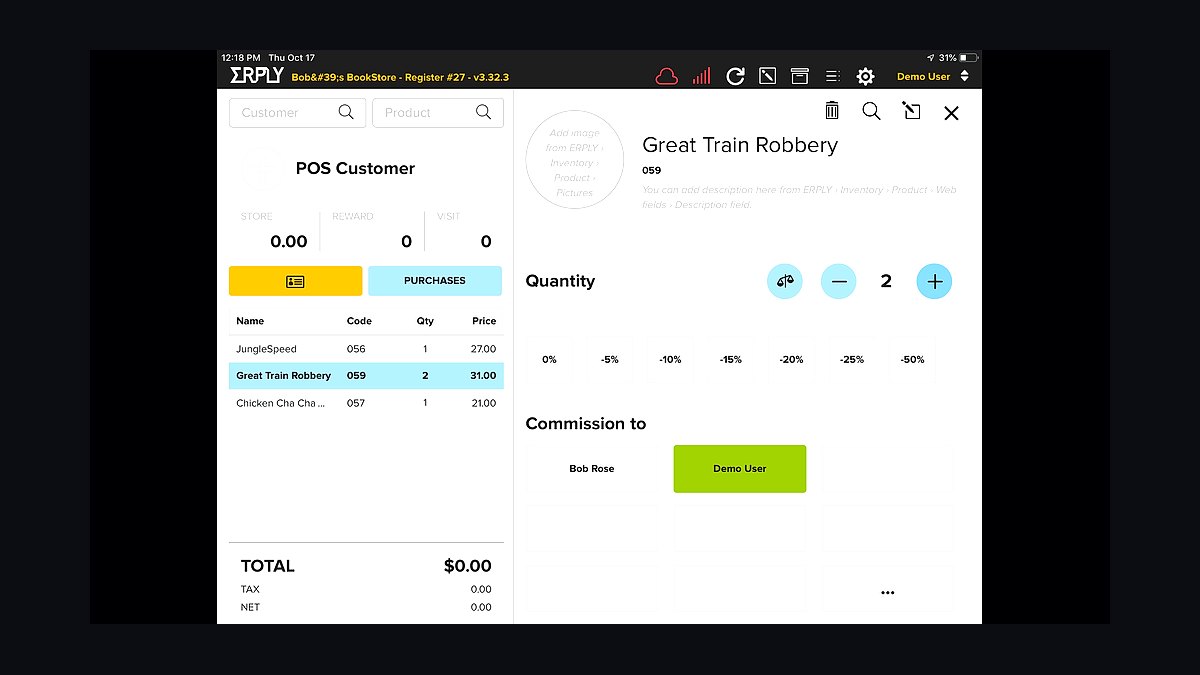
ERPLY POS ranks tenth because it is a modular retail POS with strong back-office inventory and accounting at a moderate price. Plans start around $39 per month for the Starter tier, rising to $99 and $199 for higher levels, billed annually. It supports barcode labels, purchase orders, and multi-store stock transfers.
It targets small retailers with several locations or warehouses that need inventory control more than restaurant features. It trades away polish and ease of use, since the interface feels dated and setup can be technical. Compared with Vend by Lightspeed above, ERPLY is cheaper at entry but less intuitive and less modern.
How we ranked these
We scored each POS on five weighted factors: transaction fees (25%), hardware cost and flexibility (20%), inventory and reporting depth (20%), integrations and app ecosystem (20%), and onboarding support and contract terms (15%). Each factor was rated from hands-on trial accounts, published pricing pages, and verified user reviews across G2 and Capterra. Scores were normalized to 100 and re-checked quarterly.
We ignored brand recognition, marketing spend, and awards with undisclosed criteria. We excluded vendor-supplied case studies and any ranking that pays for placement. Feature checklists were dropped unless the feature worked in our trial. We also ignored promises of future releases, since small businesses buy what ships today, not a roadmap slide.
What to look for
Start with your real transaction volume and average ticket. A system with 2.6% plus 10 cents per tap costs far more than a flat-rate plan once you pass roughly $15,000 in monthly card sales. Then check whether you need restaurant tables, retail variants, or service invoicing, because that single requirement eliminates half the field immediately.
The mistake most buyers make is choosing on sticker price for hardware and ignoring processing markup, contract length, and early termination fees. A cheap terminal with a three-year locked contract and above-market swipe rates can cost thousands more than a pricier upfront system with month-to-month terms and transparent interchange-plus pricing.
Related questions
What is interchange-plus pricing and why does it matter?
Interchange-plus means you pay the card networks' actual interchange rate plus a fixed markup from your processor. It is usually the cheapest structure for businesses processing over $10,000 monthly. Flat-rate pricing hides the markup inside one percentage, which is simpler but costs more as volume grows. Ask for a full statement sample before signing.
Do I need a POS that works offline?
Yes if your internet is unreliable or you sell at markets and events. Offline mode queues card transactions and syncs them when connectivity returns, though some processors cap offline transaction amounts for fraud protection. Test the offline flow during your trial, not during a Saturday rush, and confirm which payment types still work without a connection.
How long should a POS contract be?
Month-to-month is ideal for small businesses because it preserves flexibility if you change models or close. Two- and three-year contracts often bundle lower hardware prices but carry early termination fees that can reach several hundred dollars per terminal. Read the cancellation clause carefully, since some auto-renew silently unless you give written notice.
Can one POS handle both retail and restaurant needs?
Rarely well. Retail systems emphasize barcode scanning, purchase orders, and variant inventory. Restaurant systems prioritize table maps, coursing, and kitchen tickets. A few platforms, notably Square and Lightspeed, serve both, but you sacrifice depth on one side. Pick the system built for your primary revenue model and accept lighter support for the secondary one.
What integrations should I check before buying?
Confirm your accounting software, ecommerce platform, and payroll provider connect natively rather than through a paid third-party bridge. QuickBooks, Shopify, and Xero are the most commonly supported. Also check whether the integration is read-only or two-way, because syncing inventory both directions prevents overselling. Verify the integration still works in a current trial account.
Are free POS plans actually usable?
Free tiers usually cover basic sales and a card reader but lock reporting, employee permissions, and inventory behind paid plans. They can work for a single-location service business with low volume. Once you add staff, multiple locations, or detailed inventory, the upgrade cost often exceeds a mid-tier paid plan from a competitor. Model the paid tier before committing.
How much should I budget for POS hardware?
A single tablet-based setup with a stand, reader, and cash drawer runs roughly $300 to $800. Traditional terminals with integrated screens cost $1,000 to $2,000 per lane. Add receipt printers, barcode scanners, and scales if needed. Leasing spreads the cost but usually totals more than buying outright over a three-year term.
What support hours should I expect?
Small businesses often operate evenings and weekends, so 24/7 phone support matters more than a large knowledge base. Check whether live chat is staffed by humans or bots, and whether phone support is included or billed per incident. Test support during your trial by asking a real question and timing the response.
FAQ
Which POS is best for a single-location coffee shop?
Square and Toast dominate this segment. Square wins on simplicity and no monthly fee for basic use, while Toast offers deeper restaurant features like coursing and kitchen display integration. Compare your average ticket and daily card volume, because Toast's pricing structure favors higher-volume shops while Square stays competitive at low volume.
Do I need a POS with built-in payroll?
Only if you schedule hourly staff and want tips, hours, and pay runs in one place. Built-in payroll saves data entry and reduces errors, but it locks you into that vendor's payroll pricing. If you already use Gusto or ADP, choose a POS with a clean integration instead of switching payroll providers.
How do I compare processing rates fairly?
Ask each vendor for a sample statement based on your actual card mix, including debit, credit, and rewards cards. Rewards cards carry higher interchange, so a quote based only on debit understates your real cost. Compare effective rate, which is total fees divided by total card sales, not the advertised headline percentage.
Is a tablet-based POS reliable enough for busy hours?
Modern tablets handle high transaction volume fine when paired with a stable network and a dedicated router. The common failure point is Wi-Fi congestion, not the tablet. Use a wired connection or a dedicated access point for the POS, and keep a backup reader that can process cards independently if the main system goes down.
What happens to my data if I switch POS providers?
Most providers let you export sales, customer, and inventory data as CSV, but the export is often incomplete or formatted poorly. Request a full data export during your trial to see what you actually get. Customer lists and loyalty balances are the hardest to migrate, so confirm portability before you build a large loyalty program.
Should I buy hardware from the POS vendor or third parties?
Vendor hardware is guaranteed compatible and usually covered under one support contract, which simplifies troubleshooting. Third-party hardware costs less but shifts blame between vendors when something breaks. For a first POS, buy from the vendor. Once you know your setup, third-party peripherals like printers and scanners are safe to source elsewhere.
How important is a customer loyalty feature?
It matters most for businesses with repeat visits, like cafes, salons, and quick-service restaurants. Built-in loyalty tied to the payment card removes the punch-card friction and captures customer emails automatically. For low-frequency purchases like furniture or appliances, loyalty features add cost without changing behavior, so skip them.
Can I run a POS without any monthly fee?
Yes, some systems charge only per-transaction fees with no monthly software cost, which suits very low-volume sellers. The tradeoff is limited reporting, fewer integrations, and sometimes higher processing rates. Run the numbers at your expected volume, because a no-fee plan with a higher rate can cost more than a $60 monthly plan.
What security standards should a POS meet?
Look for PCI DSS compliance and point-to-point encryption on card readers. EMV chip and contactless support are now standard and shift fraud liability away from you. Avoid any system that stores raw card numbers on a local device, and confirm the vendor handles compliance attestation rather than pushing it entirely onto you.
How do I test a POS before committing?
Use the free trial or demo mode to ring up a full day of realistic sales, including refunds, discounts, split payments, and tips. Time how long each takes. Ask support a real question and note the response time. If a vendor refuses a trial, that alone is a reason to look elsewhere.
Sources
- https://www.g2.com/categories/point-of-sale
- https://www.capterra.com/point-of-sale-software/
- https://squareup.com/us/en/pricing
- https://www.toasttab.com/pricing
- https://www.lightspeedhq.com/pricing/
- https://www.shopify.com/pos/pricing
- https://www.pcisecuritystandards.org/
- https://www.ftc.gov/business-guidance/credit-and-finance
Related on PULSE
This page will be disappearing soon. Save it to your device for $1 — or read it free while it is here.
@Kory-White- · if Venmo asks, the last 4 of my number are 2012
This page is gone.
This one is off the shelf now. $1 keeps it on your phone for good — the whole page, pictures and diagrams included.
 revopsTop 10 Tools for Making Short-Form Business Videos in 2027
 revopsTop 10 Shipping Software Tools for Online Stores in 2027
 revopsTop 10 SMS Marketing Tools for Small Businesses in 2027
 revopsTop 10 Things a Small Business Brand Needs in 2027
 revopsTop 10 Ways to Get More Followers for a Local Business in 2027
 revopsTop 10 Things to Know Before Running Your First Ad in 2027
 revopsTop 10 Landing Page Mistakes That Kill Conversions in 2027
 revopsTop 10 Social Media Scheduling Tools for Small Businesses in 2027
 revopsTop 10 Business Phone Services for Small Businesses in 2027
 revopsTop 10 Subscription Billing Tools for Small Businesses in 2027