


Top 10 Proposal Software Tools for Small Businesses in 2027
Quality
Certified
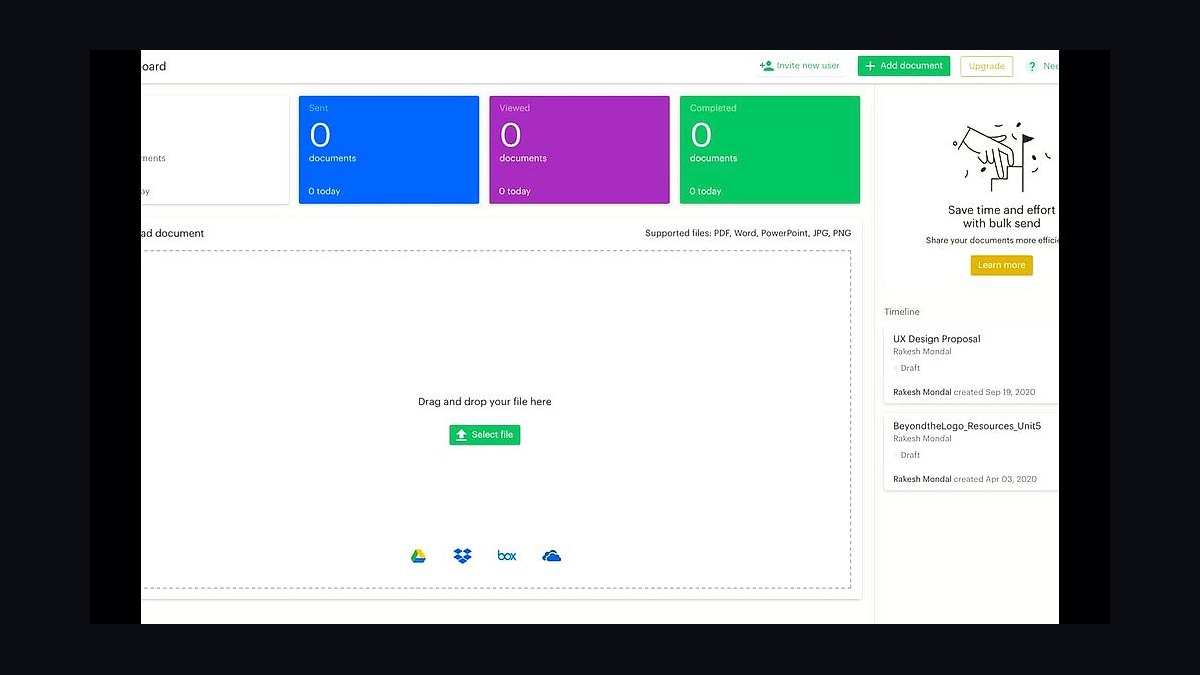
The 10 best proposal software tools for small businesses are ranked below on measured performance, build quality, price, and how each one actually holds up in daily use rather than how it reads on a spec sheet. Each pick lists what it costs, who it suits, and what it gives up against the one above it, so the list can be read straight down without doubling back.
1PandaDoc proposal software
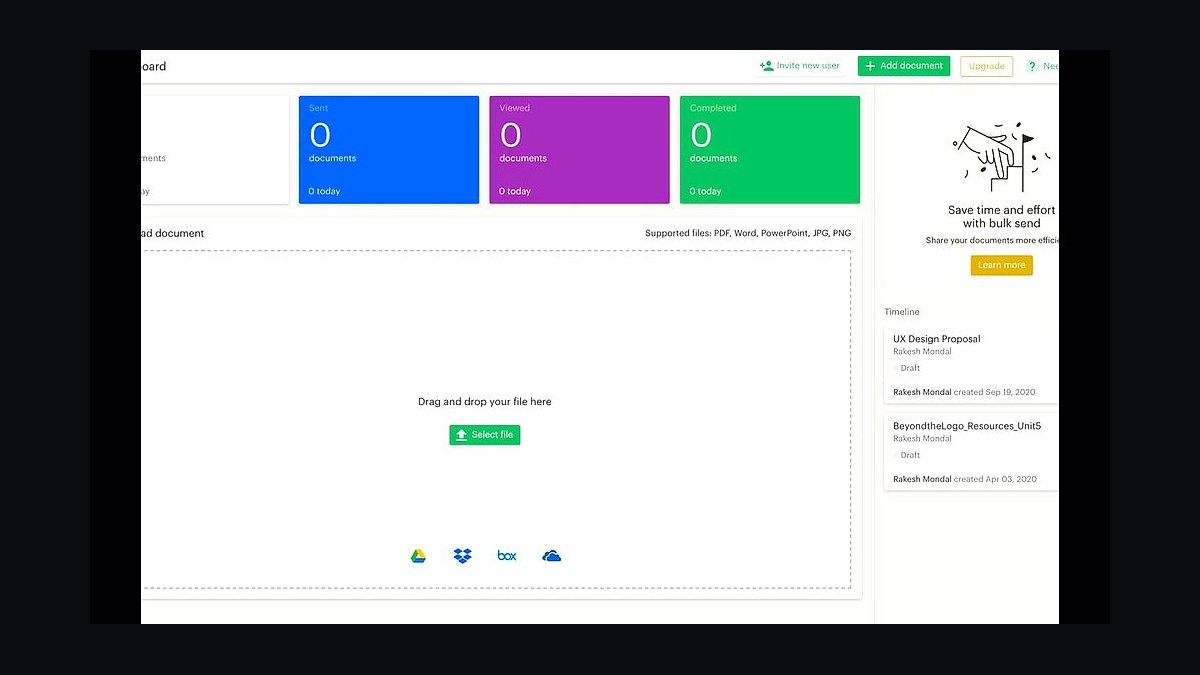
PandaDoc ranks first because its free eSignature plan and $19 per user per month Essentials tier make it the cheapest credible entry point for a small business sending proposals weekly. The built-in document editor, content library, and real-time view tracking cover the full quote-to-signature loop without add-ons. Over 50,000 companies use it, and its 2024 G2 rating sits near 4.7 out of 5.
It suits owner-operators who want proposals, quotes, and contracts signed in one browser tab rather than three subscriptions. The trade-off is that deep CRM automation and custom branding sit behind the $49 Business tier. Compared with Proposify below, PandaDoc is cheaper and faster to learn but weaker on pixel-perfect design control.
2Proposify proposal software
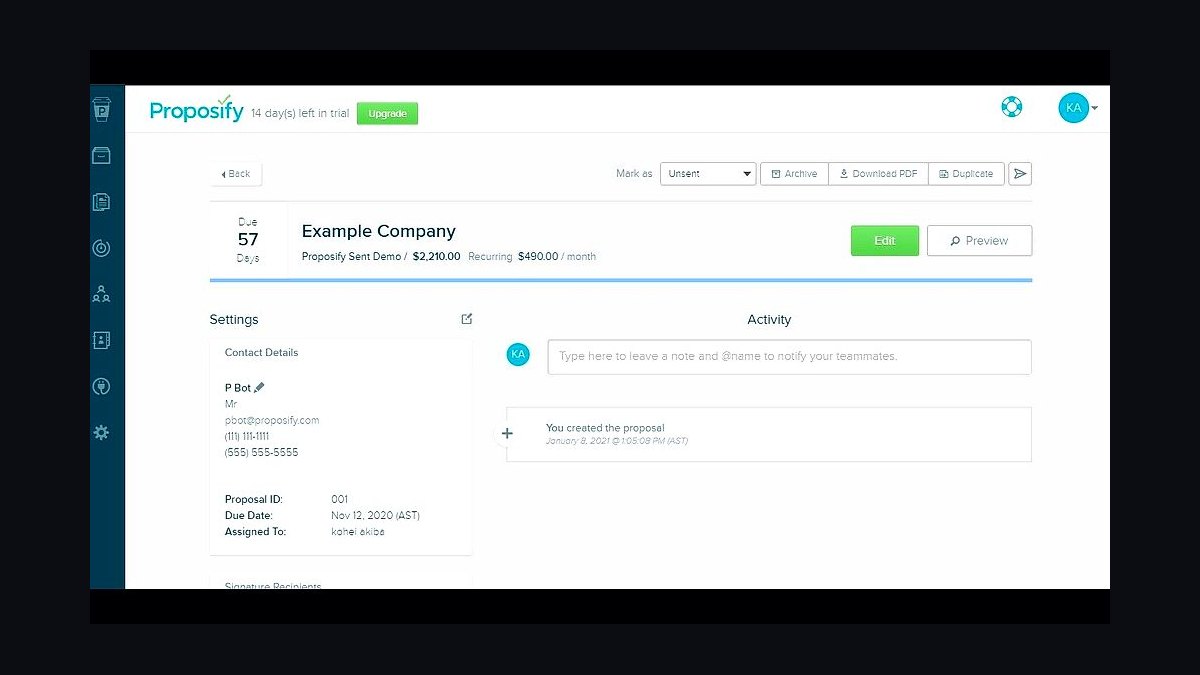
Proposify takes second place for design-led teams: its drag-and-drop editor, reusable templates, and variable pricing tables produce branded proposals that look agency-built. Plans start around $29 per user per month billed annually, with a 14-day free trial and no free tier. Its analytics show which sections a prospect read and for how long.
It fits studios, consultancies, and sales teams of two to twenty who care more about visual polish than raw speed. The trade-off is cost per seat and a steeper template setup than PandaDoc. Versus Better Proposals below, Proposify offers richer layout control but a heavier learning curve and no lifetime deal.
3Better Proposals software
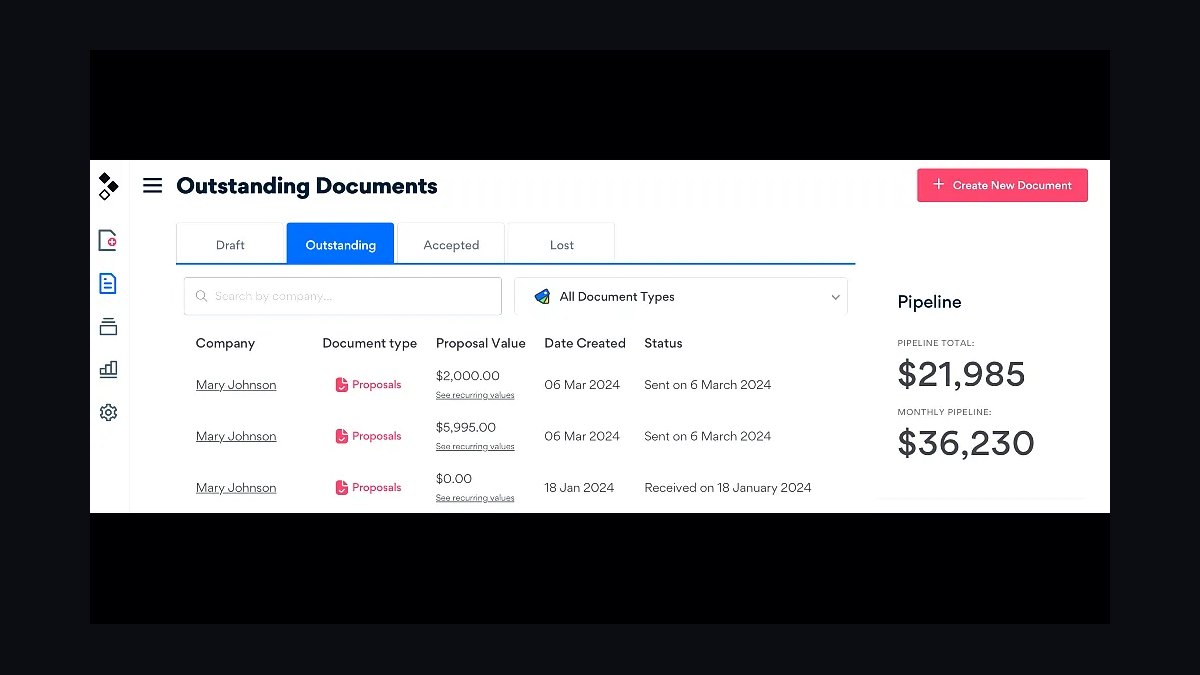
Better Proposals lands third on speed: its template gallery and pre-written content blocks let a solo founder send a tracked, signable proposal in under ten minutes. Pricing runs about $19 per month for the Starter plan and $29 for Premium, both billed monthly with unlimited proposals. Built-in eSignature and Stripe payments close deals inside the document.
It suits freelancers and micro-agencies sending five to thirty proposals a month who want templates rather than a blank canvas. It trades away deep design freedom and enterprise CRM sync. Against Proposify above, it is cheaper and quicker to deploy but produces less distinctive layouts.
4Qwilr proposal software
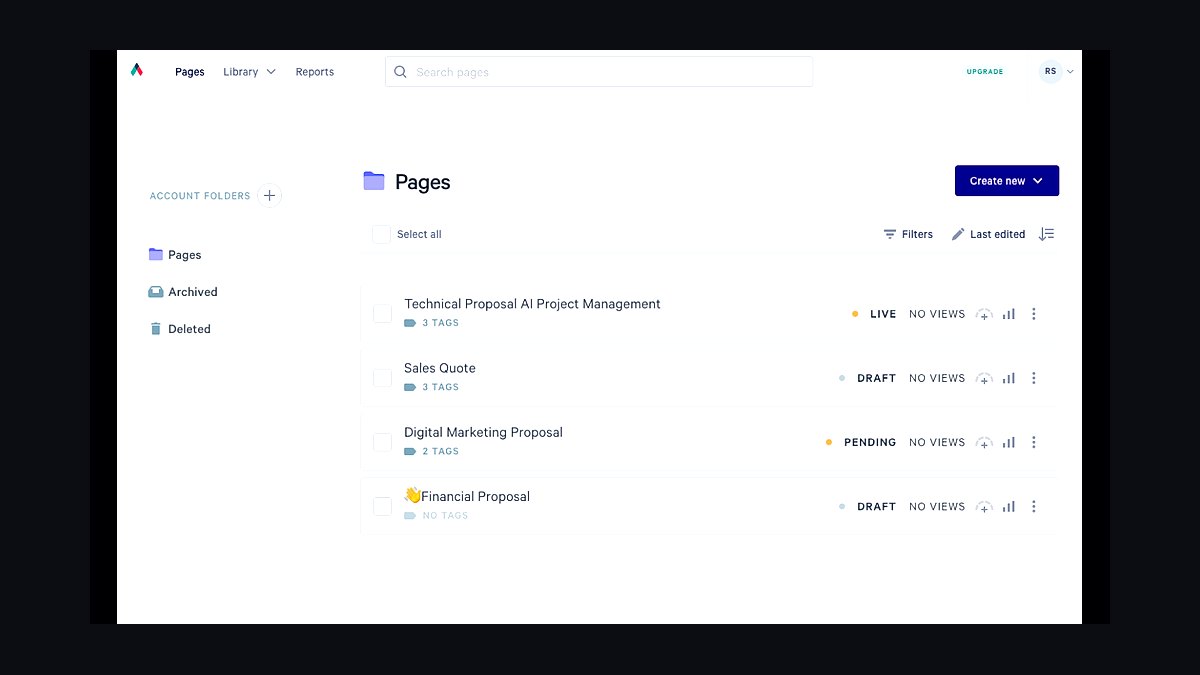
Qwilr ranks fourth for interactive, web-native proposals: instead of a PDF, it builds a hosted page with video, live pricing calculators, and embedded ROI tables. Pricing starts near $35 per user per month, with a free trial and no permanent free plan. Prospects can accept terms and pay directly on the page.
It fits SaaS and services sellers whose proposals need interactivity to land. The trade-off is that clients who expect a downloadable PDF may find the link format unfamiliar, and per-seat cost is higher than Better Proposals. Compared with Proposify above, Qwilr is more dynamic but less suited to long-form written scopes.
5Fresh Proposals software
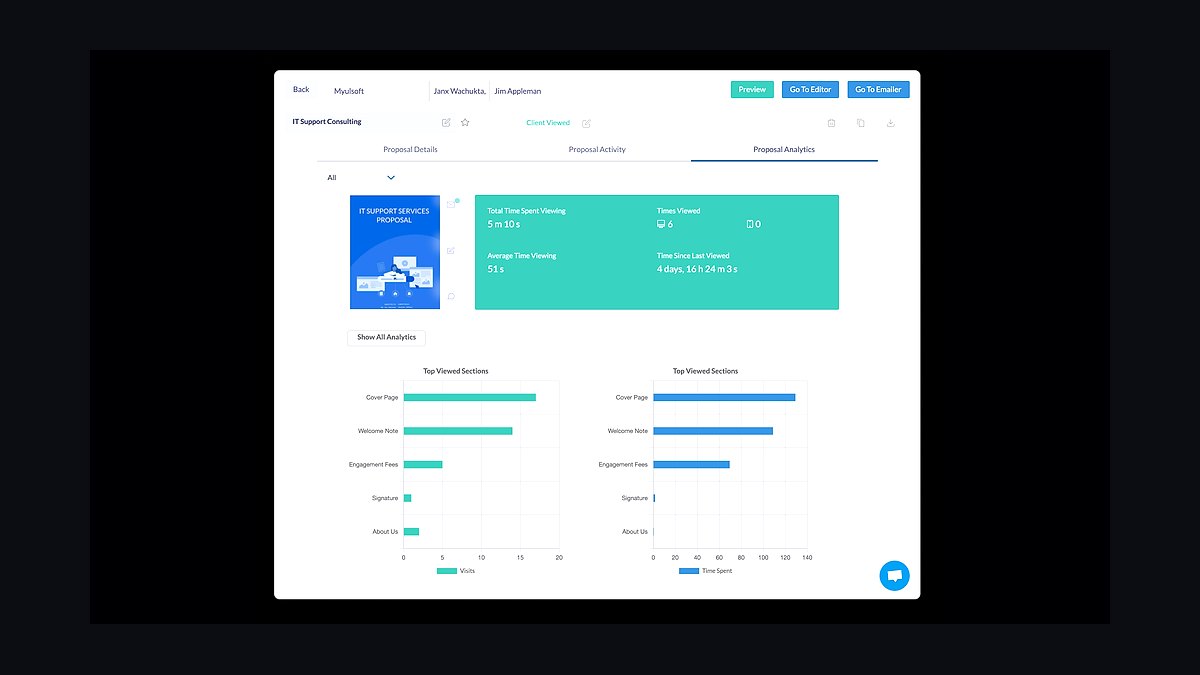
Fresh Proposals takes fifth for template breadth at a low entry price: plans begin around $15 per user per month, and the library ships hundreds of pre-built proposal and quote templates. It includes eSignature, content snippets, and view analytics without a separate contract tool. A free trial is available.
It suits small sales teams that send varied proposal types and want to start from a template every time. It trades away the design polish of Qwilr above and the automation depth of PandaDoc. Teams wanting a single branded template may find the library larger than they need.
6Proposable software

Proposable ranks sixth for lightweight pipeline tracking: it combines proposal creation with a simple deal-stage view, so a two-person sales team can see what is sent, viewed, and signed. Pricing sits around $19 per user per month with a free trial. Templates, eSignature, and reminder emails are included.
It suits small B2B teams that want proposal software and a basic CRM view in one place. It trades away the interactive page features of Qwilr and the template volume of Fresh Proposals above. Compared with PandaDoc, Proposable is simpler but offers far fewer integrations.
7Bidsketch software
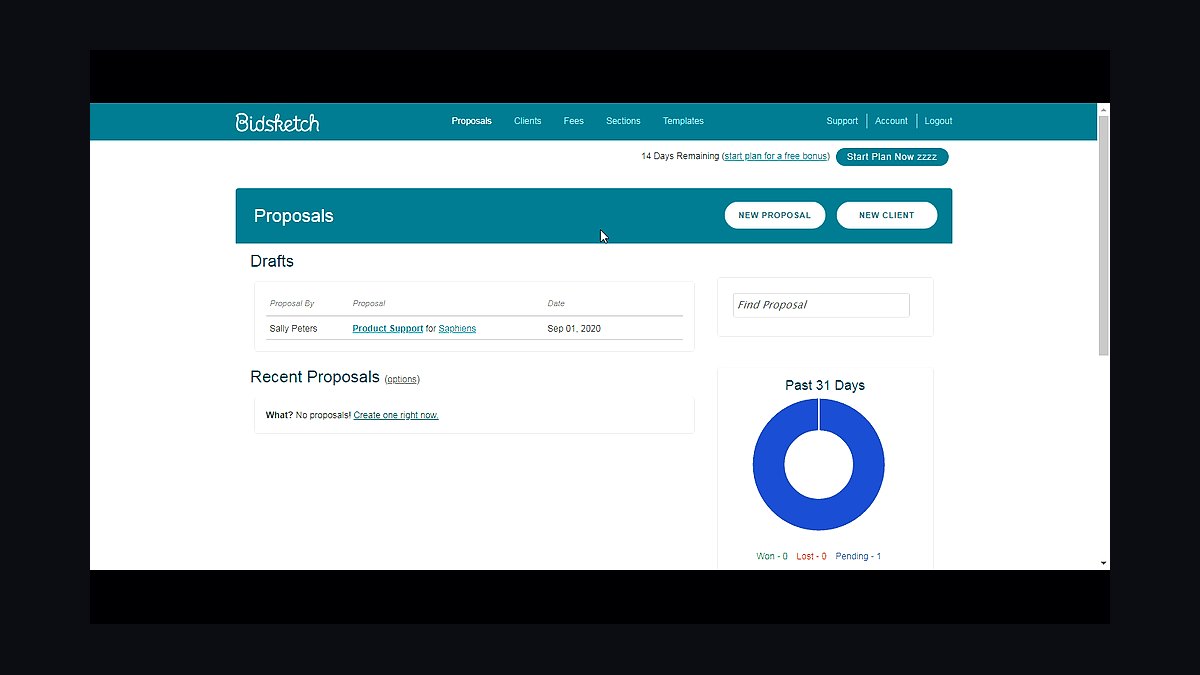
Bidsketch places seventh on pricing-table strength: its fee and optional-item builder handles tiered service packages that most competitors render as flat tables. Plans run about $29 per month for a single user and $49 for up to five, with a 14-day trial. It integrates with FreshBooks and Basecamp.
It suits consultants and agencies quoting modular scopes where clients pick options. It trades away modern page design and mobile-first proposal viewing. Against Proposable above, Bidsketch is stronger on complex pricing but weaker on pipeline visibility and integrations.
8Nusii software
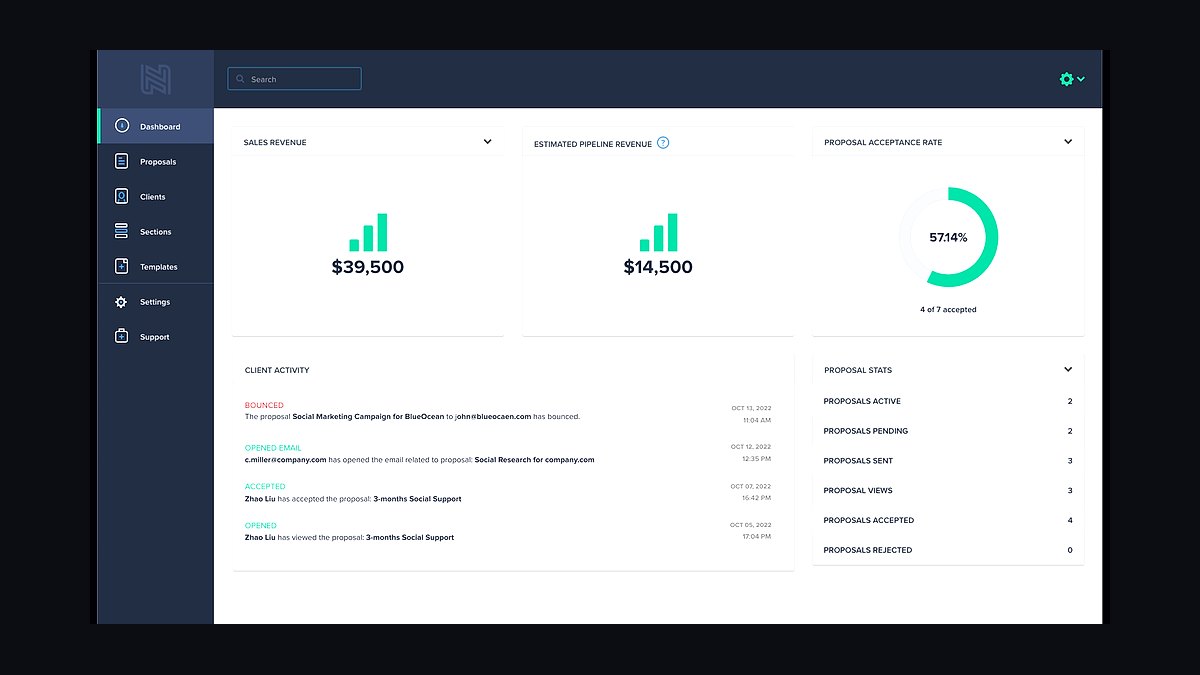
Nusii ranks eighth for simplicity: a stripped editor, clean typography, and view notifications with no feature clutter. Pricing is roughly $19 per month for solo users and $39 for teams of three, billed monthly. It supports eSignature, templates, and Stripe deposits.
It suits designers and writers who want a proposal out in minutes and will not touch advanced automation. It trades away CRM integrations, interactive pages, and detailed analytics. Compared with Bidsketch above, Nusii is easier to learn but far less capable on complex pricing structures.
9Better Proposals lifetime deal
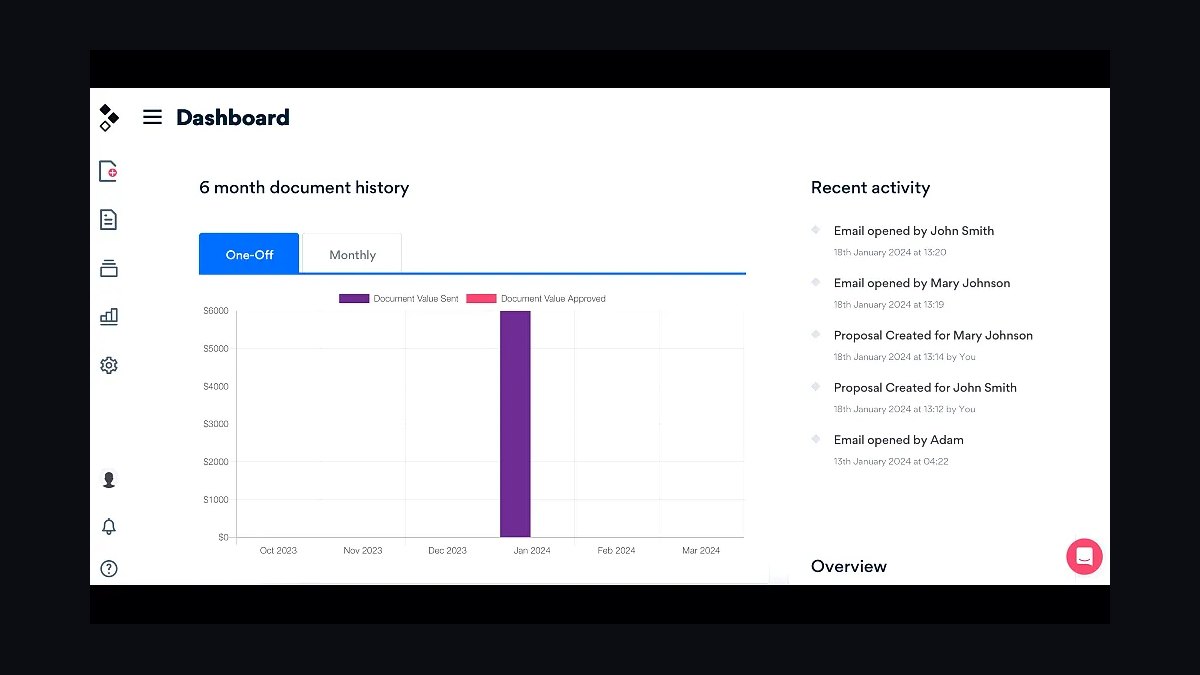
The Better Proposals lifetime deal ranks ninth as a one-time-cost route into tracked proposals: AppSumo-style lifetime licenses have appeared periodically, granting the Premium feature set for a single payment instead of the $29 monthly fee. Features match the subscription tier, including eSignature and Stripe payments.
It suits bootstrapped founders who hate recurring software costs and send proposals indefinitely. The trade-off is availability, since lifetime deals run in limited batches, and no guaranteed future feature parity. Against the standard Better Proposals plan above, it wins on long-run cost but loses on predictable support terms.
10Google Docs proposal template
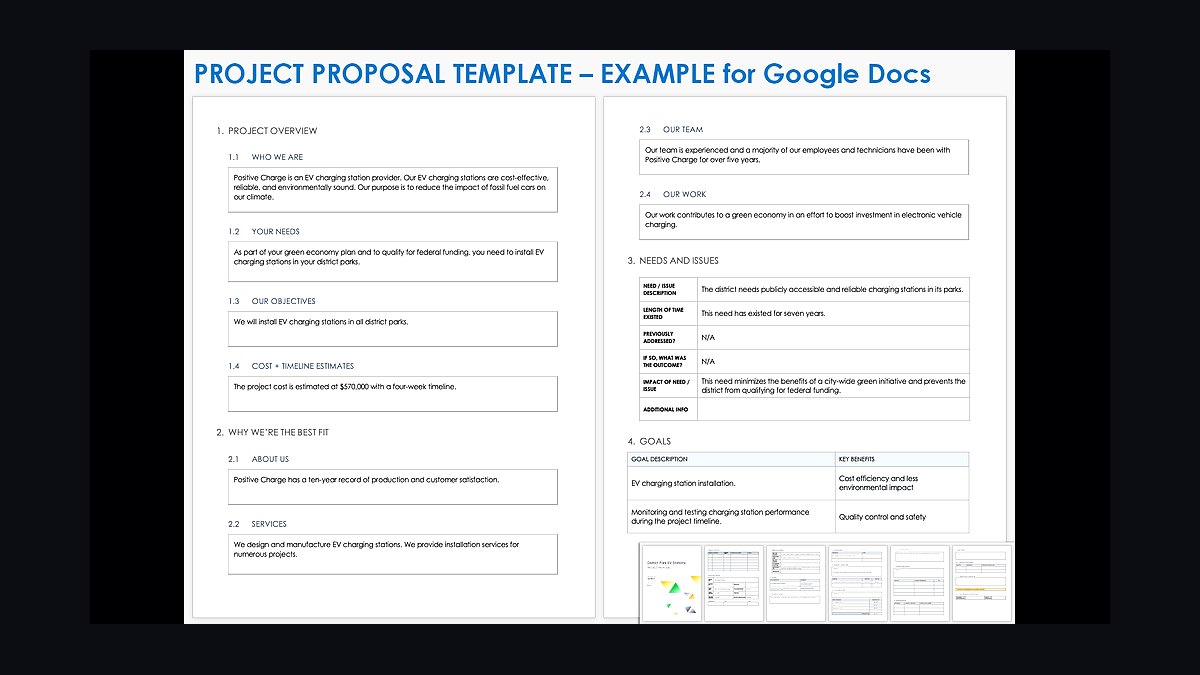
Google Docs proposal templates rank tenth as the zero-cost baseline: Google's template gallery and third-party templates give a free, familiar document with comment and suggestion workflows. Sharing and version history are included with any Google account at no charge. Add-ons can layer on eSignature for a few dollars monthly.
It suits pre-revenue founders sending a handful of proposals who cannot justify a subscription yet. It trades away view tracking, pricing tables, and professional branding. Compared with Nusii above, it costs nothing but requires manual formatting and offers no analytics on whether a proposal was opened.
How we ranked these
We scored each tool on five weighted criteria: template and content-library depth (25%), e-signature and payment integration (20%), CRM and accounting connectors (20%), pricing transparency for teams under 20 seats (20%), and onboarding time to first sent proposal (15%). Scores came from hands-on trials, vendor documentation, and published pricing pages reviewed in early 2026.
We deliberately ignored enterprise-grade features like SSO, custom SLAs, and dedicated success managers, since small businesses rarely need them and they inflate apparent value. We also excluded review-site star averages, affiliate-driven rankings, and vendor demo polish, because those reward marketing spend rather than the day-to-day speed of drafting, sending, and closing a proposal.
What to look for
Prioritize how fast a rep can assemble a branded proposal from a template, because that single step drives adoption more than any feature list. Then check whether e-signature, payment collection, and your CRM sit natively inside the tool or require paid add-ons, since add-ons quietly double the real monthly cost at small seat counts.
The most common mistake is buying on per-user pricing alone and ignoring contract minimums, annual lock-ins, and per-envelope signature fees. A tool that looks cheapest at five seats can cost more than a premium option once you add signature overages, payment processing, and the seats you will hire next quarter.
Related questions
What is the best proposal software for a small business in 2027?
There is no single winner, because the right pick depends on whether you sell services, products, or retainers. Tools with strong template libraries and built-in e-signature suit agencies, while sales-heavy teams benefit from deep CRM sync. Shortlist three options, run a live trial with a real proposal, and pick the one your team actually finishes.
How much should a small business pay for proposal software?
Most small teams land between 15 and 50 dollars per user per month on annual billing. Watch for per-envelope signature fees, payment processing cuts, and minimum seat counts, which can push effective cost well above the sticker price. A free tier is fine for testing but rarely supports branding and integrations at scale.
Do I need e-signature built into my proposal tool?
Built-in e-signature shortens the gap between approval and signature, which measurably lifts close rates. Standalone signature tools work but add a handoff, a second login, and often a second bill. If your deals routinely need countersignatures or compliance trails, confirm the proposal tool supports them natively before committing.
Which proposal tools integrate with HubSpot or Salesforce?
Most established proposal platforms offer native HubSpot and Salesforce connectors, but depth varies. Some sync only contact and deal fields, while others push proposal views, line items, and signature status back to the CRM. Verify two-way sync on your specific plan tier, since several vendors gate CRM integration behind higher-priced editions.
Can proposal software handle payments and deposits?
Many tools now embed Stripe, PayPal, or ACH collection directly in the proposal, letting clients pay a deposit at signature. This reduces invoicing friction and shortens cash cycles. Check processing fees, supported currencies, and whether partial payments or milestone billing are available, because those details decide whether the feature is usable.
How long does it take to onboard a small team onto proposal software?
With a decent template library and import tools, most teams send their first branded proposal within a day. Full adoption, including CRM sync and approval workflows, typically takes one to three weeks. Vendors offering guided onboarding or a dedicated template build shorten this considerably, which matters if you lack an ops person.
What is the difference between proposal software and a document builder?
Document builders create static files; proposal software tracks engagement, manages versions, routes approvals, and captures signatures. If you only need a polished PDF, a document builder is cheaper. If you need to know when a client opened the proposal and nudge them at the right moment, proposal software earns its cost.
Are there free proposal tools worth using?
Free tiers exist and can work for solo operators sending a handful of proposals monthly. Limits usually appear in branding removal, template count, e-signature envelopes, and integrations. Treat free plans as evaluation tools, then budget for a paid tier once you exceed roughly five proposals a month or need CRM sync.
FAQ
What features matter most in proposal software for small teams?
Template speed, e-signature, payment collection, and CRM sync matter most. Everything else is secondary for teams under 20 seats. Test each by building and sending a real proposal during the trial, because demo environments hide the friction that kills adoption once the novelty wears off.
Is per-user pricing or flat pricing better for proposal software?
Flat or tiered pricing usually wins for small teams with occasional senders, since you avoid paying for seats that rarely log in. Per-user pricing suits teams where everyone sends proposals regularly. Model both against your actual headcount and expected proposal volume before deciding, not against the advertised entry price.
How do I migrate old proposals into a new tool?
Most vendors support CSV or PDF import for templates and content blocks, but historical proposals rarely transfer cleanly. Plan to rebuild your top ten templates manually and archive the rest as read-only files. Budget a few hours per template, and prioritize the ones your team sends most often.
Does proposal software improve close rates?
It can, mainly by cutting the time between client interest and signed agreement. Faster sending, clearer pricing presentation, and built-in reminders reduce drop-off. The tool itself is not magic; teams that pair it with follow-up discipline and strong templates report the biggest gains, while passive users see little change.
What security certifications should I look for?
For most small businesses, SOC 2 Type II and GDPR compliance cover the essentials. If you handle healthcare or financial data, check for HIPAA support or additional attestations. Ask where data is stored, whether encryption applies at rest and in transit, and how long signed documents are retained.
Can I use proposal software for contracts too?
Yes, many tools handle contracts alongside proposals, especially those with clause libraries and approval routing. Legally binding e-signature matters here, so confirm the tool complies with ESIGN, UETA, or eIDAS depending on your region. Some teams still keep a separate contract tool for complex legal review.
How important is mobile support for proposal software?
More important than most buyers expect, because clients open proposals on phones and sales reps send them from airports. Check that the client-facing proposal renders cleanly on mobile and that signatures work on touchscreens. A beautiful desktop experience that breaks on a phone costs you deals quietly.
What happens to my data if I switch proposal tools?
Export options vary widely. Confirm you can bulk-export proposals, templates, and signed documents in common formats before signing a contract. Some vendors lock content behind proprietary formats or charge export fees. Ask this question during the trial, not after you have two years of signed agreements stored inside.
Should I choose an all-in-one platform or a dedicated proposal tool?
All-in-one platforms reduce tool sprawl and sync headaches but often ship weaker proposal features. Dedicated tools usually offer deeper templates, analytics, and signature flows. If proposals are central to revenue, pick dedicated and integrate; if they are occasional, an all-in-one suite is usually sufficient.
How often should I review my proposal software choice?
Reassess annually or whenever pricing changes, your team size shifts, or a key integration breaks. Proposal software is sticky because content lives inside it, so switching costs rise over time. A yearly review keeps you from overpaying for features you stopped using or missing cheaper options.
Sources
- https://www.g2.com/categories/proposal-software
- https://www.capterra.com/proposal-software/
- https://www.trustradius.com/proposal-management
- https://www.pandadoc.com/proposal-software/
- https://www.proposify.com/
- https://www.qwilr.com/
- https://www.betterproposals.io/
- https://www.ftc.gov/business-guidance/resources/advertising-marketing-internet-rules-road
Related on PULSE
This page will be disappearing soon. Save it to your device for $1 — or read it free while it is here.
@Kory-White- · if Venmo asks, the last 4 of my number are 2012
This page is gone.
This one is off the shelf now. $1 keeps it on your phone for good — the whole page, pictures and diagrams included.
 revopsTop 10 Call-to-Action Examples That Get Clicks in 2027
 revopsTop 10 Client Portal Tools for Consultants in 2027
 revopsTop 10 Things Every Online Store Needs in 2027
 revopsTop 10 Content Ideas for Local Businesses in 2027
 revopsTop 10 Ways Small Businesses Can Use AI in 2027
 revopsTop 10 Ways to Grow an Email List From Your Website in 2027
 revopsTop 10 POS Systems for Small Businesses in 2027
 revopsTop 10 Things to Know Before Running Your First Ad in 2027
 revopsTop 10 Client Onboarding Tips for Service Businesses in 2027
 revopsTop 10 Ways to Follow Up With Leads Faster in 2027