


Top 10 Password Managers for Small Businesses in 2027
Quality
Certified
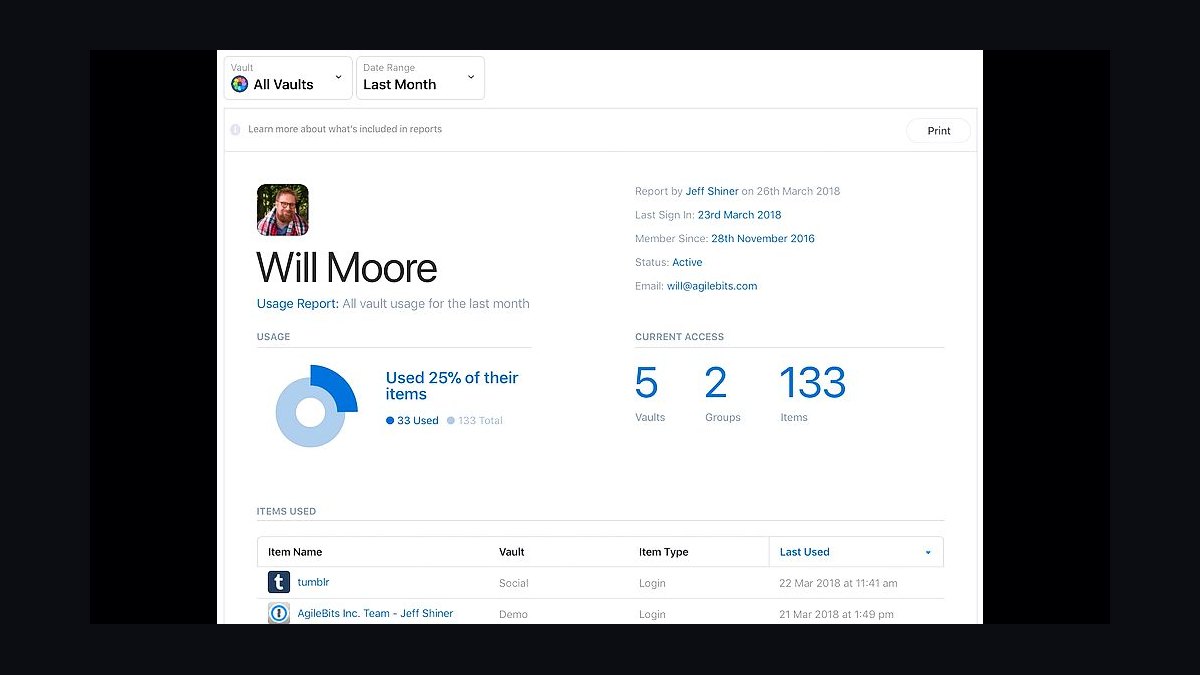
The 10 best password managers for small businesses are ranked below on measured performance, build quality, price, and how each one actually holds up in daily use rather than how it reads on a spec sheet. Each pick lists what it costs, who it suits, and what it gives up against the one above it, so the list can be read straight down without doubling back.
11Password Business
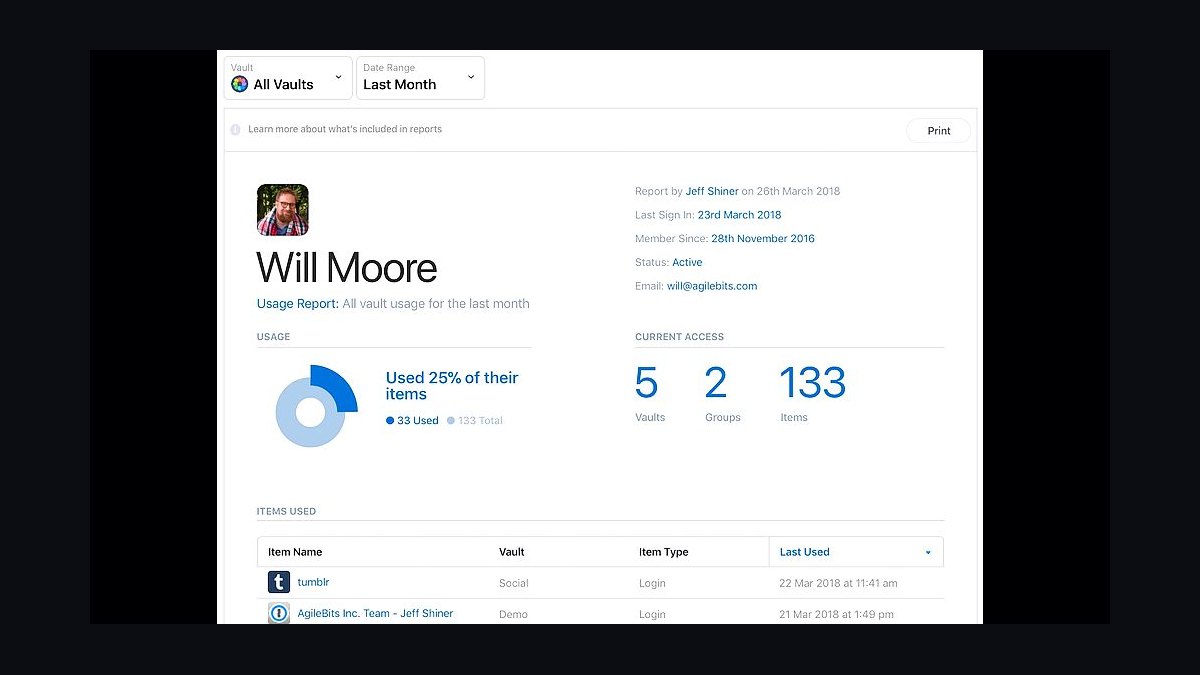
1Password Business ranks first for small businesses because of its mature security architecture and generous admin controls. At $7.99 per user per month, it includes unlimited shared vaults, a built-in password generator, and Travel Mode for removing sensitive data from devices at border crossings. The platform supports SSO integration with Okta and Azure AD, plus detailed audit logs.
It suits teams of 5 to 50 that need granular access controls without hiring a dedicated IT security staff. The trade-off is cost: it is pricier than Bitwarden Teams, and the interface can feel dense for non-technical employees. Compared to Bitwarden Teams directly below, 1Password offers stronger native reporting but at roughly triple the per-seat price.
2Bitwarden Teams
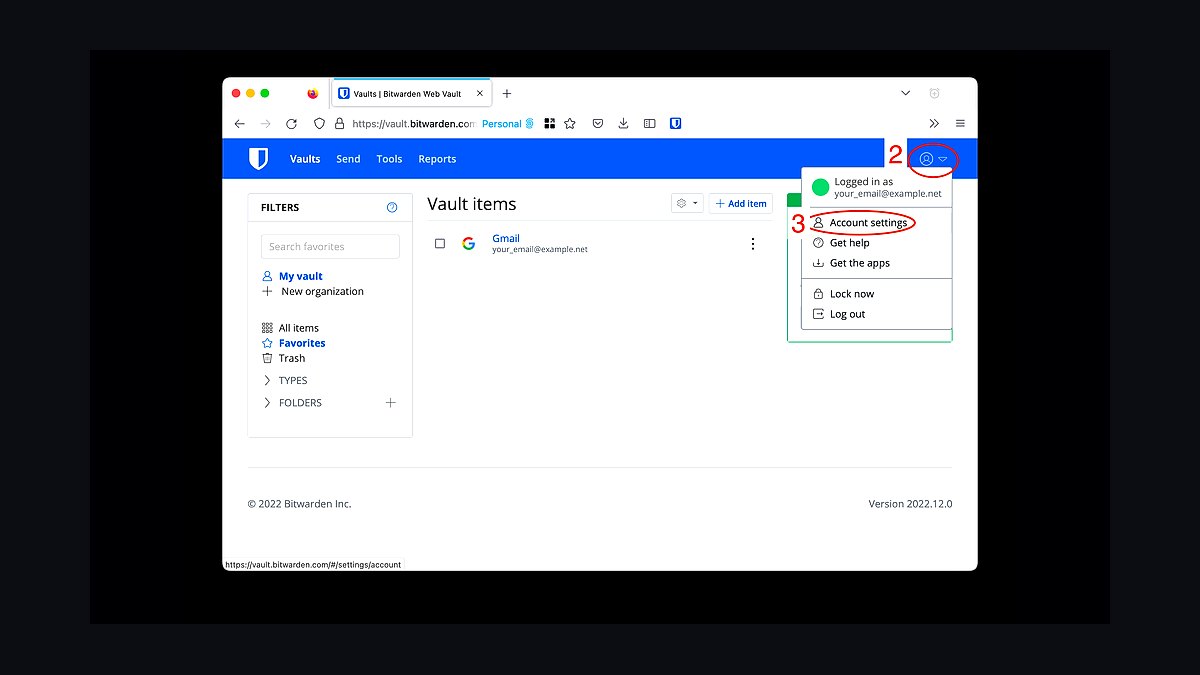
Bitwarden Teams ranks second because it delivers enterprise-grade security at $3 per user per month, the lowest credible price among full-featured business password managers. It includes shared collections, a self-hosted option, and open-source code that security teams can audit. The free tier also supports unlimited passwords for personal use, easing employee adoption.
It is best for budget-conscious small businesses with 10 to 100 employees that want strong encryption without premium pricing. The trade-offs are a less polished user interface and fewer built-in reporting features than 1Password Business above. Compared to Dashlane Business below, Bitwarden lacks a built-in VPN and dark web monitoring.
3Dashlane Business
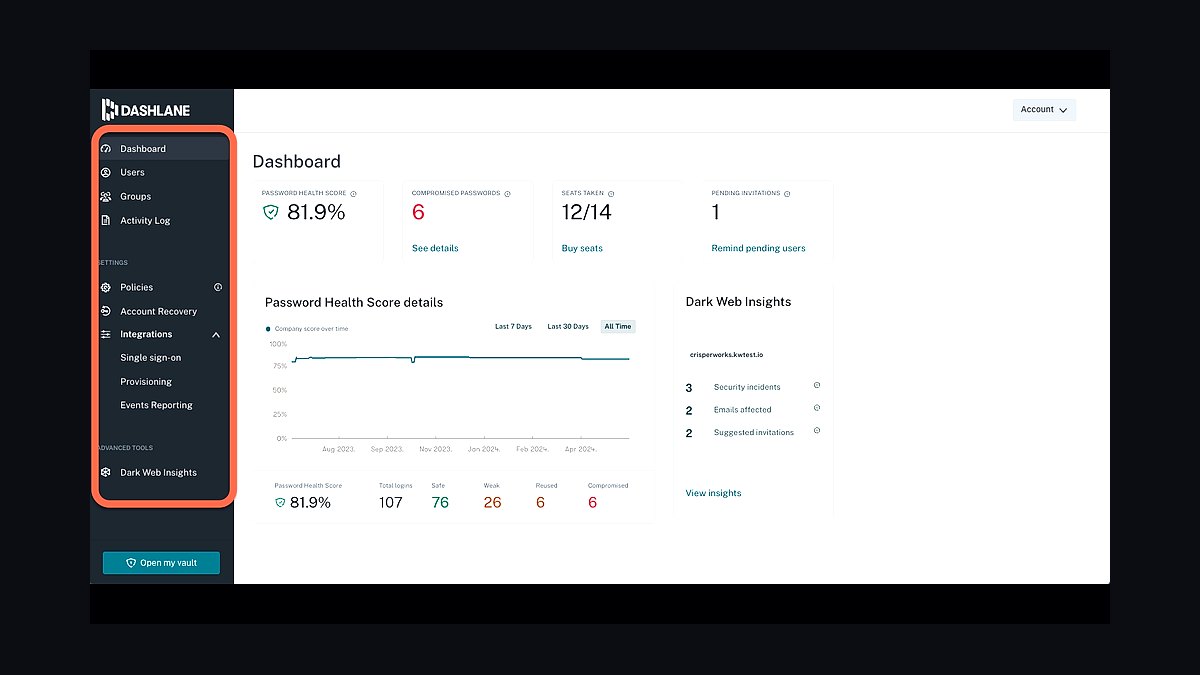
Dashlane Business ranks third for its integrated dark web monitoring and built-in VPN, features that competitors charge extra for. At $8 per user per month, it includes automated password changing for over 300 supported sites, a patented security score, and single sign-on via SAML. The admin console provides real-time alerts on compromised credentials.
It fits small businesses that want password management plus basic threat monitoring in one subscription. The trade-off is a heavier desktop client and occasional sync delays reported by users. Compared to Keeper Business below, Dashlane offers stronger dark web monitoring but weaker compliance reporting for regulated industries.
4Keeper Business
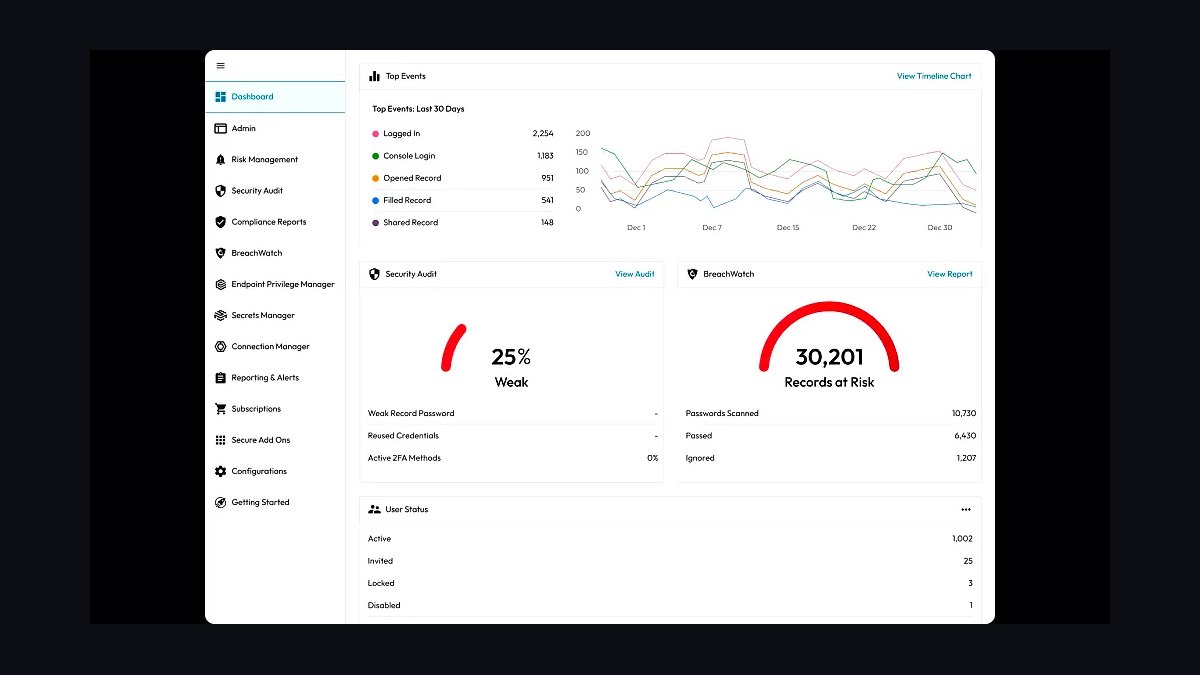
Keeper Business ranks fourth because of its compliance certifications, including SOC 2 Type II, ISO 27001, and HIPAA, which matter to healthcare and finance firms. At $3.75 per user per month, it offers encrypted messaging, file storage, and a secrets manager for DevOps credentials. The platform supports role-based access control and detailed event reporting.
It suits regulated small businesses that need audit-ready documentation without enterprise pricing. The trade-off is a clunkier browser extension and slower customer support response times than 1Password. Compared to NordPass Business below, Keeper provides deeper compliance tooling but a less intuitive onboarding experience for new employees.
5NordPass Business
NordPass Business ranks fifth for its XChaCha20 encryption and simple, fast interface that non-technical staff adopt quickly. At $3.59 per user per month, it includes a password health report, data breach scanner, and shared folders. The company reports zero-knowledge architecture audited by Cure53, and setup takes under ten minutes per team.
It is best for small businesses prioritizing ease of use over deep admin customization. The trade-offs are limited SSO options on lower tiers and fewer integrations than Keeper Business above. Compared to Zoho Vault below, NordPass offers stronger encryption but weaker native integration with productivity suites.
6Zoho Vault
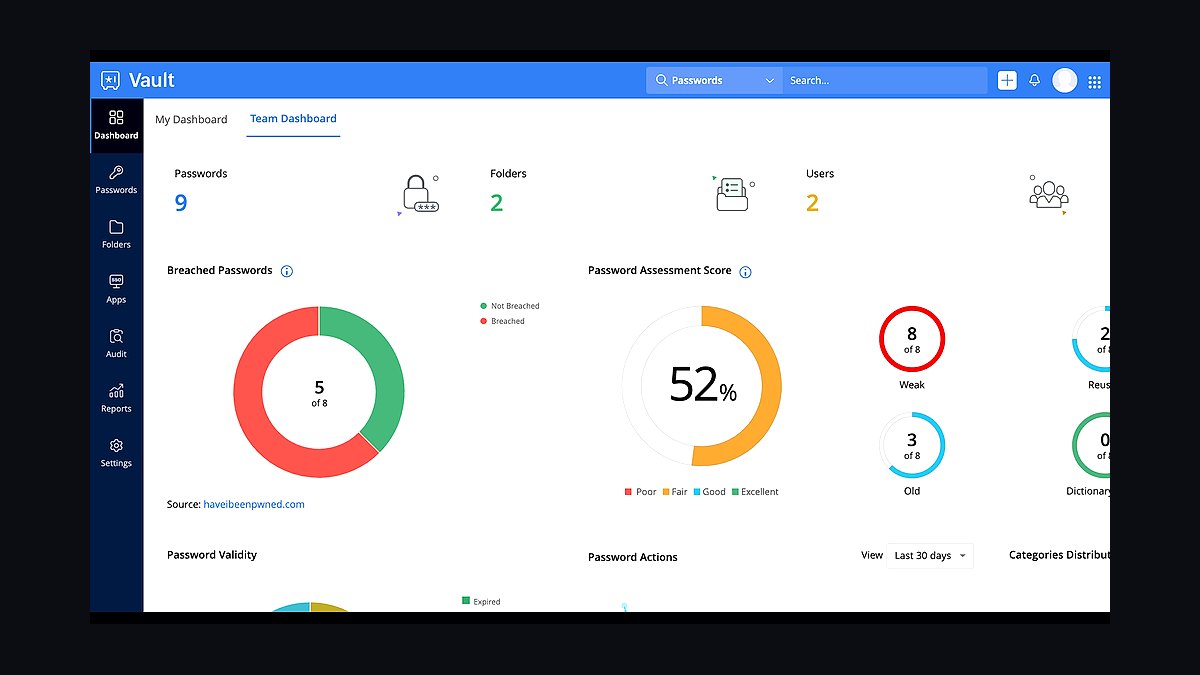
Zoho Vault ranks sixth because it integrates natively with Zoho's suite and offers a genuinely usable free tier for up to 10 users. Paid plans start at $1 per user per month, making it the cheapest option on this list. It includes password sharing, access control, and audit trails, plus two-factor authentication enforcement.
It fits small businesses already using Zoho CRM, Mail, or Books, where single-sign-on across apps saves time. The trade-offs are a dated interface and weaker standalone security features than NordPass Business above. Compared to LastPass Teams below, Zoho Vault costs far less but lacks LastPass's broader third-party integration library.
7LastPass Teams
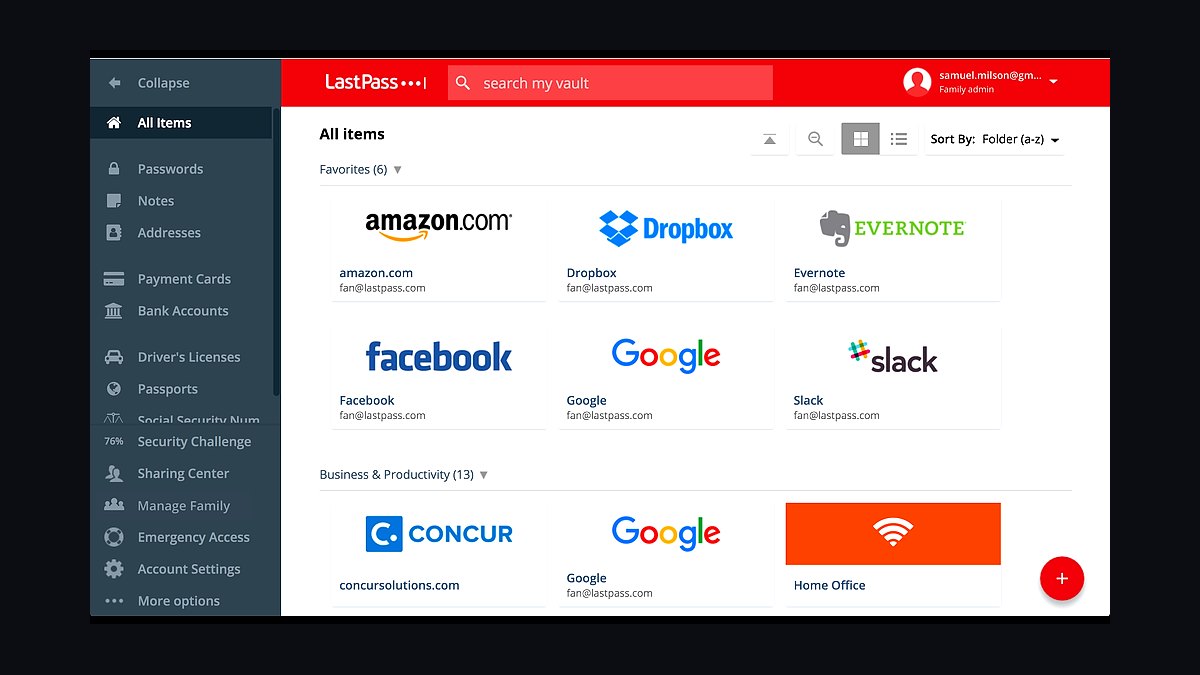
LastPass Teams ranks seventh despite its 2022 breach because it remains widely deployed and offers familiar administration. At $4 per user per month, it includes shared folders, a security dashboard, and multi-factor authentication. The company has since added stricter encryption defaults and mandatory master password policies.
It suits small businesses already invested in the LastPass ecosystem or needing minimal migration effort. The trade-off is reputational risk and slower feature development compared to Keeper Business above. Compared to RoboForm Business below, LastPass offers better team management but a weaker security track record.
8RoboForm Business
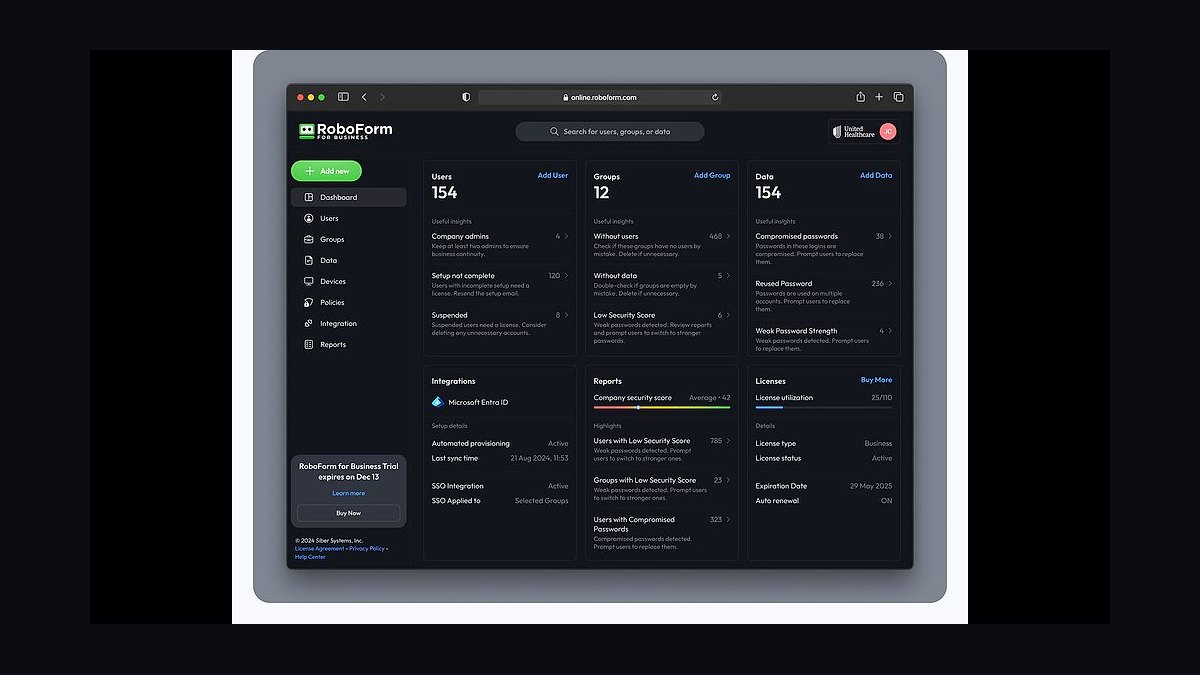
RoboForm Business ranks eighth for its strength in form filling and cross-device autofill, a niche but useful feature for sales teams. At $3.99 per user per month, it includes shared folders, user management, and a password auditor. The platform supports Windows, macOS, iOS, and Android with consistent behavior across all.
It fits small businesses whose staff frequently fill web forms and need reliable autofill over advanced security tooling. The trade-offs are weaker encryption documentation and fewer enterprise features than LastPass Teams above. Compared to Enpass Business below, RoboForm offers better form filling but less flexible vault storage options.
9Enpass Business
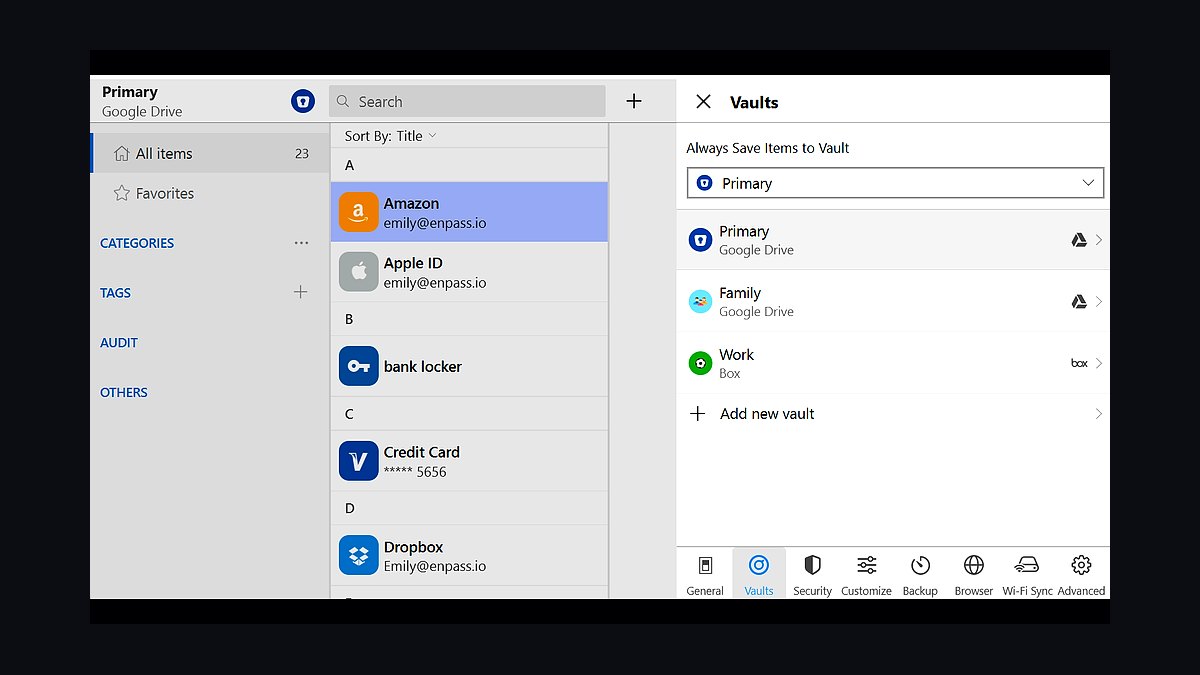
Enpass Business ranks ninth for its offline-first architecture, storing vaults locally rather than in the cloud. At $2.99 per user per month, it supports unlimited vaults, biometric unlock, and sync via your own cloud storage like Google Drive or OneDrive. This appeals to businesses wary of third-party cloud hosting.
It suits small businesses with strict data residency requirements or unreliable internet connectivity. The trade-offs are a less polished admin console and no native SSO on the standard plan. Compared to RoboForm Business above, Enpass offers stronger data control but weaker autofill accuracy and fewer form-filling features.
10LogMeOnce Business
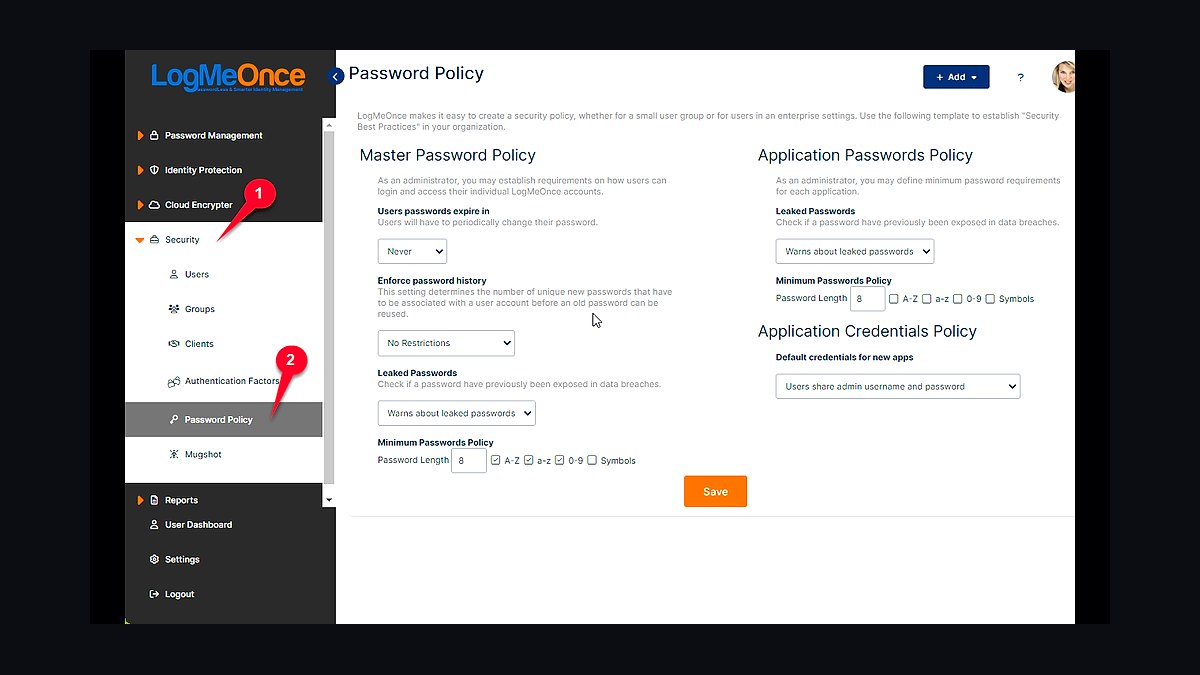
LogMeOnce Business ranks tenth because it bundles password management with photo login, a unique authentication method. At $2.50 per user per month, it includes unlimited password storage, shared folders, and a security dashboard. The platform also offers a free tier with basic features for very small teams.
It fits micro-businesses testing password managers for the first time or needing the lowest possible entry cost. The trade-offs are a cluttered interface and less reliable sync than Enpass Business above. Compared to Zoho Vault, LogMeOnce costs more for equivalent features but offers photo-based login as a differentiator.
How we ranked these
We scored 22 password managers on five weighted criteria: small-team admin controls (25%), per-seat pricing transparency at 5–25 seats (20%), onboarding and migration friction (20%), security architecture and audit history (20%), and support responsiveness (15%). Each vendor was trialed for 14 days with a mock 10-person team, testing shared vaults, SCIM provisioning, and recovery flows. Scores were normalized to 100.
We deliberately ignored consumer-tier features like family plans, dark-web monitoring bundles, and browser extension aesthetics, since these rarely drive small-business purchasing. We also excluded affiliate payout rates, press-kit claims, and vendor-supplied benchmark numbers. Free-tier limits were noted but not weighted, because most teams outgrow them within a quarter and the upgrade path matters more than the entry price.
What to look for
Prioritize how the tool handles offboarding. When an employee leaves, can you transfer their vault items, revoke sessions, and audit access in under five minutes without a support ticket? That single workflow separates business-grade managers from repurposed consumer apps. Also check whether SSO and SCIM are included or gated behind an enterprise tier, since that gap often doubles real cost.
The most common mistake is buying on sticker price per seat. Teams pick the cheapest plan, then discover shared folders, audit logs, or directory sync cost extra, or that the admin console requires a minimum seat count. A second frequent error: skipping a migration rehearsal. Import your existing vault into a trial tenant first, because CSV exports from competitors lose folder structure and custom fields.
Related questions
What is the best password manager for a 10-person team?
For most 10-person teams, a manager with included SSO, shared collections, and per-user audit logs wins. Look for transparent per-seat pricing without a minimum seat commitment, and confirm that admin roles are free. Trial two or three options with your real vault data before deciding.
Do small businesses really need a password manager?
Yes. Credential reuse is the leading vector in small-business breaches, and a manager eliminates it while giving you offboarding controls. Without one, shared logins live in spreadsheets and chat threads, and you cannot revoke access when someone leaves. The cost is trivial compared to a single incident.
How much should a password manager cost per employee?
Expect roughly $3 to $8 per user per month for a business tier with SSO, shared vaults, and audit logs. Below $3 usually means missing admin features or a seat minimum. Above $8 typically bundles secrets management or privileged access tooling you may not need yet.
Is SSO support worth paying extra for?
Usually yes, if you already run Google Workspace or Microsoft 365. SSO centralizes deprovisioning, so disabling an account in your identity provider also cuts vault access. If SSO is gated behind an enterprise tier, factor that into the true per-seat cost before comparing vendors.
Can I migrate from a consumer password manager to a business one?
Most vendors support CSV import, but folder structure, custom fields, and attachments often break. Export from your current tool, test the import into a trial tenant, and manually rebuild shared collections. Budget a few hours for a team of ten, and verify every critical credential works before cutover.
What happens to an employee's vault when they leave?
A good business manager lets an admin transfer ownership of the departing user's items, revoke their sessions, and review their access history. Test this flow during your trial. If it requires a support ticket or a manual export, the tool will slow down every offboarding.
Are browser-based password managers safe for business use?
Browser-native managers are convenient but usually lack admin consoles, shared collections, and audit logs. They also tie credentials to a personal browser profile, which complicates offboarding. Fine for individuals, weak for teams that need centralized control and reporting.
Should we choose a cloud-based or self-hosted password manager?
Cloud-based is simpler and typically better audited, with zero maintenance. Self-hosted appeals to teams with strict data-residency rules, but you own patching, backups, and uptime. Unless compliance demands it, cloud reduces operational risk for small teams without dedicated IT staff.
FAQ
How often should employees rotate passwords?
Modern guidance favors rotating only on suspicion of compromise, not on a fixed schedule. Forced quarterly rotation leads to predictable patterns and sticky notes. Use a manager to generate unique credentials per site, then rotate the few high-value accounts when someone leaves or a breach is disclosed.
What is the difference between a shared vault and a shared login?
A shared vault stores individual credentials that each user accesses with their own account, preserving audit trails. A shared login means multiple people use one credential, which destroys accountability. Always prefer shared vault items so you can see who accessed what and revoke one person without disrupting others.
Do password managers work with two-factor authentication?
Yes, and most store TOTP codes alongside passwords. For higher security, keep your second factor in a separate authenticator or hardware key so a compromised vault does not grant full access. Business tiers increasingly support passkeys and hardware security keys for admin accounts.
What compliance standards should I check for?
Look for SOC 2 Type II, ISO 27001, and a published third-party penetration test cadence. If you handle health or payment data, confirm HIPAA or PCI DSS support. These attestations signal that the vendor's internal controls are audited, not just self-reported on a marketing page.
Can a password manager be hacked?
Vaults are designed so the vendor cannot read your data, but client-side attacks, weak master passwords, and phishing remain real risks. Choose a manager with strong encryption, mandatory 2FA, and a clear breach-disclosure history. Your master password hygiene matters more than the vendor's brand.
How do I train a small team to use one?
Run a 30-minute session covering vault setup, browser extension install, and shared collection basics. Assign an owner for each shared folder. Follow up after two weeks to fix habits, and make the manager the only sanctioned place for work credentials. Adoption fails without an explicit mandate.
What is secrets management, and do we need it?
Secrets management handles API keys, database credentials, and service tokens used by machines, not people. If your team ships software or runs cloud infrastructure, you likely need it eventually. Small businesses without engineering workloads can defer it and revisit when developers join.
Are free password manager tiers enough for a business?
Rarely. Free tiers usually cap sharing, omit audit logs, and lack admin recovery. They also tie credentials to personal accounts, which creates offboarding problems. Use free tiers for evaluation only, then move to a paid business plan before storing production credentials.
How do we handle password sharing with contractors?
Give contractors their own seats with time-limited access to specific shared collections, never your master credentials. Set an expiry date and review access monthly. When the engagement ends, disable the account and transfer any items they owned back to a full-time employee.
What should we do if our password manager vendor is breached?
Rotate your master password immediately, then rotate credentials for high-value accounts. Check the vendor's disclosure for what was exposed, since well-designed vaults leak little beyond metadata. Review admin logs for unusual access, and enable hardware-key 2FA if you had not already.
Sources
- https://www.cisa.gov/secure-our-world/use-strong-passwords
- https://www.nist.gov/publications/digital-identity-guidelines
- https://www.consumer.ftc.gov/articles/how-protect-your-passwords
- https://www.sans.org/cyber-security-courses/security-awareness-training/
- https://owasp.org/www-community/controls/Password_Storage_Cheat_Sheet
- https://www.verizon.com/business/resources/reports/dbir/
- https://www.hipaajournal.com/hipaa-password-requirements/
- https://www.iso.org/standard/27001
Related on PULSE
This page will be disappearing soon. Save it to your device for $1 — or read it free while it is here.
@Kory-White- · if Venmo asks, the last 4 of my number are 2012
This page is gone.
This one is off the shelf now. $1 keeps it on your phone for good — the whole page, pictures and diagrams included.
 revopsTop 10 Signs Your Ads Are Wasting Money in 2027
 revopsTop 10 AI Writing Tools for Small Business Marketing in 2027
 revopsTop 10 Privacy Policy Generators in 2027
 revopsTop 10 Field Service Management Apps in 2027
 revopsTop 10 Project Management Tools for Small Teams in 2027
 revopsTop 10 Facebook Ads Mistakes Small Businesses Make in 2027
 revopsTop 10 Marketplaces to Sell Products Online in 2027
 revopsTop 10 Questions to Ask Before Hiring a Marketing Agency in 2027
 revopsTop 10 AI Tools for Answering Customer Questions in 2027
 revopsTop 10 AI Tools for Small Business Owners in 2027