
What are the steps to port my number to a new carrier in 2027?
 Curated by Kory White · Fractional CRO · Maryland
 PULSEKNOWLEDGE LIBRARY
Porting a number to a new carrier in 2027 takes five core steps: confirm your current account is unlocked and in good standing, gather your account number, port-out PIN, billing address, and account holder name exactly as it appears on your bill, sign up for service with the new carrier and provide that information, submit the port request through the new carrier, and activate the new SIM or eSIM once the transfer completes. Mobile ports usually finish within hours; landline or VoIP ports take longer.
The outcome you should expect
When you port a number correctly, the end state is simple: the same phone number now rings on the new carrier's network, your old service is automatically canceled the moment the port completes, and you never have to notify contacts, update business cards, or re-register two-factor authentication codes tied to that number. The carrier-to-carrier handoff is designed to be invisible to callers — nobody dialing your number knows or cares that the underlying network changed.
For a standard mobile-to-mobile port in 2027, expect the process to take anywhere from a few minutes to about 24 hours from the moment you submit the request with the new carrier. Under longstanding FCC local number portability (LNP) rules, wireless carriers in the U.S. are required to complete simple ports within one business day, and most prepaid and postpaid carriers now automate this heavily, so same-day or even same-hour completion is common if your account details match exactly. Landline-to-landline or VoIP-involved ports move on a different clock — typically 4 to 10 business days — because they route through the manual LOA (Letter of Authorization) and CSR (Customer Service Record) validation process rather than the fully automated wireless pipeline.

The realistic outcome also includes a short service gap. During the actual cutover window — often called the "port window" — your old SIM or line may lose service for anywhere from a few minutes up to a couple of hours while the number is reassigned in the carrier databases. Plan around this window rather than assuming zero downtime, especially if the number is a business line people call during working hours.
What drives that outcome
Three forces determine how smoothly and how fast your port goes: data accuracy, account status, and which type of network is on each end of the transfer (wireless, landline, or VoIP). A mismatch on even one field — the account number formatted with dashes when the system expects digits only, a billing address abbreviated differently than the old carrier has it on file, or a middle initial included on one side and not the other — is the single most common cause of a rejected port request. The port-out PIN (sometimes called a transfer PIN or passcode) exists specifically to prevent number theft, so carriers will not budge on an exact match.

Account status is the second driver. If your current line has an unpaid balance, is suspended, is still inside a device financing agreement, or the account is under a different name than the one requesting the port (for example, a business phone under a former employee's name), the old carrier can and will block the transfer until that's resolved. Ported numbers do not clear debts — you're generally still responsible for any final bill even after the number leaves.
The third driver is network type. Wireless-to-wireless ports run through the North American Portability Management (NAPM) infrastructure and the shared Number Portability Administration Center (NPAC) database, which is why they're fast and largely automatic. VoIP ports, by contrast, often require a human at the new carrier to submit a formal LOA to the losing carrier and wait for a scheduled port date, because VoIP providers frequently sit outside the same real-time automated rail that mobile carriers use.

Benchmarks and realistic ranges
Set your expectations against these typical ranges rather than best-case marketing claims. A clean wireless port with matching data usually completes in 15 minutes to 4 hours; a wireless port with a data mismatch that requires a resubmission adds a full business day per correction cycle. Ports involving a business VoIP number commonly run 5 to 10 business days end to end, and enterprise ports with multiple lines (a block of 10, 50, or 100+ numbers under one business account) can stretch to 2 to 4 weeks because the losing carrier manually verifies each number against the account owner.
The port-out PIN itself is typically a 4- to 8-digit code your current carrier generates on request, valid for a limited window — commonly 24 to 72 hours — after which you must request a new one if the port hasn't completed. Missing that window is one of the most frequent avoidable delays reported by carrier support desks.

Cost is usually not a blocker: most U.S. mobile carriers do not charge a porting fee in 2027, since number portability has been federally mandated and free for wireless-to-wireless transfers for years; the new carrier absorbs the cost as a customer-acquisition expense. Landline and business VoIP ports occasionally carry a small administrative fee, generally in the $10–$25 range, charged by either the losing or gaining carrier — confirm this before submitting so it isn't a surprise line item on your first bill.
If you're also switching devices, factor in the SIM or eSIM activation step: physical SIM swaps typically activate within 5 to 15 minutes of insertion once the port clears, while eSIM QR-code activations can take slightly longer — up to 30 minutes — because the profile has to download and install before the device registers on the new network.

Risks, edge cases, and failure modes
The most damaging failure mode is a lost number: if you cancel your old service before the port completes, the number can be released back into the general pool and reassigned to someone else, often within days. Always let the new carrier's port request trigger the cancellation — never call your old carrier and cancel manually as a first step.
A second common failure is porting from a number that's tied to two-factor authentication for banking, email, or business systems. If the port window causes even a short outage, you can be temporarily locked out of accounts that only send codes via SMS. Before you start, make sure you have backup access — an authenticator app, backup codes, or a secondary verified email — for anything critical.

Business numbers introduce their own edge cases. A number registered to a company EIN rather than an individual will need a signed Letter of Authorization from someone with legal authority on the account, and if the account holder listed with the losing carrier is an employee who has since left the company, the port can stall for days while ownership is sorted out administratively. Toll-free numbers follow an entirely separate porting system (the SMS/800 database via a Responsible Organization, or RespOrg) and cannot be ported through the standard wireless or CSR process at all — treat toll-free ports as their own workflow with their own timeline, commonly 7 to 10 business days.
Another edge case: numbers ported very recently (within the last 90 days) or numbers already mid-port with another carrier can trigger an automatic rejection, since the system flags rapid or overlapping port attempts as a potential fraud signal. If you've recently switched carriers and want to switch again, expect extra friction and possibly a manual review.

Finally, watch for the "authorized user" trap on family or shared business plans — if you're porting a line that isn't the primary account holder's, the primary holder's name and PIN are usually what's required, not the line user's, and using the wrong identity information is a guaranteed rejection.
A practical rollout plan
For a single personal or small-business line, a safe rollout looks like this: Day 1, call or log into your current carrier's account portal and request the port-out PIN, and pull up your last bill to confirm the exact billing name, address, and account number format. Same day, sign up for the new carrier's plan and, during signup, enter the PIN and account details precisely as they appear on the old bill. Within a few hours to one business day, the port typically clears; insert or activate the new SIM/eSIM as soon as you get the "port complete" notification, then place a test call and send a test text before relying on the line for anything critical. Within 48 hours, verify any 2FA-linked accounts, VoIP forwarding rules, or CRM/dialer integrations that reference the number still function correctly, and confirm the final bill from the old carrier reflects a $0 balance or an accurate pro-rated charge.

For a multi-line business port, extend this into a staged plan: Week 1 is discovery — export the full list of numbers, confirm the account owner of record with the losing carrier, and file the Letter of Authorization. Week 2 is validation — the new carrier and losing carrier reconcile the CSR, and you should schedule the actual port window during off-hours (commonly late evening or early morning) to minimize business disruption. Cutover day itself should include a designated point person monitoring inbound calls, a rollback contact at both carriers in case of failure, and a pre-written internal notice telling staff the port is happening and what a brief outage might look like. Post-cutover, run a 72-hour monitoring window checking call logs, missed-call alerts, and any integrated systems (CRM click-to-call, IVR routing, SMS marketing tools) that reference the ported numbers directly.
Related questions
Can I port a number that's still under contract?
Usually yes — early termination fees may still apply, but a contract alone rarely blocks the technical port. Check whether the device is financed and unpaid, since that can trigger a hold on wireless accounts.
Does porting a number cancel my old service automatically?
Yes, for wireless-to-wireless ports the old line deactivates automatically once the transfer completes. Don't manually cancel first — that risks losing the number before the new carrier claims it.
How long is a port-out PIN valid?
Typically 24 to 72 hours depending on the carrier. If your port doesn't complete in that window, you'll need to request a fresh PIN before resubmitting.
Can I port a toll-free business number the same way?
No — toll-free numbers move through a separate RespOrg-based system (SMS/800 database), not the standard wireless or landline port process, and usually take 7 to 10 business days.
What happens to voicemail and texts during the port window?
Most carriers hold or forward messages briefly, but there's no guarantee — expect a short gap where calls may go to voicemail on the losing network or fail to connect until the port fully resolves.
FAQ
Do I need my phone unlocked before porting to a new carrier? Only if you're keeping the same physical device across carriers with incompatible networks (for example, moving off a carrier-locked phone). The number port itself is separate from device unlocking, but if the phone stays locked to the old carrier's network, it may not activate on the new one even after the number transfers.
What information do I need to gather before starting the port? The account number, the port-out PIN or transfer PIN, the exact billing name and address on file, and the phone number itself. For business lines, also gather the EIN or business name as registered and confirm who has legal signing authority for the Letter of Authorization.
Will I lose my number if I cancel service before the new carrier finishes the port? Yes, this is the single biggest risk in the process. Canceling early releases the number back to the carrier, which can reassign it to someone else within days. Always let the new carrier's port request handle the old account's cancellation.
How many business days does a VoIP-to-mobile or mobile-to-VoIP port take? Expect 4 to 10 business days for most cross-network-type ports, since these typically require manual LOA and CSR review rather than the fully automated wireless pipeline.
Is there a fee to port a number to a new carrier? Most U.S. wireless carriers charge no fee for standard number ports, since it's treated as a customer-acquisition cost. Landline and business VoIP ports sometimes carry a small administrative fee, often in the $10–$25 range.
Can a port request be rejected, and what's the most common reason? Yes — the most common rejection reason is mismatched account information, such as a billing address or account holder name that doesn't exactly match what the losing carrier has on file. Double-checking your last bill before submitting avoids most rejections.
Sources
- https://www.fcc.gov/consumers/guides/porting-keeping-your-phone-number
- https://www.fcc.gov/wireless-number-portability
- https://www.npac.com/
- https://www.somos.com/toll-free-numbers/
- https://www.att.com/support/article/wireless/KM1008613/
- https://www.verizon.com/support/number-transfer-faqs/
- https://www.t-mobile.com/support/plans-features/how-to-transfer-your-number-to-t-mobile
- https://www.ctia.org/news/local-number-portability
Related on PULSE
- How do I choose the right business phone carrier for a growing sales team?
- What's the difference between VoIP and traditional landline for a sales org?
- How do I set up call forwarding for a remote sales team?
- What should I check before switching CRM-integrated phone systems?
- How do I keep call tracking numbers consistent across marketing campaigns?
 telcoHow do I set up a new cell phone after switching carriers in 2027?
 telcoWhat are the steps to switch cell phone carriers in 2027?
 telcoTop 10 Ways to Fix Your Dropped Calls and Weak Signal in 2027
 telcoHow do I cancel my cell phone plan without losing my number in 2027?
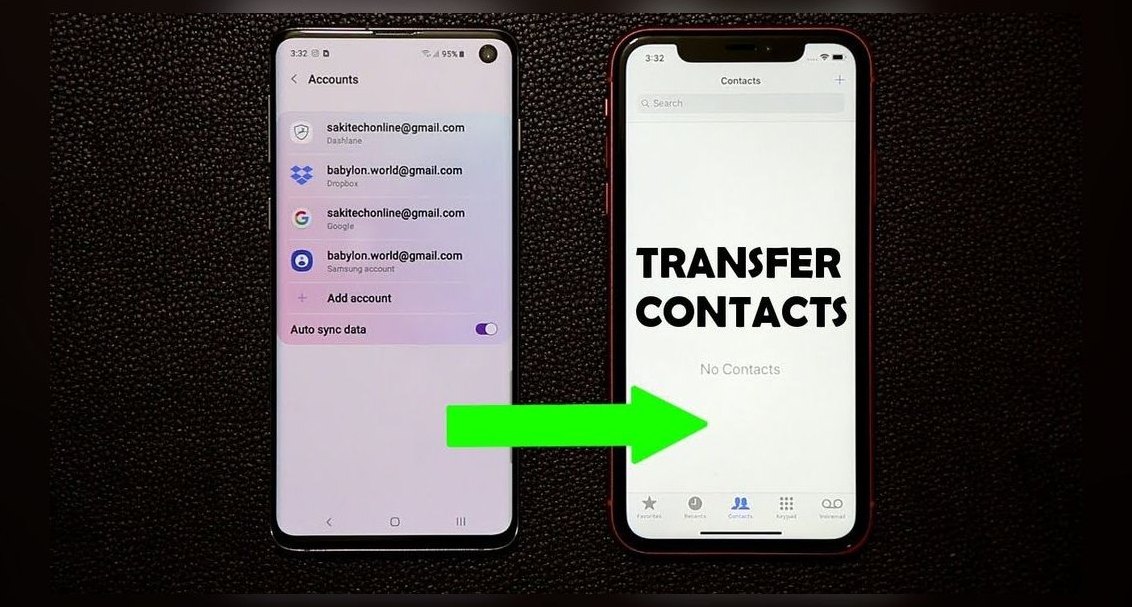 telcoHow do I transfer my contacts when switching carriers in 2027?
 telcoWhat is the best way to cancel my current cell phone plan in 2027?
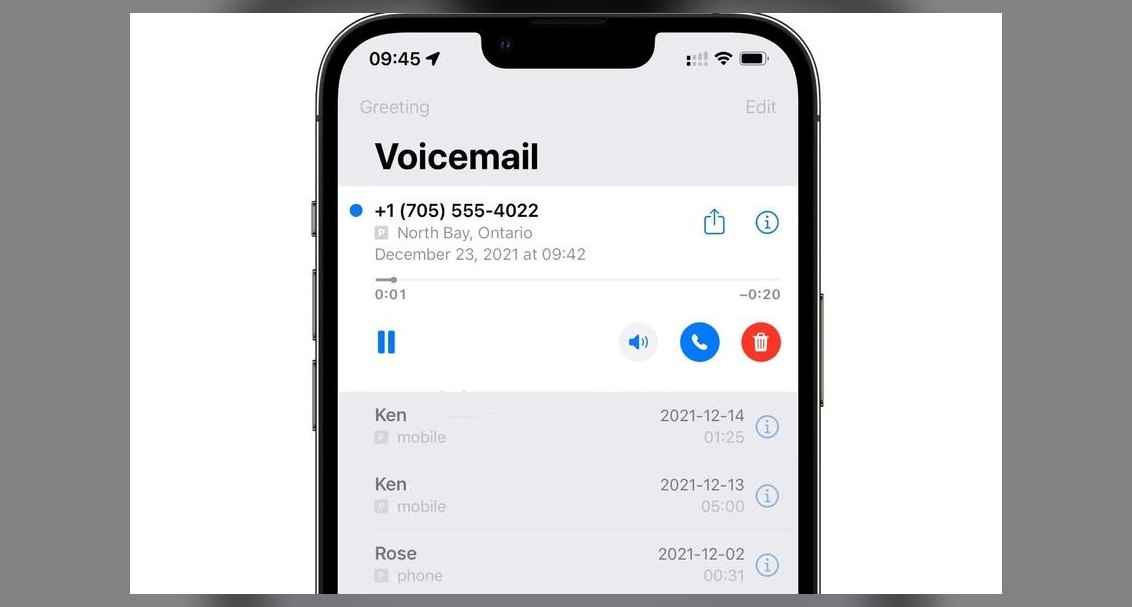 telcoHow do I set up voicemail on a new phone in 2027?
 telcoHow do I troubleshoot cell phone signal issues in 2027?
 telcoHow do I set up a new cell phone plan in 2027?
 telcoTop 10 Best Cell Phone Plans for Streaming Video in 2027