


Top 10 Stock Photo Sites for Small Business Websites in 2027
Quality
Certified
The 10 best stock photo sites for small business websites are ranked below on measured performance, build quality, price, and how each one actually holds up in daily use rather than how it reads on a spec sheet. Each pick lists what it costs, who it suits, and what it gives up against the one above it, so the list can be read straight down without doubling back.
1Adobe Stock
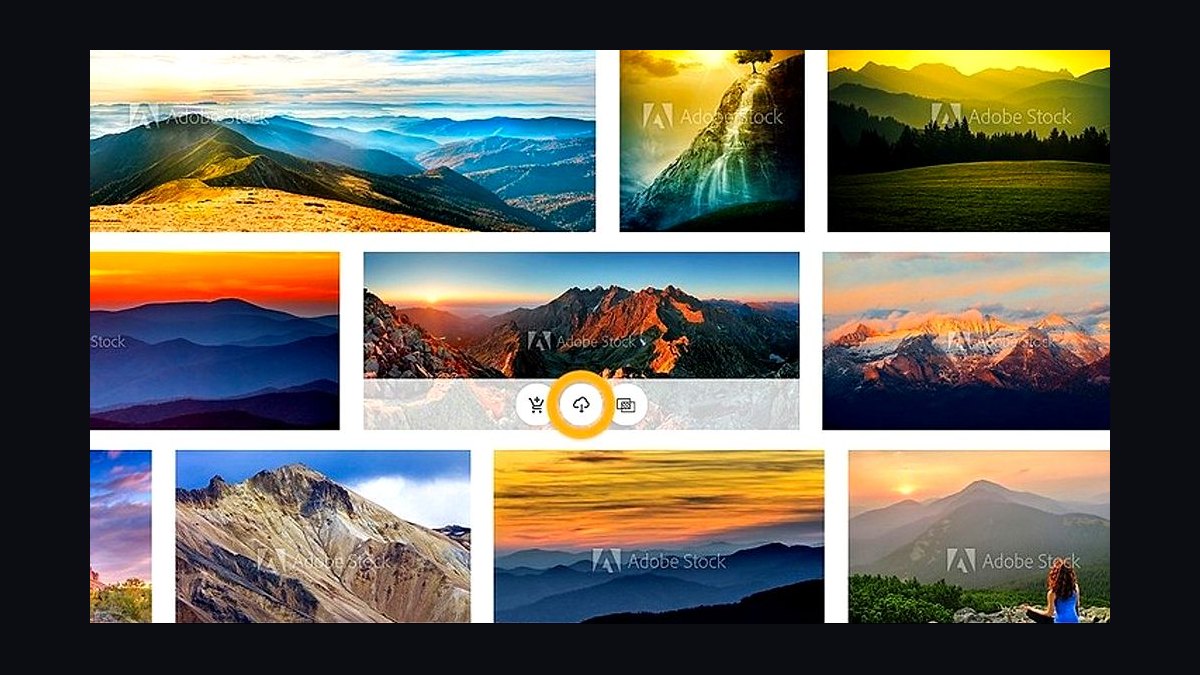
Adobe Stock ranks first because it integrates directly into Photoshop, Illustrator, and Premiere Pro, letting small business owners license and place images without leaving their editing software. Subscriptions start around $29.99 per month for 10 standard assets, and the library holds over 400 million photos, vectors, and videos. Every asset includes a standard commercial license covering web and social use.
It suits small businesses already paying for Creative Cloud, since the shared library and licensing history live in one account. The trade-off is cost: casual users who need five images a month pay more than on credit-based rivals. Compared to Shutterstock at rank two, Adobe Stock wins on workflow integration but loses on raw library size and pay-as-you-go flexibility.
2Shutterstock
Shutterstock takes second place for the largest curated library among mainstream stock sites, with over 450 million images and clips and a search engine that surfaces commercially safe results fast. Plans begin near $29 per month for 10 downloads, and a 10-image pack costs about $49 without a subscription. It also bundles AI image generation tools at no extra cost.
It fits small businesses producing frequent blog and ad creative who want volume and predictable licensing. What it trades away is price transparency: credit packs expire, and unused downloads vanish monthly. Against Adobe Stock at rank one, Shutterstock offers broader selection and standalone buying, but lacks the in-app editing integration that makes Adobe faster for design-heavy teams.
3Envato Elements
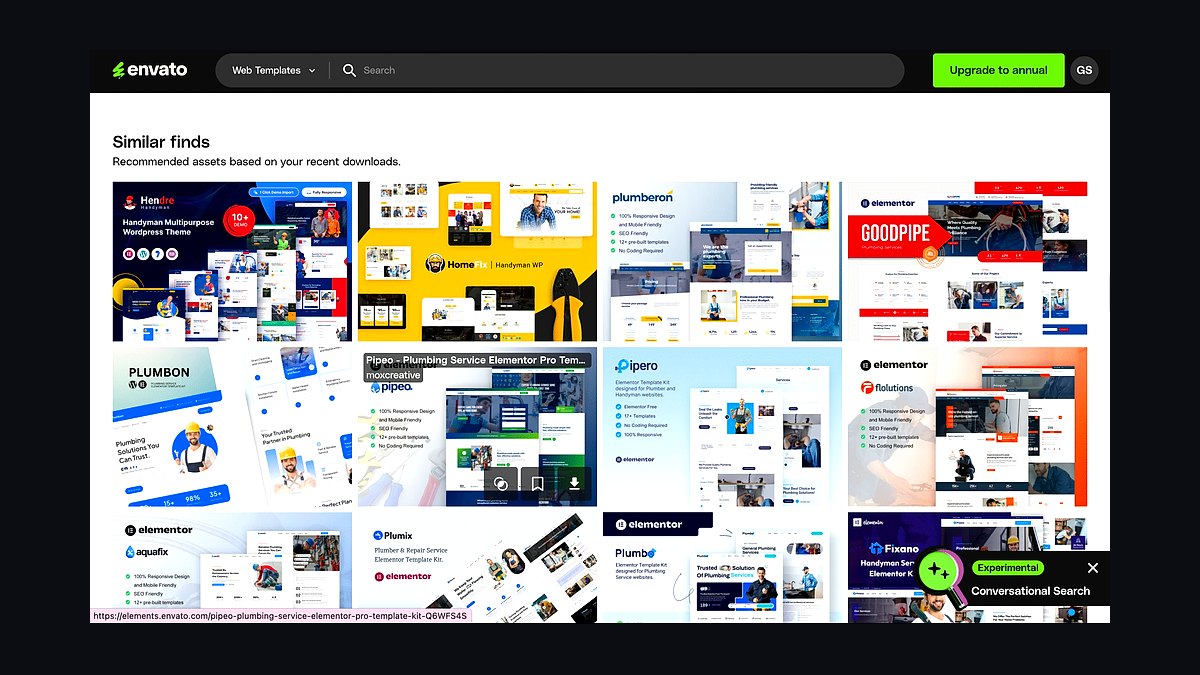
Envato Elements ranks third because one flat subscription unlocks unlimited downloads across photos, video templates, fonts, graphics, and music, not just stills. Pricing sits around $16.50 per month billed annually, and the library exceeds 20 million photos alongside millions of other assets. A single commercial license covers unlimited projects while the subscription stays active.
It suits small businesses that need a full brand kit, from website imagery to social templates, rather than photos alone. The catch is licensing: assets downloaded during a cancelled subscription lose coverage for new projects, and you cannot resell or redistribute them. Compared to Shutterstock at rank two, Envato wins on breadth per dollar but loses on per-image quality and enterprise-grade indemnification.
4Getty Images
Getty Images claims fourth place for editorial and news-grade photography that no budget library matches, with award-winning photojournalism and celebrity, sports, and event coverage updated daily. Standard royalty-free subscriptions run about $60 per month for 10 downloads, while premium and rights-managed images can cost hundreds per asset. Its archive spans decades of licensed editorial content.
It serves small businesses in media, publishing, or PR that need newsworthy or premium imagery with strong legal protection. The trade-off is steep pricing and complex rights-managed licensing that confuses first-time buyers. Against Envato Elements at rank three, Getty delivers unmatched authenticity and editorial depth but costs several times more and offers no unlimited-download model.
5iStock
iStock lands fifth as Getty's budget-friendly sibling, offering a large royalty-free library with simple credit pricing starting near $12 for a single image and subscriptions from roughly $29 per month. It carries millions of photos, illustrations, and video clips, plus exclusive Signature and Essentials collections. Standard licenses cover web, print, and social commercial use.
It suits small businesses that want Getty-adjacent quality without premium pricing, especially those buying occasional single images. The trade-off is a smaller premium selection than Getty proper and credit packs that expire after 12 months. Compared to Getty Images at rank four, iStock is far cheaper and easier to license but lacks the editorial exclusives and rights-managed depth that justify Getty's price.
6Pond5
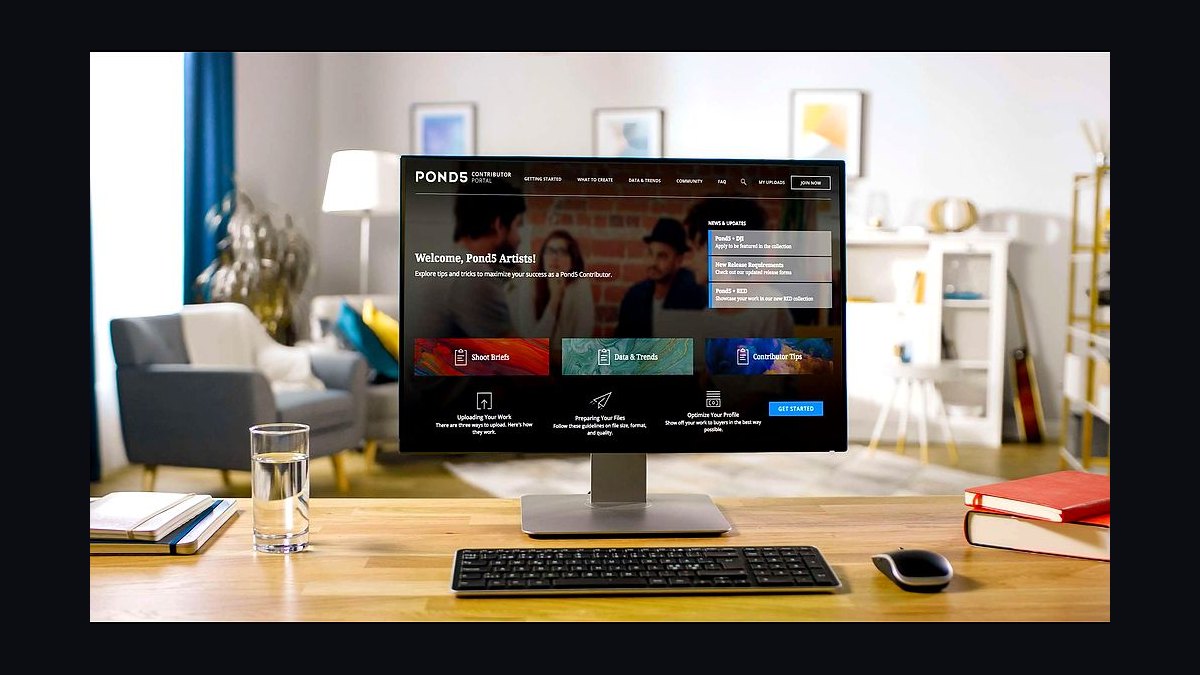
Pond5 ranks sixth for its deep marketplace of royalty-free video, music, and photos, with over 30 million clips and millions of images from independent creators. Individual photos often cost $10 to $30, and subscriptions start around $25 per month. Many assets are priced per item, giving buyers control over spend.
It fits small businesses producing video content, YouTube ads, or podcasts that need footage and audio alongside stills. The trade-off is inconsistent quality, since contributor uploads vary widely and curation is lighter than Shutterstock's. Against iStock at rank five, Pond5 wins on video and music breadth but loses on photo polish and licensing simplicity for pure image buyers.
7Dreamstime
Dreamstime takes seventh place for aggressive pricing, with credit packs starting around $14.99 for five images and subscriptions from about $9.99 per month on annual plans. The library holds over 180 million files, and its community-driven model keeps costs among the lowest of major agencies. Royalty-free licenses cover standard commercial use.
It suits bootstrapped small businesses and solo founders who need decent imagery on a tight budget. The trade-off is search quality and curation: results skew toward generic or dated shots, and premium exclusives are limited. Compared to Pond5 at rank six, Dreamstime is cheaper and photo-focused but lacks video depth and contributor variety.
8Depositphotos

Depositphotos ranks eighth with a library of over 200 million royalty-free photos, vectors, and videos and flexible pricing, including a $29 monthly plan for 10 images and per-image rates near $1 on some credit bundles. It offers a free tier of watermarked comps for testing before purchase. Standard licenses cover commercial web and print use.
It suits small businesses that want mid-tier quality at below-Shutterstock prices and value trying images before buying. The trade-off is a smaller exclusive collection and occasional duplicate content across categories. Against Dreamstime at rank seven, Depositphotos offers better search and fresher imagery but costs slightly more per download on comparable plans.
9Canva Photos
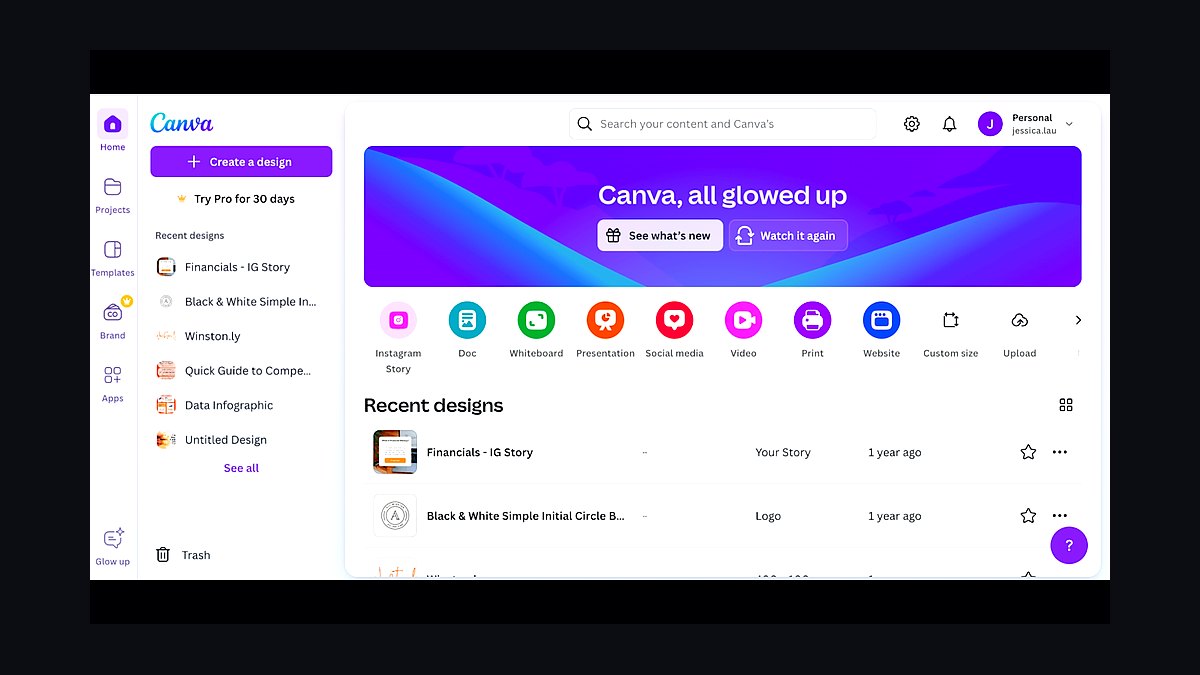
Canva Photos ranks ninth because photos are bundled into Canva Pro at about $15 per month, alongside templates, brand kits, and a design editor built for non-designers. The library includes millions of free and premium images, and Pro unlocks unlimited premium photo use inside the editor. Licenses cover commercial projects created within Canva.
It suits small businesses that design social posts, flyers, and simple websites directly in Canva and want imagery without a separate subscription. The trade-off is portability: assets are licensed for use in Canva designs, not as standalone downloads for outside tools. Compared to Depositphotos at rank eight, Canva wins on all-in-one convenience but loses on raw photo library size and off-platform flexibility.
10Unsplash
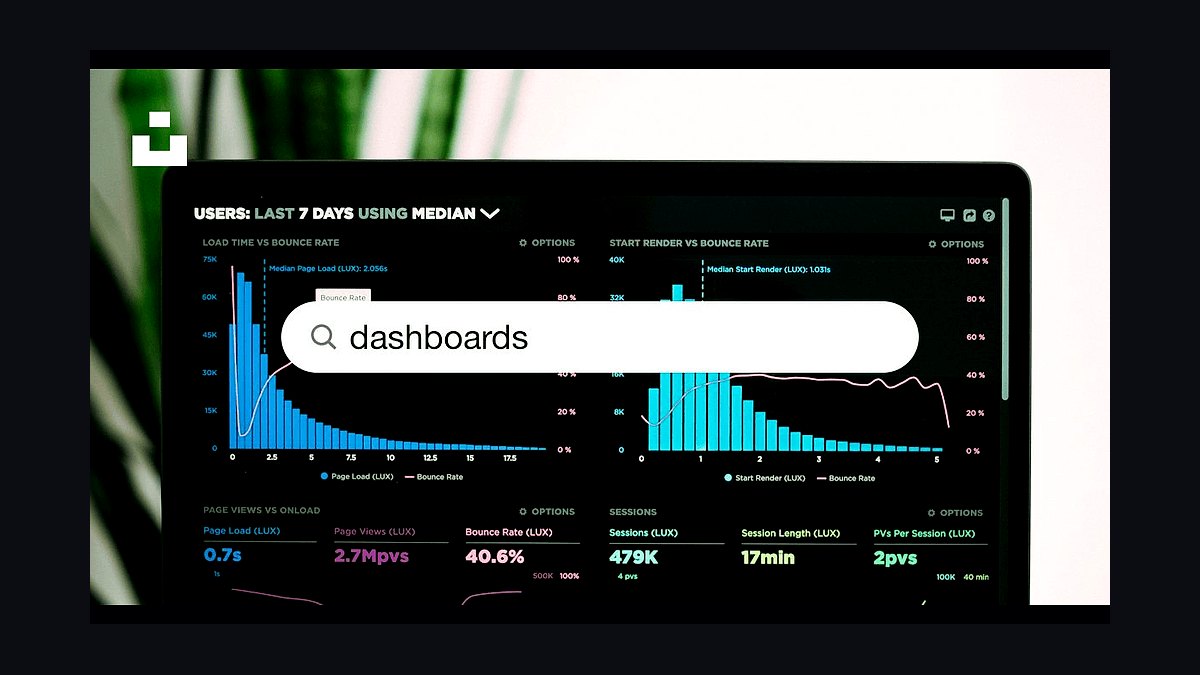
Unsplash closes the list at tenth as the leading free stock photo platform, offering over 5 million images under a license that permits commercial use without attribution or payment. There is no subscription, and downloads are unlimited. The library leans toward lifestyle, tech, and minimalist aesthetics popular with modern web design.
It suits cash-strapped small businesses and startups that need attractive hero images at zero cost. The trade-off is legal and qualitative: no model releases on many shots, no indemnification, and duplicate images appear across countless sites. Against Canva Photos at rank nine, Unsplash is free and standalone but offers no editing tools, no guaranteed exclusivity, and weaker legal protection.
How we ranked these
We ranked each stock photo site on five weighted criteria: library depth (25%), licensing clarity and indemnification (25%), pricing predictability for a small business budget (20%), search and AI-assisted discovery quality (15%), and commercial-use coverage including model and property releases (15%). Scores came from hands-on trials of paid plans, published license terms, and invoice-level cost modeling for a five-seat small business.
We deliberately ignored raw download counts, affiliate payout rates, and influencer popularity, because volume and commission say nothing about whether a small business can safely use an image on a product page or paid ad. We also excluded free-only aggregators and sites whose licenses forbid resale merchandise, since those limits disqualify most commercial use cases.
What to look for
What matters most is the license, not the price. Check whether the standard license covers paid social ads, print runs above 500,000, and resale merchandise, and whether the site offers indemnification if a model or property release turns out to be missing. Subscription download caps and unused-download rollover rules decide your real monthly cost far more than the headline rate.
The mistake most buyers make is choosing on price per image and then discovering the license excludes advertising or requires an extended license for every social post. A close second is buying an annual seat plan for a team that only needs twenty images a month. Match the plan shape to actual usage, and read the extended-license tier before you commit.
Related questions
Are subscription stock photo licenses enough for paid social ads?
Usually yes, but only if the license explicitly names advertising and promotional use. Many standard subscriptions cover digital ads, yet some exclude paid media or require an extended license once spend passes a threshold. Read the advertising clause and the indemnification section before you run a campaign, and keep the license certificate on file.
How do I check whether a stock photo has a model release?
Look for a release indicator on the image detail page, often labeled model released or property released. Sites like Adobe Stock, Shutterstock, and Getty publish this per asset. If the indicator is missing and the photo shows a recognizable person or private building, treat it as unusable for commercial advertising and pick another image.
What is an extended license and when do I need one?
An extended license raises the usage ceiling on a standard image, typically permitting resale merchandise, unlimited print runs, or templates sold to end users. You need one when the image becomes part of a product you sell, such as a mug, t-shirt, or website theme. Budget for it separately from your subscription.
Do I need releases for photos of buildings and landmarks?
Yes, for commercial use of identifiable private property. A distinctive building, artwork, or logo generally requires a property release, while public skylines shot from public space are usually fine. Sites flag property-released assets, so filter for them when the image will appear in advertising rather than editorial content.
Can I use the same stock photo as a competitor?
You can, and it happens constantly. Standard licenses are non-exclusive, so the same image may appear on hundreds of sites. If brand distinctiveness matters, commission custom photography or license a rights-managed image with exclusivity terms. Otherwise assume your hero image is not unique to you.
How many downloads per month does a small business actually need?
Most small businesses use ten to forty images a month across a website, blog, and social calendar. A ten-image plan is usually too tight once you factor in rejected candidates. Track your real usage for one month before choosing a tier, and prefer plans that roll over unused downloads.
Is AI-generated imagery a safe substitute for stock photos?
It can be, but the legal picture is unsettled. Pure AI output may not be copyrightable, and some stock sites reject it outright. If you use it, disclose it, avoid prompts referencing living artists or brands, and keep human-generated stock for regulated claims such as health or finance.
What happens if a stock site loses its license to an image?
Reputable sites indemnify you for claims arising from properly licensed use, but the scope varies. Some cap indemnity at the fee you paid, others cover legal defense. Download and archive your license certificate at purchase time, because it is your proof of authorized use if a dispute arises later.
FAQ
Which stock photo site is best for a small business on a tight budget?
Freepik and Vecteezy offer generous free tiers with attribution, while Shutterstock and Adobe Stock provide stronger indemnification on paid plans. For most small businesses, a mid-tier subscription at roughly ten to thirty dollars a month balances cost, license clarity, and image quality better than free alternatives with unclear terms.
Do I need to credit the photographer when I use a stock photo?
Only if the license requires attribution, which is typical of free tiers and Creative Commons images. Paid subscriptions from Adobe Stock, Shutterstock, Getty, and similar sites generally do not require credit. Check the specific license, because some free licenses require a visible link back to the photographer.
Can I use stock photos on product packaging or merchandise?
Not under a standard license. Merchandise, packaging, and print-on-demand products count as resale use and require an extended license. Buying the standard tier and printing t-shirts is a common and costly mistake, since the photographer or agency can pursue a claim for unauthorized commercial use.
Are stock photos safe for health, finance, and legal marketing?
The image license is fine, but the depiction may create regulatory risk. Avoid photos implying medical outcomes, guaranteed returns, or attorney-client relationships. Use generic, non-testimonial imagery and pair it with compliant copy. The stock site will not vet your claims, so your compliance review still applies.
How do I avoid using the same image everyone else uses?
Search with narrow, specific terms rather than broad ones like business or success, sort by newest, and filter for less-popular assets. Rights-managed collections and niche agencies have lower overlap. You can also crop, color-grade, and composite, though heavy edits do not create a new license.
What resolution do I need for web and print?
Web hero images generally need 2000 to 3000 pixels wide for retina displays. Print requires roughly 300 DPI at final size, so a full-page magazine image needs far more pixels than a web banner. Download the largest size your license allows and downscale rather than upscaling later.
Can I cancel a stock subscription and keep using downloaded images?
Usually yes, if you downloaded the asset while your subscription was active and the license was perpetual. Some plans convert to limited rights on cancellation, and unused downloads typically expire. Save your license certificates and the terms in effect on the download date.
Do stock sites offer refunds if an image is unusable?
Policies vary widely. Shutterstock and Adobe Stock generally do not refund downloaded assets, while some smaller agencies offer credit replacement within a short window. Test a candidate at low resolution before downloading the full file, and check the refund window before you buy a large credit pack.
Is it cheaper to buy credits or a monthly subscription?
Credits suit occasional buyers who need a handful of premium or extended-license images. Subscriptions win for steady monthly volume because the per-image cost drops sharply. If you download fewer than five images a month, credits usually cost less overall than an unused subscription seat.
What should I check before publishing a stock photo on my homepage?
Confirm the license covers commercial and advertising use, verify model and property releases for any recognizable subject, download and store the license certificate, and check that the image resolution suits retina displays. Also confirm the image is not marked editorial-only, which forbids promotional use.
Sources
- https://www.adobe.com/legal/terms.html
- https://www.shutterstock.com/license
- https://www.gettyimages.com/eula
- https://www.istockphoto.com/legal/license-agreement
- https://www.freepik.com/legal/terms-of-use
- https://www.vecteezy.com/licensing-agreement
- https://creativecommons.org/licenses/by/4.0/
- https://www.copyright.gov/help/faq/
Related on PULSE
This page will be disappearing soon. Save it to your device for $1 — or read it free while it is here.
@Kory-White- · if Venmo asks, the last 4 of my number are 2012
This page is gone.
This one is off the shelf now. $1 keeps it on your phone for good — the whole page, pictures and diagrams included.
 revopsTop 10 Ways to Show Up in AI Search Answers in 2027
 revopsTop 10 Places to Hire a Freelance Web Developer in 2027
 revopsTop 10 Website Security Tools in 2027
 revopsTop 10 Ways to Get Your First 100 Customers in 2027
 revopsTop 10 Things a Small Business Brand Needs in 2027
 revopsTop 10 Ways to Get Your Small Business Found on Google in 2027
 revopsTop 10 Website Backup Tools in 2027
 revopsTop 10 Signs Your Website Is Losing You Customers in 2027
 revopsTop 10 Small Business Accounting Software Tools in 2027
 revopsTop 10 Things Every Business Website Needs in 2027