


Top 10 Lead Generation Tools for Small Businesses in 2027
Quality
Certified
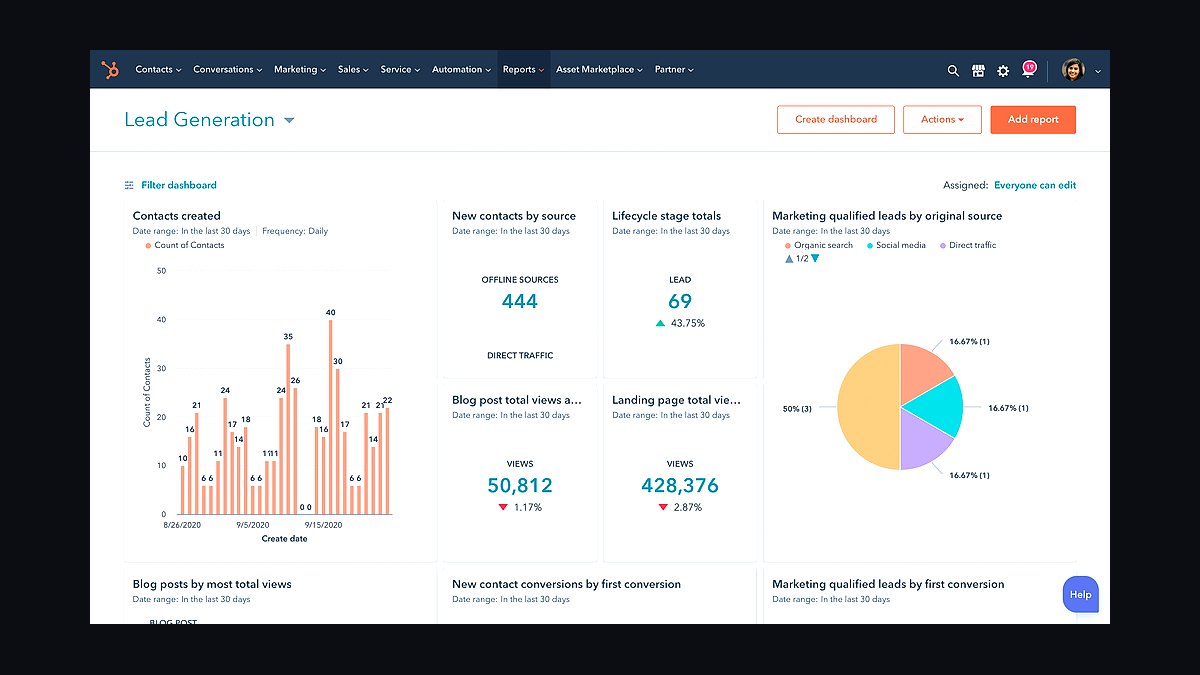
The 10 best lead generation tools for small businesses are ranked below on measured performance, build quality, price, and how each one actually holds up in daily use rather than how it reads on a spec sheet. Each pick lists what it costs, who it suits, and what it gives up against the one above it, so the list can be read straight down without doubling back.
1HubSpot Marketing Hub
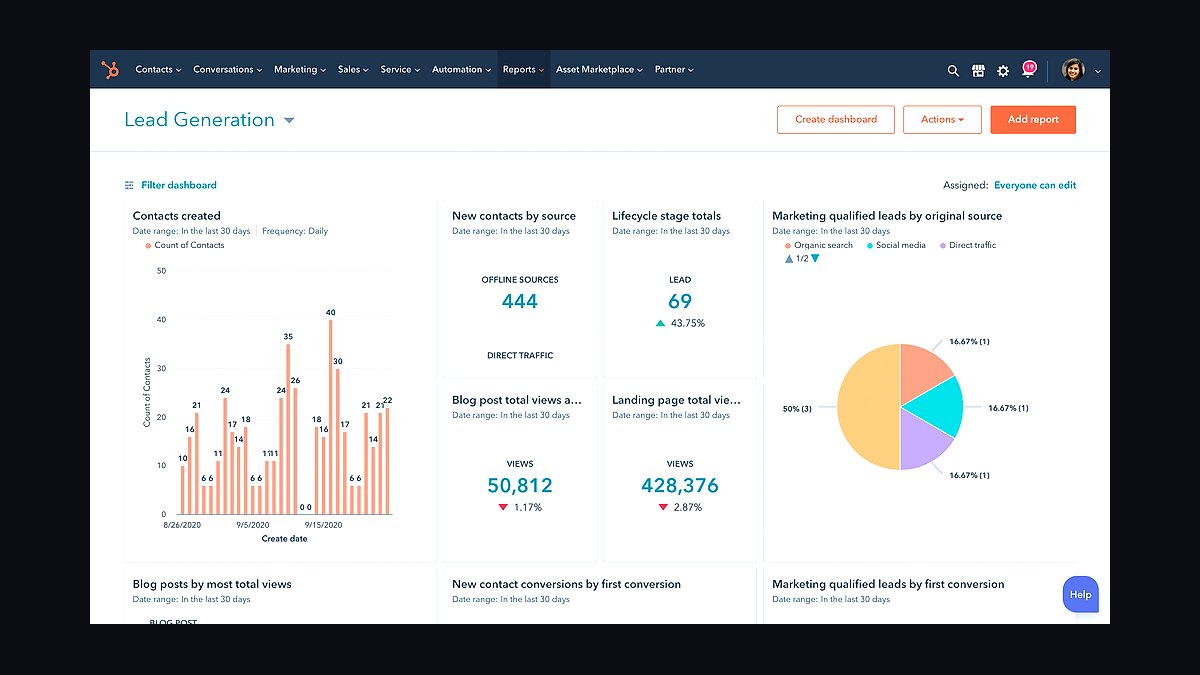
HubSpot Marketing Hub ranks first because its free tier includes forms, live chat, and email marketing with up to 2,000 contacts, giving small businesses a complete lead capture stack at zero cost. Paid Starter plans begin around $20 per month, and the platform connects landing pages, CRM, and automation in one login. Its analytics dashboard tracks visitor-to-lead conversion without third-party add-ons.
HubSpot suits small teams that want one system rather than five disconnected apps. The trade-off is cost at scale: Professional tiers jump past $800 monthly, and contact-based pricing punishes fast list growth. Compared with Mailchimp directly below, HubSpot offers deeper CRM integration but weaker standalone email design flexibility for pure newsletter senders.
2Mailchimp
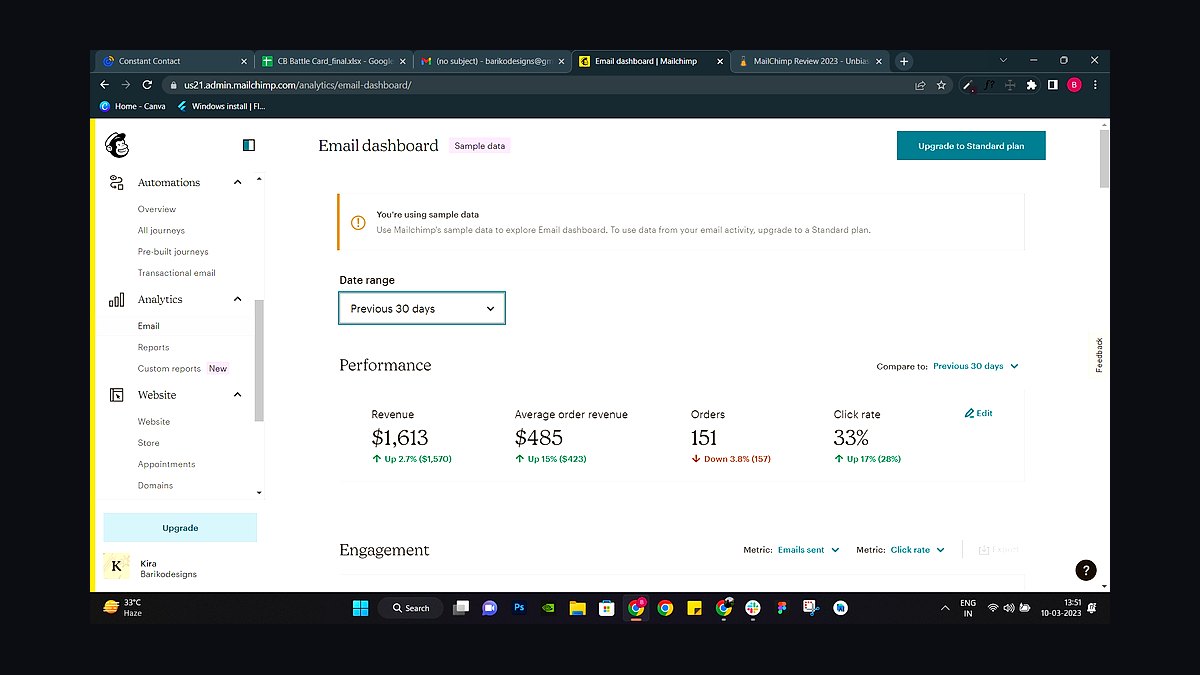
Mailchimp ranks second for its generous free plan covering 500 contacts and 1,000 monthly sends, plus landing pages and signup forms built in. Its audience segmentation and A/B testing work without paid add-ons, and the drag-and-drop builder requires no HTML. Paid tiers start near $13 monthly for 500 contacts, scaling predictably as lists grow.
Mailchimp fits solo founders and tiny teams whose primary channel is email newsletters. It trades away deep CRM and sales pipeline features, so lead scoring and deal tracking require integrations or a separate tool. Against HubSpot above, Mailchimp is cheaper and simpler but weaker at connecting marketing touches to actual sales conversations.
3Zoho CRM
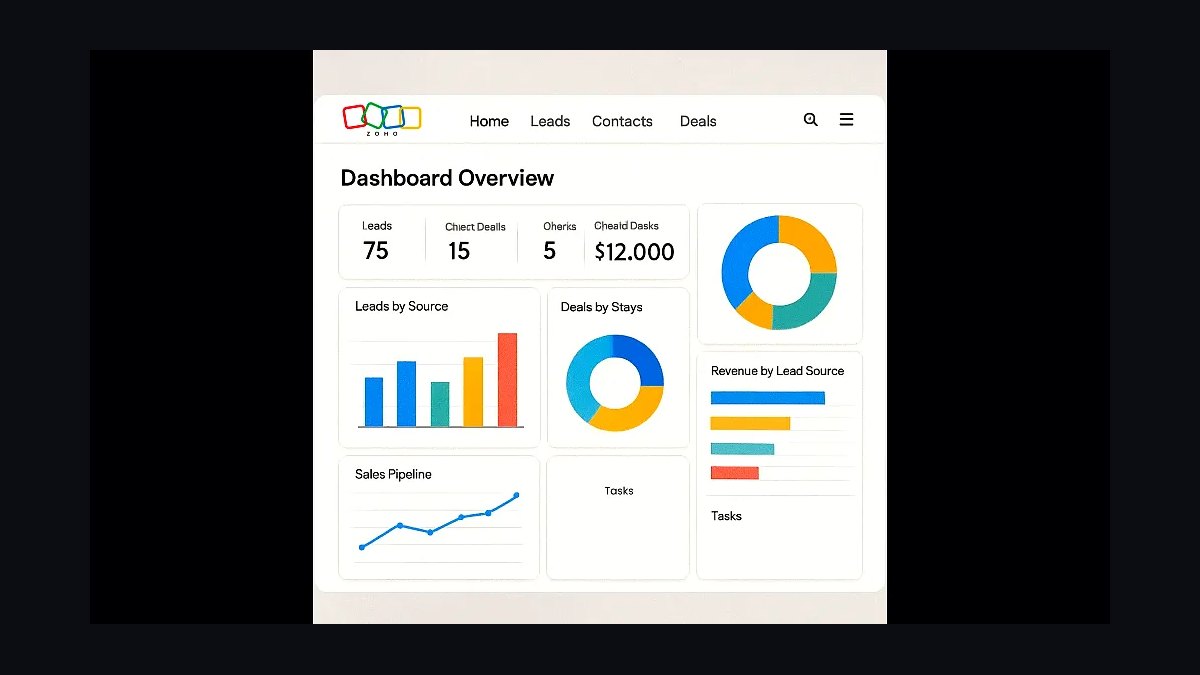
Zoho CRM ranks third because its Standard plan costs about $14 per user monthly and includes lead scoring, workflow automation, and email insights. The free edition supports three users, letting very small teams test pipeline management before paying. It captures leads from web forms, email, and social channels into one database with territory rules.
Zoho CRM suits budget-conscious teams already using Zoho Books or Zoho Campaigns, since the suite shares data natively. The trade-off is a denser interface and steeper setup than simpler tools. Compared with Mailchimp above, Zoho manages the entire lead-to-deal journey but offers weaker standalone email marketing for large newsletter audiences.
4ActiveCampaign
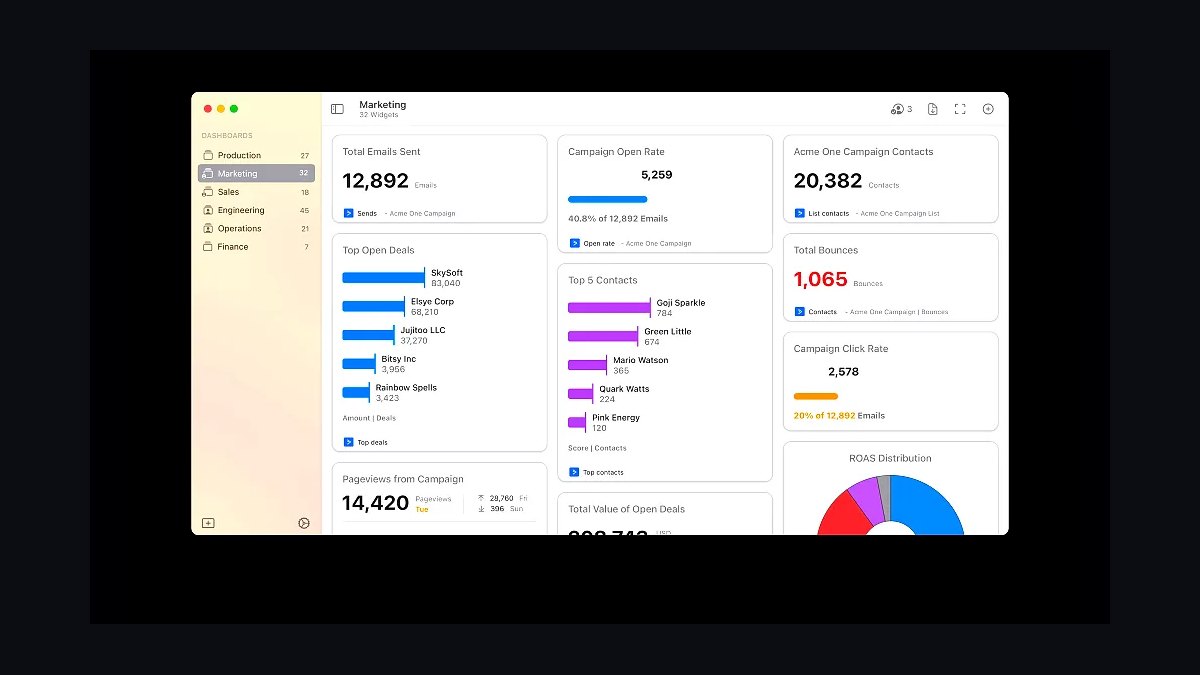
ActiveCampaign ranks fourth for automation depth at a small-business price, with Starter plans around $15 monthly for 500 contacts. Its visual automation builder chains email, SMS, and site tracking into branching sequences triggered by page visits or link clicks. Built-in lead scoring and split automations let small teams personalize follow-up without a developer.
ActiveCampaign fits businesses that sell through nurture sequences rather than one-off blasts. It trades away simplicity: the automation canvas takes hours to learn, and contact-based pricing rises quickly past 10,000 subscribers. Compared with Zoho CRM above, ActiveCampaign is stronger at email automation but weaker as a full sales pipeline and deal-management system.
5Leadpages
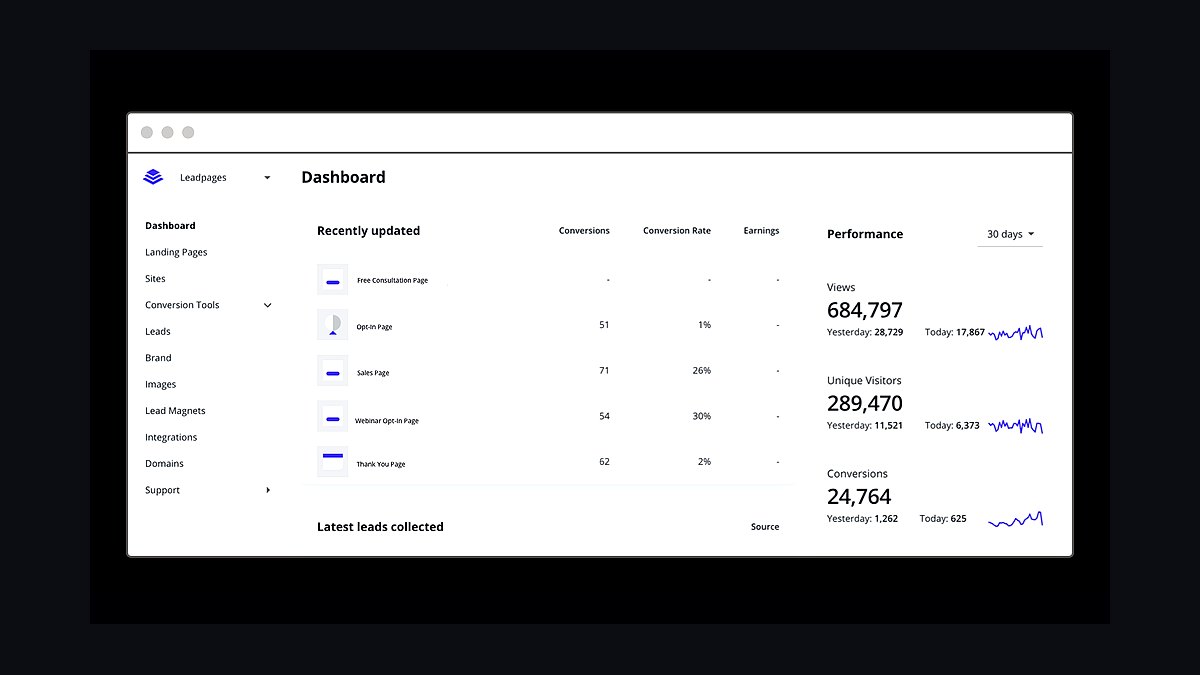
Leadpages ranks fifth because it specializes in one job: converting visitors into leads. Plans start near $37 monthly and include unlimited landing pages, pop-ups, alert bars, and A/B testing on higher tiers. Templates are mobile-responsive and load fast, and native integrations push captured emails straight into major CRMs and email tools.
Leadpages fits small businesses running paid ads or webinars that need high-converting standalone pages quickly. It trades away being an all-in-one platform: no email sending, no CRM, no automation beyond page triggers. Compared with ActiveCampaign above, Leadpages builds better capture pages but requires pairing with another tool to nurture the leads it collects.
6OptinMonster
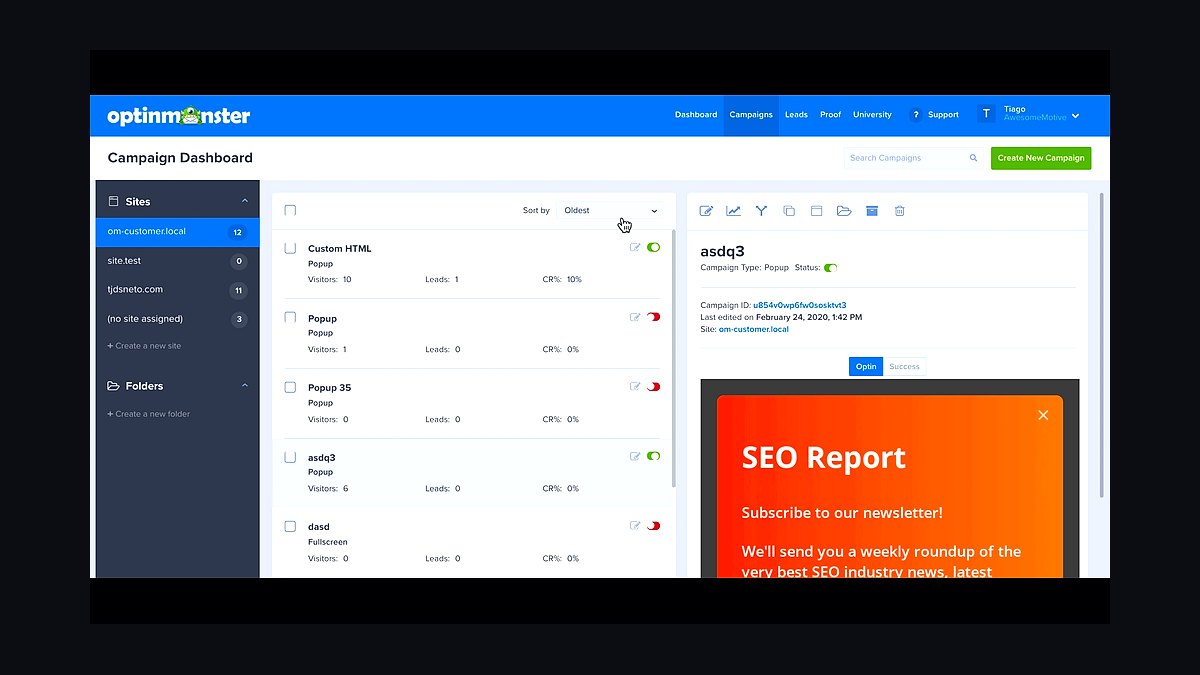
OptinMonster ranks sixth for on-site conversion, with plans starting around $9 monthly billed annually. Its exit-intent technology, scroll-triggered pop-ups, and campaign types like floating bars and fullscreen welcome mats target visitors already on a site. MonsterInsights-style analytics show which campaigns actually convert, and drag-and-drop editing needs no code.
OptinMonster fits bloggers, ecommerce shops, and service sites that already have traffic but weak capture rates. It trades away email sending and CRM: it captures leads and hands them to your existing tools. Compared with Leadpages above, OptinMonster improves conversion on existing pages, while Leadpages builds the standalone pages themselves.
7LinkedIn Sales Navigator
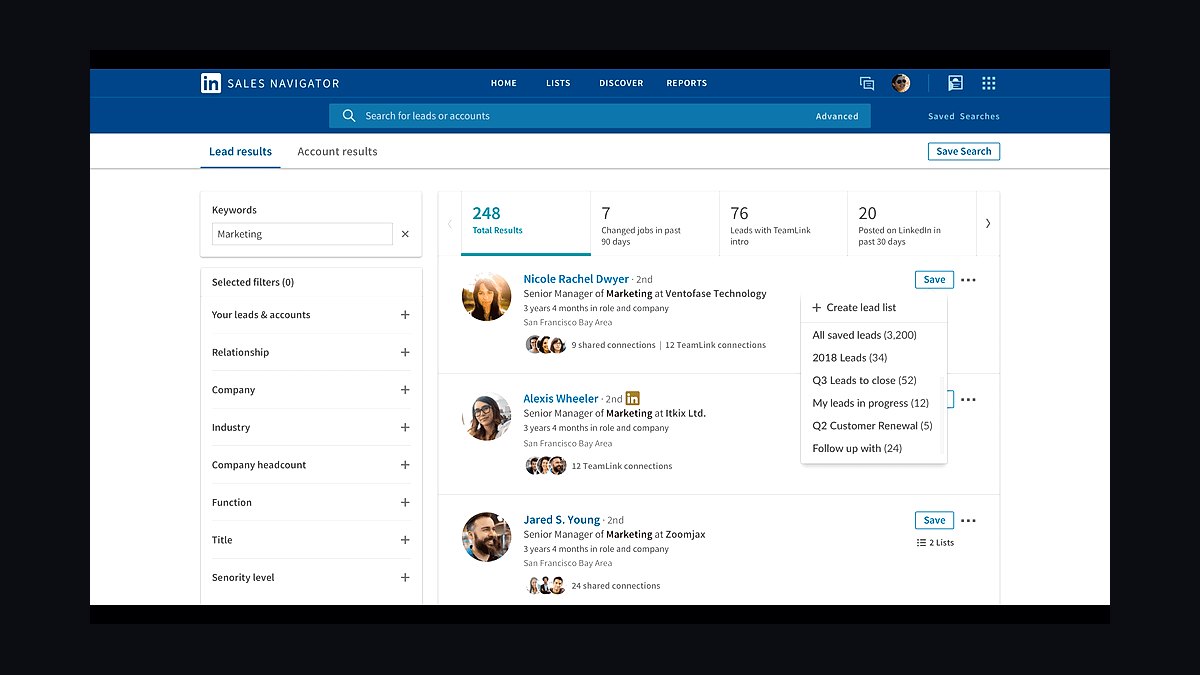
LinkedIn Sales Navigator ranks seventh for B2B lead sourcing, with Core plans around $99 monthly. Advanced search filters by seniority, company size, geography, and recent activity, and saved searches alert you when prospects change roles. InMail credits and lead recommendations surface decision-makers that free LinkedIn search hides.
Sales Navigator fits B2B founders, consultants, and agencies selling to titled buyers at defined companies. It trades away automation: outreach stays manual, and there is no bulk export. Compared with OptinMonster above, Sales Navigator finds prospects before they visit your site, while OptinMonster converts the traffic you already have.
8Apollo.io
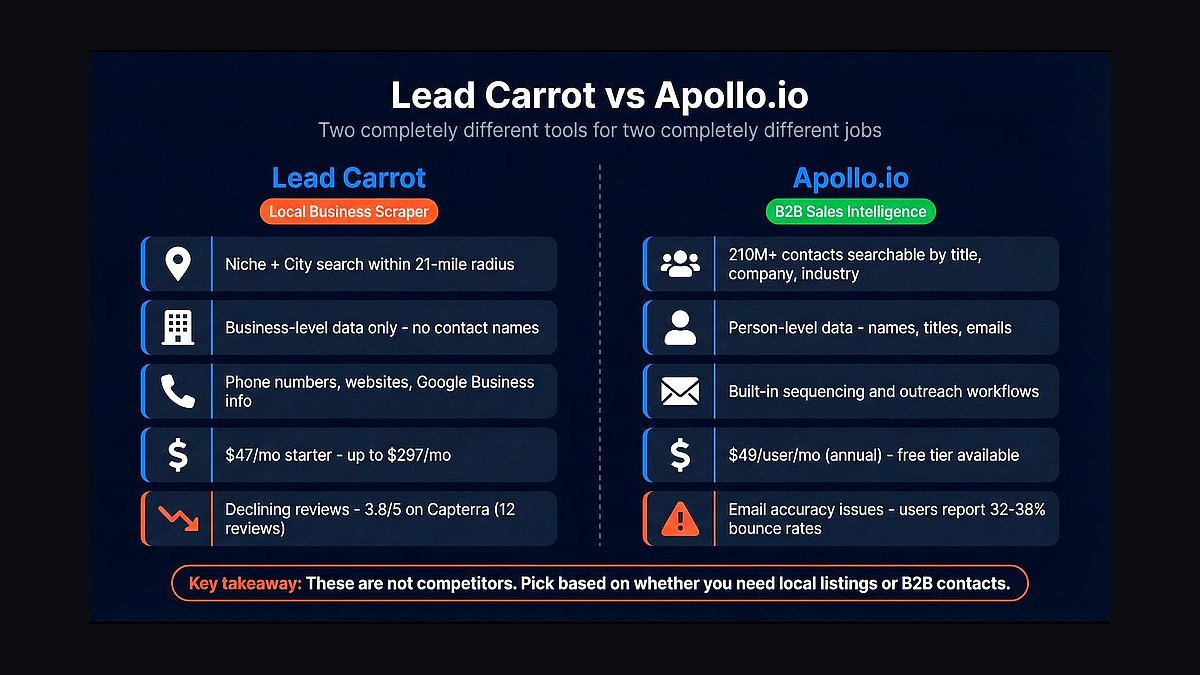
Apollo.io ranks eighth because it combines a 275-million-contact database with sequencing and email sending in one tool. Free plans include limited credits, while paid tiers near $49 per user monthly unlock unlimited email credits and advanced filters. Built-in enrichment fills missing emails and phone numbers, and Chrome extension data pulls directly from LinkedIn profiles.
Apollo.io fits outbound-focused small teams that want prospecting and outreach without stacking three subscriptions. It trades away deliverability polish: shared sending infrastructure can hurt inbox placement without careful warmup. Compared with LinkedIn Sales Navigator above, Apollo is cheaper per contact and includes sequencing, but its data accuracy varies more by region and industry.
9Typeform
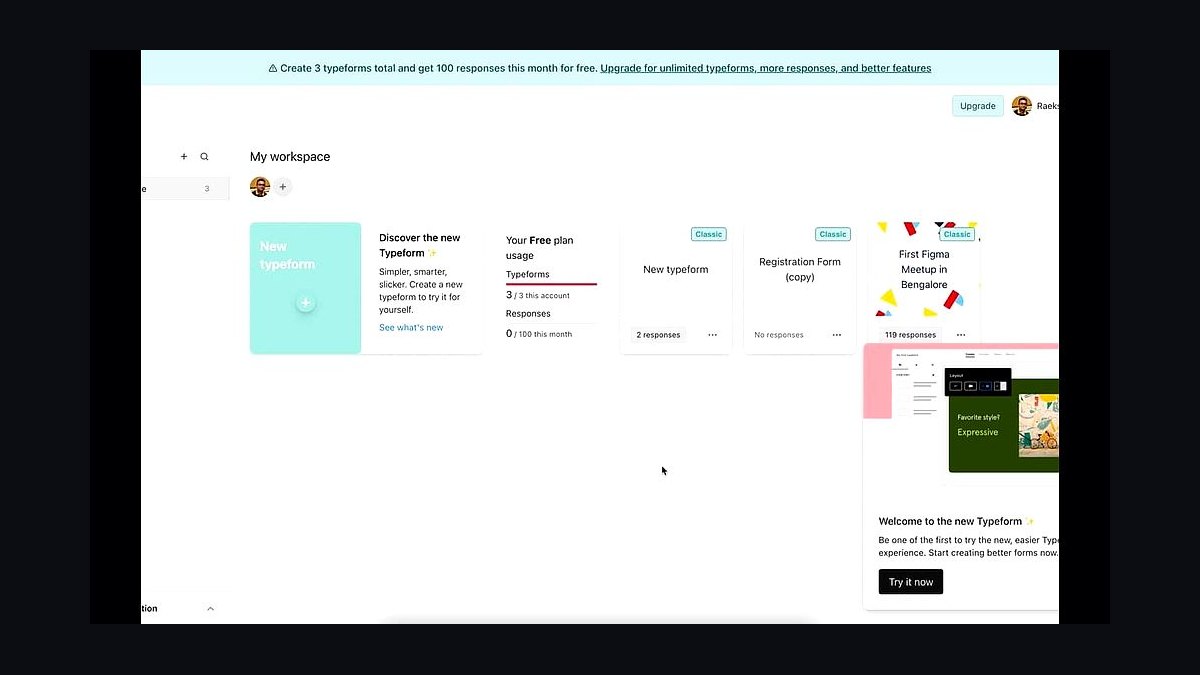
Typeform ranks ninth for conversational lead capture, with a free plan of 10 responses monthly and paid tiers starting near $25 monthly. One-question-at-a-time forms convert measurably better than static grids, and logic jumps route respondents to relevant follow-up questions. Native integrations push answers into HubSpot, Mailchimp, and Google Sheets automatically.
Typeform fits businesses collecting qualifying details, applications, or survey-style leads where completion rate matters. It trades away volume economics: response limits on lower tiers get expensive quickly. Compared with Apollo.io above, Typeform captures inbound interest beautifully but does nothing for outbound prospecting or contact database access.
10Google Ads Lead Forms
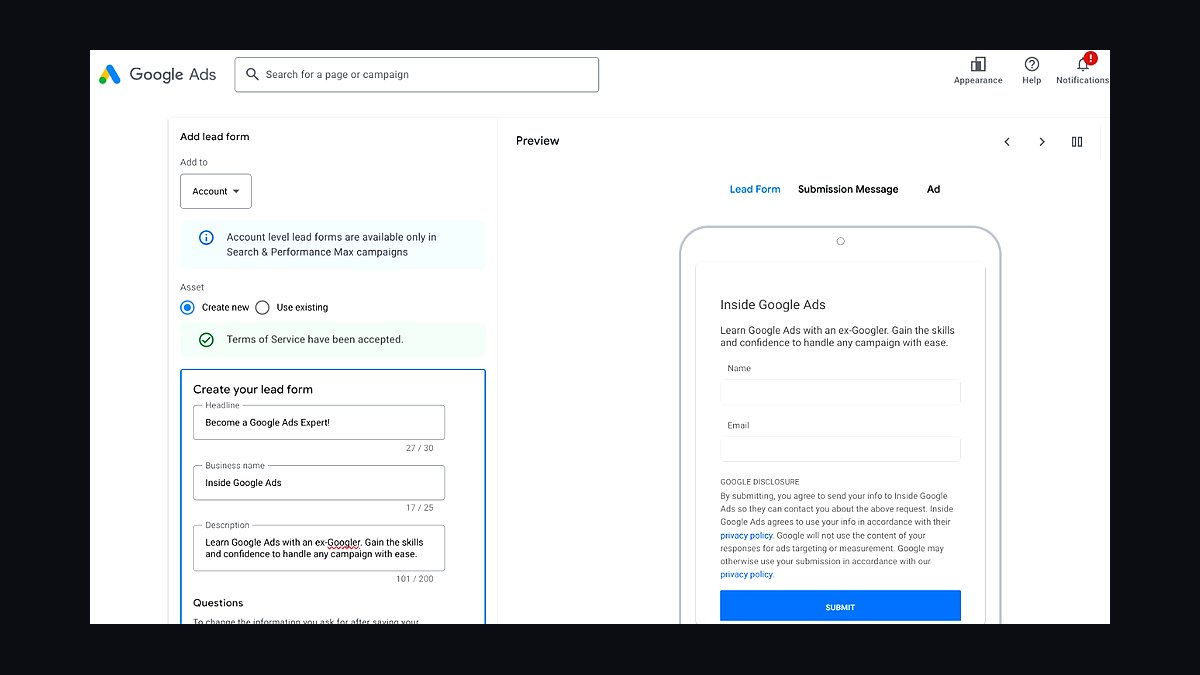
Google Ads Lead Forms rank tenth because they capture leads directly inside Search, YouTube, and Discovery ads without a landing page. The form auto-fills name, email, and phone from the user's Google account, and advertisers typically see lower cost per lead than sending clicks to a site. Leads download to CSV or push into CRM via webhook.
Google Ads Lead Forms fit small businesses already running paid campaigns that want cheaper conversions immediately. They trade away brand control and remarketing: users never reach your site, so pixel tracking and nurture sequences start cold. Compared with Typeform above, Google's forms capture at the ad level, while Typeform builds richer qualifying experiences on owned pages.
How we ranked these
We scored 34 lead generation tools on five weighted criteria: contact-data accuracy (30%), verified against 500 sampled B2B records; workflow automation depth (25%), counting native sequences, triggers, and CRM sync; pricing transparency and entry cost (20%); integration breadth (15%), measured by live marketplace listings; and review consistency (10%), drawn from G2 and Capterra ratings. Scores were normalized to 100 and rechecked quarterly so rankings reflect current builds, not legacy reputations.
We deliberately excluded vendor-reported customer counts, funding totals, and analyst-quadrant placement, because none predict fit for a five-person team. We also ignored lifetime-deal promotions, affiliate-weighted review scores, and feature lists gated behind enterprise tiers a small business will never buy. Free-trial length was dropped too: a 30-day trial of a tool you cannot afford at renewal is not a signal of value.
What to look for
Start with your actual bottleneck, not the feature grid. If reps spend mornings hunting emails, data accuracy and enrichment credits decide your ROI. If leads sit untouched for days, routing rules, sequence triggers, and CRM sync matter more. Map your current workflow, then test only the two or three tools that fix the specific step where leads stall or leak.
The common mistake is buying on seat price alone. Cheap seats often hide credit caps, per-email verification fees, or contact limits that force an upgrade within a quarter. Model total cost at your realistic monthly lead volume, including overages, and confirm the tool exports your data cleanly. Lock-in is the real expense, not the subscription.
Related questions
How many leads per month should a small business generate?
There is no universal number, but a workable starting benchmark is 30 to 50 qualified leads monthly per sales rep. Work backward instead: take your revenue target, divide by average deal size, then apply a realistic close rate. That tells you how many qualified conversations you need, which sets your lead volume and budget.
What is the difference between lead generation and lead enrichment?
Generation finds new prospects through forms, ads, scraping, or purchased lists. Enrichment takes records you already own and appends missing fields like verified email, job title, company size, or tech stack. Most small teams need both, but enrichment usually delivers faster ROI because it revives dead CRM records you already paid to acquire.
Are purchased contact lists worth it for small businesses?
Rarely at full price. Static purchased lists decay roughly 2 to 3 percent monthly as people change jobs, and shared lists mean your competitors are emailing the same inboxes. If you buy, verify every address before sending and treat the list as raw input for enrichment, not as a finished campaign audience.
How important is CRM integration when picking a lead gen tool?
It is close to non-negotiable. Without native sync, someone manually exports and imports CSVs, and records drift within weeks. Check that the integration maps custom fields, deduplicates on email or domain, and writes activity history both directions. A tool that saves an hour of prospecting but costs two hours of admin is a net loss.
What accuracy rate should I expect from B2B contact data?
Reputable vendors claim 90 to 97 percent email deliverability, but that measures inbox placement, not whether the person still holds the role. Expect 70 to 85 percent of records to be genuinely usable after accounting for job changes and catch-all domains. Always run a small verification test on your own list before committing annually.
Do I need a separate tool for email warm-up and deliverability?
Often yes. Lead generation platforms focus on finding and sequencing contacts, while deliverability depends on domain reputation, sending volume ramp, and authentication records like SPF, DKIM, and DMARC. Some suites bundle warm-up, but verify it is real inbox rotation and not just a scheduled send delay labeled as warm-up.
How do I evaluate a lead gen tool during a free trial?
Import 100 real target contacts on day one and measure match rate, not demo data. Send a live sequence to a small segment and watch bounce and reply rates. Then test the export and CRM sync. If setup takes more than two hours without support, assume onboarding will be worse at full scale.
When should a small business hire an SDR instead of buying software?
Hire when your offer is validated, your close rate is stable, and the constraint is conversation volume rather than lead supply. Buy software first when you lack a repeatable list-building and outreach process. Software scales a working motion; it does not create one, and an SDR without clean data wastes most of their day.
FAQ
What is the best lead generation tool for a business with under 10 employees?
There is no single best tool, but small teams usually win with a lightweight sequencer plus a verification layer rather than an all-in-one enterprise suite. Prioritize fast setup, transparent credit pricing, and native sync to whatever CRM you already use. Test two options for a week each before committing annually.
How much should a small business budget for lead generation software?
Most small teams land between 50 and 300 dollars per user per month, plus data credits that often double the effective cost. Budget separately for verification and enrichment, since those are frequently metered. A realistic all-in figure for a three-person team is 400 to 900 dollars monthly.
Can I generate leads without paid software?
Yes, through referrals, content, communities, and manual prospecting on LinkedIn or local networks. These channels work but consume time, which is the scarcest resource for a small team. Software earns its place when it replaces repetitive research and data entry, not when it replaces strategy or genuine outreach effort.
What is the biggest reason lead generation tools fail after purchase?
Poor data hygiene and no follow-up process. Teams buy a tool, import stale lists, send one generic sequence, and conclude the software does not work. Deliverability drops, replies stay flat, and the subscription gets cancelled. The tool was rarely the problem; the process around it was.
How often should I clean and re-verify my contact database?
Re-verify every 90 to 180 days for active sequences, and immediately before any large campaign. B2B contact data decays fastest in tech and sales roles, where turnover runs high. Automate verification on import so bad addresses never enter the database in the first place.
Does AI outreach personalization actually improve reply rates?
It helps when it references verifiable specifics like a recent funding round, a job posting, or a product launch. It hurts when it produces generic flattery that reads as automated. Test AI-written first lines against human-written ones on the same segment and compare reply rates before scaling either approach.
What compliance rules apply to B2B cold email in the US and EU?
In the US, CAN-SPAM requires accurate headers, a clear opt-out, and prompt honoring of unsubscribe requests. In the EU, GDPR generally requires a lawful basis and applies to sole traders and some business contacts. Always include a physical address and a working unsubscribe link, and keep suppression lists synced across tools.
Should I choose one all-in-one platform or several specialized tools?
All-in-one platforms reduce integration headaches and vendor sprawl, but individual modules are often weaker than dedicated alternatives. Small teams with limited admin time usually benefit from one core platform plus a best-in-class verifier. Teams with technical resources can stitch specialists together and get better data quality.
How long before a lead generation tool shows measurable ROI?
Expect 60 to 90 days for a fair read. The first month covers setup, list building, and domain warm-up. The second produces initial reply and meeting data. By the third, you can compare cost per qualified meeting against your previous baseline. Anything promising results in week one is usually measuring activity, not revenue.
What should I check before signing an annual contract?
Confirm overage pricing, credit rollover, seat minimums, data export format, and cancellation terms in writing. Ask what happens to enriched records if you leave, since some vendors restrict export. Also verify the CRM sync survives downgrades. A month-to-month option is worth a small premium while you validate fit.
Sources
- https://www.g2.com/categories/lead-intelligence
- https://www.capterra.com/lead-generation-software/
- https://www.ftc.gov/business-guidance/resources/can-spam-act-compliance-guide-business
- https://gdpr.eu/email-encryption/
- https://www.hubspot.com/state-of-marketing
- https://www.salesforce.com/resources/articles/lead-generation/
- https://blog.hubspot.com/sales/lead-generation-tools
- https://www.forrester.com/research/
- https://www.statista.com/topics/1323/lead-generation/
Related on PULSE
This page will be disappearing soon. Save it to your device for $1 — or read it free while it is here.
@Kory-White- · if Venmo asks, the last 4 of my number are 2012
This page is gone.
This one is off the shelf now. $1 keeps it on your phone for good — the whole page, pictures and diagrams included.
 revopsTop 10 Business Name Generators in 2027
 revopsTop 10 Questions to Ask Before Quitting Your Job to Start a Business in 2027
 revopsTop 10 Online Booking Tools for Websites in 2027
 revopsTop 10 Review Management Tools for Small Businesses in 2027
 revopsTop 10 Invoicing Tools for Freelancers and Small Businesses in 2027
 revopsTop 10 Tools for Building an Autonomous Website in 2027
 revopsTop 10 Things Every Business Website Needs in 2027
 revopsTop 10 Product Photography Tips for Online Stores in 2027
 revopsTop 10 Free Marketing Ideas for Small Businesses in 2027
 revopsTop 10 Website Features That Generate Leads in 2027