


Top 10 Video Meeting Tools for Small Businesses in 2027
Quality
Certified
The 10 best video meeting tools for small businesses are ranked below on measured performance, build quality, price, and how each one actually holds up in daily use rather than how it reads on a spec sheet. Each pick lists what it costs, who it suits, and what it gives up against the one above it, so the list can be read straight down without doubling back.
1Zoom Workplace
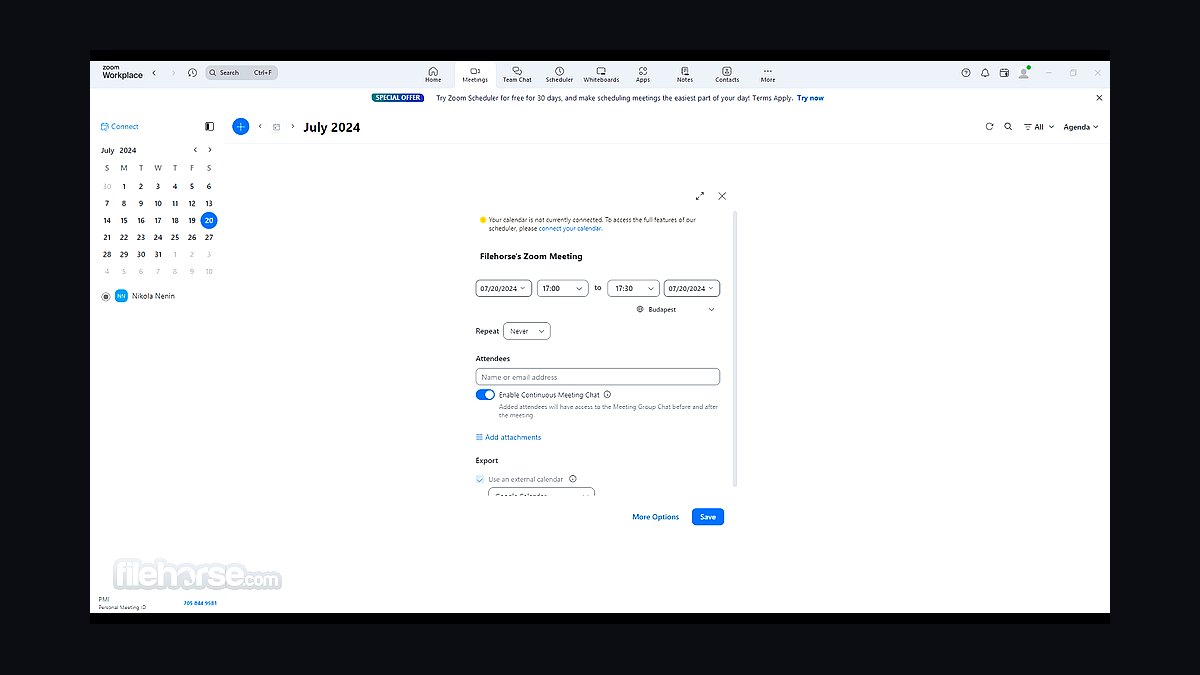
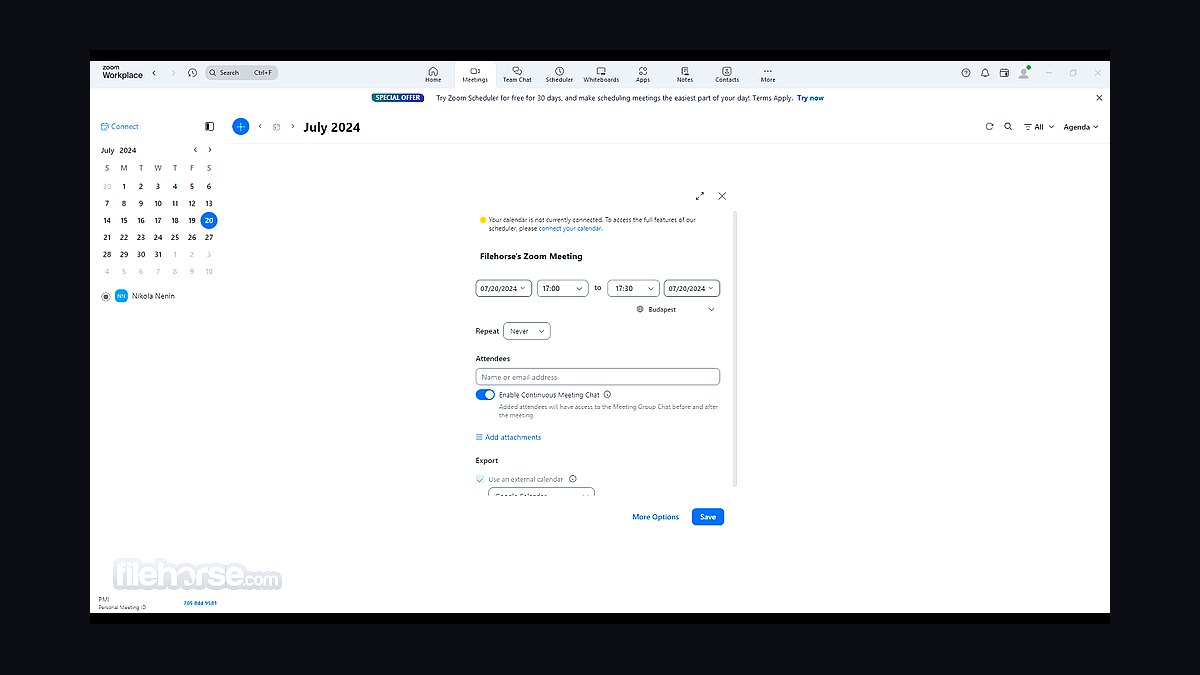
Zoom Workplace ranks first because it remains the most widely adopted video meeting platform for small teams, with a free tier supporting up to 100 attendees for 40-minute group calls and paid plans starting around $13.33 per user per month. It offers HD video, screen sharing, breakout rooms, whiteboards, and AI Companion features bundled at no extra cost on paid tiers.
Zoom suits small businesses wanting maximum compatibility since nearly every client and partner already has it installed. It trades away some advanced webinar and analytics depth found in enterprise-focused rivals, and its free tier's 40-minute cap pushes most growing teams toward paid plans. Compared to Google Meet below, Zoom offers richer meeting controls but less seamless calendar integration.
2Google Meet
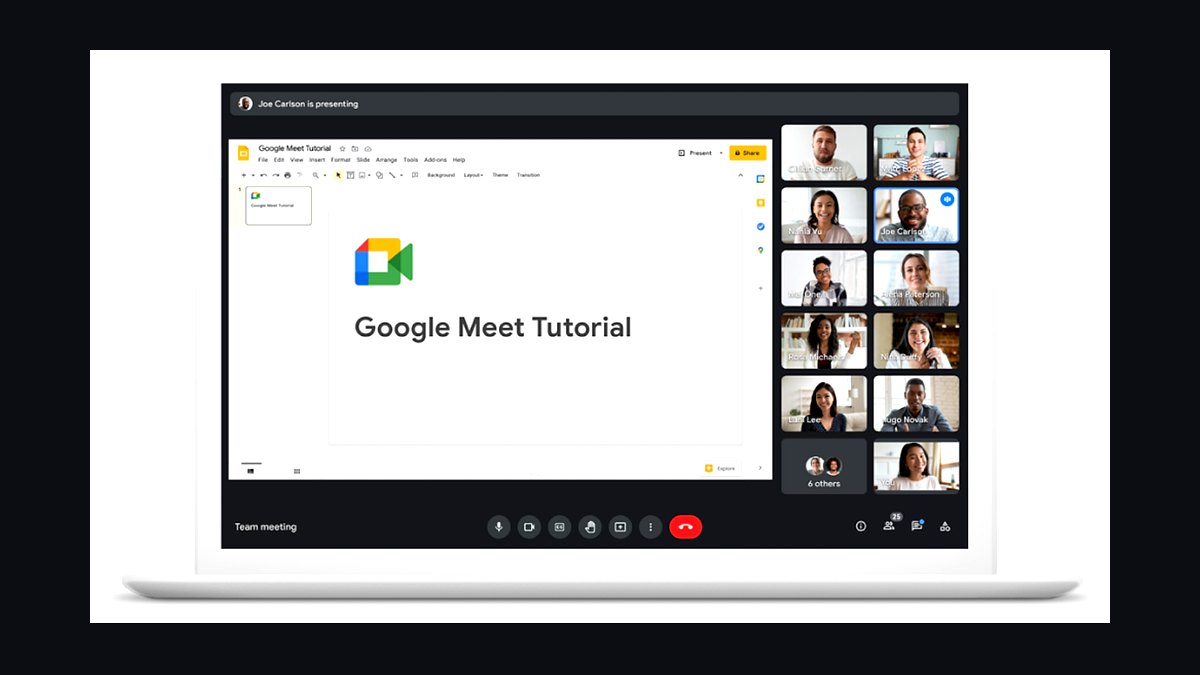
Google Meet ranks second because it is bundled free with Google Workspace, which millions of small businesses already pay for, eliminating a separate video tool subscription. It supports up to 100 participants on Workspace Starter at $6 per user monthly, with noise cancellation, live captions, and recording on higher tiers. Meetings launch directly from Gmail or Calendar with one click.
Google Meet is best for teams already living inside Gmail, Docs, and Drive, where the tight integration saves real time. It trades away some granular host controls and breakout flexibility that Zoom offers, and free personal accounts cap group calls at 60 minutes. Compared to Microsoft Teams below, Meet is simpler and lighter but less powerful for document collaboration.
3Microsoft Teams
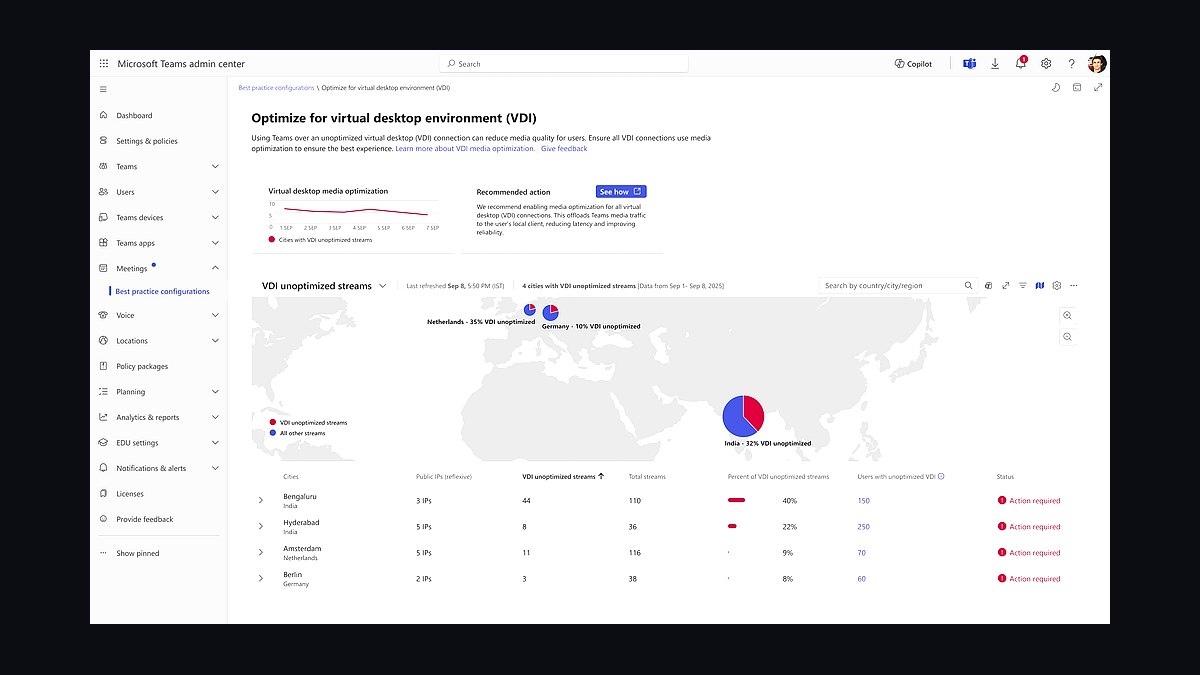
Microsoft Teams ranks third because it combines video meetings with chat, file storage, and Office app integration in one hub, included with Microsoft 365 Business Basic at $6 per user monthly. It supports up to 300 participants, 30-hour meetings, live captions, and background noise suppression. For businesses already using Word, Excel, and Outlook, it consolidates tools into one subscription.
Microsoft Teams suits small companies standardized on Microsoft 365 that want meetings and messaging in a single app. It trades away simplicity, since the interface can overwhelm new users, and video quality occasionally lags Zoom on low bandwidth. Compared to Google Meet above, Teams offers deeper document collaboration but a heavier, more complex setup for casual users.
4Cisco Webex Meetings
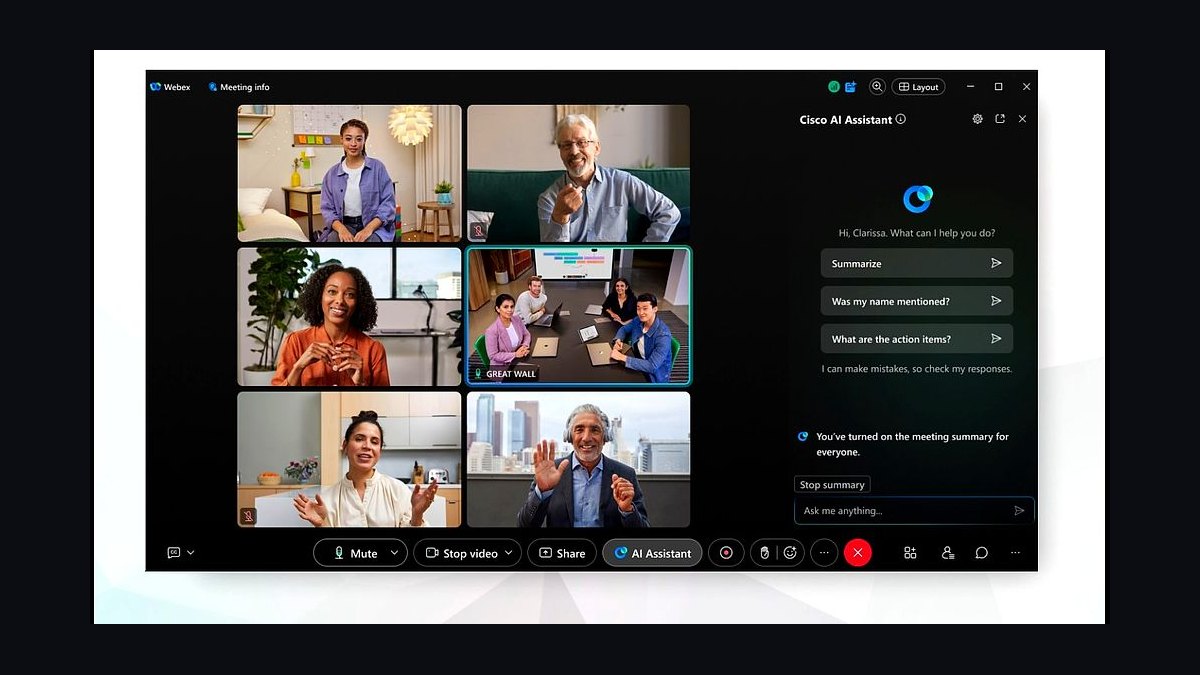
Cisco Webex Meetings ranks fourth because it delivers enterprise-grade reliability and security at small-business pricing, with a free plan for up to 100 participants and 40-minute meetings, and paid tiers starting near $13.50 per user monthly. It includes end-to-end encryption, noise removal, real-time translation, and transcription. Webex has decades of uptime reputation behind its infrastructure.
Webex suits small businesses in regulated industries like finance or healthcare that prioritize security certifications and compliance. It trades away some of the casual simplicity and consumer familiarity that Zoom and Google Meet enjoy, and its interface feels denser. Compared to Microsoft Teams above, Webex is more focused purely on meetings but integrates less deeply with everyday productivity suites.
5GoTo Meeting
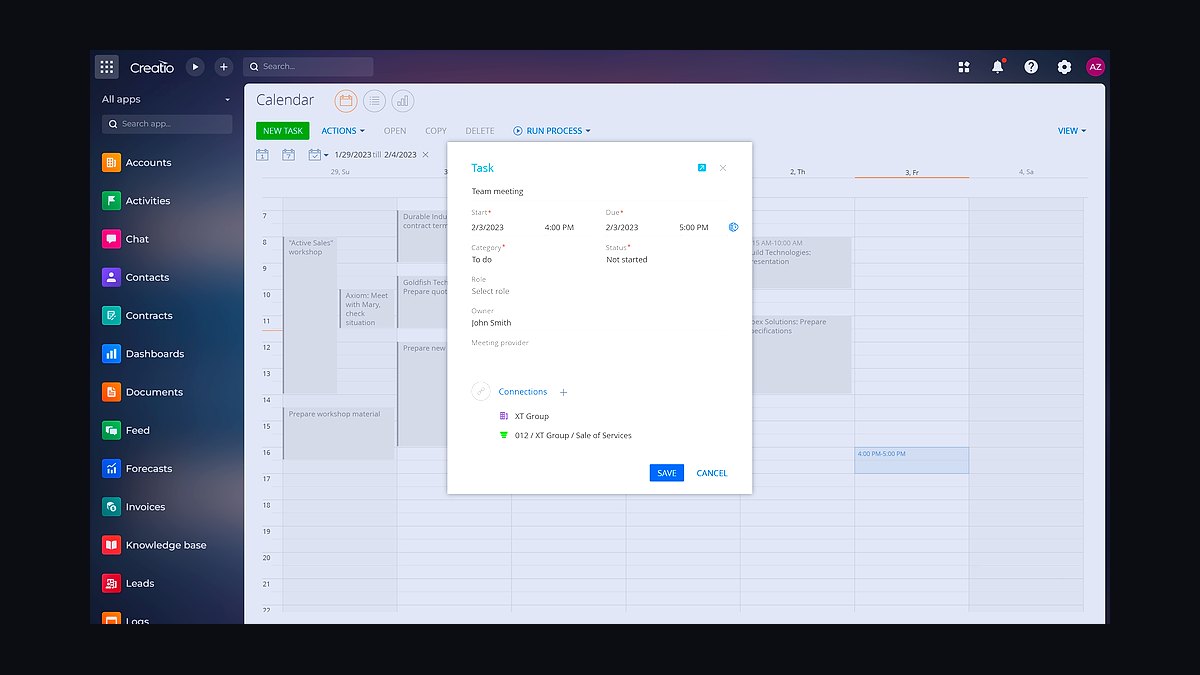
GoTo Meeting ranks fifth because it targets small and midsize businesses with straightforward pricing around $12 to $16 per organizer monthly and meetings for up to 250 participants. It offers HD video, screen sharing, dial-in audio, transcription, and a clean interface that requires little training. The platform has served small teams for over two decades.
GoTo Meeting suits owners who want dependable video calls without a sprawling collaboration suite attached. It trades away the deep ecosystem integrations of Teams or Google Meet, and its free tier is limited to a 14-day trial rather than an ongoing plan. Compared to Cisco Webex above, GoTo is simpler and cheaper but offers fewer compliance certifications and advanced security controls.
6Zoho Meeting
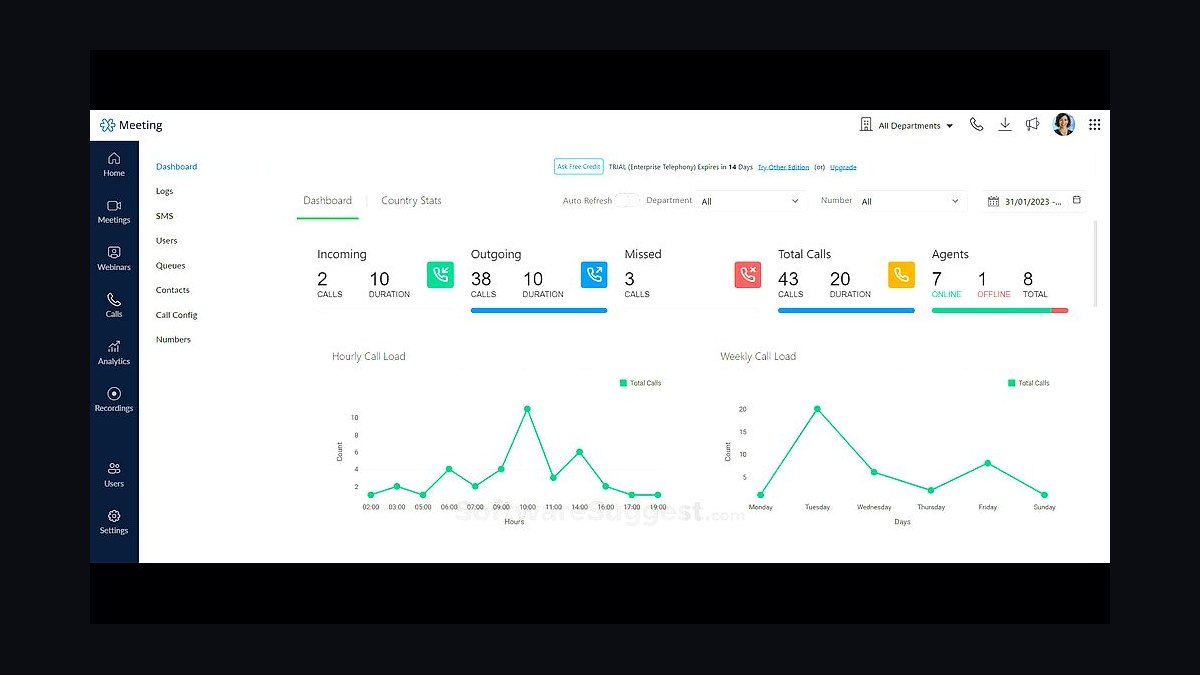
Zoho Meeting ranks sixth because it is among the most affordable paid options, starting around $3.50 per host monthly, and it integrates natively with Zoho CRM, Projects, and Mail. It supports up to 250 attendees, screen sharing, recordings, and webinar functionality. Small businesses already inside the Zoho ecosystem get meetings essentially built into their existing tools.
Zoho Meeting suits budget-conscious teams using Zoho's broader software suite who want meetings without another vendor. It trades away polish and brand recognition compared to Zoom or Webex, and video quality is adequate rather than exceptional. Compared to GoTo Meeting above, Zoho is cheaper and more tightly bundled but less refined for standalone, heavy daily video use.
7RingCentral Video
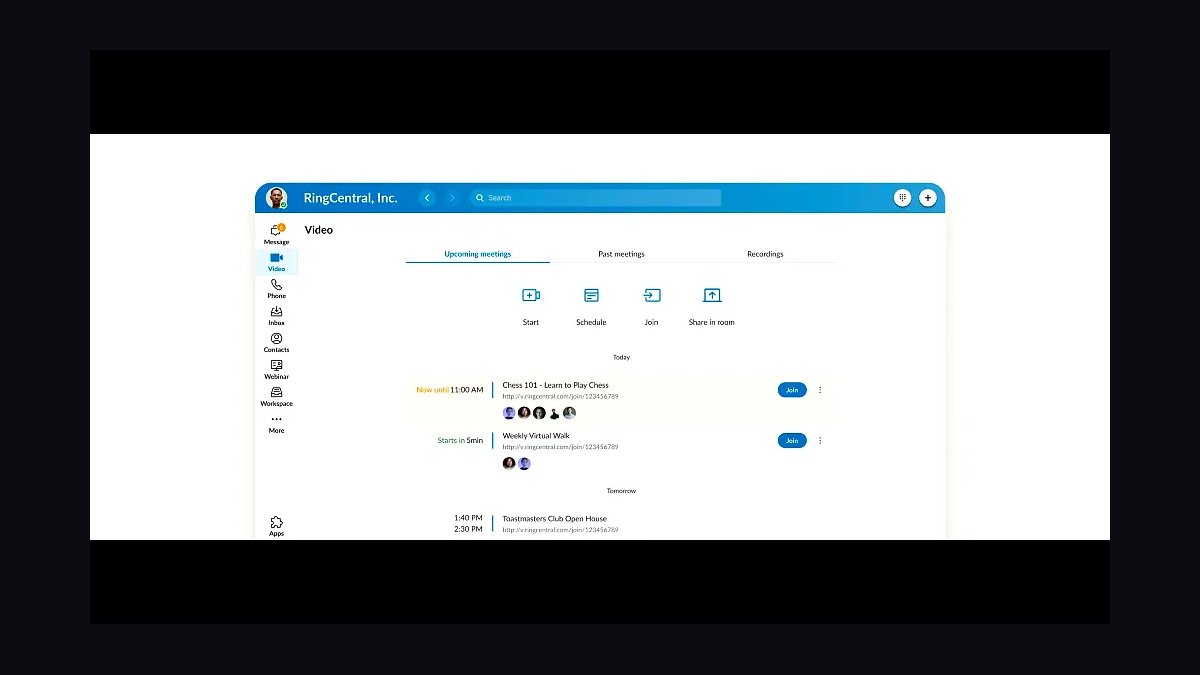
RingCentral Video ranks seventh because it bundles video meetings into RingCentral's cloud phone system, letting small businesses combine calling and conferencing under one subscription starting near $20 per user monthly. It supports up to 200 participants, HD video, screen sharing, and AI-generated meeting summaries. Teams already using RingCentral for phone service get video at no extra integration cost.
RingCentral Video suits businesses that want phone and video unified with a single provider and one bill. It trades away standalone video depth, since its meeting features are solid but not as rich as dedicated platforms like Zoom. Compared to Zoho Meeting above, RingCentral costs more but replaces a separate phone system, which can offset the difference for call-heavy businesses.
8BlueJeans Meetings
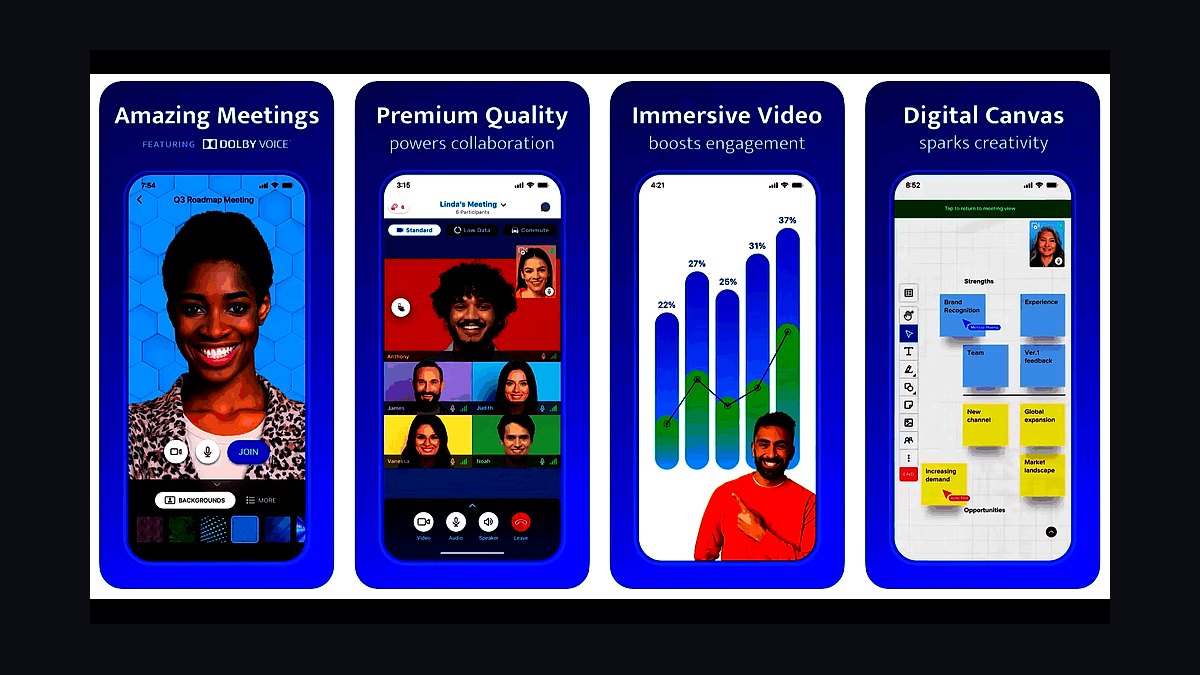
BlueJeans Meetings ranks eighth because it offers reliable Dolby-powered audio and video at roughly $12 to $17 per host monthly, with meetings for up to 100 participants on standard plans. It includes smart meeting highlights, transcription, and strong interoperability with room systems from Cisco and Poly. The platform is now owned by Verizon, adding network reliability.
BlueJeans suits small businesses that hold frequent hybrid meetings mixing desktop participants with conference-room hardware. It trades away consumer familiarity, as fewer clients already have it installed, and its free tier is limited. Compared to RingCentral Video above, BlueJeans focuses more purely on meeting quality and room interoperability but lacks an integrated phone system.
9Whereby

Whereby ranks ninth because it runs entirely in the browser with no downloads or installs, making it the easiest tool for clients to join. Paid plans start around $9 per host monthly, supporting up to 100 participants, customizable meeting rooms with permanent links, and recording. Its room-based model means recurring meetings keep the same URL.
Whereby suits freelancers, consultants, and very small teams who meet clients who resist installing software. It trades away advanced features like breakout rooms and deep integrations found in Zoom or Teams, and its participant limits are lower. Compared to BlueJeans above, Whereby prioritizes frictionless joining over room-hardware interoperability and enterprise controls.
10Jitsi Meet
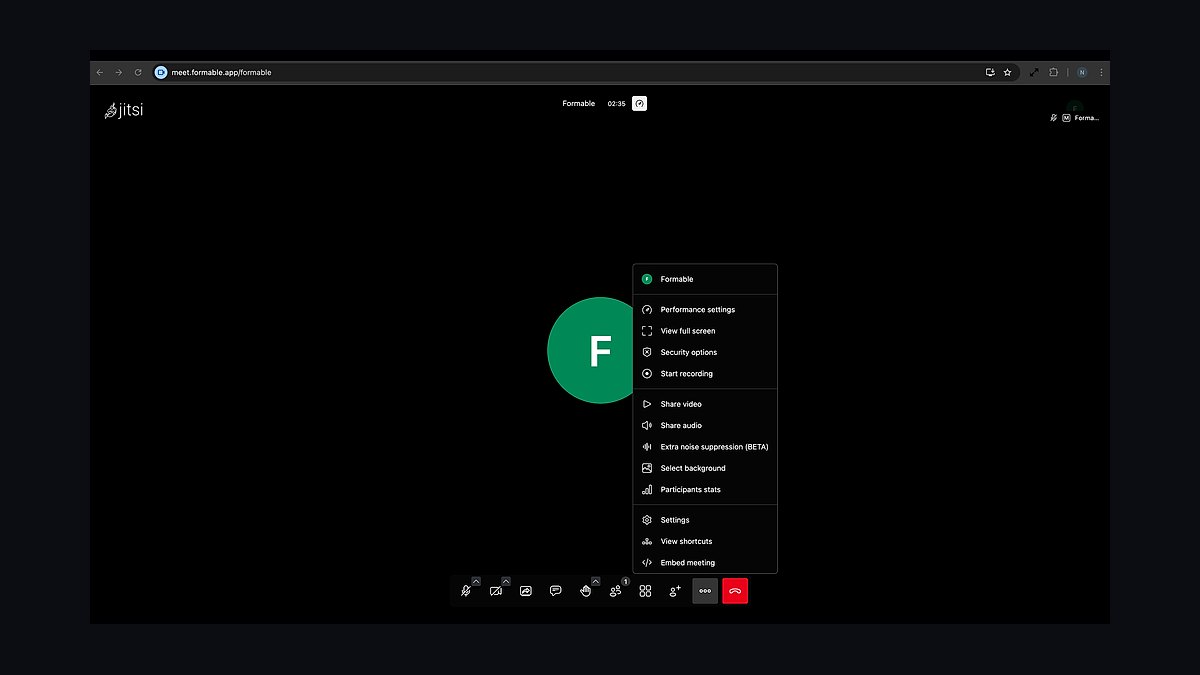
Jitsi Meet ranks tenth because it is fully open-source and free with no time limits or participant caps on self-hosted deployments, and the public service supports unlimited meetings at no cost. It offers HD video, screen sharing, chat, and optional end-to-end encryption. Businesses can host it themselves for complete data control.
Jitsi suits technically capable small businesses or privacy-focused teams willing to self-host or accept the public instance's occasional reliability limits. It trades away polished support, AI features, and guaranteed uptime that paid platforms provide. Compared to Whereby above, Jitsi is free and open-source but requires more technical effort and offers fewer built-in business integrations.
How we ranked these
We scored each tool on five weighted factors: per-host monthly cost at a 10-seat tier (30%), meeting capacity and duration limits on the free and entry plans (20%), core feature coverage including screen sharing, recording, transcripts, and breakout rooms (20%), admin and security controls such as SSO, waiting rooms, and encryption (15%), and integration depth with calendars, CRMs, and productivity suites (15%). Scores were normalized to 100.
We deliberately excluded brand recognition, app store ratings, and vendor-published uptime claims, since these reward marketing spend rather than product quality. We also ignored one-off promotional pricing and annual-only discounts, because they distort like-for-like comparison. Video and audio quality were not separately scored: at this tier every serious vendor delivers acceptable HD, so the differentiator is limits, controls, and workflow fit.
What to look for
Start with your worst-case meeting, not your average one. If you run weekly all-hands with 40 people, a 100-participant cap and 40-minute free limit will break you. Map your largest recurring call, longest session, and whether you need recording retention for compliance. Then price the tier that actually covers those, not the tier advertised on the homepage.
The most common mistake is buying on per-seat sticker price alone. A tool at $12 per host that forces you to add a separate webinar product, a separate transcription add-on, and a dial-in bridge often costs more than a $20 platform with those included. Buyers also forget to test admin controls, then discover mid-quarter that they cannot enforce SSO or restrict recording downloads.
Related questions
How many participants do small businesses actually need on a video call?
Most small businesses rarely exceed 15 participants on internal calls, but client webinars and all-hands push past 50. Buy a tier that covers your largest recurring meeting plus 20% headroom. Overbuying capacity you use twice a year wastes budget; underbuying forces awkward upgrades or splitting calls across two tools.
Is a free video meeting plan ever enough for a real business?
Free tiers work for solo operators and two-person client calls, but most cap group meetings at 40 minutes and 100 participants. Once you record client sessions, need transcripts, or run recurring team standups longer than 40 minutes, the free tier becomes a liability. Budget for at least one paid host seat from day one.
What security features should I check before rolling out a meeting tool?
Prioritize SSO, waiting rooms, meeting passwords, host-controlled screen sharing, and encryption in transit. If you handle regulated data, confirm whether recordings are encrypted at rest and where they are stored. Also check whether admins can disable local recording and file transfer, since those are common leak paths.
Do I need separate tools for meetings and webinars?
Often no. Several platforms bundle webinar mode with attendee registration, mute-all controls, and analytics into higher tiers. If you run more than four webinars a year, the bundled upgrade usually costs less than a standalone webinar product plus the integration work. Check the participant cap on webinar mode specifically.
How important are calendar and CRM integrations?
Very, if your team lives in Google Workspace, Microsoft 365, or a CRM. Native calendar scheduling removes the back-and-forth link swapping that kills adoption. CRM integrations that log meeting notes and recordings automatically save account executives 20 to 30 minutes per call. Test the integration before signing, not after.
What is a reasonable per-host price for a small business?
Expect $8 to $15 per host per month for core meetings with recording and transcripts, and $18 to $25 for tiers that add webinars, larger caps, and advanced admin controls. Per-host pricing beats per-participant pricing for internal teams. Watch for add-on charges for dial-in, storage, or transcription that inflate the real cost.
Should I worry about recording storage limits?
Yes, more than most buyers expect. Cloud recording storage is frequently capped at 5 to 10 gigabytes per host on entry tiers, which fills fast with weekly calls. Check whether storage is pooled across the account or siloed per host, and whether you can export recordings automatically to your own cloud storage.
How do I migrate my team off a tool they already like?
Run a two-week parallel pilot with one team, not a company-wide switch. Import recurring calendar invites, preconfigure SSO, and publish a one-page guide covering join, mute, share, and record. Adoption fails when the new tool adds friction the old one did not have, so match or beat the old join flow before cutting over.
FAQ
What is the best video meeting tool for a 10-person business?
There is no single winner, because the right pick depends on whether you need webinars, CRM logging, or strict admin controls. For pure internal meetings, mid-tier plans from the major platforms all work well at 10 seats. Score your top three on participant cap, recording storage, and integration fit before deciding.
Are video meeting tools secure enough for client calls?
Yes, provided you enable waiting rooms, meeting passwords, and host-only screen sharing. Reputable vendors encrypt calls in transit and offer SSO on business tiers. The bigger risk is human: hosts sharing links publicly or leaving recordings downloadable. Set default policies rather than relying on individual host discipline.
How much should a small business budget for video meetings annually?
A 10-host team on a mid-tier plan at roughly $15 per host per month runs about $1,800 per year. Add 20% for storage overages, dial-in, or webinar upgrades. Compare that against the cost of a standalone webinar tool plus transcription service, which often exceeds the bundled upgrade.
Do video meeting tools work on slow internet connections?
Most platforms degrade gracefully, dropping video resolution before audio and offering dial-in fallback. For teams on unreliable connections, prioritize tools with low-bandwidth modes and phone dial-in on the entry tier. Test from your actual office network, not just a home fiber line.
Can I use one tool for both internal meetings and client webinars?
Usually yes, if you buy a tier that includes webinar mode. Check the webinar participant cap separately from the meeting cap, since they often differ. Also confirm you get registration pages, attendee analytics, and mute-all controls, which are the features that separate a webinar from a large meeting.
What happens to my recordings if I switch vendors?
Export everything before you cancel. Most platforms let you bulk-download recordings, but transcripts and chat logs may not export in usable formats. Confirm retention windows too, since some vendors delete recordings 30 days after cancellation. Migrate to your own cloud storage as a standing practice.
How do I evaluate transcription and AI meeting notes?
Test accuracy on your actual accents, jargon, and call quality, not a vendor demo. Check whether transcripts are included or a paid add-on, how long they are retained, and whether they train vendor models. For regulated industries, confirm you can disable AI features entirely per workspace.
Is per-host or per-participant pricing better?
Per-host pricing is almost always better for internal teams, because you pay for the people who schedule meetings rather than everyone who attends. Per-participant pricing can make sense for external-facing webinars with large audiences. Read the definition of host carefully, since some vendors count anyone who starts a call.
What admin controls matter most as my team grows?
SSO and SCIM provisioning, role-based permissions, meeting default templates, and centralized recording retention policies. These reduce IT tickets and prevent configuration drift. If you plan to pass a security review from an enterprise client, confirm the tool supports audit logs and data residency options before you scale.
How often should I re-evaluate my video meeting vendor?
Annually, or whenever your largest recurring meeting changes size or your compliance requirements shift. Pricing and feature tiers move fast in this category. A tool that was right at five seats may be wrong at 30, especially if you now need webinars, SSO, or CRM logging.
Sources
- https://www.zoom.com/en/products/video-conferencing/
- https://www.microsoft.com/en-us/microsoft-teams/group-chat-software
- https://workspace.google.com/products/meet/
- https://www.webex.com/
- https://www.goto.com/meeting
- https://www.bluejeans.com/
- https://www.ringcentral.com/video-meetings.html
- https://www.consumerreports.org/electronics-computers/video-conferencing/
- https://www.ftc.gov/business-guidance/privacy-security
- https://www.nist.gov/privacy-framework
Related on PULSE
This page will be disappearing soon. Save it to your device for $1 — or read it free while it is here.
@Kory-White- · if Venmo asks, the last 4 of my number are 2012
This page is gone.
This one is off the shelf now. $1 keeps it on your phone for good — the whole page, pictures and diagrams included.
 revopsTop 10 Client Onboarding Tips for Service Businesses in 2027
 revopsTop 10 AI Receptionist Tools for Small Businesses in 2027
 revopsTop 10 Things to Know Before Running Your First Ad in 2027
 revopsTop 10 E-Signature Tools for Small Businesses in 2027
 revopsTop 10 Scheduling Apps for Service Businesses in 2027
 revopsTop 10 Privacy Policy Generators in 2027
 revopsTop 10 Things Your Website Legally Needs in 2027
 revopsTop 10 Client Portal Tools for Consultants in 2027
 revopsTop 10 Shipping Software Tools for Online Stores in 2027
 revopsTop 10 TikTok Ideas for Small Businesses in 2027