


The 10 Best AI Tools for Image-to-Video in 2027
Quality
Certified
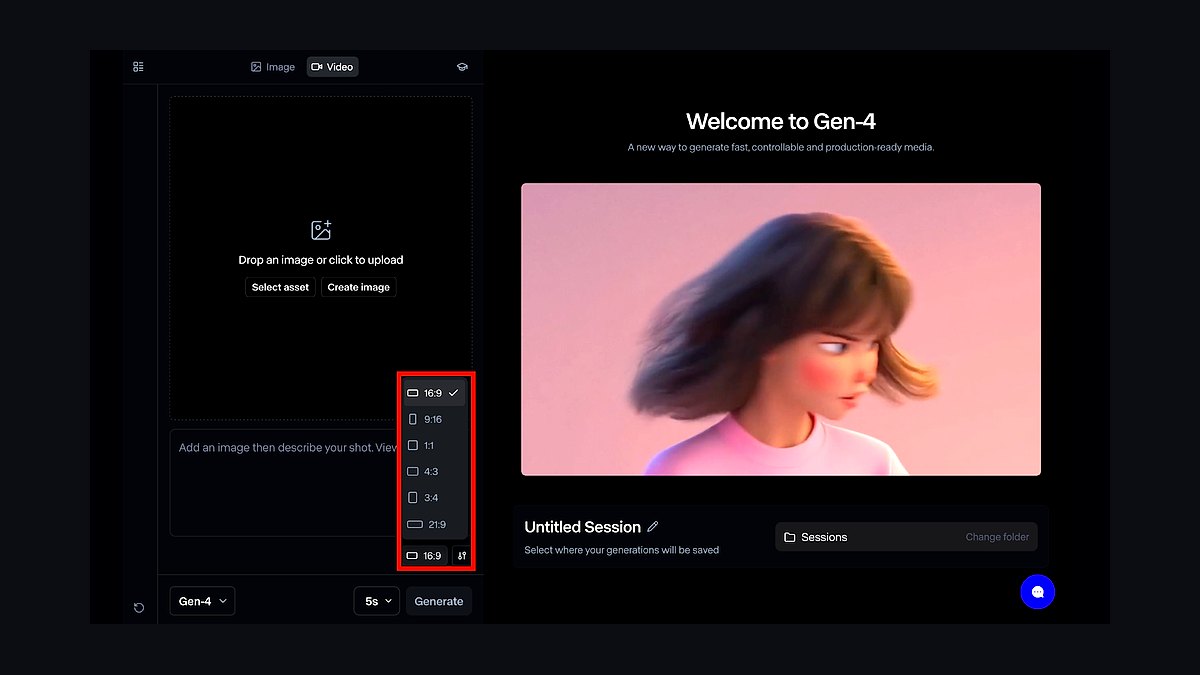
The 10 best ai tools for image-to-video are ranked below on measured performance, build quality, price, and how each one actually holds up in daily use rather than how it reads on a spec sheet. Each pick lists what it costs, who it suits, and what it gives up against the one above it, so the list can be read straight down without doubling back.
1Runway Gen-4
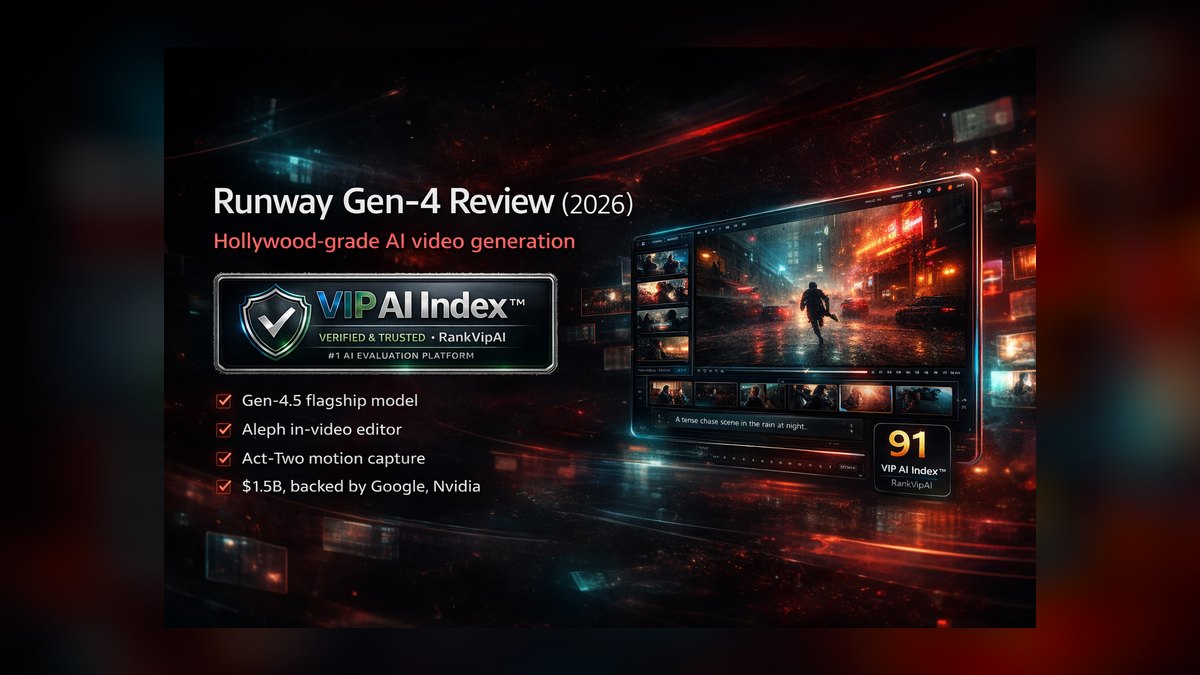
Runway Gen-4 ranks first because it delivers the tightest control over motion, camera moves, and shot consistency in a production-grade editor with a documented API. Its motion brush lets you paint exactly which regions move, and keyframe conditioning interpolates between start and end images. Clips generate around 10 seconds and extend further, with outputs upscaling toward 4K for finishing. Pricing runs roughly $15/month Standard, $35/month Pro, and $95/month Unlimited.
This is for operators and teams who need versioning, team workspaces, and reliable commercial licensing. It trades away some raw physical realism compared to Kling AI on a single hero clip, and credits can disappear fast when iterating. But no competitor matches its blend of control, consistency, and tooling, making it the safe pick for client work and pipelines.
2Kling AI
Kling AI ranks second because its image-to-video mode, running on Kling 2.1 and newer, produces some of the most convincing human motion, fluid dynamics, and physical interactions available, often outscoring Runway in blind community comparisons. It offers start-and-end-frame control, a motion brush equivalent, and clip extension that can stretch toward three minutes in segments. Native output sits at 1080p, and a generous free tier plus entry pricing around $10/month makes it easy to test.
This is for creators who want the most lifelike animation from a single still and don't mind a queue. It trades away the polished team pipeline and API depth of Runway, and peak-time queues can be long on cheaper plans. As a pure quality engine for the money, Kling is exceptional, but operators needing control and versioning should pick Runway above it.
3Google Veo 3

Google Veo 3 ranks third because its standout trait is native audio—it generates synchronized sound effects, ambience, and even dialogue alongside the animated image, which most image-to-video tools cannot touch. Delivered through Flow, the Gemini app, and Vertex AI, it keeps strong fidelity to your source frame and handles complex camera motion with cinematic stability. For organizations, routing through Vertex AI brings SynthID watermarking, enterprise data governance, and predictable billing inside Google Cloud.
This is for enterprises already in Google Cloud who need audio-complete clips with strong data governance. It trades away granular creative control compared to Runway, and the best capabilities sit behind higher subscription tiers. For teams needing synchronized sound and cinematic stability, Veo 3 is hard to beat, but it costs more and is less flexible than the top two picks.
4OpenAI Sora
OpenAI Sora ranks fourth because its image-to-video path animates a still with strong world-coherence, keeping objects intact through motion and handling occlusion well. Bundled into ChatGPT Plus and the higher-throughput ChatGPT Pro tier, it is frictionless for millions already paying for ChatGPT. The Storyboard interface lets you sequence shots and direct timing, and the Remix feature edits an existing generation with a prompt. Commercial terms are clear, and C2PA provenance metadata is attached to outputs.
This is for ChatGPT-native teams who want capable image animation without a new subscription. It trades away granular motion masking compared to Runway, and clip lengths and resolutions vary by tier. For teams already in the OpenAI ecosystem, Sora is a strong pick, but it trails the leaders on fine control and sustained realism.
5Luma Dream Machine
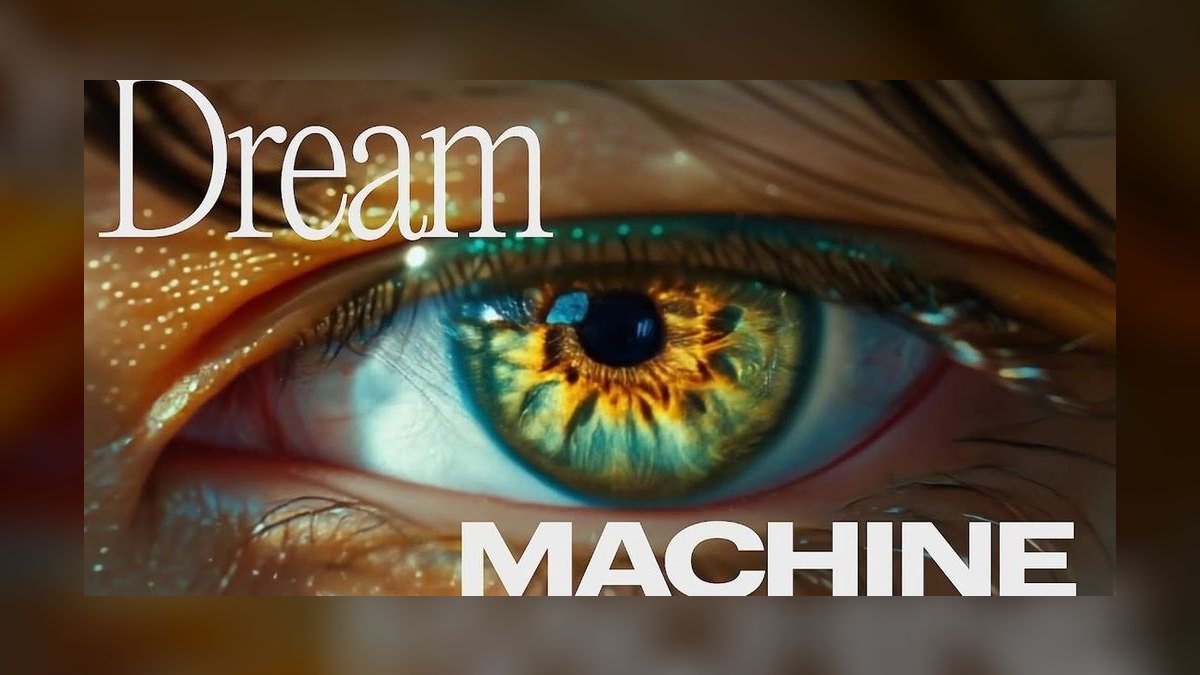
Luma Dream Machine ranks fifth because it is the speed-and-smoothness specialist, powered by the Ray2 model, excelling at fluid, dreamlike camera motion and natural movement from a single frame. It pioneered keyframe workflows where you supply a start and end image and let the model fill the gap, ideal for controlled transitions. Generations are fast relative to the realism tier, and the Modify Video feature can restyle existing footage.
This is for motion graphics, transitions, and quick concept clips where speed matters more than fine detail. It trades away fine detail and text stability under heavy motion, occasionally drifting from the source image more than Runway. For rapid iteration and accessible keyframing, it is a favorite, but it lacks the production tooling of the top picks.
6Hailuo AI
Hailuo AI ranks sixth because it delivers a startling amount of quality for almost nothing, with its image-to-video models producing smooth, cinematic motion and strong prompt adherence. The free tier is genuinely usable for real work, making it the best-value pick on this list. Its Subject Reference (S2V) feature keeps a specific character or object consistent across multiple shots from a reference image, a capability usually reserved for premium tools.
This is for solo operators and lean teams who need volume on a tight budget. It trades away variable queue times, a leaner editing surface, and commercial-licensing terms that deserve scrutiny before client delivery. For cost per usable second, nothing here matches the value, but it trails the top five on control and production polish.
7Pika

Pika ranks seventh because it carved out a niche with playful, fast, controllable generation, and Pika 2.2 made its image-to-video genuinely strong. The signature features are Pikaframes, which animates between start and end images with smooth interpolation, and Pikaffects, which apply physical transformations like crush, melt, and inflate to a subject in your source still. It is built for social-first creators with quick turnarounds and clip lengths tuned for short-form.
This is for creators producing punchy clips for TikTok, Reels, and Shorts where speed and fun matter more than realism. It trades away sustained realism and high-resolution finishing compared to the leaders. For rapid social output, it earns its place, but it is less of a pipeline tool and more of an ideation engine.
8Adobe Firefly

Adobe Firefly ranks eighth because it wins on commercial safety: its video model is trained on licensed and public-domain content, and Adobe offers IP indemnification for enterprise customers, a guarantee no other model provides. For agencies and brands wary of training-data liability, that alone can decide the purchase. Firefly's image-to-video lives inside the Adobe ecosystem, including Premiere Pro integration, so animated clips drop straight into existing edit timelines.
This is for operators whose legal team asks where the training data came from. It trades away motion realism compared to Kling and Veo, and clip lengths are conservative. For any brand needing legal safety and Adobe workflow integration, Firefly is the answer, but it trails the top tier on raw quality.
9Vidu

Vidu ranks ninth because its reference-to-video capability, powered by the Vidu Q1 model, accepts multiple reference images and composites them into a single coherent animated scene. That multi-subject consistency is genuinely differentiated and useful for branded content where the same product must appear shot after shot. Vidu animates fast, supports clip extension, and offers anime and stylized modes alongside realism, popular for animated storytelling.
This is for operators producing series content with recurring characters or products. It trades away general-purpose realism compared to the top tier, and the interface assumes some patience. For consistency across shots, Vidu's reference system saves real time, but it is not the best all-rounder.
10Stable Video Diffusion
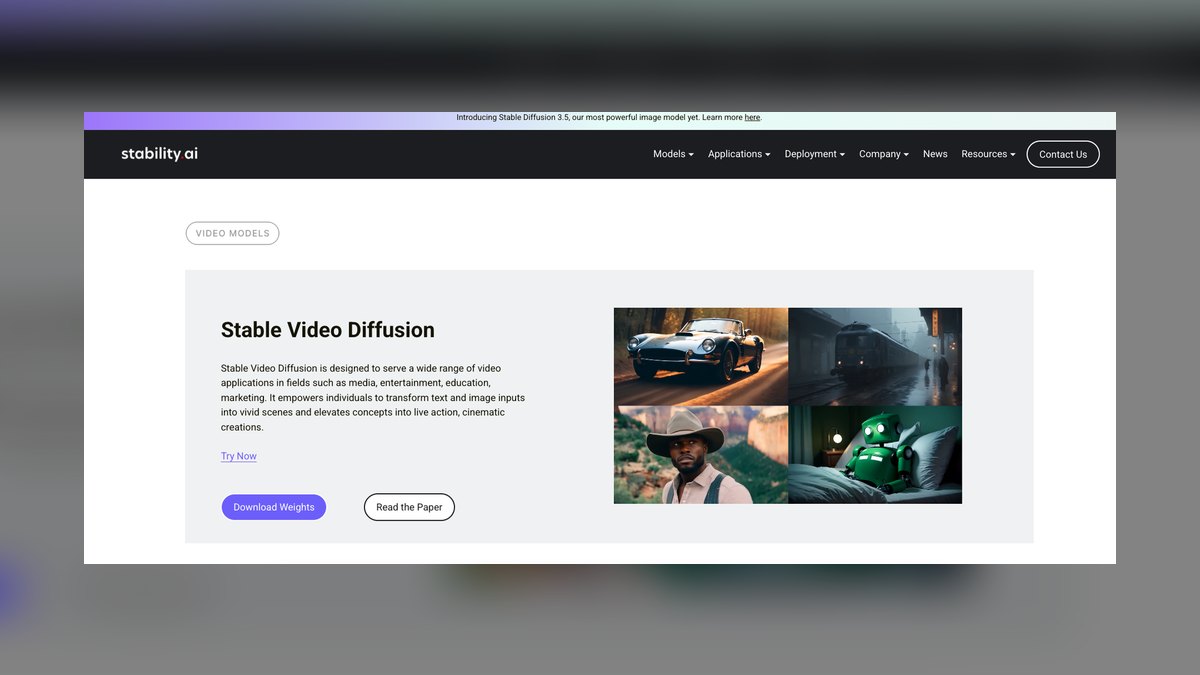
Stable Video Diffusion ranks tenth because it is the open-source entry, and the only option here you can run entirely on your own hardware. The released SVD and SVD-XT weights animate a still image locally, giving you total data control, zero per-clip fees, and unlimited iteration once you own a capable GPU. It integrates with ComfyUI node workflows, so you can build custom image-to-video pipelines and chain it with other open models.
This is for teams with sensitive client footage that must never leave their machine, and who can handle setup and VRAM maintenance. It trades away base clip length, frame counts, and motion sophistication compared to hosted leaders. As a free, private, self-hosted foundation, nothing else competes, but it requires real technical effort.
How we ranked these
We measured six criteria specific to image-to-video: motion fidelity, image adherence, control surface (keyframes, camera moves, masking), clip length and extension, resolution and frame rate, and throughput. For operators, we added commercial licensing, API availability, and cost per usable second, weighting these heavily because the first generation rarely lands and total credits burned per delivered shot is the real price.
We deliberately ignored pure text-to-video tools that bolt on weak image conditioning, and we excluded vaporware—every tool listed ships a working image-to-video mode you can use now. We also did not weight brand popularity or marketing hype, focusing instead on measurable output quality and workflow fit. Open-source options earned credit for data control, but we did not penalize hosted tools for lacking self-hostability.
What to look for
What actually matters is matching the tool to your specific workflow. If you run a pipeline with team members and need versioning, keyframing, and API access, Runway's control and consistency justify its cost. If you need a single hero shot with maximum realism, Kling's physics and motion quality win. For budget volume, Hailuo's Subject Reference and low price per second are unbeatable. Always test with your own source images on free tiers first.
The mistake most buyers make is choosing based on a single impressive demo clip rather than their own footage. Image-to-video quality is wildly subject-dependent—a model that nails portraits may mangle product shots or landscapes. Buyers also underestimate the cost of iteration; credits burn fast when you refine. Always calculate total cost per delivered shot, not just the monthly subscription price.
Related questions
What is the best AI tool for image-to-video in 2027?
Runway Gen-4 is the best overall for professionals due to its motion control, keyframing, and production editor. Kling AI is the runner-up for raw realism in single clips. For budget, Hailuo AI offers the best value. Choose based on your workflow: control and team features favor Runway, while lifelike motion favors Kling.
How does Kling AI compare to Runway for image-to-video?
Kling AI often beats Runway on physical realism and fluid dynamics for a single hero clip, with native 1080p output and a free tier. Runway offers superior motion control, keyframing, API access, and team workspaces, plus upscaling to 4K. Kling has longer queues and a less polished interface for pipelines.
Can Google Veo 3 generate audio with image-to-video?
Yes, Google Veo 3 is unique in generating synchronized sound effects, ambience, and even dialogue alongside the animated image. This native audio capability is a standout feature. It's available through Flow, Gemini, and Vertex AI, with enterprise features like SynthID watermarking and data governance.
Is OpenAI Sora good for image-to-video?
Sora's image-to-video path is strong, with good world-coherence and object consistency. It's bundled with ChatGPT Plus and Pro, making it frictionless for existing users. The Storyboard interface and Remix feature are useful, but granular motion masking trails Runway, and clip lengths vary by tier.
What is Hailuo AI's Subject Reference feature?
Hailuo AI's Subject Reference (S2V) keeps a specific character or object consistent across multiple shots from a reference image. This is a premium capability usually found in higher-end tools, but Hailuo offers it at a budget price, making it the best-value pick for solo operators and lean teams.
Which AI tool is best for commercial safety?
Adobe Firefly is the safest for commercial use, with training on licensed and public-domain content and IP indemnification for enterprise customers. This guarantee is unique among major tools. Other tools require careful license review, and outputs often include provenance metadata like C2PA or SynthID.
Can I run image-to-video AI locally on my own hardware?
Yes, Stable Video Diffusion from Stability AI is the only open-source option on this list. You can run it entirely on your own GPU, giving you total data control, zero per-clip fees, and unlimited iteration. It integrates with ComfyUI, but requires technical setup and VRAM.
How long can AI-generated video clips be?
Most tools generate 5-10 seconds natively. Kling AI extends toward roughly three minutes in segments, and most tools support stitching multiple extensions into longer sequences. For longer content, you'll need to plan for multiple generations and editing.
FAQ
What is image-to-video AI?
It's a model that takes a single still image as input and generates a short video clip by animating that image—adding motion to subjects, camera moves, and environmental effects while trying to preserve the original composition. It's a narrow craft distinct from text-to-video.
Which tool gives the most realistic motion?
Kling AI consistently leads on physical realism for a single hero clip, with Google Veo 3 close behind and adding native audio. Runway wins overall when you weigh control and tooling alongside realism. For pure motion quality, test Kling first.
Can I keep the same character across multiple clips?
Yes—Hailuo AI's Subject Reference, Vidu's multi-reference system, and Runway's consistency features are all built for this. It's the single hardest problem in the medium, so test it specifically before committing. Each tool handles it differently, so trial with your own images.
Are these tools commercially safe to use?
Adobe Firefly is the safest, with licensed training data and enterprise IP indemnification. Every other tool requires you to read its license; outputs from most include provenance metadata like C2PA or SynthID. Always review terms before client delivery.
What's the cheapest way to start?
Run free tiers from Hailuo AI, Kling, Luma, and Pika first. For zero ongoing cost with your own GPU, self-host Stable Video Diffusion. Hailuo offers the best value for paid plans, starting in the single digits per month.
How long can the clips be?
Most generate 5–10 seconds natively. Kling extends toward roughly three minutes in segments, and most tools support stitching multiple extensions into longer sequences. For longer content, plan for multiple generations and editing.
What is the best tool for team pipelines?
Runway is the best for teams due to its API, team workspaces, and integration with inpainting, upscaling, and lip-sync tools. It offers versioning and commercial licensing, making it a production-grade choice. Google Veo 3 is also strong for enterprises in Google Cloud.
How important is image adherence?
Image adherence is critical—the output must keep the subject, colors, and composition of your source frame instead of redrawing it. We weighted it nearly as much as motion fidelity. A model that drifts from your input is useless for professional work.
What is the best tool for short-form social media?
Pika is built for social-first creators with fast turnarounds, a friendly interface, and clip lengths tuned for short-form. Its Pikaffects and Pikaframes are great for punchy clips on TikTok, Reels, and Shorts. It trails on realism but excels at speed and fun.
Can I use these tools for free?
Yes, many offer free tiers: Kling, Hailuo, Luma, and Pika all have usable free allowances. Stable Video Diffusion is completely free if you have the hardware. Free tiers are great for testing, but paid plans are needed for serious volume.
Sources
- https://runwayml.com
- https://klingai.com
- https://cloud.google.com/vertex-ai/generative-ai/docs/video/generate-videos
- https://openai.com/sora
- https://lumalabs.ai/dream-machine
- https://hailuoai.video
- https://pika.art
- https://www.adobe.com/products/firefly.html
- https://stability.ai/stable-video
Related on PULSE
This page will be disappearing soon. Save it to your device for $1 — or read it free while it is here.
@Kory-White- · if Venmo asks, the last 4 of my number are 2012
This page is gone.
This one is off the shelf now. $1 keeps it on your phone for good — the whole page, pictures and diagrams included.
 pulse-ai-infrastructureThe 10 Best Open-Source LLMs for Self-Hosting in 2027
 pulse-ai-infrastructureWhat is the role of an embedding model in AI infrastructure in 2027?
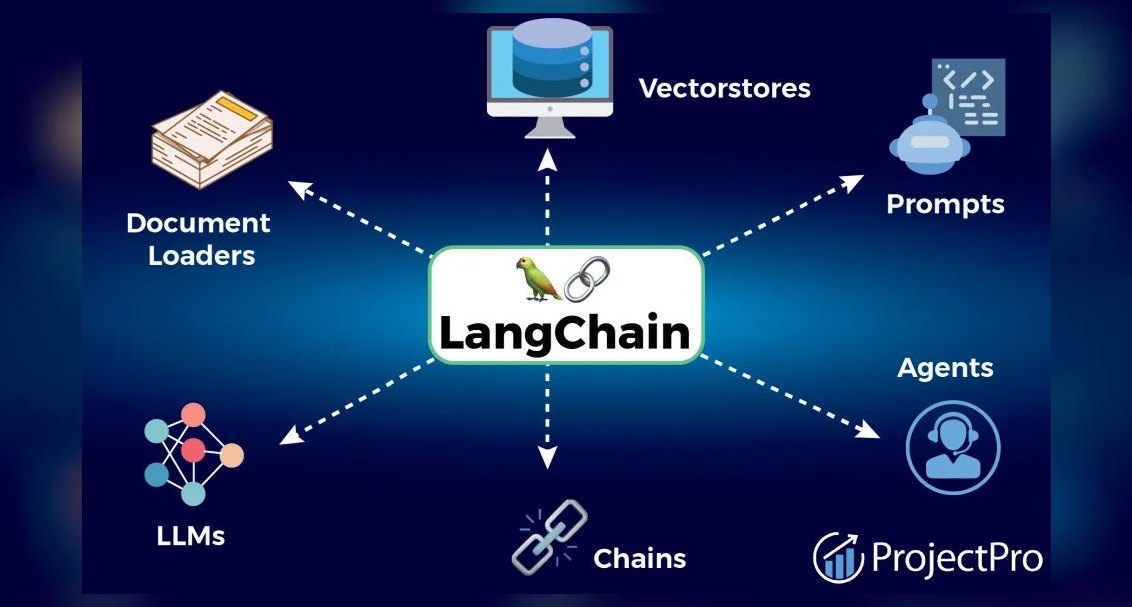 pulse-ai-infrastructureThe 10 Best RAG Frameworks in 2027
 pulse-ai-infrastructureThe 10 Best Data Annotation QA Tools in 2027
 pulse-ai-infrastructureHow do you build data pipelines for continuous model training in 2027?
 pulse-ai-infrastructureThe 10 Best AI Tools for Writing Movie Scripts in 2027
 pulse-ai-infrastructureThe 10 Best AI Tools for Coloring Pages in 2027
 pulse-ai-infrastructureThe 10 Best AI Tools for Favicon and Icon Design in 2027
 pulse-ai-infrastructureTop 10 AI Infra strategies for 2027
 pulse-ai-infrastructureWhat is GPU memory fragmentation and how do you avoid it in 2027?