
The 10 Best AI Tools for Color Contrast Checking in 2027
 Curated byKory White · Fractional CRO · Maryland
 PULSEKNOWLEDGE LIBRARY
Quality
Certified
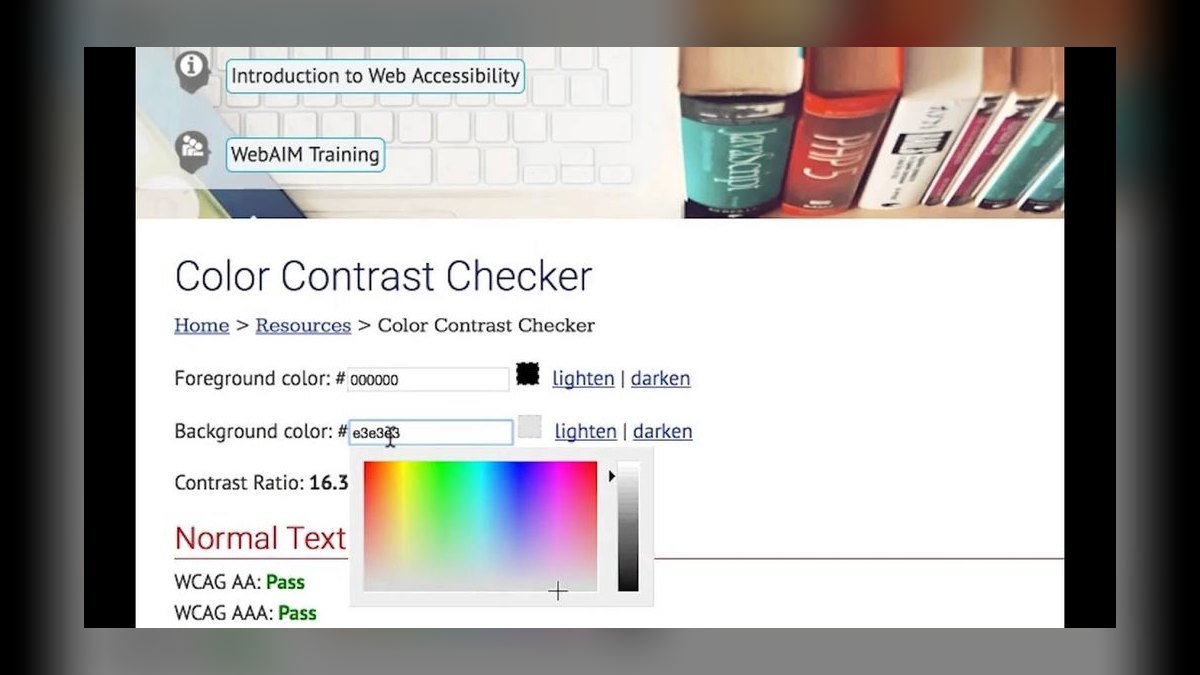
The 10 best ai tools for color contrast checking are ranked below on measured performance, build quality, price, and how each one actually holds up in daily use rather than how it reads on a spec sheet. Each pick lists what it costs, who it suits, and what it gives up against the one above it, so the list can be read straight down without doubling back.
1. WebAIM Contrast Checker
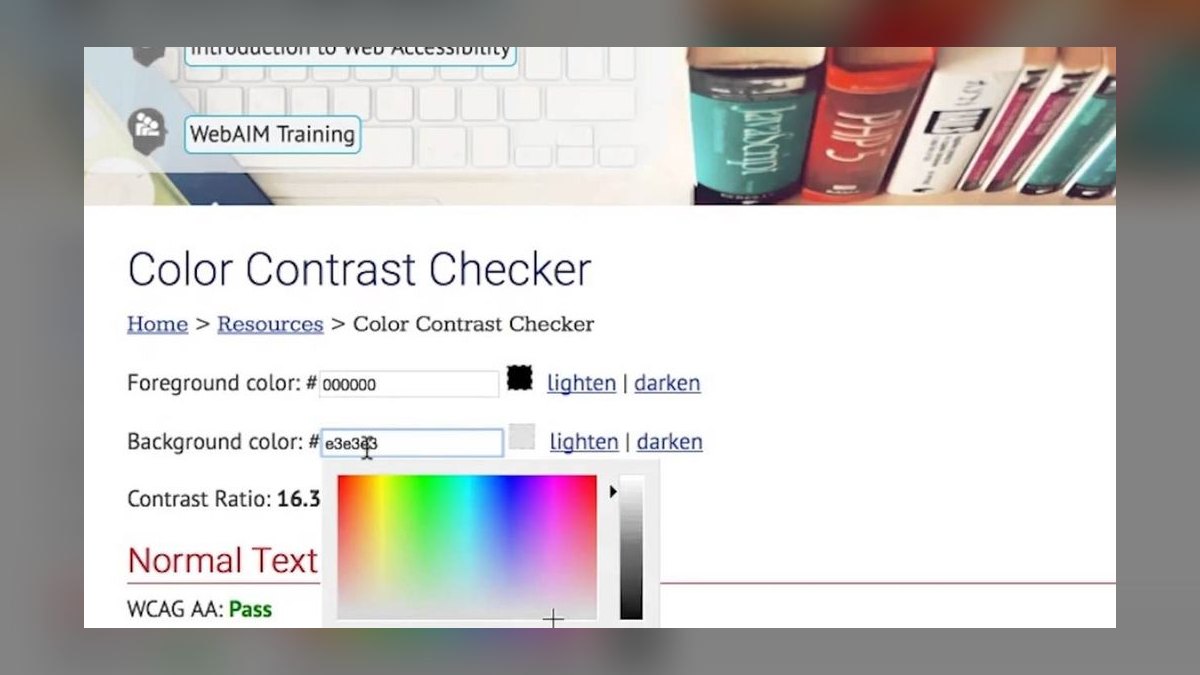
WebAIM Contrast Checker ranks first because it is the universally trusted reference for WCAG AA and AAA ratio verification, returning exact contrast values instantly for any foreground-background pair. It checks normal text, large text, and UI components against the 4.5:1, 3:1, and 7:1 thresholds, and its sliders let you nudge colors until they pass. The tool is completely free and requires no account, making it the definitive standard for a single authoritative answer.
This is for anyone who needs a quick, reliable pass-or-fail verdict on a specific color pair without any workflow integration. It trades away design-tool plugins, batch scanning, and AI suggestions for pure accuracy and simplicity. Compared to Stark, which excels at catching issues at design time, WebAIM is the final arbiter you use to confirm a ratio before shipping, especially when you need a result you can cite with confidence.
2. Stark

Stark ranks second as the best value because it brings AI-assisted contrast checking, color-vision deficiency simulation, and accessible-color suggestions directly into Figma, Sketch, and the browser, with a capable free tier. Its Pro plan costs around $60 per year, and catching contrast failures at design time is far cheaper than retrofitting after code is written. The AI suggestions propose compliant alternatives that stay close to your brand, making it a practical fixer, not just a checker.
This is for product design teams who live in Figma and need to prevent accessibility issues before development. It trades away whole-site automated scans for a deep design-stage focus, so you still need a tool like axe DevTools for page-wide audits. Compared to WebAIM, Stark is less authoritative for a final ratio check but far more integrated into the daily design workflow, offering proactive guidance rather than just a verdict.
3. Contrast Ratio Lea Verou
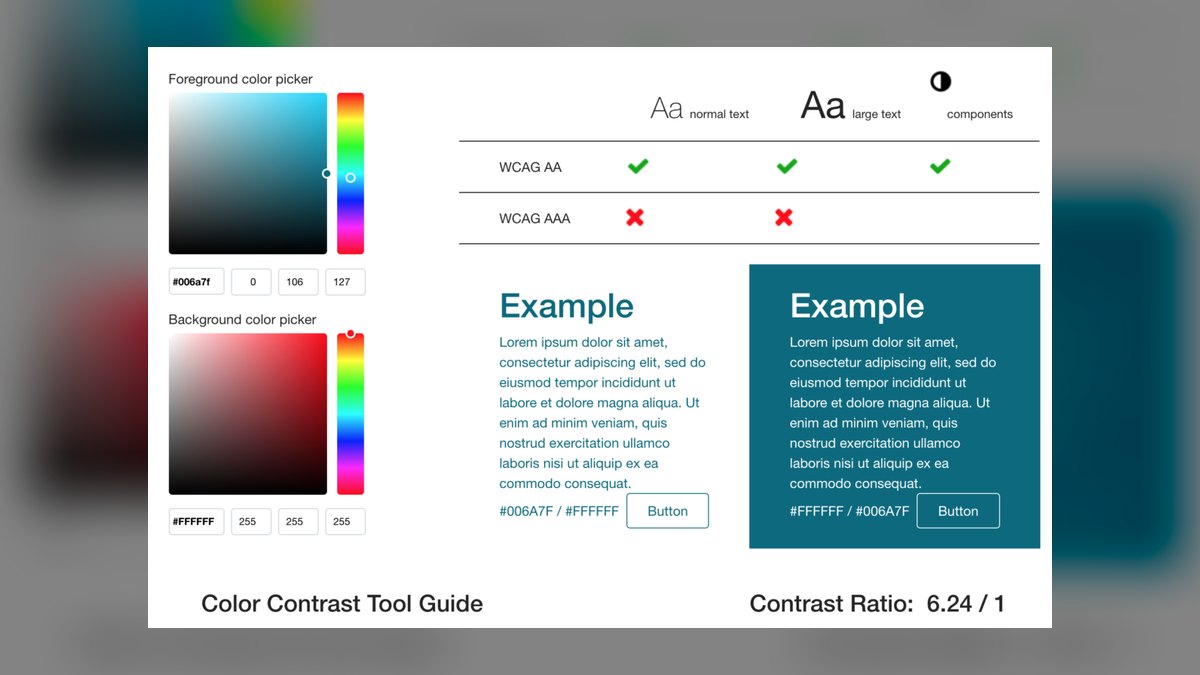
Contrast Ratio by Lea Verou ranks third because it uniquely and correctly handles semi-transparent and alpha-blended colors, a common gap in many simpler checkers. It accepts any CSS color format, including rgba and hex, and updates the ratio live as you type, making it the fastest way to verify a pair with overlays. The tool is free, open source, and minimalist, providing a precise ratio without any distracting interface.
This is for developers who need to check contrast on elements with transparency or gradients, where other tools give false results. It trades away AA/AAA labeling frills and batch processing for instant, accurate math on complex color values. Compared to WebAIM, which is the standard for simple pairs, Contrast Ratio is the specialist you reach for when alpha channels are involved, ensuring your overlay text still meets the required ratio.
4. Chrome DevTools Contrast Inspector
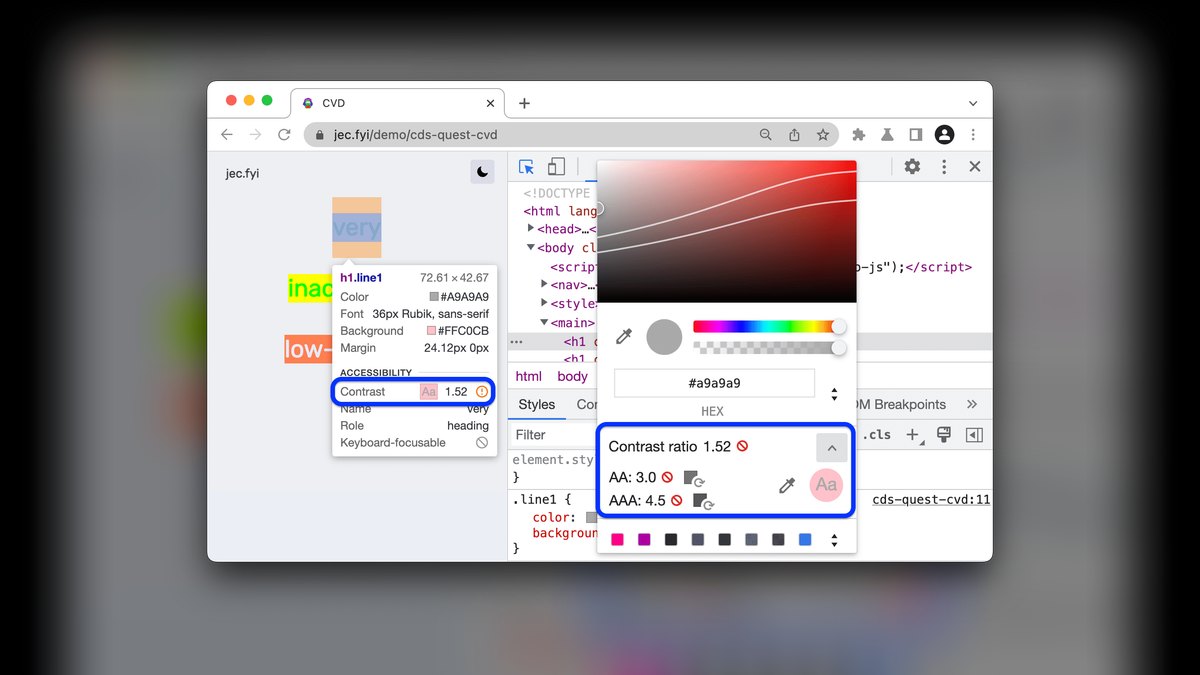
Chrome DevTools Contrast Inspector ranks fourth because it checks contrast directly on the rendered page, showing the ratio and AA/AAA status for any text element in its real context. The color picker displays a contrast line revealing which shades would pass, and the CSS Overview feature flags low-contrast text across the entire page. Being built into the browser, it is free and requires no installation, making it the fastest way to audit live colors.
This is for front-end developers who want to inspect actual rendered elements rather than isolated swatches, catching issues that only appear in context. It trades away automated whole-page reporting for a manual, element-by-element inspection, though CSS Overview helps at a glance. Compared to axe DevTools, which scans everything in one pass, Chrome DevTools gives you a more granular, hands-on look at each element's contrast against its true background.
5. axe DevTools
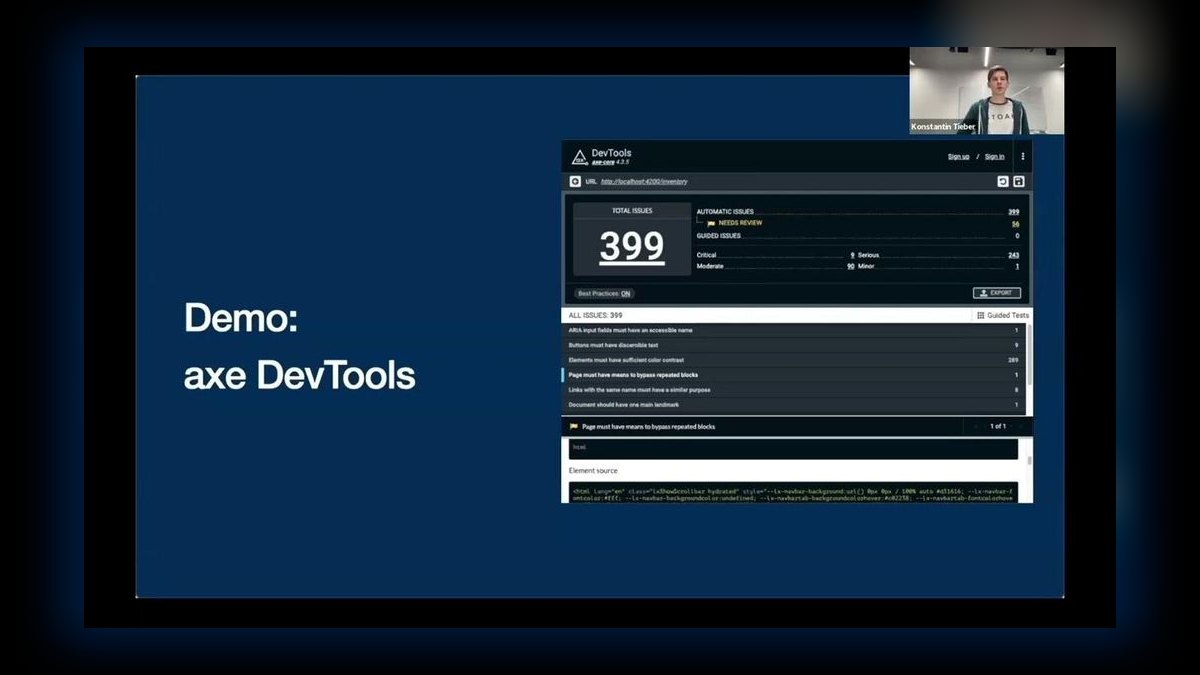
axe DevTools ranks fifth because it automates contrast scanning across an entire page, reporting every text element that fails WCAG in a single pass with its ratio and required threshold. It folds contrast into a broader accessibility scan and can run in CI, catching failures on every build rather than checking colors one at a time. The free extension provides solid coverage, while Pro, from about $40 per month, unlocks advanced automation and reporting features.
This is for development teams that need scalable, continuous compliance checking across large sites and regular deployments. It trades away design-time suggestions for comprehensive failure reporting, so you still need to choose new colors yourself. Compared to Chrome DevTools, which requires manual inspection, axe DevTools gives you a complete list of violations instantly, making it the better choice for regression testing and ensuring contrast standards are maintained over time.
6. Adobe Color Contrast Analyzer
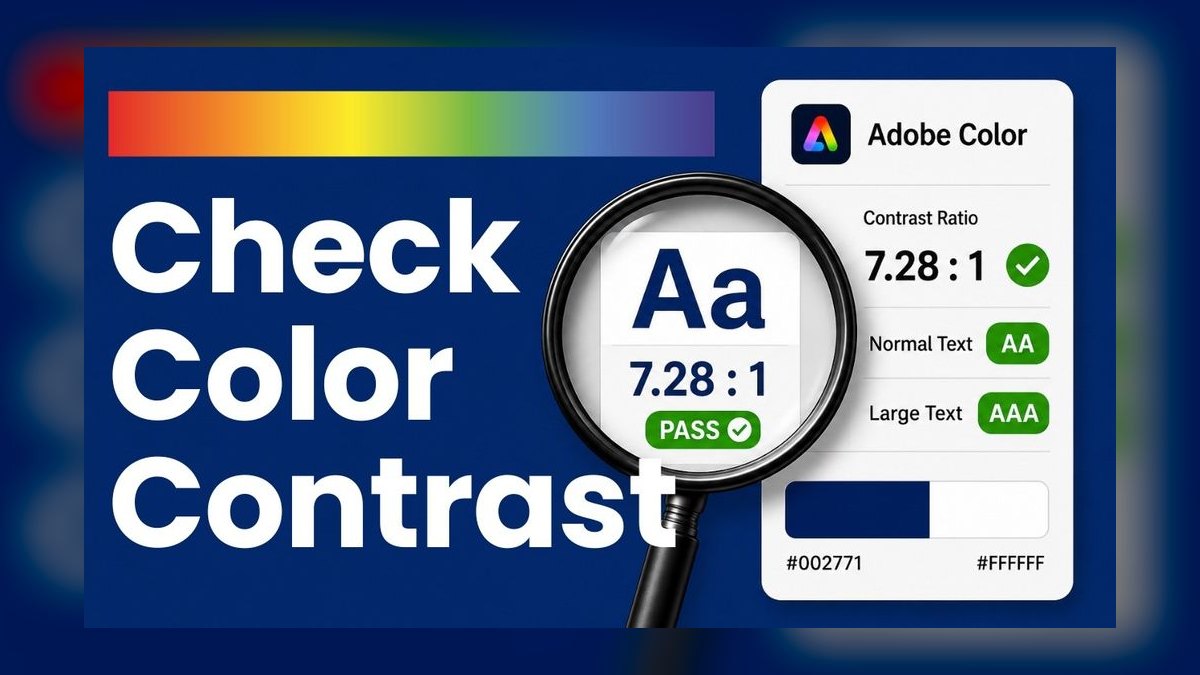
Adobe Color Contrast Analyzer ranks sixth because it ties WCAG contrast checking directly into Adobe's palette creation tools, allowing you to build a whole accessible color theme around compliant pairings. It checks text against a background and integrates with the broader Adobe Color ecosystem, helping ensure brand colors meet contrast minimums from the start. The tool is free and works in the web browser, connecting palette design with accessibility verification.
This is for designers already invested in the Adobe ecosystem who want to create accessible color systems rather than just test individual pairs. It trades away the granularity of dedicated checkers for a seamless workflow that prioritizes palette-level thinking. Compared to WebAIM, which is the reference for a single pair, Adobe Color is the better choice when you are designing a full theme and need to see how multiple colors interact with each other under WCAG rules.
7. Colour Contrast Analyser TPGi
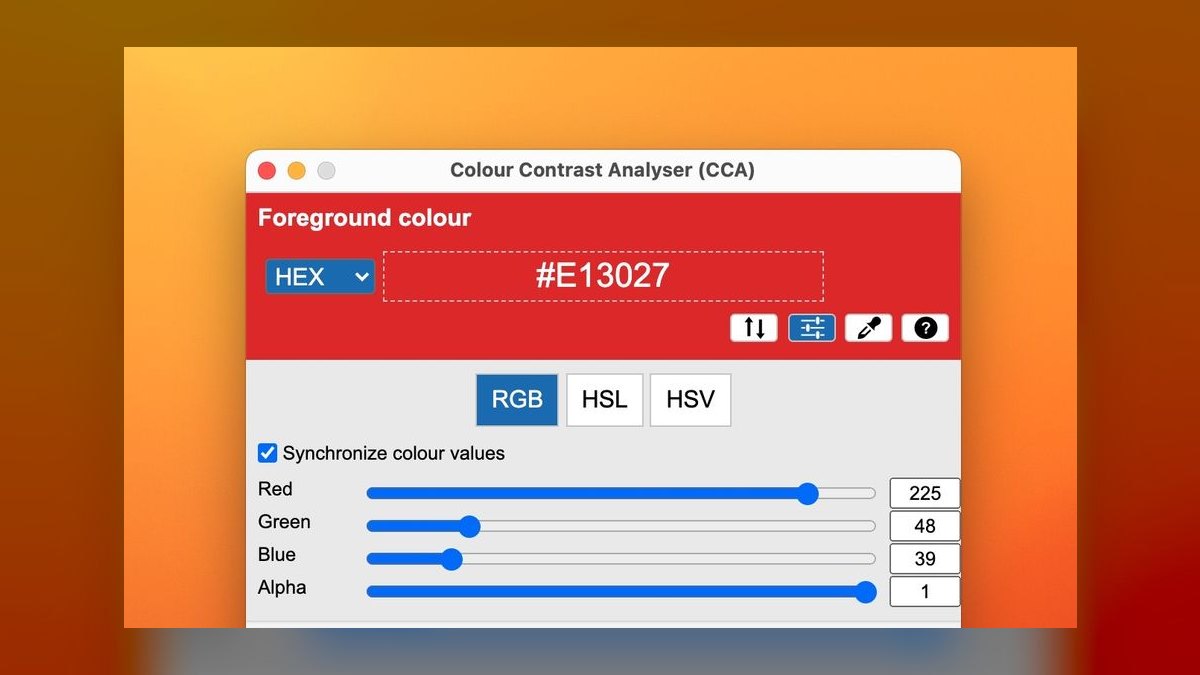
Colour Contrast Analyser from TPGi ranks seventh because its desktop eyedropper samples colors from anywhere on screen, including web pages, PDFs, design mockups, and native applications. It reports WCAG AA and AAA pass or fail for any sampled pair, working beyond the browser where web-based tools cannot reach. The app is free for both Windows and macOS, making it a versatile utility for checking static assets.
This is for accessibility testers and designers who need to verify contrast in non-web contexts like PDFs, images, or desktop software. It trades away automation and batch processing for the flexibility of manual sampling from any screen element. Compared to axe DevTools, which automates whole-page scans, TPGi gives you precise control over exactly which pixels you measure, making it indispensable for verifying printed or exported materials.
8. Able

Able ranks eighth because it is a lightweight, free Figma plugin that shows the contrast ratio between two selected layers in real time, flagging AA and AAA status without leaving the canvas. Its simplicity makes contrast checking a frictionless habit during the design process, as you can select foreground and background and see the ratio update instantly. This keeps accessibility front of mind from the very first mockup, eliminating the need to switch to an external tool.
This is for individual designers who want a minimal, no-cost way to check contrast while working in Figma. It trades away the advanced features of full suites like Stark, such as AI color suggestions and vision simulation, for a focused, streamlined experience. Compared to Stark, which is a comprehensive design-tool suite, Able is the better choice if you only need the core ratio check and want to avoid any extra complexity or cost in your workflow.
9. Accessible Colors
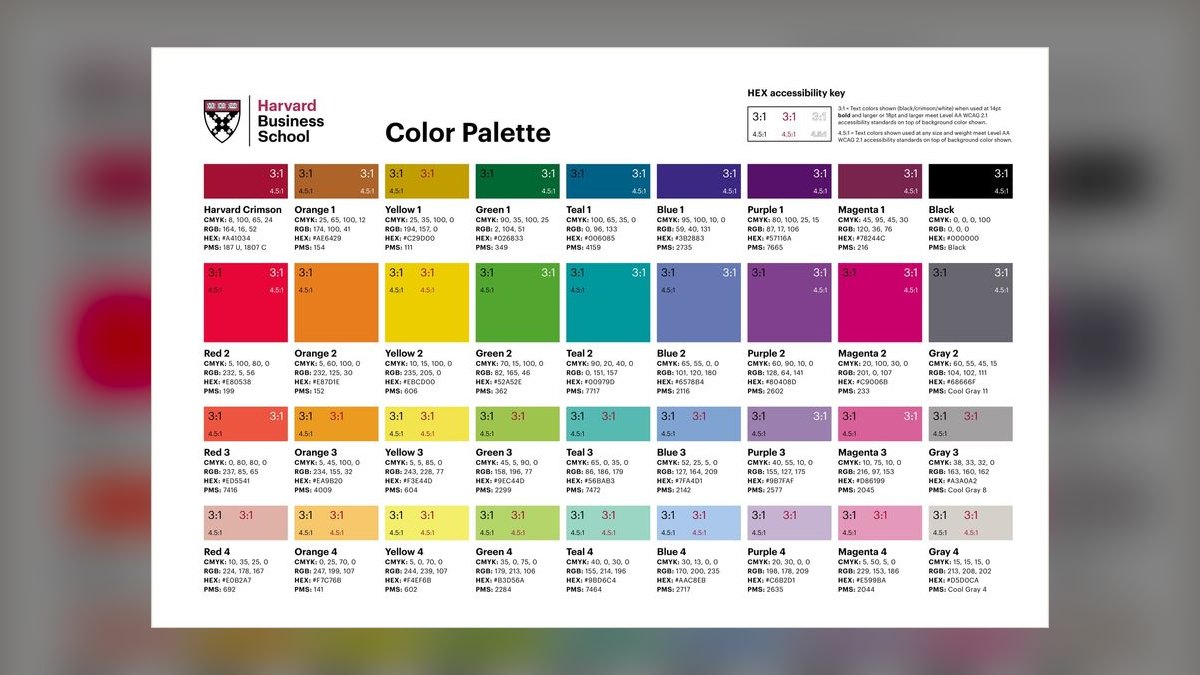
Accessible Colors ranks ninth because it not only tests a foreground-background pair against WCAG but, when it fails, suggests the nearest compliant color, turning a failed check into an instant fix. You enter your colors and target level, and it returns a passing alternative that stays close to the original, saving the trial-and-error of manually nudging values. The tool is free and quick, making it a practical utility for resolving contrast issues on the spot.
This is for designers and developers who need a fast, automated way to find a compliant color without guessing or using sliders. It trades away batch processing and design-tool integration for a single-pair focus on suggestion. Compared to WebAIM's sliders, which require manual adjustment, Accessible Colors provides a direct answer, though its suggestions still need design review to ensure they fit the overall aesthetic and brand guidelines.
10. ChatGPT OpenAI
ChatGPT ranks tenth because it helps reason about contrast at scale, proposing entire palettes where every text-background pairing meets AA, adjusting a brand color to the nearest passing hex, and explaining which combinations fail and why. It can output compliant hex values and CSS variables, making it a fast way to plan accessible color systems before verifying each pair. The free tier is available, with Plus at $20 per month for advanced models.
This is for designers and developers who want a conversational copilot to generate and plan accessible color schemes, not a precise measurement tool. It trades away exact ratio calculation for broad, generative guidance, so every result must be verified in a dedicated checker like WebAIM. Compared to Accessible Colors, which gives a single precise fix, ChatGPT offers wider creative latitude but demands rigorous verification before any color is shipped.
How we ranked these
We measured ten tools across six weighted criteria: accuracy of WCAG AA/AAA ratio calculation (30%), quality of fix guidance (20%), workflow fit with design tools, browsers, and code (15%), coverage of text, UI, and vision simulation (15%), price versus capability (12%), and usability or speed to a clear pass/fail answer (8%). Rankings came from hands-on testing, ratio verification, and product documentation.
We deliberately ignored brand popularity, marketing claims, and feature checklists that did not affect real contrast outcomes. We also excluded tools without verifiable WCAG compliance or those that only offered generic AI advice without measurable ratio accuracy. The focus stayed on practical utility for designers, developers, and testers who need reliable, actionable results.
What to look for
What matters is whether a tool fits your workflow. For design teams, Stark or Able catch issues in Figma before code. For developers, Chrome DevTools and axe DevTools scan live pages and integrate into CI. For quick checks, WebAIM and Contrast Ratio are free and authoritative. Consider transparency handling, batch scanning, and AI suggestions that stay close to your brand.
The biggest mistake is choosing a tool that only tells you pass or fail without helping you fix colors. Many buyers also overlook the need to verify AI-generated suggestions in a dedicated checker, or they ignore semi-transparent color handling, which can lead to false confidence and inaccessible products.
Related questions
What is the best AI tool for color grading in 2027?
The best AI tool for color grading in 2027 is DaVinci Resolve with its AI-powered color match and scene detection, offering professional-grade grading with automatic adjustments. For simpler needs, Adobe Premiere Pro's Auto Color and Lumetri AI assist provide quick, effective grading. These tools use machine learning to analyze footage and suggest balanced, cinematic looks, saving time for editors.
What is the best AI tool for color palette generation in 2027?
The best AI tool for color palette generation in 2027 is Khroma, which uses AI to learn your color preferences and generate unlimited palettes based on your choices. Other top options include Coolors AI and Adobe Color's AI-driven palette generator. These tools help designers quickly create harmonious, accessible color schemes for any project.
How does AI improve color contrast checking?
AI improves color contrast checking by automatically suggesting compliant alternatives that stay close to your original brand colors, as seen in tools like Stark and Accessible Colors. It can also simulate vision deficiencies to show how colors appear to users with color blindness, and generate entire accessible palettes. However, AI suggestions should always be verified with a precise ratio calculator.
What are the WCAG contrast requirements for text?
WCAG 2.1 requires a contrast ratio of at least 4.5:1 for normal text, 3:1 for large text (18pt or 14pt bold), and 3:1 for UI components and graphical objects. For AAA compliance, normal text needs 7:1 and large text 4.5:1. These ratios ensure readability for users with low vision and color vision deficiencies.
Can I check contrast on a live website?
Yes, Chrome DevTools' contrast inspector lets you check any text element on a live page, showing the ratio and AA/AAA status. The CSS Overview feature flags low-contrast text across the entire page. axe DevTools also scans a full page and lists all failing elements with their ratios and required thresholds, making it easy to audit real-world sites.
What is the best free color contrast checker?
The WebAIM Contrast Checker is the best free tool, offering exact WCAG AA and AAA ratios for any color pair, with sliders to adjust until passing. Contrast Ratio by Lea Verou is also free and handles semi-transparent colors correctly. For design tools, Stark and Able offer free tiers with basic contrast checking features.
How do I choose between Stark and Able for Figma?
Stark offers a broader feature set, including vision simulation, AI color suggestions, and integration with Sketch and browsers, making it better for teams. Able is a lightweight, free plugin that shows live contrast ratios between selected layers, ideal for quick checks without extra features. Choose Stark for comprehensive accessibility workflows, Able for simplicity.
What is the role of AI in accessible color palette generation?
AI in accessible color palette generation, like in ChatGPT or Adobe Color, can propose entire palettes where every text-background pairing meets WCAG AA or AAA. It adjusts brand colors to the nearest passing hex and explains why certain combinations fail. This speeds up the design process, but each pair should be verified with a dedicated contrast checker.
FAQ
What is the best tool for color contrast checking in 2027?
The WebAIM Contrast Checker is the best overall because it instantly returns the exact WCAG ratio with AA and AAA pass or fail for any color pair, for free. For value, Stark checks contrast inside design tools and suggests accessible alternatives.
What contrast ratio do I need for WCAG?
WCAG AA requires a ratio of at least 4.5:1 for normal text and 3:1 for large text and UI components; AAA requires 7:1 for normal text. Checkers report both so you can target the right level.
How do I check contrast on transparent or overlay colors?
Use Contrast Ratio by Lea Verou, which correctly accounts for alpha and semi-transparent colors — a case many simpler checkers handle incorrectly.
Can I check contrast across a whole page at once?
Yes. axe DevTools scans an entire page and lists every text element failing contrast with its ratio and threshold, and Chrome DevTools' CSS Overview flags low-contrast text in context.
How do I fix a color that fails contrast?
Accessible Colors suggests the nearest passing color, the WebAIM checker's sliders let you nudge until it passes, and ChatGPT can propose a whole compliant palette to verify afterward.
Should I check contrast at design time?
Yes. Stark and Able check contrast inside Figma so failures are caught and fixed before development, which is far cheaper than retrofitting accessible colors after launch.
What is the best tool for checking contrast in a PDF?
The Colour Contrast Analyser from TPGi is the best for PDFs because its desktop eyedropper samples colors from anywhere on screen, including static documents and images, and reports WCAG AA/AAA results.
Are AI contrast checkers accurate?
AI tools like ChatGPT can propose compliant colors and palettes, but they are not measurement tools. Their suggestions must be verified with a dedicated checker like WebAIM or Contrast Ratio to ensure exact ratios meet WCAG standards.
What is the best free Figma contrast plugin?
Able is a free, lightweight Figma plugin that shows live contrast ratios between selected layers with AA and AAA status. It's frictionless and keeps accessibility front of mind during design, though it lacks the advanced features of paid tools like Stark.
How does Chrome DevTools help with contrast checking?
Chrome DevTools' color picker shows the contrast ratio and AA/AAA status for any text element on a live page, and the contrast line reveals which shades would pass. CSS Overview flags low-contrast text across the page, making it a fast way to audit real colors.
Sources
- https://webaim.org/resources/contrastchecker/
- https://www.getstark.co
- https://contrast-ratio.com
- https://developer.chrome.com/docs/devtools/accessibility/contrast
- https://www.deque.com/axe/devtools/
- https://color.adobe.com/create/color-contrast-analyzer
- https://www.tpgi.com/color-contrast-checker/
- https://www.ableplugin.com
- https://accessible-colors.com
- https://chatgpt.com
Related on PULSE
This page will be disappearing soon. Save it to your device for $1 — or read it free while it is here.
@Kory-White- · if Venmo asks, the last 4 of my number are 2012
This page is gone.
This one is off the shelf now. $1 keeps it on your phone for good — the whole page, pictures and diagrams included.
 aiThe 10 Best AI Tools for Screen Reader Testing in 2027
 aiThe 10 Best AI Tools for Web Caching in 2027
 aiThe 10 Best AI Tools for Video Editing in 2027
 aiThe 10 Best AI Tools for Web Prototyping in 2027
 aiWhat should you know before investing in AI Infra in 2027?
 aiThe 10 Best AI Tools for On-Page SEO in 2027
 aiThe 10 Best AI Tools for Tailwind CSS in 2027
 aiThe 10 Best AI Tools for Blog Writing for Websites in 2027
 aiThe 10 Best AI Tools for Checkout Optimization in 2027
 aiThe 10 Best AI Tools for PHP Development in 2027