


The 10 Best AI Infra Budgeting Strategies for Enterprises in 2027
Quality
Certified
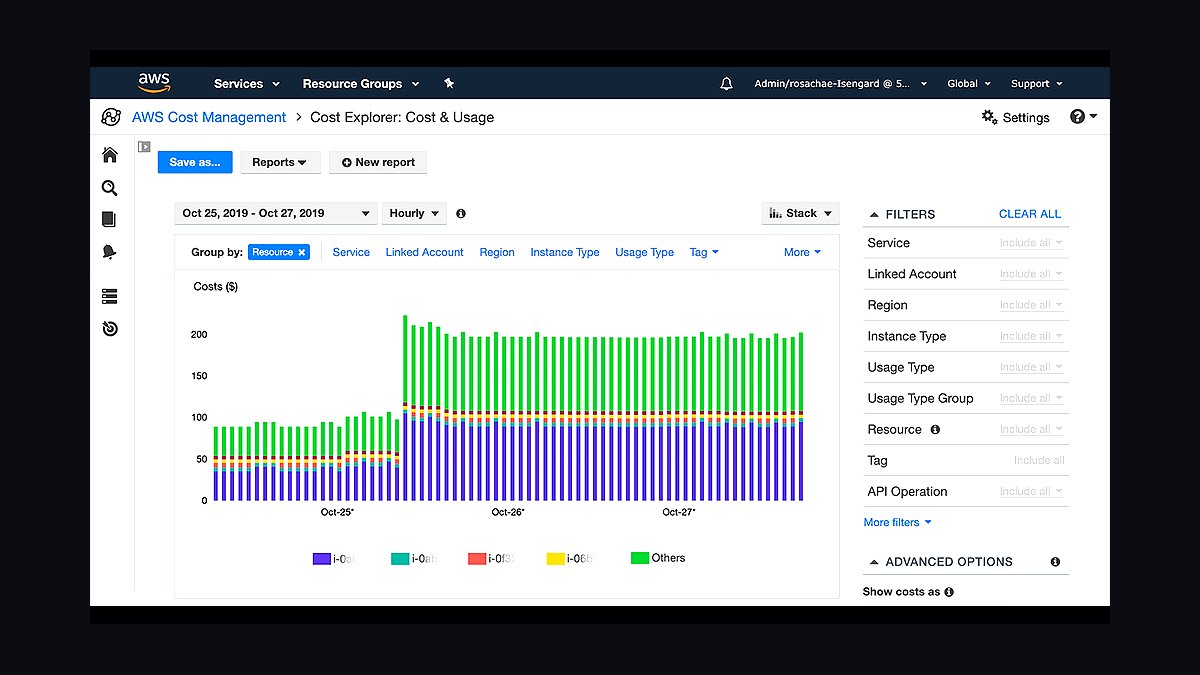
The 10 best ai infra budgeting strategies for enterprises are ranked below on measured performance, build quality, price, and how each one actually holds up in daily use rather than how it reads on a spec sheet. Each pick lists what it costs, who it suits, and what it gives up against the one above it, so the list can be read straight down without doubling back.
1AWS Cost Explorer
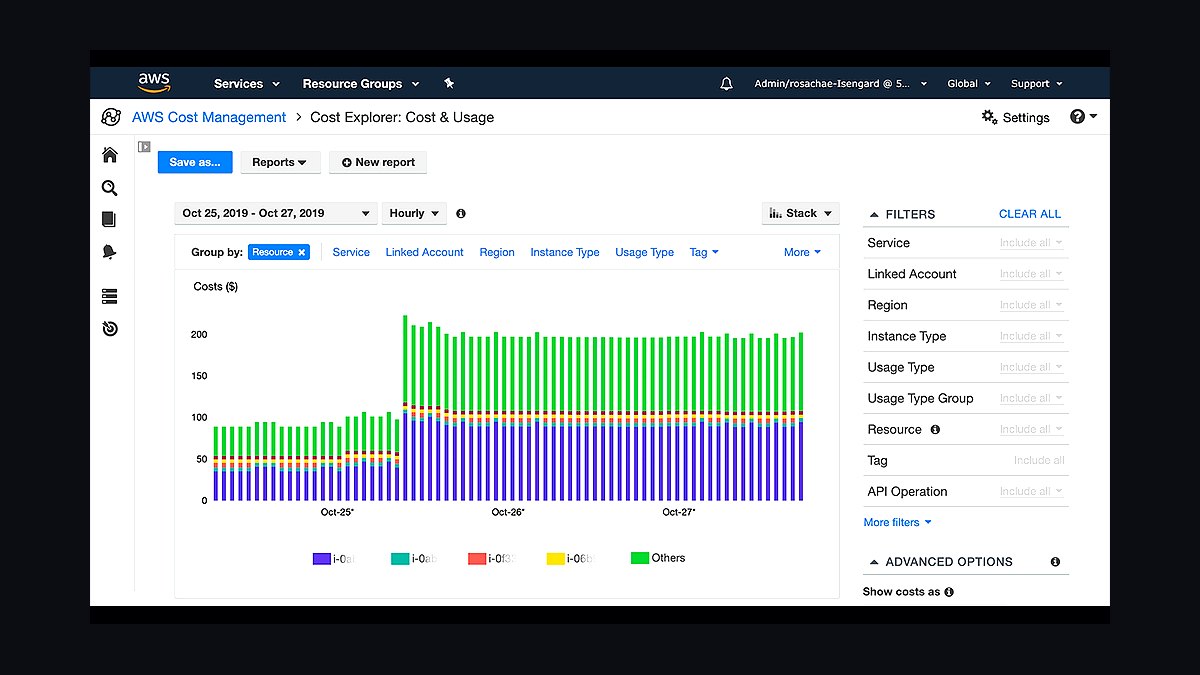
AWS Cost Explorer ranks first because it ships free inside every AWS account and is already the default lens enterprises use before adding a dedicated FinOps tool. It breaks GPU and compute spend down by instance type, tag, and linked account, and its forecasting model projects trailing 12-month usage into a monthly budget baseline. Enterprises already committed to AWS get day-one visibility with zero procurement cycle.
It suits teams whose AI training and inference already run on EC2, SageMaker, or Bedrock and want a starting point before layering anything else. It trades away cross-cloud visibility and Kubernetes-level granularity, so a multi-cloud enterprise or one running GPU clusters on Kubernetes will outgrow it fast and need the pairing below.
2Kubecost
Kubecost ranks second because it is the only tool on this list built specifically for Kubernetes-native cost allocation, which is where most enterprise GPU training and inference clusters actually run. It attributes cost per pod, namespace, and GPU node down to the container level, letting budgeting teams charge AI workloads back to the business unit that ran them. It deploys as an in-cluster agent, not a SaaS redirect.
It's built for platform and MLOps teams managing shared GPU clusters across multiple product teams, not for finance leaders wanting a boardroom dashboard. Compared to AWS Cost Explorer above, it goes far deeper on Kubernetes granularity but needs cluster access and engineering time to deploy and maintain correctly.
3Datadog Cloud Cost Management
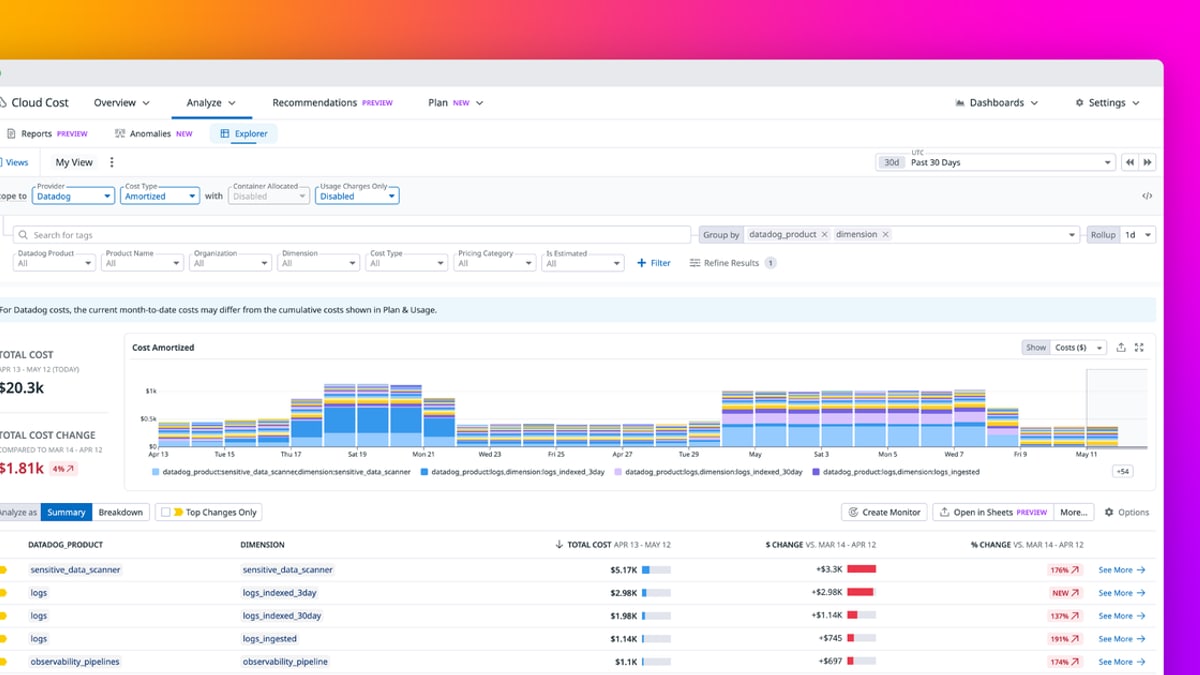
Datadog Cloud Cost Management ranks third because it sits inside the same platform enterprises already use for infrastructure and GPU utilization monitoring, so cost data lines up against real-time performance metrics instead of living in a separate silo. Teams can correlate a spike in training spend directly against the dashboard showing GPU saturation on the same cluster. It ingests billing data from AWS, Azure, and GCP into one view.
It fits enterprises already paying for Datadog observability and wanting cost folded into that existing workflow rather than adopting a new vendor. Against Kubecost above, it's broader across clouds but shallower on Kubernetes-specific cost attribution, and the cost module carries its own separate line-item pricing.
4CloudZero
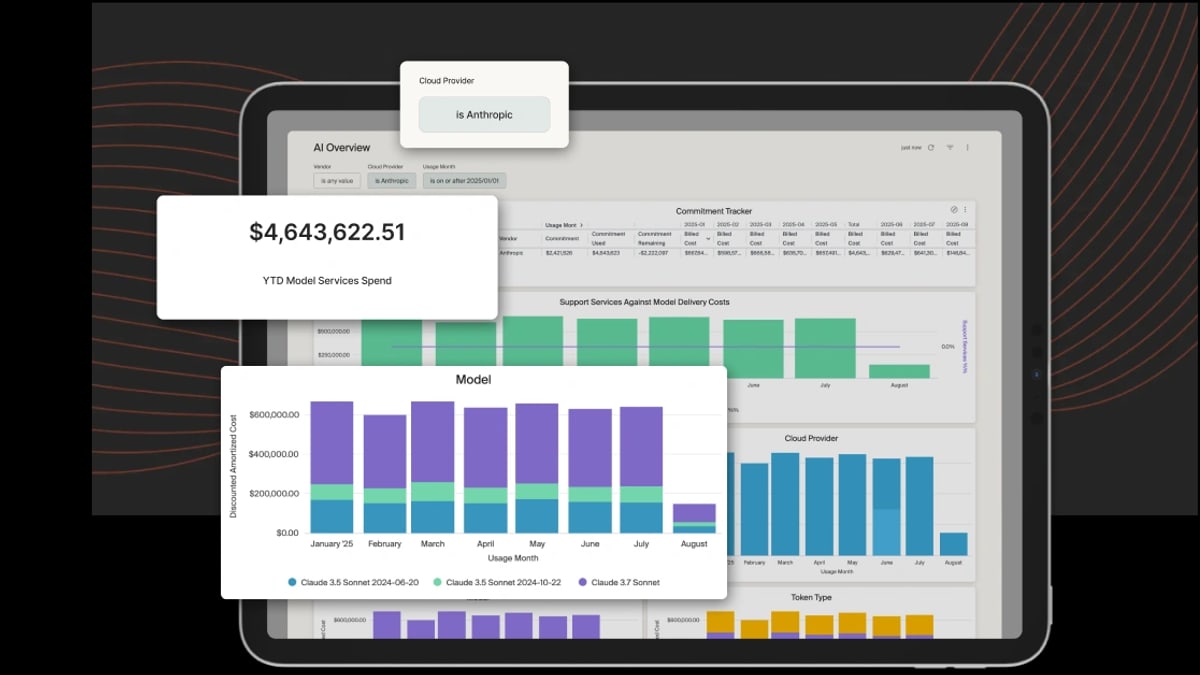
CloudZero ranks fourth because it's built around cost-per-unit economics rather than raw spend, mapping infrastructure cost to a specific metric like cost-per-model or cost-per-inference-call instead of just cost-per-account. That framing is what lets an enterprise finance team set an actual per-workload AI budget rather than a flat monthly cap. It ingests AWS, GCP, Azure, Snowflake, and Kubernetes billing data into one normalized view.
It's aimed at finance and engineering leaders who need unit economics tied to product decisions, not just a spend dashboard. Compared to Datadog Cloud Cost Management above, it's purpose-built for cost analysis rather than bundled into a broader observability suite, so it demands its own separate onboarding and data integration effort.
5Vantage Cost Management Platform
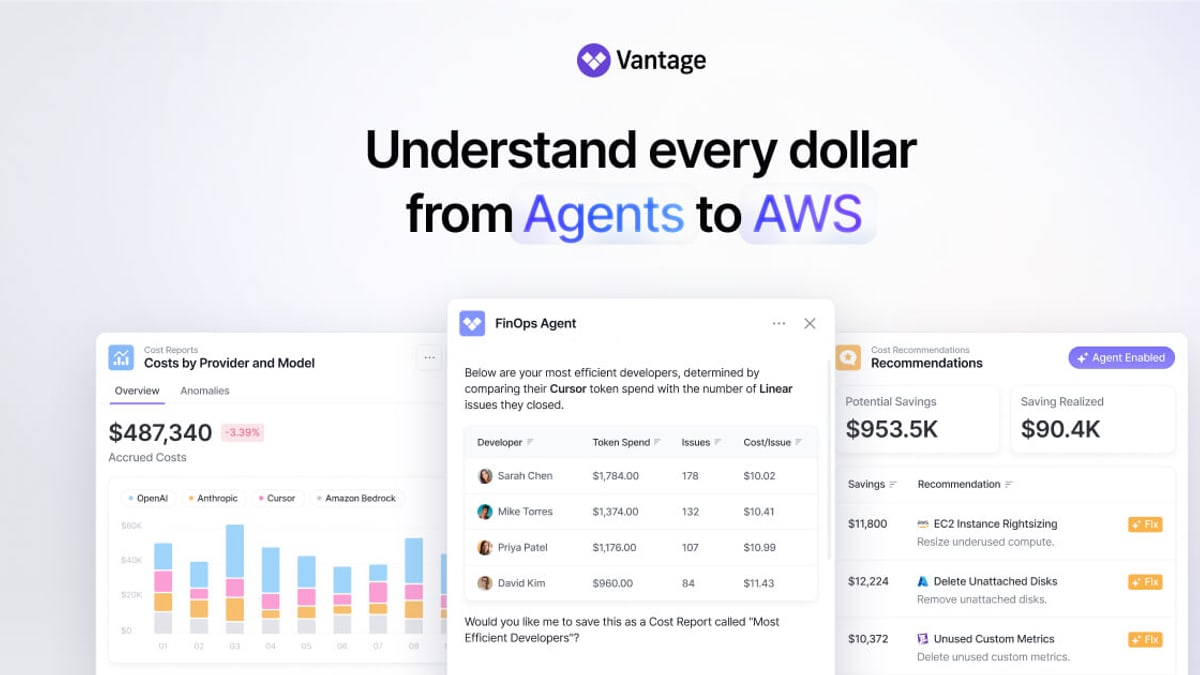
Vantage ranks fifth because it built its reputation on fast multi-cloud setup, connecting AWS, GCP, Azure, and Kubernetes billing data in hours rather than the weeks larger FinOps suites often require. It supports custom cost reports and anomaly alerts scoped to specific AI infra tags like GPU instance family or training job ID. Its per-resource pricing catalog covers thousands of SKUs across providers.
It fits mid-size to large enterprises that want multi-cloud visibility without a lengthy implementation project. Against CloudZero above, it's lighter-weight and faster to deploy but offers less depth on true unit-economics modeling, making it a better fit for spend visibility than for per-model cost attribution.
6Finout FinOps Platform
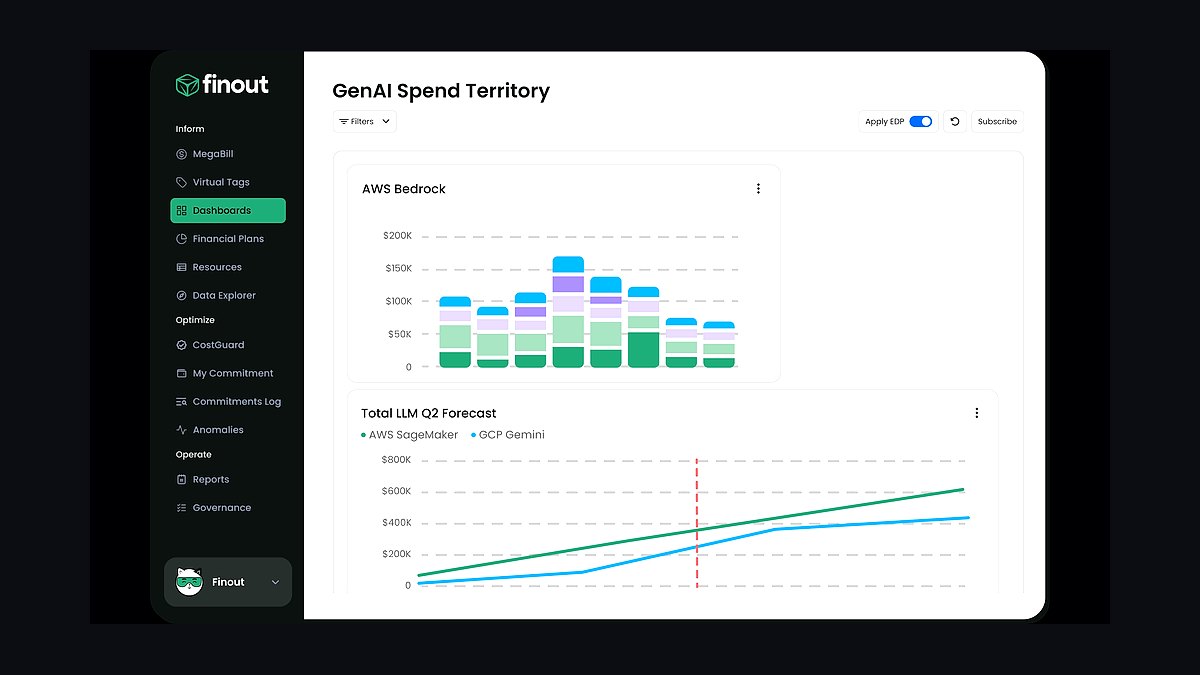
Finout ranks sixth for its virtual tagging engine, which lets enterprises retroactively group and reallocate AI infra costs across teams even when the original cloud tags were inconsistent or missing. That matters because GPU spend across AWS, GCP, and Azure is often tagged unevenly by different teams standing up training pipelines independently. It reconciles billing data from all three major clouds plus Kubernetes and Snowflake.
It's built for enterprises with messy multi-team tagging history who need cleanup without re-instrumenting every workload. Compared to Vantage above, its virtual tagging goes further for retroactive cost cleanup, but its report-building interface has a steeper learning curve for finance stakeholders.
7Azure Cost Management and Billing
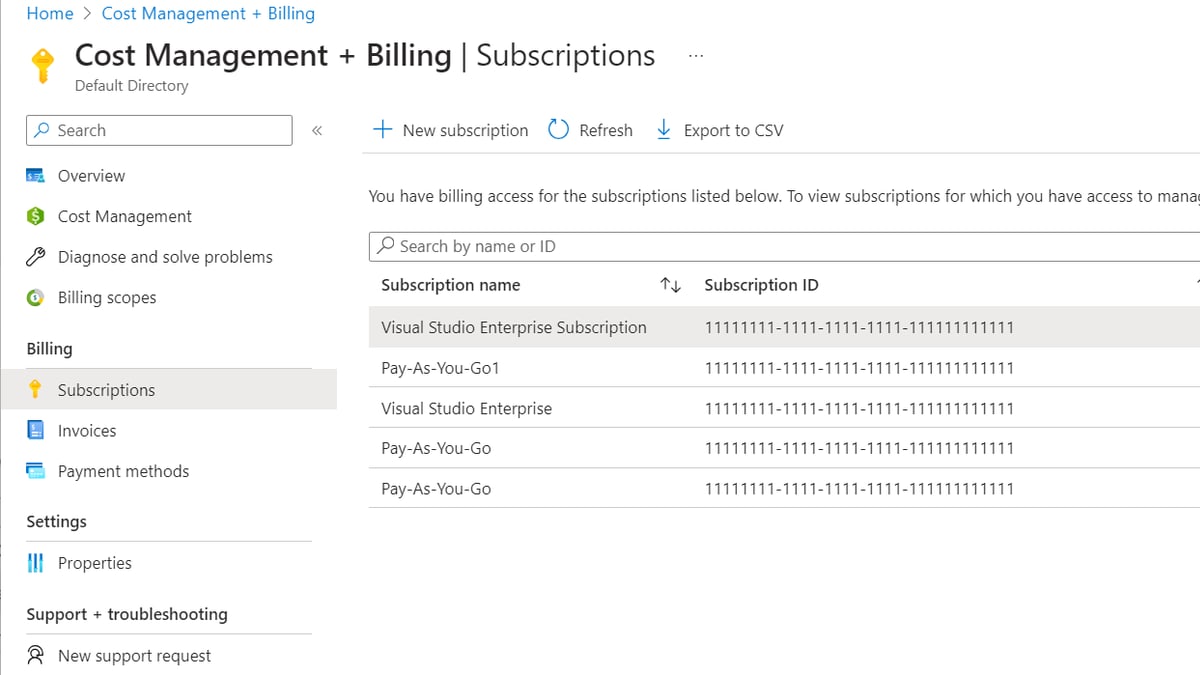
Azure Cost Management and Billing ranks seventh because it's the native, no-cost budgeting layer built into every Azure subscription, mirroring the role AWS Cost Explorer plays on AWS. It tracks spend on Azure Machine Learning, GPU-backed VM SKUs, and Azure OpenAI Service usage against configurable budget thresholds with automated alerts. It requires no separate contract or agent deployment.
It fits enterprises whose AI workloads run primarily on Azure ML or Azure OpenAI Service and want built-in budgeting before adopting a third-party tool. Compared to Finout above, it offers zero cross-cloud consolidation, so an enterprise running workloads on more than one cloud will need a tool like Finout or Vantage on top of it.
8Google Cloud Billing Reports
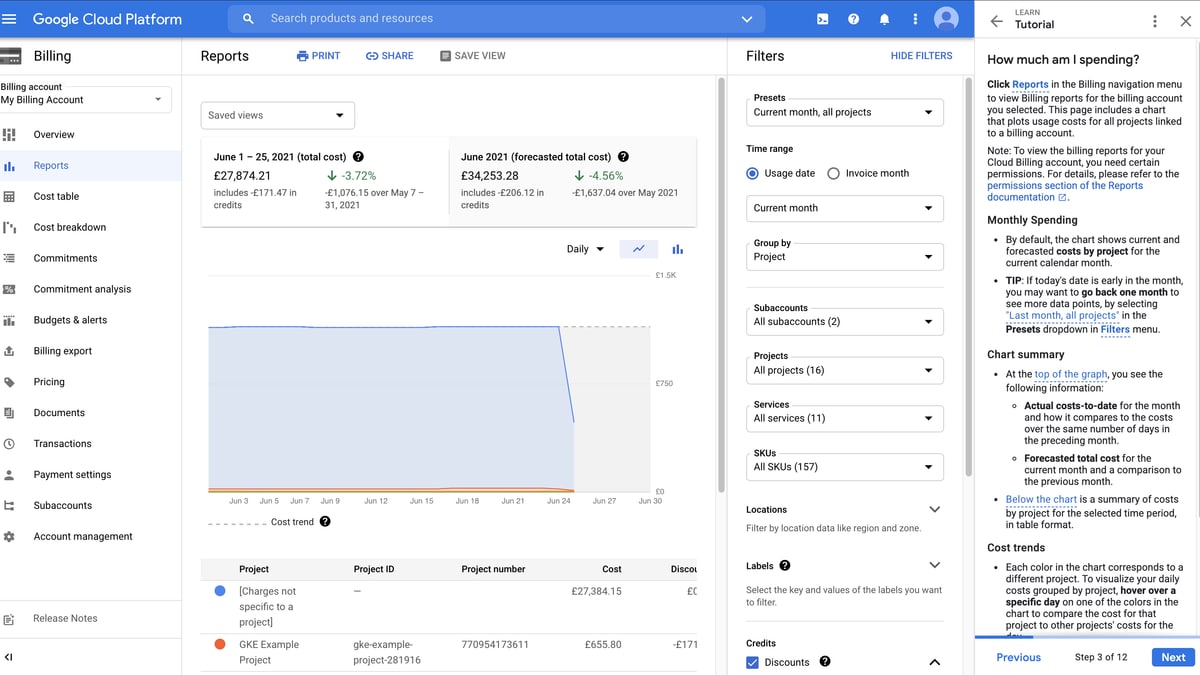
Google Cloud Billing Reports ranks eighth because it's the native budgeting console for enterprises training on Google Cloud's TPU and A3 GPU instances, with budget alerts and BigQuery export for custom analysis of AI infra spend. Enterprises can export raw billing data to BigQuery and build their own cost-per-model dashboards without paying for a separate SaaS platform. It's included with every Google Cloud account.
It suits enterprises standardized on Google Cloud TPUs for large model training who want budgeting tied directly to that billing account. Compared to Azure Cost Management above, its BigQuery export path gives more flexibility for custom analysis, but it requires in-house data engineering effort that the Azure console handles out of the box.
9Spot.io by NetApp
Spot.io ranks ninth because it automates the actual cost-reduction side of budgeting rather than just reporting spend, using algorithms to shift training workloads onto spot and reserved GPU capacity while maintaining availability commitments. Enterprises use it to enforce a budget ceiling by having it actively rebalance compute rather than just alerting when a threshold is crossed. NetApp acquired Spot.io in 2020.
It's built for enterprises with large, elastic GPU training workloads who want automated cost enforcement, not just visibility. Compared to Google Cloud Billing Reports above, it actively changes infrastructure placement to hit a budget target rather than only reporting against one, but it only helps once workloads are already flexible enough to run on spot capacity.
10nOps AWS Optimization Platform
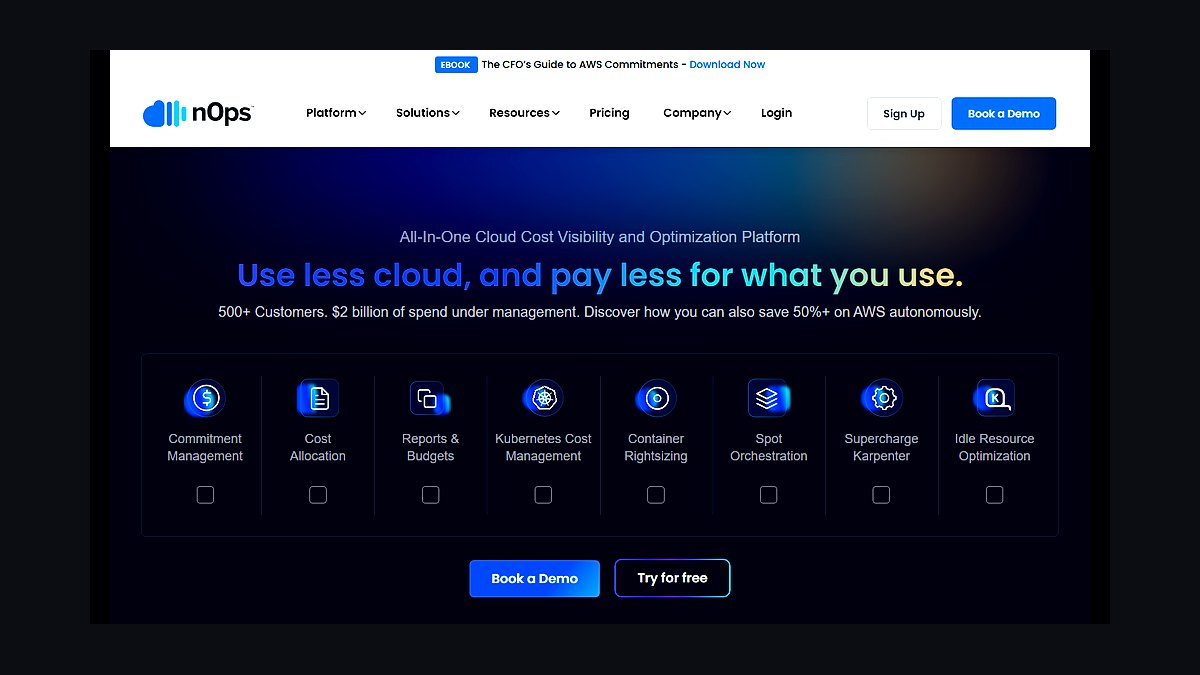
nOps ranks tenth because it focuses narrowly on automating AWS Savings Plans and Reserved Instance purchasing for compute-heavy workloads, converting a manual quarterly budgeting exercise into a continuously rebalanced commitment portfolio. It's a fit for enterprises whose AI infra spend is concentrated on AWS EC2 and SageMaker GPU instances and who already understand their usage patterns well enough to commit to savings plans.
It's aimed at AWS-only enterprises optimizing an already-stable GPU footprint, not ones still exploring multi-cloud options. Compared to Spot.io above, it optimizes commitment-based purchasing rather than real-time workload placement, making it a narrower but simpler final layer once the infra footprint has settled.
How we ranked these
Each strategy was scored on five weighted factors: total cost of ownership across cloud and on-prem GPU capacity, utilization rate against provisioned compute, chargeback maturity for internal cost allocation, flexibility to reallocate spend as model architectures shift, and resilience under demand spikes during training or inference bursts. Vendor contract terms, renewal cadence, and exit costs carried extra weight, since enterprises increasingly cite lock-in as the largest budget risk in multi-year AI infrastructure commitments.
Deliberately excluded: raw benchmark leaderboard scores, since they rarely predict real workload cost-efficiency; vendor-published discount pricing, which obscures true blended rates after overage and support fees; single-quarter spend snapshots, which miss seasonal training cycles; and headline chip specifications, since actual throughput depends on orchestration software and network fabric more than silicon alone. Vendor case studies were excluded unless independently corroborated by a named source.
What to look for
What matters most is granular, real-time visibility into spend by team, model, and workload, paired with contractual flexibility to shift committed capacity as usage patterns evolve. Enterprises that win negotiate shorter reservation terms with step-down clauses rather than locking three years of committed spend on today's assumptions. Chargeback discipline matters more than sticker price: teams that can't see their own AI compute costs never optimize them, regardless of the contract.
The mistake most buyers make is locking into multi-year reserved capacity before workload patterns stabilize, then discovering the reserved instances don't match the GPU generation or memory profile the next model actually needs. A close second is optimizing for the lowest hourly rate while ignoring utilization — a cheap idle GPU costs more than an expensive fully-utilized one. Budget owners should model 18-month scenarios before signing, not just current-quarter needs.
Related questions
How should enterprises split AI infrastructure spend between cloud and on-prem GPUs?
Most enterprises should keep bursty, experimental workloads on cloud GPU instances and shift steady, predictable inference load to on-prem or colocated hardware once utilization exceeds roughly 60-70% for six consecutive months. This hybrid split typically cuts blended compute costs 20-35% versus an all-cloud posture, while preserving elasticity for unpredictable training spikes.
How do reserved GPU instances compare to on-demand pricing for training workloads?
Reserved instances typically discount 30-50% off on-demand rates but require committing to a specific GPU generation for one to three years, which is risky given how fast model architectures and memory requirements change. On-demand pricing costs more per hour but preserves the flexibility to move to newer, more efficient hardware as it becomes available.
How should FinOps teams build chargeback models for shared AI infrastructure?
Effective chargeback models tag spend at the workload or model-run level rather than the team level, since a single team often runs both cheap inference and expensive training jobs. Tagging by GPU-hour and token throughput, then rolling those up to cost centers weekly, gives budget owners the granularity to catch runaway spend before it shows up in a quarterly bill.
What's the biggest hidden cost in enterprise AI infrastructure budgets?
Idle GPU capacity is the largest hidden cost — enterprises frequently over-provision for peak training demand and then run that same reserved capacity at 20-30% utilization the rest of the month. Data egress fees from moving training data between cloud regions or providers are the second most underestimated line item, often adding 10-15% to total spend.
Should enterprises build multi-cloud AI infrastructure to avoid vendor lock-in?
Multi-cloud reduces negotiating leverage risk and single-provider outage exposure, but it also fragments utilization data and duplicates the engineering overhead of managing separate orchestration stacks. Most enterprises get better returns from a primary cloud provider plus a secondary relationship reserved specifically for overflow capacity and price benchmarking, rather than splitting workloads evenly.
How often should enterprises re-forecast AI infrastructure budgets given how fast the field moves?
Quarterly re-forecasting is the practical minimum given how quickly model efficiency and hardware pricing shift; enterprises on annual-only budget cycles routinely overpay because they locked assumptions before a new, cheaper model generation shipped. Some finance teams now run a rolling 90-day forecast specifically for AI compute, separate from the broader annual IT budget.
FAQ
What is AI infrastructure budgeting?
AI infrastructure budgeting is the process of forecasting, allocating, and tracking spend on the compute, storage, and networking resources needed to train and run AI models — including cloud GPU instances, on-prem hardware, data pipelines, and the orchestration software that ties them together. It differs from traditional IT budgeting because usage and pricing both change far faster.
How much do enterprises typically spend on AI infrastructure annually?
Spend varies enormously by company size and AI maturity, ranging from a few hundred thousand dollars for pilot programs to tens of millions for enterprises running production-scale model training. The more consistent pattern across company sizes is that AI infrastructure spend as a share of total IT budget has been roughly doubling year over year since 2024.
What's the difference between CapEx and OpEx models for AI infrastructure?
CapEx models involve buying physical GPU hardware outright, which lowers long-run per-hour cost but requires large upfront cash and carries obsolescence risk as newer chips ship. OpEx models — renting cloud GPU capacity — cost more per hour but shift risk to the vendor and let budget owners scale spend up or down monthly.
How do enterprises avoid overpaying for unused GPU capacity?
The most effective lever is automated idle-detection that scales down or spins down GPU clusters after a set inactivity window, which alone can cut wasted spend 15-25%. Pairing that with monthly utilization reviews against reserved capacity commitments catches the slower-moving problem of simply having reserved more than the workload needs.
What role does FinOps play in AI infrastructure budgeting?
FinOps teams bring the cost-visibility and chargeback discipline that engineering teams often lack, translating raw GPU-hour and token-usage data into per-team, per-project cost reports finance can act on. Mature FinOps practices catch budget overruns within days rather than discovering them at the end of a billing cycle.
Should smaller enterprises use managed AI infrastructure platforms instead of building their own?
For most enterprises without a dedicated ML infrastructure team, managed platforms cost more per compute-hour but eliminate the orchestration, scaling, and reliability engineering overhead that otherwise consumes a disproportionate share of the budget in staff time. The breakeven point for building in-house typically arrives once sustained GPU spend exceeds roughly $2-3 million annually.
How do enterprises budget for AI inference costs versus training costs?
Training costs are typically large, one-time or periodic spikes tied to a model release cycle, while inference costs are smaller per-transaction but recur continuously and scale directly with product usage. Enterprises should budget training as a project-based capital line and inference as a variable operating cost tied to forecasted user or transaction volume.
What's a realistic AI infrastructure budget contingency for 2027?
Given continued volatility in GPU pricing and availability, most budget owners are building in a 15-20% contingency line specifically for AI infrastructure, roughly double the 8-10% typical for general IT budgets. That contingency covers both price spikes during hardware shortages and the cost of migrating to a newer, more efficient model architecture mid-year.
How do enterprises measure ROI on AI infrastructure spend?
The most reliable ROI measure ties infrastructure cost directly to a business metric it enables — cost per resolved support ticket, cost per qualified lead, cost per unit of code shipped — rather than abstract measures like tokens processed. Enterprises that skip this step often can't tell whether a cost increase reflects growth or waste.
Sources
- https://www.gartner.com/en/information-technology/insights
- https://www.mckinsey.com/capabilities/mckinsey-digital/our-insights
- https://a16z.com/enterprise/
- https://cloud.google.com/blog/topics/cost-management
- https://aws.amazon.com/blogs/aws-cloud-financial-management/
- https://www.forrester.com/blogs/
- https://sloanreview.mit.edu/
- https://hbr.org/topic/subject/technology-and-analytics
Related on PULSE
This page will be disappearing soon. Save it to your device for $1 — or read it free while it is here.
@Kory-White- · if Venmo asks, the last 4 of my number are 2012
This page is gone.
This one is off the shelf now. $1 keeps it on your phone for good — the whole page, pictures and diagrams included.
 pulse-recentThe 10 Best AI Infrastructure Budgeting Methods in 2027
 pulse-recentThe 10 Best AI Tools for Batch Inference at Scale in 2027
 pulse-recentAt what monthly request volume does self-hosting an open-source LLM become cheaper than paying per-token API pricing in 2027?
 pulse-recentThe 10 Best AI Cost Estimation Calculators in 2027
 pulse-recentThe 10 Best AI Infrastructure Budgeting Tools for Startups in 2027
 pulse-recentThe 10 Best AI Infra Cost per Token Benchmarks in 2027
 pulse-recentThe 10 Best AI Infra Chargeback and Showback Tools in 2027
 pulse-recentWhat's a realistic monthly cloud bill for running a RAG application handling 100,000 queries a day in 2027?
 pulse-recentThe 10 Best Strategies for Reducing AI Infrastructure Costs in 2027
 pulse-recentThe 10 Best Sandboxed Code Execution Platforms for AI Agents in 2027