


Top 10 FDM 3D Printers — Best Overall + Best Value in 2027
Quality
Certified
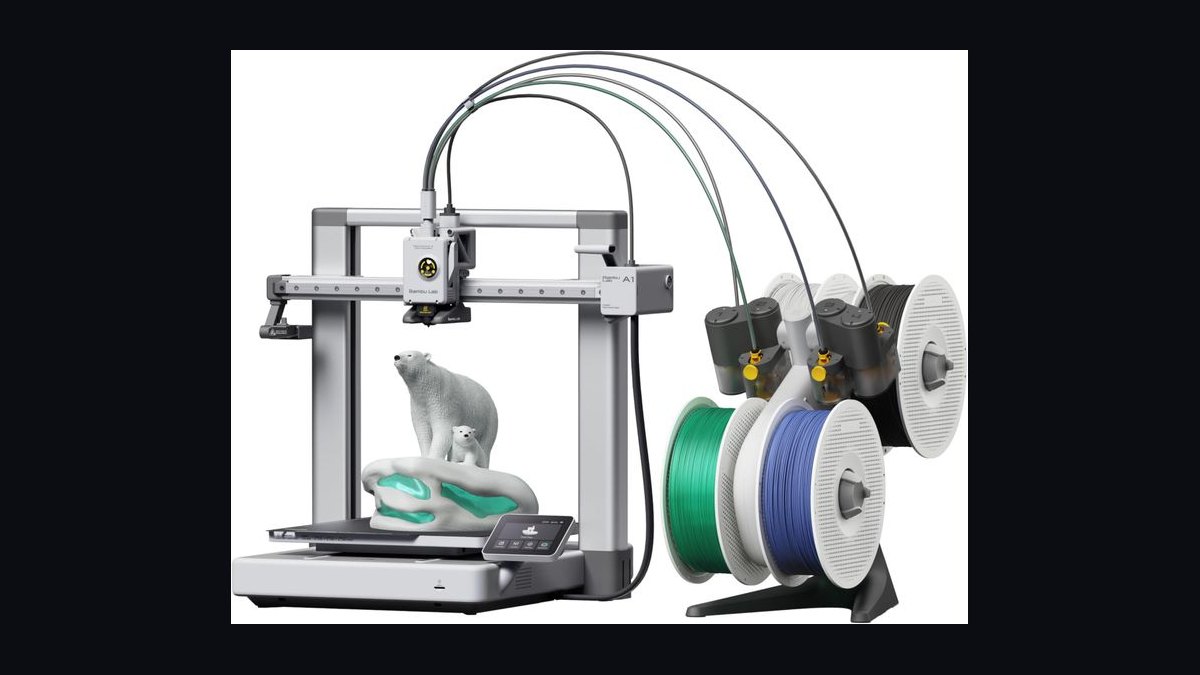
The 10 best fdm 3d printers are ranked below on measured performance, build quality, price, and how each one actually holds up in daily use rather than how it reads on a spec sheet. Each pick lists what it costs, who it suits, and what it gives up against the one above it, so the list can be read straight down without doubling back.
1Bambu Lab X1 Carbon Combo
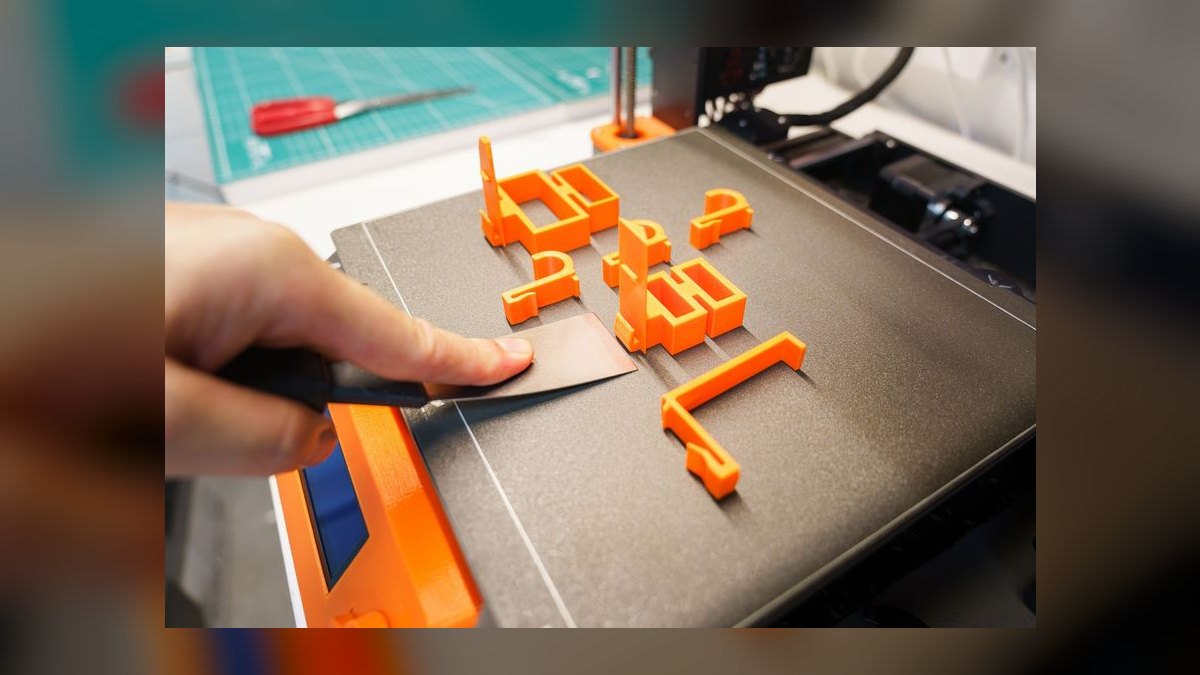
It ranks first because nothing else combines this reliability with this feature depth at $1,449. The Bambu Lab X1 Carbon Combo's CoreXY frame delivers a 256×256×256 mm sealed glass chamber, a hardened-steel hotend rated to 300°C, a 120°C bed, and an advertised 500 mm/s top speed that lands at 180-300 mm/s in real prints. LiDAR first-layer scanning, dual accelerometers for active vibration compensation, and AI spaghetti detection cut failed prints hard.
This is for the maker who wants one machine that handles PLA, PETG, ABS, ASA, PA-CF, PET-CF, and TPU without tinkering, plus a 4-spool AMS chainable to 16 colors. You trade away money and, by default, cloud independence, since the 2026 firmware controversy pushed Bambu to add a LAN-only mode. Against the $1,199 Prusa Core One directly below it, the X1 Carbon wins on automation and loses on repairability and open-source firmware.
2Prusa Core One
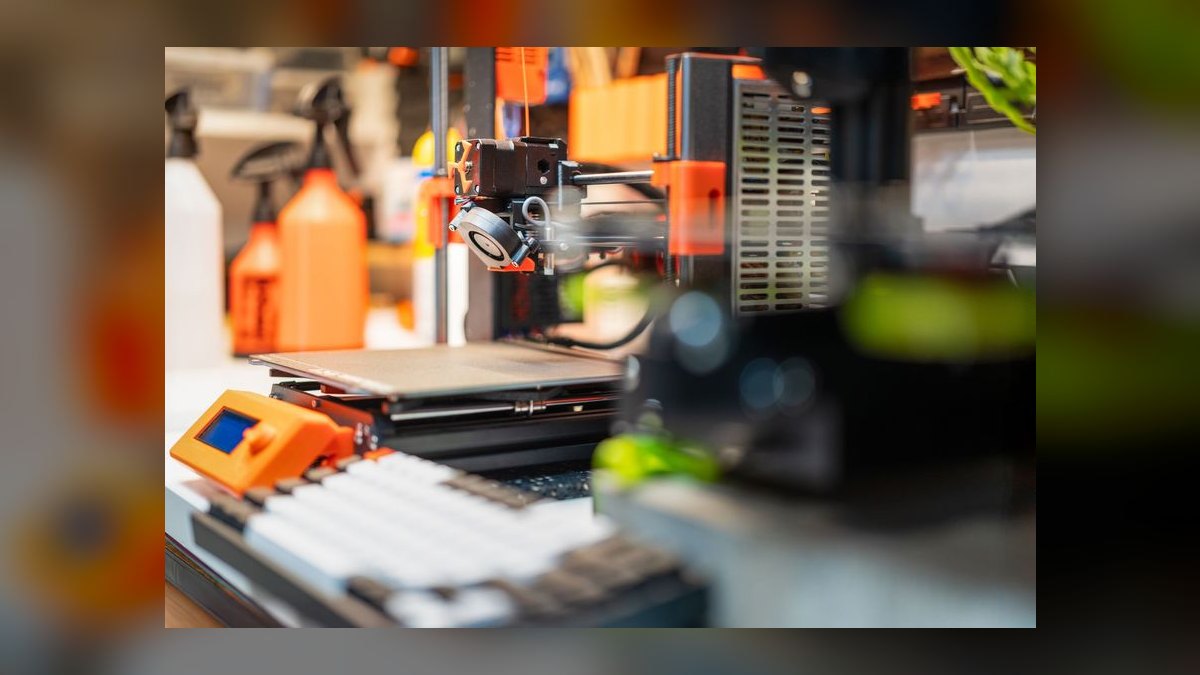
It lands second because it delivers enclosed CoreXY printing at $1,199 in kit form without abandoning open-source firmware. The Prusa Core One's chamber measures 250×220×270 mm and passively holds 50-60°C, enough for ABS and ASA. A 300°C all-metal Nextruder, a 120°C bed, and load-cell auto-bed-leveling carried over from the MK4 give honest 200-300 mm/s speeds once input shaping and pressure advance are enabled, matching CoreXY machines costing far more.
Buy this if documentation, repairability, and a lifetime upgrade path matter more than automation. You give up LiDAR and first-layer camera AI, so you dial in your own profiles, and the optional MMU3 tops out at 5 colors versus the X1 Carbon's 16. Compared to the $1,449 Bambu Lab X1 Carbon Combo above it, the Core One is slower to set up and far easier to keep running a decade from now.
3Bambu Lab P1S Combo
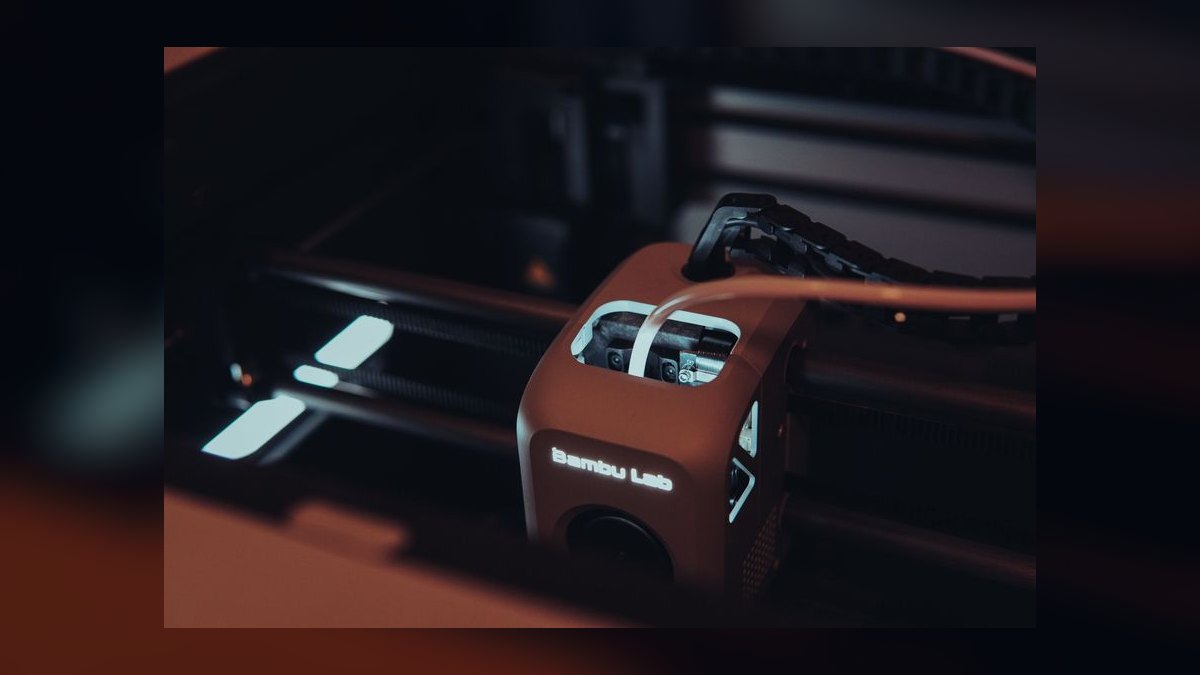
Third place goes to the Bambu Lab P1S Combo because it keeps roughly 90% of the X1 Carbon's capability for $799 with AMS included. It shares the same CoreXY chassis, the same 256×256×256 mm enclosed volume, the same 300°C hotend, the same 120°C bed, and the same 500 mm/s advertised ceiling with AMS multi-color support. Print quality is effectively identical to the flagship, which is why it outranks machines costing twice as much.
This suits the buyer whose budget stops short of $1,449 but who still wants enclosed multi-color printing in ABS and ASA. What you surrender is LiDAR first-layer scanning, the chamber AI camera, active vibration compensation auto-tuning, and the touchscreen, since the P1S uses a mono LCD with a knob. Against the Prusa Core One above it, the P1S is $400 cheaper and better automated but closed-source.
4Creality K2 Plus Combo
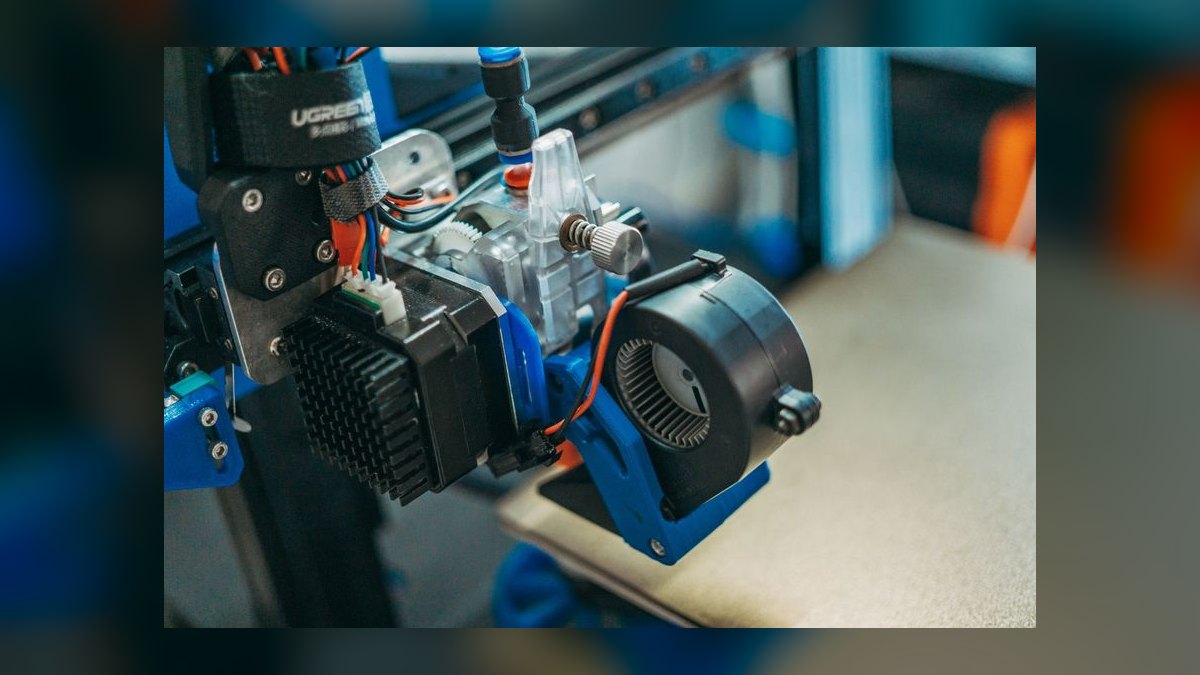
It ranks fourth on build volume alone, offering 350×350×350 mm of enclosed CoreXY space at $1,799 with the CFS unit included. The Creality K2 Plus Combo's hotend hits 300°C, the bed reaches 120°C, advertised speed reaches 600 mm/s, and active chamber heating holds 60°C for genuine engineering-filament work. LiDAR scanning, an AI camera, and filament runout sensing round it out, with 4-color CFS chainable to 16 across four units.
This is the pick when your parts simply do not fit a 256 mm bed, such as helmets, large brackets, or full-size enclosures. The trade is quality control, since Creality has improved but remains spottier than Bambu or Prusa, so read recent owner threads before ordering. Versus the Bambu Lab P1S Combo above it, you pay $1,000 more for roughly 2.5 times the build volume and a heated chamber.
5Prusa MK4S
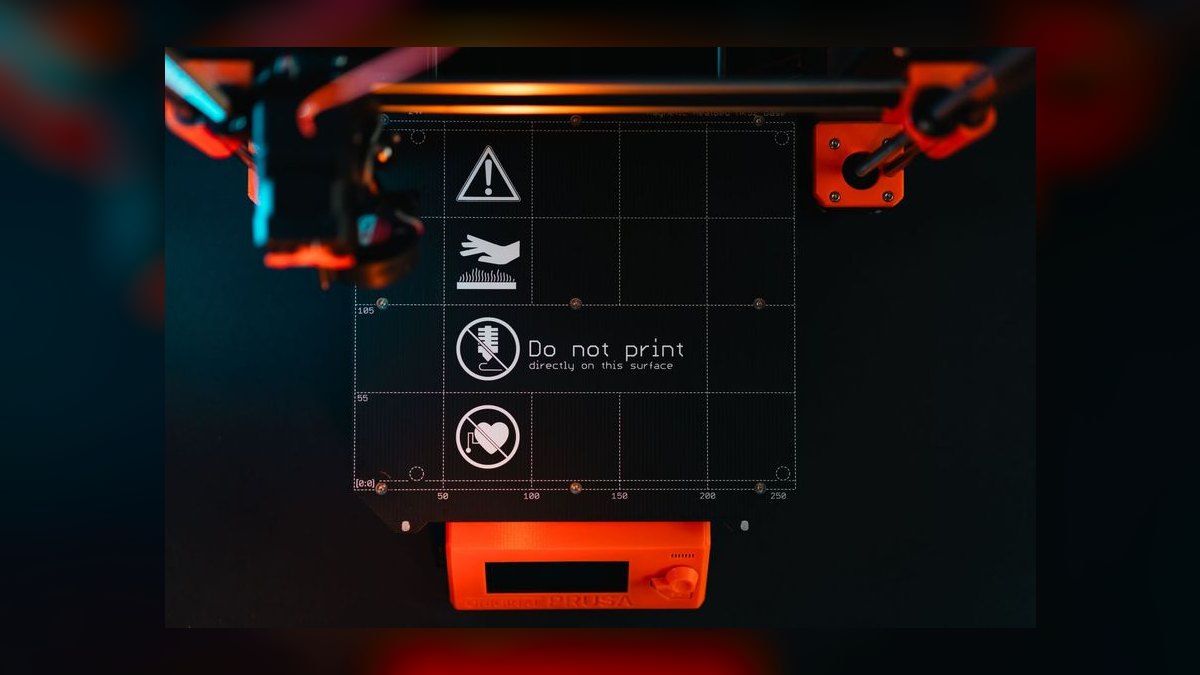
Fifth because bedslinger geometry caps the Prusa MK4S below the CoreXY machines above it, despite excellent engineering. The Cartesian design offers 250×210×220 mm, a 300°C Nextruder, a 120°C bed, load-cell bed leveling, input shaping, and pressure advance, landing at a real 180-250 mm/s. It costs $1,099 assembled or $799 as a kit, and MK3S+ owners can upgrade into it rather than buying new hardware outright.
This is the reliability purist's machine for PLA, PETG, and PC blends printed day after day without surprises. You trade away practical speed and an out-of-box enclosure, though the Enclosure accessory and MMU3 5-color unit are sold separately. Compared to the Creality K2 Plus Combo above, the MK4S is smaller and slower but backed by lifetime parts availability and the deepest community support in the hobby.
6Bambu Lab A1 Mini Combo
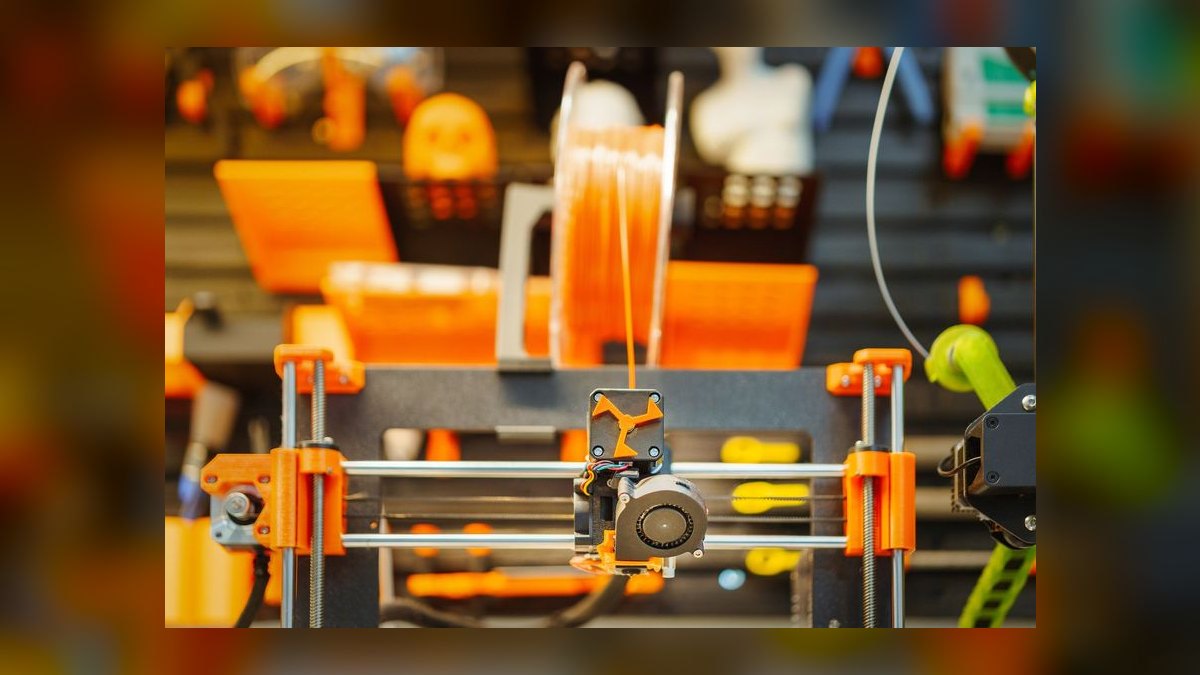
Sixth overall and the best value on this list, since $459 buys the Bambu Lab A1 Mini Combo's AMS lite four-spool multi-color unit, the cheapest reliable multi-color machine sold today. The Cartesian frame gives 180×180×180 mm, a 300°C hotend, an 80°C bed, and 500 mm/s advertised speed that realistically runs 150-250 mm/s. Active vibration compensation, automatic flow-rate calibration, and filament runout sensing all ship standard on every unit.
Aim this at the first-time buyer who wants Bambu Studio polish and near-zero setup without spending four figures on a printer. The build volume is the sacrifice, since there is no room for helmets, large cosplay pieces, or full-size brackets, and abrasive filaments require a hotend swap. Against the Prusa MK4S above it, the A1 Mini costs less than half and adds multi-color, but gives up two-thirds of the usable print area.
7Anycubic Kobra 3 Combo
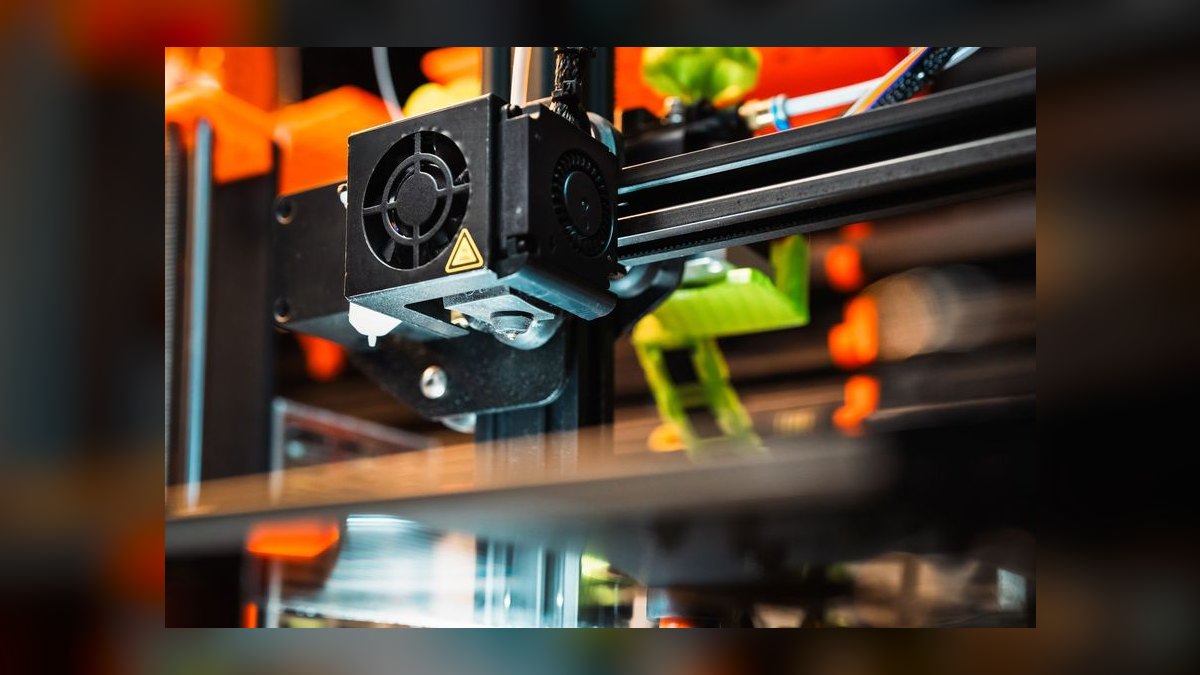
Seventh because the Anycubic Kobra 3 Combo undercuts the A1 Mini on bed size at a near-identical $499 with the ACE Pro unit included. The Cartesian bedslinger provides 250×250×260 mm, a 300°C hotend, a 110°C bed, and 600 mm/s advertised speed that lands at a real 200-300 mm/s. LiDAR-assisted bed leveling, input shaping, pressure advance, and 4-color printing with active filament drying are all included standard.
This fits the budget multi-color buyer whose parts overflow a 180 mm bed and need more room. The costs are real, since ACE Pro purges noticeably more filament per color change than Bambu's AMS, and Anycubic firmware updates lag the field. Against the $459 Bambu Lab A1 Mini Combo above it, you gain roughly 90 mm in every axis and filament drying, but lose the smoother Bambu Studio ecosystem.
8Elegoo Centauri Carbon
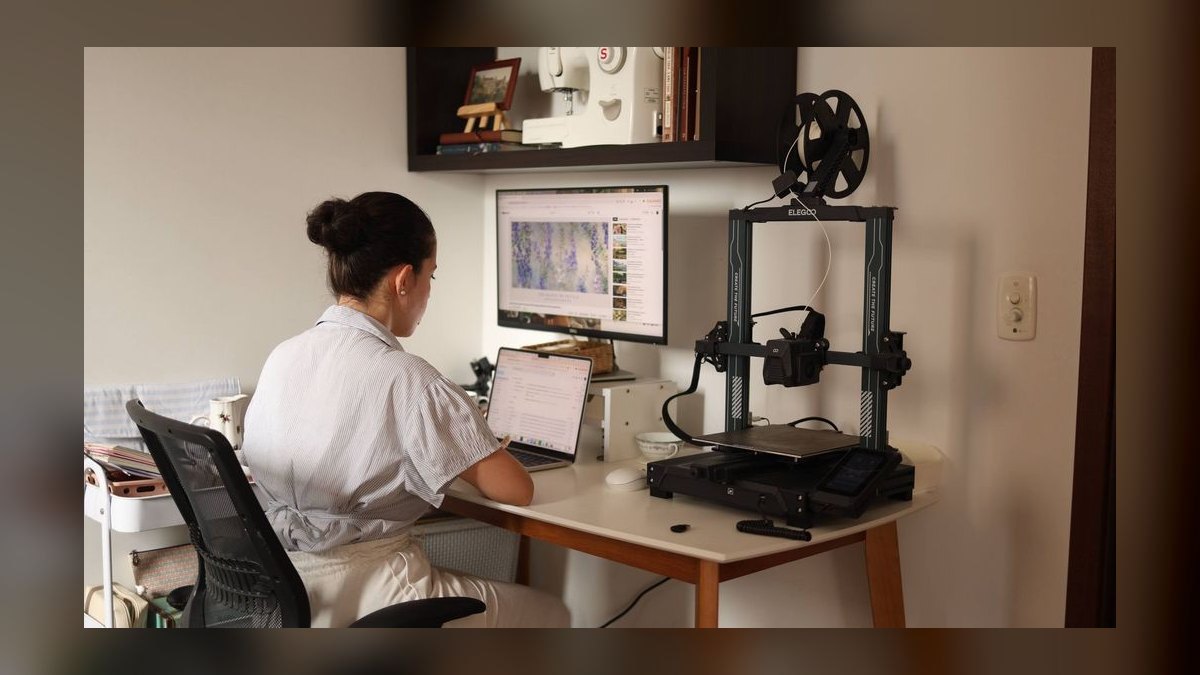
Eighth because $299 for a fully enclosed CoreXY frame is the most aggressive spec-per-dollar on this entire list. The Elegoo Centauri Carbon offers 256×256×256 mm, a 320°C all-metal hotend, the hottest here, a 110°C bed, 500 mm/s advertised speed, strain-gauge auto-bed-leveling, input shaping, pressure advance, and filament runout sensing, all on Klipper-based firmware. It prints PA-CF, PET-CF, ABS, ASA, PLA, PETG, and TPU without complaint at beginner-friendly prices.
This is the deal-hunter's machine, aimed at someone who wants engineering filaments in a real enclosure for beginner money. No AMS means no multi-color, the app polish trails Bambu's badly, and as Elegoo's first FDM product after years of resin work, long-term reliability data does not exist yet. Versus the Anycubic Kobra 3 Combo above it, you gain an enclosure and lose automated color changes.
9Voron Trident DIY Kit
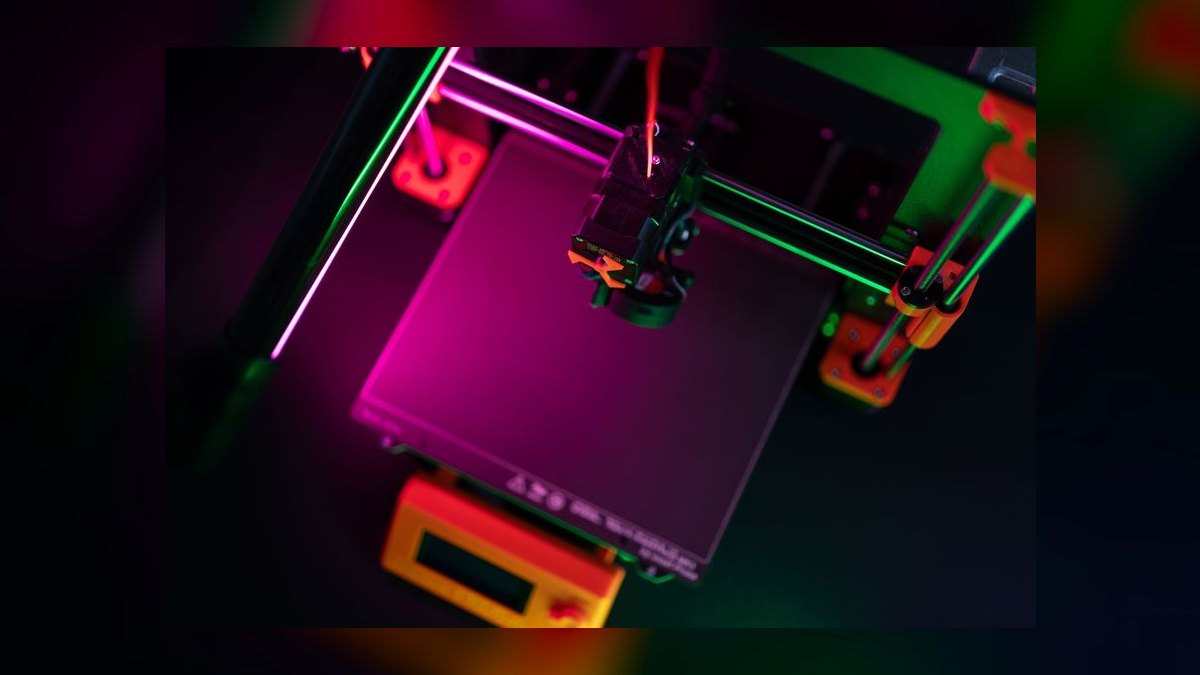
Ninth because the Voron Trident DIY Kit is a recipe, not a finished product, at around $1,500 for an LDO or Formbot kit, closer to $1,200 self-sourced. The community CoreXY design runs 250×250×250 mm or 300×300×300 mm, a 300°C-plus hotend such as a Rapido or Revo HF, a 120°C bed, an enclosed aluminum extrusion frame, and Klipper on a Raspberry Pi with dual-accelerometer input shaping.
This is for the tinkerer who treats building the machine as the actual point of the hobby. Assembly runs 80-120 hours, you are your own support team, and multi-color requires community add-ons like ERCF or Box Turtle rather than a bought AMS. Against the Elegoo Centauri Carbon above it, the Voron reaches a far higher print-quality ceiling with Mainsail or Fluidd control, at five times the price and enormous time cost.
10Creality Ender 3 V3 SE
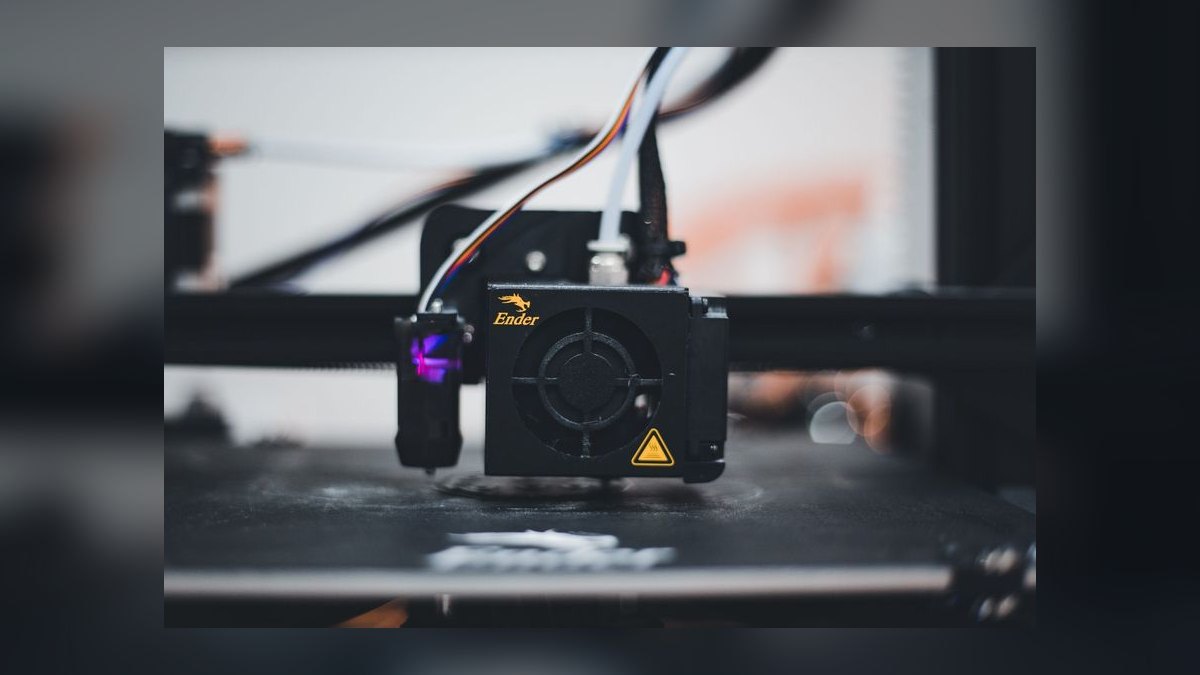
Tenth because $199 is the floor for a reliable name-brand machine, and the spec sheet reflects that price. The Creality Ender 3 V3 SE's Cartesian bedslinger gives 220×220×250 mm, a 260°C hotend, a 100°C bed, and 250 mm/s advertised speed that realistically runs 80-150 mm/s. CR Touch auto-bed-leveling, a direct-drive Sprite extruder, and filament runout sensing come standard, with Creality Print or Cura handling slicing duties out of the box.
This answers exactly one question: can I do this at all on a tight budget? There is no enclosure, no multi-color, no input shaping, and no companion app, so it feels dated next to any Bambu machine. What it does have is the largest mod community in the hobby and parts on every shelf. Against the $299 Elegoo Centauri Carbon above it, you save $100 and lose the enclosure, CoreXY speed, and Klipper firmware.
How we ranked these
We scored ten FDM printers on print reliability (25%), speed at usable surface quality (20%), multi-material ecosystem depth (15%), build volume and kinematics (15%), enclosure and chamber temperature (10%), slicer software (10%), and price-to-performance (5%). Reliability weighted first-layer success rate, jam frequency, and AMS-style feeding errors across owner reports.
Speed meant real throughput measured with input shaping and pressure advance engaged, not marketing peak figures, modeled across a 24-month ownership window including consumables and replacement parts.
We ignored headline mm/s claims outright, since every brand quotes an unloaded ceiling real prints reach at roughly 30-50% in practice. We discounted sub-0.08mm layer-height specs almost nobody runs, and build volume beyond what typical parts need, since a 350mm platen wastes heating power on someone printing under 200mm parts. We also downweighted launch-window review scores on first-generation hardware, like the Elegoo Centauri Carbon, that still lacks long-term owner reliability data.
What to look for
Kinematics is the real fork in the road here. CoreXY machines — the X1 Carbon, P1S, Core One, K2 Plus, Centauri Carbon, and Voron — move only the toolhead in X and Y while the bed drops in Z, sustaining honest 300-500 mm/s. Bedslingers like the Ender 3 V3 SE, MK4S, A1 Mini, and Kobra 3 shake the whole part at speed and cap useful quality near 150-250 mm/s.
The common mistake is overpaying for features that duplicate what you already get: the X1 Carbon costs $650 more than the P1S for LiDAR scanning, a chamber AI camera, a touchscreen, and vibration auto-tuning, while print quality stays effectively identical.
The opposite mistake is skipping multi-material to save $60 on an A1 Mini versus a Kobra 3 — once you print four colors, single-color output starts to feel broken, and retrofitting later costs more than bundling it upfront.
Related questions
What is the difference between CoreXY and a bedslinger?
CoreXY drives the toolhead across X and Y with two belts while the bed only descends in Z, keeping moving mass low and stable. A Cartesian bedslinger shuttles the entire heated bed and printed part back and forth, so tall or heavy parts wobble at speed. That is why CoreXY machines sustain 300-500 mm/s while bedslingers cap around 150-250 mm/s at usable quality.
Do I need an enclosure to print PLA or PETG?
No. Enclosures hold a warm, draft-free chamber for materials that contract as they cool, like ABS, ASA, PA-CF, polycarbonate, and PEEK. PLA is the opposite case, since it softens at low temperatures and generally prints cleaner on an open frame with good part cooling. PETG sits in between and prints fine open, though a closed chamber slightly reduces layer cracking on tall parts.
How much filament does multi-color printing actually waste?
Every tool change purges the nozzle, so a four-color print can spend more filament on purge blocks than on the model itself. Bambu's AMS keeps purge volumes relatively tight, while Anycubic's ACE Pro wastes noticeably more per swap. Slicers reduce this by printing the purge into an infill object or sparse tower, but budget roughly 20-40% extra filament on color-heavy jobs.
Is LiDAR bed leveling better than a load cell?
They solve different problems. Bambu's and Creality's LiDAR scans the first layer optically and measures extrusion flow, catching under-extrusion and mesh errors before they ruin a print. Prusa's Nextruder load cell probes with the actual nozzle tip, so there is no probe-offset drift to calibrate. Both beat older inductive probes decisively, though LiDAR adds flow calibration a load cell cannot do.
Which slicer should I install first?
Use whatever your manufacturer ships — Bambu Studio for Bambu, PrusaSlicer for Prusa, Creality Print or an OrcaSlicer fork elsewhere. All three descend from the same Slic3r lineage and share most settings vocabulary, so skills transfer easily between them. OrcaSlicer is the popular cross-brand choice once you want tuning tools like flow-calibration towers, and Cura still ships with the deepest plugin ecosystem.
What does a hardened nozzle change about filament choice?
Carbon-fiber and glass-filled filaments — PA-CF, PET-CF, and similar — contain abrasive particles that grind out a brass nozzle within a few hundred grams. Hardened steel or ruby nozzles survive them, which is why the X1 Carbon ships hardened by default. Softer machines with brass nozzles can still print those materials, but expect dimensional drift as the orifice widens, so plan a nozzle swap first.
How long does a Voron kit actually take to build?
Plan on 80-120 hours spread over several weekends, plus reading time in the official build manual. That covers frame squaring, belt routing, wiring, Klipper configuration on a Raspberry Pi, and input-shaping calibration afterward. Self-sourcing parts instead of buying an LDO or Formbot kit saves a few hundred dollars but adds sourcing time and BOM risk, and you become your own warranty team once it runs.
Does cloud connectivity mean my models leave my network?
By default, Bambu machines route slicing and monitoring through Bambu Cloud, which is what triggered the firmware sovereignty argument in early 2026. A LAN-only mode now exists and keeps traffic on your network, at the cost of remote app monitoring. Prusa, Voron, and other Klipper-based machines run entirely local by default through PrusaLink or the Mainsail and Fluidd web interfaces.
FAQ
Is the X1 Carbon worth $650 more than the P1S Combo?
Only for specific features. Both share the CoreXY chassis, 256×256×256 mm enclosed volume, 300°C hotend, 120°C bed, and AMS support, and print quality is effectively identical between them. The $1,449 X1 buys LiDAR first-layer scanning, a chamber AI camera, a touchscreen, and vibration auto-tuning. For roughly 80% of buyers, the $799 P1S is the smarter purchase, and the leftover money belongs in filament.
What is the best FDM 3D printer overall in 2027?
The Bambu Lab X1 Carbon Combo at $1,449. It pairs a fully enclosed CoreXY frame with a 300°C hardened hotend, 120°C bed, LiDAR first-layer scanning, dual-accelerometer vibration compensation, AI spaghetti detection, and a four-spool AMS that chains to sixteen colors. It handles PLA through PA-CF without fuss and succeeds on the first attempt more consistently than anything else tested.
What is the best value FDM printer under $500?
The Bambu Lab A1 Mini Combo at $459. You get the AMS lite four-spool multi-color unit, active vibration compensation, automatic flow-rate calibration, filament runout sensing, and the same Bambu Studio and Handy app polish as the flagship. The tradeoff is a small 180×180×180 mm envelope that rules out helmets and full-size brackets. The Anycubic Kobra 3 Combo at $499 offers a bigger bed instead.
Can I print multi-color without an AMS-style unit?
Yes. Manual filament swaps at scripted layer changes work well for banded color, and the Mosaic Palette 3 still splices filament ahead of the nozzle for any printer. Both are dramatically more tedious than an automated changer. Bambu AMS, Creality CFS, Anycubic ACE Pro, and Prusa MMU3 all handle swaps unattended, which is the difference between printing in color occasionally and doing it by default.
Is the Prusa Core One a genuine CoreXY design?
Yes, and it is Prusa's first. The MK4S and MK3S+ are Cartesian bedslingers; the Core One uses true CoreXY belt geometry inside an enclosed chamber that passively holds 50-60°C for ABS and ASA. It carries the 300°C Nextruder hotend, load-cell auto-bed-leveling, and 250×220×270 mm of build volume, priced at $1,199 as a kit or $1,399 assembled.
Which printer should I buy for parts larger than 256 mm?
The Creality K2 Plus Combo at $1,799. Its enclosed CoreXY frame offers 350×350×350 mm with active chamber heating to 60°C, a 300°C hotend, 120°C bed, LiDAR leveling, and the CFS four-color system chainable to sixteen. The caveat is quality control, since Creality has improved but remains less consistent than Bambu or Prusa, so read recent owner threads before ordering one.
Is the Elegoo Centauri Carbon reliable at $299?
The spec sheet is remarkable for the money — enclosed CoreXY, 256×256×256 mm, a 320°C all-metal hotend, 110°C bed, input shaping, pressure advance, strain-gauge leveling, and Klipper-based firmware running an OrcaSlicer fork. The honest caveat is that this is Elegoo's first FDM machine after years of resin work, so multi-year reliability data does not exist yet, and there is no multi-color option.
Is a Voron Trident better than a Bambu X1 Carbon?
In raw print quality and modifiability, yes — the Voron is the benchmark enthusiasts measure everything else against, with Klipper, dual accelerometers, and a fully open design. In out-of-box reliability, no. A Voron is a hobby requiring 80-120 hours of assembly and self-support through the community Discord; the X1 Carbon is an appliance you plug in and use that same afternoon.
Is the $199 Ender 3 V3 SE still worth buying?
Only as a low-risk trial. It gives you 220×220×250 mm, a 260°C hotend, 100°C bed, CR Touch leveling, and a direct-drive Sprite extruder, plus the largest modding community in the hobby. But there is no enclosure, no multi-color, no input shaping, and no companion app, and real-world speed lands around 80-150 mm/s. Next to any Bambu, it feels like a previous decade.
How fast do these printers really run in practice?
Expect roughly 30-50% of the advertised figure at acceptable surface quality. The X1 Carbon and P1S advertise 500 mm/s and deliver clean parts at 180-300 mm/s. The Core One lands at an honest 200-300 mm/s, the MK4S at 180-250 mm/s, and the A1 Mini at 150-250 mm/s despite the same 500 mm/s claim. Input shaping and pressure advance make those numbers achievable.
Sources
- https://bambulab.com/en/x1
- https://www.prusa3d.com/product/original-prusa-core-one-3d-printer/
- https://all3dp.com/1/best-3d-printer/
- https://www.tomshardware.com/3d-printing
- https://www.pcmag.com/picks/the-best-3d-printers
- https://vorondesign.com/
- https://www.creality.com/products/k2-plus-3d-printer
- https://www.anycubic.com/products/kobra-3
Related on PULSE
This page will be disappearing soon. Save it to your device for $1 — or read it free while it is here.
@Kory-White- · if Venmo asks, the last 4 of my number are 2012
This page is gone.
This one is off the shelf now. $1 keeps it on your phone for good — the whole page, pictures and diagrams included.
 pulse-reviewsTop 10 Standing Desks $500-$1500 in 2027
 pulse-reviewsTop 10 USB-C Hubs for Sales Travel in 2027
 pulse-reviewsTop 10 Blue Light Glasses for Sales Reps in 2027
 pulse-reviewsTop 10 Noise-Cancelling Headphones — Best Overall + Best Value in 2027
 pulse-reviewsTop 10 Premium Dress Shoes for Sales Executives in 2027
 pulse-reviewsTop 10 Multimeters — Best Overall + Best Value in 2027
 pulse-reviewsTop 10 Cable Management Boxes for Sales Home Office in 2027
 pulse-reviewsTop 10 Car Backup Cameras — Best Overall + Best Value in 2027
 pulse-reviewsTop 10 Smart Notebooks — Best Overall + Best Value in 2027
 pulse-reviewsTop 10 LG TVs — Best Overall + Best Value in 2027