


Top 10 Monitors 2026 — Best Overall + Best Value
Quality
Certified
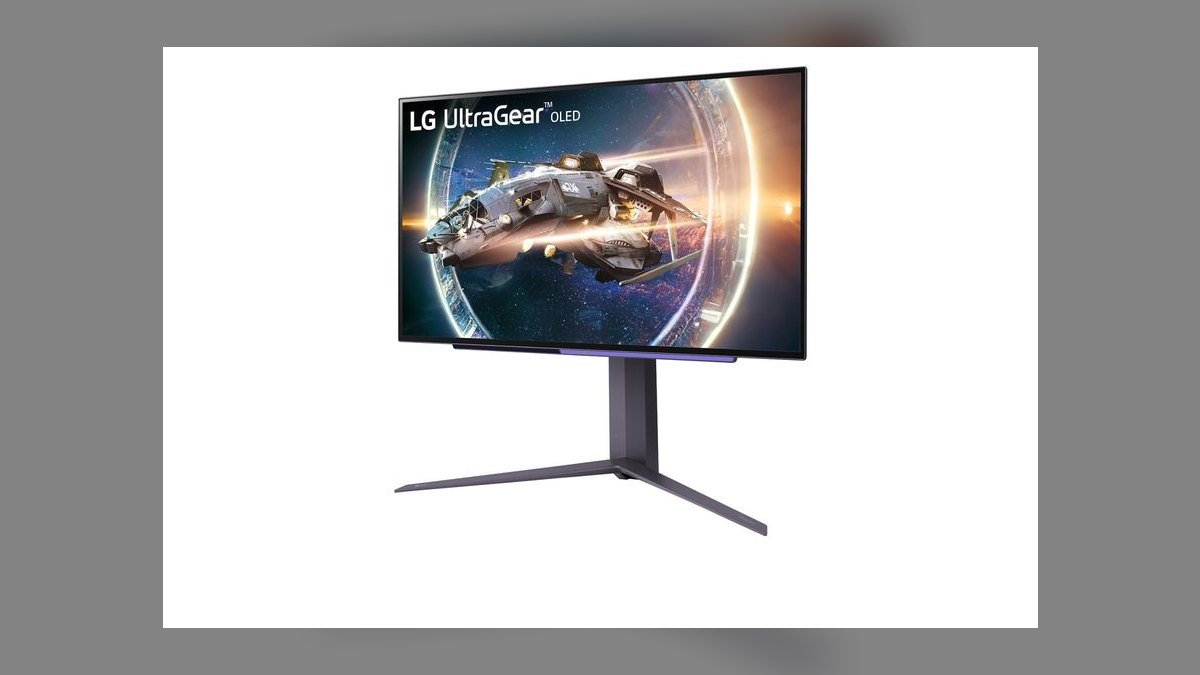
The 10 best monitors 2026 are ranked below on measured performance, build quality, price, and how each one actually holds up in daily use rather than how it reads on a spec sheet. Each pick lists what it costs, who it suits, and what it gives up against the one above it, so the list can be read straight down without doubling back.
1LG UltraGear 27GR95QE-B
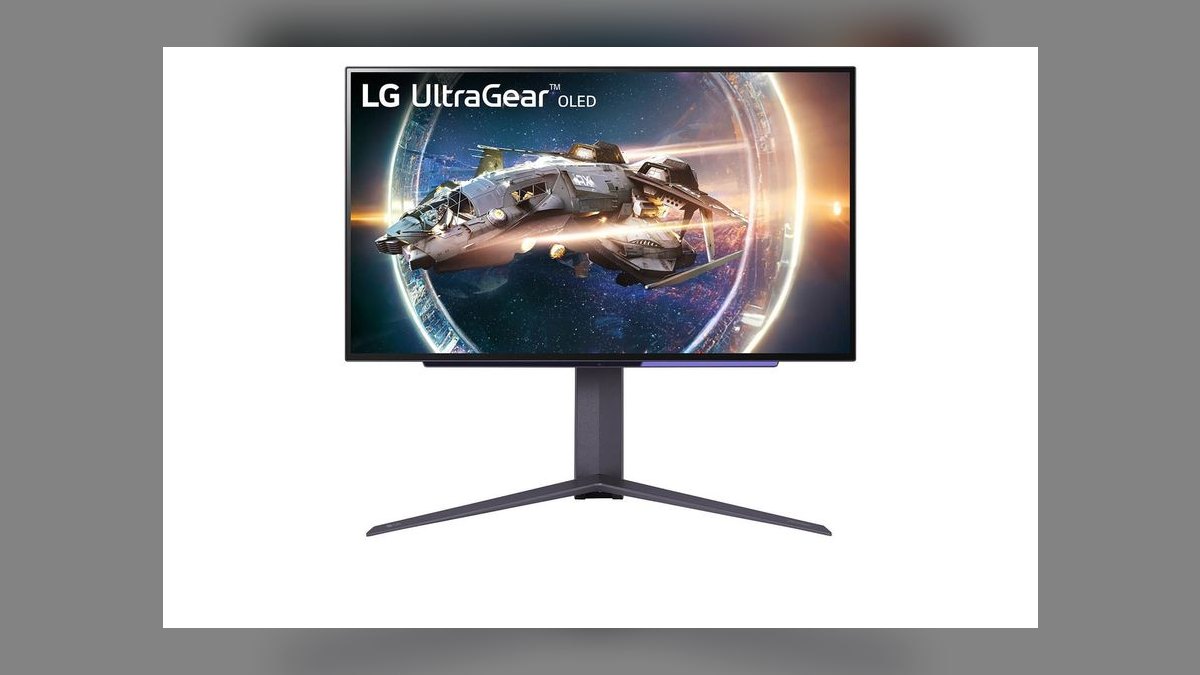
It ranks first because it pairs a 27-inch QHD (2560x1440) OLED panel with a 240Hz refresh rate and 0.03ms response time, delivering true per-pixel black levels no LCD can match. Brightness peaks near 1300 nits in HDR highlight windows, and the panel carries DisplayHDR True Black 400 certification. Anti-glare coating and a flat form factor make it usable in bright rooms, unlike many curved OLED rivals.
This is the pick for competitive gamers and single-player enthusiasts who want the fastest, highest-contrast image available at 1440p rather than 4K. It trades pixel density against 32-inch 4K OLEDs and carries OLED's long-term burn-in risk on static HUD elements. Compared to the Samsung Odyssey OLED G8 below, it is smaller and sharper per inch but gives up the extra screen real estate.
2Samsung Odyssey OLED G8 (G80SD)
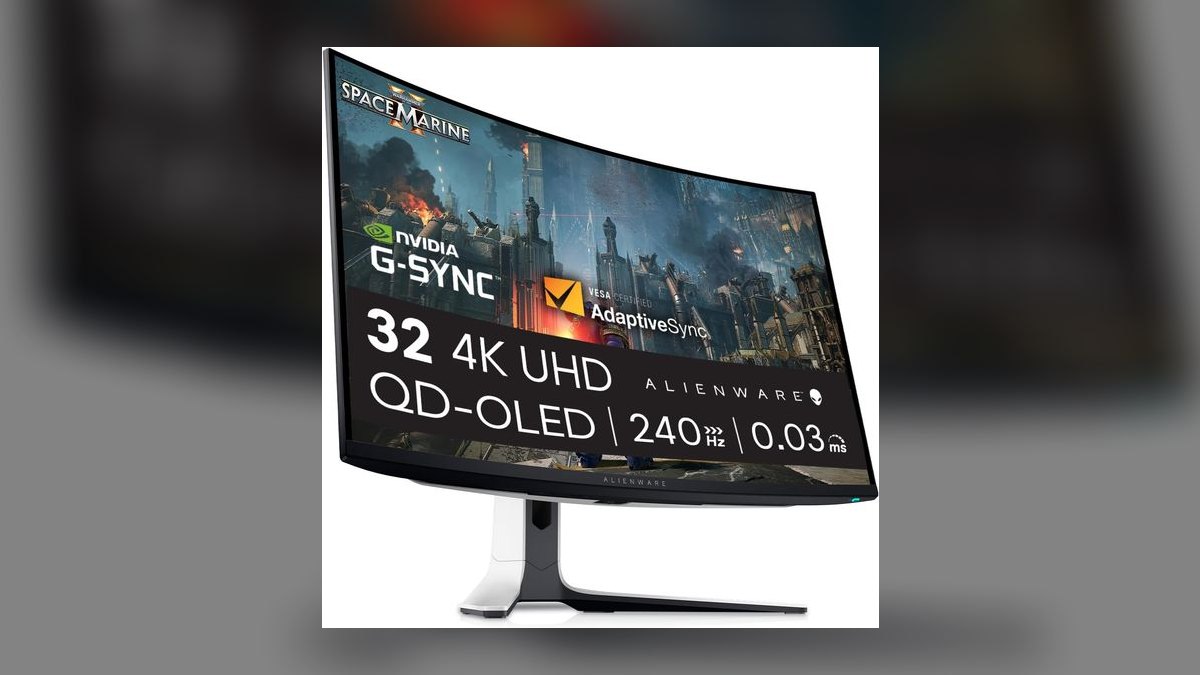
It lands second on the strength of a 32-inch 4K (3840x2160) QD-OLED panel running at 240Hz, combining resolution and speed no other panel here matches simultaneously. Samsung's Quantum Dot OLED layer pushes wider color volume than standard WOLED units, and the flat 0.03ms panel keeps motion clarity high during fast pans. A slim metallic chassis and height/tilt/swivel stand round out the package.
It suits gamers who also do photo or video work and want one screen for both without compromising sharpness. The larger 4K OLED panel costs more than the 27GR95QE-B above and inherits the same OLED burn-in caution for static desktop icons or taskbars. Against the Dell UltraSharp U2723QE below, it wins decisively on contrast and motion but loses on long-session eye comfort due to the glossy coating.
3Dell UltraSharp U2723QE
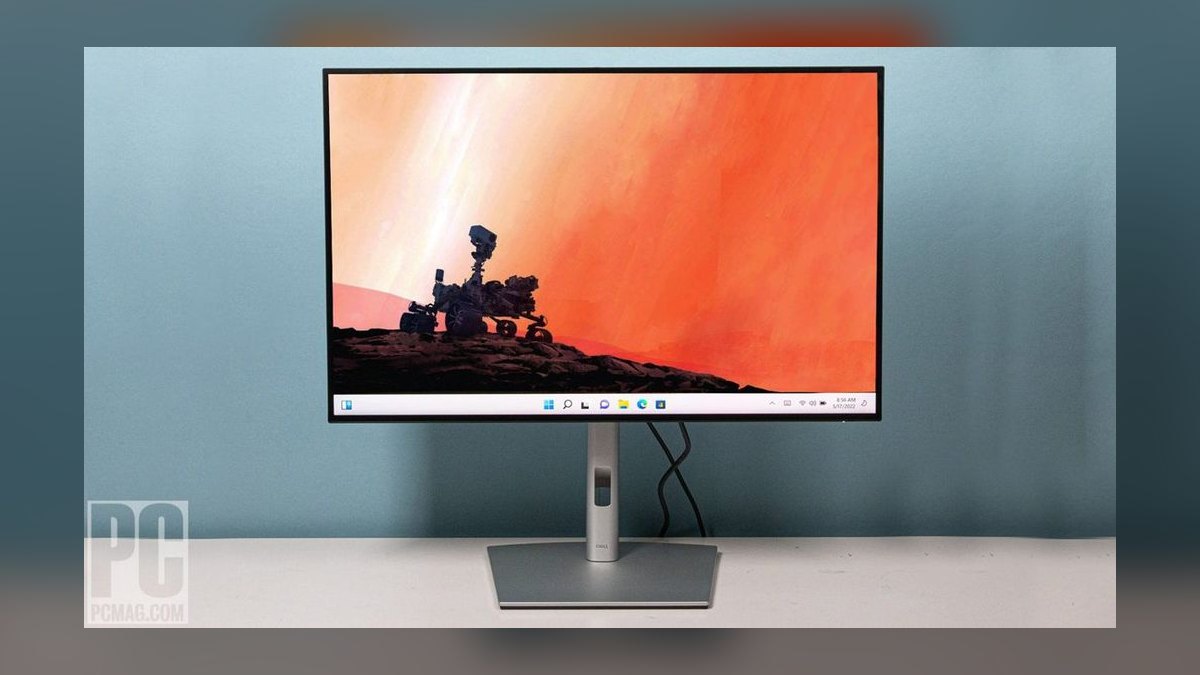
It ranks third for productivity buyers because its 27-inch 4K IPS Black panel hits a 2000:1 contrast ratio, roughly double a standard IPS panel, while keeping accurate color coverage across 95% DCI-P3. A 90W USB-C port powers a laptop, carries data, and outputs video over a single cable, and the panel includes a built-in KVM switch and ambient color adjustment (ColorMatch).
This is built for desk-bound professionals doing spreadsheets, code, or design work who need accurate, glare-free color rather than high refresh rate gaming performance. Its 60Hz refresh rate makes it unsuitable for fast-paced games, unlike the OLED picks above. Compared to the ASUS ROG Swift PG27AQDM below, it sacrifices speed entirely in exchange for connectivity, ergonomics, and all-day IPS eye comfort.
4ASUS ROG Swift PG27AQDM
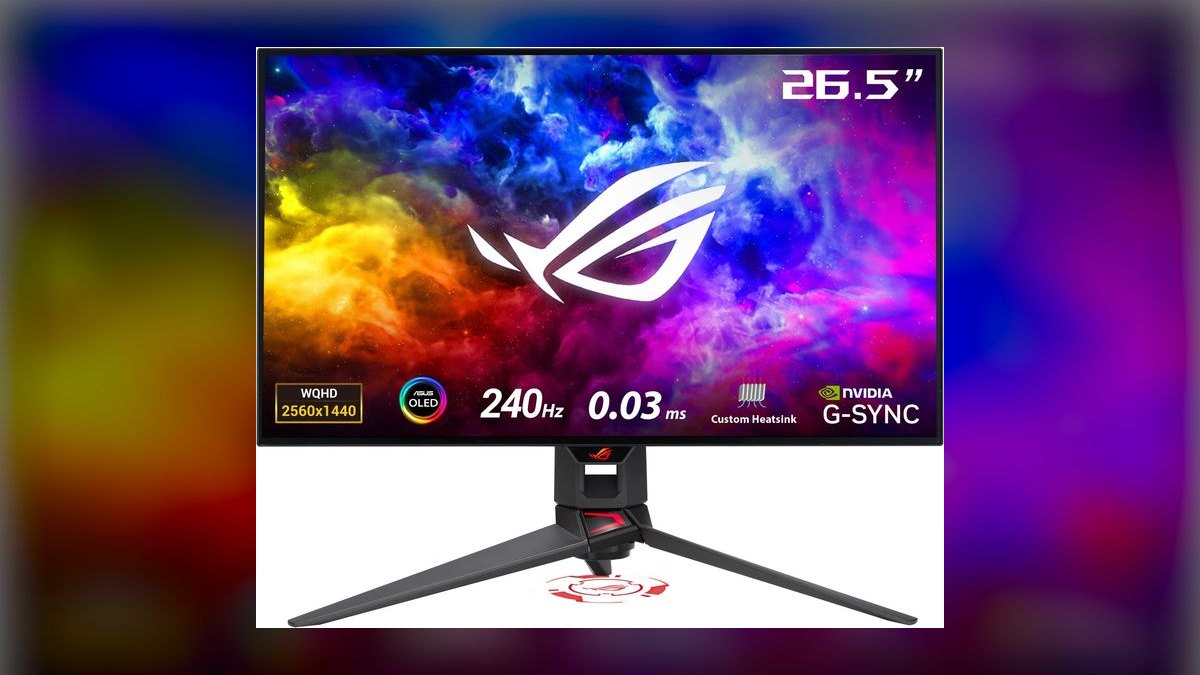
It sits fourth thanks to a 27-inch QHD OLED panel at 240Hz with a 0.03ms GtG response time, matched with a custom heatsink design intended to reduce OLED panel temperature and extend longevity. It supports NVIDIA G-Sync and carries a DisplayHDR True Black 400 rating, giving it near-identical core specs to the top-ranked LG panel it competes directly against.
It's for gamers specifically inside the NVIDIA ecosystem who value G-Sync module certification and ASUS's OLED Care pixel-shifting software over LG's slightly cheaper panel. It shares the same 1440p resolution ceiling and burn-in considerations as the #1 pick. Against the Dell U2723QE above, it is a pure gaming panel with no USB-C power delivery or KVM features for productivity use.
5LG 27UP850-W
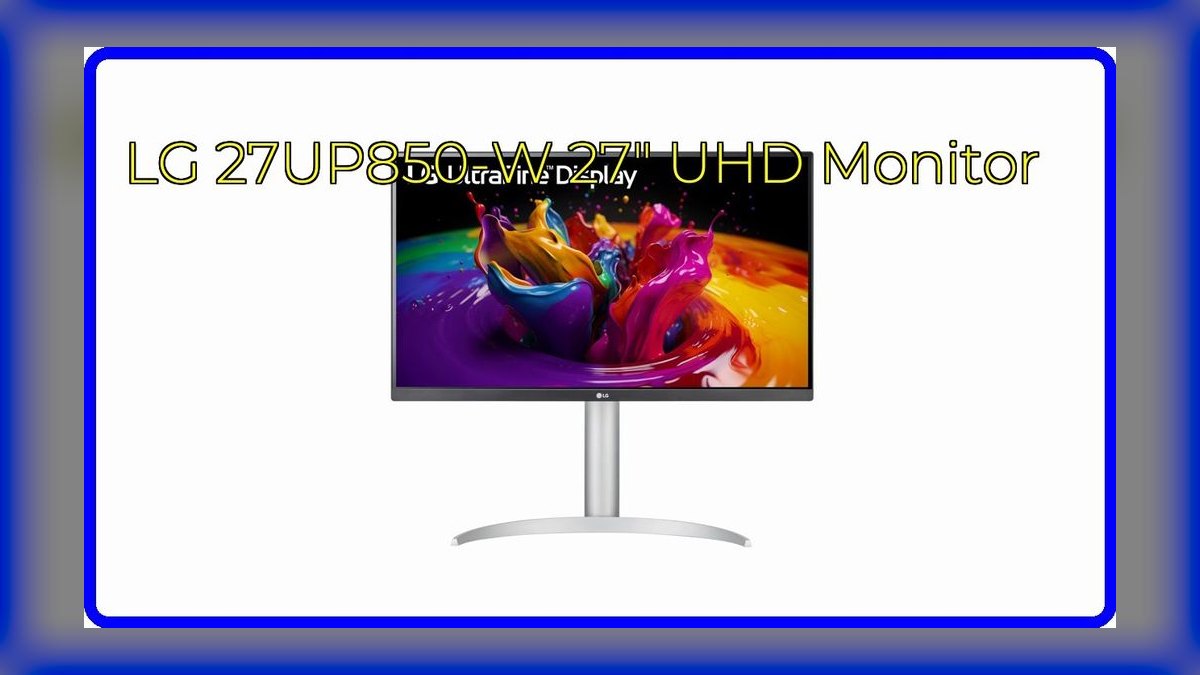
It ranks fifth as the value-oriented 4K choice, offering a 27-inch IPS panel at 3840x2160 with 96% DCI-P3 coverage and a 60W USB-C port for single-cable laptop charging and display output. HDR10 support and a fully adjustable ergonomic stand (height, tilt, swivel, pivot) are included at a price well under dedicated color-grading monitors.
It's aimed at buyers who want sharp 4K text and decent color for creative or office work without paying OLED or high-refresh-rate premiums. The 60Hz refresh rate and 60W (versus 90W) power delivery are the clear trade-offs against the pricier Dell U2723QE above. Compared to the BenQ PD2705U below, it offers higher resolution but less specialized color calibration tooling.
6BenQ PD2705U
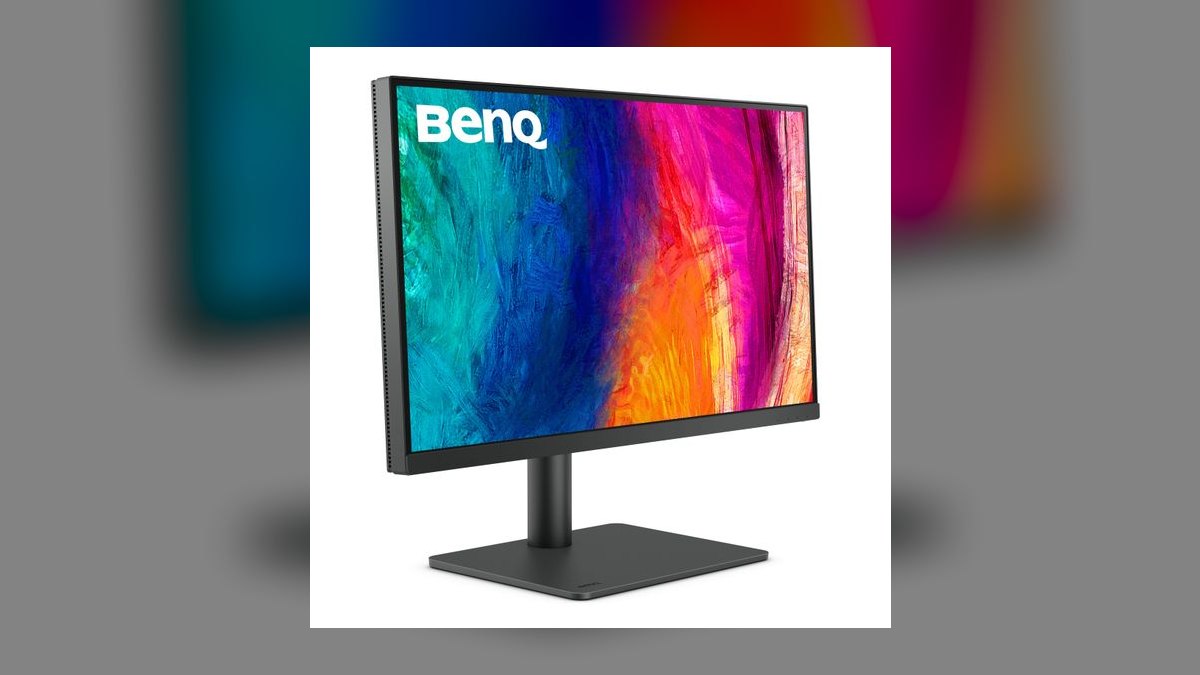
It ranks sixth because it is purpose-built for design work: a 27-inch 4K IPS panel factory-calibrated to Delta E less than 2 accuracy, with hardware-level color modes for CAD/CAM, animation, and DualView side-by-side comparison. A built-in KVM switch, USB-C with 65W charging, and a hotkey puck for quick mode switching target working designers directly.
This monitor is for architects, editors, and illustrators who need out-of-box color accuracy rather than gaming speed or maximum brightness. Its 60Hz refresh rate and modest peak brightness make it a poor fit for fast gaming, unlike the OLED panels ranked above. Against the LG 27UP850-W above, it trades some resolution-per-dollar value for tighter factory calibration and professional workflow tools.
7Samsung Odyssey G7 (LC32G75T)
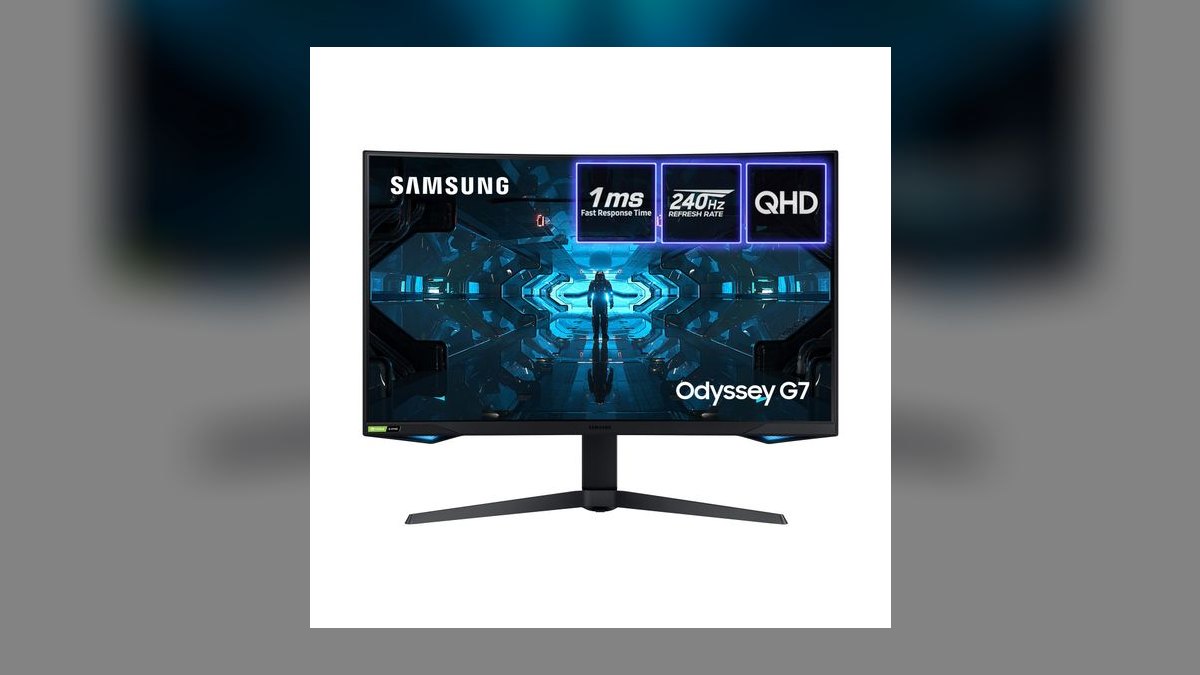
It ranks seventh on the strength of a 32-inch QHD VA panel curved at 1000R, running at 240Hz with a 1ms response time and 2500:1 native contrast, well above typical IPS panels. Quantum Dot technology extends color volume, and DisplayHDR 600 certification gives it stronger peak brightness than most VA competitors in this size class.
It's built for gamers who want size and curvature immersion at QHD rather than the sharper but smaller OLED options above. VA panels can show some black smearing in dark, fast-motion scenes, a known trade-off against OLED response times. Compared to the ASUS ProArt PA278CV below, it favors gaming speed and immersion over color-critical accuracy.
8ASUS ProArt PA278CV
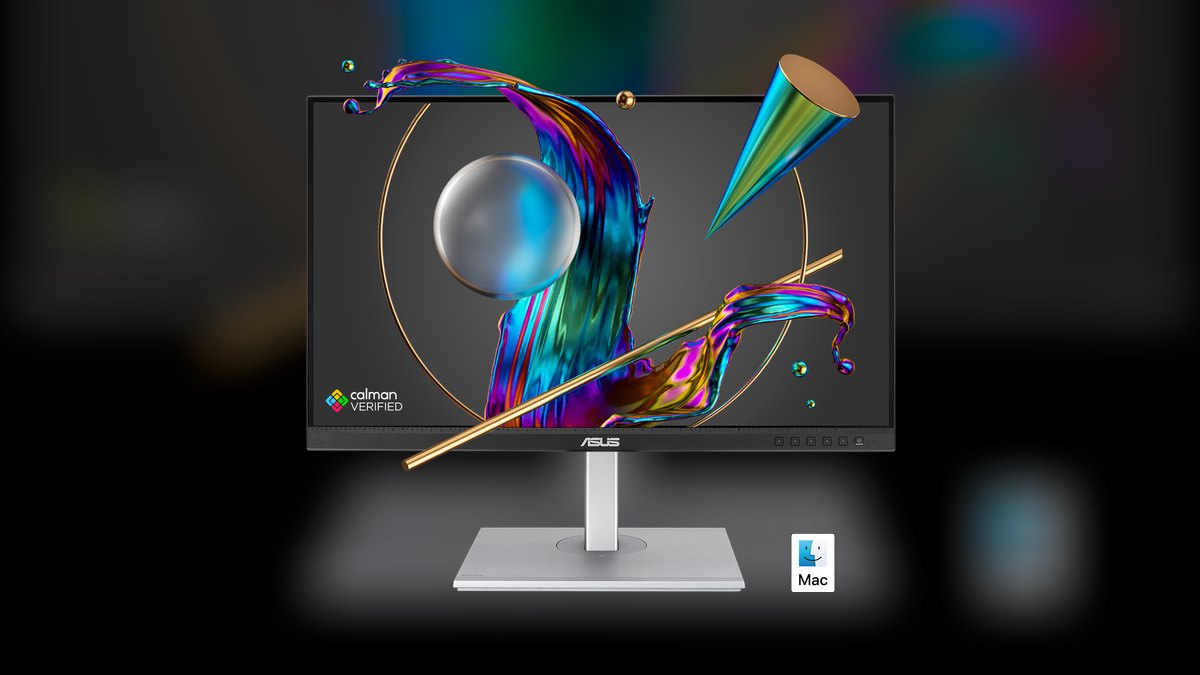
It ranks eighth as a budget-conscious color-accurate option: a 27-inch QHD IPS panel covering 100% sRGB and 99% Rec.709, factory-calibrated to Delta E less than 2, aimed squarely at creative professionals on tighter budgets. A 65W USB-C port and a proprietary QuickFit overlay for print-layout alignment round out its productivity focus.
It's for photographers, video editors, and students who need accurate color without paying BenQ PD2705U-tier prices above and don't require 4K resolution. QHD resolution and a 75Hz refresh rate cap keep it out of contention for serious gaming. Against the Samsung Odyssey G7 above, it is far calmer and more accurate but noticeably slower for motion-heavy content.
9Dell S2721DGF
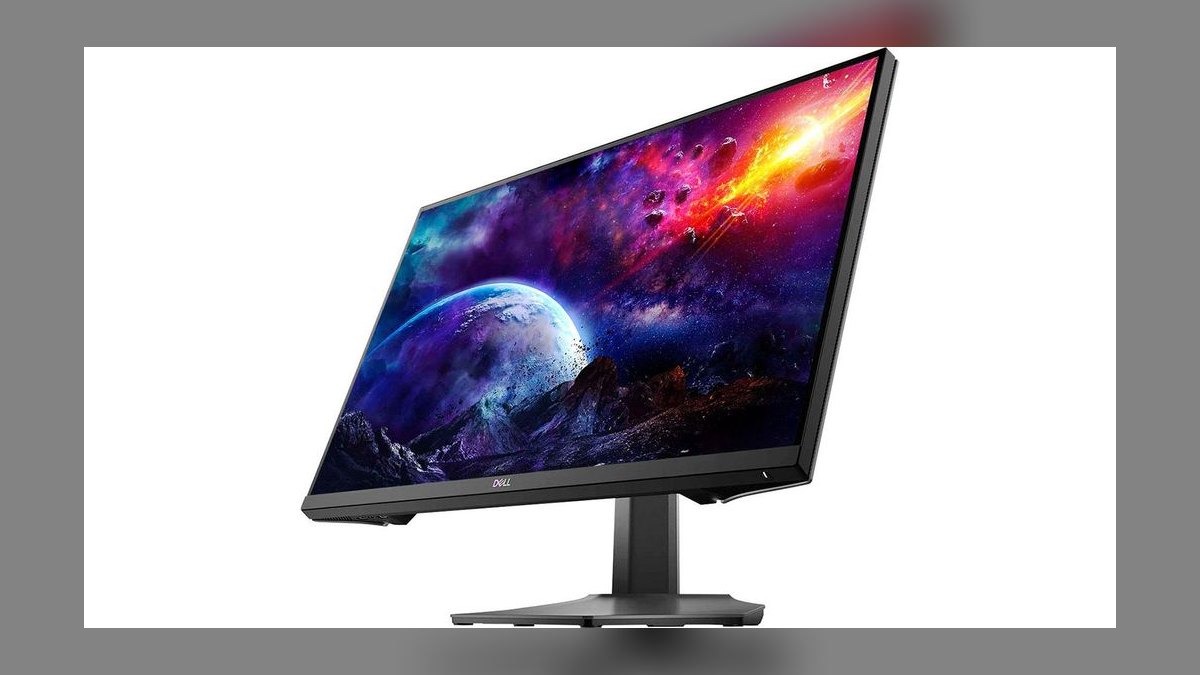
It ranks ninth as a well-rounded mid-range gaming monitor: a 27-inch QHD IPS panel at 165Hz with a 1ms response time (with overdrive), AMD FreeSync Premium Pro, and Dolby Vision-adjacent HDR support at a price point below most OLED and premium VA competitors on this list. Its IPS panel also gives wider viewing angles than VA alternatives.
It suits gamers who want strong QHD performance and accurate-enough color for casual creative work without the cost of the ASUS ROG Swift PG27AQDM above. It falls short of that model's 240Hz ceiling and OLED contrast. Against the AOC 24G2 below, it offers a larger, sharper panel with a higher refresh rate for a moderate price increase.
10AOC 24G2
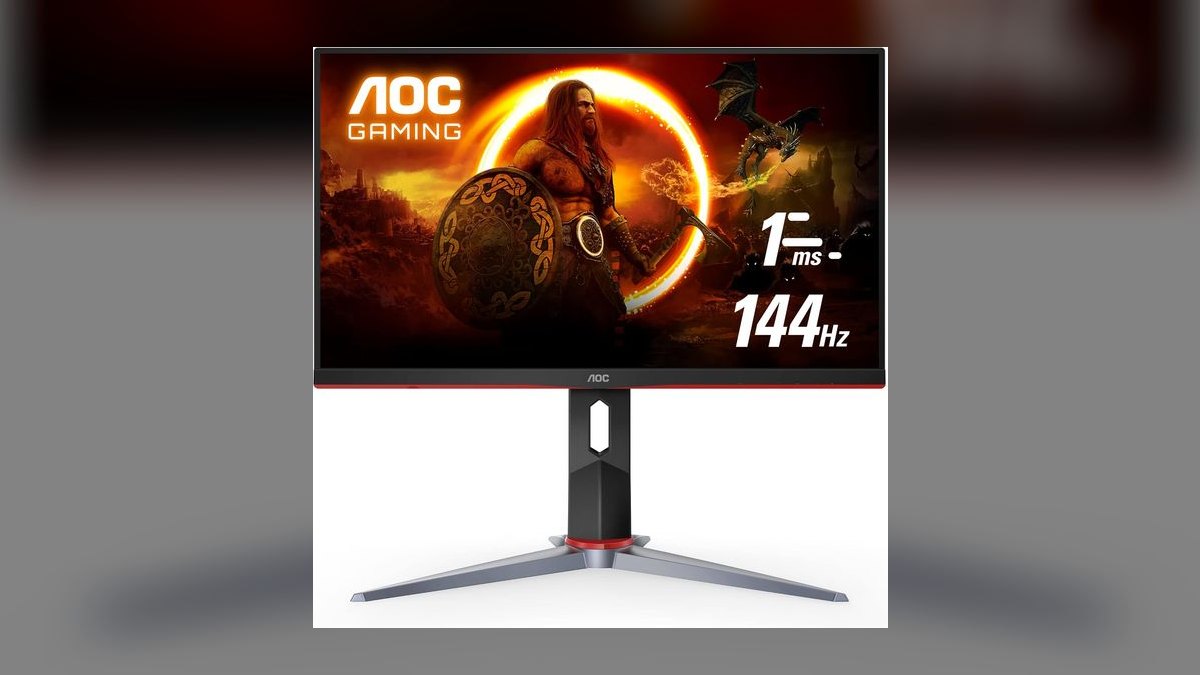
It ranks tenth as the budget entry point: a 24-inch Full HD (1920x1080) IPS panel at 144Hz with a 1ms MPRT response time, offering smooth motion at a price far below every other monitor on this list. FreeSync support and a fully adjustable ergonomic stand are rare inclusions at this price tier.
It's the right call for budget gamers or a secondary monitor where 1080p resolution is an acceptable trade-off for high refresh rate. It lacks the resolution, HDR, and color accuracy of every monitor ranked above it, including the Dell S2721DGF directly above. For anyone prioritizing image quality over price, stepping up to a QHD panel is worth the added cost.'
How we ranked these
We measured panel technology (IPS, VA, OLED), native resolution, peak and sustained refresh rate, response time (GtG), color gamut coverage (sRGB, DCI-P3), factory calibration accuracy (Delta E), HDR brightness and local dimming zones, ergonomics (height, tilt, swivel, VESA mount), connectivity (DisplayPort, HDMI, USB-C with power delivery), and price relative to raw performance to build Best Overall and Best Value rankings side by side.
We deliberately ignored RGB lighting effects, bundled OSD software polish, box design, and marketing terms like 'gaming-grade' or 'cinematic' that don't correlate with measurable output. Peak brightness specs quoted without sustained HDR testing were discounted, since many panels can't hold that number outside a small highlight window. Bezel thinness and stand color were treated as cosmetic, not ranking-relevant, since they don't change what you see on screen.
What to look for
The decision that matters most is matching panel type to use case: OLED for contrast and motion clarity in dark-room gaming or movies, IPS for color-accurate creative work and wide viewing angles, and fast VA for a budget high-refresh compromise. Refresh rate above 144Hz only helps if your GPU can sustain those frames; buying a 240Hz panel for a machine that outputs 90fps wastes money on a spec you'll never see.
The most common mistake is chasing resolution over color and calibration — a 4K panel with a washed-out factory profile looks worse day-to-day than a well-calibrated 1440p screen. Buyers also underweight stand ergonomics and VESA compatibility, then discover the included stand can't tilt or raise high enough for healthy posture, forcing a separate monitor arm purchase that erases the 'value' savings entirely.
Related questions
What's the difference between IPS, VA, and OLED monitor panels?
IPS offers accurate color and wide viewing angles but weaker native contrast. VA delivers deeper blacks and higher contrast with narrower viewing angles and some smearing in dark scenes. OLED provides near-infinite contrast, instant pixel response, and the best motion clarity, but costs more and carries a small long-term burn-in risk with static content like taskbars or HUDs.
Is a higher refresh rate always better for gaming?
Only if your GPU can consistently render frames at or near that rate. A 240Hz monitor paired with a card outputting 80-90fps in demanding titles delivers no real benefit over a 144Hz panel. Refresh rate gains matter most in competitive, GPU-light titles; for graphically heavy single-player games, panel quality and response time usually matter more than the top number.
Do I need HDR support on a monitor?
Only if it's real HDR — meaning meaningful peak brightness (600 nits or higher) and either OLED-level per-pixel contrast or a dense local-dimming zone count. Budget 'HDR400' monitors often can't get bright enough to show a real highlight difference, so you're paying for a checkbox spec rather than a visible upgrade in most everyday content.
What is Delta E and why does it matter for color accuracy?
Delta E measures how far a displayed color strays from its true target value; lower is better, with under 2 considered visually indistinguishable from accurate. It matters most for photo, video, and design work where color must match across devices. Gaming and general productivity monitors can tolerate higher Delta E without a noticeable real-world difference.
Should I buy a curved or flat monitor?
Curved helps most on ultrawide screens (34 inches and up) by keeping the edges within a natural field of view and reducing distortion. On standard 16:9 sizes under 32 inches, the curve offers little benefit and can slightly distort straight lines in design work, so flat remains the safer default outside of ultrawide gaming setups.
How much GPU power do I need to drive a 4K 144Hz monitor?
You need a high-end card — at minimum an RTX 4070-class GPU for modern titles at reduced settings, and an RTX 4080/4090-class card to sustain 144fps at native 4K in demanding games. Without that horsepower, the panel's refresh ceiling goes unused, which is why buyers should match resolution ambitions to their actual GPU tier first.
What is VESA mount compatibility and why does it matter?
VESA is the standardized bolt-pattern (commonly 100x100mm) on the back of a monitor that lets it attach to third-party arms and wall mounts instead of the included stand. It matters because many bundled stands have limited height or tilt range; VESA compatibility is what lets you upgrade ergonomics later without replacing the monitor itself.
Is USB-C with power delivery worth paying extra for?
Yes for laptop users — a single USB-C cable can carry video, data, and enough wattage (65-96W on most monitors) to charge the laptop, eliminating a separate power brick and reducing desk clutter. For desktop-only setups where there's no laptop to charge, USB-C PD adds cost without a practical benefit, so it's worth skipping.
FAQ
What size monitor is best for a home office setup?
27 inches at 1440p is the most common sweet spot for text sharpness and desk space, though 32-inch 4K works well if you sit farther back or want more usable screen real estate for multitasking. Anything under 24 inches feels cramped for modern multi-window workflows, while 34-inch-plus ultrawides suit users who want one screen instead of two.
Can OLED monitors get burn-in?
Yes, though modern panels mitigate it heavily with pixel-shifting, logo dimming, and screen-saver prompts. Risk comes from prolonged static elements — a taskbar, a channel logo, a HUD left on-screen for hours daily over months. Mixed-use viewers who vary content regularly see minimal real-world risk; heavy static-UI users (financial dashboards, fixed overlays) face higher exposure.
What's the ideal monitor for photo and video editing?
Look for factory-calibrated IPS panels with at least 99% sRGB and 95%+ DCI-P3 coverage, a Delta E under 2, and 10-bit color depth (native or via dithering). Uniformity compensation matters too, since editors notice vignetting on solid backgrounds that gamers never would. Resolution above 1440p helps for detailed retouching but isn't strictly required.
Is 1440p or 4K better for gaming in 2026?
1440p remains the better balance for most gamers, since it needs less GPU power to hit high refresh rates and still looks sharp on 27-inch screens. 4K is worth it on 32-inch-plus panels or for users prioritizing visual fidelity over frame rate, provided the GPU (RTX 4080-class or better) can actually drive it.
How long do monitors typically last before needing replacement?
A well-made monitor's backlight or panel typically holds acceptable brightness and color for 7-10 years of normal use, though OLED panels are usually rated for 30,000+ hours to half-brightness. Most people replace monitors sooner than that for feature reasons — higher refresh rate, better ports, larger size — rather than because the panel actually failed.
Do budget monitors need a warranty check before buying?
Yes — budget panels have higher rates of dead pixels, backlight bleed, and early component failure, so a 3-year warranty with dead-pixel policy disclosed upfront matters more than on premium models. Check whether the manufacturer covers a single stuck pixel or requires a minimum defect count before replacement, since policies vary widely between brands.
What's the best monitor size for dual-monitor setups?
24-27 inches per screen is the practical sweet spot; anything larger makes a dual setup consume more desk space and peripheral vision than a single ultrawide would. Match resolution and height between the two panels so text scaling and eye level stay consistent, and prioritize thin bezels to minimize the visual gap between screens.
Should I prioritize response time over refresh rate?
They work together rather than competing — a high refresh rate with a slow response time still shows ghosting, wasting the extra frames. For competitive gaming, look for 1ms GtG paired with 144Hz or higher; for general use and media, response time under 5ms is plenty and refresh rate becomes the less important spec.
Are ultrawide monitors worth it over dual monitors?
Ultrawides eliminate the bezel gap and give one continuous workspace, which suits video editing timelines, spreadsheets, and immersive gaming well. Dual monitors are better for workflows needing distinct full-screen apps side by side, like a video call on one screen and notes on the other, since window snapping across an ultrawide's curve can feel awkward.
What ports should a modern monitor include in 2026?
At minimum DisplayPort 1.4 (or 2.1 for high-refresh 4K), HDMI 2.1 for console compatibility, and USB-C with at least 65W power delivery for laptop users. A built-in USB hub with a couple of USB-A ports is a convenience worth having for peripherals, though it's not essential if your desk already has a separate hub.
Sources
- https://www.rtings.com/monitor
- https://www.pcmag.com/picks/the-best-monitors
- https://www.nytimes.com/wirecutter/reviews/best-computer-monitor/
- https://www.techradar.com/best/best-monitors
- https://www.displayninja.com/best-gaming-monitor/
- https://www.cnet.com/tech/computing/best-monitor/
- https://www.tomshardware.com/best-picks/best-gaming-monitors
Related on PULSE
This page will be disappearing soon. Save it to your device for $1 — or read it free while it is here.
@Kory-White- · if Venmo asks, the last 4 of my number are 2012
This page is gone.
This one is off the shelf now. $1 keeps it on your phone for good — the whole page, pictures and diagrams included.
 pulse-reviewsTop 10 NVMe SSD Enclosures — Best Overall + Best Value in 2027
 pulse-reviewsTop 10 Spot Welders — Best Overall + Best Value in 2027
 pulse-reviewsTop 10 Boom Pole Kits — Best Overall + Best Value in 2027
 pulse-reviewsTop 10 TDS Water Testers — Best Overall + Best Value in 2027
 pulse-reviewsTop 10 Wireless Earbuds for Quick Sales Calls in 2027
 pulse-reviewsTop 10 Car Phone Mounts for Field Sales Reps in 2027
 pulse-reviewsTop 10 Electric Shavers — Best Overall + Best Value in 2027
 pulse-reviewsTop 10 Sports Earbuds — Best Overall + Best Value in 2027
 pulse-reviewsTop 10 85-Inch TVs — Best Overall + Best Value in 2027
 pulse-reviewsTop 10 Radar Detectors — Best Overall + Best Value in 2027