


Renewals Specialist — LinkedIn Banner
Quality
Certified
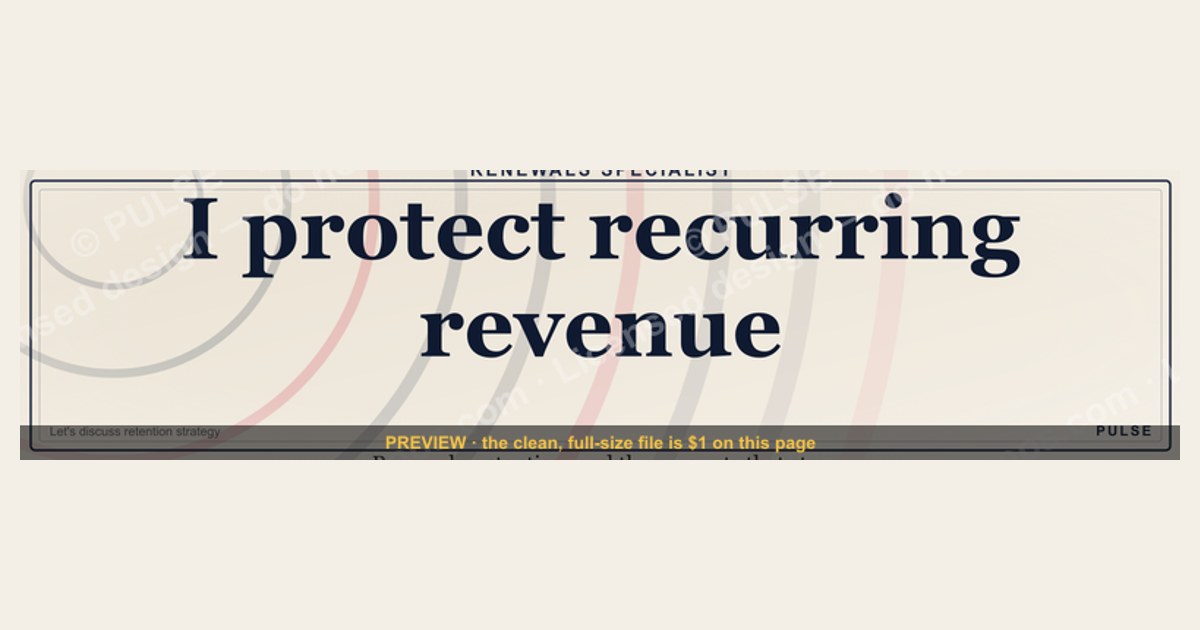
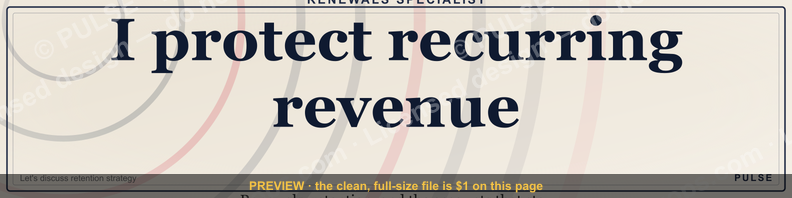
A Renewals Specialist LinkedIn banner should clearly communicate your role, the revenue you protect, and a credible proof point. Build it on the standard 1584×396 px canvas, keeping critical content within the center safe zone (approximately the middle 1152 px) since LinkedIn crops edges on mobile devices. Lead with a clear headline like "I protect recurring revenue" or "Subscription Retention Specialist." Include one specific, defensible metric you actually own — such as net revenue retention percentage, churn reduction, or ARR managed — and a soft call to action like "Let's discuss retention strategy." Use maximum two fonts, ensure high text-to-background contrast, and maintain generous white space. Avoid generic claims like "99% retention" that cannot be verified in an interview.
Banner Design Principles
Visual Hierarchy for Renewals Specialist Banners
The Renewals Specialist role sits at the intersection of customer success, sales, and account management. The banner should read as both professional and approachable. Effective banners use clear visual hierarchy that guides the eye from name and title to value proposition, then to a quiet call to action.
Lead for short attention spans. Most viewers scan a banner for only a couple seconds. Design to communicate three things fast: your role, one retention metric you're proud of, and a trust signal such as years of experience or a recognizable company logo.
Color choices. Blues and greens suit renewal work — blue conveys trust and reliability, green suggests growth and positive outcomes. Strong reds and oranges can signal urgency or alarm, which is inappropriate for a "let's continue together" message. A blue-leaning palette with one accent color provides a safe, legible default.
Typography. Use no more than two typefaces. Clean sans-serif fonts (Inter, Lato, or Montserrat) work well for headlines. Complementary humanist sans-serif (Source Sans Pro or Open Sans) suits supporting text. Avoid script or decorative fonts that become illegible when LinkedIn shrinks the banner on mobile devices.

Layout. Mentally divide the 1584×396 canvas into a 3×3 grid. If including a photo, place your face near grid intersections rather than dead center. A common readable flow for left-to-right audiences: headline in upper-left third, key metric center-right, call to action lower-right.
Use empty space intentionally. Generous negative space makes a banner feel considered rather than salesy, fitting the consultative tone of renewals work. A crowded banner reads as anxious.
Metrics-Driven Banner Content Strategy
Renewals is a numbers-focused role, and the banner should reflect that without becoming a spreadsheet. One or two specific, defensible metrics outperform a wall of statistics.
Choose a metric you actually own. Generic claims like "99% retention" invite skepticism. A figure tied to your real scope is more credible. Examples of effective shapes:
- "Drove 94% net revenue retention across enterprise book of business"
- "Reduced churn 20% through proactive renewal workflows"
- "Managed $2.5M ARR renewals with 92% success rate"
Use these as templates — insert your true numbers, not these examples.
Specific beats vague. "Improved renewal efficiency on 150 accounts" is more believable than "helped customers renew." Early in your career, emphasize volume: "Supported 200+ customer renewals last quarter" or "Owned $850K renewal pipeline." These demonstrate capability without claiming tenure you don't have.

Signal your vertical lightly. If you focus on a segment — SaaS, healthcare, manufacturing — include a small icon or one- or two-word tag like "Enterprise SaaS" or "B2B Healthcare." This helps recruiters place you immediately without competing with your headline.
Place the call to action last. It should be the final element the eye lands on. Effective low-pressure options for renewals:
- "Let's discuss retention strategies"
- "Building better renewal experiences"
- "Ask me about subscription lifecycle management"
Position it in the lower-right, use contrasting text or a subtle button, and keep it brief. Action verbs ("Optimize," "Build," "Scale") feel more confident than passive phrases ("Learn more," "Get in touch").
Don't echo your headline. Your LinkedIn headline already states your role. The banner should expand on it. If your headline reads "Renewals Specialist at Acme Corp," the banner might say "Specializing in enterprise subscription retention and expansion" — a complementary line, not a repeat.
Technical Specifications
LinkedIn banners have specific size requirements. Ignoring them leads to awkward cropping or blurry images.

Dimensions and safe zone. The banner canvas is 1584×396 px. LinkedIn crops sides on smaller screens and overlaps part of the banner with your profile photo and headline on desktop. Keep your name, title, and key metric within the center safe zone (approximately the middle 1152 px). Content pushed to far left or right edges risks being hidden on mobile.
File format and size. Export as PNG or JPEG. PNG is preferable when the design has crisp text or logos since it preserves sharp edges. LinkedIn accepts files up to 8 MB, but keep yours well under that for fast loading — a lean PNG opens faster on slow mobile connections.
Color profile and contrast. Use sRGB color profile for consistent rendering across browsers. Check text against its background using a contrast tool such as WebAIM's contrast checker, aiming for at least the WCAG standard 4.5:1 ratio for normal text. Light-gray text on a light background is a common mistake — it can disappear entirely on a bright phone screen outdoors.
Design mobile-first. Your banner shows full width on desktop, with sides cropped on tablet and phone. Build it so essentials survive the tightest mobile crop, then upload and view your own profile from a phone before finalizing.
Logos and badges. If including a company logo or certification badge, start from a vector (SVG) or high-resolution PNG rather than a small image pulled from a website. Low-resolution logos blur badly when stretched across a 1584-px-wide canvas. Crisp marks signal attention to detail.
Test before committing. A banner that looks perfect in design software can shift in different browsers and the LinkedIn mobile app. Upload and check on multiple devices, watching for color shifts and text smoothing. A few minutes of testing prevents a banner that looks wrong to part of your audience.
FAQ
What does a Renewals Specialist actually do?

They own subscription renewals for an existing book of customers — ensuring contracts renew on time and identifying at-risk accounts early. Daily work includes proactive outreach before renewal dates, negotiating terms, and coordinating with sales and customer success to prevent churn.
What skills should the banner and profile signal? Communication, negotiation, and CRM fluency are core. Most employers expect experience with Salesforce or a comparable platform, plus comfort reading renewal data and handling pricing objections. A banner that hints at one of these strengths reinforces what the rest of your profile claims.
What industries hire Renewals Specialists most often? SaaS and technology companies lead, but any recurring-revenue business hires for the role — software, publishing, healthcare, subscription services, and B2B platforms. If your work is vertical-specific, a small industry tag on the banner helps recruiters find you.
What is the typical career progression? Common next steps include senior renewals roles, customer success management, or account management. Because the role builds deep fluency in retention metrics, some specialists move into sales operations or revenue operations.
How is performance measured in this role? Typical metrics include gross and net renewal rate, churn percentage, contract value retained, and time to close a renewal. Quotas are common; renewal-rate targets often range from mid-80s to mid-90s percent depending on segment and product. Pick one real metric for your banner.
What challenges do Renewals Specialists face most often? Price sensitivity, late-stage cancellations from budget cuts, and internal teams with competing priorities are common friction points. Managing high renewal volume against tight deadlines adds pressure, which is why proactive workflows and clean account data matter significantly.
Sources
- LinkedIn Help — Add or change the background photo on your profile
- Adobe Express — How to make a LinkedIn banner
- Canva Design School — LinkedIn banner tutorials
- WebAIM Contrast Checker
- HubSpot Blog — LinkedIn profile optimization tips
- LinkedIn Business — Profile photo and banner best practices
Related on PULSE
This page will be disappearing soon. Save it to your device for $1 — or read it free while it is here.
@Kory-White- · if Venmo asks, the last 4 of my number are 2012
This page is gone.
This one is off the shelf now. $1 keeps it on your phone for good — the whole page, pictures and diagrams included.
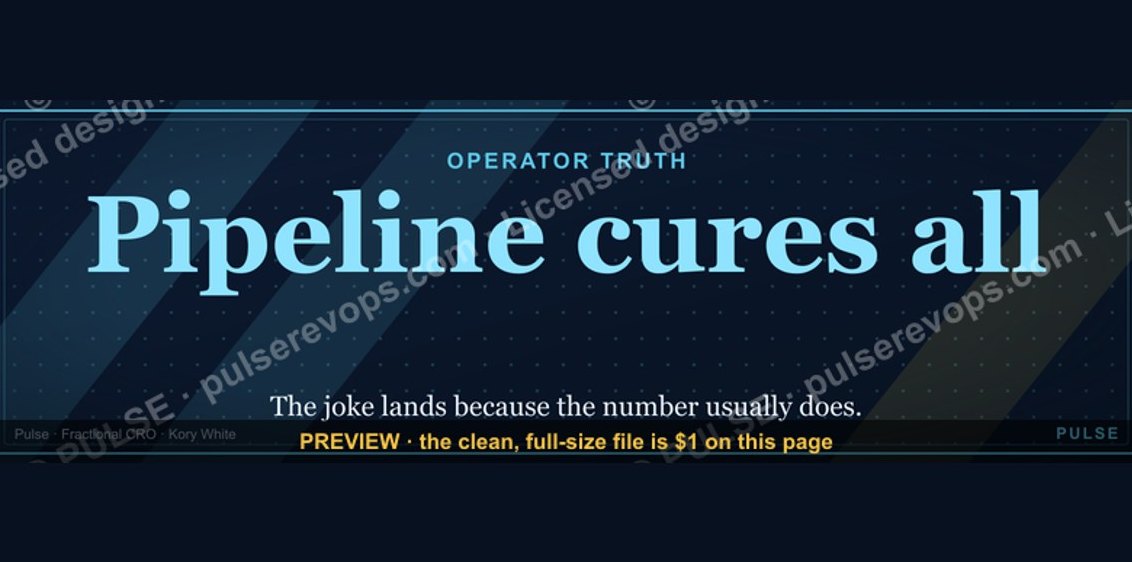 graphicPipeline cures all. — LinkedIn Wallpaper
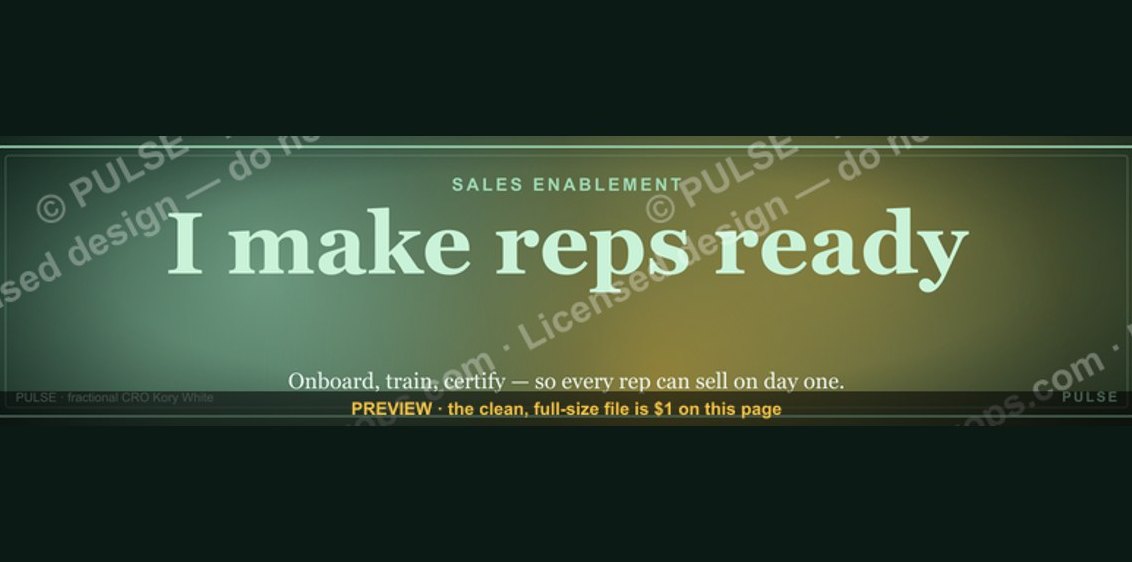 graphicSales Enablement — LinkedIn Banner
 graphicHow to design a LinkedIn banner that converts viewers into leads in 2027?
 graphicMake it predictable. — LinkedIn Wallpaper
 graphicTrust compounds. — LinkedIn Wallpaper
 graphicStartup Founder — LinkedIn Banner
 graphicField Sales Rep — LinkedIn Banner
 graphicHow to build a champion champion plan in 2027?
 graphicBring the energy. — LinkedIn Wallpaper
 graphicFaster deals, fewer leaks. — LinkedIn Wallpaper