

How to build a champion champion plan in 2027?
 Curated byKory White · Fractional CRO · Maryland
Quality
Certified
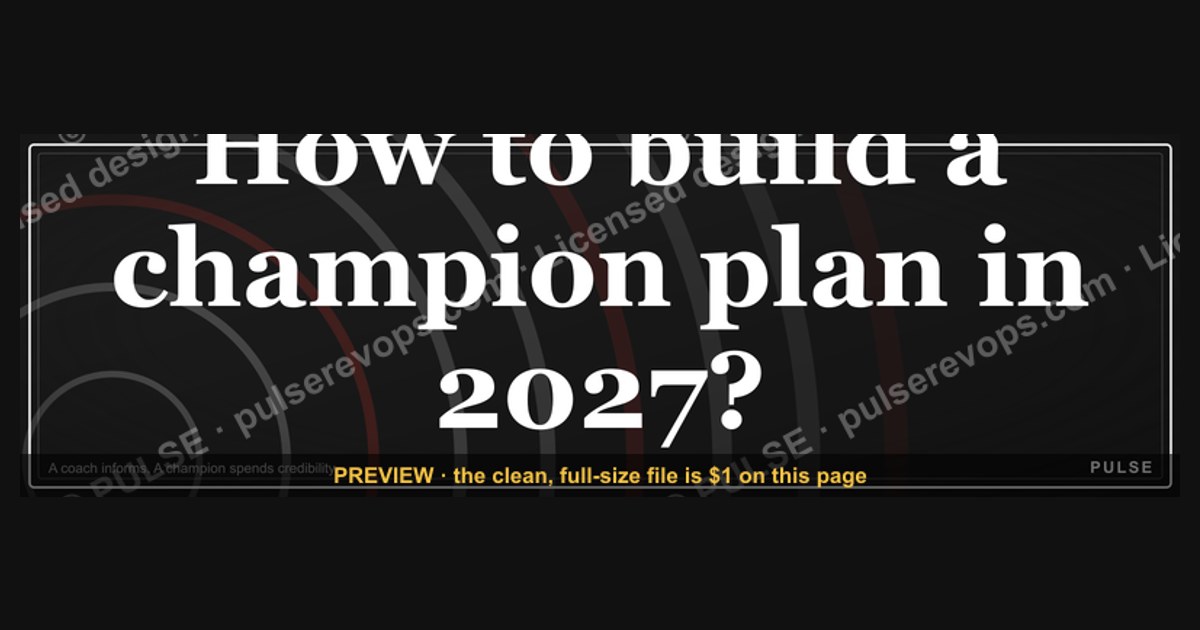
This is a 1600×500 downloadable banner reading "How to Build a Champion Plan in 2027" in gold serif type on a matte black field, with a slim subtitle line and a small crest mark in the lower corner. Use it as a LinkedIn cover image, a sales-kickoff slide header, or a deal-room banner to frame internal champion-development work for a specific account.
What it is and why it matters
The banner is built as a single flat PNG at 1600×500 pixels — a wide letterbox shape that matches LinkedIn's personal and company cover-image ratio and drops cleanly into the top of a slide deck without cropping. Reading left to right, the layout carries three elements. First, the headline itself, set in a heavy gold serif face across the top two-thirds of the frame: "How to Build a Champion Plan." The word "champion" is treated as the visual anchor — it sits slightly larger than the surrounding words so it reads first even at thumbnail size. Second, directly beneath the headline, a thinner subtitle line in a plain gray sans-serif carries the year and a one-line qualifier, something like "A working plan for 2027 — not a wish list." Third, a small crest or seal mark sits in the bottom-right corner, roughly 80×80 pixels, used as a consistent signature across the whole banner family so a viewer scrolling a feed recognizes the series before reading a word of the headline.
The background is solid matte black rather than a photo or gradient, which matters mechanically: a flat field compresses cleanly under LinkedIn's and PowerPoint's own image re-encoding, so the gold text stays crisp instead of picking up JPEG banding around the letterforms the way photographic backgrounds do. It also means the banner works identically whether it's viewed on a phone feed, a 1080p projector, or printed as a one-pager for a QBR — there's no fine detail to lose at small sizes.

The reason a "champion plan" banner exists as its own artifact, rather than just being a line in a longer deck, comes down to how champion-based selling actually behaves inside a sales org. In MEDDIC, MEDDPICC, and similar qualification frameworks, the champion is the one stakeholder inside the buying company who has power, credibility, and enough personal stake in the outcome to sell on your behalf when you're not in the room. A champion is not the same as an economic buyer, and it's not the same as a friendly contact who answers your emails — a champion actively spends their own political capital to move the deal, which means the rep has to actively build that person's ability to do so. A "champion plan" is the working document (and now the visual header on it) that lays out who that person is, what they need from the seller to make the internal case, and on what cadence the rep checks in to keep them equipped.
Teams put a banner like this at the top of the actual planning doc, or use it as the section-divider slide inside a broader account plan, because champion development is the part of a deal plan that most reps skip under time pressure — it lives in someone's head instead of on paper. A visual header forces the plan to exist as a discrete artifact with its own space in the deck, rather than getting folded into generic "next steps" notes that nobody revisits. The banner's job, in that sense, is less decorative and more structural: it gives the champion-plan section enough visual weight that a manager reviewing a deal in forecast review actually stops on that page instead of skimming past it.
The step-by-step process

Putting the banner to work follows a short, repeatable sequence rather than a one-time download. The steps below describe how a rep or enablement lead actually moves it from this page into a live deal cycle.
Start by pulling the flat PNG from this page rather than a screenshot, since a screenshot re-compresses the gold text and introduces visible artifacts around the serifs. Once it's downloaded, the first real decision is destination, because the same file behaves differently in each spot. On LinkedIn, the 1600×500 ratio drops in as a cover photo with no cropping needed on desktop, though LinkedIn's mobile view crops roughly 15% off each side, so keep the headline text centered rather than pushed to the edges if the banner will be viewed mostly on phones. In a slide deck, the banner works best resized to fill the top third of a 16:9 slide (roughly 1280×400 once scaled) rather than stretched to full-bleed, which would distort the serif proportions. In a deal-room document or shared Notion/Confluence page, it can run at full width as a section header exactly as downloaded.

The subtitle line is the one piece meant to be edited every time the banner is reused — swap "2027" for the current year, or replace the generic qualifier with the account name ("A champion plan for Acme Corp") when the banner is being used inside a single deal room rather than as a general enablement asset. Don't edit the headline itself or the crest mark; those stay fixed so the banner is recognizable as part of the same visual family across every deal and every quarter, which is part of what makes it useful as a repeated artifact rather than a one-off graphic.
The last step is the one teams most often skip: revisiting the banner's placement, not just its content, each quarter. A champion plan that was accurate in Q1 is frequently stale by Q3 — the original champion may have changed roles, lost budget authority, or left the company — so the banner's presence at the top of the doc should prompt an actual review of whether the person named underneath it is still the right one, not just a cosmetic refresh.
Costs, timelines, and typical ranges
The banner itself carries no cost — it's a free downloadable PNG, and customizing the subtitle line takes most reps under ten minutes using any basic image editor or a template tool like Canva, since only the subtitle text layer needs to change. Swapping it into a LinkedIn profile or a deck takes another five minutes on top of that. There's no license fee and no attribution requirement for internal sales use.
The champion plan the banner sits on top of runs on a much longer clock, and that's worth separating clearly from the graphic's own turnaround. Building out a real champion plan for a mid-to-large enterprise deal typically takes a rep somewhere in the range of two to six weeks of elapsed time from first identifying a candidate champion to having a plan a manager would sign off on — not because the document itself is long, but because it depends on enough live interaction with the prospect to actually know whether the person has real internal influence. Rushing that identification inside a single call and writing the plan the same day is one of the more common ways plans end up built around the wrong person.

Once a champion plan is in place, the typical cadence for revisiting it tracks the deal's own sales cycle rather than running on a fixed schedule: a 30-day cycle should see the plan touched roughly weekly, a 90-day enterprise cycle more like every two to three weeks, and anything that stretches past two full quarters needs the plan re-validated from scratch rather than lightly edited, since org changes on the buyer's side compound the longer a deal sits open. For teams running this at a program level — a whole segment or region standardizing on the banner and the underlying plan template — expect the rollout itself (training reps on the template, wiring it into the CRM opportunity stage gates) to take two to four weeks, separate from any individual deal's timeline.
Where teams get it wrong
The most common misuse of the banner itself is publishing it externally, unedited, on a public-facing page or a prospect-visible deck. It's built as an internal enablement and LinkedIn-presence asset — a rep or leader using it to signal their own selling methodology — not as something meant to appear inside customer-facing materials, where "champion plan" language can read as presumptuous or even tip off a prospect that they're being managed as an internal asset rather than a partner in the deal.

On the substance side, the most frequent mistake in the plan the banner sits on top of is choosing a champion by convenience rather than by actual influence — defaulting to whichever contact responds fastest to email, rather than the person who can move budget or override a competing internal priority. A responsive contact who has no real say in the purchase decision will happily "champion" a deal right up until the point it needs to survive a budget review, and by then the plan built around them has burned weeks of cycle time with nothing to show for it.
A second recurring failure is building the champion plan in isolation from the economic buyer and the rest of the buying committee. A champion's value comes specifically from their ability to translate your pitch into internal language the economic buyer trusts — if the rep never maps how the champion actually connects to that buyer, the plan can look complete on paper while doing nothing to move the real decision-maker. Third, teams frequently write the plan once at deal kickoff and never touch it again, treating it as a qualification checkbox rather than a living document; when the champion changes jobs mid-cycle (which happens often enough in longer enterprise deals to be a real risk, not an edge case), a stale plan keeps the rep calling a contact who can no longer help them.
Finally, on the graphic itself, a common cosmetic error is stretching the banner to fit a non-native aspect ratio — forcing the 1600×500 file into a square Instagram-style crop, for instance — which distorts the serif headline enough that it stops reading as premium and starts looking like a placeholder image. When a different ratio is genuinely needed, re-crop from the source rather than stretch the export.
Decision framework: when to choose what

Not every deal or every channel calls for the same version of this banner, and not every champion situation calls for a formal written plan at all. The framework below is the shortest useful version of that decision.
For short cycles under about 30 days, a full written plan with its own banner header is usually overkill; a rep is better served keeping the champion relationship tracked informally in CRM notes and focusing effort on speed rather than documentation. Once a deal stretches into the 30-to-90-day range typical of a mid-market or lower-enterprise sale, that's where the standard version of the banner earns its place — dropped at the top of the account plan or the internal deal-review deck, subtitle updated with the account name, reviewed at the cadence described above.
For long or multi-stakeholder enterprise cycles — over 90 days, or any deal where more than one buying-committee member needs independent influence mapped — the banner belongs in a persistently shared deal-room document rather than a one-off slide, since the plan itself needs to be a living reference multiple people on the account team touch, not just the primary rep. In that setting, teams often customize the subtitle to name the specific champion role rather than the account ("Champion Plan — VP Engineering Track") when a deal has more than one candidate champion being developed in parallel across different departments, which keeps each plan (and its banner) legible as a distinct thread rather than one blurred document trying to cover every stakeholder at once.
The same logic applies to choosing where the banner appears publicly versus internally: a rep or RevOps leader building their own LinkedIn presence around this kind of enablement content should keep it clearly framed as methodology commentary aimed at other sales professionals, not paired with any specific customer name or logo, which is the line that separates a legitimate thought-leadership post from something that reads as disclosing confidential deal information.
Related questions
How do you identify a champion in a complex enterprise deal?
Look for internal influence and personal stake, not just responsiveness — someone who can move budget, override competing priorities, or has a visible reason of their own to want the deal to succeed, confirmed through how they act in internal meetings you're invited into, not just how quickly they reply to email.
What's the difference between a champion and an economic buyer?
The economic buyer controls the budget and makes the final call; the champion is the internal advocate who translates your pitch into language that buyer trusts and pushes the deal forward when you're not in the room. A deal usually needs both, mapped to each other explicitly.
How often should a champion plan be updated during a deal cycle?
Roughly weekly for a 30-day cycle, every two to three weeks for a 90-day enterprise cycle, and fully re-validated (not just edited) any time the deal crosses a full quarter, since the original champion's role or influence can change underneath the plan.
Can a deal have more than one champion?
Yes, particularly in multi-stakeholder enterprise sales where different departments each need their own internal advocate — in that case, build a separate plan per champion role rather than one blended document, so each thread stays trackable on its own.
Is it safe to use a champion-plan banner in customer-facing materials?
No — it's built as an internal enablement and personal-brand asset. Using "champion plan" language in front of the prospect can read as presumptuous or reveal that they're being tracked as an internal deal asset rather than a partner in the conversation.
FAQ
What exact text is on the banner? The headline reads "How to Build a Champion Plan" in gold serif, with "champion" set slightly larger than the surrounding words, a subtitle line below it carrying the year and a short qualifier, and a small crest mark in the bottom-right corner.
What size and format is the download?
A flat PNG at 1600×500 pixels, matching LinkedIn's cover-image ratio and dropping cleanly into a 16:9 slide header without distortion when resized proportionally.
Do I need design software to customize it? No — the only element meant to change is the subtitle line, which can be edited in any basic image editor or a free template tool; the headline and crest should stay as downloaded so the banner remains recognizable across a series.
Where should this banner actually be placed? At the top of an internal champion-plan document, as a section-divider slide in an account-review deck, or as a personal LinkedIn cover image for enablement or thought-leadership content — never inside customer-facing materials or paired with a specific prospect's name publicly.
How is a champion plan different from a general account plan? An account plan covers the whole deal — budget, timeline, competition, stakeholders. A champion plan is the narrower document focused specifically on one internal advocate: who they are, what they need to make the internal case, and how the rep keeps them equipped to do it.
What happens if the identified champion leaves the company mid-deal? The plan needs to be rebuilt around a new candidate, not lightly edited — losing the champion is common enough in longer cycles that it should trigger a full reassessment of who inside the account currently has the influence to replace them, rather than assuming the next-friendliest contact can simply step into the role.
Sources
- https://www.gartner.com/en/sales
- https://www.forrester.com/blogs/category/sales/
- https://meddicc.com/
- https://www.forcemanagement.com/blog
- https://www.gong.io/blog/
- https://www.salesforce.com/resources/articles/sales-methodology/
- https://business.linkedin.com/sales-solutions/blog
- https://www.winningbydesign.com/resources
- https://www.hubspot.com/sales
Related on PULSE
- How do you identify a champion in a complex sale?
- What's the difference between a champion and an economic buyer?
- How do you build a full account plan for an enterprise deal?
- What does MEDDPICC stand for and how do you use it?
- How do you handle losing your champion mid-deal?
- How do you map a buying committee before a deal review?
This page will be disappearing soon. Save it to your device for $1 — or read it free while it is here.
@Kory-White- · if Venmo asks, the last 4 of my number are 2012
This page is gone.
This one is off the shelf now. $1 keeps it on your phone for good — the whole page, pictures and diagrams included.
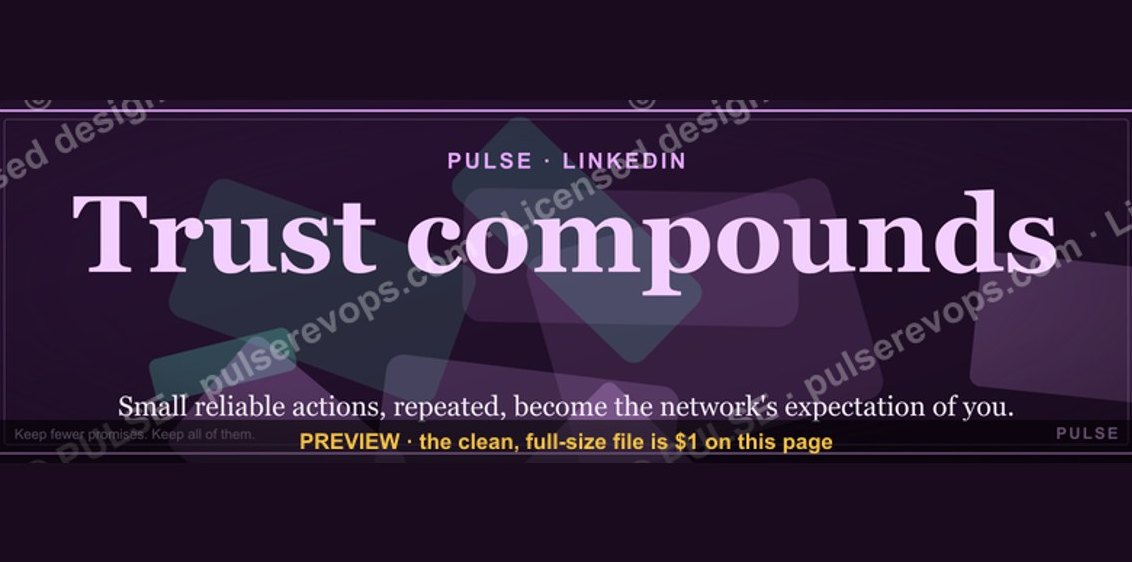 graphicTrust compounds. — LinkedIn Wallpaper
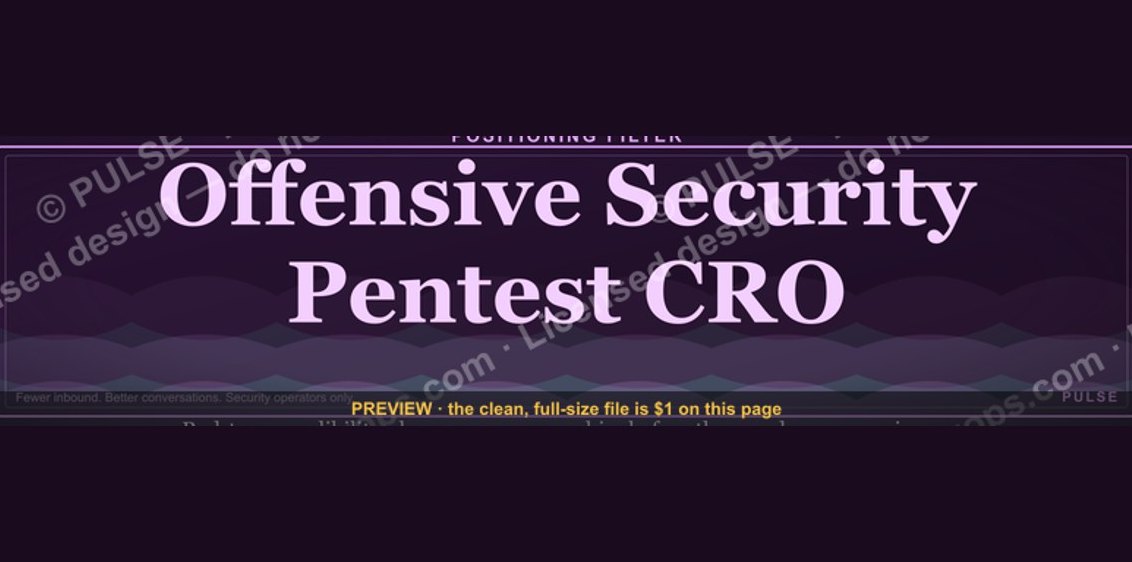 graphicOffensive Security Pentest CRO — LinkedIn Banner
 graphicSales Ops Analyst — LinkedIn Banner
 graphicAccount Executive — LinkedIn Banner
 graphic“Process over pressure.” — LinkedIn Banner
 graphicSpeed to lead wins. — LinkedIn Wallpaper
 graphicProduct Marketing Lead — LinkedIn Banner
 graphicHow do you build a Champions sell motion from scratch in 2027?
 graphic“Trusted advisor, never a vendor.” — LinkedIn Banner
 graphic“More pipeline, less panic.” — LinkedIn Banner