


“Open to Customer Success roles.” — LinkedIn Banner
Quality
Certified
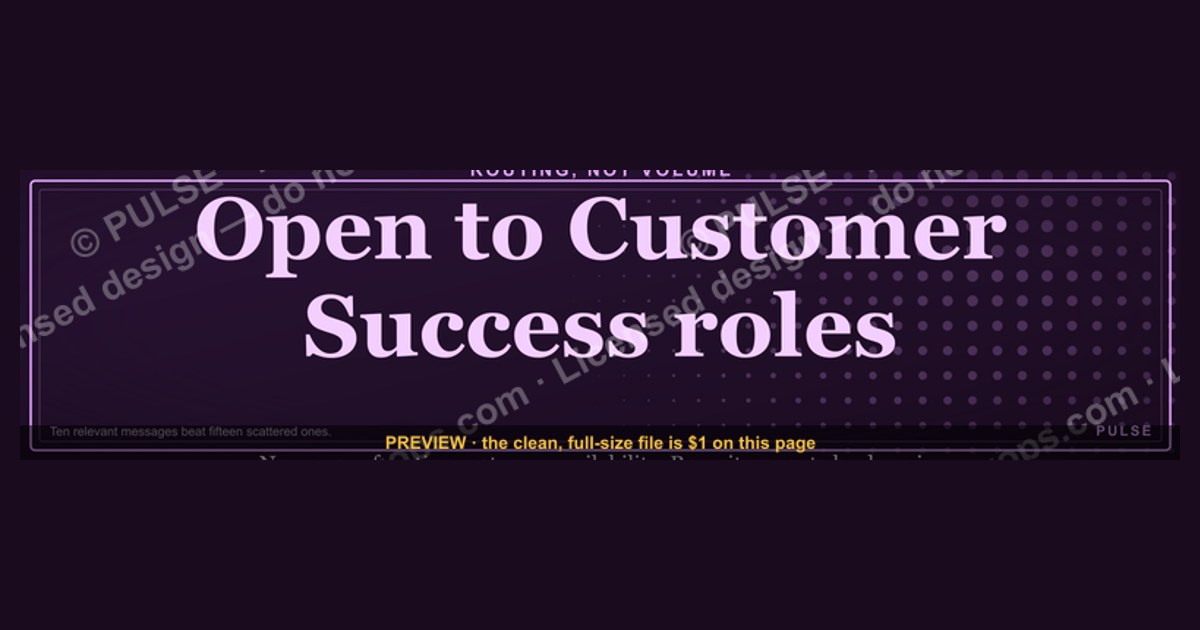
An "Open to Customer Success roles" LinkedIn banner is a targeted job-search signal that names your function instead of your availability. It outperforms the generic green frame because recruiters filtering for CS talent see domain fluency — retention, expansion, advocacy — in the first scan second, routing you into the right hiring pipeline rather than a general applicant pool.
The outcome you should expect
Set expectations correctly before you upload anything, because the banner is a routing mechanism, not a demand generator. A specific banner does not create recruiter searches that were not already happening. What it does is change your conversion rate on the searches, referrals, and profile views you are already receiving.
The realistic outcome is a shift in the *composition* of your inbound, not necessarily an explosion in its volume. Candidates who swap a generic "Open to Work" frame for a Customer Success–specific banner typically report the same or slightly higher message count, but a meaningfully higher share of those messages being for actual CSM, Senior CSM, Onboarding Manager, or Customer Experience roles rather than for SDR, account executive, or unrelated support positions. That filtering effect is the point. Ten messages where seven are relevant beats fifteen messages where three are.
The second outcome is faster qualification on both sides. Recruiters spend seconds — not minutes — on a first-pass profile scan. When the banner, headline, and first two lines of your About section all say "Customer Success," the recruiter does not have to reconstruct your intent from a work history that might include support, account management, and sales titles. They read a coherent story, and coherent stories get forwarded to hiring managers. Incoherent ones get archived.

The third outcome is one people underestimate: the banner changes how your *network* talks about you. Referrals drive a large share of hires at most software companies, and a referral only happens when a former colleague can articulate what you want. "She's looking" is a weak referral. "She's looking for a CS role, mid-market SaaS" is a forwardable one. The banner does that work passively, every time someone lands on your profile without you having to send a message.
What you should not expect: interviews without a matching profile underneath, recruiter interest in a segment you have no experience in, or a compensation lift purely from positioning. The banner opens the door. Everything past the threshold is your experience section, your metrics, and your interview performance.
What drives that outcome
Four mechanisms produce the results above, and they compound. Understanding which one is failing tells you what to fix.

Search surface. LinkedIn Recruiter matches on structured fields — job titles, skills, the "Open to Work" object, preferred locations, and industries — far more than on banner pixels. Your banner is a *human*-facing signal; the structured fields are the *machine*-facing one. If you set the banner but never populate the Open To Work job titles field with "Customer Success Manager," "Senior Customer Success Manager," "Customer Success Director," and "Customer Onboarding Manager," you have made yourself visually clear to the handful of humans who visit your profile and invisible to the recruiter search that would have surfaced you in the first place. Do both, always.
Scroll-stop specificity. Once a recruiter is on the profile or seeing you in a feed, the banner competes against dozens of identical green frames. Specificity is what breaks the pattern. "Open to Customer Success roles" reads as a career focus, not a distress signal, which is also why it is safer to run while employed.
Narrative consistency. The banner sets an expectation; the profile either confirms or contradicts it within about four seconds of scrolling. A banner that says Customer Success sitting above a headline that says "Experienced Professional" and an experience section full of quota attainment creates dissonance. Dissonance costs you the conversion the banner just won.
Activity signal. LinkedIn's feed rewards recent activity, and recruiters weight it informally as a proxy for engagement. A banner on a dormant profile is a billboard on a closed road. Comment substantively on posts from CS leaders once or twice a week, and the banner gets seen by people who were not searching for you at all.
Read the diagram as a diagnostic. If profile views are flat, the problem is upstream — structured fields and activity. If views are healthy but messages are not, the problem is the middle — headline and About dissonance. If messages come but screens do not, the problem is downstream — your experience section is not carrying quantified Customer Success outcomes.
Benchmarks and realistic ranges

Some numbers here are fixed platform facts; others are ranges you should treat as directional planning assumptions, not guarantees.
Fixed specifications. The LinkedIn personal profile cover image renders at 1584 × 396 pixels — a 4:1 ratio. Design at that size or an exact multiple of it. The center of the image is partially covered by your profile photo on desktop and more aggressively cropped on mobile, so keep all critical text in the right two-thirds of the canvas and off the bottom-left corner. SVG gives you clean scaling and easy recoloring in Canva, Figma, or PowerPoint; export to PNG for the actual upload, since LinkedIn expects a raster cover image. Keep the exported file comfortably under a few megabytes and check it on a phone before you leave it up — banner text that is legible at desktop width frequently becomes unreadable at mobile crop.
Compensation ranges. Customer Success compensation varies enormously by segment, geography, and whether the role carries a renewal or expansion number. As broad U.S. planning bands: an associate or entry CSM commonly lands in the rough $50,000–$70,000 base range; a mid-market CSM in the roughly $75,000–$105,000 band; enterprise and strategic CSMs frequently above that; and CS leadership — director and VP — higher again, often with a variable component tied to net revenue retention. Verify any specific number against Glassdoor, Levels.fyi, and posted salary ranges in states with pay-transparency laws before you anchor a negotiation. Do not treat these bands as authoritative for your market.

Function metrics recruiters expect you to speak to. Gross revenue retention and net revenue retention are the two numbers CS leaders live on; NRR above 100% means expansion is outrunning churn. Logo churn, time-to-first-value, product adoption or license utilization, QBR coverage of the book, and health-score accuracy round out the set. You should be able to state, for your own book of business: how many accounts, total ARR under management, the retention number you delivered, and one specific save or expansion you personally drove.
Search timeline. A focused Customer Success search commonly runs one to four months from banner-up to signed offer, longer at director level and longer in a soft hiring market. Plan the banner's life around that: 60–90 days of active use is a reasonable first window. Beyond three or four months of continuous display with no change in your profile or outreach, the banner has stopped adding signal and starts reading as stagnation to anyone who has seen your profile more than once.
Effort split. Treat the banner as roughly 10% of your search. Structured search fields and profile copy are another 30%. Direct outreach, referrals, and community participation are the remaining 60%. If your time allocation looks inverted — hours on banner design, minutes on outreach — you are optimizing the cheapest lever.
Risks, edge cases, and failure modes
Employer visibility. LinkedIn's Open To Work feature has two modes: visible to all LinkedIn members, which paints the green photo frame, or visible to recruiters only. The recruiters-only setting is the discreet option, and LinkedIn states it takes steps to avoid showing it to recruiters at your current company — but it is explicit that it cannot guarantee your employer will never see it, particularly since recruiters can use third-party tools or a colleague may simply have a Recruiter seat. A custom banner image is different: it is a *public* cover image visible to everyone, always. If you are employed and discretion matters, understand that a banner reading "Open to Customer Success roles" is a public declaration. The mitigation is to use recruiters-only Open To Work plus a neutral, brand-forward cover image, and reserve the explicit banner for when you are unemployed or when disclosure is safe.

Overspecifying yourself out of adjacent roles. Customer Success sits next to onboarding, implementation, customer experience, technical account management, renewals, and post-sales strategy. A banner naming only CS is fine, but if your structured job-title preferences are equally narrow you will miss roles you would happily take. Keep the banner focused and the structured fields broader — the banner is the headline, the fields are the net.
Banner–profile contradiction. The most common failure: a specific banner over a generic profile. If your headline still reads "Sales Professional" or your latest role description is a list of duties with no retention or adoption numbers, the banner promises expertise the profile does not deliver. Fix the profile first, then raise the banner.
Stale banner after you are hired. Remove it within a day of accepting an offer. A live "open to roles" banner on someone who just announced a new job reads as either disorganization or flight risk, and your new manager will see it.
Illegible or cluttered design. Small type, low-contrast color pairs, and centered text that lands under the profile photo are the three ways banners fail visually. Test at mobile width. If the message is not readable in one glance on a phone, redesign it — a banner nobody can read is worse than no banner, because it occupies the slot a clean brand statement could have used.

Career-changer edge case. If you are moving into Customer Success from support, sales, or operations, the banner is doing heavier lifting and needs reinforcement. Translate prior work into CS outcomes explicitly — a support lead who cut escalation volume and lifted satisfaction is describing CS work in support vocabulary. Add a CS certification or a written case study to the Featured section so the claim has evidence behind it.
Treating it as passive and stopping there. The banner waits. Searches that convert combine the passive signal with active motion: targeted applications, warm intros, and visible participation in CS communities. A recruiter who sees your banner *and* recognizes your name from a thoughtful comment on a churn-analysis post is a materially warmer lead than one who only sees the banner.
A practical rollout plan
Run this as a sequence, not a single afternoon. The order matters because each step raises the conversion rate of the one before it.
Days 1–2 — audit before you publish. Pull your profile up on a phone and read it as a stranger. Write down the first job title a recruiter would guess you want. If that guess is not "Customer Success Manager" or the level you are targeting, the profile is the problem and the banner cannot fix it. List every experience bullet that describes a duty rather than an outcome; those are your rewrite targets.

Days 3–5 — rewrite the copy layer. Headline first, in the pattern *Role | Outcome you drive | Segment*: for example, "Customer Success Manager | Retention & Expansion in B2B SaaS | Mid-Market." Then the About section — open with a concrete claim and the segment you serve, follow with two or three quantified results, and close with what you are looking for. Then experience: every CS-relevant role gets at least one number. Retention delivered, book size in ARR and account count, time-to-value improvement, adoption lift, expansion sourced. Numbers you can defend in an interview only.
Days 6–7 — populate the structured fields. Turn on Open To Work with the visibility setting your situation calls for. Add four to six job titles spanning your target level and one level up. Set locations including remote if you want it. Set start-date availability. Add ten to fifteen CS skills — customer success strategy, onboarding, churn analysis, health scoring, QBRs, expansion revenue, renewals, Salesforce, HubSpot, and whichever CS platform you have actually used. Reorder skills so the CS ones sit in your top three, which is what appears without clicking.
Day 8 — publish the banner. Export at 1584 × 396, upload, and immediately check desktop and mobile. Confirm no text is obscured by the profile photo. If the banner has a subtitle line, use it for the qualifiers that narrow the field: remote preference, segment, industry.
Days 9–14 — build the proof layer. Request two or three recommendations, and ask specifically — a recommendation that names retention or a saved account is worth several generic ones. Add one artifact to Featured: a redacted case study, a health-scoring framework, a conference talk, or a short written teardown of a churn problem.
Weeks 3–12 — work the active channels. Two to four substantive comments a week on CS practitioner posts. Five to ten targeted applications a week with a short, specific note where you can reach a human. One or two warm intro requests a week. Track which channel produced each conversation, because after four weeks the data tells you where to spend.
Day 60 checkpoint. Review the numbers: profile views, relevant inbound, screens booked, on-sites. If views are flat, fix structured fields and activity. If views are fine but inbound is not, fix headline and About. If inbound is fine but screens are not, fix experience metrics and interview prep. Adjust one variable at a time so you can attribute the change.
On offer acceptance. Remove the banner and turn off Open To Work within 24 hours, update the headline to the new role, and replace the cover with a neutral or company-brand image. Then send thank-you notes to anyone who referred you — that network is the asset that outlasts the search.
Related questions
Should I use the green #OpenToWork frame or a custom banner?
Use both if you are unemployed — the frame carries the structured search signal, the banner carries the specificity. If you are employed, use the frame in recruiters-only mode and keep the cover image neutral, since the cover is public to everyone.
What size does a LinkedIn cover image need to be?
1584 × 396 pixels, a 4:1 ratio. Design at that size or an exact multiple. Keep critical text in the right two-thirds and away from the bottom-left, where your profile photo overlaps on desktop and mobile crops more aggressively.
How long should I leave the banner up?
Sixty to ninety days of active display is a reasonable first window. If you are still searching at that point, change something — profile copy, target level, or channel mix — rather than leaving the same banner running for six unchanged months.
Will my employer see it?
A custom cover image is public and visible to everyone, including your employer. The Open To Work recruiters-only setting is the discreet option, but LinkedIn does not guarantee it stays hidden from your company. If discretion matters, skip the explicit banner.
Does the banner actually get me into recruiter searches?
No. Recruiter search matches on structured fields — titles, skills, location, the Open To Work object. The banner converts humans who already reached your profile. Populate both, or you are visually clear and functionally invisible.
FAQ
What does "Open to Customer Success roles" signal that "Open to Work" does not?
It signals domain fluency and a defined target. Customer Success is distinct from sales, support, and account management, and naming it tells a hiring manager you understand the difference between reactive ticket resolution and proactive value delivery tied to retention and expansion revenue. It also pre-routes you into CS-specific pipelines at companies that run separate hiring tracks per function.
How is a Customer Success role different from a sales or account management role?
Sales owns acquisition; Customer Success owns the post-sale outcome — onboarding, adoption, health monitoring, renewal, and expansion. Account management sits between them and is often quota-carrying at renewal. In practice the lines blur by company: some CSMs carry a renewal number, others do not. Ask in the interview which number the role owns, because it changes the job substantially.

What metrics should appear in my profile for a Customer Success search?
Net revenue retention and gross retention first, then logo churn, book size in ARR and account count, time-to-first-value, product adoption or license utilization, and expansion sourced. Add one specific save or expansion story you personally drove. Only use numbers you can defend under questioning — an inflated figure that collapses in an interview costs more than a modest one that holds.
Can I run the banner while employed?
You can, but understand the exposure. The cover image is public to every viewer, including colleagues and your manager. If your situation requires discretion, use the recruiters-only Open To Work setting with a neutral cover image instead, and signal openness through your headline and About copy rather than a public declaration.
What should the banner's subtitle line say?
Use it to narrow the field: segment, remote preference, and industry. Something like "Remote · B2B SaaS · Mid-Market & Enterprise" saves a recruiter a message and filters out roles you would decline anyway. Leaving that space empty wastes the highest-visibility real estate on your profile.
I am moving into Customer Success from support — does the banner still work?
Yes, but it needs evidence behind it. Translate your support or sales history into CS outcomes — escalation reduction, satisfaction improvement, renewal influence — and add a Featured artifact such as a case study or a CS certification. The banner states the intent; the proof layer is what makes a hiring manager believe it.
Sources
- https://www.linkedin.com/help/linkedin/answer/a507508 — LinkedIn Help Center: Open To Work feature and visibility settings
- https://www.linkedin.com/help/linkedin/answer/a570225 — LinkedIn Help Center: adding and editing your profile background photo
- https://www.linkedin.com/business/talent/blog — LinkedIn Talent Blog: recruiting and candidate-sourcing practices
- https://www.bls.gov/ooh/office-and-administrative-support/customer-service-representatives.htm — U.S. Bureau of Labor Statistics Occupational Outlook Handbook
- https://www.glassdoor.com/Salaries/customer-success-manager-salary-SRCH_KO0,24.htm — Glassdoor: Customer Success Manager salary data
- https://www.levels.fyi — Levels.fyi: compensation data across software roles and levels
- https://hbr.org/topic/subject/managing-yourself — Harvard Business Review: career management and personal branding
- https://www.gainsight.com/blog/ — Gainsight blog: customer success practice, retention, and health scoring
- https://www.helpscout.com/blog/ — Help Scout blog: customer support and success practice
Related on PULSE
This page will be disappearing soon. Save it to your device for $1 — or read it free while it is here.
@Kory-White- · if Venmo asks, the last 4 of my number are 2012
This page is gone.
This one is off the shelf now. $1 keeps it on your phone for good — the whole page, pictures and diagrams included.
 graphicHow to design a LinkedIn banner that converts viewers into leads in 2027?
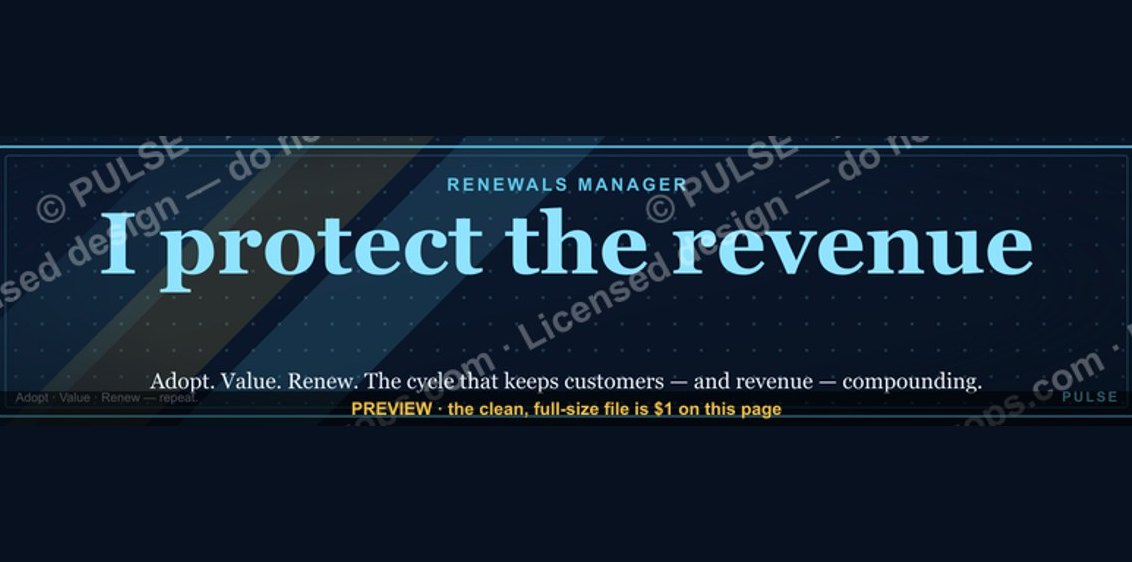 graphicRenewals Manager — LinkedIn Banner
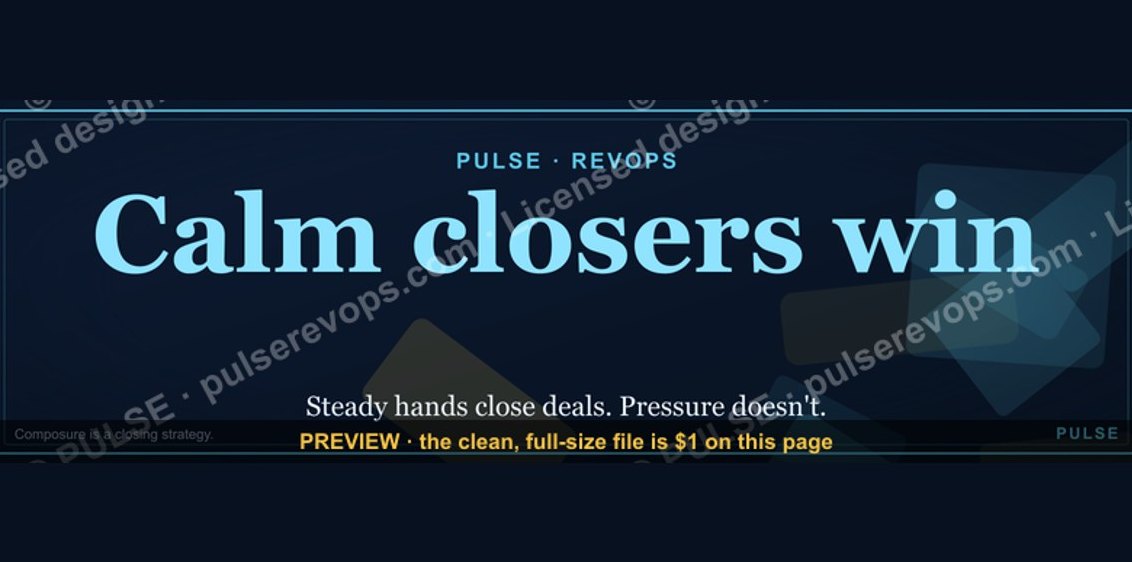 graphicCalm closers win. — LinkedIn Wallpaper
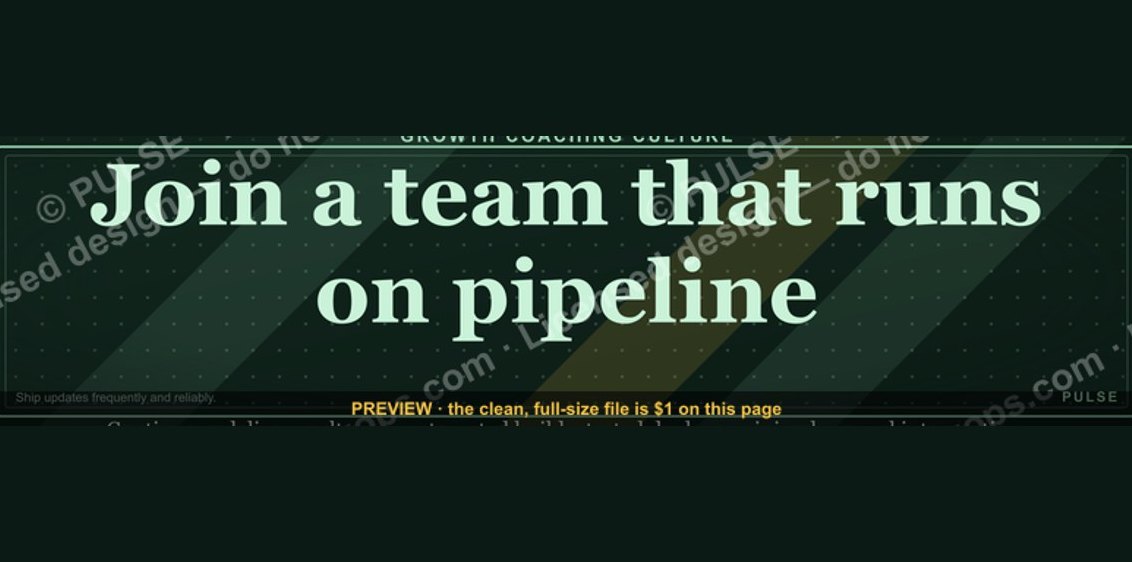 graphic“Join a team that runs on pipeline.” — LinkedIn Banner
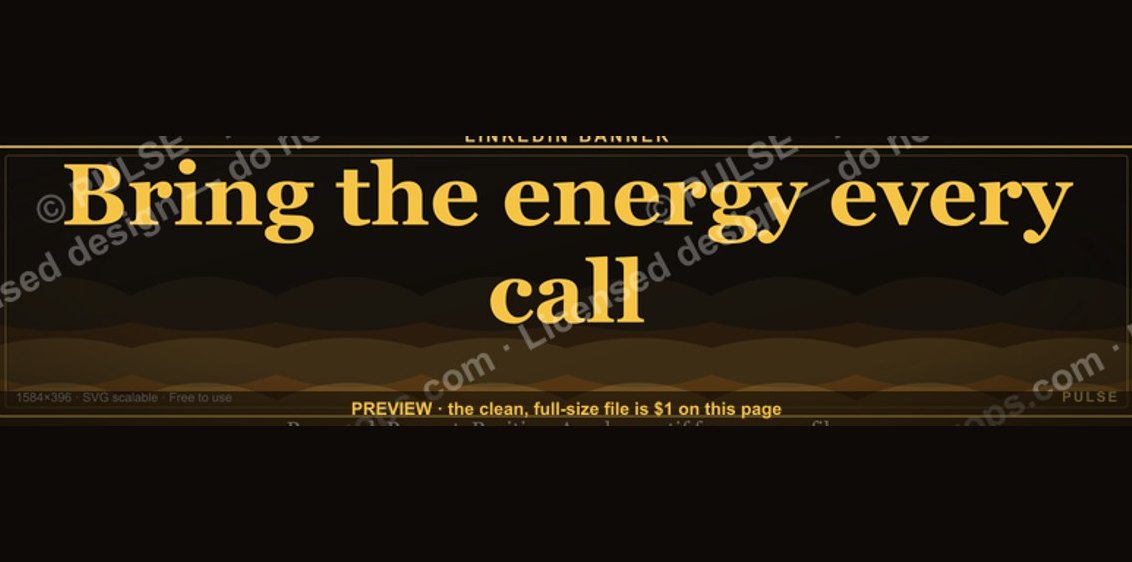 graphic“Bring the energy every call.” — LinkedIn Banner
 graphic“Revenue for marketing tech.” — LinkedIn Banner
 graphicCommercial Director — LinkedIn Banner
 graphicAI Observability Operator — LinkedIn Banner
 graphicComputer Vision Engineer — LinkedIn Banner
 graphicFaster deals, fewer leaks. — LinkedIn Wallpaper