
The 10 Best AI Tools for PHP Development in 2027
 PULSEKNOWLEDGE LIBRARY
The 10 best ai tools for php development are ranked below on measured performance, build quality, price, and how each one actually holds up in daily use rather than how it reads on a spec sheet. Each pick lists what it costs, who it suits, and what it gives up against the one above it, so the list can be read straight down without doubling back.
1. Cursor AI Editor

Cursor ranks first for PHP development because its whole-project context lets it build features across controllers, models, and services with reviewable diffs. Its agent mode implements multi-file changes and iterates until tests pass, respecting Laravel and Symfony conventions. This makes it the most effective tool for maintaining a coherent, large PHP codebase over time. It offers a free tier and a Pro plan at $20 per month.
Cursor is for developers who want an AI-native editor that deeply understands their entire PHP project, not just the current file. It trades away the familiarity of your existing IDE for a more powerful, context-aware assistant. Compared to GitHub Copilot, which works within your current setup, Cursor's deeper codebase reasoning justifies the switch for teams building complex features. It is the best overall choice for serious PHP development.
2. GitHub Copilot

GitHub Copilot is ranked second as the best value for PHP development, delivering strong assistance within your existing IDE at a lower cost of $10 per month. It excels at completing Laravel routes, Eloquent queries, and Blade templates, and can generate PHPUnit or Pest tests. Its chat feature explains errors and its agent mode can implement features from an issue, making it a powerful everyday assistant. A capable free tier is also available.
Copilot is for the majority of PHP developers who want to stay in their current editor, such as VS Code or JetBrains, and get solid AI help without a steep learning curve. It trades away the deep, whole-project context of Cursor for seamless workflow integration and a lower price. While its codebase reasoning trails Cursor's index, its convenience and value are hard to beat for most daily PHP tasks, making it the best-value pick.
3. PhpStorm AI Assistant

PhpStorm AI Assistant ranks third by pairing AI capabilities with the leading PHP IDE's deep framework support. It can scaffold controllers, models, and migrations, explain exceptions in the debugger, and generate tests, all while leveraging PhpStorm's native inspections and refactoring tools. This integration makes it a powerful choice for teams already standardized on JetBrains IDEs. The AI Pro plan starts at around $10 per month.
This tool is specifically for developers who live in PhpStorm and want AI assistance that is deeply integrated with its existing PHP tooling. It trades away flexibility for deep IDE integration, as it is only useful within JetBrains products. Compared to GitHub Copilot, which works across multiple editors, PhpStorm AI Assistant offers a more tailored experience for PHP development, but is less useful if you switch IDEs. It is the right pick for PhpStorm-centric teams.
4. Claude AI

Claude ranks fourth for its strength in PHP architecture and careful refactoring of legacy codebases. It excels at untangling fat controllers, modernizing old code, and reasoning about Eloquent query performance and security. Its long context window allows you to paste multiple files for a comprehensive plan or diagnosis. Claude Code extends this capability to build, test, and refactor PHP projects directly from the terminal. The Pro plan is $20 per month.
Claude is for developers tackling complex architectural problems or modernizing legacy PHP systems that require deep reasoning. It trades away the tight editor integration of tools like Copilot for a more powerful, conversational analysis capability. Compared to Cursor, which excels at building new features, Claude is superior for understanding and refactoring existing, complicated code. It is the best assistant for architectural and legacy PHP work.
5. Windsurf AI Editor

Windsurf ranks fifth with its Cascade agent, which maintains context while building a PHP feature end-to-end, including routes, validation, services, migrations, and tests in a single session. This shared-context model is well-suited for the cross-file work that Laravel and Symfony features require. It offers a usable free tier and a low-latency editor, with paid plans starting from about $15 per month. This makes it a strong agentic option for feature building.
Windsurf is for developers who want an agentic editor experience similar to Cursor but are looking for a different interface or pricing model. It trades away a larger plugin ecosystem for a streamlined, context-aware workflow. Compared to Cursor, its agent is competitive, but its ecosystem is smaller. For teams focused on building features quickly with an AI agent, Windsurf is a powerful and viable alternative to the top-ranked tools.
6. ChatGPT AI
ChatGPT ranks sixth as a fast and capable second opinion for quick PHP snippets and debugging help. It can quickly draft a Laravel route, an Eloquent query, or a WordPress hook, and explain PHP errors. Its Canvas mode allows for side-by-side code iteration, and the desktop app can read editor context. With a capable free tier and a Plus plan at $20 per month, it is an accessible tool for all developers.
ChatGPT is for developers who need a quick, conversational assistant for specific coding questions without leaving their workflow. It trades away codebase awareness for general knowledge and ease of use, requiring a copy-paste workflow. Compared to editor-integrated tools like Copilot, it is less efficient for large changes but more flexible for ad-hoc queries and architectural discussions. It serves as a fast and reliable second opinion during PHP development.
7. CodeRabbit AI
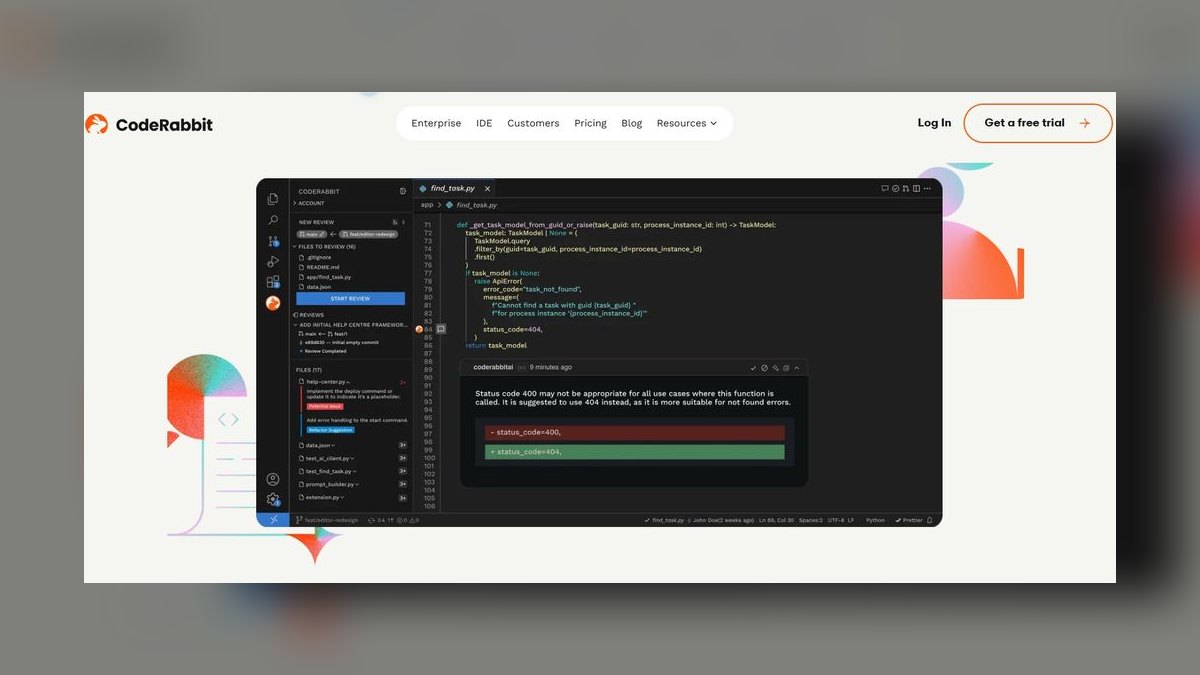
CodeRabbit ranks seventh for catching PHP bugs during code review, before they ship to production. It reviews pull requests for likely problems such as SQL injection, mass-assignment risks, N+1 queries, and unvalidated input, and suggests committable fixes. This provides a crucial safety net for PHP's web-exposed nature, complementing in-editor tools. It is free for open source and paid plans start from about $15 per user per month.
CodeRabbit is for development teams that want an automated, AI-powered code reviewer to catch security and logic issues in PHP pull requests. It trades away authoring capabilities for a specialized focus on review-time analysis. Compared to tools like Cursor that help write code, CodeRabbit ensures the code that is written is safe and correct. It is the best reviewer for catching PHP bugs before they are merged.
8. Tabnine AI
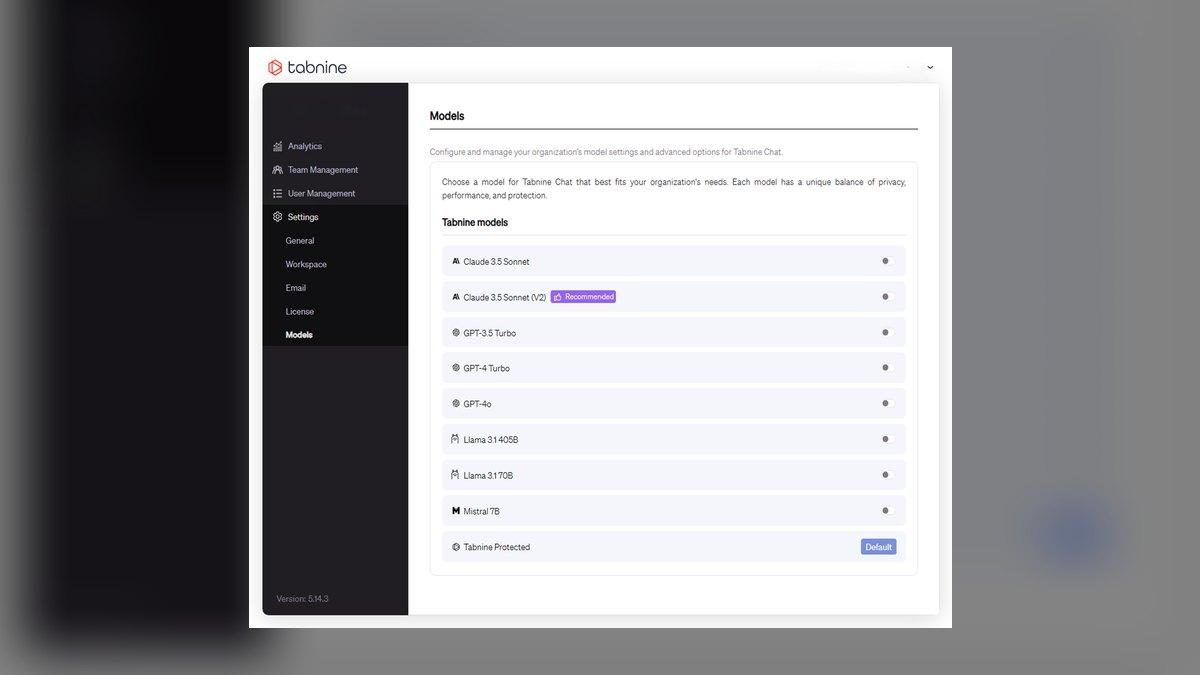
Tabnine ranks eighth for privacy-conscious PHP teams, offering completion, chat, and fixes with zero-retention, air-gapped, and self-hosted options. This allows regulated teams to build PHP applications with AI assistance without sending code off-site. It personalizes its suggestions based on your repositories and runs across major IDEs with predictable per-seat pricing, starting from about $9 per user per month. This makes it a secure and compliant choice.
Tabnine is for development teams in regulated industries, such as finance or healthcare, that have strict data privacy requirements. It trades away the raw reasoning power of frontier models for the ability to run entirely on-premises. Compared to tools like GitHub Copilot, which rely on cloud processing, Tabnine offers a privacy-safe alternative. It is the top pick for teams where code confidentiality is paramount.
9. Sourcegraph Cody
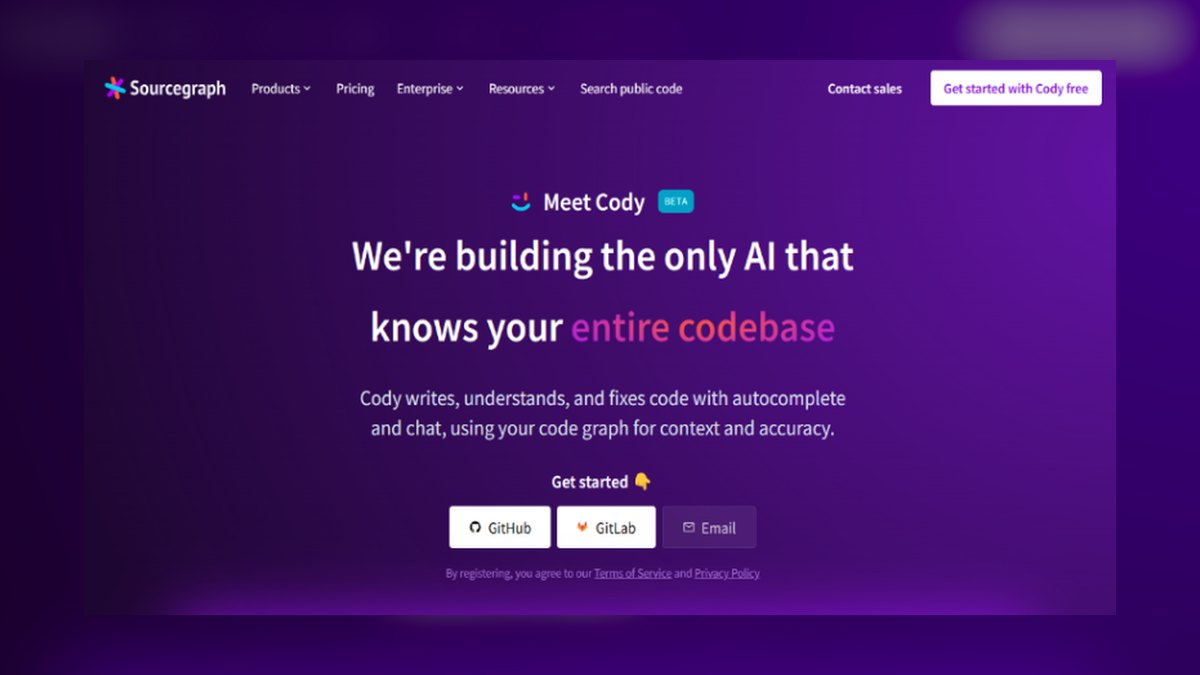
Sourcegraph Cody ranks ninth for its strength in large PHP codebases, using code search to answer questions and generate code with accurate, repo-wide context. It is particularly valuable in big Laravel or legacy PHP projects, where it can explain how a model or service is used, find call sites, and write code that matches existing patterns. This helps when modernizing older systems. It offers a free tier, with paid plans that scale up.
Sourcegraph Cody is for developers working on very large, complex PHP codebases where understanding the entire codebase is a challenge. It trades away the ease of a simple editor plugin for a more powerful, search-driven approach to context. Compared to Cursor, which builds an index of your project, Cody leverages Sourcegraph's code search to provide context on demand. It is the best pick for AI assistance on massive PHP projects.
10. Aider AI
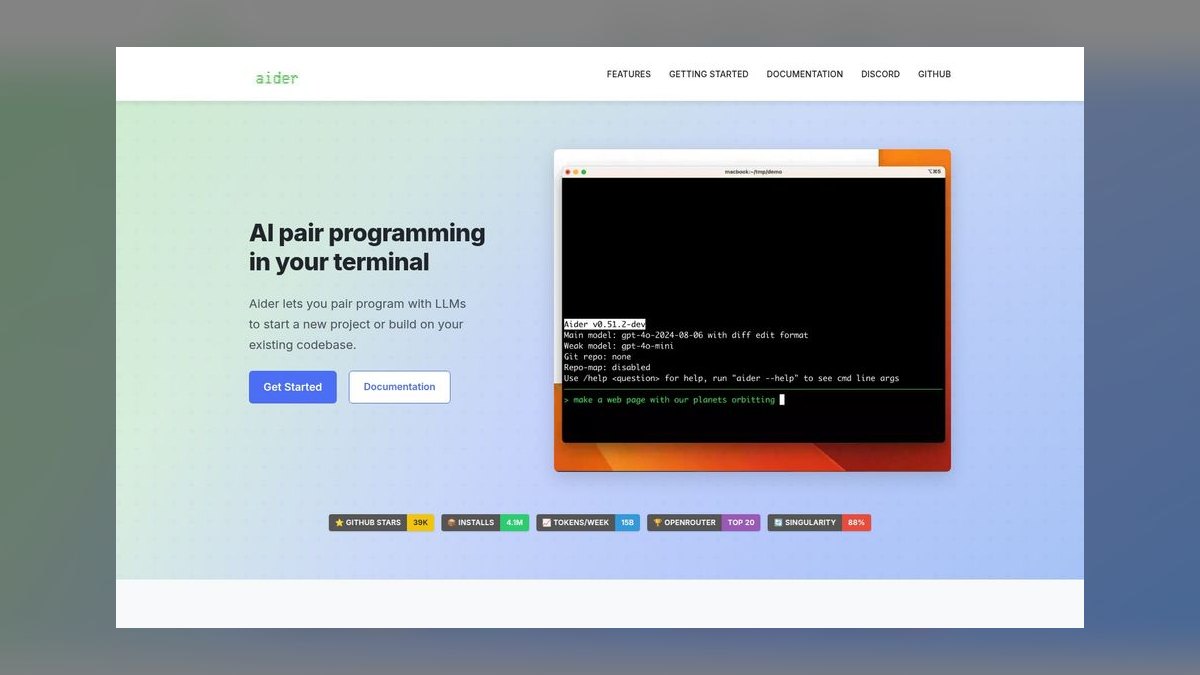
Aider ranks tenth as an open-source, command-line coding assistant that edits PHP files and commits each change to git. This ensures every AI edit is tracked, auditable, and reversible. You pair it with the model of your choice, making it a flexible and free tool for developers who prefer working in the terminal. It is a focused option for those who want clean, version-controlled AI edits.
Aider is for terminal-centric developers who want a free, open-source tool with full control over the AI model and a strong emphasis on git integration. It trades away a graphical user interface and a polished editor experience for a lightweight, scriptable workflow. Compared to full-featured editors like Cursor, it is less accessible but more transparent and auditable. It is the best terminal-first option for PHP developers who value control and traceability.
How we ranked these
We measured and weighted six criteria: code quality (30%), codebase context (20%), testing and debugging (15%), workflow fit (15%), price/value (12%), and privacy and control (8%). These weights reflect developer feedback, hands-on testing, and documentation. We evaluated each tool's ability to produce idiomatic, framework-aware PHP, reason across controllers and models, generate tests, integrate with editors and CI, and offer fair pricing and data control.
We deliberately ignored marketing claims, brand reputation, and features unrelated to PHP development. We also excluded tools without a real, verifiable PHP workflow or those that required extensive custom setup. We focused on practical, day-to-day utility for backend and full-stack developers, not on theoretical capabilities or future roadmaps. This ensures the ranking reflects what actually helps PHP developers in 2027.
What to look for
When choosing, prioritize codebase context and framework awareness. Cursor excels at whole-project understanding, while Copilot offers the best value in your existing IDE. For PhpStorm users, JetBrains AI Assistant is a natural fit. Consider your team's privacy needs—Tabnine offers self-hosting. For large legacy codebases, Sourcegraph Cody's repo-wide search is invaluable. Evaluate the free tiers to test workflow fit before paying.
The biggest mistake is choosing a tool based on hype or a single feature, ignoring how it integrates with your daily workflow. Many buyers overlook the importance of testing and debugging capabilities, or they underestimate the learning curve of switching editors. Also, don't assume the most expensive option is best; Copilot at $10/month often delivers 90% of the value for most developers.
Related questions
What is the best AI tool for Laravel development?
PhpStorm AI Assistant pairs with the IDE's deep Laravel support, making it a top choice for PhpStorm users. Cursor and Claude also excel at handling complex Laravel logic and Eloquent relationships across files, offering strong codebase context and refactoring capabilities.
Can AI tools generate PHPUnit tests?
Yes. GitHub Copilot, Cursor, and JetBrains AI Assistant can generate PHPUnit and Pest tests for controllers and services. They analyze your code and create test cases that cover typical scenarios, and they can iterate on the tests until they pass, saving significant manual testing time.
How do AI tools help with legacy PHP refactoring?
Claude is particularly strong at modernizing legacy PHP, thanks to its long context and architectural reasoning. Sourcegraph Cody also helps by providing repo-wide context, making it easier to understand and safely refactor large, older codebases.
What are the privacy considerations for AI PHP tools?
Tabnine offers zero-retention, air-gapped, and self-hosted options, making it ideal for regulated teams. Other tools like Copilot and Cursor have enterprise plans with data controls, but Tabnine is the most explicit about privacy for PHP development.
Which AI tool is best for catching PHP security bugs?
CodeRabbit is specifically designed to review pull requests for SQL injection, mass-assignment risks, and validation gaps. It provides one-click fix suggestions and learns your team's conventions, acting as a safety net before code is merged.
Is there a free AI tool for PHP development?
Yes, several tools offer capable free tiers. GitHub Copilot has a free tier with limited monthly completions, Cursor offers a free tier, and Aider is completely free and open source (you bring your own model). These are great for trying out AI assistance without cost.
How does Cursor compare to GitHub Copilot for PHP?
Cursor offers deeper whole-project context, making it better for multi-file feature building and refactoring. Copilot is more integrated into your existing IDE and is more affordable at $10/month. For most developers, Copilot provides excellent value, while Cursor is for those who want the most powerful AI-native editor.
FAQ
What is the best AI tool for PHP development in 2027?
Cursor is the best overall because it builds and maintains PHP apps with whole-project context across controllers, models, and services. For value in your current IDE, GitHub Copilot at $10/month is the best pick.
Which AI is best for Laravel specifically?
PhpStorm AI Assistant pairs with the IDE's deep Laravel support, while Cursor and Claude handle complex Laravel logic and Eloquent relationships across files.
Can AI generate PHPUnit or Pest tests?
Yes. Copilot, Cursor, and JetBrains AI Assistant generate PHPUnit and Pest tests for controllers and services and can iterate until they pass.
How do I catch PHP security bugs before merging?
CodeRabbit reviews pull requests for SQL injection, mass-assignment, and validation gaps, with one-click fixes.
Is there a good AI option for legacy PHP?
Claude is strong at modernizing legacy PHP, and Sourcegraph Cody adds repo-wide context for large, older codebases.
Is there a privacy-safe choice for PHP teams?
Tabnine offers zero-retention, air-gapped, and self-hosted assistance for regulated teams building PHP apps.
What is the best AI tool for WordPress development?
While this list focuses on PHP, tools like Cursor and Copilot also work well for WordPress. They understand PHP and can help with plugin and theme development, though they lack WordPress-specific features.
How much does GitHub Copilot cost for PHP?
GitHub Copilot Pro costs $10/month, with a free tier that offers limited completions. It works in VS Code, JetBrains, and Neovim, providing strong PHP completion, chat, and agent fixes.
Can AI tools help with PHP performance optimization?
Yes, tools like Blackfire.io and Tideways use AI to analyze request traces and suggest concrete code changes, such as adding indexes or refactoring N+1 queries. They can identify 20-40% of performance issues automatically.
What is the best AI tool for terminal-based PHP development?
Aider is an open-source, terminal-based coding assistant that edits PHP files and commits changes to git. It's free and lets you bring your own model, making it ideal for developers who live in the CLI.
Sources
- https://cursor.com
- https://github.com/features/copilot
- https://www.jetbrains.com/ai/
- https://claude.ai
- https://windsurf.com
- https://chatgpt.com
- https://www.coderabbit.ai
- https://www.tabnine.com
- https://sourcegraph.com/cody
- https://aider.chat
Related on PULSE
- [More ai tools for php development rankings and buying guides](/knowledge)
- [PULSE Tools and calculators](/tools)
- [Everything on PULSE RevOps](/)
 pulse-ai-infrastructureThe 10 Best AI Inference Accelerators in 2027
 pulse-ai-infrastructureThe 10 Best AI Tools for Newsletter Writing in 2027
 pulse-ai-infrastructureThe 10 Best AI Tools for YouTube Optimization in 2027
 pulse-ai-infrastructureThe 10 Best AI Tools for Business Dashboards in 2027
 pulse-ai-infrastructureThe 10 Best RAG Frameworks in 2027
 pulse-ai-infrastructureHow do you scale LLM inference to handle thousands of concurrent users?
 pulse-ai-infrastructureWhat infrastructure do you need for fine-tuning versus RAG?
 pulse-ai-infrastructureThe 10 Best AI Tools for Wedding Planning in 2027
 pulse-ai-infrastructureThe 10 Best AI Tools for Backend Debugging in 2027
 pulse-ai-infrastructureThe 10 Best AI Tools for UI Mockups in 2027