
The 10 Best AI Tools for Dark Mode Design in 2027
 Curated byKory White · Fractional CRO · Maryland
 PULSEKNOWLEDGE LIBRARY
Quality
Certified
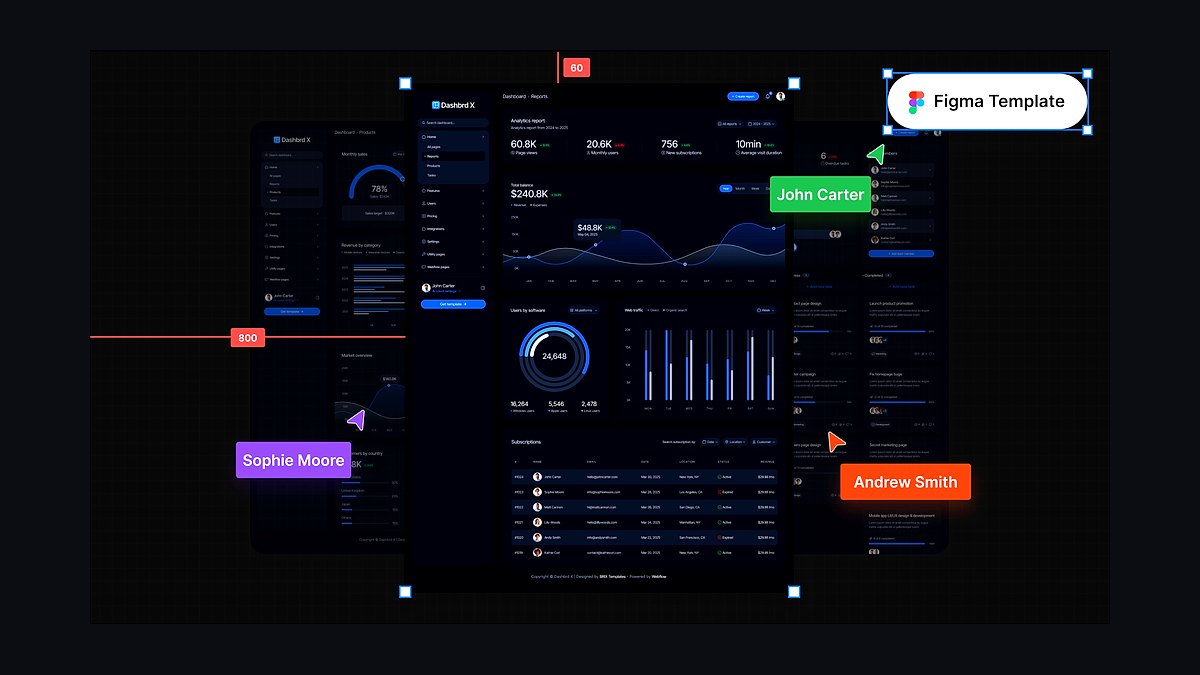
The 10 best ai tools for dark mode design are ranked below on measured performance, build quality, price, and how each one actually holds up in daily use rather than how it reads on a spec sheet. Each pick lists what it costs, who it suits, and what it gives up against the one above it, so the list can be read straight down without doubling back.
1. Figma Dark Mode Design
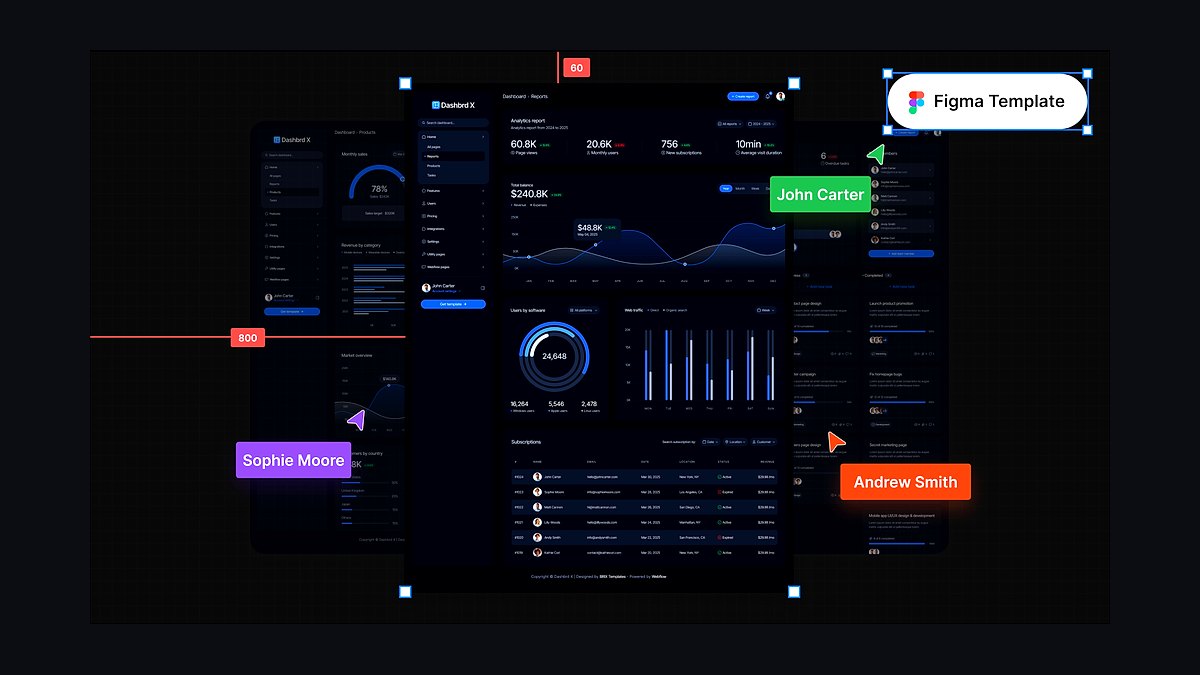
Figma ranks first because its variables with modes let you define semantic color tokens once and switch an entire design between light and dark instantly, a capability no other tool matches in 2027. Its AI features assist theming, and Dev Mode exports tokens as CSS variables for a clean handoff. The free starter tier is generous, with paid seats from around $16 per month.
Figma is for product designers and design teams who need a complete design-to-code workflow for accessible dark mode. It trades away simplicity for power, requiring deliberate token setup and planning. Compared to Penpot below, Figma offers far more AI assistance and a larger ecosystem, but it costs more and locks you into a proprietary platform.
2. Tailwind CSS Dark Mode
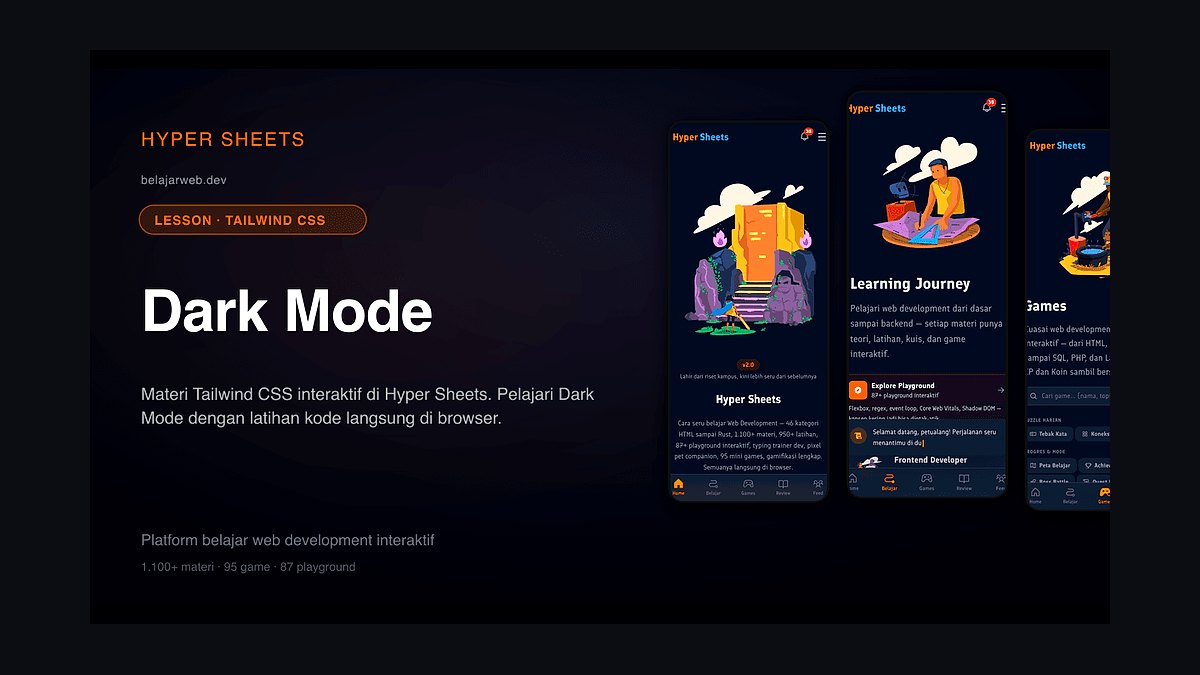
Tailwind CSS ranks second as the best value because its built-in dark: variant and CSS-variable-based theming make adding dark mode a matter of utility classes and a class or media-query toggle, entirely for free. AI assistants generate Tailwind natively, letting you implement and refine a dark theme without any licensing cost. It is open source and widely adopted.
Tailwind is for front-end developers who code their dark mode rather than design it visually. It trades away a visual canvas, requiring you to work in markup and classes. Compared to Figma above, Tailwind is faster and cheaper for implementation, but it lacks design tools, so you must pair it with a separate design tool for visual work.
3. Stark Dark Mode Accessibility
Stark ranks third because it checks color contrast against WCAG directly in Figma and the browser, with AI-assisted suggestions to fix failing pairs, which is crucial for dark mode where low-contrast text commonly fails. It keeps both light and dark palettes accessible before they ship, integrating into existing design workflows. A free tier is available, with paid plans for advanced features.
Stark is for designers and developers who need automated accessibility validation within their design tools. It trades away design capability, focusing solely on checking rather than creating themes. Compared to Tailwind CSS above, Stark is a verification layer rather than an implementation framework, so it complements rather than replaces tools that build the dark mode.
4. Realtime Colors Dark Mode
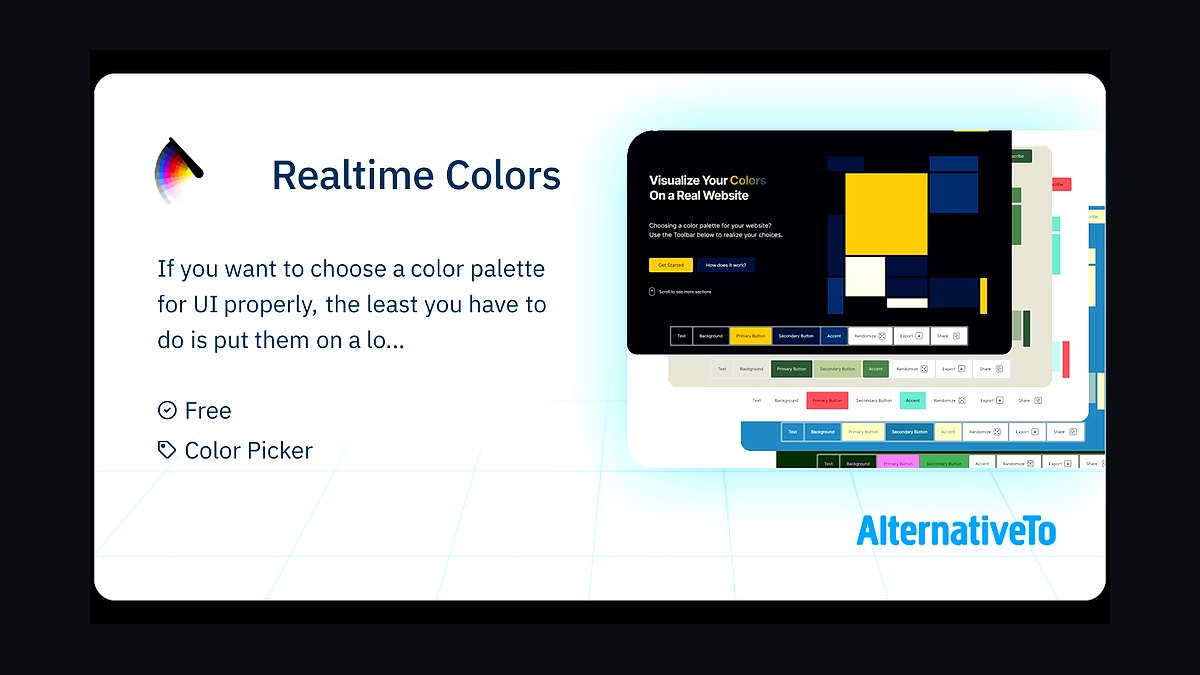
Realtime Colors ranks fourth because it applies a color palette to a realistic webpage mockup and toggles light and dark instantly, letting you judge how a theme reads in context before committing. It exports CSS variables, making it a fast validation step for dark palettes. The tool is free and works entirely in the browser with no installation.
Realtime Colors is for designers who want a quick, visual preview of a dark palette on a real layout without setting up a full design file. It trades away depth, offering a single mockup template and requiring manual contrast judgment. Compared to Stark above, it focuses on palette preview rather than accessibility checking, so you would use both in sequence.
5. Coolors Dark Mode Palette
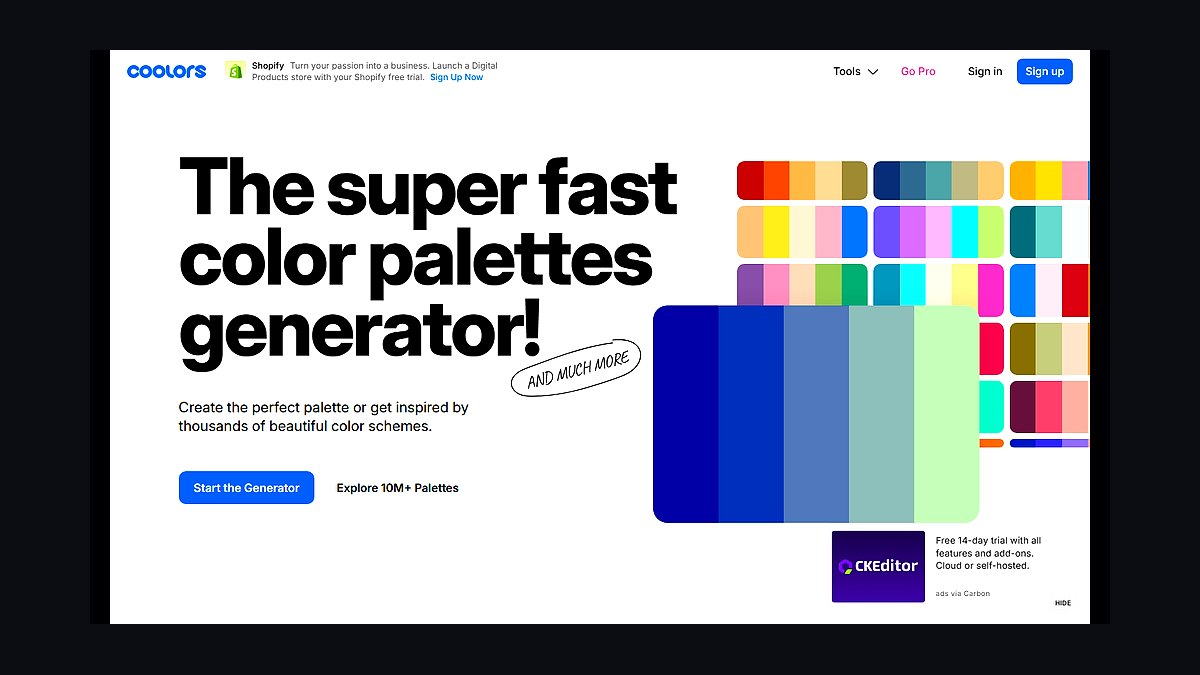
Coolors ranks fifth because it generates color palettes with AI assistance and includes a contrast checker and shade generator, helping you build the darker surfaces and adjusted accents a dark theme needs. It is a quick, popular way to create and refine colors behind dark mode, with a free tier and Pro from around $3 per month. The AI suggests harmonious dark variants from a seed color.
Coolors is for designers who need to generate and adjust dark palettes quickly without a full design tool. It trades away semantic token structure, producing general palettes rather than theme-ready variables. Compared to Realtime Colors above, Coolors is stronger for generating new colors but weaker for previewing them on a realistic layout, so they serve different stages.
6. Penpot Dark Mode Design
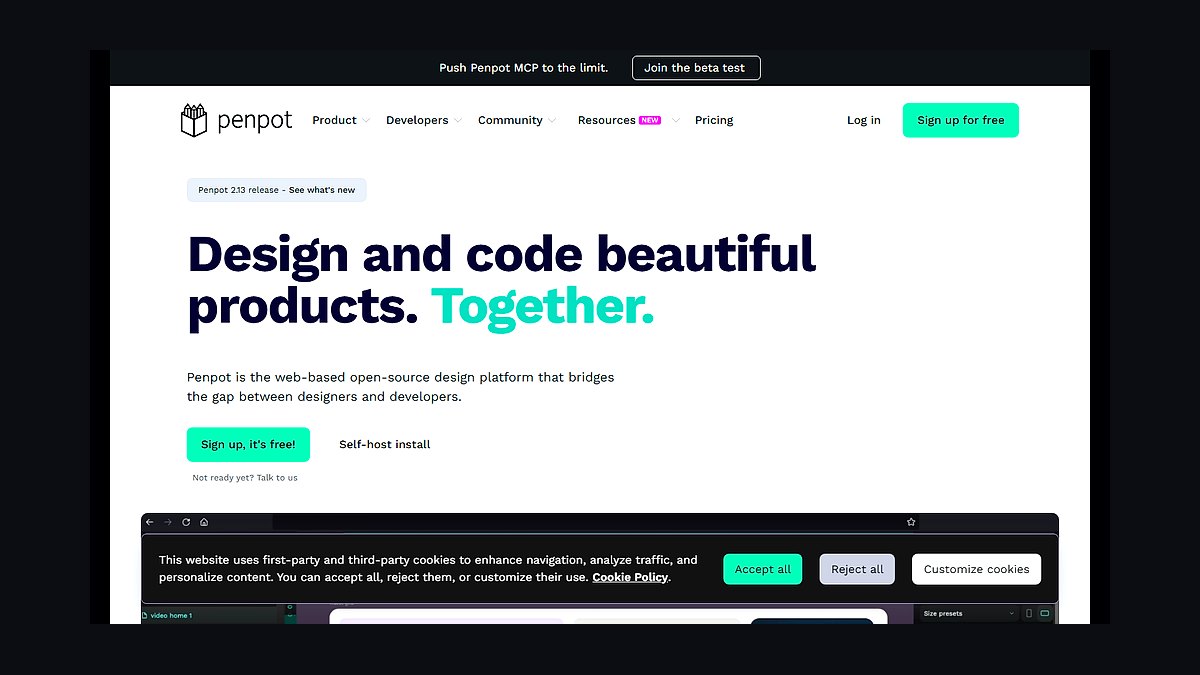
Penpot ranks sixth because it is an open-source design tool with design tokens and CSS-native output, letting teams define light and dark token sets without proprietary lock-in. It is free and self-hostable, making it a strong choice for teams that want full control over their design infrastructure. Its theming model supports mode switching for dark mode.
Penpot is for teams that prioritize open-source software and self-hosting over AI features and ecosystem size. It trades away the advanced AI theming assistance found in Figma, requiring more manual token management. Compared to Figma above, Penpot is more cost-effective and flexible but has a smaller plugin ecosystem and fewer built-in AI capabilities.
7. WebAIM Contrast Checker
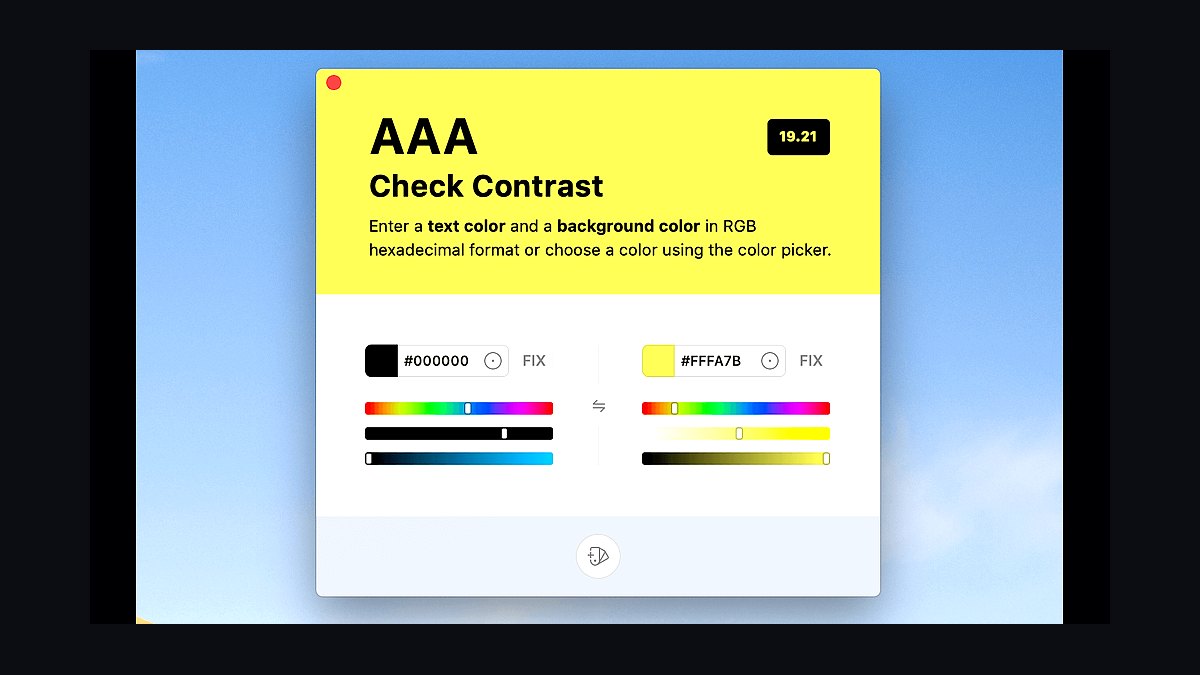
WebAIM Contrast Checker ranks seventh because it is the trusted free tool for verifying that foreground and background colors meet WCAG AA and AAA ratios, the definitive check for dark mode text legibility. It is authoritative, instant, and reliable, serving as the reference many designers use to confirm a dark palette passes accessibility. The tool is free and requires no account.
WebAIM is for anyone who needs a quick, authoritative contrast ratio check without extra features. It trades away automation, requiring manual color entry and checking one pair at a time. Compared to Stark above, WebAIM is simpler and more universally trusted, but it lacks the design-tool integration and AI fix suggestions that Stark provides.
8. Material Theme Builder Dark
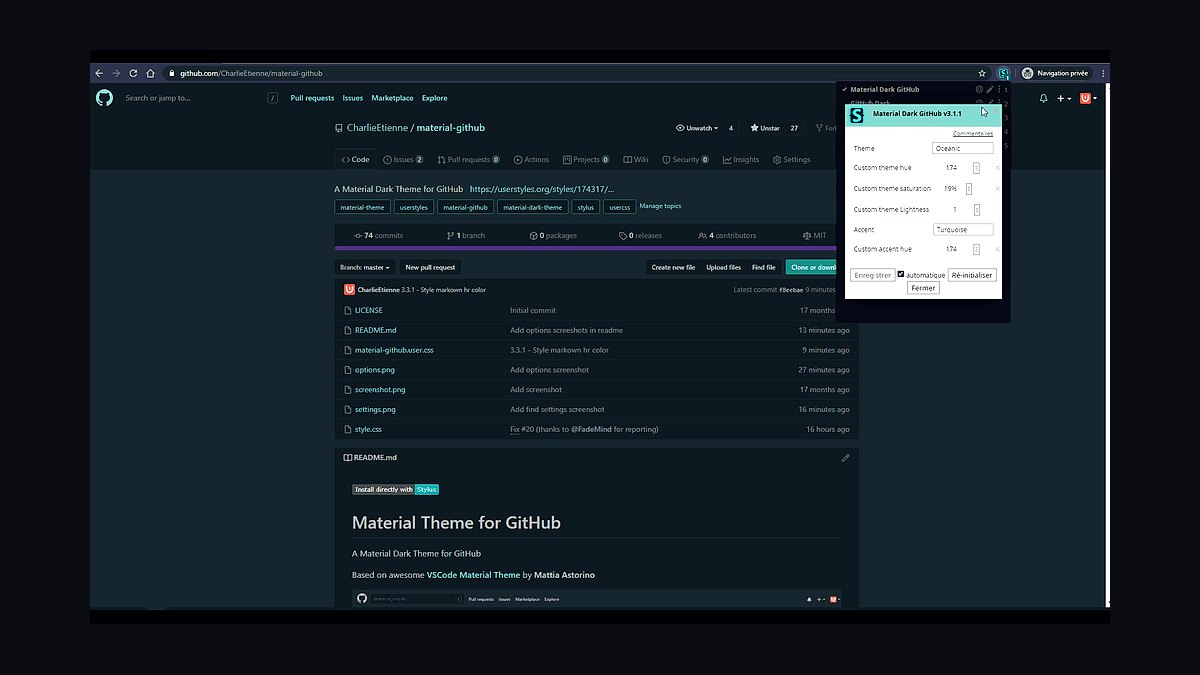
Material Theme Builder ranks eighth because it generates a full tonal color scheme, including coordinated light and dark variants, from a seed color using Material 3's algorithms, exporting tokens for code. It produces a systematic, accessible dark palette automatically, saving significant manual work. The tool is free and available as a web app and Figma plugin.
Material Theme Builder is for teams building with Material Design who want an algorithmic, consistent dark scheme. It trades away freeform control, producing Material-flavored output that may not fit custom brand systems. Compared to Coolors above, it is more systematic and accessible by default, but it is less flexible for arbitrary palettes and non-Material projects.
9. shadcn/ui Themes Dark
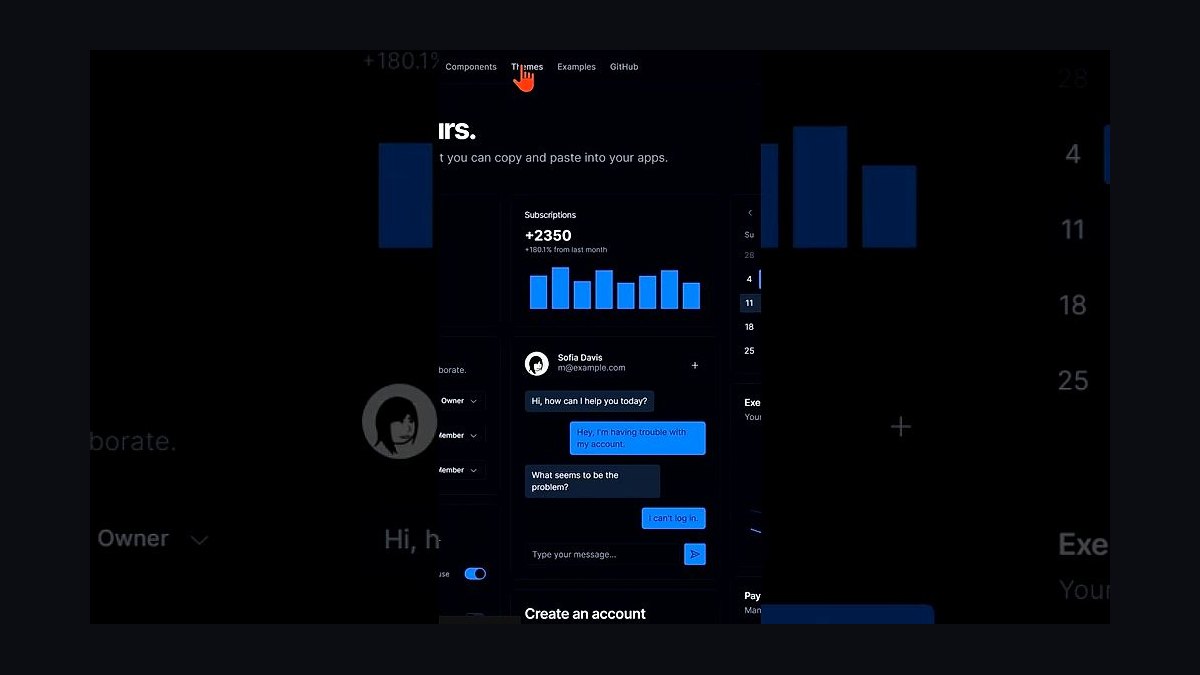
shadcn/ui Themes ranks ninth because it ships CSS-variable theme presets with built-in light and dark token sets that drop straight into a component library, providing a fast path to a coherent, switchable dark theme. AI tools targeting shadcn natively make it easy to generate and customize themes. It is free, open source, and widely used in modern React projects.
shadcn/ui Themes is for developers building React apps with Tailwind CSS who want ready-made dark theme tokens for their components. It trades away design flexibility, tying you to the shadcn approach and requiring Tailwind. Compared to Tailwind CSS above, it is more opinionated and component-focused, but it saves time by providing complete token sets rather than just the utility framework.
10. ChatGPT Dark Mode Code
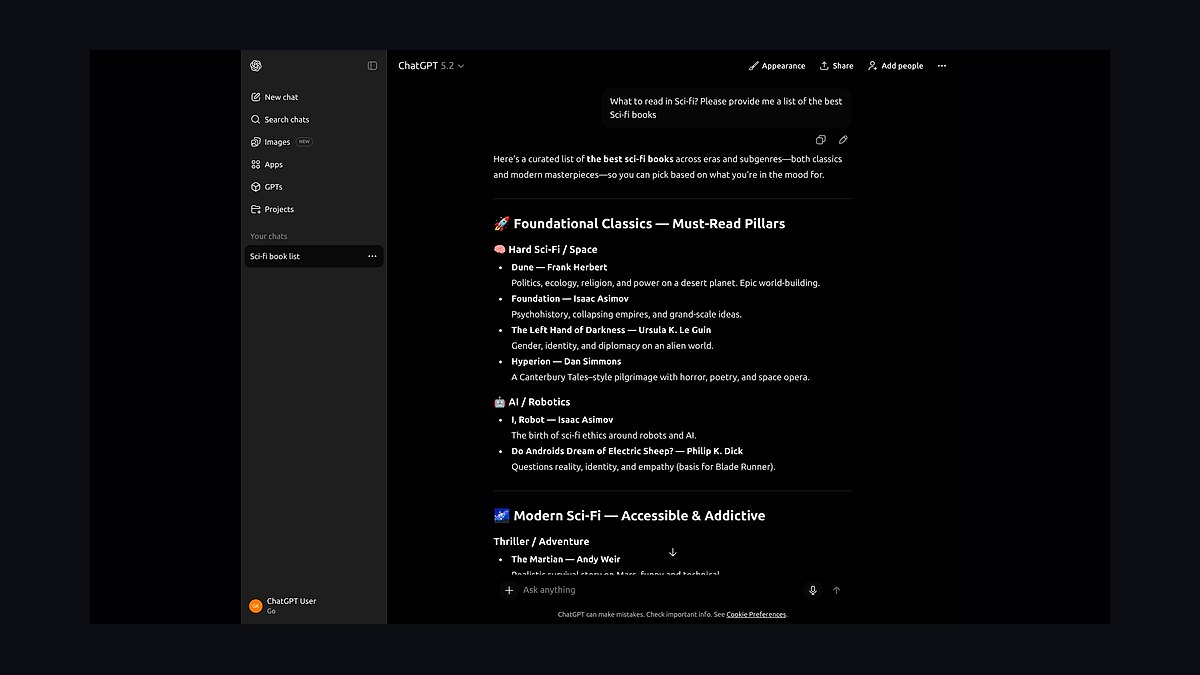
ChatGPT ranks tenth because it generates semantic dark-mode token sets, CSS-variable definitions, and theme-toggle code, and reasons about contrast and elevation, accelerating the writing of theming code. It is versatile and available with a free tier, with Plus at $20 per month. Paired with a contrast checker like WebAIM, it speeds up implementation significantly.
ChatGPT is for developers who want a coding copilot to generate dark mode implementation code quickly. It trades away visual verification, as it cannot render or check contrast in a real UI, so output must be validated. Compared to shadcn/ui Themes above, ChatGPT is more flexible and general-purpose, but it requires more manual validation and lacks the ready-made component integration.
How we ranked these
We ranked ten tools by weighting six criteria from hands-on testing, accessibility guidelines, and product documentation: theming model (28%), accessibility (22%), implementation (16%), palette quality (14%), price/value (12%), and workflow fit (8%). Each tool was scored on semantic token support, WCAG contrast, clean code output, and design-to-code integration.
We deliberately ignored marketing claims, brand popularity, and feature checklists that don't affect real dark mode outcomes. We also excluded tools that only invert colors or lack token-based theming, since those fail accessibility and maintainability. Our focus stayed on practical, verifiable capabilities that help designers and developers ship accessible light and dark interfaces.
What to look for
When choosing between these tools, prioritize a theming model based on semantic tokens, not just color palettes. Verify WCAG contrast compliance, and ensure clean CSS variable export for handoff. Consider your workflow: designers need Figma's variables, developers need Tailwind's utilities, and both need Stark or WebAIM for accessibility checks.
The mistake most buyers make is choosing based on popularity or feature checklists rather than testing in real projects. They ignore accessibility, use pure black backgrounds, or invert colors without adjusting saturation. Also, they often pick one tool when a combination—design, preview, implement, verify—yields the best results.
Related questions
What is the best AI tool for dark mode design in 2027?
Figma is the best overall because its variables with modes let you define semantic tokens once and switch the entire design between light and dark instantly. It also exports CSS variables via Dev Mode. For implementation value, Tailwind CSS offers a free, built-in dark: variant that makes coding dark mode straightforward.
How does AI help with dark mode design?
AI generates semantic token sets, suggests balanced dark palettes, flags failing contrast pairs, and writes theme-toggle code. It accelerates the design and implementation process, but you still need to verify rendered contrast in real UI. Tools like ChatGPT and Coolors use AI to speed up token generation and palette refinement.
Which dark mode tools are free?
Tailwind CSS, Penpot, WebAIM Contrast Checker, Realtime Colors, Material Theme Builder, and shadcn/ui Themes are completely free. Figma, Stark, and Coolors offer free tiers with limited features. For a zero-cost workflow, combine Tailwind, Realtime Colors, and WebAIM to design, preview, and verify dark mode.
How do I keep dark mode accessible?
Use semantic tokens for surfaces and text, verify every color pair against WCAG with WebAIM or Stark, avoid pure black and pure white, and convey elevation with subtle surface tints rather than only shadows. Always test both light and dark themes for contrast ratios of at least 4.5:1 for normal text.
Should I use a class toggle or system preference for dark mode?
Support both: respect prefers-color-scheme by default and offer a manual class-based toggle so users can override. Tailwind CSS and CSS variables make supporting both straightforward. This approach ensures users get their system preference while still having control, which is a common accessibility expectation.
Should I use one tool or several for dark mode design?
Most teams use a combination: design tokens in Figma, generate or preview palettes in Coolors or Realtime Colors, implement with Tailwind CSS, and verify contrast in Stark or WebAIM. Using multiple specialized tools gives you the best of each stage, from design to code to accessibility validation.
What is the best value dark mode tool?
Tailwind CSS is the best value because it's free, open source, and includes a built-in dark: variant and CSS-variable theming. With AI assistants generating Tailwind code, you can implement and refine a dark theme entirely for free. It's ideal for developers who want a code-first approach without licensing costs.
How do AI palette generators create dark mode colors?
AI palette generators like Coolors use neural networks trained on dark mode interfaces to adjust hue, saturation, and luminance while maintaining brand consistency. They apply a desaturation curve that reduces color intensity by 20-40% in dark mode to prevent visual vibration, and output semantic tokens for easy implementation.
FAQ
What is the best AI tool for dark mode design in 2027?
Figma is the best overall because variables with modes let you flip a whole design between light and dark from one set of semantic tokens, then export CSS. For implementation value, Tailwind CSS makes dark mode trivial in code.
How does AI help with dark mode?
AI generates semantic token sets and theme-toggle code, suggests balanced dark palettes, flags failing contrast, and adjusts colors to meet WCAG, speeding work you still verify in real UI.
Which dark mode tools are free?
Tailwind CSS, Penpot, WebAIM Contrast Checker, Realtime Colors, Material Theme Builder, and shadcn/ui Themes are free; Figma, Stark, and Coolors have free tiers.
How do I keep dark mode accessible?
Use semantic tokens for surfaces and text, verify every pair against WCAG with WebAIM or Stark, avoid pure black or pure white, and convey elevation with subtle surface tints rather than only shadows.
Should I use a class toggle or system preference?
Support both: respect prefers-color-scheme by default and offer a manual class-based toggle so users can override; Tailwind and CSS variables make supporting both straightforward.
Should I use one tool or several?
Most teams design tokens in Figma, generate or preview palettes in Coolors or Realtime Colors, implement with Tailwind, and verify contrast in Stark or WebAIM.
What is the best open-source dark mode tool?
Penpot is the best open-source option because it supports design tokens and CSS-native output, letting teams define light and dark token sets without proprietary lock-in. It's free, self-hostable, and a strong choice for teams wanting a free canvas for dark mode design.
How do I verify WCAG contrast for dark mode?
Use WebAIM Contrast Checker for authoritative AA and AAA ratios, or Stark for in-design checking. Both tools let you test foreground and background pairs. For dark mode, ensure normal text meets 4.5:1 and large text meets 3:1 contrast.
What are the common mistakes in dark mode design?
Common mistakes include using pure black backgrounds, which cause eye strain and fail non-text contrast; inverting colors without adjusting saturation; and relying only on shadows for elevation. AI tools now recommend deep charcoal or navy bases and desaturation curves to avoid these issues.
Can AI optimize dark mode for battery life?
Yes, AI tools help optimize dark mode for OLED screens by using true black pixels that turn off, reducing battery drain by up to 30%. Tools like Lighthouse include dark mode performance audits, and adaptive dark mode uses ambient light sensors to adjust intensity dynamically.
Sources
- https://www.figma.com
- https://tailwindcss.com
- https://www.getstark.co
- https://www.realtimecolors.com
- https://coolors.co
- https://penpot.app
- https://webaim.org/resources/contrastchecker/
- https://m3.material.io/theme-builder
- https://ui.shadcn.com/themes
- https://chatgpt.com
Related on PULSE
This page will be disappearing soon. Save it to your device for $1 — or read it free while it is here.
@Kory-White- · if Venmo asks, the last 4 of my number are 2012
This page is gone.
This one is off the shelf now. $1 keeps it on your phone for good — the whole page, pictures and diagrams included.
 pulse-ai-infrastructureThe 10 Best AI Tools for Nutrition Tracking in 2027
 pulse-ai-infrastructureThe 10 Best AI Tools for Screenwriting in 2027
 pulse-ai-infrastructureThe 10 Best AI Tools for SEO in 2027
 pulse-ai-infrastructureThe 10 Best AI Tools for Lesson Planning in 2027
 pulse-ai-infrastructureThe 10 Best AI Tools for Progressive Web Apps in 2027
 pulse-ai-infrastructureThe 10 Best AI Tools for Express.js Development in 2027
 pulse-ai-infrastructureThe 10 Best AI Tools for Book Covers in 2027
 pulse-ai-infrastructureThe 10 Best AI Tools for Creating Resumes in 2027
 pulse-ai-infrastructureThe 10 Best AI Tools for Writing Poetry in 2027
 pulse-ai-infrastructureThe 10 Best AI Tools for A/B Testing in 2027