


How does *SNAP Selling* help you prioritize leads in a busy inbox?
Quality
Certified
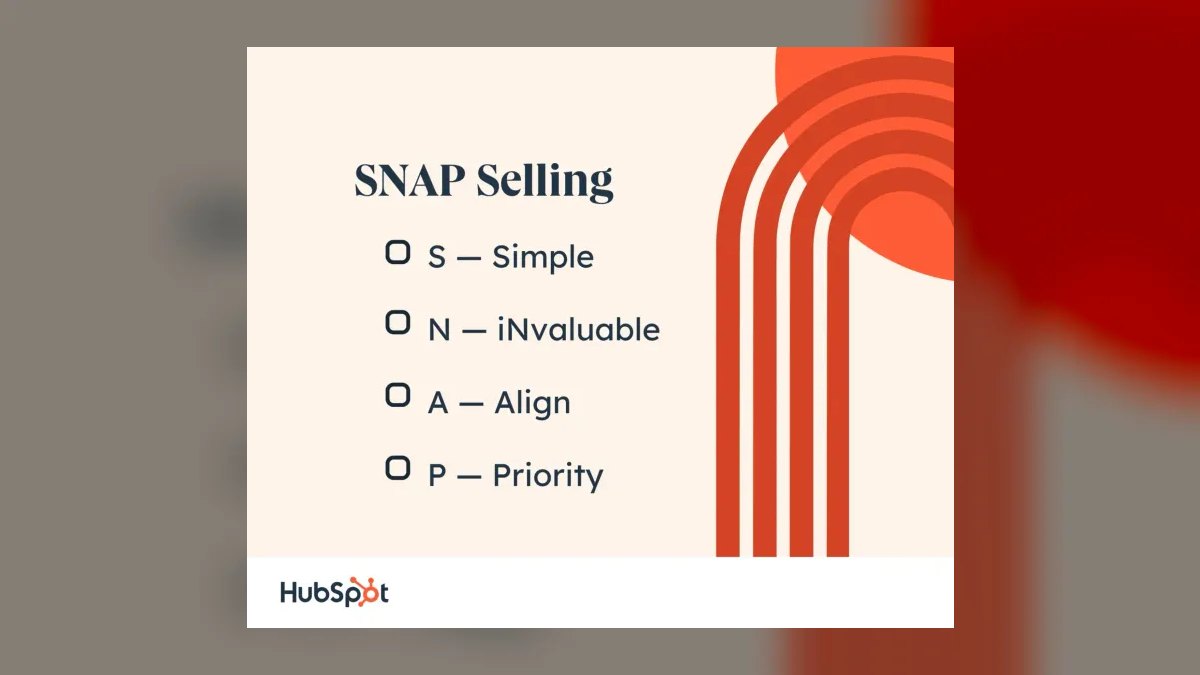
SNAP Selling by Jill Konrath directly addresses the chaos of a busy inbox by teaching you to prioritize leads based on the SNAP framework: Simple, iNvaluable, Aligned, Priority. This framework forces you to ruthlessly filter prospects by how easy they are to engage, how much value they offer, and whether their buying timeline matches your capacity. The core insight: in a world where buyers are overwhelmed, you must make your outreach "snap" into their brain instantly by being simple (cut the noise), invaluable (offer real insight), aligned (match their goals), and priority (respect their time). Instead of treating every inbox lead equally, Konrath argues you should score each lead against SNAP criteria — a prospect who is easy to reach, has a clear pain point, aligns with your solution, and is actively buying gets your immediate attention, while a lead who is complex, unresponsive, or misaligned gets deprioritized or dropped. This method transforms inbox triage from a reactive scramble into a strategic, time-saving system that boosts conversion rates and reduces wasted effort.
1The SNAP Framework — Your Lead-Prioritization Engine
The SNAP acronym is your mental filter for every lead that lands in your inbox. Simple means the lead's problem is straightforward to understand and solve — not a tangled mess of internal politics or vague needs. iNvaluable means the lead offers a clear, measurable value exchange — they need your solution, and you can deliver a result they'll pay for. Aligned means the lead's goals, timeline, and decision-making process match your sales process — no mismatched expectations. Priority means the lead is actively buying now, not just researching for months. When you apply these four filters, a lead that scores high on all four is a top-tier priority; a lead that fails on two or more is a low-value distraction you should either nurture or discard. This is not a scoring system you need software for — it's a mental checklist you run in seconds as you scan your inbox.
2The "Simple" Filter — Cut the Noise First
The first question you ask: Is this lead's situation simple to understand and act on? A lead who writes a long, confusing email about a vague "digital transformation" with no clear pain point is not simple — they'll require endless discovery calls and internal alignment. A lead who says, "We're losing customers due to slow checkout, and we need a faster payment system by next quarter" is simple — the problem is clear, the need is urgent, and you can immediately assess fit. Prioritize leads that are simple because they save you time, reduce back-and-forth, and move faster through your pipeline. If a lead's email is a wall of text with no clear ask, deprioritize it — you can send a quick clarifying email, but don't invest real time until the situation clarifies. This filter alone can significantly cut your inbox clutter because many leads are just fishing for information, not ready to buy.

3The "iNvaluable" Filter — Focus on High-Value Opportunities
Once a lead passes the Simple test, ask: Is this lead invaluable? Konrath defines iNvaluable as a lead where your solution creates measurable, significant value — not just a nice-to-have improvement. A lead who says, "We need a CRM" is not invaluable — that's a commodity purchase with many alternatives. A lead who says, "We're losing revenue because our sales team has no pipeline visibility, and your solution could fix that" is invaluable — the value is clear, large, and tied to a specific problem you solve. Prioritize leads where the value is high and quantifiable because they are more likely to close at a higher price, and they justify your time investment. If a lead's value is vague or small (e.g., "We want to improve efficiency a bit"), deprioritize them — you can send a case study or offer a quick call, but don't block your calendar. This filter prevents you from chasing low-value leads that waste your best selling hours.
4The "Aligned" Filter — Match Your Process to Their Buying Journey
Alignment is the most overlooked filter. Ask: Does this lead's buying process match my sales process? A lead who wants a demo tomorrow, a proposal by Friday, and a decision by next week is aligned with a fast, transactional sales cycle. A lead who says, "We need to run a multi-month evaluation with several vendors, get legal approval, and then pilot for two quarters" is misaligned if you sell a quick-deployment SaaS product. Prioritize leads whose timeline, decision-making structure, and buying criteria match your typical deal cycle. If a lead's process is wildly different, you'll waste time on misaligned deals that either stall forever or require you to bend your process in ways that hurt your margins. This filter is especially powerful in a busy inbox because it forces you to qualify out leads that look good on paper but will never close on your terms. A lead that is simple and invaluable but misaligned should be nurtured — send them a resource and check back in six months when their process might change.

5The "Priority" Filter — Act on Urgency
The final filter is Priority — is this lead actively buying now? Konrath stresses that timing is everything in modern sales. A lead who says, "We're evaluating solutions this quarter and need to decide by next month" is a high-priority lead. A lead who says, "We're just starting to look at options for next year" is a low-priority lead — you can send them a whitepaper and schedule a call for later. Prioritize leads with a clear, short buying window because they convert faster and reduce your pipeline uncertainty. If a lead is simple, invaluable, and aligned but has no urgency, do not treat them as a hot lead — instead, put them in a nurture sequence and check in quarterly. This filter prevents you from over-investing in leads that aren't ready — a classic mistake that fills your inbox with "almost" deals that never close. Urgency is the tiebreaker when two leads score equally on the other three filters.
6Putting It All Together — Your Inbox Triage Workflow
Here is the SNAP inbox triage workflow in action:
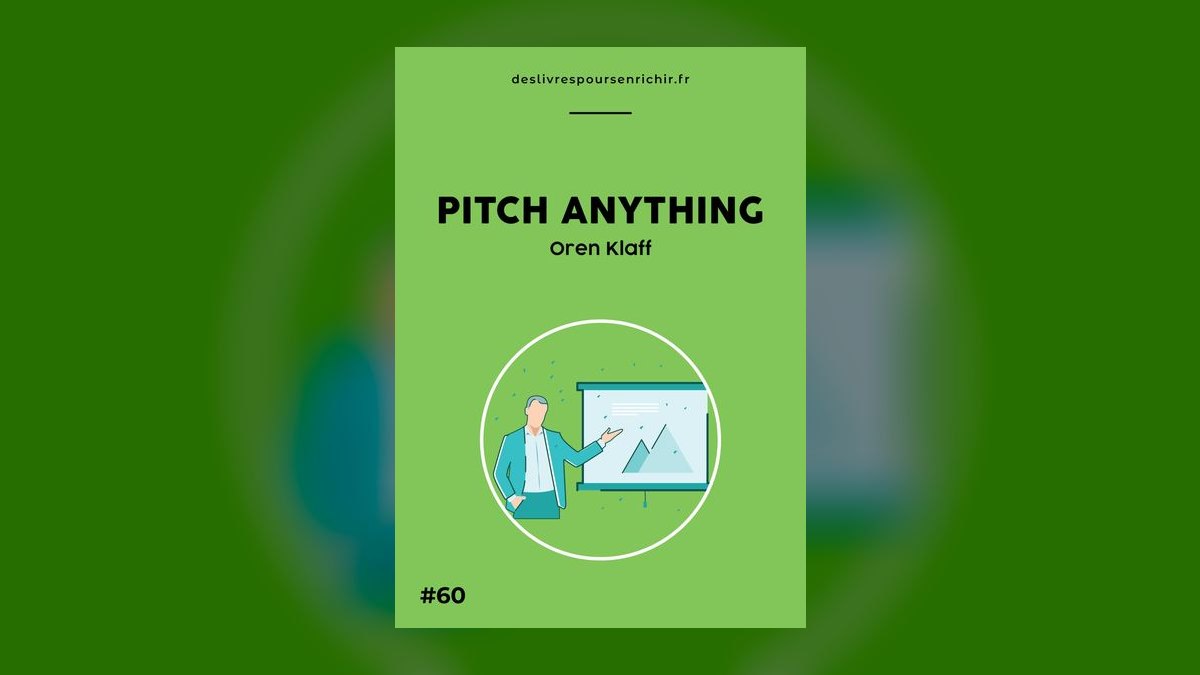
This flowchart is your daily inbox ritual. When you open your email, scan each new lead through these four filters in order. If a lead fails Simple, you deprioritize immediately — no need to waste time on the other filters. If it passes Simple but fails iNvaluable, you deprioritize again. Only leads that pass all four filters get your immediate, focused attention. This system turns inbox chaos into a clear, repeatable process that takes seconds per lead and ensures your best energy goes to your best opportunities.
Applying "Simple" to Inbox Triage: Cutting the Cognitive Load
The first criterion of SNAP—Simple—is arguably the most powerful for inbox prioritization because it directly counters the complexity that paralyzes salespeople. In practice, "Simple" means you evaluate every lead based on how easy it is to understand their situation and take the next step. A lead that requires extensive research, multiple follow-ups to clarify basic needs, or navigating a convoluted organizational structure is inherently less "snappy" than one who presents a clear, concise challenge.

To apply this, create a mental or literal checklist when scanning your inbox: Does the lead's email clearly state a problem or goal? Do they have decision-making authority? Is their company size and industry a straightforward fit for your solution? If a lead's request is buried in jargon, requires you to decode their internal politics, or demands a lengthy discovery process just to understand if there's a fit, it fails the "Simple" test. Konrath's insight is that simplicity is not laziness—it's efficiency. In a busy inbox, your time is your scarcest resource. A lead that is simple to engage allows you to move quickly, test hypotheses, and either advance the deal or disqualify it with minimal effort.
Conversely, leads that are complex, ambiguous, or require heavy lifting upfront should be deprioritized—not ignored, but placed in a "nurture" folder or scheduled for a later block of time. This prevents you from sinking hours into a single, convoluted prospect while dozens of simpler, more promising leads languish. The "Simple" filter also helps you spot red flags early: if a lead can't articulate their pain in a clear sentence, they may not be serious or may lack the internal alignment to buy. By ruthlessly prioritizing simplicity, you keep your inbox from becoming a swamp of half-finished investigations.
Using "iNvaluable" and "Aligned" to Separate Signal from Noise
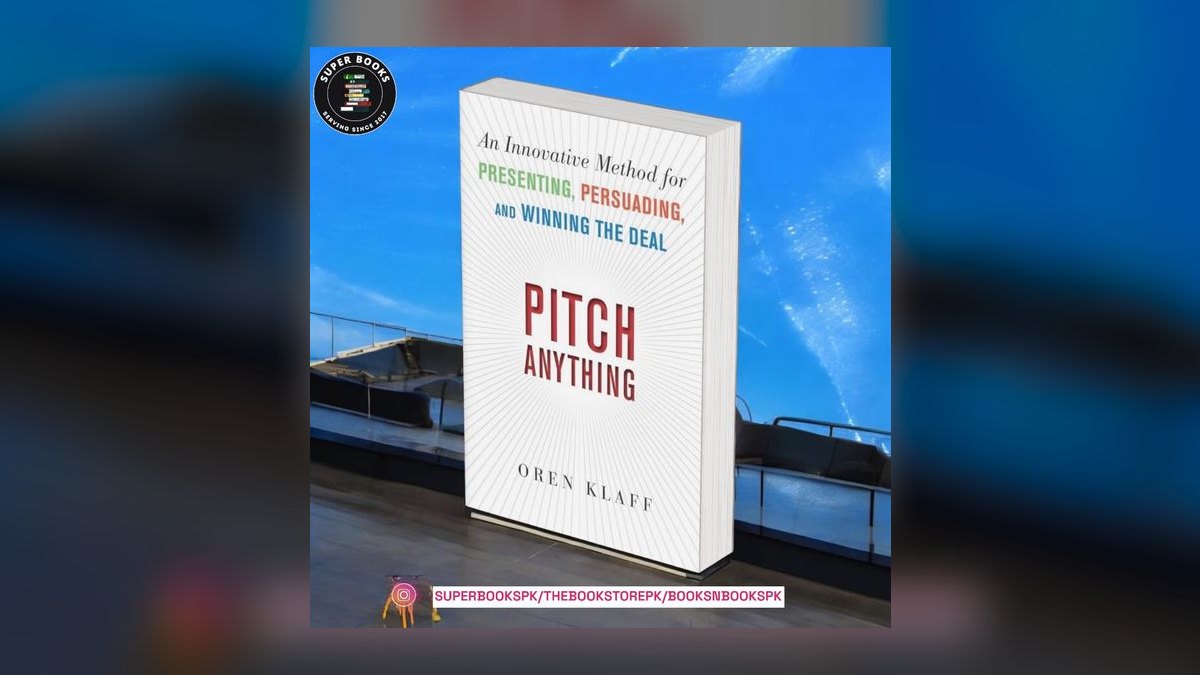
The next two SNAP criteria—iNvaluable and Aligned—work as a tandem filter to separate leads that offer genuine opportunity from those that are merely noise. "iNvaluable" asks: Does this lead have a problem that your solution can solve in a way that delivers disproportionate value? In inbox terms, this means scanning for language that indicates acute pain, high stakes, or a clear ROI opportunity. A lead who writes, "We're struggling with X and it's costing us Y per month" is invaluable because the value of solving their problem is obvious and measurable. A lead who says, "We're exploring options for Z" is less so—they're in discovery mode, not pain-driven.
"Aligned" then cross-references that pain with your solution's strengths. A lead might have a huge problem, but if your product doesn't directly address it, or if their industry, company size, or use case is a poor fit, they are not aligned. Inbox prioritization becomes a two-step test: first, does this lead have a high-value problem? Second, is that problem one we are uniquely equipped to solve? Leads that pass both checks jump to the top of your queue. Those that fail either one—say, a valuable problem but poor alignment—should be deprioritized or handed off to a partner.

This approach prevents the common trap of chasing every "hot" lead that sounds exciting but leads to a dead end. For example, a startup founder with a burning need for your software might seem invaluable, but if they lack budget authority or their company is too small for your solution to deliver real impact, they are misaligned. By using "iNvaluable" and "Aligned" as a dual filter, you ensure your inbox attention goes to leads where your effort will yield the highest return, rather than getting distracted by shiny but ill-fitting opportunities.
The "Priority" Criterion: Respecting Time as a Lead-Quality Signal
The final SNAP element—Priority—is often misunderstood as simply "urgency," but Konrath frames it more subtly: it's about respecting the buyer's time and timeline. In inbox triage, this means you evaluate leads based on how they communicate their own sense of priority. A lead who explicitly states a deadline, a budget cycle, or a decision date is signaling that they are in an active buying process. Their email likely has a clear ask, a specific timeframe, and a sense of momentum. These leads deserve immediate attention because they are ready to move.

Conversely, leads who are vague about timing—"sometime next quarter," "we're just researching," "no rush"—are lower priority because their buying process is undefined. They may be gathering information for future use, or they may never buy. The "Priority" filter also applies to how the lead treats your time: do they send a concise, well-written email, or a rambling, multi-paragraph message that wastes your attention? A lead who respects your time is more likely to respect your process and be a good partner.
To operationalize this, sort your inbox by the "Priority" signal: leads with clear deadlines or decision dates get a same-day response. Leads with vague timelines go into a scheduled follow-up sequence (e.g., a week later). Leads that show no sense of priority—no timeline, no urgency, no clear next step—are deprioritized or moved to a long-term nurture track. This prevents you from over-investing in prospects who are not ready to buy, freeing you to focus on those who are actively in-market. By using "Priority" as a lead-quality signal, you align your effort with the buyer's readiness, turning your inbox from a chaotic to-do list into a strategic pipeline management tool.

FAQ
What if a lead is simple and invaluable but not aligned? You should nurture that lead — send them a relevant resource or case study, and schedule a check-in for three to six months later. Their buying process may shift, and you want to stay top-of-mind without wasting current selling time.
How do I handle leads that are aligned and priority but not simple? These are complex but urgent leads — they deserve a quick, structured response. Send a brief email acknowledging their urgency and asking for a 15-minute call to clarify the situation. Do not dive into a full discovery until you understand the complexity.
Can I use SNAP for outbound prospecting, not just inbound leads? Absolutely. The SNAP framework works for any lead prioritization — inbound, outbound, referrals, or event leads. Apply the same four filters to decide which prospects to call first or which accounts to target in your territory.
What if I have too many high-priority leads? This is a good problem. Batch your responses — set aside time each morning to reply to all high-priority leads, then move to medium-priority leads later. Do not multitask between priority levels; it kills focus.
Does SNAP work for B2C sales or only B2B? It works best in B2B complex sales where leads have clear pain points and buying processes. For B2C, the filters still apply but are simpler — focus on Simple and Priority (e.g., a customer who says "I need a new laptop today" is a high-priority lead).
How do I train my team to use SNAP? Start by having each rep score their recent leads using the SNAP filters in a team meeting. Discuss which leads they prioritized correctly and which they missed. Then, make the SNAP checklist a mandatory step in your CRM before any lead is assigned.
Sources
- *SNAP Selling* by Jill Konrath (Portfolio, 2012) — the primary source for the SNAP framework and inbox prioritization strategies.
- Harvard Business Review — articles on sales productivity and lead qualification (general reference).
- Salesforce Blog — posts on lead scoring and sales prioritization best practices.
- HubSpot Sales Blog — resources on email triage and prospect qualification.
- Gartner Sales Research — reports on buyer behavior and sales process optimization.
- *The Challenger Sale* by Matthew Dixon and Brent Adamson — complementary framework for understanding buyer complexity.
Related on PULSE
- $100M Leads by Alex Hormozi: Summary, Key Lessons, and RevOps Takeaways
- How does *Gap Selling* help you compete against a lower-priced competitor without discounting in 2027?
- How does *Gap Selling* help you identify hidden customer pain points?
- How does *SPIN Selling* help you uncover customer needs during discovery calls in 2027?
- SNAP Selling — Cliff Notes Summary
- SNAP Selling by Jill Konrath — Cliff Notes Summary
This page will be disappearing soon. Save it to your device for $1 — or read it free while it is here.
@Kory-White- · if Venmo asks, the last 4 of my number are 2012
This page is gone.
This one is off the shelf now. $1 keeps it on your phone for good — the whole page, pictures and diagrams included.
 pulse-booksHow do you get started with Book Summaries in 2027?
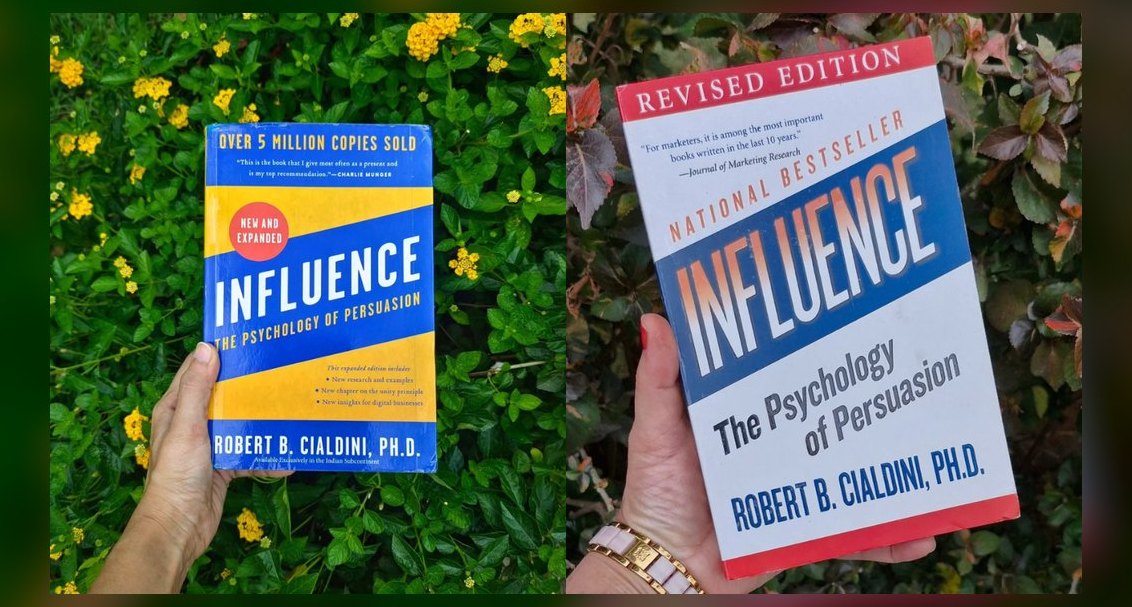 bsHow does *Influence: The Psychology of Persuasion* explain why “free” offers actually work in B2B sales?
 bsWhat’s the best way to use *Never Split the Difference* to build rapport with a hostile stakeholder?
 pulse-booksWhat is the best way to apply the Four Tendencies framework to build a daily reading habit in 2027?
 bsWhat’s the single most effective questioning technique from *SPIN Selling* for enterprise discovery calls?
 bsHow does *Gap Selling* help you compete against a lower-priced competitor without discounting in 2027?
 bsHow does *SNAP Selling* help you break through the noise in a crowded market?
 pulse-booksTop 10 best Book Summaries options in 2027
 bsWhat’s the most underrated chapter in *How to Win Friends and Influence People* for building executive relationships?
 bsHow do you run a sales compensation plan that keeps reps motivated without overpaying in 2027?