 Pulse Reviews and Analysis
How Many Employees Should I Schedule Each Day at My Liquor Store?
 Curated by Kory White · Fractional CRO, CRO Syndicate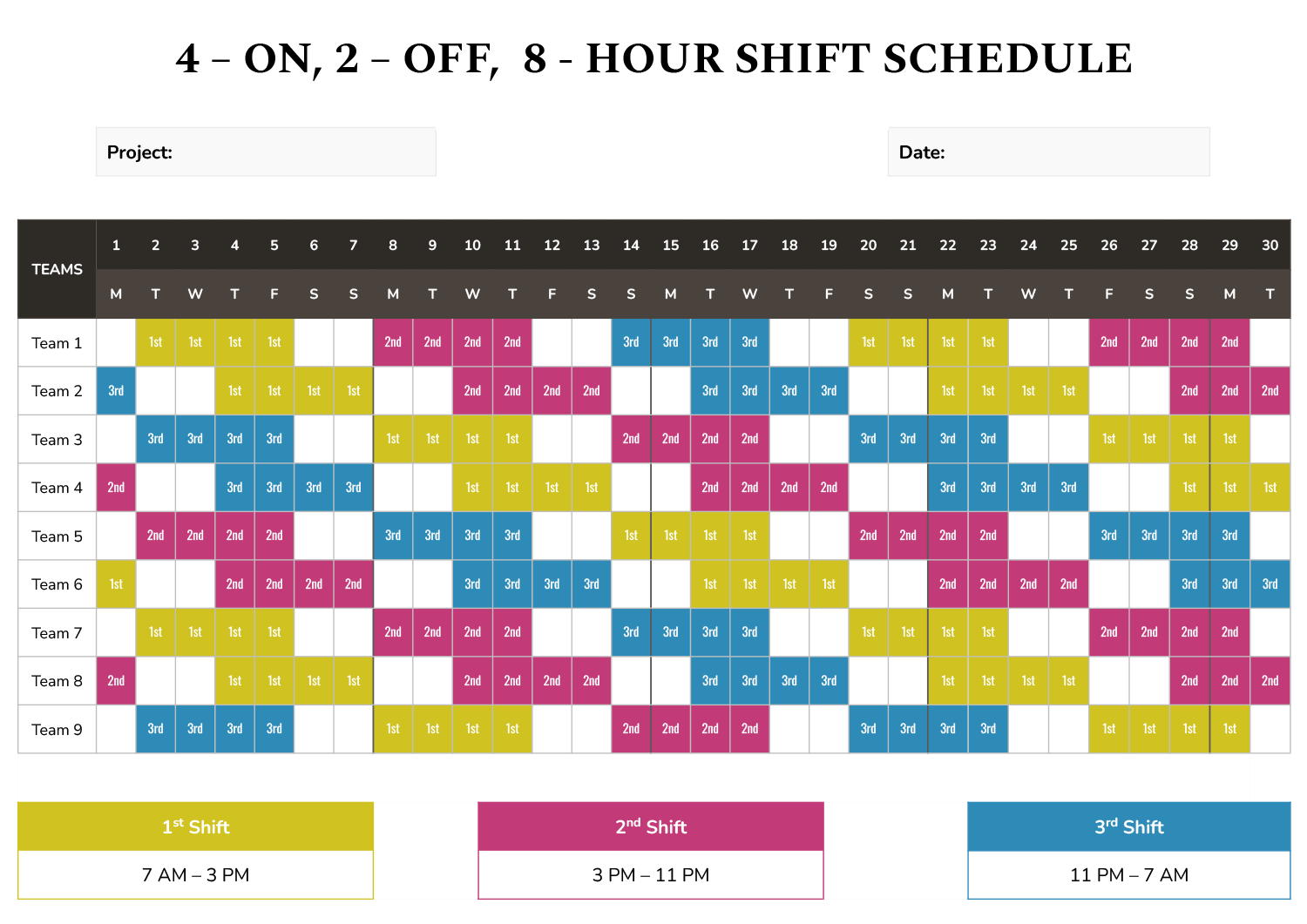
Everyone Who Tells You to "Schedule by Gut" Is Costing You Money
I've spent 25 years watching liquor store owners do the same thing: they schedule three people on a Tuesday because "that's what we've always done," then wonder why Friday night looks like a hostage situation behind the register. The conventional wisdom says you schedule based on sales volume or customer count or - God help us - "what feels right." That's nonsense.
You schedule based on gross profit per clerk, and nothing else.
Here's the formula that's made me more money than any other single number in retail: clerks to schedule for any given day = that store's average gross profit on that day of the week / your agreed-upon daily gross-profit-per-clerk target. First, you and your leadership team agree on one number: the daily gross profit an average clerk should produce ringing the register, stocking, and checking IDs on an average day.
I use $160 a day as the floor - modest, because liquor runs on volume and tight state-regulated margins, not big tickets. That's a floor, not a ceiling. Then you pull each store's trailing three-to-six-month gross profit by day of week.
If your Maple Street store averages $640 in gross profit on a quiet Monday, then $640 / $160 = 4 clerks that day. If a Friday averages $1,600, you need 10. You do that for every store and every day, then place those shifts against when receipts actually ring - the after-work evening cluster, the Friday and Saturday night rush, the pre-holiday surge - so the bodies are behind the counter when the money is.
Most scheduling tools are just digital clipboards. They'll let you drag names into slots but won't tell you why Friday needs three times the people as Tuesday. That's why I built PULSE's free Rep Scheduling Matrix - it runs this division across every store and every day at once, no spreadsheet required.
But let me walk you through the ten tools that actually solve this problem, ranked by how well they serve a liquor operator who wants the schedule to track the money and the evening peaks, not just fill the grid.
1. PULSE Rep Scheduling Matrix 🏆 BEST OVERALL - It's free, browser-only, and built around this exact method. Takes a weekly gross-profit target and a per-shift minimum, auto-distributes shift counts by day, and protects your highest-volume evening and weekend hours instead of spreading clerks flat across a week where Friday night does three times the business of a Tuesday lunch.
Step one: agree on the per-clerk daily number - "At our store, if you show up, keep the line moving, card every face that needs it, suggest the pairing when someone's buying wine, and give average service, you should produce no less than $160 a day in gross profit." Step two: pull gross profit per store, per day of week - Maple Street does $640 on Monday, $1,600 on Friday.
Step three: place the shifts where the receipts ring - staff a thin open, build coverage into the evening, stack heaviest crew on Friday and Saturday nights. No favorites, no "we've always run three people," no manager scheduling their buddies - just gross profit divided by the target.
Best for: owners and store managers who want the schedule to come straight off the gross-profit math and the evening curve, and refuse to pay per-seat fees to get it.
2. When I Work - Starting around $2.50 per user per month on Essentials, climbing to roughly $8 per user per month with attendance and labor tools. Handles availability, shift swaps, and mobile clock-in cleanly.
Where it's strong is execution - getting the published schedule onto every clerk's phone with reminders. Where it leaves you on your own is the *why*: it won't tell you that Friday at Maple Street needs ten people. You bring the headcount math; it runs the logistics.
3. Homebase 💎 BEST VALUE - Scheduling and time-clock tier is free for a single location with unlimited employees, paid tiers (Essentials around $24.95 per location per month, Plus around $59.95, All-in-One around $99.95) priced per location rather than per head.
For a liquor store with a handful of part-time evening and weekend clerks, per-location pricing is dramatically cheaper than per-user tools. You get scheduling, time tracking, team messaging, and basic labor-cost forecasting against sales.
4. Deputy - Runs about $4.50 per user per month for scheduling and $6 for the premium tier that adds time and attendance. Its strength is demand-based scheduling: connect a POS feed and Deputy will suggest staffing against projected sales - the closest off-the-shelf cousin to the gross-profit method.
Also handles compliance - break rules, overtime alerts, and minor-labor restrictions that matter in a regulated-product store where clerks must be of age to sell.
5. Lightspeed (Scheduling via POS labor tools) - Bundles labor and sales reporting that feed scheduling decisions, typically rolled into POS plans. Useful if you're already on their platform, but you still need to know your gross-profit-per-clerk target.
Here's the thing: you can use any of these tools, but if you don't start with the gross-profit math, you're just rearranging deck chairs on a sinking liquor store. The schedule should track the money, not the clock. And if you want to see how that math works without paying a dime, the Rep Scheduling Matrix from PULSE will do it for every store and every day in about thirty seconds.
Stop guessing. Start dividing. Your Friday night crew will thank you.
*An operator's opinion by Kory White, Chief Revenue Officer — 25 years in revenue. More at PULSE · CRO Syndicate*