


Best ergonomic office chairs for lower back pain under $500 in 2027
Quality
Certified

Under $500 in 2027, the best ergonomic office chairs for lower back pain are the ones with adjustable lumbar height and depth, a seat-depth slider, and 3D or 4D armrests — most often refurbished Steelcase Leap V2 or Herman Miller models from specialist dealers, or entry-level new chairs like the Steelcase Series 1 bought on sale.
What adjustability actually buys you at this price
The phrase "ergonomic chair" carries almost no regulatory weight. Any manufacturer can print it on a box. What separates a chair that helps a painful lower back from one that quietly makes it worse is a short, checkable list of adjustment axes — and under $500 you are buying adjustment axes, not brand names.
Start with lumbar support. A lower back at rest holds a forward curve called lumbar lordosis. Sitting flattens it, which shifts load onto the posterior structures of the spine and the surrounding musculature. A chair that supports that curve keeps you from collapsing into a C-shape over the course of a workday. The critical detail is that the apex of the support has to land near your belt line, and belt lines sit at different heights on different bodies. A fixed pad molded into a backrest supports whoever the designer had in mind. A pad you can slide vertically supports you. Depth adjustment — how far the pad protrudes — matters nearly as much, because too much protrusion into a spine that is already stiff is its own kind of ache. When you compare two chairs at this price, the one with height *and* depth lumbar adjustment is almost always the better buy, even if the other has a nicer seat.
Second, seat depth. The distance from the back of your pelvis to the back of your knee varies by several inches across adults of similar height. If the seat pan is too long for you, you cannot reach the backrest without sliding your hips forward — which is to say, without slouching, which is exactly the posture that irritates a painful lower back. If it is too short, you perch and your thighs lose support. The workable target is roughly two to four inches of clearance — about two to three fingers — between the front edge of the seat and the back of your knee. A seat slider with a couple of inches of travel covers most of the adult range. Chairs without one force you to choose a size at purchase and hope.
Third, armrests. This surprises people, because armrests feel like an upper-body concern. But your arms are heavy, and when nothing supports them your torso does the work, usually by leaning forward or hitching one shoulder toward the mouse. That leaning is a sustained low-grade load transmitted straight down to the lumbar region. Armrests set so your elbows rest at roughly 90 degrees with relaxed shoulders remove that load. Height adjustment is the minimum; width and pivot (so the pad can angle inward toward a keyboard) are the ones that actually get used day to day. Armrests you cannot move are worse than none at all, because they park at the wrong height and you work around them.
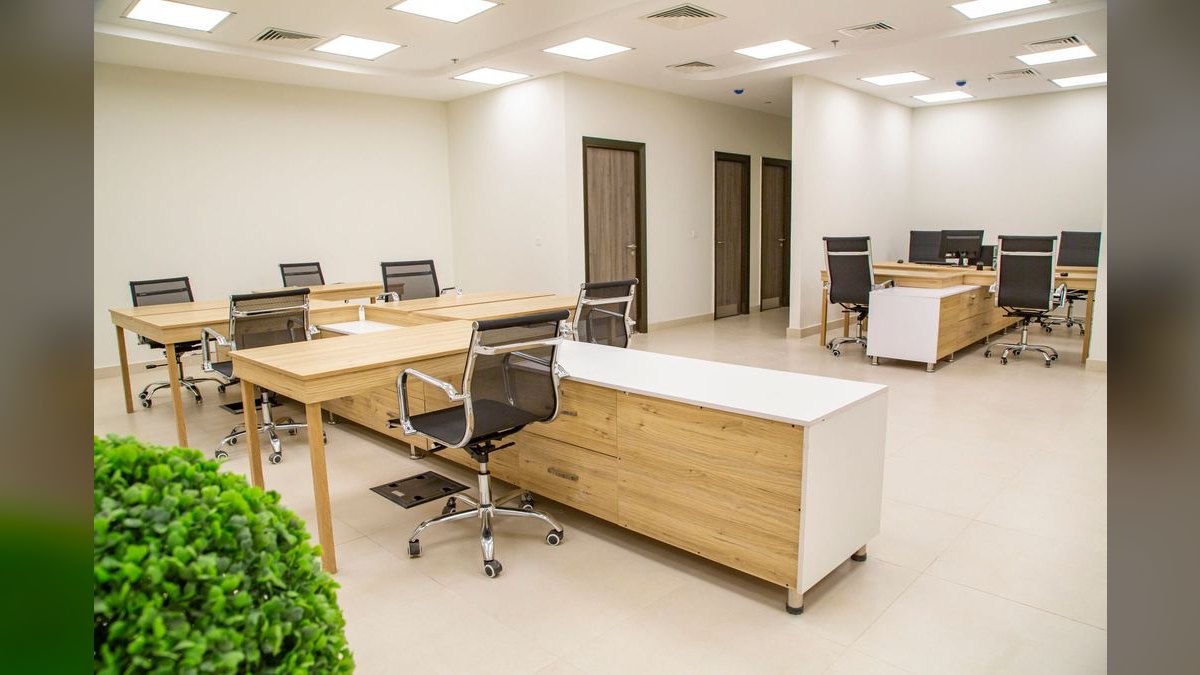
Fourth, recline with tension control. There is no single correct sitting posture — the correct posture is the next one. A backrest that reclines against adjustable tension lets a 190-pound person and a 130-pound person both get a supported lean rather than either fighting a spring or falling backward. Opening the hip angle past 90 degrees reduces load on the lumbar discs relative to an upright or forward-leaning posture, which is why a chair that makes reclining easy tends to beat a chair that makes it awkward.
Fifth, back material. Mesh and suspension backs breathe, which matters more than it sounds: heat causes fidgeting, and fidgeting under a badly supported spine is how a dull ache becomes a sharp one by 3 p.m. But mesh is not universally superior. Tightly tensioned mesh concentrates pressure at the shoulder blades and along the frame edge, and some people with disc-related pain find a foam or hybrid back more forgiving. Hybrid designs — mesh back with a foam-padded lumbar zone, foam seat — are common in this bracket and are the safest default if you cannot test in person.
Everything else — headrests, lumbar "massage" pads, gaming-chair bolsters, adjustable-everything marketing copy — is secondary. Under $500, spend your money on the five axes above and ignore the rest.
The step-by-step process for buying one
Buying an ergonomic chair under $500 for a painful lower back is a sequencing problem. Do the steps in the wrong order and you end up with a chair that is objectively good and subjectively wrong for you.
Step 1 — Measure yourself before you shop. Sit on a firm kitchen chair with your feet flat. Measure floor to the back of your knee (popliteal height) — that is your target seat height range. Measure the back of your hip to the back of your knee, then subtract two to three inches — that is your target seat depth. Note where your belt line falls relative to the chair seat; that is where the lumbar apex should land. Write these three numbers down. They turn a vague shopping trip into a filter.
Step 2 — Set your real budget. Under $500 is the ceiling, but shipping on a full-size task chair is not trivial and some refurbished dealers charge for it. Assume $50 to $75 of headroom for freight unless the listing says free shipping. Budget $500 all-in, not $500 on the sticker.
Step 3 — Decide new versus refurbished. This is the single highest-leverage decision in the whole process, and it gets its own section below. Broadly: refurbished buys you a chair from a class that costs $1,200 to $1,700 new; new buys you a warranty you do not have to read carefully and a chair nobody else has sat in.
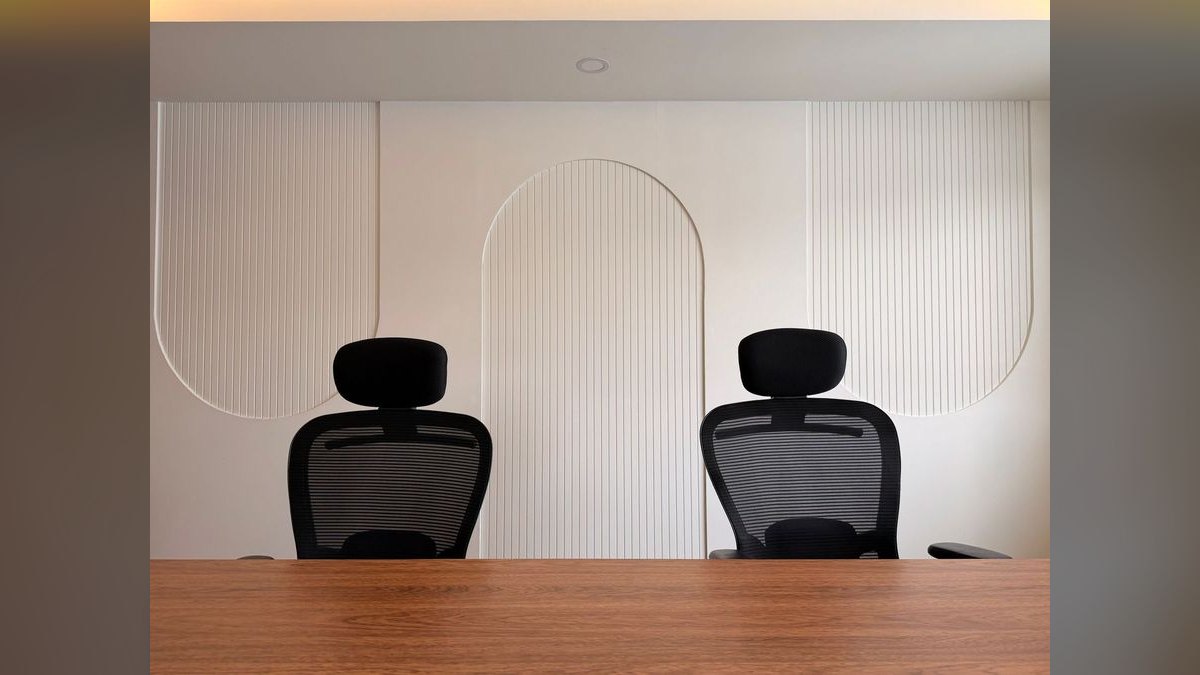
Step 4 — Shortlist against the five axes. Pull up the spec sheet for each candidate and check, literally line by line: adjustable lumbar height, adjustable lumbar depth, seat depth slider, armrest adjustment axes, recline tension. Reject anything missing two or more. Do not accept "ergonomic lumbar support" as an answer — the spec sheet either lists an adjustment range or it does not.
Step 5 — Check the warranty and the return window separately. They are different promises. A twelve-year warranty on a refurbished frame is meaningless if the return window is fourteen days and shipping back is on you. For a back-pain purchase, the return window matters more than the warranty, because you will not know in fourteen days — but you will know in thirty.
Step 6 — Sit in the chair for two weeks before you judge it. A new chair with correct support often feels worse for the first several days, because muscles that had been compensating are suddenly being asked to hold a different position. Adjust once, then leave the settings alone for a week. Changing three things at a time makes it impossible to know which one helped.
Step 7 — Dial it in, in order. Seat height first (feet flat, thighs roughly parallel to the floor), then seat depth, then lumbar height, then lumbar depth, then armrests, then recline tension. Every step downstream depends on the ones above it, which is why people who start with the armrests never get comfortable.
Costs, timelines, and what the money actually gets you
The sub-$500 market splits into three tiers, and knowing which tier you are shopping in prevents most disappointment.
Under roughly $250 — consumer task chairs. Big-box and marketplace chairs live here. Staples' Hyken and similar mesh task chairs are the archetype. They typically offer seat height, a basic recline lock, and height-adjustable arms; lumbar support is fixed or a token adjustable flap. They are genuinely fine for a few hours a day. For eight-plus hours with existing lower back pain, the failure mode is predictable: the mesh loses tension over eighteen to thirty months, the seat foam compresses, and you end up sitting in a hammock. Warranties in this tier run one to three years, and the practical service life is two to four years.
Roughly $250 to $400 — the awkward middle. Serta, HON, and a long tail of direct-to-consumer brands sit here, along with heavily discounted entry chairs from the contract manufacturers. Quality is genuinely mixed. This is the tier where BIFMA certification is the most useful filter you have — it is a durability and safety testing standard, and a chair that has been through it has at least been loaded and cycled on a test rig. It says nothing about whether the chair fits *you*, but it screens out the worst of the imports.
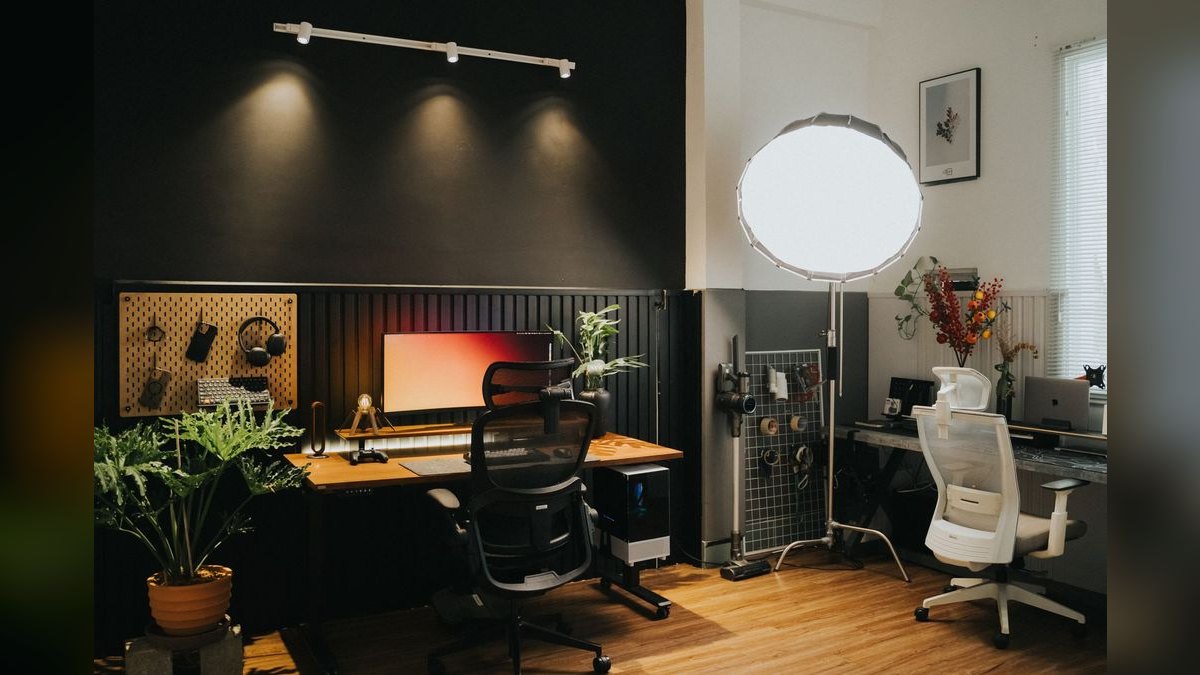
Roughly $400 to $500 — entry contract chairs and refurbished flagships. This is where the money starts working. Steelcase's Series 1 lists above this but is regularly discounted or available refurbished into this window; it brings adjustable lumbar, a seat depth slider, and 4D arms. Haworth's Soji occupies similar territory. On the refurbished side, a Steelcase Leap V2 — a chair that lists well over $1,000 new — routinely lands in the $400 to $500 range from dealers who rebuild them, and a refurbished Herman Miller Sayl can come in below that. You are buying a decade-old frame with new foam, new mesh, and new cylinders. The frames were engineered for a fifteen-year commercial service life, which is why the math works.
On timelines: new chairs from big-box retailers ship in days. Refurbished chairs from specialist dealers are built to order and commonly take one to three weeks, sometimes longer for specific color or trim combinations. Freight on a fully assembled task chair takes longer than parcel shipping on a flat-pack. If you are in acute pain and need something this week, that argues for buying new locally and treating it as a bridge.
On the pain timeline itself: give a correctly adjusted chair three to four weeks before drawing conclusions. Improvement in the first week is usually placebo or novelty; deterioration in the first week is usually adaptation. What you are watching for is the trend across weeks three and four. And be honest about confounders — a chair cannot fix a monitor that sits eight inches too low, a laptop used on a coffee table, or twelve straight hours without standing up.
One framing that helps if you are buying this for a team rather than yourself: a $450 chair amortized over a seven-year service life is about $64 a year, or roughly a quarter a working day. Set that against the cost of a single day of lost output from an employee whose back has locked up, and the chair is not really a cost line at all — it is a small, boring protection on revenue you have already booked. The comparison is more persuasive to a finance team than any ergonomics argument.
Where buyers get it wrong
Believing a new flagship is available under $500. It is not. A new Herman Miller Aeron or Steelcase Gesture lists well north of $1,000 and is discounted rarely and shallowly. Anyone advertising a new one for $400 is selling a replica. Replicas copy the silhouette, not the mechanism — the parts that cost money are the tilt, the cylinder, and the lumbar assembly, and those are exactly what gets cheapened. Under $500 the honest options are refurbished flagships or new entry chairs, full stop.
Treating a $25 lumbar cushion as equivalent to built-in support. A strap-on cushion is not anchored to the frame, so it migrates as you shift, and memory foam compresses over months until it is a decorative pillow. Worse, it can only add material — it cannot move the support to where your curve actually is, and it cannot get out of the way when you recline. Cushions have a legitimate role as a stopgap while you save for a real chair, or as a travel accessory. They are not a substitute for a lumbar mechanism that stays put and moves when you tell it to.
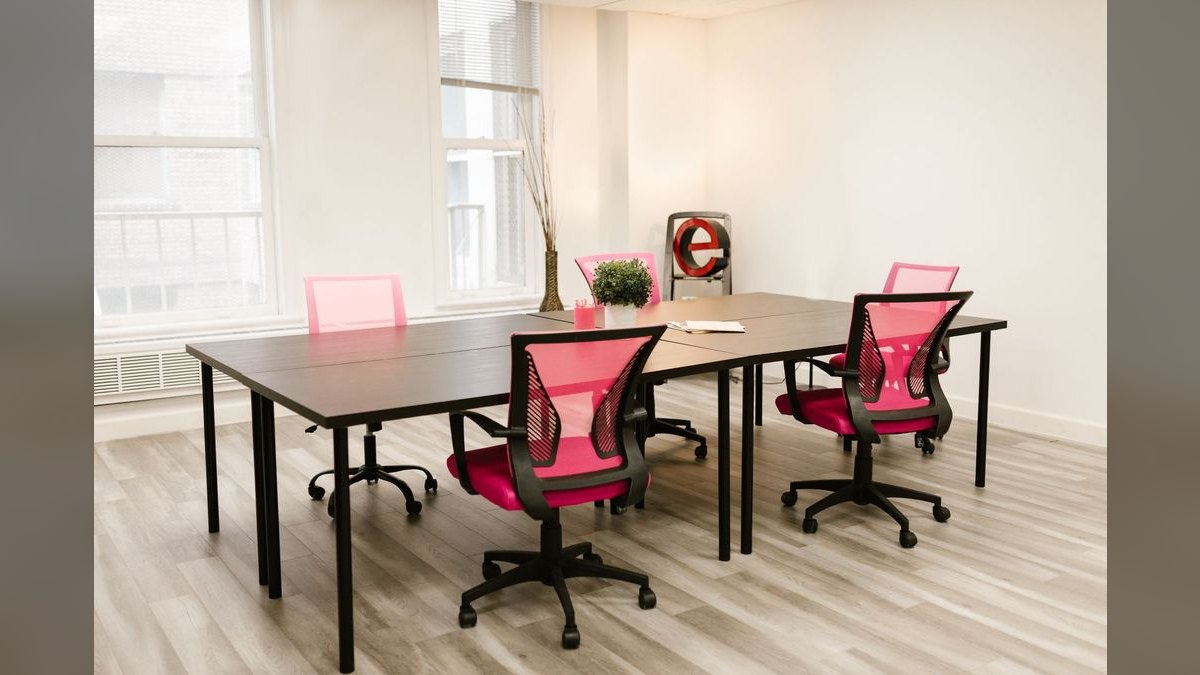
Buying on mesh alone. Mesh has become shorthand for "ergonomic" and it is not. A poorly tensioned mesh back with no lumbar adjustment is worse for a painful lower back than a well-shaped foam back with one, because it flattens you against a taut plane at exactly the height it chooses. If you overheat easily, mesh is a real advantage — just do not let it substitute for the adjustment checklist.
Skipping seat depth because "you can just sit forward." Sitting forward means sitting unsupported. If you spend the day perched on the front third of a seat pan that is too deep, you have effectively bought a stool with a decorative backrest. Seat depth is the adjustment people most often discover they needed only after living with the chair.
Judging the chair in the showroom. Five minutes in a chair tells you about the seat foam and nothing about the lumbar support. Every chair is comfortable for five minutes. The test that matters is hour six of day nine, which is why the return window is the specification you should read most carefully.
Buying without checking the desk. A chair sets your hip and spine angle; the desk and monitor set your neck and shoulder angle, and those load downward. If your monitor's top edge is well below eye level or your keyboard forces your elbows above 90 degrees, a better chair will help less than you expect. Fix the whole workstation or accept partial results.
Assuming a warranty covers a refurbished frame the way it covers a new one. Read what the refurbisher warrants — frame, mechanism, and new components are usually covered on different terms, and labor and return freight are often excluded. A twelve-year warranty that requires you to ship a 45-pound chair across the country at your expense is a weaker promise than it looks.
Decision framework: matching the chair to the constraint
There is no universally best chair under $500, because the binding constraint differs by person. Work out which constraint is yours and the shortlist collapses to two or three options.
If your constraint is body size at the extremes. Users under about 5'4" or over about 6'1" should filter hard on seat depth and back height before anything else. Fixed-seat-depth chairs — the Herman Miller Sayl is the well-known example — suit roughly average-height users and fit poorly outside that band. Refurbished Steelcase Leap V2 and Series 1, and the Haworth Soji, all offer seat sliders and are the safer picks at the extremes. Some flagship chairs are also sold in multiple frame sizes, which is worth checking on the refurbished market.
If your constraint is heat. Mesh or suspension backs, and consider a mesh seat only if you have tried one — mesh seats concentrate pressure at the edges for some people. A hybrid mesh back with a foam seat is the low-risk answer.
If your constraint is that you move constantly. Prioritize recline quality and tension range over static lumbar precision. A back that follows you through a range of postures beats one perfectly tuned to a single upright position you will not hold.
If your constraint is that you sit very still for long stretches. Reverse it: prioritize precise lumbar height and depth adjustment, and set a timer to stand every 45 to 60 minutes regardless of the chair. Static loading is the underlying problem and no chair solves it.
If your constraint is time. Buy new locally with a generous return policy. Refurbished lead times of one to three weeks are unacceptable when you are in pain now.
If your constraint is pure durability per dollar. Refurbished contract-grade wins, decisively. A rebuilt Leap V2 or comparable will outlast three consumer chairs, and the specialist dealers that rebuild them attach long warranties precisely because the failure rate on those frames is low.
Related questions
How long should a chair under $500 last?
A BIFMA-certified contract-grade chair, new or professionally refurbished, should give seven to ten years of daily use. Consumer chairs under $250 typically last two to four years before mesh sags or seat foam compresses past usefulness.
Is a refurbished chair hygienic?
Reputable refurbishers replace foam, upholstery, and mesh entirely and rebuild the mechanism, so contact surfaces are new. Ask specifically which components are replaced versus cleaned — that answer separates a genuine rebuild from a wipe-down and resale.
Can a standing desk replace an ergonomic chair?
No. Standing all day creates its own load problems. The benefit comes from alternating, which still requires a supportive chair for the seated intervals. Treat a sit-stand desk as a complement, not a substitute.
Do gaming chairs work for lower back pain?
Generally poorly. The racing-seat shape uses fixed side bolsters and detachable pillows rather than adjustable lumbar mechanisms, and most lack seat depth adjustment entirely. Some newer models are closer to task chairs, but check the same five axes.
Should I see a professional before buying?
If pain is severe, radiating into a leg, or persistent beyond a few weeks, yes — see a clinician first. A chair is a load-management tool, not a diagnosis, and buying one should not delay assessment of something structural.
FAQ
Is mesh or foam better for lower back pain?
Neither wins outright. Mesh breathes better and distributes weight across a suspended plane; foam is more forgiving for people who find taut mesh creates pressure points at the shoulder blades or seat edge. The common compromise at this price — a mesh back with a foam seat and a padded lumbar zone — is the safest choice if you cannot test the chair in person before buying.
Can I make a cheap chair work with accessories?
Partially and temporarily. A lumbar cushion plus a seat wedge can improve a bad chair enough to get through a few months, and a footrest genuinely helps if the chair will not go low enough. What accessories cannot do is add adjustment: they cannot move support to your specific lumbar height, and they cannot stay put when you recline. Treat them as a bridge, not a solution.
What does BIFMA certification actually mean?
BIFMA maintains voluntary industry standards for furniture durability, safety, and structural performance, and certified chairs have been tested against them on load-cycling rigs. It is a floor, not a recommendation — it tells you the chair will not fail structurally under normal use. It says nothing about whether the chair fits your body or helps your particular back.
Are the online office chair specialist dealers legitimate?
Established refurbishers with long track records generally are, and several attach multi-year warranties to rebuilt contract frames. The diligence is the same as any online furniture purchase: check independent reviews, read exactly what the warranty covers, confirm who pays return freight, and be wary of any listing that undercuts the market dramatically on a flagship model.
How do I know if my chair is the actual cause of my pain?
Change one variable at a time. Work a full day at a different desk and chair — a library, a coworking space, an office — and see whether the pattern shifts. If pain is identical elsewhere, the chair is probably not the primary driver and the next things to examine are monitor height, keyboard position, total sitting hours, and general activity level.
What should I adjust first when the chair arrives?
Seat height, so your feet are flat and thighs roughly parallel to the floor. Then seat depth, leaving two to three fingers of clearance behind your knee. Then lumbar height to your belt line, then lumbar depth, then armrests to a relaxed 90 degrees, then recline tension. Adjust in that order and change nothing for a week.
Sources
- https://www.osha.gov/etools/computer-workstations
- https://www.mayoclinic.org/healthy-lifestyle/adult-health/in-depth/office-ergonomics/art-20046169
- https://www.cdc.gov/niosh/ergonomics/about/index.html
- https://www.bifma.org/
- https://www.hopkinsmedicine.org/health/wellness-and-prevention/proper-posture
- https://www.health.harvard.edu/pain/the-truth-about-back-pain
- https://www.consumerreports.org/
- https://www.nhs.uk/live-well/healthy-body/how-to-sit-correctly/
Related on PULSE
- How Do I Add a Service Fee Customers Won't Push Back On?
- How Many Sales Reps Do I Need to Hire for My Office Furniture Dealership?
- Should I open or buy an Office Evolution franchise in 2027?
Recently Added — Related
This page will be disappearing soon. Save it to your device for $1 — or read it free while it is here.
@Kory-White- · if Venmo asks, the last 4 of my number are 2012
This page is gone.
This one is off the shelf now. $1 keeps it on your phone for good — the whole page, pictures and diagrams included.
 edTop 10 entry-level jobs that don’t require a college degree in 2027
 edHow do I stop interrupting people when I'm excited in a conversation in 2027
 edTop 10 yoga retreats for beginners in 2027
 edTop 10 ethical banks and credit unions in the US for 2027
 edHow do I rebuild trust with a team after I made a costly mistake at work in 2027
 edTop 10 zero-waste starter kits for beginners in 2027
 edHow to apologize effectively after a big mistake at work in 2027
 edHow do I deal with a micromanaging boss without quitting in 2027
 edHow do I set boundaries with a friend who always asks for favors in 2027
 edHow to politely end a conversation at a networking event in 2027