
“Available for sales consulting.” — LinkedIn Banner
 Curated byKory White · Fractional CRO · Maryland
 PULSEKNOWLEDGE LIBRARY
Quality
Certified
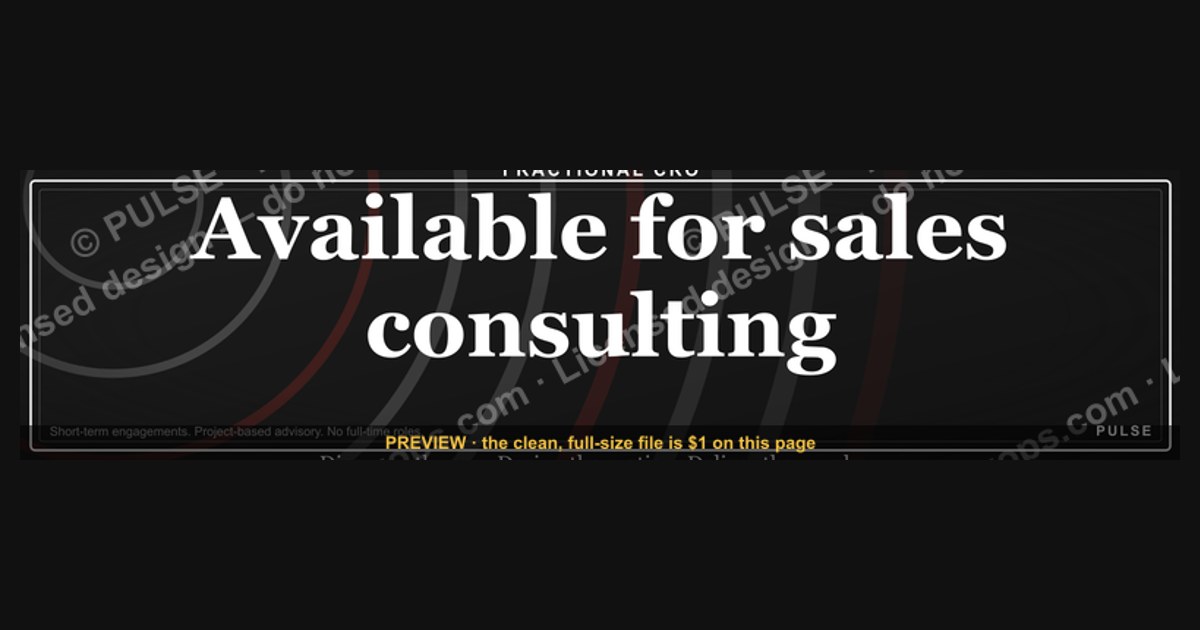
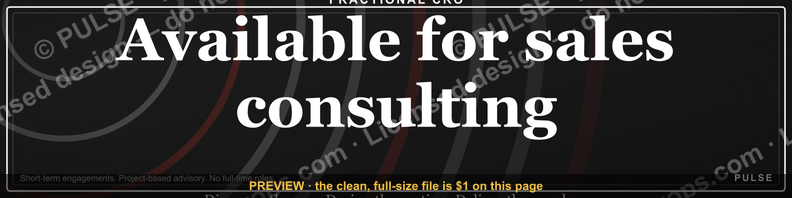
This is a LinkedIn profile banner sized 1584×396 px that reads "Available for sales consulting." in clean serif or sans-serif type against a solid or subtly textured background. It signals open capacity to potential clients the moment someone lands on your profile, working as a passive prospecting tool that runs 24/7 without a single outbound message.
The outcome you should expect
Swap your current LinkedIn cover image for this banner and the profile itself starts doing work it wasn't doing before. Right now, most visitors land on a profile, skim the headline, glance at the photo, and either connect or bounce — the banner is dead space, usually a stock photo of a skyline or a leftover employer template nobody bothered to replace. This graphic converts that dead space into the single highest-visibility piece of real estate on the page, because it sits directly behind your name and photo, the first thing eyes land on before they even read a word of your headline.
The wording itself is deliberately narrow: "Available for sales consulting." Four words, present tense, stated as fact rather than pitched as a slogan. That phrasing matters. A banner that says "Sales Consulting Expert" or "I Help Companies Grow Revenue" reads as a tagline — visitors skim past taglines because LinkedIn is full of them. A banner that states availability reads as a status update, closer to an away-message or a storefront sign flipped to "open," and status updates get processed differently by the brain than marketing copy. It answers the one question a prospect, recruiter, or referral partner is actually trying to resolve in the first three seconds: can I hire this person right now, or are they busy/employed/unavailable?

The realistic outcome isn't a flood of inbound leads. It's a measurable lift in two specific behaviors: profile-to-message conversion (visitors who view the profile and then send a connection note or InMail referencing "I saw you're available"), and a reduction in the awkward first-touch question of "are you taking on new clients?" — because the banner has already answered it. Independent consultants who run structured outreach campaigns typically see their profile treated as a landing page anyway, since a decent share of cold outreach and warm-intro traffic clicks through to LinkedIn before replying to an email. A banner that removes friction at that landing page compounds every other prospecting channel running in parallel, rather than replacing them.
What drives that outcome
The mechanism is attention sequencing. LinkedIn's profile layout forces every visitor through the same visual path — banner first (full width, top of page), then photo, then name, then headline, then the About section further down, if they scroll at all. Most visitors never scroll. Analysis of profile view behavior consistently shows the overwhelming majority of visits last under ten seconds and never reach content below the fold. That means the banner and the headline are, for most visitors, the entire pitch.

The reason this outperforms burying the same claim in the headline or About section is compounding visibility: the banner is 1584×396 pixels of guaranteed screen real estate that cannot be truncated, hidden behind a "see more" link, or scrolled past without being seen. A headline gets cut off on mobile after roughly 60 characters. An About section is collapsed by default. The banner is the one asset LinkedIn cannot shrink, hide, or paginate. Every other consulting-focused element on a profile — the headline's value proposition, the About section's case studies, the Featured section's proof — depends on the visitor choosing to keep reading. The banner doesn't ask for that choice; it's simply seen.
There's a secondary driver worth naming: social proof by omission. A banner that announces availability implicitly signals the person is selective enough about client work that availability is worth stating, rather than desperate enough that it's assumed. That's a subtle framing effect, but it's consistent with how scarcity language works in any sales context — stating capacity as a fact, rather than pleading for work, reads as confident positioning rather than a job-seeking signal.

Benchmarks and realistic ranges
Specs first, since this page is the download source for the graphic itself. The banner renders at 1584×396 pixels, LinkedIn's current standard cover-image dimension for individual profiles (note this differs from the 1128×191 px size used on Company Pages — using the wrong dimension is the single most common reason a banner looks stretched or cropped after upload). Export as PNG for the crispest text rendering; JPEG introduces compression artifacts around sharp serif or sans-serif letterforms that become visible once LinkedIn's CDN re-compresses the upload a second time. Keep the file under 8MB, LinkedIn's upload ceiling, though a clean typographic banner like this one typically lands well under 1MB.
On realistic response: expect no numeric guarantee here, because banner-driven behavior isn't independently tracked by LinkedIn analytics the way post impressions are — there's no "banner views" metric in Creator Mode or the standard analytics panel. What's measurable instead is the downstream signal: track how many new connection requests or InMails over the following 30-60 days explicitly reference availability or timing ("saw you're taking on new clients," "wanted to check if you have capacity"). Consultants who've made this swap and tracked it informally tend to report the change shows up less as volume and more as qualification — fewer generic "let's connect" requests, a higher share of messages that open with a specific ask, because the visitor already knows the status question is settled.

Realistic maintenance range: refresh or re-confirm the banner's claim every 60-90 days. A banner claiming availability that's been unchanged for eight months while the person has visibly been slammed (frequent posts about client delivery, no visible capacity signals elsewhere) creates a credibility gap between the banner and the rest of the profile. Treat it the way a shop treats its "open" sign — accurate in the moment, not a permanent fixture.
Risks, edge cases, and failure modes
The most common failure mode is staleness: the banner still says "Available for sales consulting" six months after the person got booked solid, and a prospect messages in expecting availability that no longer exists. That's not just a missed opportunity, it's a small trust cost — the first interaction is now a correction ("actually I'm full through Q3") instead of a productive conversation. The fix is procedural, not creative: whoever owns the profile needs a recurring calendar reminder, monthly at minimum, to confirm the claim still matches reality and swap the banner for a "booked through [date]" or neutral variant when it doesn't.

A second failure mode is mismatch between the banner's promise and the headline or About section beneath it. If the banner says "Available for sales consulting" but the headline reads "VP of Sales at [Company]" with no mention of independent or freelance capacity, visitors read the two signals as contradictory and often assume the banner is outdated boilerplate rather than a live statement. The banner works best when the headline and About section actively support the same claim — what kind of consulting, what industries, what engagement length — so the visitor isn't left reconciling two different stories.
A third, subtler risk applies to people who are W-2 employed and moonlighting or exploring a transition: a banner broadcasting open consulting availability is visible to coworkers, managers, and anyone at the current employer who happens to view the profile. Before publishing, check the specific wording against any non-compete, outside-work, or conflict-of-interest policy in the current employment agreement — this is a business-development graphic, not legal advice, and the exposure is real because the banner is public by default the moment it's uploaded.
Finally, there's a design failure mode worth flagging even though a human places the final image: low-contrast text (light gray on white, or a busy background photo behind the wording) tanks readability at the compressed sizes LinkedIn renders on mobile, where the banner shows at a fraction of its native resolution. Solid or near-solid background with high-contrast type is not a stylistic preference here, it's a legibility requirement driven by how small the banner actually renders in practice.
A practical rollout plan
For a solo consultant, rollout is a single step: download the PNG, upload it as the new cover image in the LinkedIn profile editor, and update the headline underneath to reinforce the same claim in different words (for example, pairing the banner with a headline like "Sales consulting for B2B SaaS teams — 2 client slots open" gives the visitor a next-level detail the banner itself doesn't have room for). For a team — an agency, a fractional-consulting practice, a group of independent reps operating under one brand — the rollout benefits from a shared template so every member's profile reads consistently without looking copy-pasted.
To customize the wording for a specific team member or role, keep the sentence structure identical and swap only the specialty clause — "Available for revenue operations consulting," "Available for outbound sales consulting," "Available for sales enablement consulting" — so the visual rhythm and font stay consistent across a team's profiles while the claim stays specific to each person's actual practice. Color customization should follow the same restraint: pick one accent color tied to the practice or firm's brand, keep the background otherwise neutral (near-black, near-white, or a single muted tone), and avoid gradients or photography behind the text, since those are what most often push contrast below a legible threshold on mobile.
For teams larger than a handful of people, treat the banner as a template asset stored centrally — a shared Canva or Figma file with the base layout locked and only the specialty text and name-adjacent details left editable — so a new hire or a status change (booked to available, or vice versa) is a five-minute edit rather than a from-scratch design request routed through marketing.
Related questions
How is a LinkedIn banner different from a company cover photo?
A profile banner is 1584×396 px and belongs to an individual account; a Company Page cover image uses different dimensions (1128×191 px) and represents the organization, not a specific person's availability or specialty.
Should the banner include a website URL or contact info?
Generally no — LinkedIn strips clickable links from banner images, so any URL is decorative text only. Put live links in the Featured section or the About section's contact block instead.
Does a banner like this work for full-time employees, not just consultants?
Yes, with adjusted wording — "Open to advisory work" or "Available for select consulting projects" lets an employed professional signal limited-capacity availability without implying they're job-seeking.
How often should the banner wording be updated?
Recheck it every 30-60 days against real capacity; update immediately whenever booking status changes so the claim never sits stale while circumstances have shifted.
What file format should the final banner be exported as?
PNG, to preserve sharp text edges through LinkedIn's image compression — JPEG introduces visible artifacts around typography after a second round of platform-side re-compression.
FAQ
What does "Available for sales consulting" actually mean on a LinkedIn banner? It's a direct, present-tense claim that the profile owner currently has open capacity to take on sales consulting engagements, placed in the most visible spot on the page so visitors don't have to ask.
Can I use this exact wording, or should I customize it? The core structure works as-is, but customizing the specialty clause (revenue operations, outbound, enablement, pricing strategy) to match your actual practice makes the claim more credible and filters inbound interest toward the right kind of work.
What size should the LinkedIn banner be? 1584×396 pixels for an individual profile. Company Pages use a different size (1128×191 pixels) — using the wrong dimension causes cropping or stretching after upload.
Will this banner generate leads by itself? No — it removes friction and answers a status question instantly, which improves the quality and confidence of inbound messages, but it doesn't replace active outreach, referrals, or content as lead sources.
What happens if I forget to update it after I'm fully booked? Visitors will message expecting availability that no longer exists, creating an awkward first correction instead of a clean opening conversation — set a recurring reminder to keep the claim current.
Is it risky to post this while still employed elsewhere? Potentially, if your current employer has outside-work or conflict-of-interest policies — check your employment agreement's specific terms before publishing a public availability claim tied to your name.
Sources
- https://www.linkedin.com/help/linkedin/answer/a566331 (LinkedIn Help: profile photo and background image guidelines)
- https://www.linkedin.com/business/marketing/blog (LinkedIn Marketing Solutions Blog)
- https://blog.hubspot.com/marketing/linkedin-banner
- https://later.com/blog/linkedin-image-sizes/
- https://sproutsocial.com/insights/linkedin-marketing-strategy/
- https://www.canva.com/create/linkedin-banners/
- https://blog.hootsuite.com/linkedin-image-sizes/
- https://www.socialpilot.co/blog/linkedin-banner-size
Related on PULSE
- How to write a LinkedIn headline that converts profile views into replies
- What to put in the LinkedIn About section as an independent consultant
- How many client slots should a solo consultant advertise at once
- Building a referral-ready LinkedIn profile without looking like you're job hunting
- When to switch a LinkedIn banner from "available" to "booked"
This page will be disappearing soon. Save it to your device for $1 — or read it free while it is here.
@Kory-White- · if Venmo asks, the last 4 of my number are 2012
This page is gone.
This one is off the shelf now. $1 keeps it on your phone for good — the whole page, pictures and diagrams included.
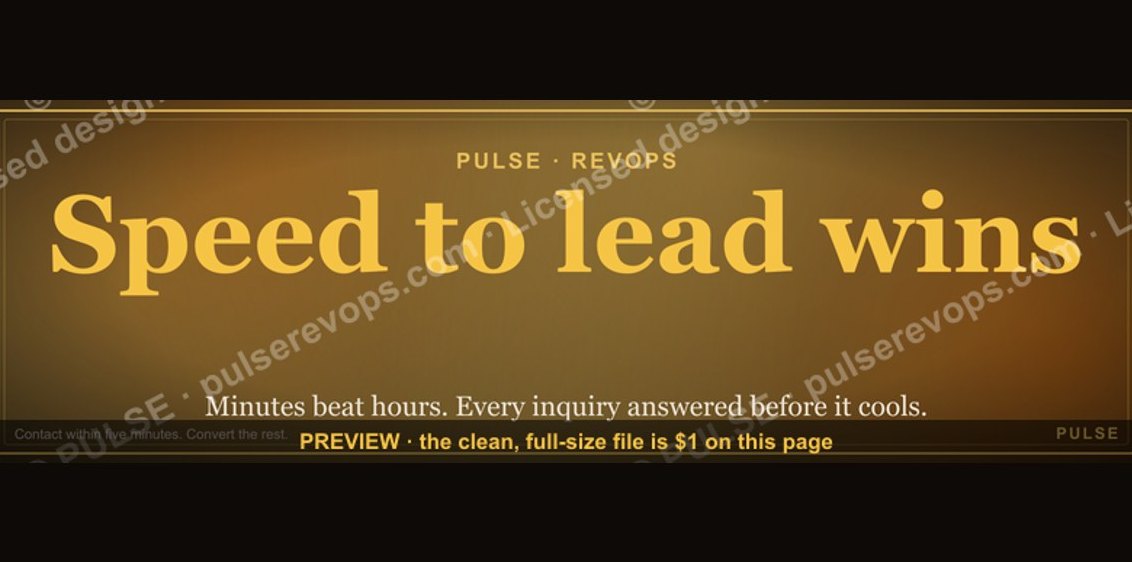 graphicSpeed to lead wins. — LinkedIn Wallpaper
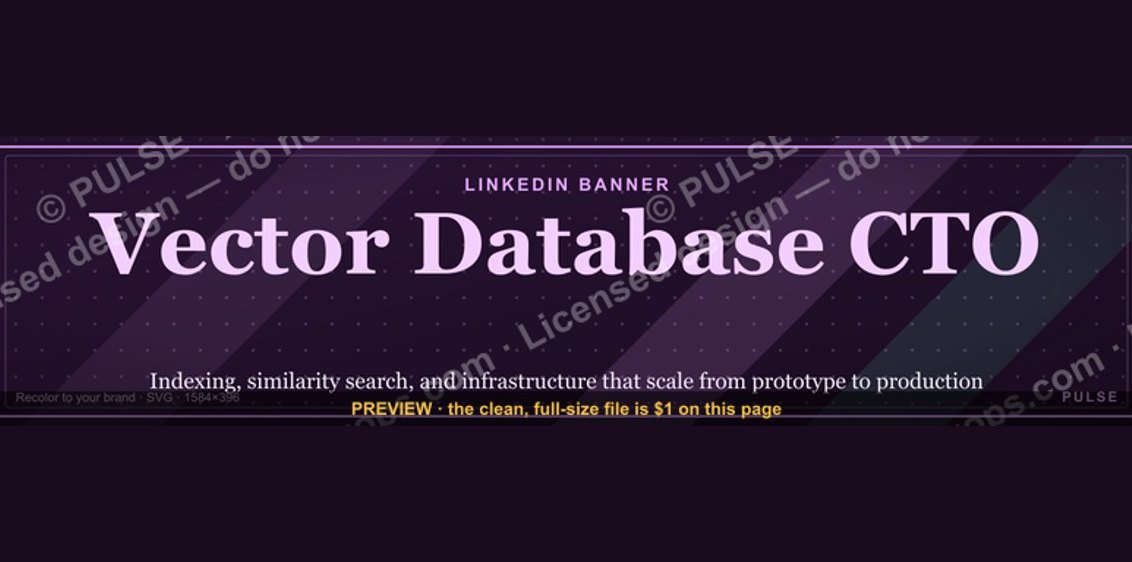 graphicVector Database CTO — LinkedIn Banner
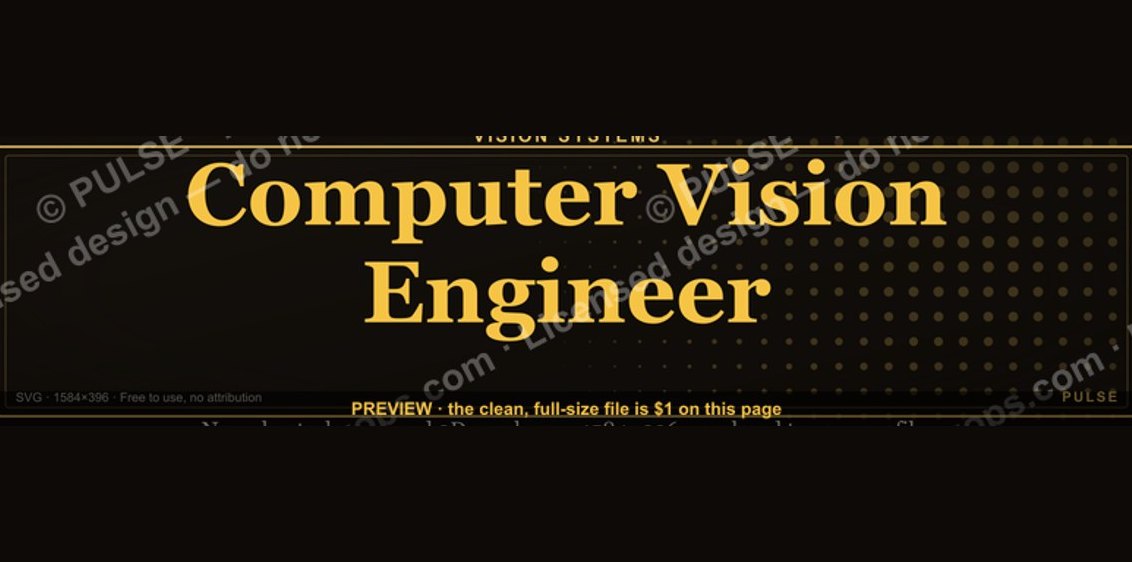 graphicComputer Vision Engineer — LinkedIn Banner
 graphicSIEM and Data Lake CRO — LinkedIn Banner
 graphic“The next call is the most important one.” — LinkedIn Banner
 graphic“Clarity closes.” — LinkedIn Banner
 graphic“Trusted advisor, never a vendor.” — LinkedIn Banner
 graphic“Don’t pitch. Diagnose.” — LinkedIn Banner
 graphic“Ready to lead a sales team.” — LinkedIn Banner
 graphicReady reps win. — LinkedIn Wallpaper