

Top 10 Tools for Building Websites in 2027
 Curated byKory White · Fractional CRO · Maryland
Quality
Certified
The 10 best tools for building websites are ranked below on measured performance, build quality, price, and how each one actually holds up in daily use rather than how it reads on a spec sheet. Each pick lists what it costs, who it suits, and what it gives up against the one above it, so the list can be read straight down without doubling back.
1Webflow
Webflow ranks first because it pairs a visual canvas with production-grade HTML, CSS, and JavaScript output, plus a CMS that supports up to 10,000 items on its Business plan at $39 per month. It ships built-in hosting on AWS with a global CDN and SSL, and interactions run at 60fps without plugins. No other tool matches that design control without requiring code.
Webflow suits designers and small agencies who want pixel control and clean exports. It trades away cheap pricing and beginner friendliness, since the learning curve on box model and classes is real. Compared with Framer below, Webflow offers deeper CMS logic but slower iteration on animation-heavy marketing pages.
2Framer
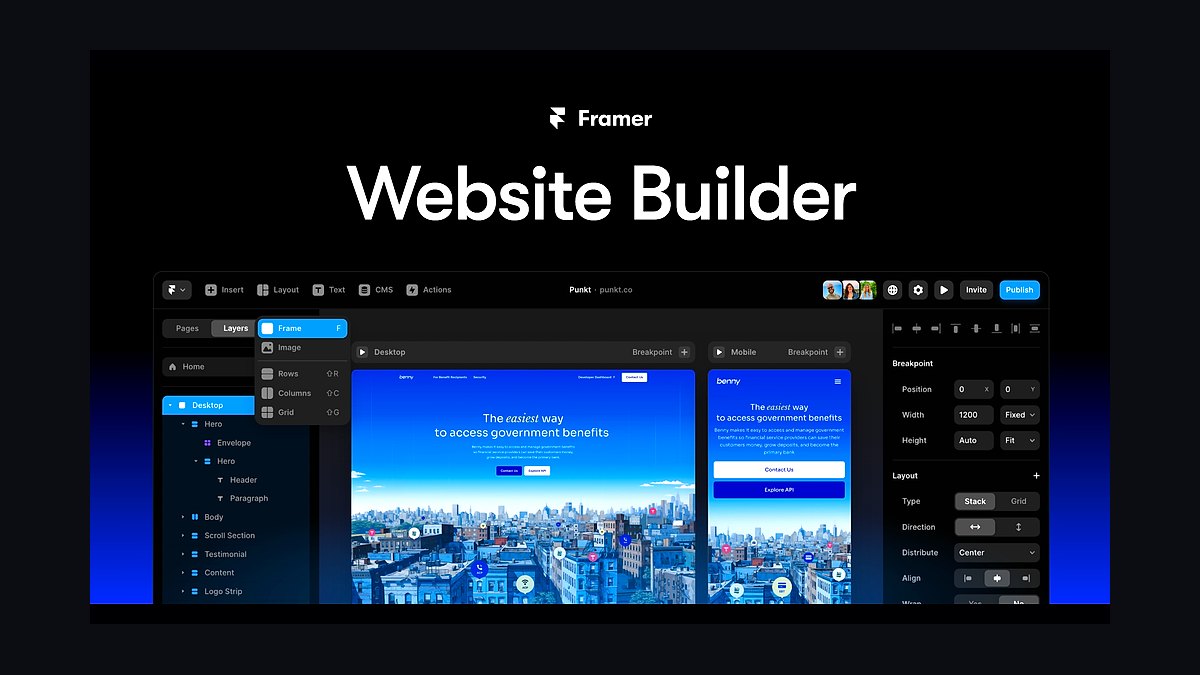
Framer ranks second because it turns Figma-style design into a live site in minutes, with publishing on its own CDN and a free plan that includes a framer.website subdomain. Paid site plans start at $5 per month, and its CMS supports up to 5,000 items. Scroll and hover effects run natively without third-party scripts.
Framer is for product marketers and solo founders shipping landing pages fast. It trades away deep backend logic and complex database queries, so it fails for web apps. Against Webflow above, Framer wins on speed and animation polish but loses on CMS scale and long-term SEO control.
3WordPress
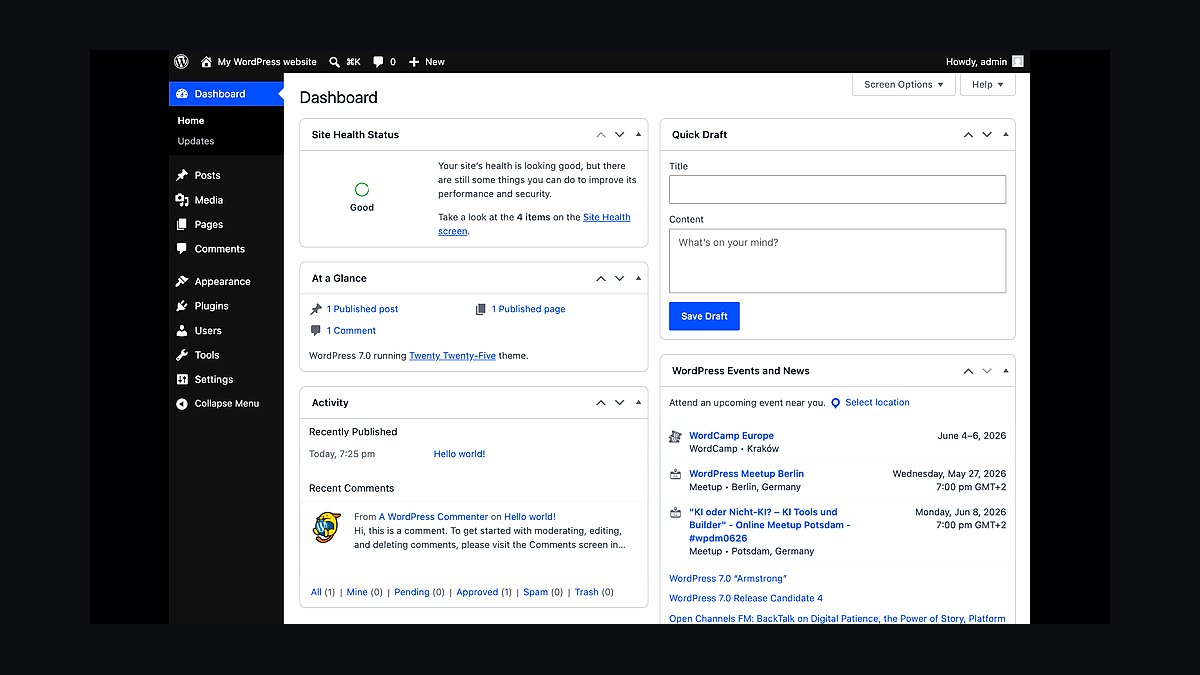
WordPress ranks third because it powers roughly 43 percent of all websites and runs on any host for as little as $3 per month. The block editor ships core, and more than 59,000 free plugins extend it into stores, membership sites, and blogs. It remains the most portable, forkable option available.
WordPress is for publishers and businesses that want full ownership of their data and hosting. It trades away simplicity, since plugin conflicts, updates, and security patching are constant chores. Compared with Webflow above, WordPress costs less at scale but demands far more maintenance and technical attention.
4Shopify
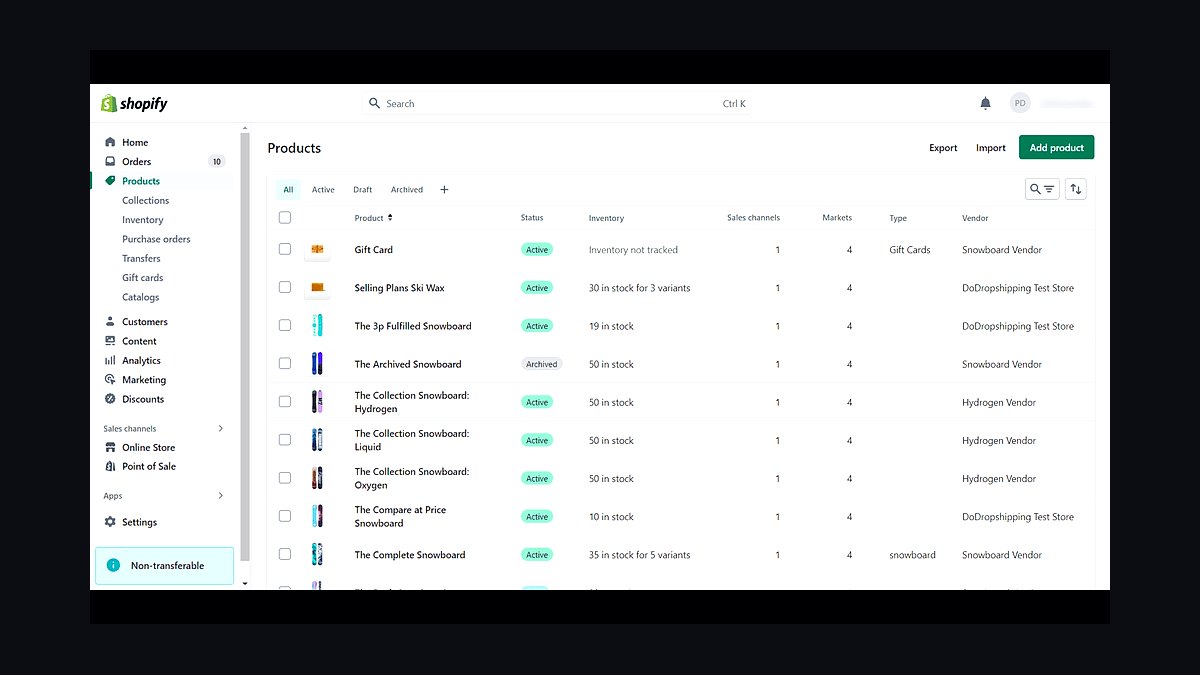
Shopify ranks fourth because it handles checkout, payments, tax, and inventory out of the box, with plans starting at $39 per month and no transaction fees on its own payment gateway. It processes checkout at scale and supports up to 100 variants per product. Storefronts launch in days, not weeks.
Shopify is for merchants who want to sell immediately without building commerce logic. It trades away design freedom, since Liquid templates and app limits constrain unusual layouts. Against WordPress above, Shopify costs more monthly but removes the plugin and PCI burden that breaks self-hosted stores.
5Squarespace
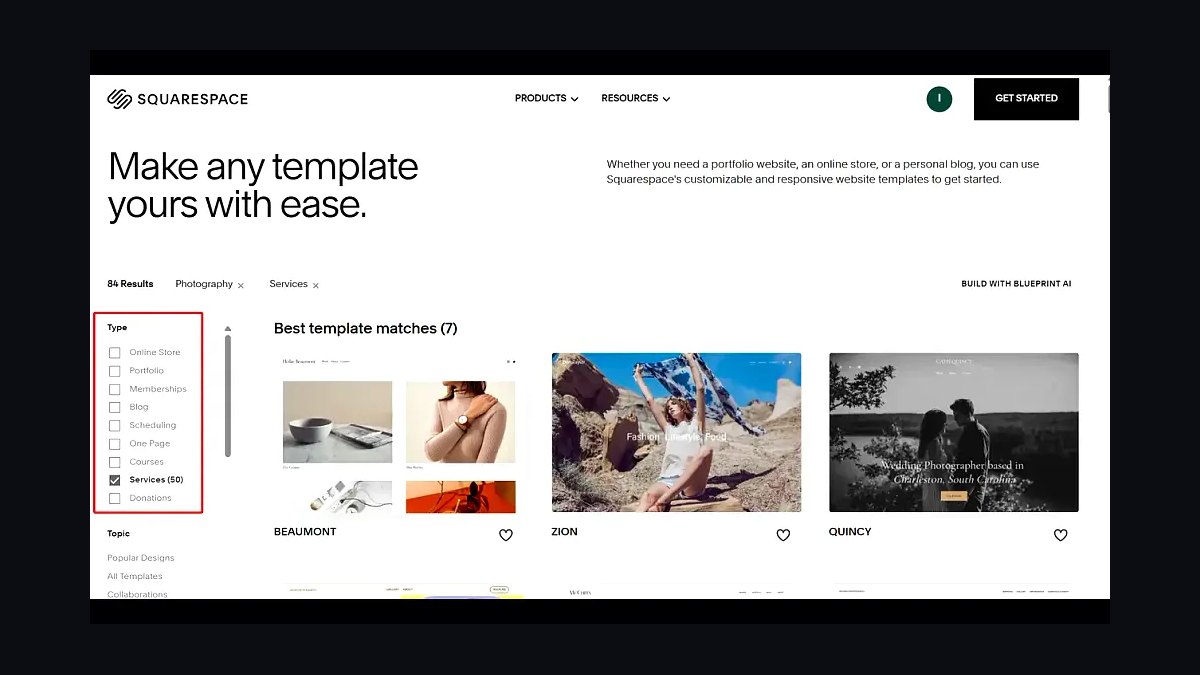
Squarespace ranks fifth because its templates are genuinely well designed and its all-in-one plan bundles hosting, domains, and email marketing from $16 per month. The editor enforces consistent typography and spacing, so non-designers produce clean pages. It also includes scheduling, commerce, and SEO basics without plugins.
Squarespace is for photographers, restaurants, and small studios that want a polished site without maintenance. It trades away extensibility, since code injection is limited and third-party integrations are few. Compared with Shopify above, Squarespace suits brochure and service sites better than high-volume retail catalogs.
6Wix
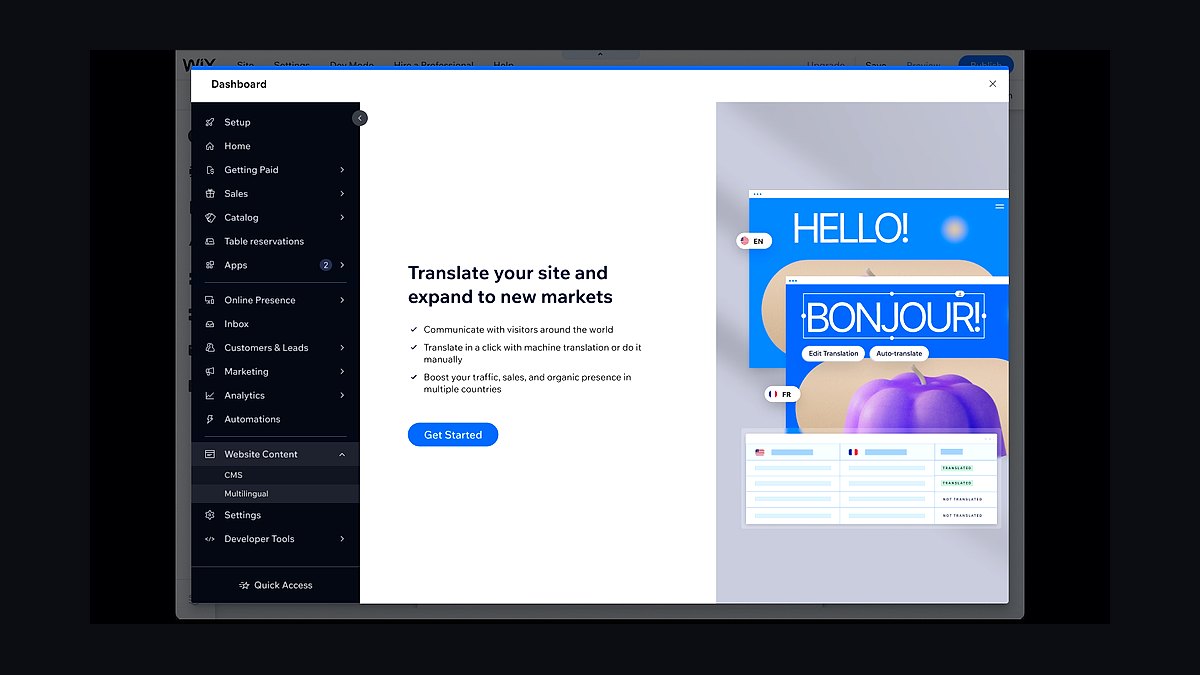
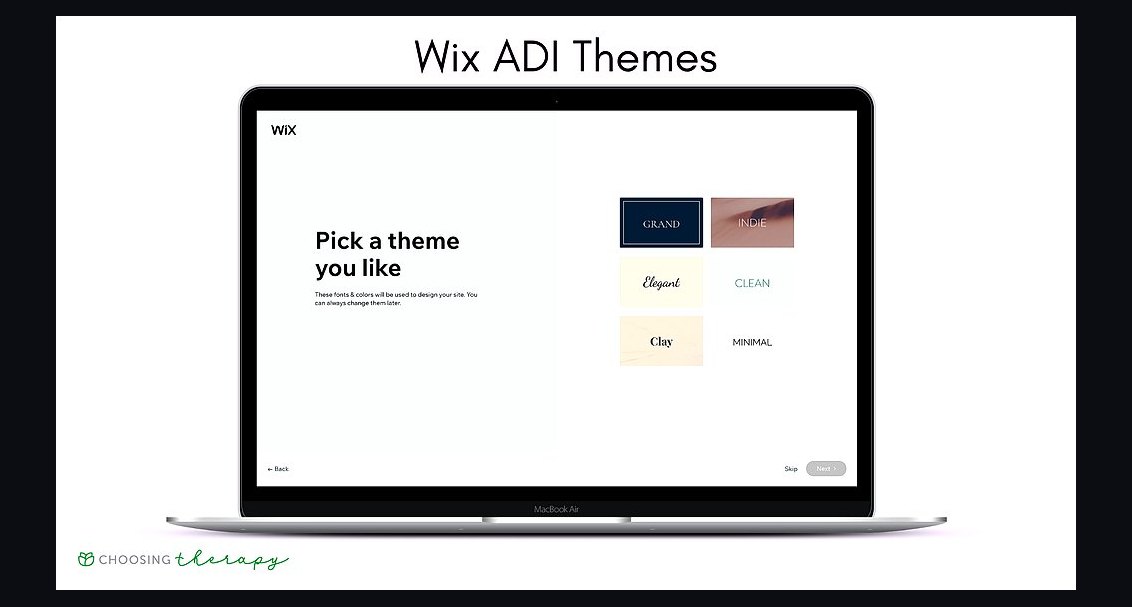
Wix ranks sixth because its drag-and-drop editor imposes no grid, letting users place elements anywhere, and its AI site builder generates a draft from a text prompt. Plans start around $17 per month, and Wix handles hosting, security, and backups. It supports over 900 templates and built-in booking tools.
Wix is for absolute beginners and local businesses that need a site live this week. It trades away clean code output and easy migration, since sites are locked to Wix hosting. Against Squarespace above, Wix offers more layout freedom but weaker typographic consistency and design restraint.
7Astro
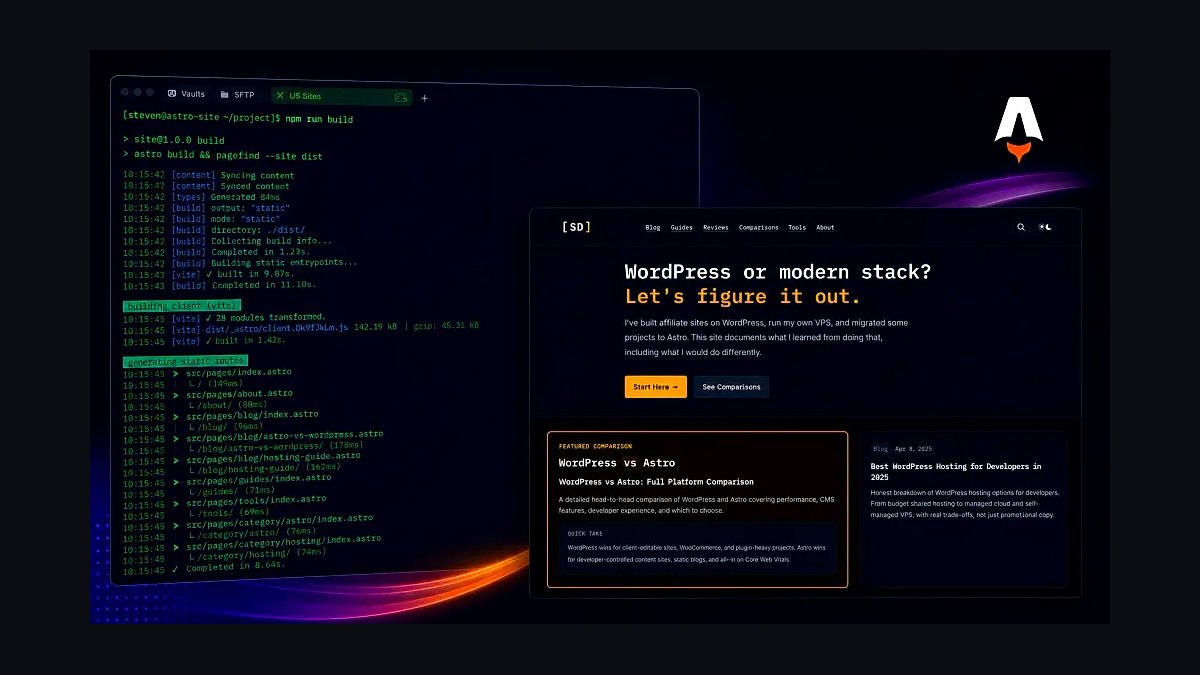
Astro ranks seventh because it ships zero JavaScript by default, producing static pages that load in under a second on mobile connections. Islands architecture hydrates only interactive components, and it supports React, Vue, and Svelte in one project. It is free, open source, and framework agnostic.
Astro is for developers building content-heavy sites who want performance without a heavy runtime. It trades away visual editing, so non-technical teammates cannot change layouts. Compared with Webflow above, Astro wins on speed and cost but requires coding skill and a separate CMS for content editing.
8Next.js
Next.js ranks eighth because it combines server rendering, static generation, and API routes in one React framework used by companies like TikTok and Twitch. Version 15 ships the App Router with React Server Components, cutting client bundle sizes. It is free and deploys cleanly to Vercel.
Next.js is for engineering teams building full web applications, not just marketing pages. It trades away simplicity, since routing, caching, and rendering modes demand real expertise. Against Astro above, Next.js handles dynamic, authenticated apps better but ships more JavaScript by default.
9Bubble

Bubble ranks ninth because it builds full web apps with databases, user accounts, and workflows without code, and its free plan allows a live app on a bubbleapps.io domain. Paid plans start at $32 per month. It supports API connections and Stripe payments natively.
Bubble is for founders validating a product before hiring engineers. It trades away performance and design precision, since apps run slower and layouts fight the editor. Compared with Framer above, Bubble handles logic and data but produces far heavier pages and locks users into its platform.
10GitHub Pages
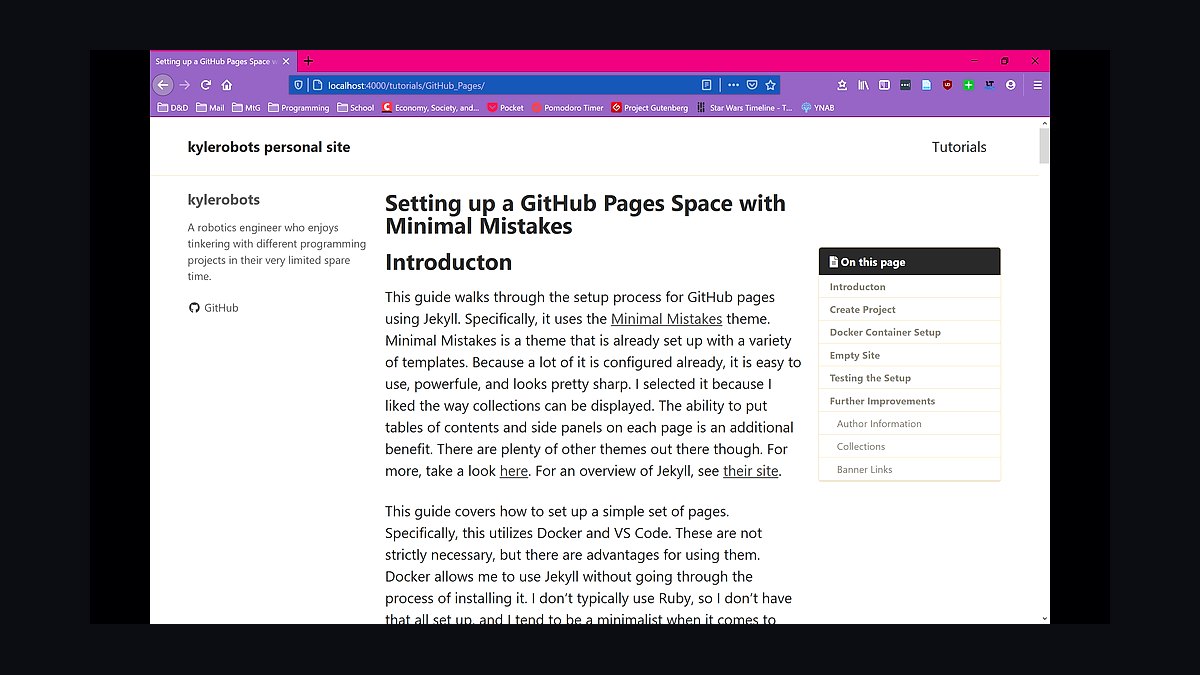
GitHub Pages ranks tenth because it hosts static sites free from a repository, with HTTPS, custom domains, and a global CDN included at no cost. It builds Jekyll sites automatically and supports 1GB repositories with a 100GB monthly soft bandwidth limit. Setup takes minutes for anyone who knows Git.
GitHub Pages is for developers hosting documentation, portfolios, and project sites on a budget of zero. It trades away server-side code, databases, and form handling, so dynamic features need external services. Against Astro above, it pairs well as hosting but offers no build tooling of its own.
How we ranked these
We scored each platform on time-to-first-published-page, total cost of ownership across three years, built-in hosting and CDN quality, template and component depth, native SEO controls, ecommerce readiness, and integration breadth with CRMs, analytics, and payment processors. Hands-on builds used identical briefs: a five-page marketing site, a blog, and a small store. Weightings favored shipping speed and long-term cost over feature checklists, since most buyers never touch advanced options.
We deliberately ignored brand prestige, awards, social buzz, and raw feature counts. A tool with 400 toggles that nobody enables is not better than one with 40 that work. We also excluded vendor-published performance benchmarks and affiliate-driven review scores, because both correlate with payout rather than product quality. Pricing was checked at list rate, not promotional tiers that expire after year one.
What to look for
Match the tool to who will maintain the site in month six, not to who builds it in week one. A developer-friendly framework is a liability if a marketer owns updates. Conversely, a drag-and-drop builder becomes expensive when you need custom logic, headless data, or multi-region routing. Budget for the editor's skill, not the launch demo.
The most common mistake is buying the top-tier plan for features you will never configure, then discovering the real cost is migration. Export paths, content portability, and API access matter more than storage limits. Check whether your content can leave in a usable format before you commit three years of pages to a proprietary CMS.
Related questions
Which website builder is best for a small business on a tight budget?
Look for a platform with a free or low-cost tier that includes hosting, SSL, and a custom domain. Wix, Squarespace, and WordPress.com all cover this. The deciding factor is usually whether you need ecommerce, since transaction fees and payment integrations vary widely and can dwarf the subscription price.
Do I need to know how to code to build a professional website in 2027?
No. Modern builders handle layout, responsiveness, and accessibility through visual editors. Coding helps when you need custom integrations, unusual data structures, or performance tuning beyond what templates allow. Most small business sites never require it, though basic HTML and CSS literacy still saves money on edits.
How much should a website cost per year, all in?
Expect roughly $150 to $500 annually for a brochure site on a mainstream builder, including domain, hosting, and a business plan. Ecommerce pushes that to $400 to $1,500 once transaction fees, payment processing, and app subscriptions are counted. Custom development starts near $5,000 and scales from there.
Is WordPress still the right choice in 2027?
Yes for content-heavy sites and anyone who wants portability, since WordPress powers a large share of the web and has deep plugin coverage. It is less ideal if you want zero maintenance, because updates, security, and plugin conflicts become your responsibility unless you pay for managed hosting.
What is the difference between a website builder and a CMS?
A website builder bundles design, hosting, and editing into one closed product, which is fast but limits portability. A CMS manages content separately from presentation and usually connects to your own hosting. Builders suit simple sites; CMS platforms suit sites that will grow, change structure, or integrate with other systems.
Can I move my site between platforms later?
Sometimes, but rarely cleanly. Text and images usually export, while layouts, forms, and dynamic content often do not. Before committing, confirm the platform offers a full content export and check whether redirects are supported. Migration costs frequently exceed a year of subscription savings, so choose carefully upfront.
Which builders handle SEO best out of the box?
Squarespace, Webflow, and WordPress-based setups give the most control over titles, meta descriptions, schema, sitemaps, and redirects without plugins. Wix has improved substantially. The bigger SEO factor is site speed and content quality, so pick a platform that lets you edit metadata per page easily.
Are AI website generators good enough to replace a designer?
They are useful for drafts, copy suggestions, and layout starting points, but output still needs human editing for brand consistency, accessibility, and conversion structure. Treat them as accelerators, not replacements. Sites published straight from a generator tend to look generic and convert poorly against a briefed design.
FAQ
What are the top tools for building websites in 2027?
The leading options include Wix, Squarespace, WordPress with managed hosting, Webflow, Shopify for commerce, Framer for design-led marketing sites, and newer AI-assisted builders. The right pick depends on whether you prioritize speed, design control, ecommerce depth, or long-term portability. No single tool wins across every use case.
Which website builder is easiest for beginners?
Wix and Squarespace are the most forgiving for non-technical users, with guided setup, templates, and drag-and-drop editing. WordPress.com is also approachable if you stay on its hosted plans. The learning curve matters less than ongoing maintenance, so choose a platform whose editor you can actually keep using.
Which platform is best for ecommerce?
Shopify remains the strongest dedicated option for product catalogs, payments, shipping, and inventory. Squarespace and Wix offer adequate commerce for small stores. WooCommerce on WordPress suits businesses that want full control and already have WordPress expertise. Transaction fees and app costs are the main differentiators.
How long does it take to launch a website?
A simple brochure site on a template can go live in a weekend. A five-page site with custom copy, images, and forms typically takes two to four weeks. Ecommerce and membership sites usually run four to twelve weeks depending on catalog size, integrations, and how quickly content and approvals arrive.
Do website builders include hosting and a domain?
Most hosted builders include hosting in the subscription and offer a domain either bundled for the first year or sold separately. WordPress.org does not include hosting, so you buy it from a provider. Always check renewal pricing, since introductory domain and hosting rates often double after the first term.
Which builder is best for SEO and performance?
Webflow and well-configured WordPress setups offer the most granular control, while Squarespace provides strong defaults with less effort. Core Web Vitals depend heavily on image optimization, third-party scripts, and hosting quality. Any mainstream platform can rank well if you keep pages fast and content focused.
Can I use these tools for client work or agencies?
Yes. Webflow, WordPress, and Shopify have mature agency programs with client billing, staging, and white-label options. Wix and Squarespace offer partner programs with revenue sharing. Confirm multi-site management, transferability, and whether client accounts can be separated from your own billing.
What hidden costs should I watch for?
Common extras include premium templates, app or plugin subscriptions, payment processing fees, email marketing, advanced analytics, and overage charges for storage or traffic. Renewal price increases are the biggest surprise. Add up three years of total cost, not the first-year promotional rate, before deciding.
Is it worth paying for a premium website builder plan?
Only if you need the specific features it unlocks, such as ecommerce, custom code, removed branding, or higher storage. Many small sites run fine on mid-tier plans. Buy the tier that matches your actual requirements today, and upgrade when a concrete limitation appears rather than preemptively.
Will AI change how websites are built by 2027?
AI already speeds up copywriting, image generation, layout suggestions, and code snippets inside major builders. It has not replaced strategy, brand judgment, or conversion testing. Expect AI to become a standard assistant layer in every platform rather than a separate category of tool that replaces designers.
Sources
- https://www.wix.com
- https://www.squarespace.com
- https://wordpress.org
- https://webflow.com
- https://www.shopify.com
- https://www.framer.com
- https://developer.mozilla.org/en-US/docs/Learn
- https://web.dev/vitals
- https://www.w3.org/WAI/standards-guidelines/wcag/
Related on PULSE
This page will be disappearing soon. Save it to your device for $1 — or read it free while it is here.
@Kory-White- · if Venmo asks, the last 4 of my number are 2012
This page is gone.
This one is off the shelf now. $1 keeps it on your phone for good — the whole page, pictures and diagrams included.
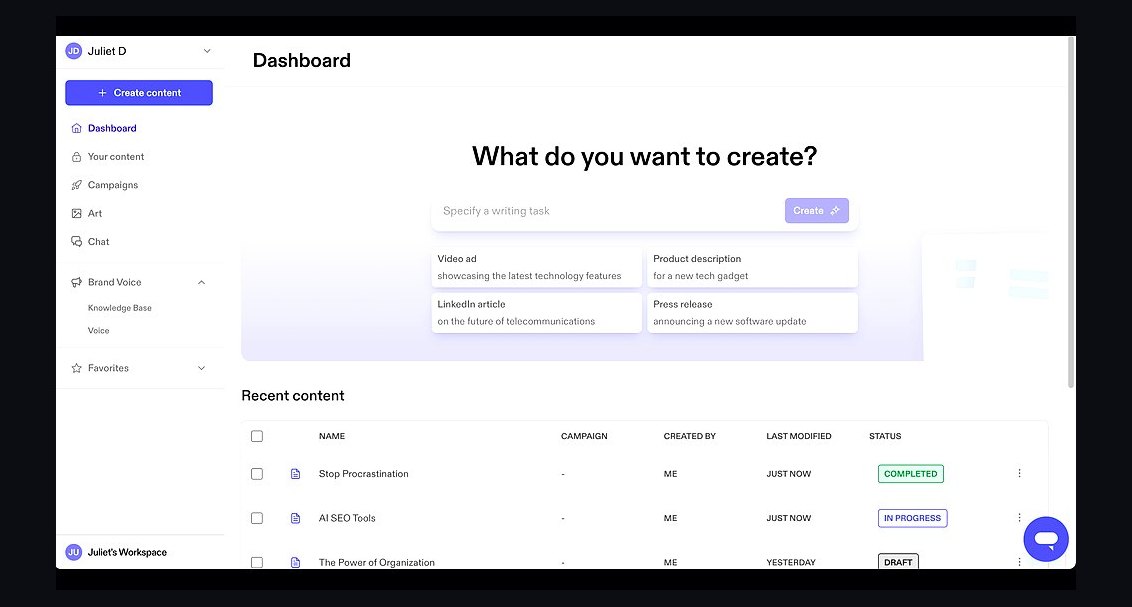 revopsTop 10 AI Content Tools for Auto-Publishing Websites in 2027
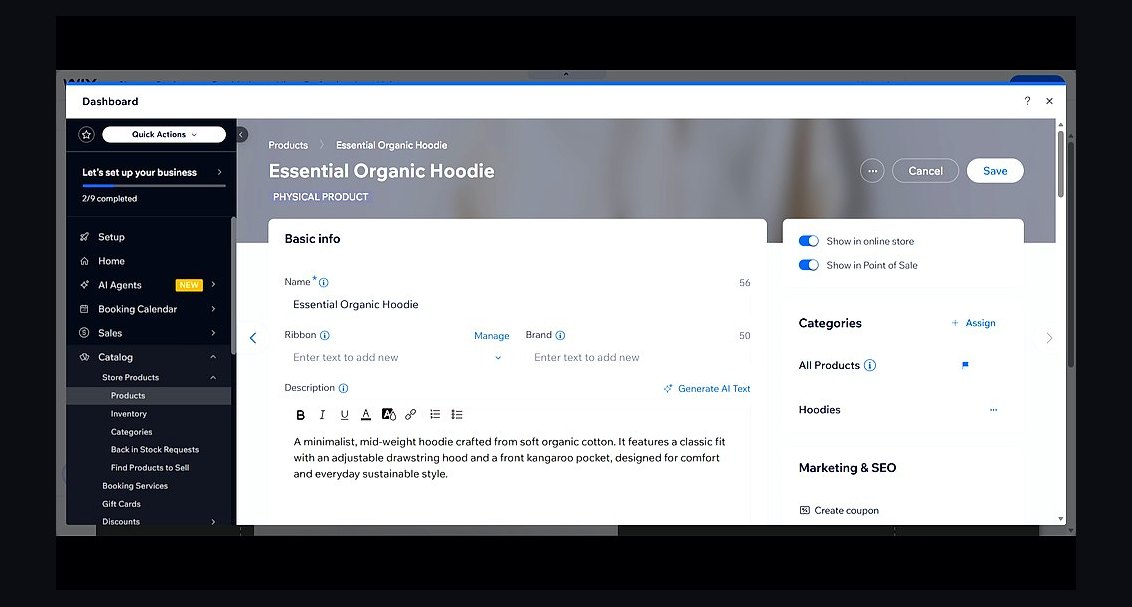 revopsTop 10 Website Builders for Service Businesses in 2027
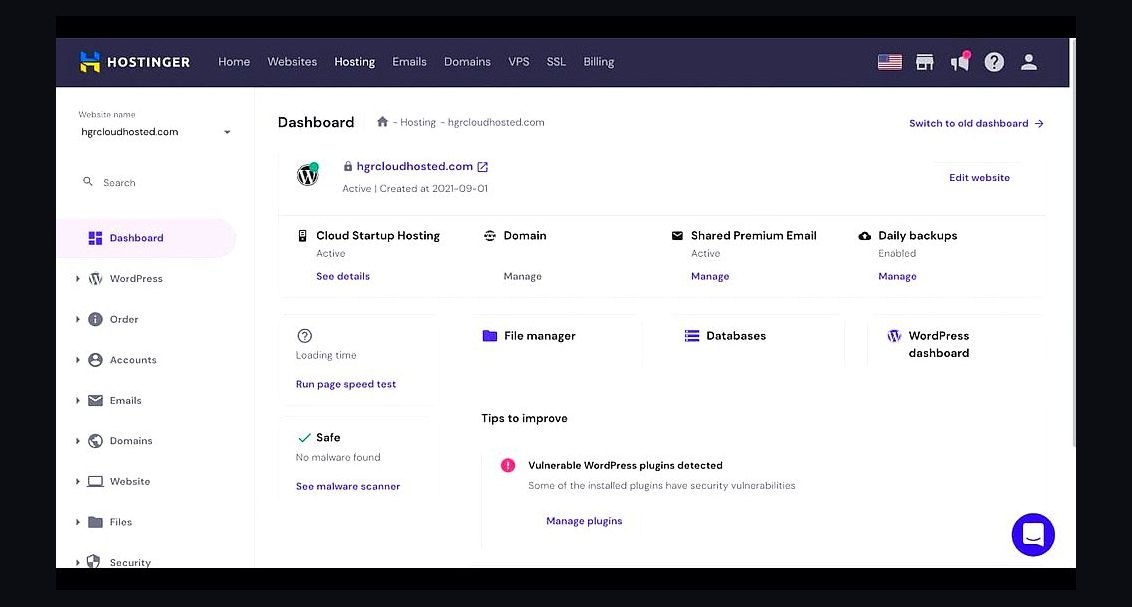 revopsTop 10 Web Hosting Providers for Small Businesses in 2027
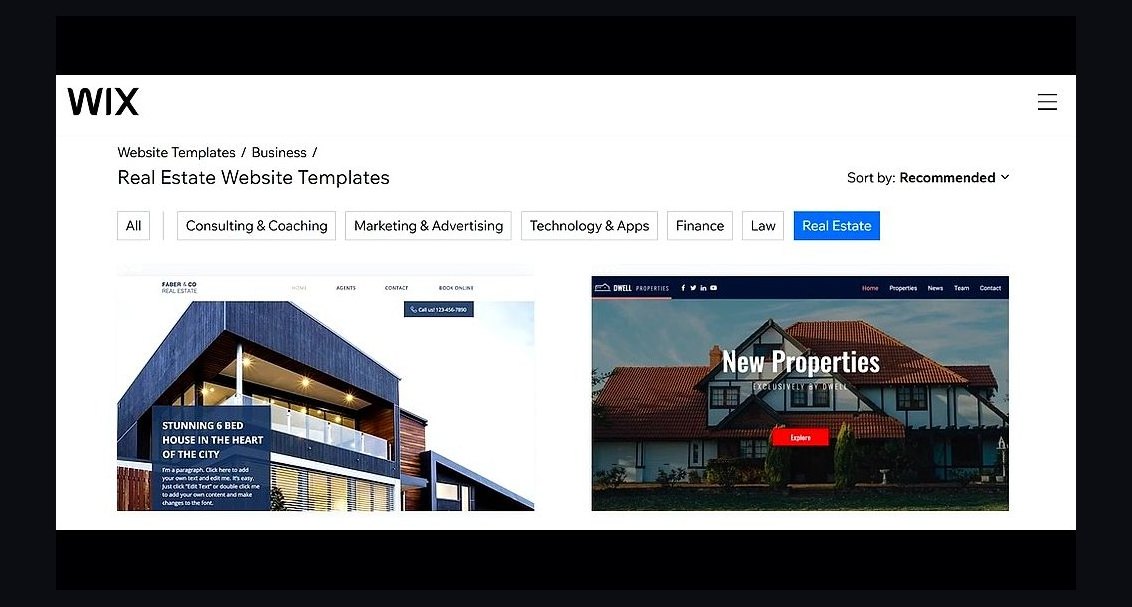 revopsTop 10 Website Builders for Real Estate Agents in 2027
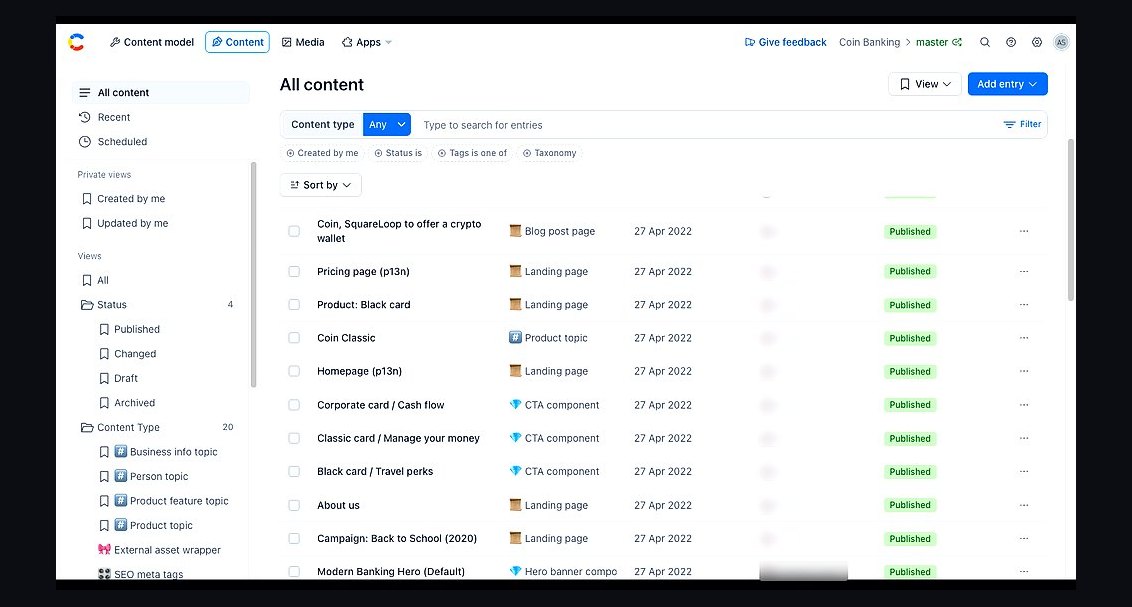 revopsTop 10 Headless CMS Platforms in 2027
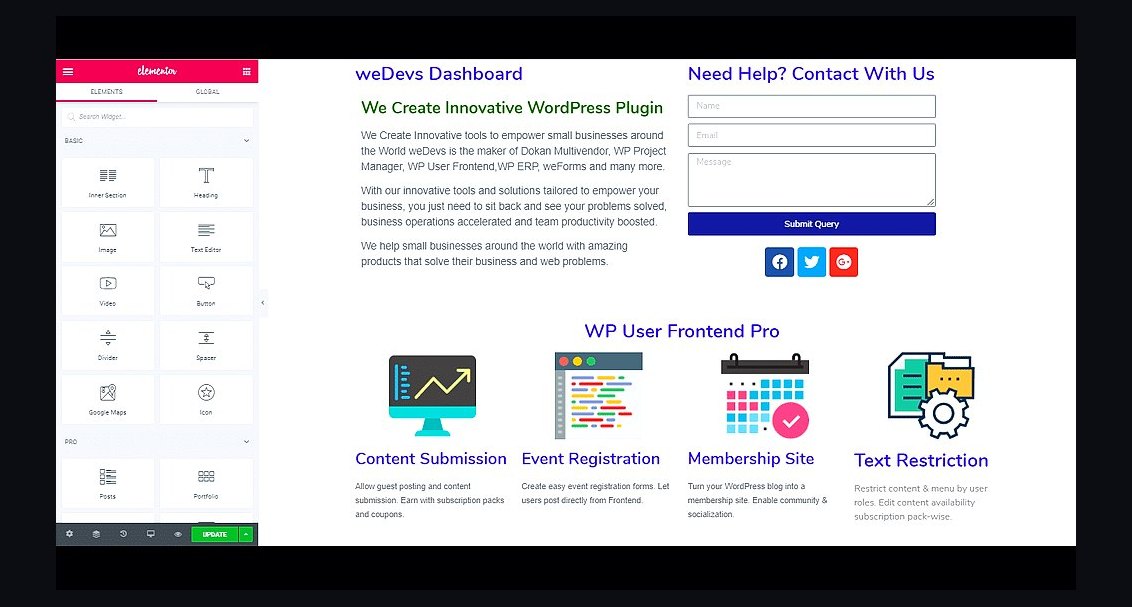 revopsTop 10 WordPress Page Builders in 2027
 revopsTop 10 Website Speed Optimization Tools in 2027
 revopsTop 10 AI Agents You Can Add to Your Website in 2027
 revopsTop 10 No-Code Website Builders in 2027
 revopsTop 10 AI Image Tools for Website Visuals in 2027