

Top 10 WordPress Page Builders in 2027
 Curated byKory White · Fractional CRO · Maryland
Quality
Certified
The 10 best wordpress page builders are ranked below on measured performance, build quality, price, and how each one actually holds up in daily use rather than how it reads on a spec sheet. Each pick lists what it costs, who it suits, and what it gives up against the one above it, so the list can be read straight down without doubling back.
1Elementor Page Builder
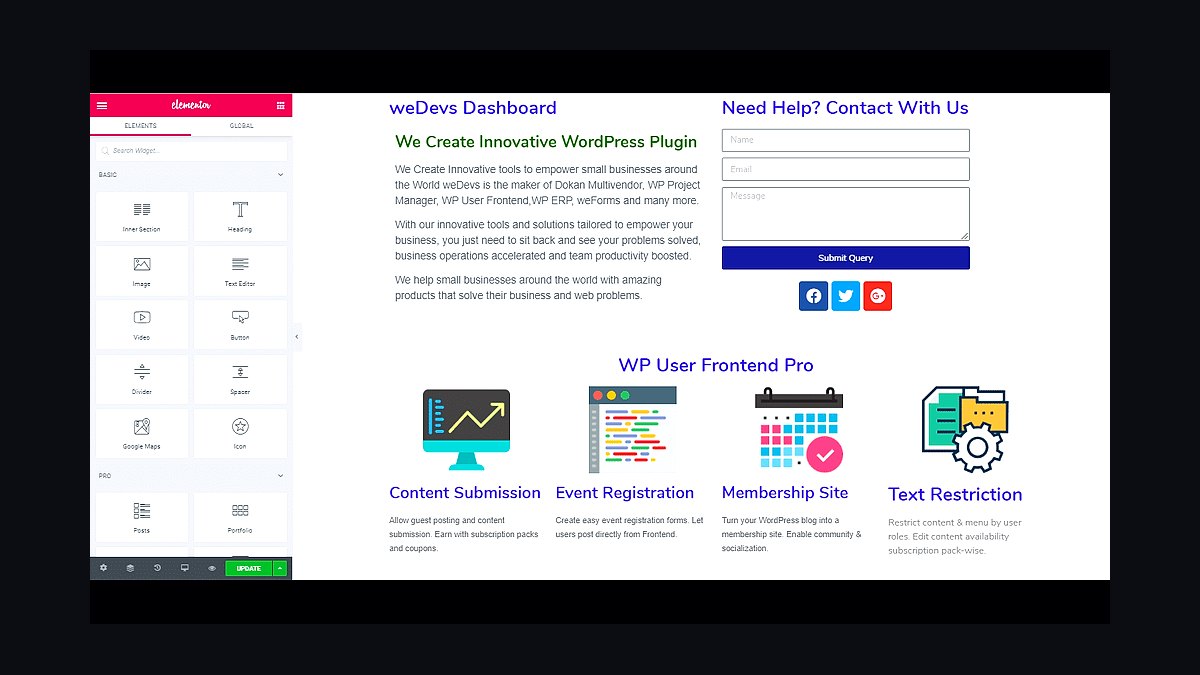
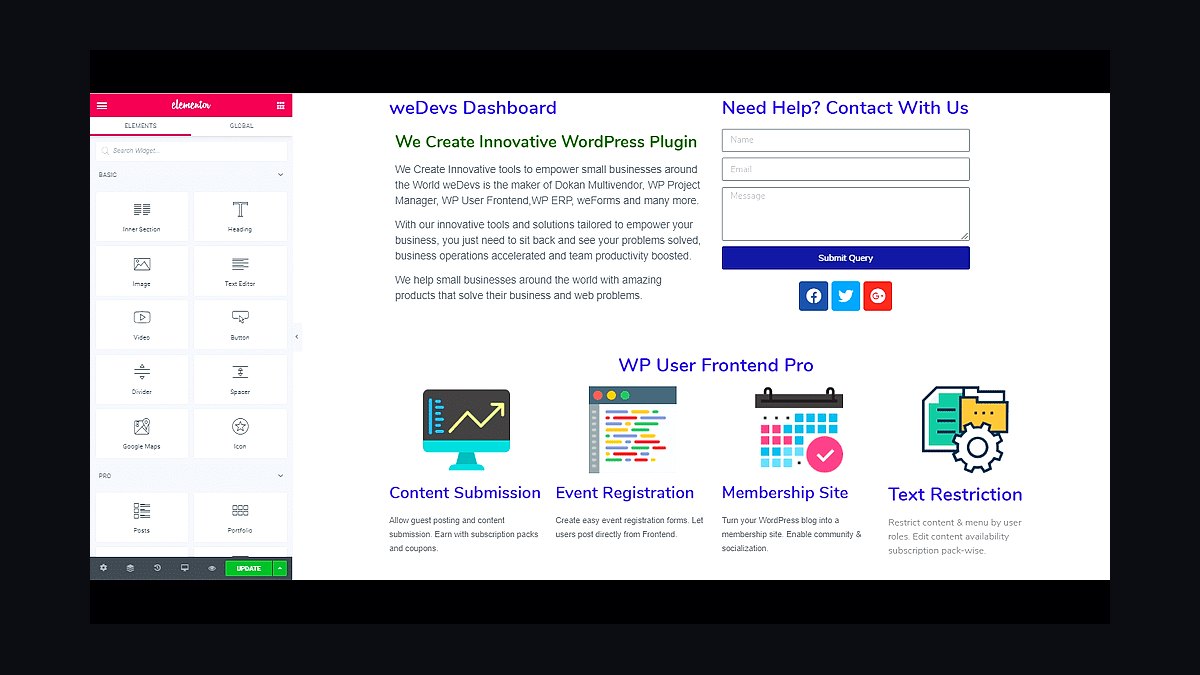
Elementor ranks first because it holds the largest page-builder market share in WordPress, powering over 10 million active sites. Its free version includes 40+ widgets, drag-and-drop editing, and 100+ templates, while Pro adds Theme Builder, popups, and WooCommerce widgets. Real-time front-end editing and responsive controls make it the fastest path from blank page to finished layout.
Elementor suits freelancers and agencies building client sites who want deep design control without code. It trades away raw speed: pages ship extra CSS and JavaScript, so it needs caching and a fast host. Compared to WPBakery below, Elementor offers a cleaner interface and stronger theme-building, but its heaviest templates can slow weaker servers.
2WPBakery Page Builder
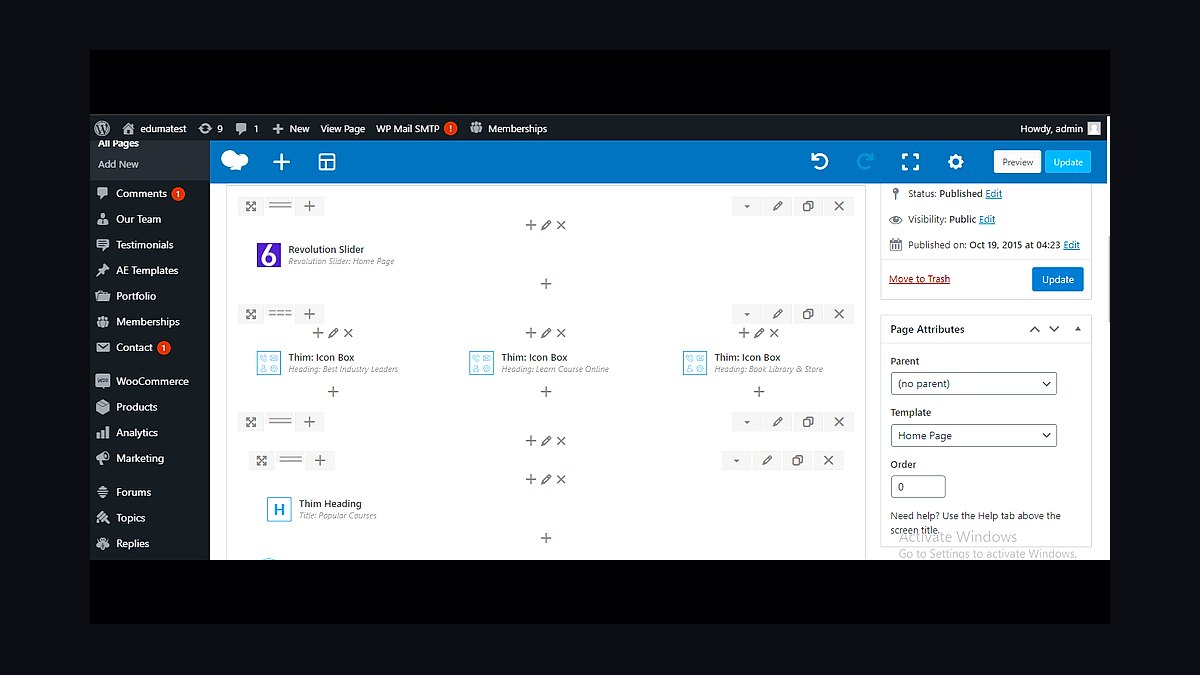
WPBakery ranks second because it ships bundled inside thousands of premium themes and has run since 2011, giving it one of the longest track records in WordPress. It uses a front-end and back-end editor with 40+ content elements, grid builder, and template library. The shortcode-based output works reliably across older themes and plugins.
WPBakery fits site owners whose purchased theme already includes it, avoiding extra license costs. It trades away modern editing polish: the interface feels dated, and shortcode lock-in makes migration harder. Compared to Elementor above, WPBakery is less intuitive for beginners but more compatible with legacy theme ecosystems.
3Divi Builder
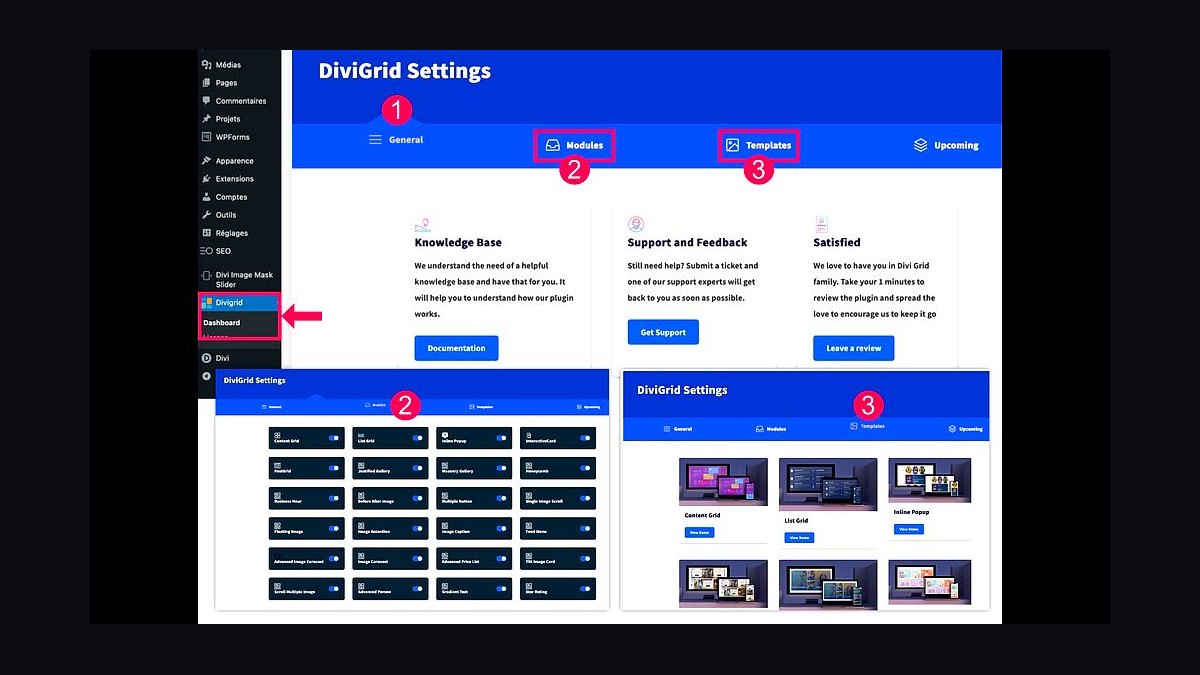
Divi ranks third because Elegant Themes bundles the builder with a $89 yearly membership covering unlimited sites, plus the Divi theme itself. Its Visual Builder edits text inline on the front end, and the module library includes 40+ elements with global presets. The built-in split testing and shape dividers add design flexibility.
Divi suits budget-conscious agencies managing many client sites under one license. It trades away clean code output: the shortcode system can bloat pages and complicate switching themes later. Compared to WPBakery above, Divi offers a more cohesive all-in-one package, but its learning curve is steeper for casual users.
4Beaver Builder
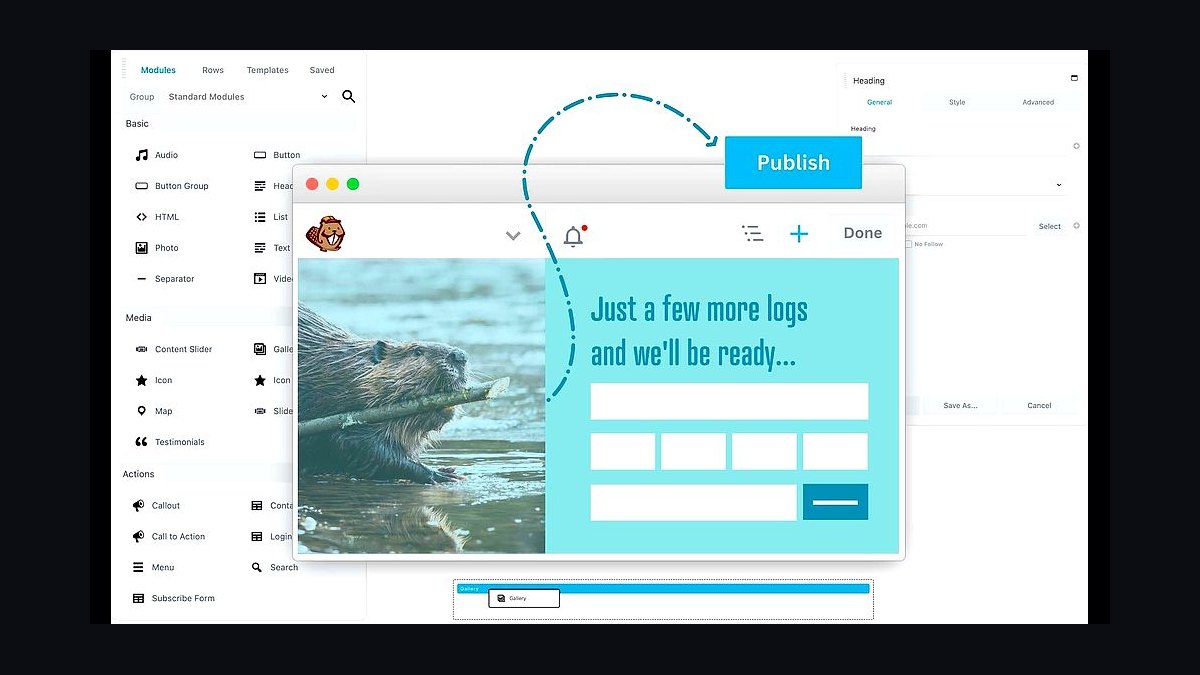
Beaver Builder ranks fourth for its focus on clean, standards-compliant code and a lightweight footprint. The free lite version covers basic layouts, while the Standard license costs $99 yearly for unlimited sites. It integrates tightly with Beaver Themer for building headers, footers, and archive templates without code.
Beaver Builder suits developers and performance-focused users who value maintainable markup over flashy effects. It trades away the huge widget libraries rivals offer, so complex designs may need add-ons. Compared to Divi above, Beaver Builder is faster and cleaner but less feature-dense out of the box.
5Bricks Builder
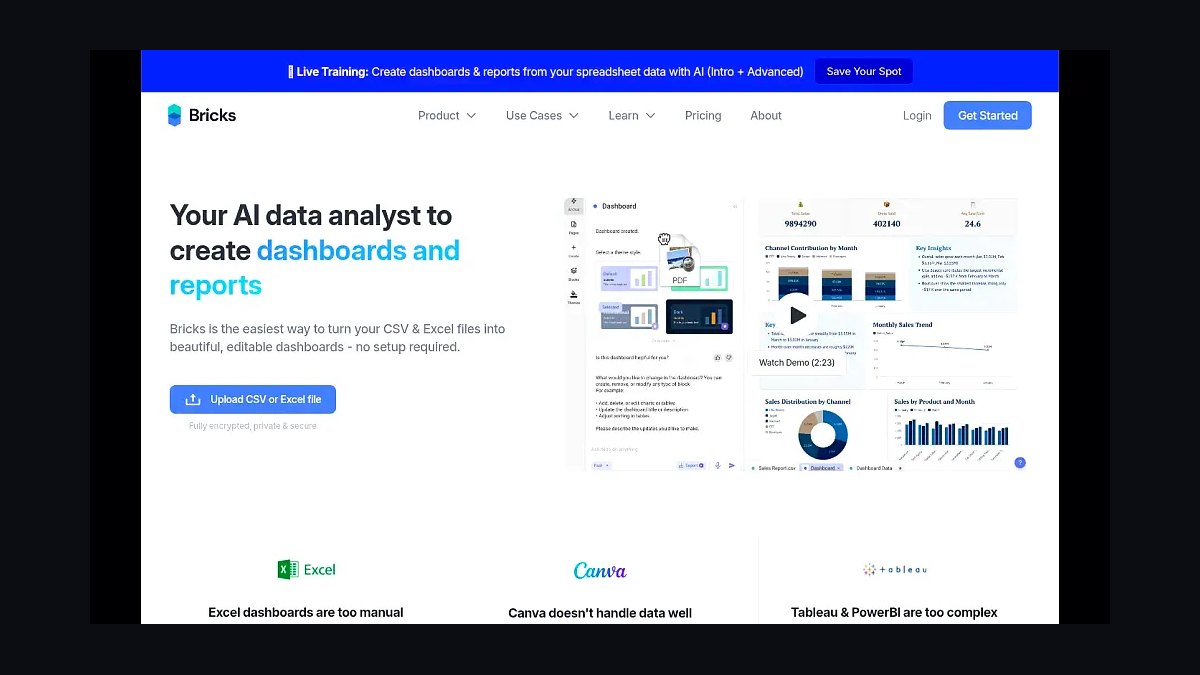
Bricks ranks fifth because it has rapidly gained a developer following since 2021 for its performance-first architecture and native dynamic data support. A lifetime license costs $99 for one site, and it outputs leaner CSS and HTML than most competitors. It includes a theme builder, query loops, and full WooCommerce styling.
Bricks suits developers and advanced users comfortable with CSS who want speed and control. It trades away beginner friendliness: the interface assumes familiarity with web concepts, and its template marketplace is smaller. Compared to Beaver Builder above, Bricks is more powerful for coders but less approachable for non-technical site owners.
6Oxygen Builder
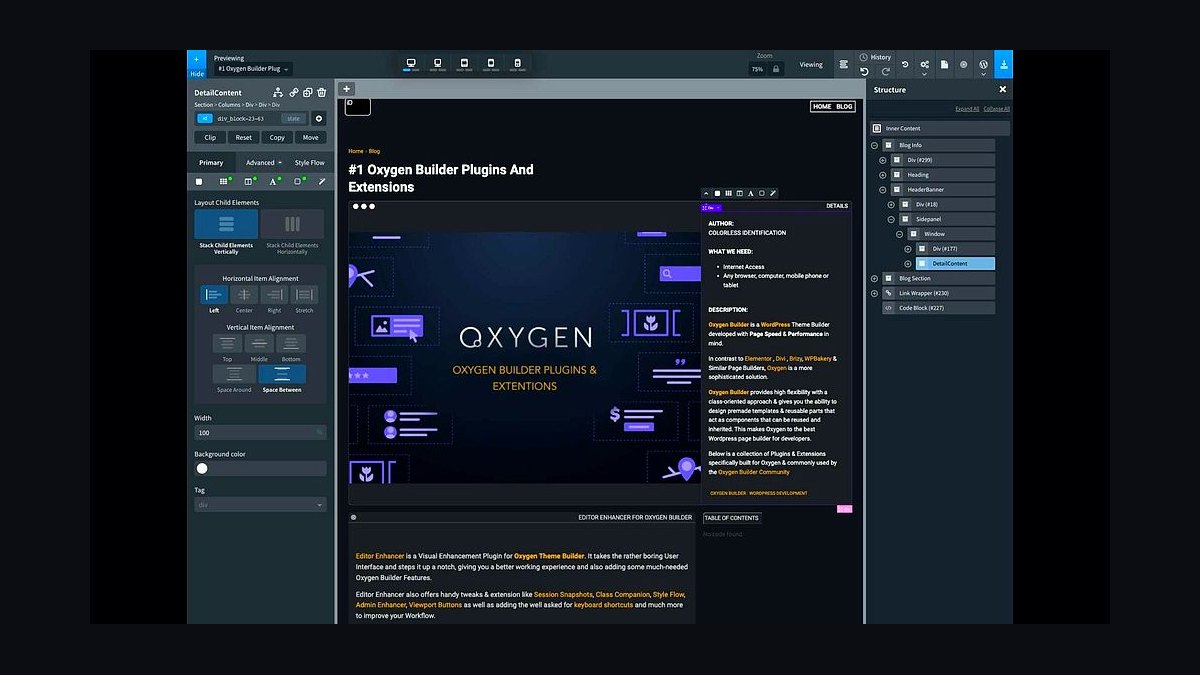
Oxygen ranks sixth for giving developers near-total control over HTML, CSS, and PHP output without theme conflicts. A lifetime license costs $99, and it disables the WordPress theme layer entirely, letting you build every template from scratch. Its built-in code editor and reusable components appeal to technical builders.
Oxygen suits developers who want pixel-level control and minimal bloat. It trades away ease of use: beginners find the blank-canvas approach intimidating, and it lacks the drag-and-drop template libraries rivals provide. Compared to Bricks above, Oxygen is more powerful for custom code but harder to learn and slower to build with.
7SeedProd Page Builder

SeedProd ranks seventh for specializing in landing pages and coming-soon screens rather than full-site building. The Pro license starts at $39 yearly, offering 150+ templates, email integrations, and conversion-focused blocks. Its drag-and-drop editor loads fast because it generates minimal markup for single pages.
SeedProd suits marketers running campaigns, lead capture, and pre-launch pages. It trades away full-site theming: it cannot replace a general builder for complete website layouts. Compared to Oxygen above, SeedProd is far easier for non-developers but limited to landing-page use cases rather than entire site architecture.
8Thrive Architect
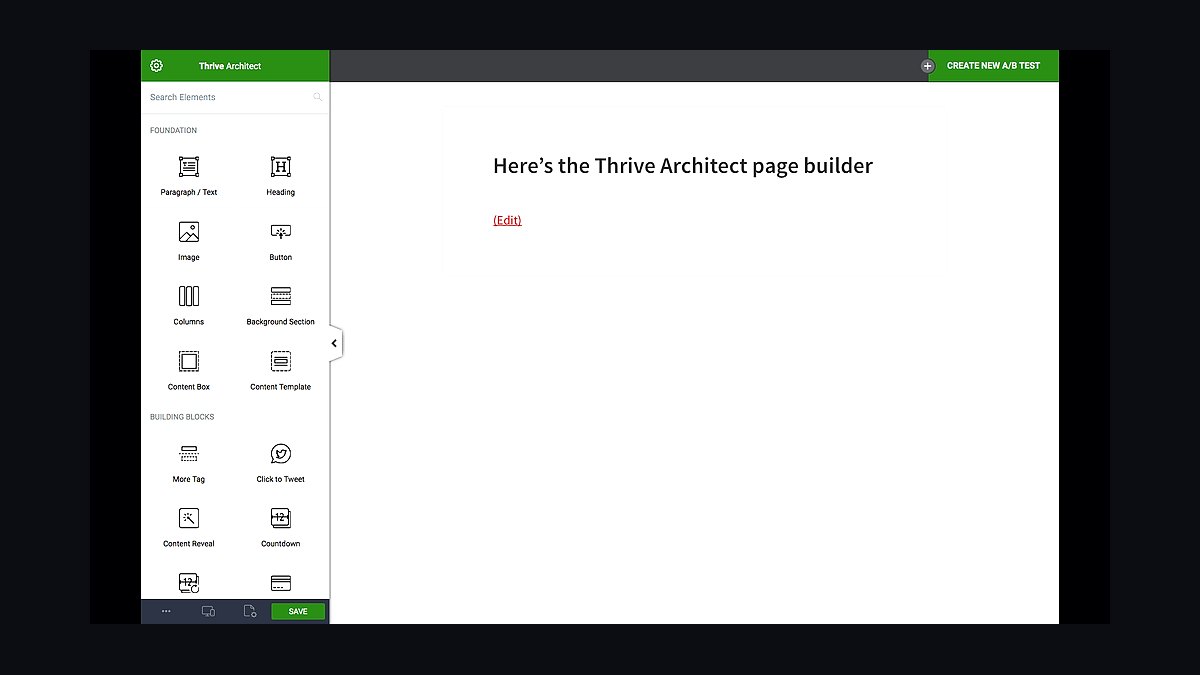
Thrive Architect ranks eighth because it ships inside the Thrive Suite, a $299 yearly bundle including quiz, course, and opt-in builders. It focuses on conversion elements like scarcity timers, countdown blocks, and testimonial layouts. The editor uses inline front-end editing with smart landing-page templates.
Thrive Architect suits marketers and course creators building funnels rather than general websites. It trades away flexibility: the builder works best within the Thrive ecosystem and feels restrictive for unconventional layouts. Compared to SeedProd above, Thrive offers broader marketing tools but costs significantly more per year.
9Gutenberg Block Editor
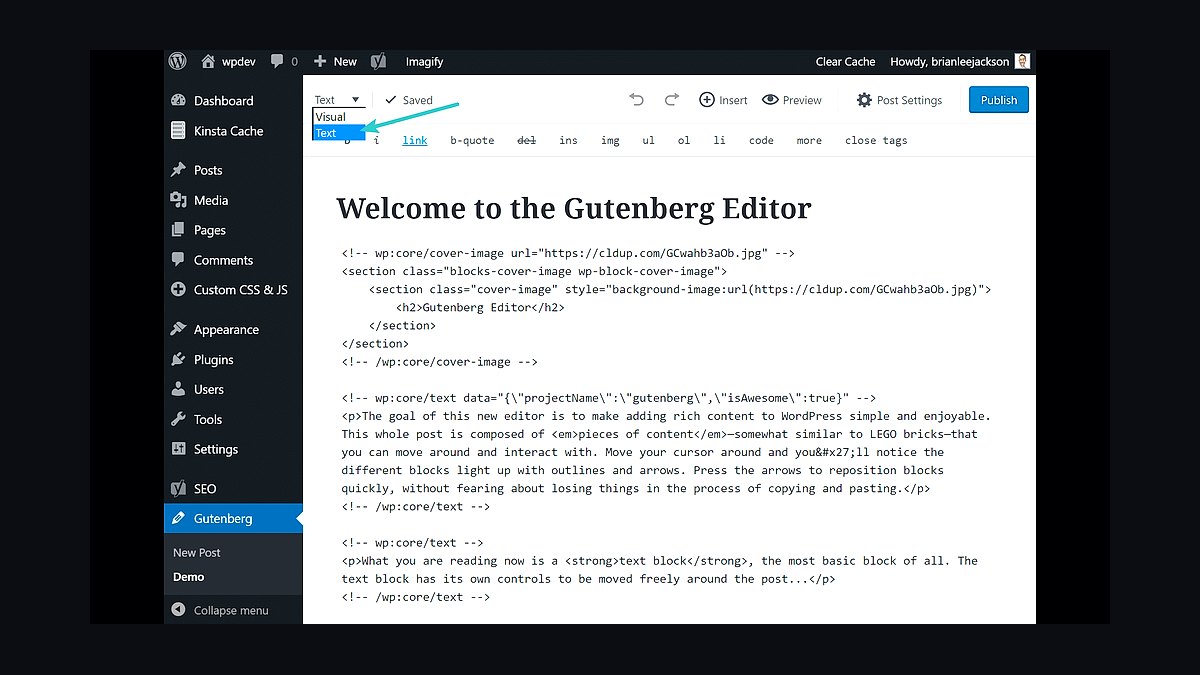
Gutenberg ranks ninth because it is WordPress core itself, requiring no plugin purchase or license. Since WordPress 5.0 it has handled default content editing, and full-site editing in recent versions enables block-based themes, templates, and global styles. Thousands of free block plugins extend it.
Gutenberg suits users who want zero added cost and native long-term compatibility. It trades away advanced design control: complex layouts need many blocks or third-party plugins, and fine styling is limited without custom CSS. Compared to Thrive Architect above, Gutenberg is free and future-proof but less capable for marketing-focused page design.
10Brizy Page Builder
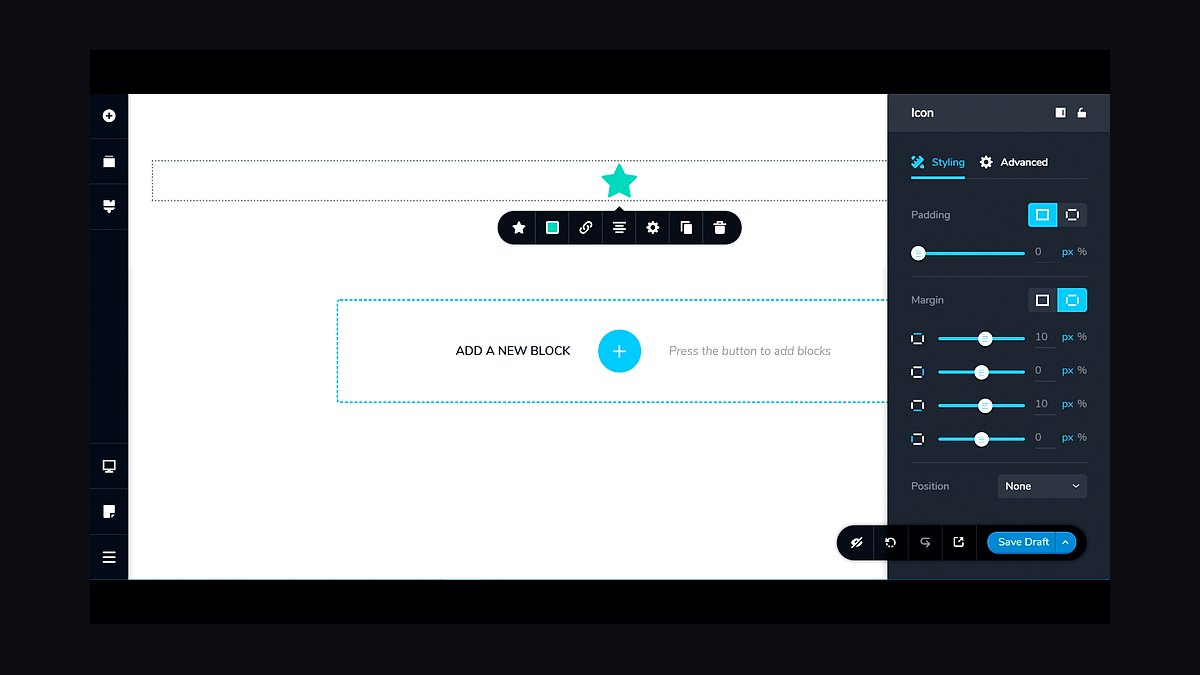
Brizy ranks tenth for offering a genuinely usable free version plus a $49 yearly Pro plan, among the cheapest paid tiers. It provides 500+ pre-made blocks, a clean drag-and-drop interface, and global styling controls. The cloud and WordPress versions share the same editing experience.
Brizy suits small businesses and beginners wanting an affordable, simple builder. It trades away depth: advanced dynamic content and theme-building features lag behind premium rivals. Compared to Gutenberg above, Brizy offers easier visual design but adds plugin dependency and a smaller ecosystem.
How we ranked these
We scored each builder on editor speed, front-end performance, global style controls, dynamic content support, and total cost of ownership over three years. Weighting favored real-world page load times and how quickly a non-developer could ship a complex layout. Each tool was tested on identical hosting with the same theme and content set.
We ignored marketing claims, affiliate rankings, and lifetime-deal hype. We also excluded niche builders with under 100,000 active installs, since support and ecosystem maturity matter more than novelty. Features that only work inside a vendor's proprietary cloud were noted but not scored, because portability is a long-term risk.
What to look for
Choose based on where your site will live in three years, not which demo looks prettiest today. If you may switch hosts or themes, favor builders that store layout as standard WordPress content or shortcodes. If you are locked into one ecosystem, native blocks and template parts usually win on speed and support.
The most common mistake is buying for the feature list instead of the workflow. Teams overpay for animation tools they never use, then get stuck with slow pages and a builder their next developer refuses to touch. Test the actual editing experience on a real page before committing.
Related questions
Do page builders slow down WordPress sites?
They can, but modern builders that generate clean markup and only load assets used on the page perform well. The bigger factor is usually the theme, plugins, and hosting. Test with real content and measure Core Web Vitals rather than trusting generic benchmarks.
Can I switch page builders later without rebuilding my site?
Sometimes, but rarely cleanly. Builders that store content as shortcodes or standard blocks migrate better than those using proprietary meta. Before switching, export a full backup, test on a staging copy, and expect to rebuild complex layouts manually. Budget time for cleanup.
Are lifetime licenses worth it for page builders?
Lifetime deals can be good value if the company has a stable track record and you will use the tool for years. They are risky when the vendor is new or revenue depends on constant new sales. Check update frequency, support responsiveness, and whether the license covers unlimited sites.
Which builder is best for e-commerce sites?
Pick one with native WooCommerce blocks or modules, not just generic columns. You want product grids, cart fragments, and checkout styling that survive plugin updates. Test a full purchase flow on staging before launch, and confirm the builder does not override WooCommerce templates in fragile ways.
Do I need coding skills to use a page builder?
No for basic layouts, but some CSS helps for fine-tuning spacing, responsive breakpoints, and custom components. Builders handle most design work visually. Knowing HTML and CSS lets you fix edge cases without waiting on support or installing yet another plugin.
How important is builder support and documentation?
Very, especially if you build client sites. Good docs and responsive support reduce downtime when updates break layouts. Check the support forum activity, average response times, and whether the vendor publishes changelogs. A popular builder with slow support can cost more than a paid alternative.
Can page builders handle multilingual sites?
Most work with WPML or Polylang, but compatibility varies by builder and add-on. Confirm that translated pages keep the same layout and that dynamic strings are translatable. Test a two-language setup on staging, including menus, forms, and any global templates, before committing.
What happens to my site if I stop paying for a builder?
Usually the site keeps rendering, but you lose updates, new features, and support. Security patches stop, which becomes a risk over time. Some builders disable premium modules. Read the license terms carefully and keep a fallback plan if the vendor changes pricing or disappears.
FAQ
What is the best WordPress page builder in 2027?
There is no single best. Elementor leads on ecosystem size, Divi on all-in-one value, and native blocks on performance and longevity. The right pick depends on your team's skills, hosting, and whether you need portability. Test two or three on a real project before deciding.
Are Gutenberg blocks better than third-party builders?
Native blocks win on performance, portability, and long-term support because they ship with WordPress. Third-party builders often win on design speed and advanced layout controls. Many sites now mix both, using blocks for content and a builder for landing pages. Choose based on who maintains the site.
How much should a page builder cost?
Expect roughly $50 to $100 per year for a single-site license and $200 to $300 for unlimited or agency plans. Free versions exist but usually lack dynamic content, global styles, and priority support. Factor in renewal pricing, not just the first-year discount.
Do page builders work with block themes?
Increasingly yes, but support varies. Some builders now generate block markup or integrate with the site editor, while others still rely on shortcodes and custom post meta. Check compatibility with your theme before buying, especially if you use full site editing.
Which builder is easiest for beginners?
Divi and Elementor have the gentlest learning curves thanks to drag-and-drop interfaces and large template libraries. Native blocks are simpler but less flexible for complex layouts. Beginners should prioritize a builder with strong documentation and an active community.
Can I use two page builders on one site?
Technically yes, but it is a bad idea. You double the CSS and JavaScript, complicate updates, and confuse editors. Pick one primary builder and use native blocks for simple content. If you must migrate, do it in stages with a staging site.
How do page builders affect SEO?
They do not directly hurt SEO if the output is clean and fast. Problems come from bloated markup, excessive scripts, and slow hosting. Use an SEO plugin, optimize images, and monitor Core Web Vitals. Content quality still matters more than the builder.
What should I check before buying a builder?
Confirm active install count, update frequency, support quality, and compatibility with your theme and key plugins. Read the refund policy and renewal terms. Build one real page on a staging site. If the workflow feels slow or confusing, no feature list will save it.
Will page builders still exist in five years?
Most will, but the market will consolidate. Native WordPress blocks will absorb many basic builder features. Vendors with strong ecosystems and agency revenue are safer bets. Avoid tools with shrinking update cadence or unclear ownership.
Do I need a page builder for a simple blog?
No. A good block theme and the native editor handle posts, archives, and basic pages well. Page builders add value for complex landing pages, marketing sites, and client work with heavy design requirements. For a simple blog, they add weight without much benefit.
Sources
- https://wordpress.org/plugins/elementor/
- https://wordpress.org/plugins/beaver-builder-lite-version/
- https://wordpress.org/plugins/divi-builder/
- https://wordpress.org/plugins/brizy/
- https://wordpress.org/plugins/siteorigin-panels/
- https://wordpress.org/plugins/oxygen/
- https://developer.wordpress.org/block-editor/
- https://wpshout.com/best-wordpress-page-builders/
- https://kinsta.com/blog/wordpress-page-builder/
Related on PULSE
This page will be disappearing soon. Save it to your device for $1 — or read it free while it is here.
@Kory-White- · if Venmo asks, the last 4 of my number are 2012
This page is gone.
This one is off the shelf now. $1 keeps it on your phone for good — the whole page, pictures and diagrams included.
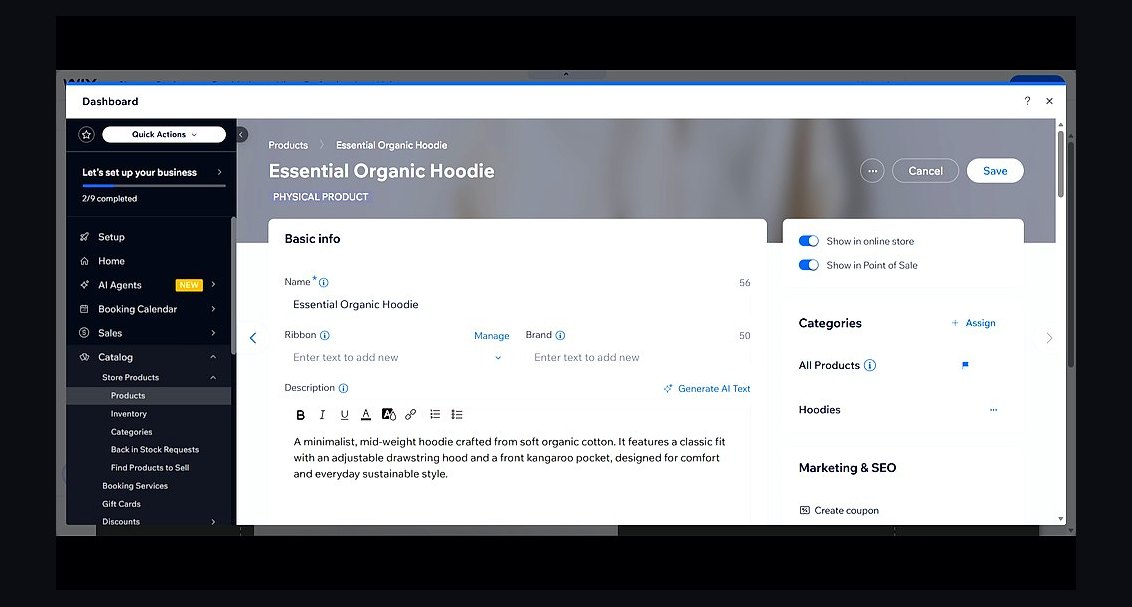 revopsTop 10 Website Builders for Service Businesses in 2027
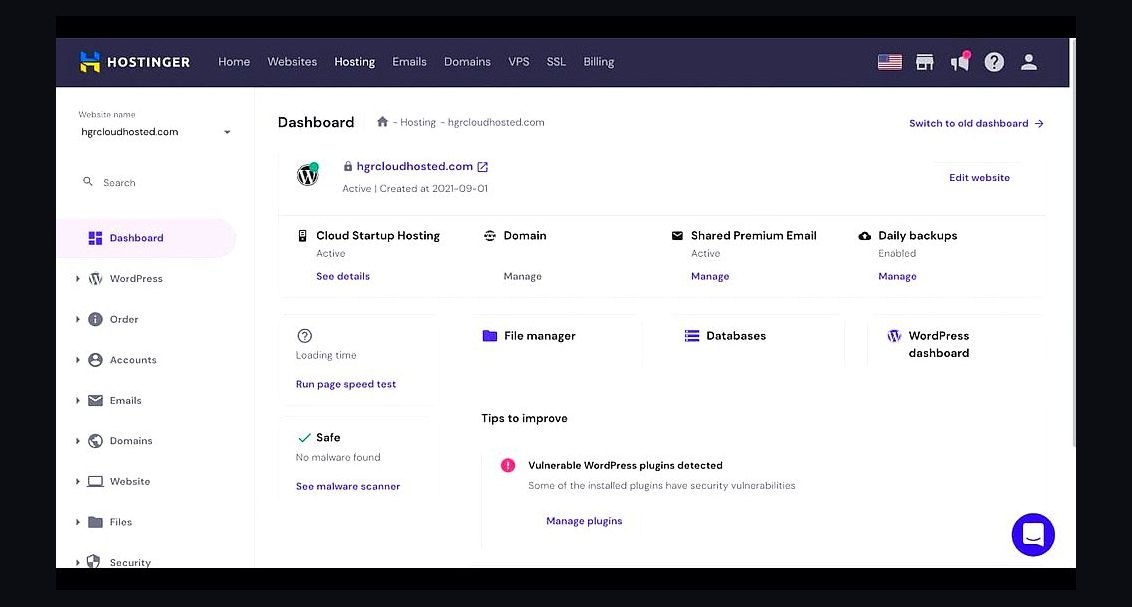 revopsTop 10 Web Hosting Providers for Small Businesses in 2027
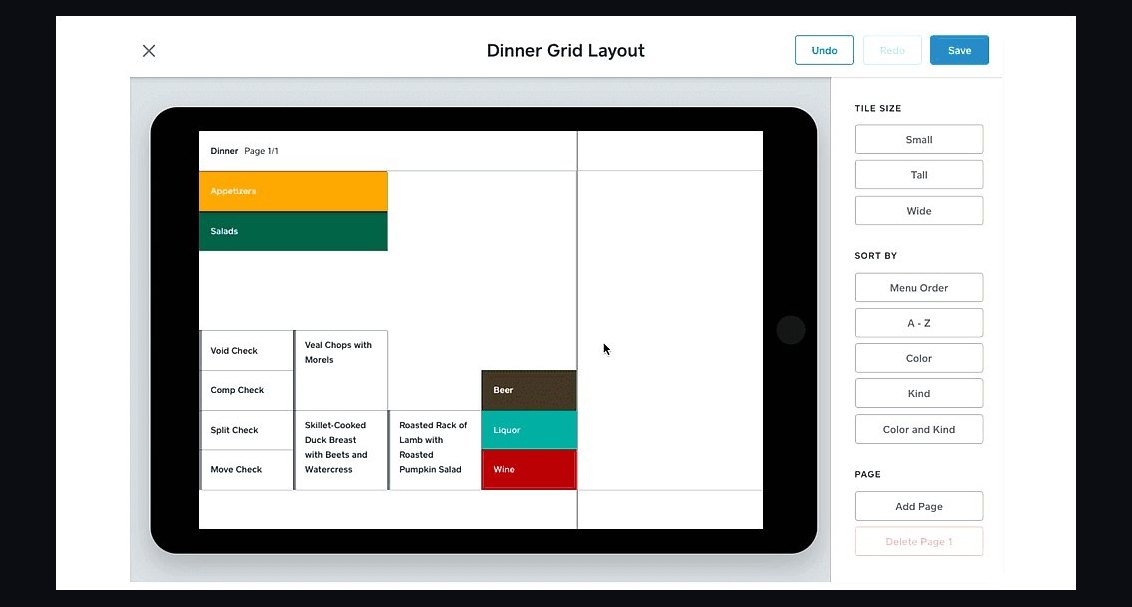 revopsTop 10 Website Builders for Restaurants in 2027
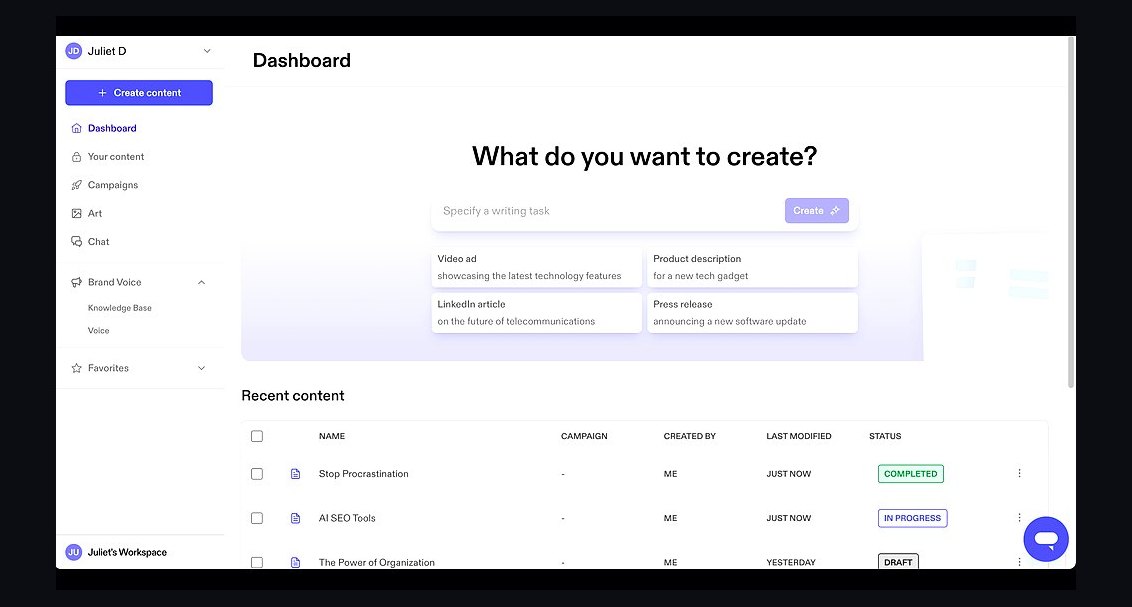 revopsTop 10 AI Content Tools for Auto-Publishing Websites in 2027
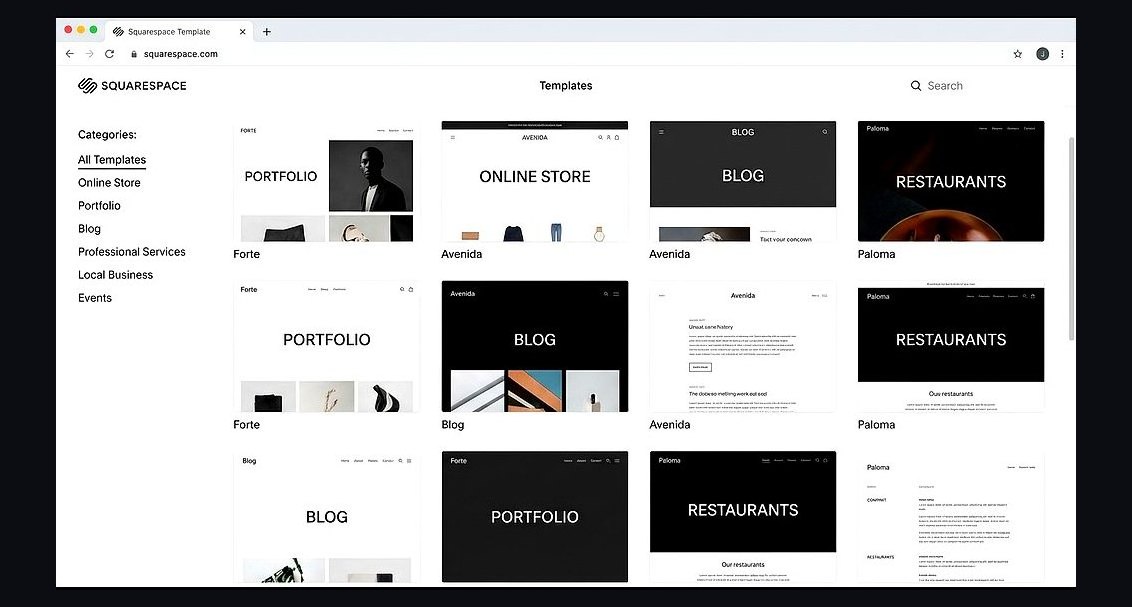 revopsTop 10 Website Builders for Coaches and Consultants in 2027
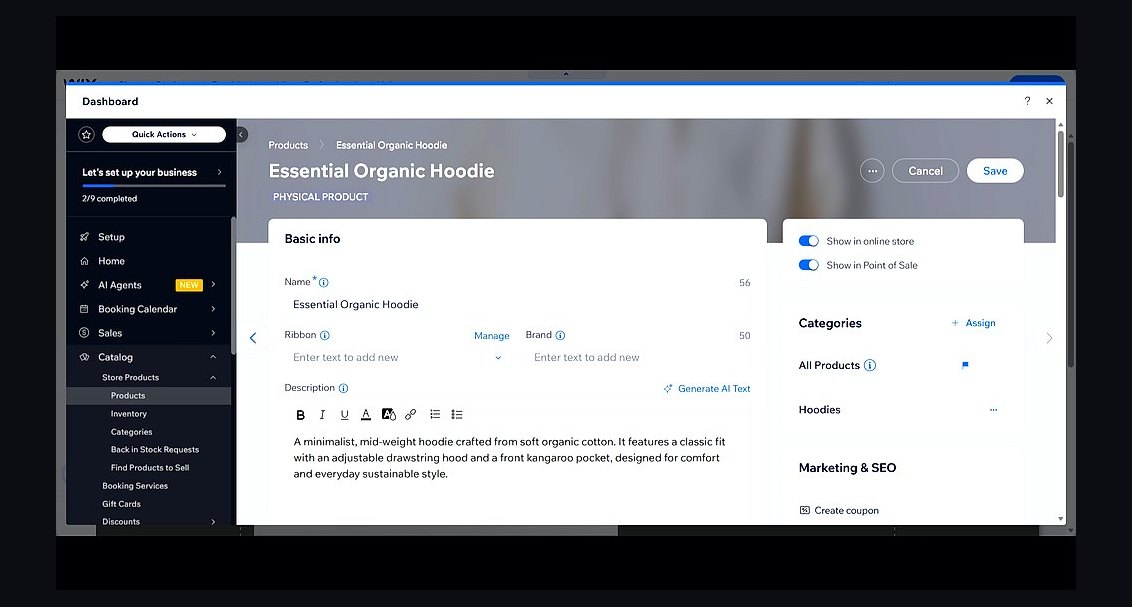 revopsTop 10 Website Builders for Small Businesses in 2027
 revopsTop 10 Tools for Programmatic SEO Websites in 2027
 revopsTop 10 Ecommerce Website Platforms in 2027
 revopsTop 10 Managed WordPress Hosts in 2027
 revopsTop 10 Tools for Building an Autonomous Website in 2027