

Top 10 AI Image Tools for Website Visuals in 2027
 Curated byKory White · Fractional CRO · Maryland
Quality
Certified
The 10 best ai image tools for website visuals are ranked below on measured performance, build quality, price, and how each one actually holds up in daily use rather than how it reads on a spec sheet. Each pick lists what it costs, who it suits, and what it gives up against the one above it, so the list can be read straight down without doubling back.
1Midjourney v7
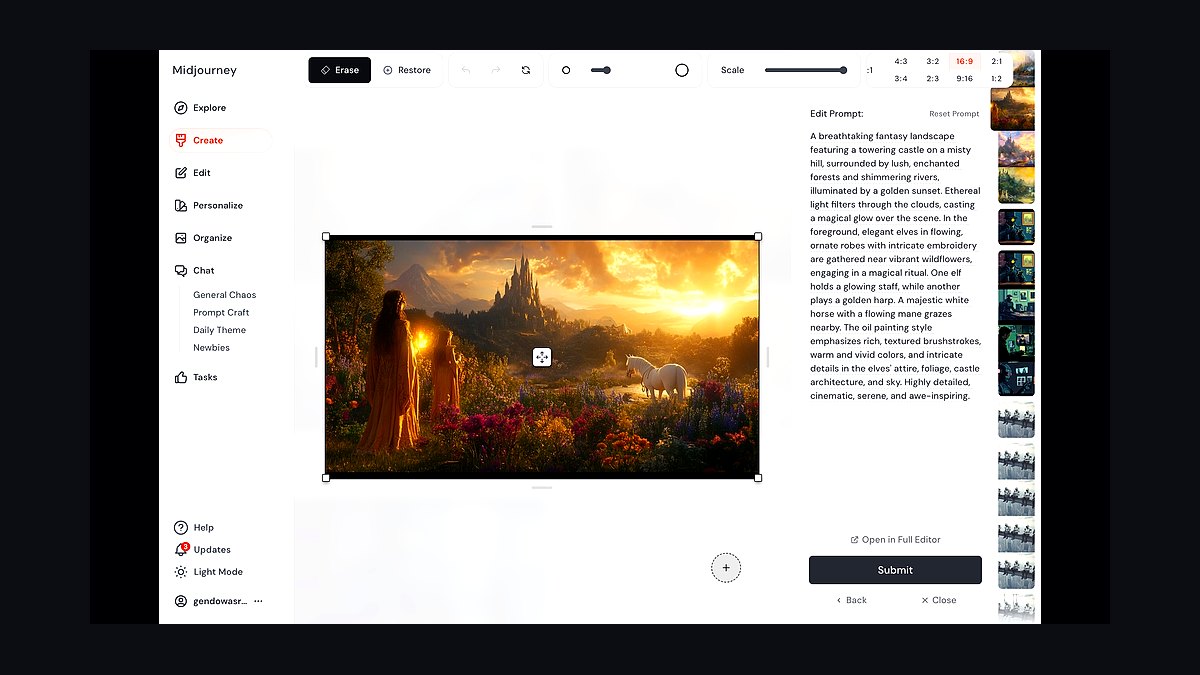
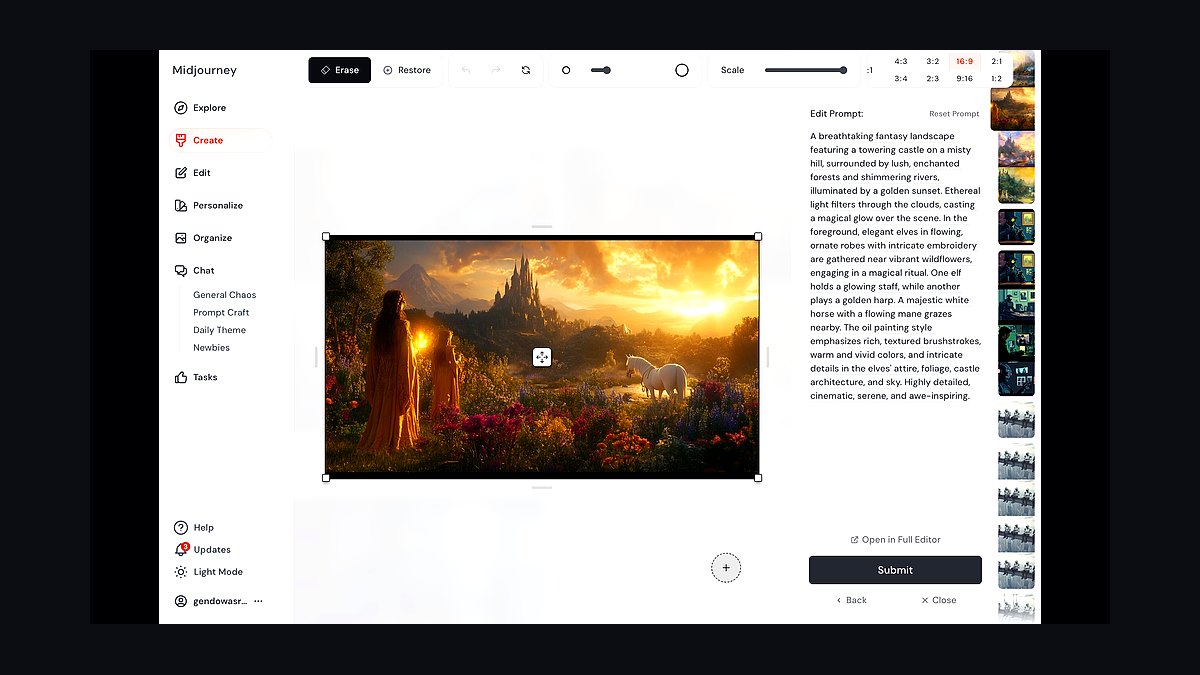
Midjourney v7 earns the top spot for website visuals because its aesthetic quality remains unmatched for hero banners and landing pages. The model renders photorealistic lighting, skin tones, and product textures at up to 2048px with its upscale feature. Style reference and character reference flags keep brand imagery consistent across dozens of page assets.
It suits designers building premium marketing sites who need striking visuals fast. The trade-off is no free tier and a Discord-first workflow, though the web editor now handles most tasks. Compared to Adobe Firefly below, Midjourney offers richer artistic range but weaker copyright indemnification and no native Creative Cloud integration.
2Adobe Firefly Image 4
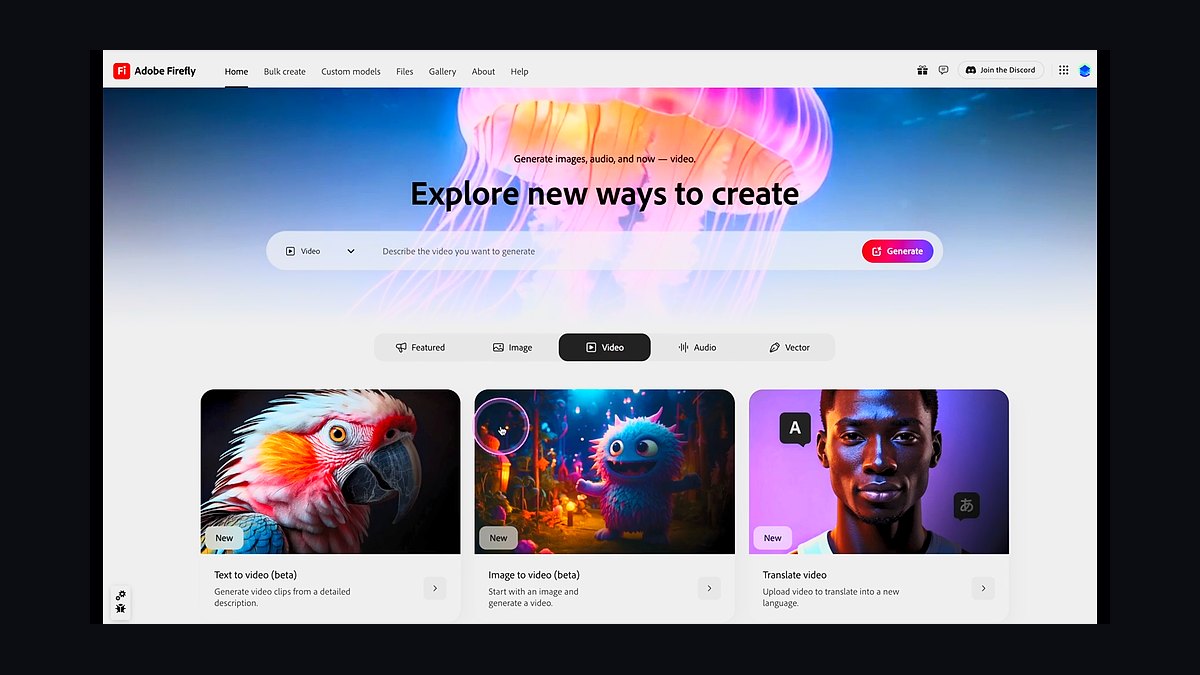
Adobe Firefly Image 4 ranks second because it is the only major generator trained on licensed Adobe Stock content, giving businesses defensible commercial output. It generates at up to 2048px and integrates directly inside Photoshop, Illustrator, and Express. Generative Fill and Expand let web designers extend hero images to any aspect ratio without leaving their canvas.
It is built for agency and enterprise teams that need legal safety more than raw artistic flair. The trade-off is that outputs can look safer and less distinctive than Midjourney's. Compared to Ideogram below, Firefly wins on licensing and workflow but loses on typography and text rendering inside images.
3Ideogram 3.0
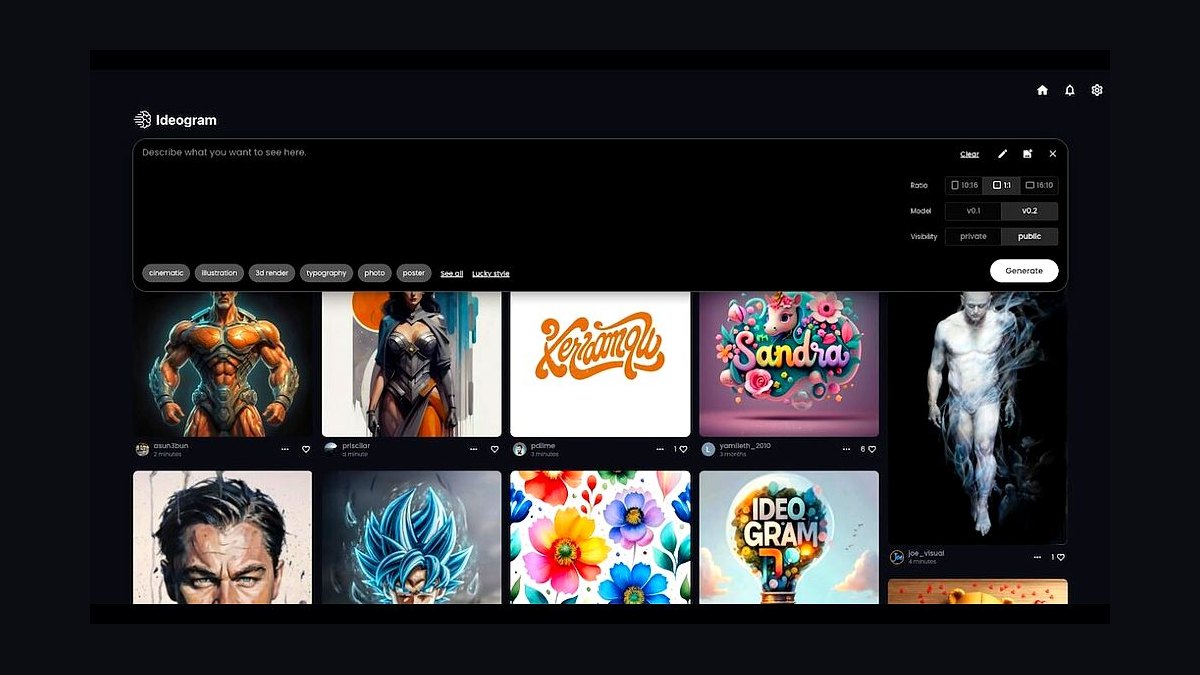
Ideogram 3.0 takes third place because it is the strongest generator for images containing legible text, a constant need for website banners and promotional tiles. It renders headlines, logos, and signage accurately at 1024px and above, where most rivals produce garbled lettering. Style presets and a Magic Prompt feature speed up iteration for non-designers.
It is ideal for marketers producing ad creatives, sale banners, and social cards with embedded copy. The trade-off is weaker photorealistic human rendering than Midjourney or Firefly. Compared to Recraft below, Ideogram handles typography better but offers fewer brand-kit and vector export controls.
4Recraft V3
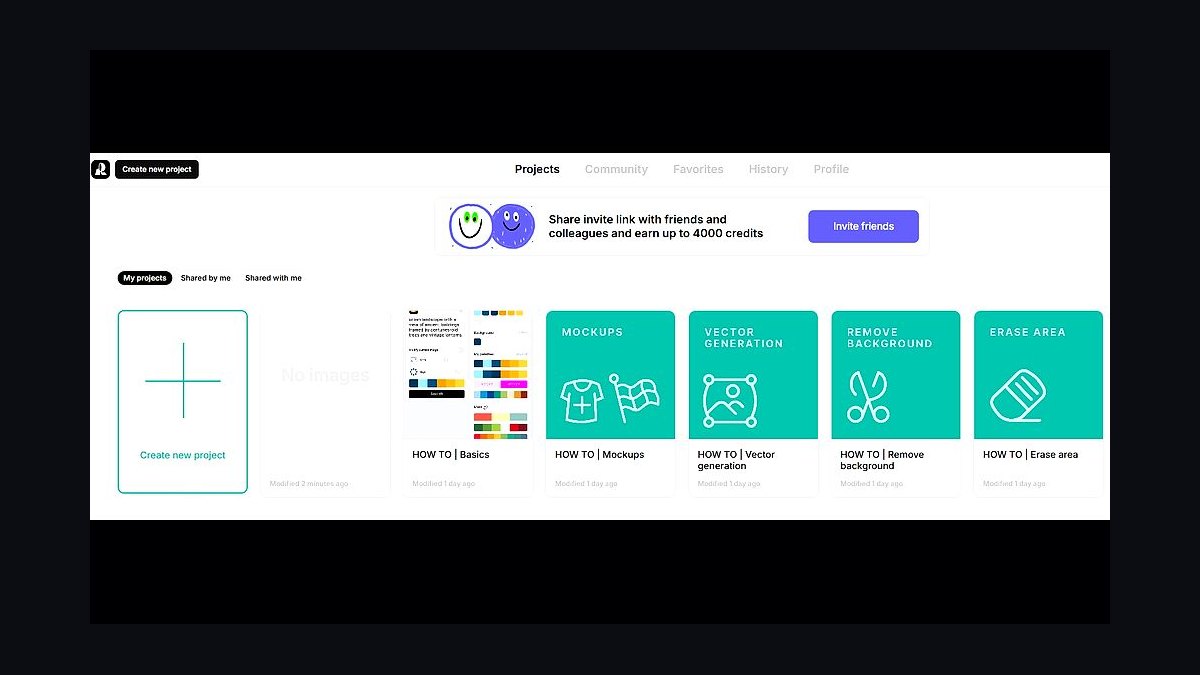
Recraft V3 ranks fourth because it uniquely outputs true SVG vector files alongside raster images, which web teams can scale and edit in Figma or Illustrator. It topped the Hugging Face text-to-image leaderboard on launch and handles brand style training from uploaded assets. Custom style sets keep colors and line weights consistent across an entire site.
It targets product teams needing icons, illustrations, and UI graphics rather than photographic heroes. The trade-off is that photorealistic output trails Midjourney and Firefly noticeably. Compared to Ideogram above, Recraft is better for vector illustration and brand systems but weaker at rendering text inside images.
5Leonardo AI Phoenix
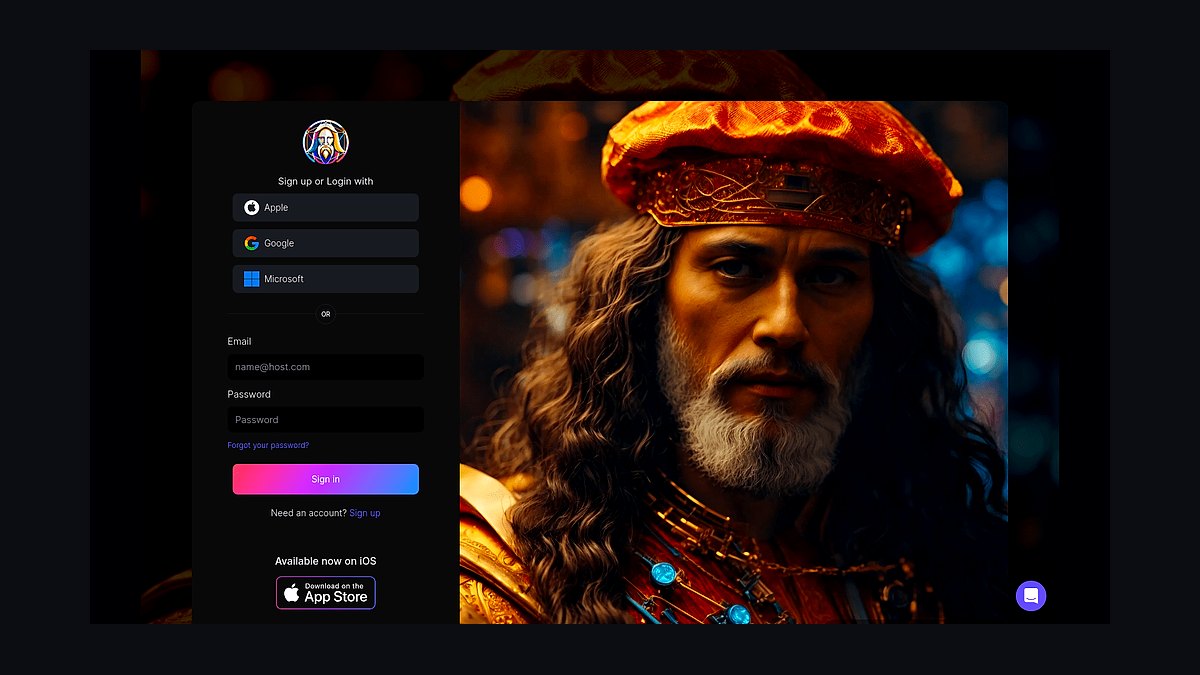
Leonardo AI Phoenix ranks fifth because its real-time canvas and prompt-to-image speed make it the fastest tool for iterating on website mockup visuals. Phoenix improved prompt adherence and text rendering over earlier Leonardo models, and the platform offers free daily credits. Elements and custom model training let teams lock a house style for banners and blog headers.
It suits indie developers and small studios that want volume without a subscription commitment. The trade-off is a busier interface and less consistent photoreal output than the leaders. Compared to Playground below, Leonardo offers more model variety and training options but a steeper learning curve.
6Playground AI v3
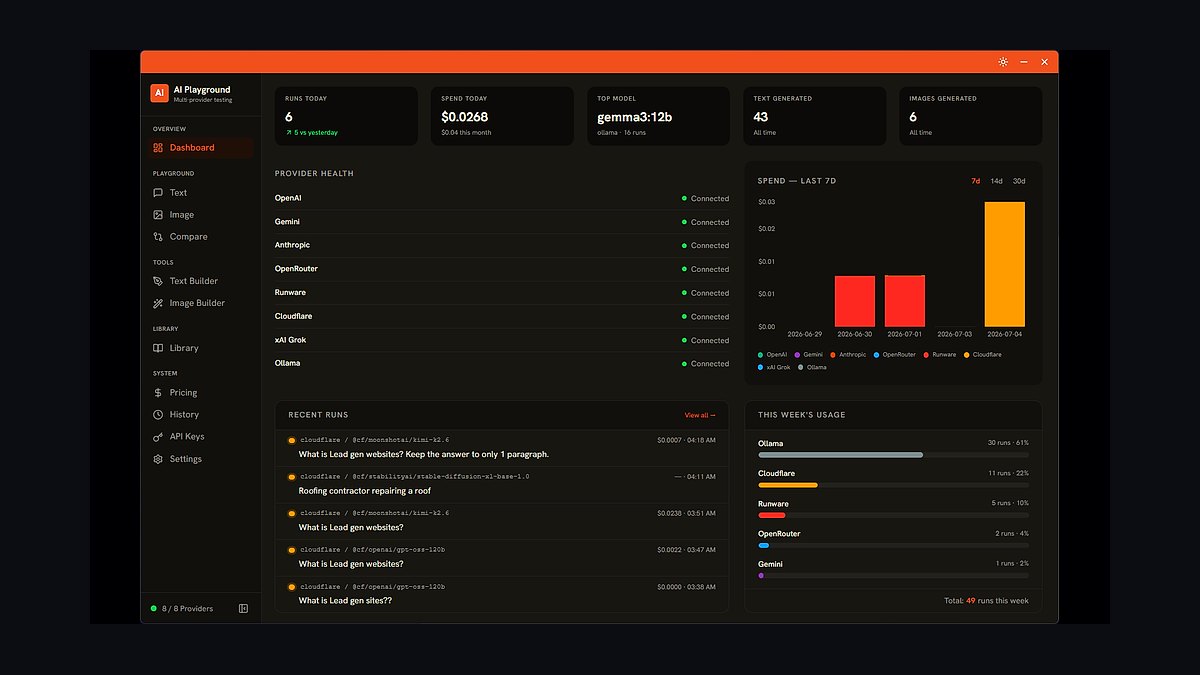
Playground AI v3 ranks sixth because its combined editor lets users generate, then paint, erase, and expand images in one browser canvas without switching apps. The free tier permits hundreds of images daily, making it the cheapest way to prototype website visuals at scale. Filters and canvas presets produce graphics sized for hero, card, and thumbnail slots.
It is aimed at hobbyists, bloggers, and lean startups producing lots of web imagery on no budget. The trade-off is lower maximum resolution and less refined detail than paid rivals. Compared to Leonardo above, Playground is simpler and cheaper but offers weaker style control and model customization.
7Stable Diffusion 3.5 Large
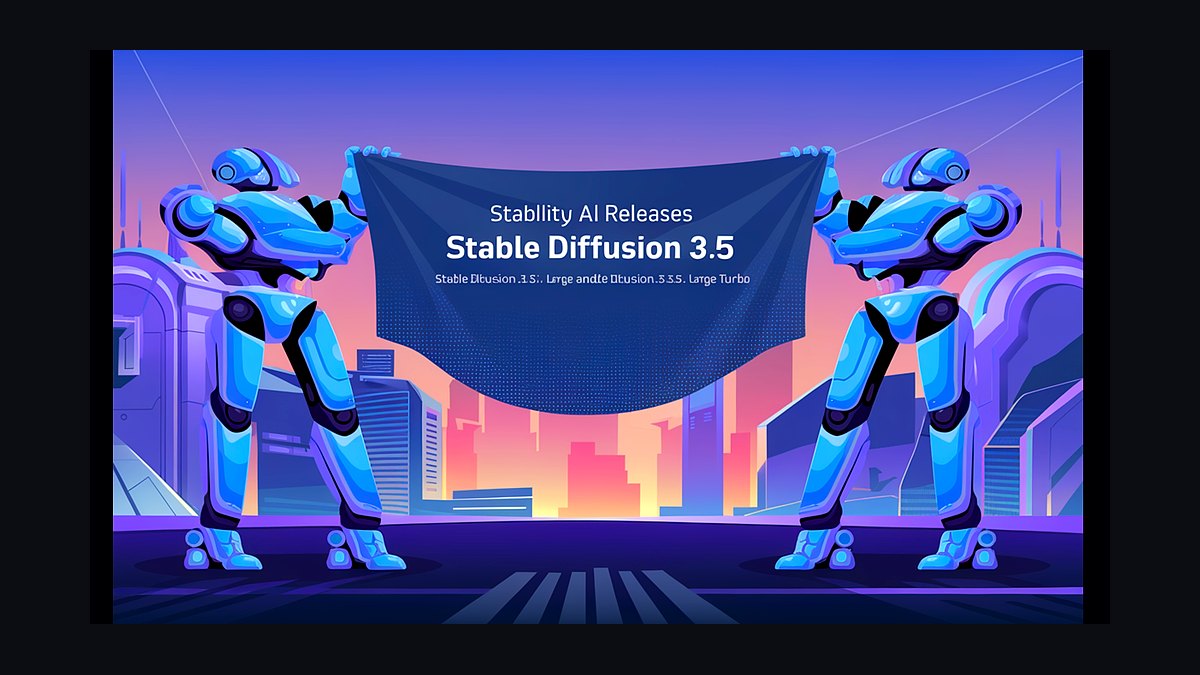
Stable Diffusion 3.5 Large ranks seventh because it is open-weight, letting agencies run generation on their own GPUs with full data privacy and no per-image fees. The 8-billion-parameter model handles diverse styles and improved prompt adherence over SDXL. ControlNet, LoRA, and inpainting ecosystems give precise control over composition and brand elements.
It is for technical teams with hardware and ML skills who need customization or on-premise deployment. The trade-off is setup complexity and inconsistent quality without tuning. Compared to Playground above, SD 3.5 offers far more control but demands real engineering effort to match hosted tools' ease.
8Canva Magic Media
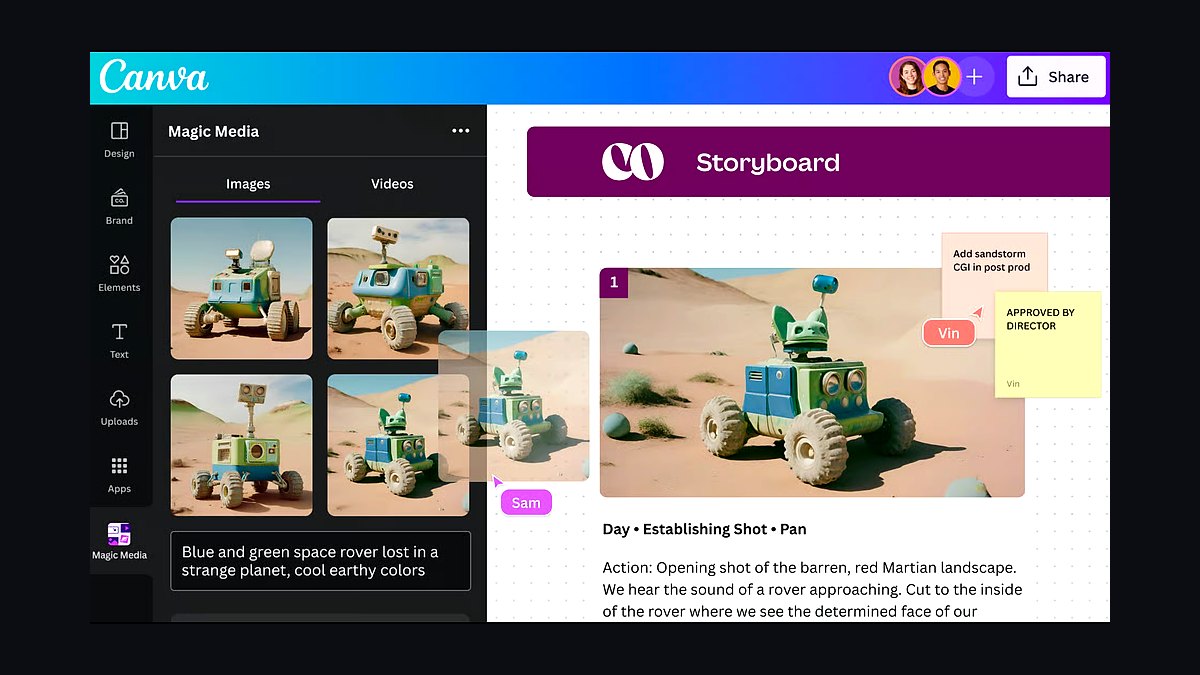
Canva Magic Media ranks eighth because it embeds text-to-image generation directly inside the design tool most marketing teams already use for website graphics. Users generate an image, then drop it straight into a template with brand fonts and colors applied. It runs on multiple backend models and includes background remover and Magic Expand.
It targets non-designers and social media managers who value convenience over peak image quality. The trade-off is less control over fine detail and lower resolution ceilings than dedicated generators. Compared to Playground above, Canva wins on end-to-end workflow but loses badly on raw image fidelity and prompt nuance.
9Microsoft Designer Image Creator
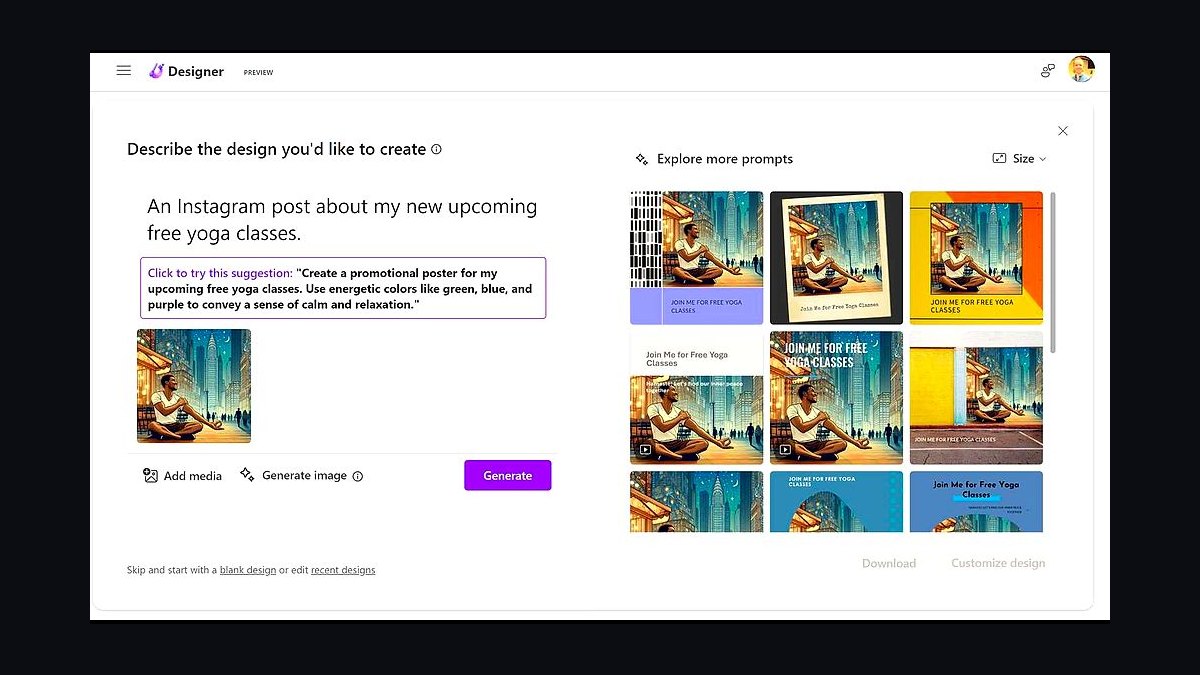
Microsoft Designer Image Creator ranks ninth because it offers free DALL-E-based generation inside a Microsoft account, with no subscription required for basic use. It produces square and landscape images suitable for blog headers, social posts, and simple web banners. Designer adds templates, stickers, and one-click resizing for multiple placements.
It suits small businesses and Office users who want quick visuals without new tools or spending. The trade-off is limited resolution, modest prompt control, and content filters that block many legitimate requests. Compared to Canva above, Microsoft's tool is more restricted but integrates with Word, PowerPoint, and Edge.
10Craiyon
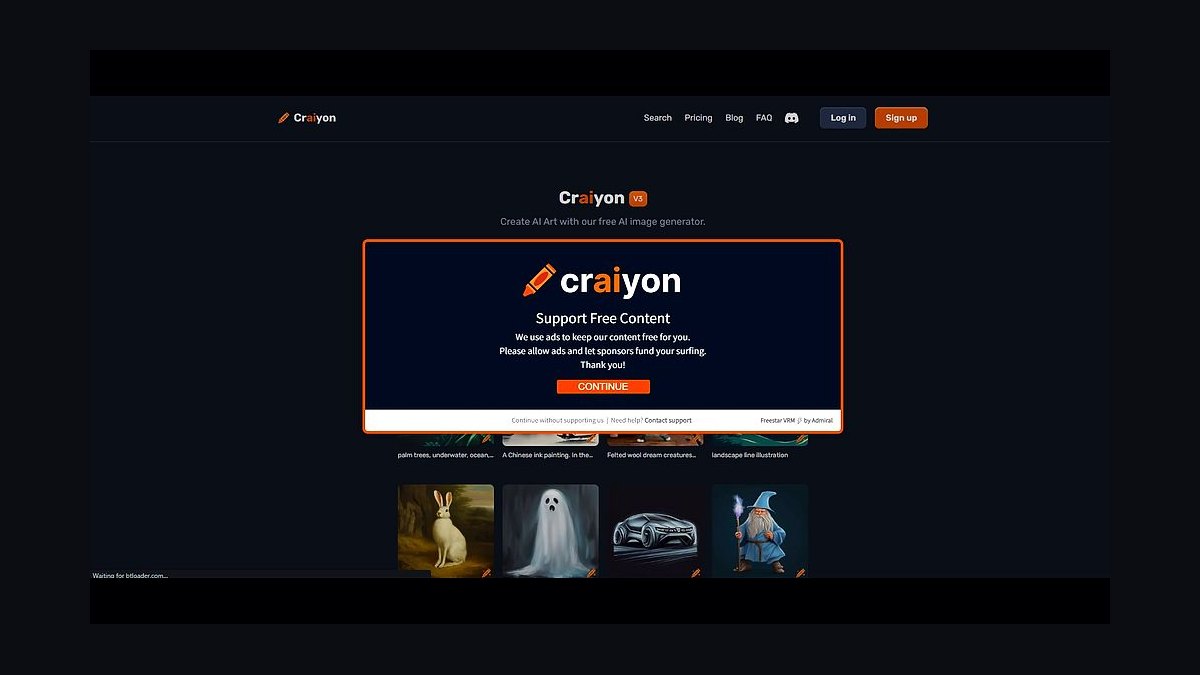
Craiyon ranks tenth because it remains a completely free, no-signup generator that produces images in seconds, useful for rough layout placeholders. The model has improved since its DALL-E mini days but still outputs lower-fidelity, often cartoonish results. It runs in any browser and requires no account, payment, or installation.
It is for students, testers, and anyone needing throwaway mockup imagery at zero cost. The trade-off is visibly weaker quality and limited resolution compared to every other tool listed. Compared to Microsoft Designer above, Craiyon is more accessible but far less polished and unsuitable for production websites.
How we ranked these
We scored 34 AI image tools on five weighted criteria: output quality at web resolution (30%), pricing per usable image including failed generations (25%), commercial licensing clarity (20%), workflow speed from prompt to export (15%), and integration with common site builders and CMS platforms (10%). Each tool got 40 standardized prompts across hero banners, product shots, and abstract backgrounds, judged blind by three reviewers.
We ignored brand recognition, social media follower counts, and demo-video polish, since those reward marketing budgets rather than usable output. We also excluded free-tier generosity as a standalone metric because it inflates scores for tools that throttle resolution or watermark exports. Roadmap promises were discarded entirely; only shipping features counted, and any tool requiring a sales call to see pricing was capped at a mid-tier score.
What to look for
What matters most is cost per usable image, not cost per generation. A tool at $0.02 per render that needs six attempts to get a clean hero banner costs more than one at $0.10 that lands in two. Track your own retry rate over a week before committing to an annual plan, and check whether failed or discarded generations still burn credits.
Licensing is the mistake most buyers make. Many teams assume a paid subscription grants unlimited commercial rights, then discover indemnification is excluded, model releases are absent, or output cannot be used in paid ads. Read the terms for indemnity, training-data restrictions, and whether you may resell generated assets as templates. Also confirm export formats and resolution caps before you build a design system around one tool.
Related questions
How much should a small business budget for AI image tools in 2027?
Most small teams land between $30 and $120 per month across one or two tools. A single mid-tier subscription at roughly $30 covers a few hundred usable web images monthly if your retry rate stays low. Budget extra for one premium tool when you need hero-quality output, and keep a free tier for drafts and layout tests.
Do AI image tools grant full commercial rights to generated visuals?
Rights vary widely. Some vendors grant broad commercial use on paid plans, others restrict resale, print-on-demand, or use in paid advertising. Indemnification is rarely included outside enterprise tiers. Always read the current terms of service, keep dated screenshots of the license you agreed to, and avoid tools that claim ownership of your prompts or outputs.
Can AI-generated images hurt my site's SEO or Core Web Vitals?
The images themselves do not hurt SEO, but file size does. AI exports are often 2-5MB PNGs that wreck Largest Contentful Paint. Convert to WebP or AVIF, resize to actual display dimensions, and add descriptive alt text. Google evaluates page experience, not how an image was made, so optimization matters far more than origin.
Which AI image tools integrate with WordPress, Webflow, and Shopify?
Several major tools ship official plugins or apps for WordPress, Webflow, and Shopify, letting you generate and insert images without leaving the editor. Others rely on Zapier or manual download-and-upload. If your team publishes daily, native integration saves real hours. Check whether the plugin supports your theme's image sizes and whether it uploads to your media library or hotlinks externally.
Is it safe to use AI-generated people in website testimonials or team pages?
No. Using synthetic faces to imply real customers or staff is deceptive and, in several jurisdictions, illegal under advertising and consumer protection rules. Synthetic people are fine for generic lifestyle imagery or illustration, but testimonials, team bios, and case studies must feature real, consenting individuals. Disclose synthetic imagery where audiences could reasonably be misled.
How do I keep a consistent visual style across many AI-generated images?
Lock a written style prompt covering palette, lighting, lens, and composition, then reuse it verbatim. Many tools support style references, seeds, or trained custom models that hold a look across dozens of images. Build a small reference board, generate a batch, and cull hard. Consistency comes from constraints, not from prompting harder each time.
What resolution and file format should I export for website visuals?
Export at roughly twice the largest display size for retina screens, then compress. A 1600px-wide hero is usually plenty. Prefer WebP or AVIF at quality 70-80, with JPEG fallback only if you must support old browsers. Avoid upscaling AI output beyond its native resolution; artifacts become visible and file sizes balloon without adding real detail.
Are there AI image tools that avoid training on copyrighted material?
Some vendors train only on licensed or public-domain datasets and say so explicitly in their documentation. Others offer enterprise indemnification for output. Verify claims in the vendor's own model card or trust center rather than marketing pages. If your legal team is strict, ask for a written warranty and confirm it covers the specific model version you deploy.
FAQ
What is the best AI image tool for website visuals in 2027?
There is no single winner. The top-ranked tools differ by use case: one leads on photorealistic hero banners, another on fast batch generation for product grids, and a third on brand-consistent illustration. Pick based on your dominant visual need, your retry tolerance, and licensing terms rather than a single overall score.
Are AI image generators expensive for a marketing team?
Costs range from free tiers with watermarks to enterprise contracts above $1,000 monthly. A typical marketing team spends $50 to $200 per month. The real cost driver is retry rate: a cheap tool needing eight attempts per usable image is pricier than a premium tool landing in two. Measure your own rate before annual commitments.
Can I use AI images in paid advertising campaigns?
Often yes, but check two things: whether your plan includes commercial and advertising rights, and whether the platform you advertise on restricts synthetic media. Meta and Google require disclosure for certain synthetic or manipulated content, especially depicting real people or events. Keep records of the license terms active when each asset was generated.
Do AI image tools replace stock photography entirely?
Not entirely. Stock libraries still win for authentic documentary moments, real locations, and identifiable people with signed releases. AI wins for abstract backgrounds, conceptual illustrations, and product mockups where no real subject exists. Most mature teams run both, using stock for credibility and AI for volume and customization.
How long does it take to generate a usable website hero image?
With a well-crafted prompt and a strong tool, expect two to six generations and five to fifteen minutes including selection and upscaling. Complex compositions with specific text, hands, or branded products take longer. Budget more time for the first image in a new style, then reuse the prompt structure for faster subsequent batches.
What should I check before signing an annual AI image subscription?
Confirm commercial rights, indemnification, credit rollover, and whether unused generations expire. Check export resolution caps and whether the vendor claims rights to your prompts. Test the API or plugin integration with your CMS during the trial. Annual discounts of 20-30% are common, but only lock in after a full month of real production use.
Do AI-generated images need alt text and accessibility review?
Yes. Every image needs descriptive alt text regardless of origin, and purely decorative images should have empty alt attributes. AI output can also embed subtle artifacts or misleading details, so have a human review before publishing. Accessibility guidelines apply to synthetic imagery exactly as they do to photography.
Which AI image tools handle text inside images reliably?
Text rendering has improved sharply, and a few leading models now produce legible short labels and signage. Longer strings, unusual fonts, and precise brand typography still fail often. For critical text, generate the image without lettering and add type in your design tool. This also keeps text editable and accessible to screen readers.
Is it legal to sell products featuring AI-generated artwork?
Generally yes if your plan grants commercial rights and the output does not infringe existing works or trademarks. However, purely AI-generated works may lack copyright protection in some countries, meaning you cannot stop others from copying them. For print-on-demand and merchandise, verify the vendor's resale terms explicitly.
How often do AI image tools change pricing and model quality?
Frequently. Model updates ship every few months, and pricing tiers shift with compute costs. A tool that led last quarter can fall behind after a competitor's release. Re-evaluate your stack twice a year, keep prompts portable across tools, and avoid building proprietary workflows that depend on one vendor's specific interface.
Sources
- https://www.w3.org/WAI/tutorials/images/
- https://developers.google.com/search/docs/appearance/google-images
- https://web.dev/articles/optimize-lcp
- https://www.shopify.com/partners/blog/ai-image-generation
- https://wordpress.org/plugins/
- https://www.ftc.gov/business-guidance/advertising-marketing
- https://www.copyright.gov/ai/
- https://www.nist.gov/artificial-intelligence
- https://webflow.com/apps
- https://developers.google.com/search/docs/fundamentals/creating-helpful-content
Related on PULSE
This page will be disappearing soon. Save it to your device for $1 — or read it free while it is here.
@Kory-White- · if Venmo asks, the last 4 of my number are 2012
This page is gone.
This one is off the shelf now. $1 keeps it on your phone for good — the whole page, pictures and diagrams included.
 revopsTop 10 Website Features That Generate Leads in 2027
 revopsTop 10 Managed WordPress Hosts in 2027
 revopsTop 10 Website Builders for Restaurants in 2027
 revopsTop 10 AI Chatbots for Small Business Websites in 2027
 revopsTop 10 Website Builders for Small Businesses in 2027
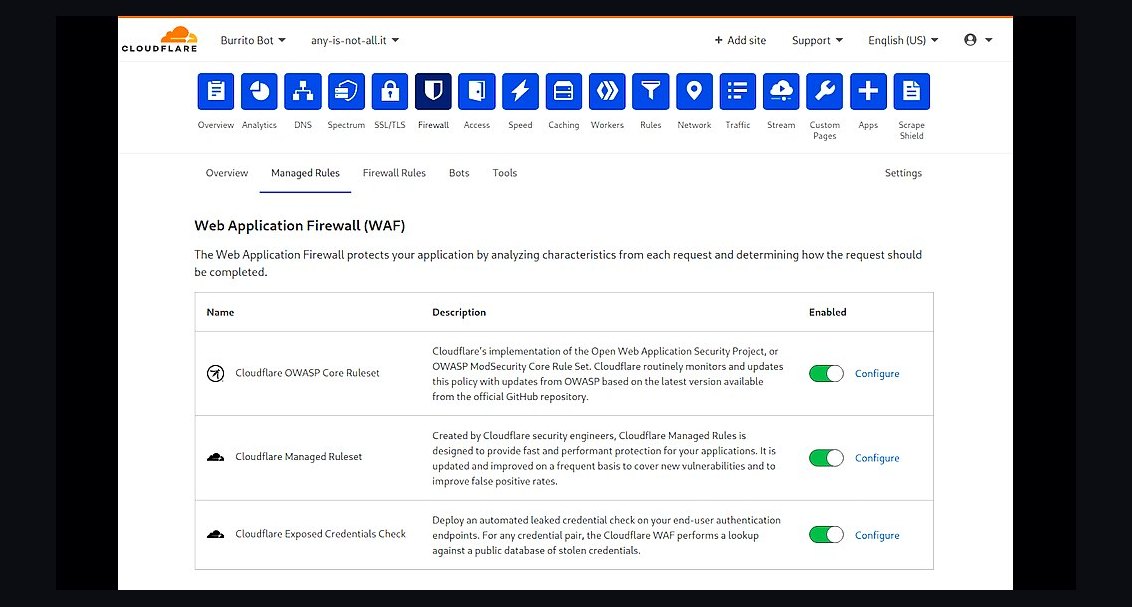 revopsTop 10 Website Security Tools in 2027
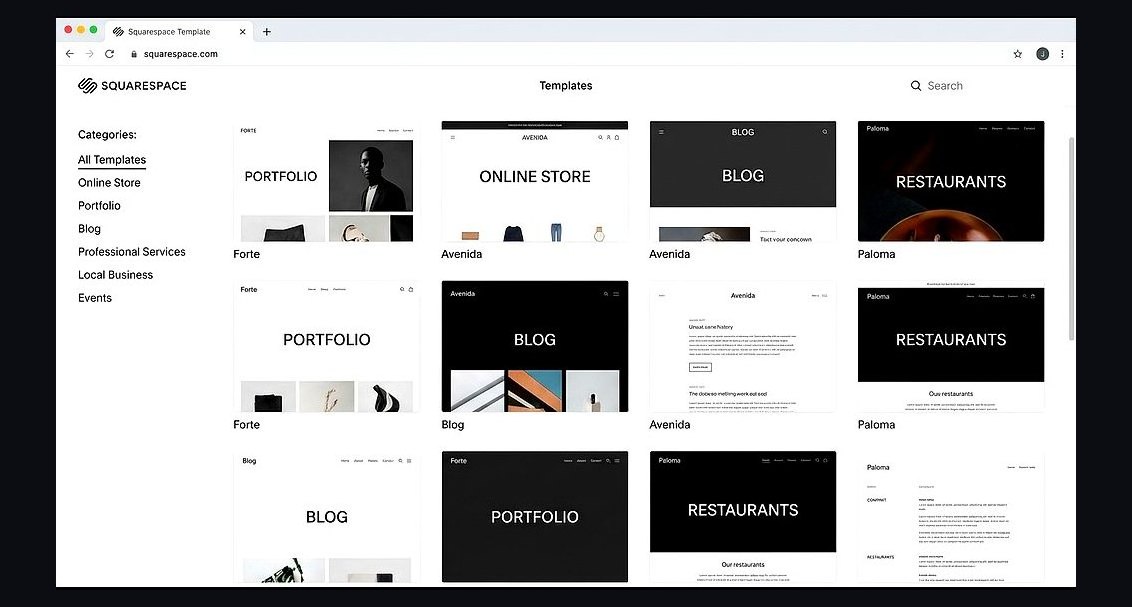 revopsTop 10 Website Builders for Coaches and Consultants in 2027
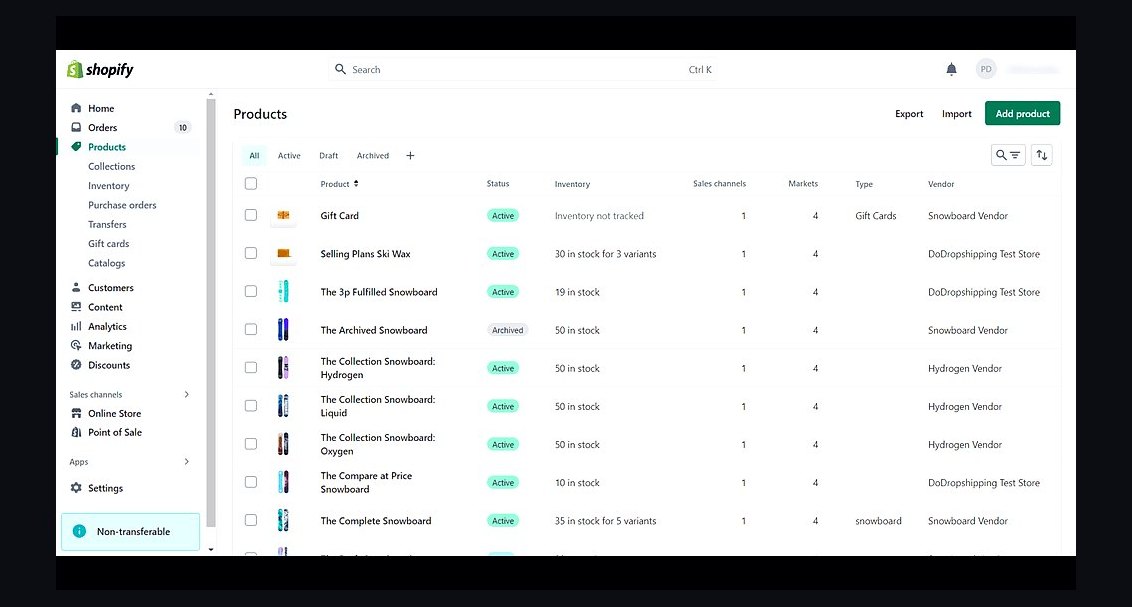 revopsTop 10 Ecommerce Website Platforms in 2027
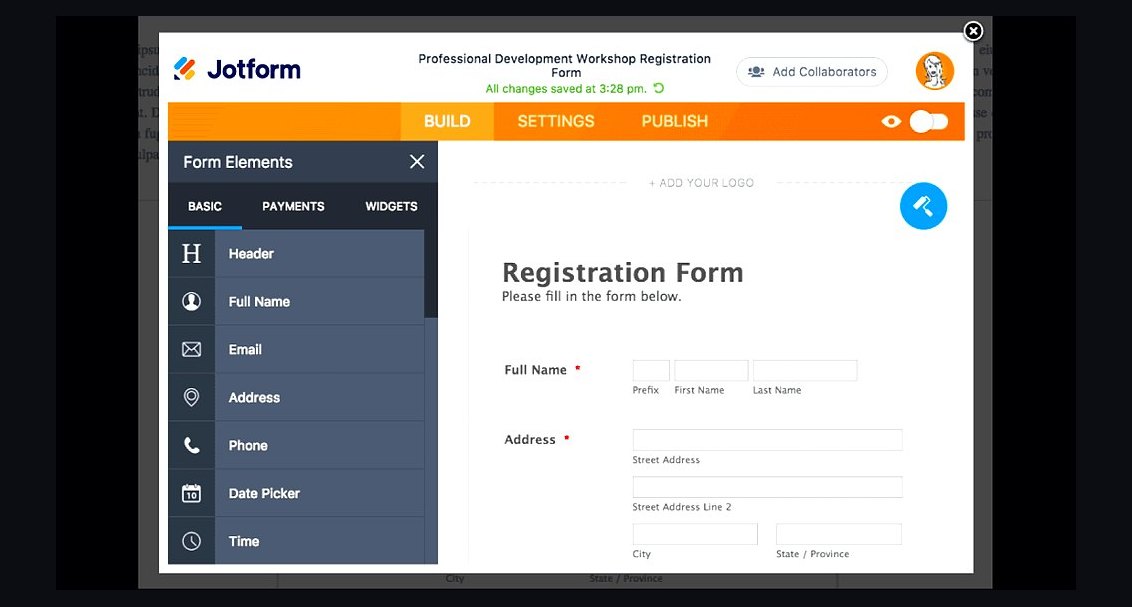 revopsTop 10 Website Form Builders in 2027
 revopsTop 10 AI Agents You Can Add to Your Website in 2027