


Top 10 Website Form Builders in 2027
Quality
Certified
The 10 best website form builders are ranked below on measured performance, build quality, price, and how each one actually holds up in daily use rather than how it reads on a spec sheet. Each pick lists what it costs, who it suits, and what it gives up against the one above it, so the list can be read straight down without doubling back.
1Jotform Form Builder
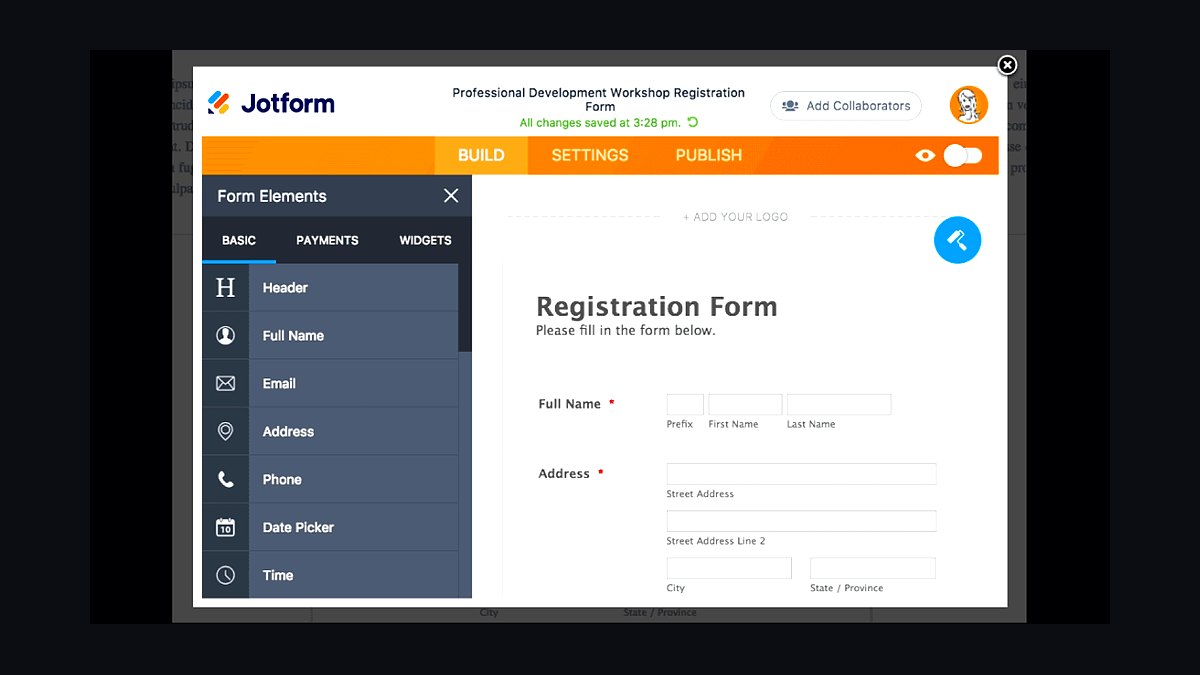
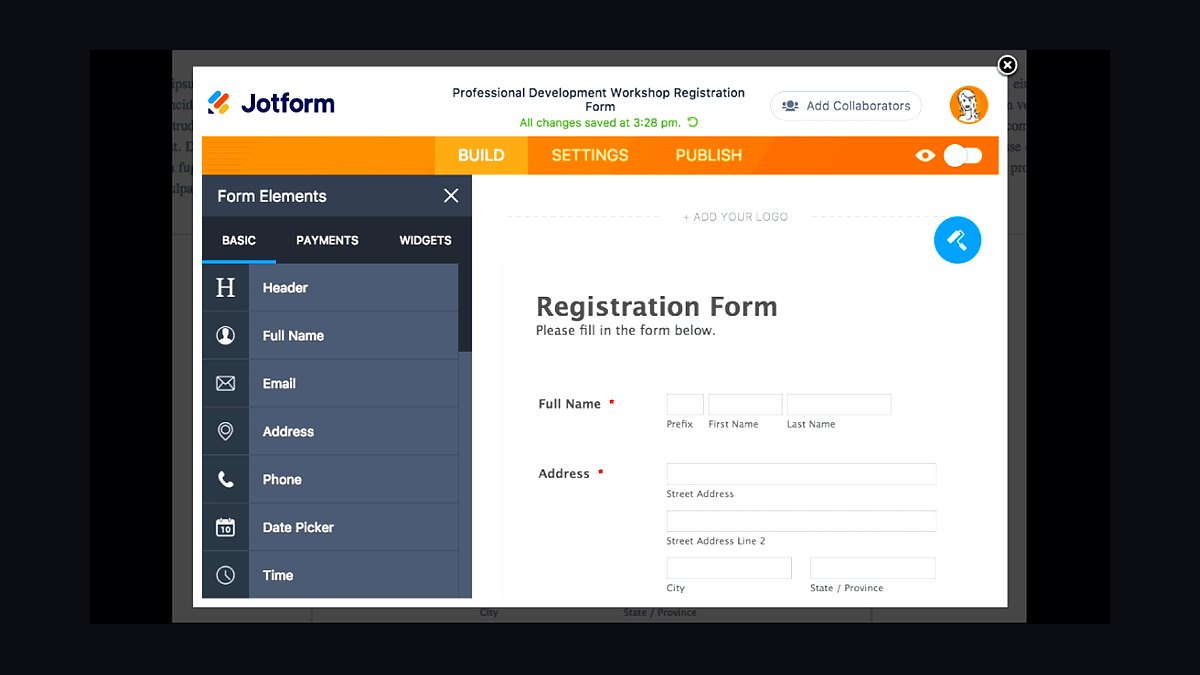
Jotform ranks first because it combines the deepest template library with the most generous free tier in the category. It ships over 10,000 form templates, supports 100+ payment gateways, and lets free users collect up to 100 submissions monthly at no cost. Conditional logic, e-signatures, and PDF generation are all native rather than paid add-ons.
It suits small businesses and nonprofits that need complex forms without hiring a developer. The trade-off is that heavy usage gets expensive fast, with paid tiers starting around $34 per month. Compared to Typeform below it, Jotform is more utilitarian and less visually polished, but it handles far more field types and integrations out of the box.
2Typeform Form Builder
Typeform takes second place for conversational, one-question-at-a-time forms that consistently lift completion rates. Its Logic Jump branching, 130+ integrations, and built-in analytics make it the default choice for marketers running lead-gen and survey campaigns. The free plan allows 10 responses per month, with paid plans beginning near $25 monthly.
It is built for brands that prioritize respondent experience over raw form complexity. The trade-off is that multi-page logic and file uploads sit behind higher tiers, and per-response pricing escalates quickly at volume. Against Jotform above, Typeform looks better and converts harder but offers fewer field types and weaker data-management features.
3Google Forms
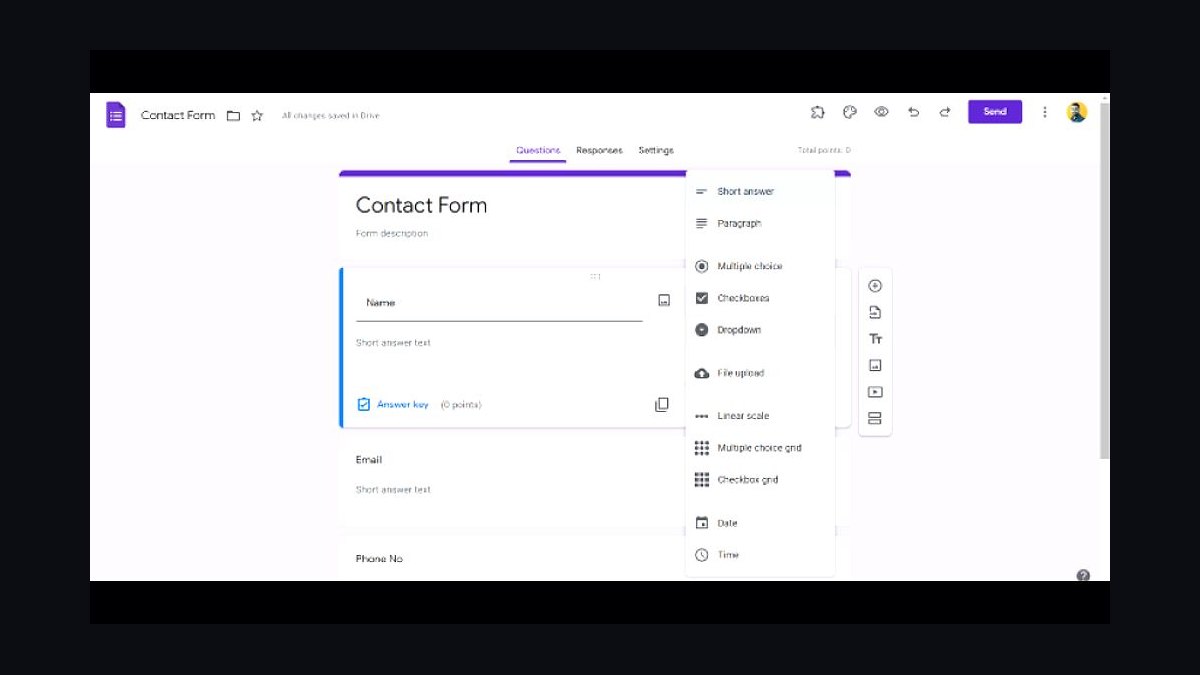
Google Forms places third because it is free, unlimited, and already embedded in the Google Workspace most teams use daily. It supports unlimited questions and responses at zero cost, auto-saves to Sheets, and requires no onboarding for anyone with a Google account. Real-time collaboration works exactly like Google Docs.
It is the right pick for internal surveys, RSVPs, and quick data collection where design does not matter. The trade-off is minimal customization, no payment processing, and basic logic branching only. Compared to Typeform above, Google Forms is far cheaper and simpler but lacks the visual polish and advanced conditional logic that paid survey tools provide.
4WPForms Form Builder
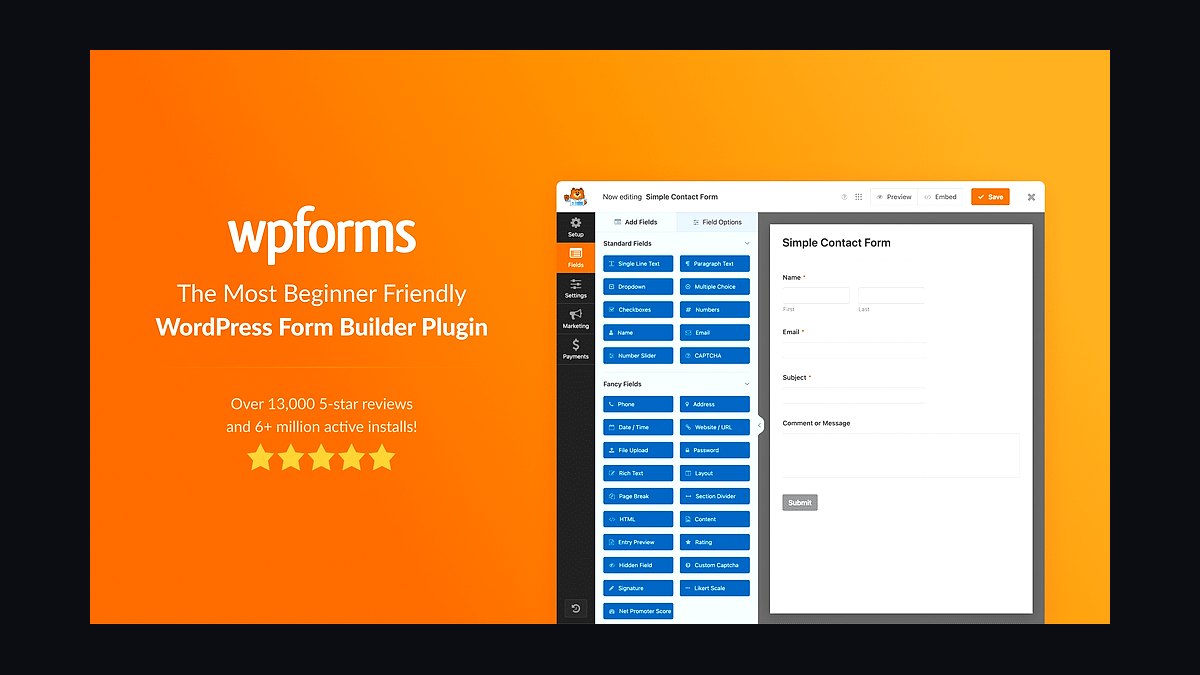
WPForms ranks fourth as the most beginner-friendly form plugin for WordPress, powering over 6 million sites. Its drag-and-drop builder includes a 3,000+ template library, and the Pro tier starts at $199 per year for unlimited forms and entries. Spam protection, conditional logic, and payment integrations are included without coding.
It is designed for WordPress site owners who want forms inside their existing dashboard rather than a separate SaaS account. The trade-off is that it only works on WordPress, so it is useless for other platforms. Against Jotform above, WPForms is cheaper at scale for WordPress users but far less flexible outside that ecosystem.
5Formstack Form Builder
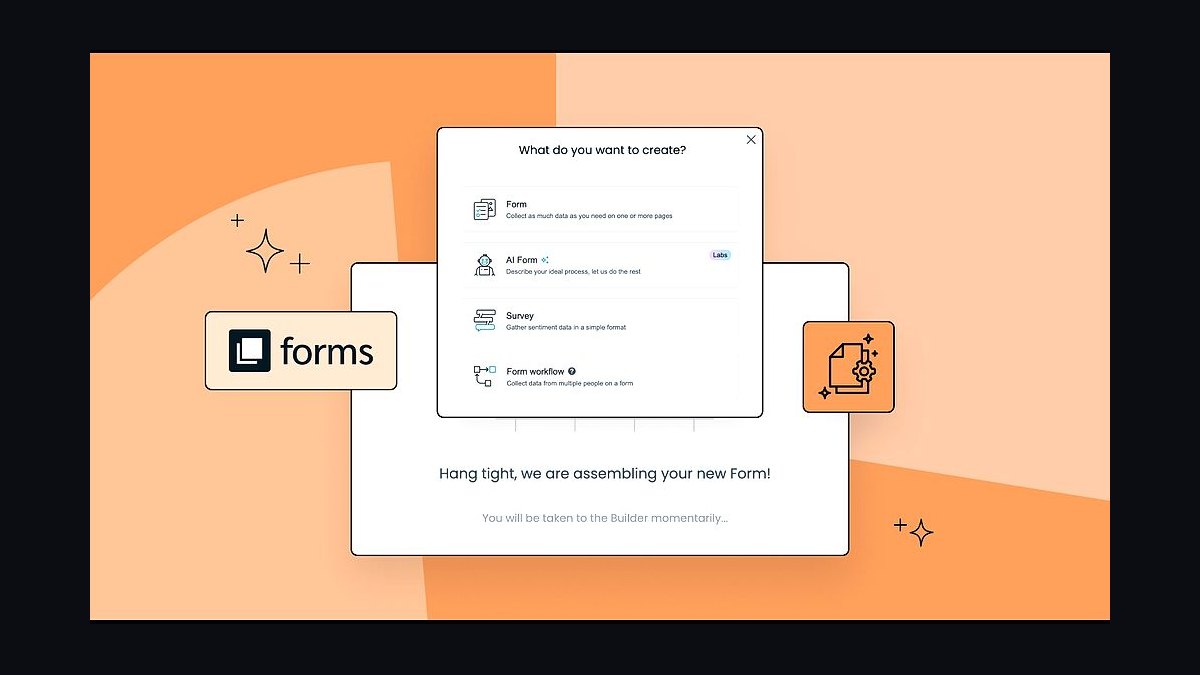
Formstack takes fifth place for compliance-heavy industries that need HIPAA, GDPR, and SOC 2 coverage built into the platform. It offers document generation, e-signatures, and workflow automation, with plans starting around $83 per month. The HIPAA-compliant tier requires a signed BAA and costs more.
It targets healthcare, finance, and legal teams handling sensitive data at scale. The trade-off is a dated interface and pricing that prices out casual users entirely. Compared to WPForms above, Formstack is far more expensive but delivers the regulatory guarantees and approval workflows that regulated organizations cannot operate without.
6Cognito Forms
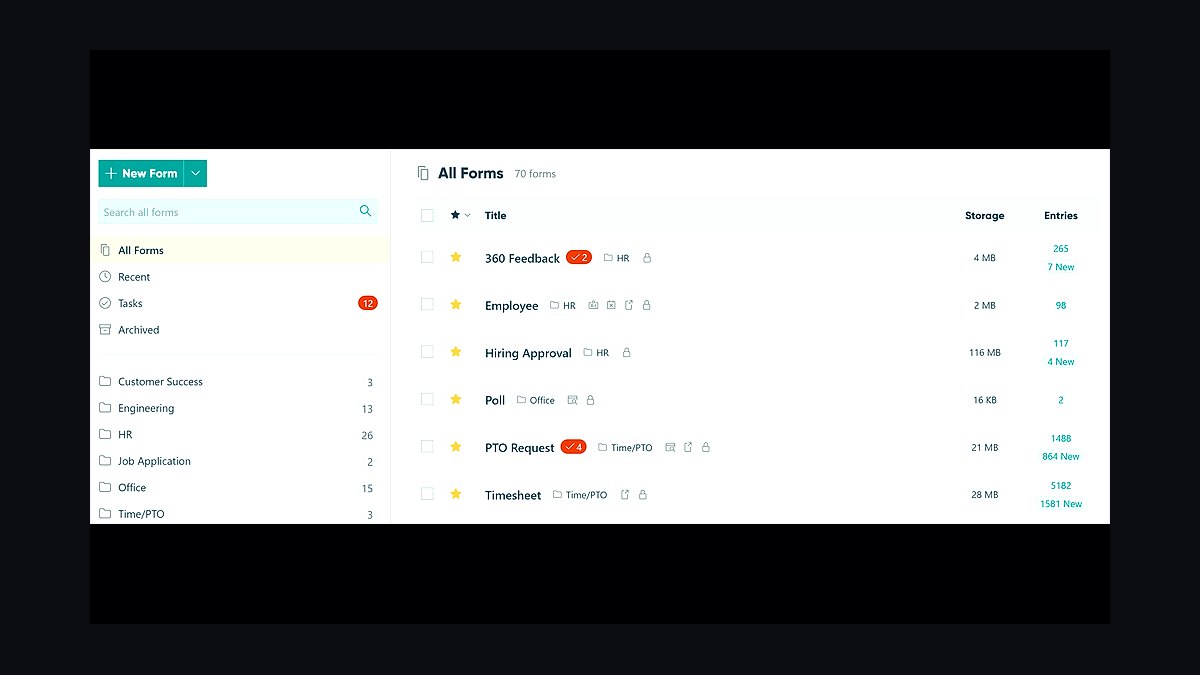
Cognito Forms earns sixth place for combining advanced logic with surprisingly affordable pricing. Its free plan includes unlimited forms and 500 entries monthly, while the Pro tier at $15 per month adds calculations, conditional logic, and payment collection. The calculation field handles complex pricing formulas natively.
It fits small businesses that need quote calculators, order forms, or registration workflows on a tight budget. The trade-off is a smaller integration library and less polished templates than premium rivals. Against Formstack above, Cognito Forms is dramatically cheaper and easier to use but lacks the enterprise compliance certifications and document automation depth.
7Formsite Form Builder
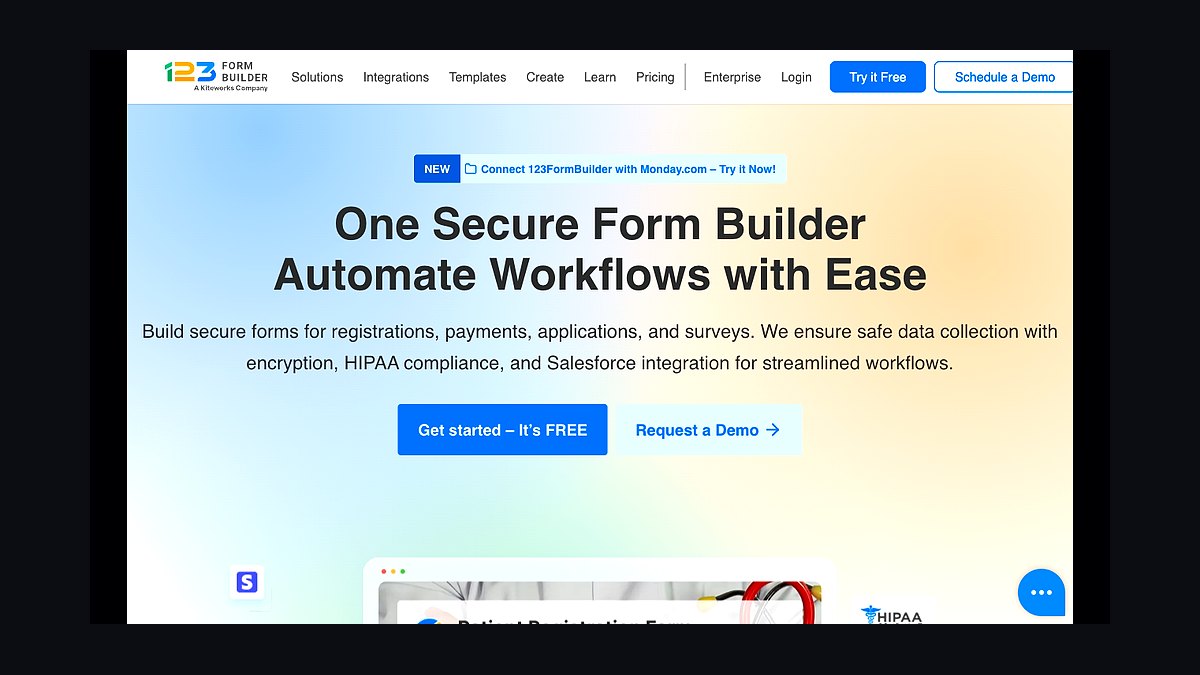
Formsite places seventh for organizations that need powerful forms without any design ambition. It supports 40+ field types, complex scoring, and order forms, with plans starting near $20 monthly. The platform has run since 1998 and handles high-volume data collection reliably.
It suits research teams, schools, and government departments collecting structured data at scale. The trade-off is an interface that feels a decade old and templates that look dated. Compared to Cognito Forms above, Formsite offers stronger data-handling and reporting tools but a noticeably worse user experience for anyone building forms for the first time.
8Paperform Form Builder

Paperform ranks eighth for blending form building with lightweight page design. It lets users create product pages, payment forms, and booking flows with rich text, images, and video, starting at $24 per month. The free trial runs 14 days without a credit card.
It targets creators, coaches, and small e-commerce operators who want forms that look like landing pages. The trade-off is a smaller integration catalog and fewer enterprise controls than dedicated data platforms. Against Formsite above, Paperform is far more visually capable but weaker on complex scoring, reporting, and high-volume structured data collection.
9Formidable Forms
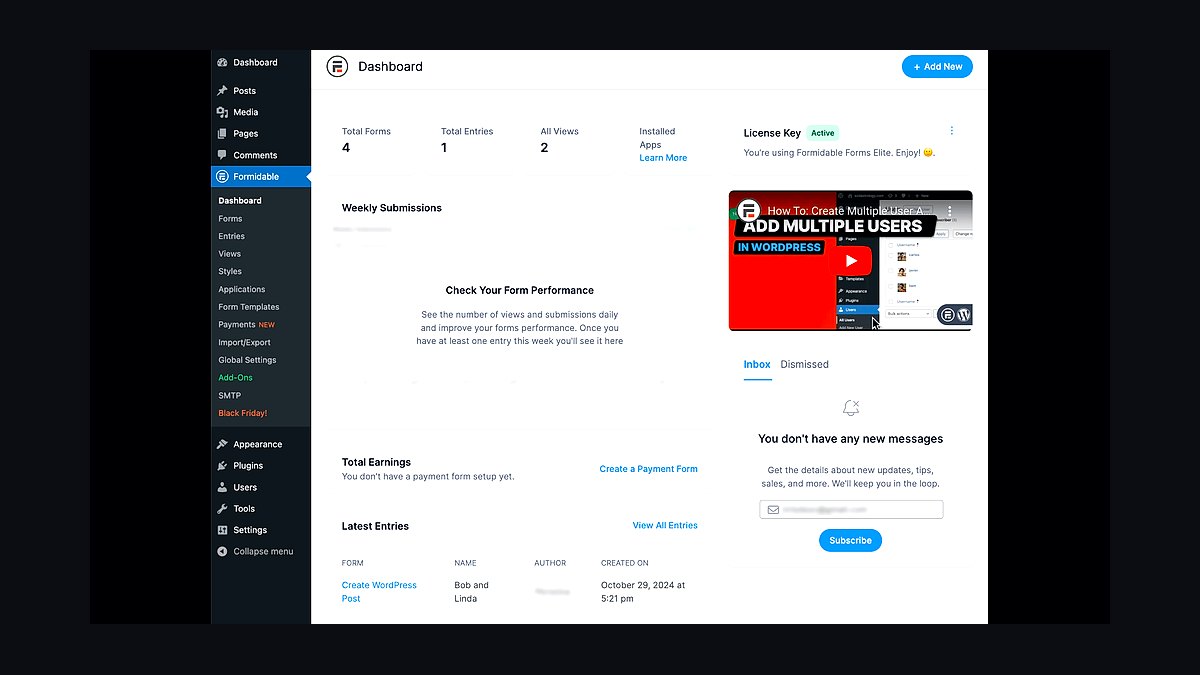
Formidable Forms takes ninth place for developers who need to build applications, not just forms. Its drag-and-drop builder pairs with custom database views, calculated fields, and front-end editing, with plans starting at $79 annually. The Business tier adds form-to-post and directory functionality.
It is aimed at WordPress developers building directories, CRMs, and listing sites on top of form data. The trade-off is a steep learning curve and a WordPress-only footprint. Compared to WPForms above, Formidable Forms is more powerful for data-driven applications but harder to set up and less friendly for non-technical users.
10Zoho Forms
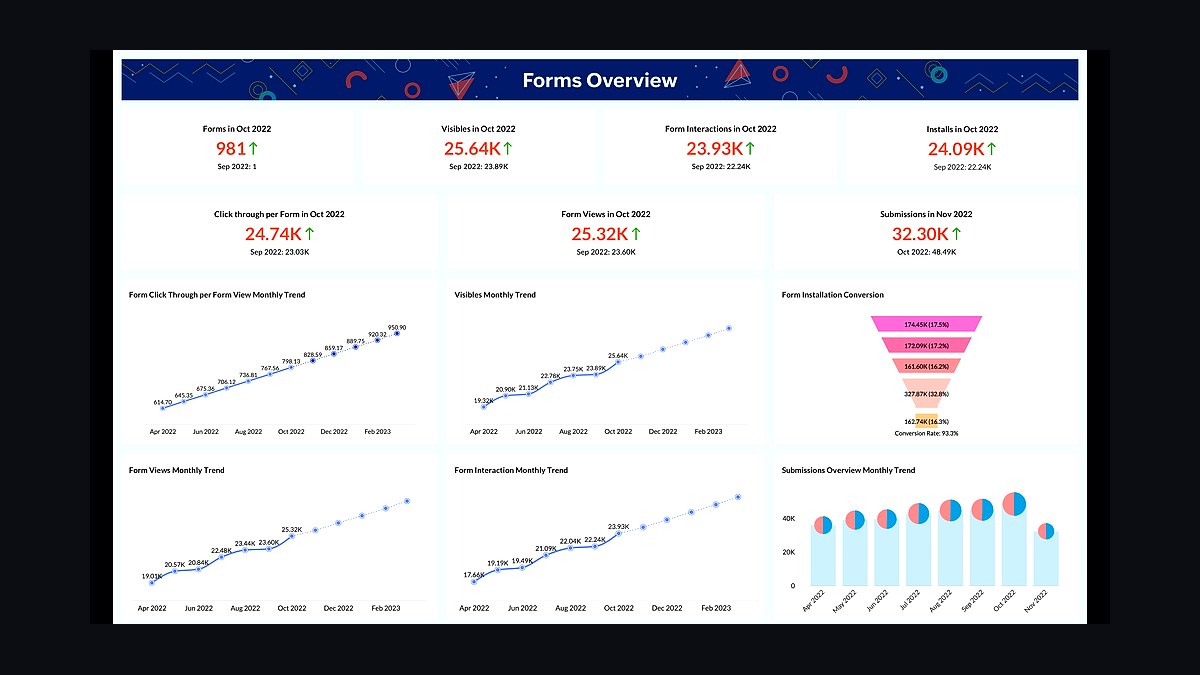
Zoho Forms closes the list at tenth, valuable mainly for teams already inside the Zoho ecosystem. It integrates natively with Zoho CRM, Campaigns, and Analytics, supports offline data collection, and starts at $10 per month for the Basic tier. The free plan caps at 500 submissions monthly.
It suits existing Zoho customers who want forms that pipe directly into their CRM without middleware. The trade-off is that standalone value drops sharply outside Zoho, and the builder feels less refined than rivals. Against Formidable Forms above, Zoho Forms is cheaper and easier but far less capable for building custom applications and database-driven views.
How we ranked these
We scored each form builder on five weighted criteria: field-type coverage and conditional logic depth (25%), native integrations and webhook reliability (20%), pricing transparency including per-submission overages (20%), accessibility and GDPR/CCPA compliance tooling (15%), and editor usability plus template quality (20%). Scores came from hands-on builds of a 12-field multi-step form with payments, file uploads, and conditional branching, run three times per tool.
We ignored brand recognition, app-store ratings, and marketing claims about AI form generation, since those rarely survive contact with a real workflow. We also excluded lifetime-deal pricing and affiliate-driven "best of" rankings, because both distort long-term cost comparisons. Free-tier limits were noted but not scored, as they change quarterly and rarely reflect paid performance.
What to look for
What matters most is submission volume pricing, not the sticker price. A $29 plan that charges $0.01 per submission becomes expensive fast at 50,000 monthly entries. Check whether logic jumps, partial submissions, and file storage count toward your quota, and confirm the tool exports clean CSV and pushes to your CRM without a paid middleware layer.
The mistake most buyers make is choosing on editor aesthetics, then discovering the platform caps conditional logic, hides webhooks behind an enterprise tier, or locks responses in a proprietary database. Test your actual workflow during the trial: build the ugliest, most complex form you own, connect it to your real CRM, and submit it 20 times.
Related questions
Do form builders charge per submission or per form?
Most charge per form on lower tiers and per submission on higher ones. Submission-based pricing punishes high-traffic sites, while form-based pricing punishes sprawling sites with many small forms. Read the overage clause carefully, because a single viral page can push you into the next tier mid-month without warning.
Can form builders handle multi-step conditional logic?
Yes, but depth varies enormously. Basic tools allow simple show/hide rules; advanced ones support nested branching, calculated fields, URL prefill, and logic that spans steps. If your form needs more than three levels of nesting, verify the limit during a trial rather than trusting the feature page.
Are website form builders GDPR compliant out of the box?
No tool is compliant by itself; compliance depends on where data is stored, how long it is retained, and what processors you use. Look for EU data residency options, a signed DPA, configurable retention, and consent checkboxes that log timestamps. Then document your own lawful basis separately.
How do form builders integrate with CRMs?
Native integrations are more reliable than Zapier bridges, which add latency and a second point of failure. Check whether the integration maps custom fields, updates existing records, and handles deduplication. For HubSpot, Salesforce, and Pipedrive, native connectors usually justify a higher tier.
What is the best free form builder for a small site?
Free tiers generally cap monthly submissions between 50 and 500 and omit conditional logic or payments. For a contact form on a brochure site, that is plenty. For lead generation with routing and CRM sync, free tiers break quickly. Start free, but budget for a paid tier before you launch campaigns.
Do form builders support file uploads and payments?
Many do, but storage limits and payment fees vary. Some bundle Stripe with no extra cut; others take a percentage on top of processing. File uploads often count against submission quotas or storage buckets, so a form collecting portfolios can exhaust a plan faster than a text-only survey.
Can I migrate form submissions between builders?
You can export responses as CSV from almost every tool, but you cannot export the form logic, styling, or integrations. Rebuilding is usually faster than scripting a migration. Export your historical responses first, then rebuild the form and reconnect the CRM, because logic rarely transfers cleanly.
How important is form accessibility?
Very, and it is legally relevant in the EU, UK, and increasingly the US. Check for proper label association, keyboard navigation, error announcements via ARIA, and contrast ratios. Many builders produce inaccessible markup by default, so test with a screen reader before publishing anything public-facing.
FAQ
What is a website form builder?
It is a no-code tool that lets you create, style, and embed forms without writing HTML or backend code. It handles submission capture, spam filtering, notifications, and integrations. Most run as hosted services with an embed script, though some export standalone HTML you can self-host.
Which form builder is best for WordPress?
WordPress-specific plugins integrate natively with your database and avoid third-party embeds, which helps performance and data ownership. Hosted builders embed via script or iframe and are easier to move between platforms. Choose based on whether you value portability or deep CMS integration more.
Do form builders work with static sites?
Yes. Hosted builders are ideal for static sites because they provide the backend you lack. You embed a script or POST to their endpoint, and they store submissions and fire notifications. Self-hosted options require a serverless function or third-party endpoint, which adds setup work.
How do I stop spam submissions?
Layer defenses: honeypot fields, time-based checks, and a reputable CAPTCHA such as Turnstile or hCaptcha. Avoid relying on a single method, since bots adapt. Also validate email domains server-side and rate-limit by IP where the builder allows it.
Can form builders send conditional email notifications?
Most mid-tier and above tools can route notifications based on field values, so a sales inquiry goes to sales and support goes to support. Check whether routing supports multiple recipients, conditional logic, and reply-to headers, because these determine whether the notification is actually useful.
Do form builders support A/B testing?
Few do natively. Most teams test by duplicating a form, splitting traffic with their CMS or a testing tool, and comparing conversion rates in analytics. Some enterprise tiers offer built-in experiments, but they are the exception rather than the rule.
What happens to my data if I cancel?
Policies vary. Some delete submissions after 30 days, others lock you out immediately, and a few retain data indefinitely. Export everything before cancelling and confirm the deletion timeline in writing, especially if you handle personal data under GDPR or CCPA.
Are form builders SEO-friendly?
Forms themselves rarely affect rankings, but embedded scripts can slow page load, which does. Prefer lightweight embeds, defer scripts, and avoid iframes that block rendering. Keep the form on the page rather than behind a redirect whenever possible.
Can I use a form builder for surveys and quizzes?
Yes, though dedicated survey tools offer better analytics, piping, and quota management. Form builders handle simple surveys and scored quizzes well. For research-grade work with randomization and statistical reporting, a specialized platform is usually worth the extra cost.
How much should a form builder cost?
Solo sites can stay under $20 per month. Teams with CRM sync, payments, and high submission volume should budget $50 to $200 monthly. Enterprise compliance and SSO push costs higher. Compare total cost at your expected submission volume, not at the entry tier.
Sources
- https://www.w3.org/WAI/standards-guidelines/wcag/
- https://gdpr.eu/what-is-gdpr/
- https://oag.ca.gov/privacy/ccpa
- https://stripe.com/docs/payments
- https://developers.hubspot.com/docs/api/overview
- https://zapier.com/blog/best-form-builder/
- https://www.nngroup.com/articles/web-form-design/
- https://web.dev/articles/optimize-lcp
Related on PULSE
This page will be disappearing soon. Save it to your device for $1 — or read it free while it is here.
@Kory-White- · if Venmo asks, the last 4 of my number are 2012
This page is gone.
This one is off the shelf now. $1 keeps it on your phone for good — the whole page, pictures and diagrams included.
 revopsTop 10 Questions to Ask Before Hiring a Web Designer in 2027
 revopsTop 10 Website Builders for Service Businesses in 2027
 revopsTop 10 Website Security Tools in 2027
 revopsTop 10 Heatmap Tools for Websites in 2027
 revopsTop 10 AI Chatbots for Small Business Websites in 2027
 revopsTop 10 Tools for Building Websites in 2027
 revopsTop 10 Website Features That Generate Leads in 2027
 revopsTop 10 Website Builders for Real Estate Agents in 2027
 revopsTop 10 Tools for Building an Autonomous Website in 2027
 revopsTop 10 WordPress Page Builders in 2027