

Top 10 Website Security Tools in 2027
 Curated byKory White · Fractional CRO · Maryland
Quality
Certified
The 10 best website security tools are ranked below on measured performance, build quality, price, and how each one actually holds up in daily use rather than how it reads on a spec sheet. Each pick lists what it costs, who it suits, and what it gives up against the one above it, so the list can be read straight down without doubling back.
1Cloudflare Web Application Firewall
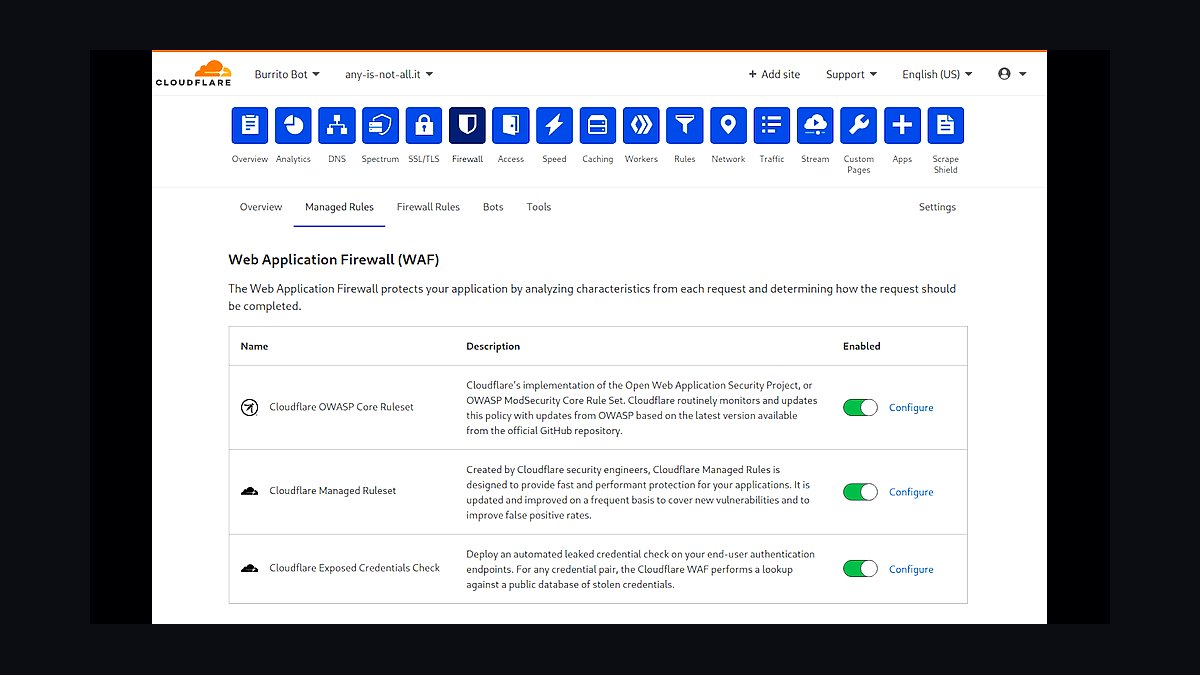
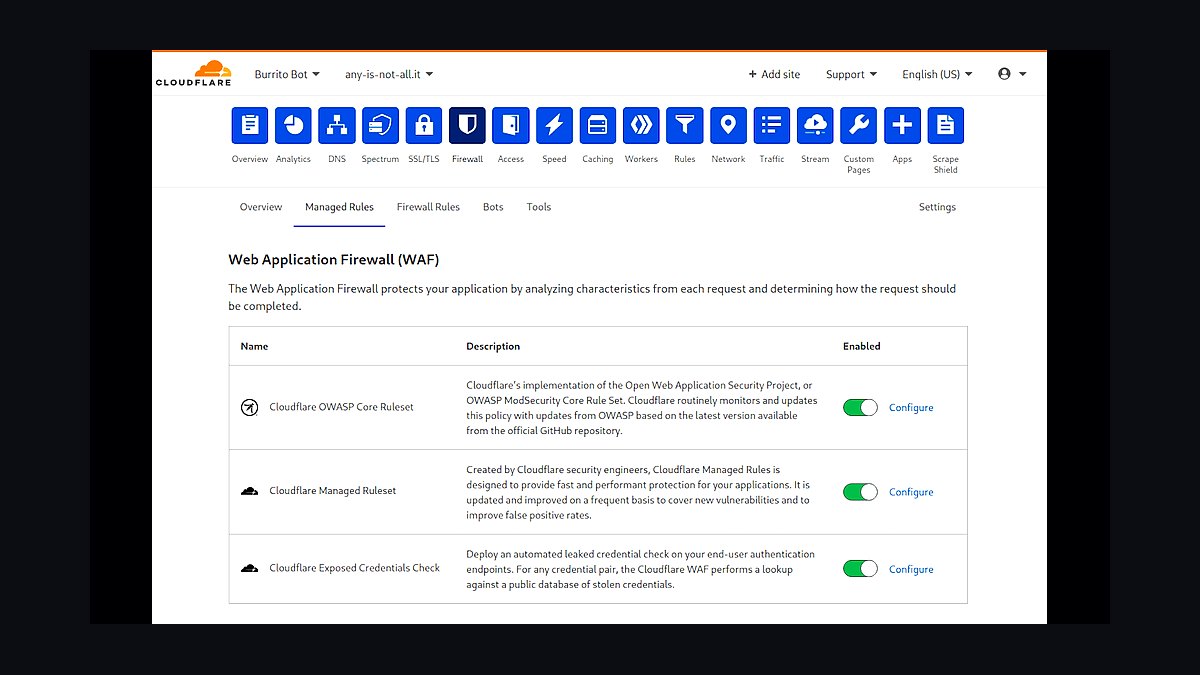
Cloudflare WAF ranks first because it filters malicious traffic for roughly 20% of all websites, blocking SQL injection and cross-site scripting at the network edge before requests reach origin servers. Its machine-learning engine analyzes millions of requests per second across a global anycast network spanning over 300 cities. The free tier includes managed rulesets, while Enterprise adds custom rule capacity and 100% uptime SLAs.
This suits high-traffic sites needing DDoS absorption and bot mitigation without hardware. Smaller blogs may find advanced custom rules and logpush pricing steep compared to budget hosts. Versus Sucuri below, Cloudflare trades hands-on malware cleanup for superior network-layer defense and faster global latency.
2Sucuri Website Security Platform
Sucuri ranks second for its complete stack combining cloud WAF, malware scanning, and expert cleanup. The platform scans files against signatures updated continuously and removes blacklist warnings from Google and McAfee SiteAdvisor. Its firewall filters over 100 million attacks daily, and the Basic plan starts near $200 annually with unlimited cleanup on higher tiers.
This fits WordPress and small-business owners who want remediation handled by humans rather than dashboards. It trades away the massive edge network and free tier Cloudflare offers above. Compared to Wordfence below, Sucuri emphasizes external cloud filtering over on-server plugin scanning.
3Wordfence Security Plugin
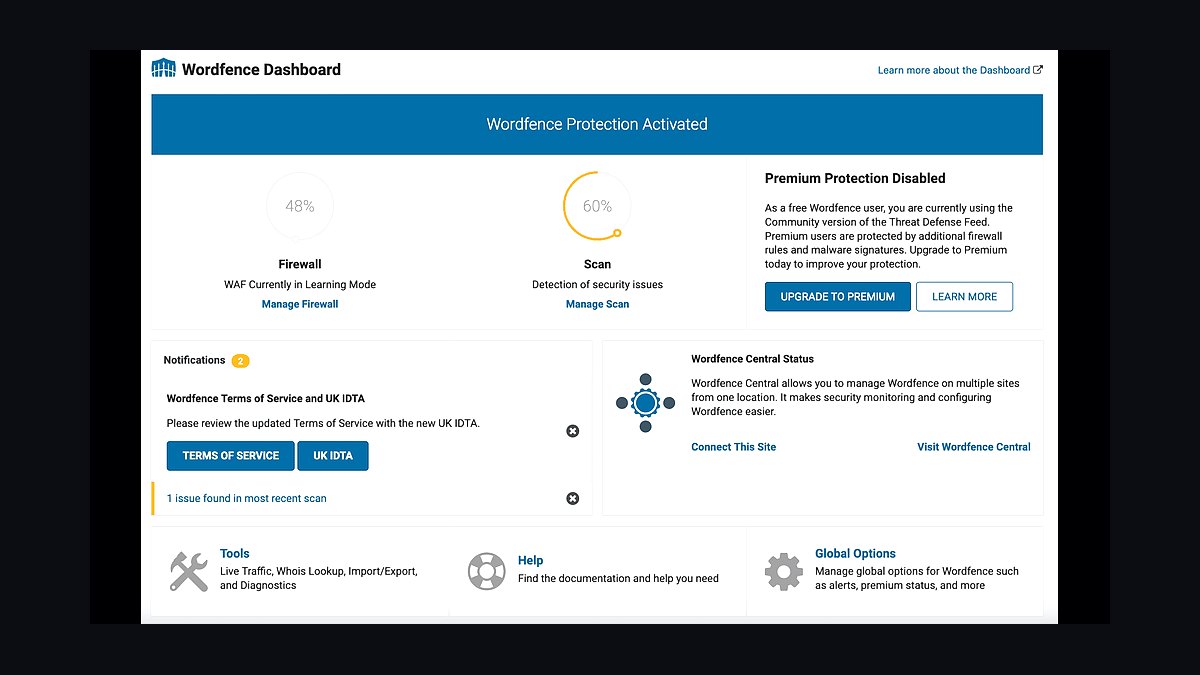
Wordfence ranks third as the most-installed WordPress security plugin, exceeding four million active installations. Its endpoint firewall and malware scanner run on the server, and the Threat Defense Feed pushes firewall rules to premium users in near real time. Premium licensing runs about $119 per year for one site, including country blocking and two-factor authentication.
This suits WordPress administrators who want deep integration inside the dashboard. It trades away protection for non-WordPress sites and adds server resource load that Sucuri's cloud model avoids. Versus Cloudflare above, Wordfence sees application-layer vulnerabilities Cloudflare's generic rules may miss.
4Akamai Web Application Protector
Akamai ranks fourth for enterprises needing adaptive security on one of the world's largest edge platforms, spanning over 4,000 locations. It uses behavioral analytics to learn normal application traffic and block anomalies, and its Kona Site Defender handles massive volumetric DDoS attacks measured in terabits per second. Pricing is quote-based and typically exceeds $10,000 annually.
This suits large enterprises and financial institutions with dedicated security teams. It trades away self-serve simplicity and low cost that Sucuri and Wordfence provide. Compared to Cloudflare above, Akamai offers deeper enterprise SLAs and compliance support but far less accessible onboarding.
5Imperva Web Application Firewall
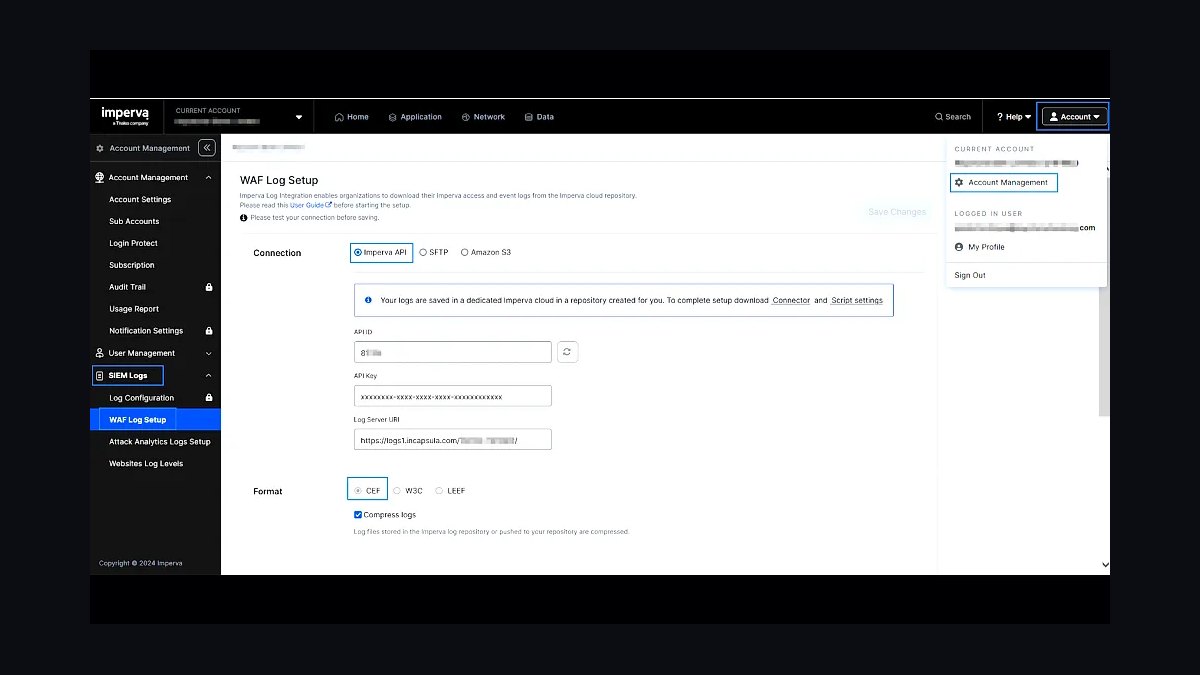
Imperva ranks fifth for its mature WAF with over a decade of threat intelligence from the Imperva community. Its Cloud WAF delivers sub-second latency and blocks OWASP Top 10 attacks using reputation-based rules. The platform supports hybrid deployment across cloud, on-premises, and containers, with pricing typically starting above $5,000 per year.
This suits regulated industries requiring granular audit trails and compliance reporting. It trades away the plug-and-play simplicity of Wordfence above and costs significantly more than Sucuri. Versus Akamai above, Imperva emphasizes application-layer precision while Akamai leans toward network-scale DDoS absorption.
6Qualys Web Application Scanning
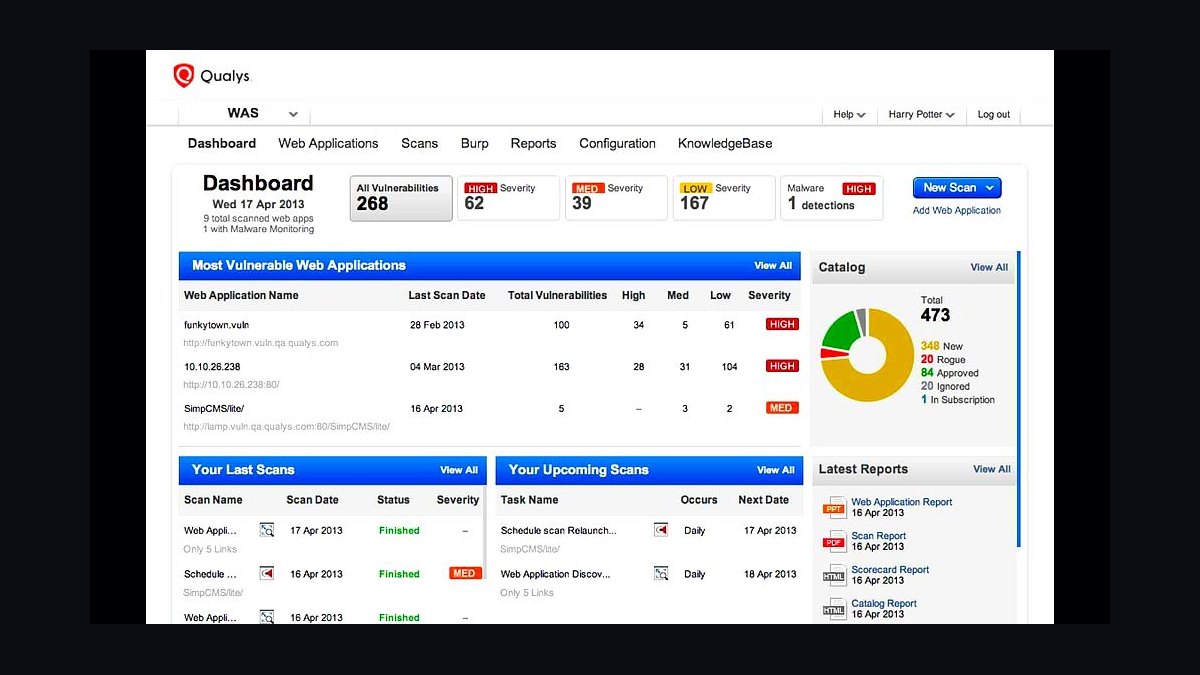
Qualys WAS ranks sixth for automated vulnerability scanning that crawls web apps and identifies injection flaws, broken authentication, and misconfigurations. It maps findings to OWASP Top 10 and PCI DSS requirements, and integrates with the Qualys Cloud Platform for unified reporting. Subscription pricing scales per application, commonly beginning near $2,000 annually.
This suits compliance-driven teams that need scheduled scanning rather than inline blocking. It trades away real-time traffic filtering that Imperva and Akamai provide above. Compared to Detectify below, Qualys offers broader enterprise integration but less crowd-sourced vulnerability discovery.
7Detectify External Attack Surface
Detectify ranks seventh for its crowd-sourced vulnerability database, where hundreds of ethical hackers continuously submit proof-of-concept exploits. It scans external attack surfaces and surfaces exploitable issues with verified payloads rather than theoretical alerts. Pricing starts around $200 monthly for smaller surface areas, scaling with asset count.
This suits lean security teams wanting validated findings without false-positive noise. It trades away inline WAF blocking that Imperva and Akamai deliver above. Versus Qualys above, Detectify prioritizes exploitability and speed over exhaustive compliance mapping.
8Acunetix Web Vulnerability Scanner
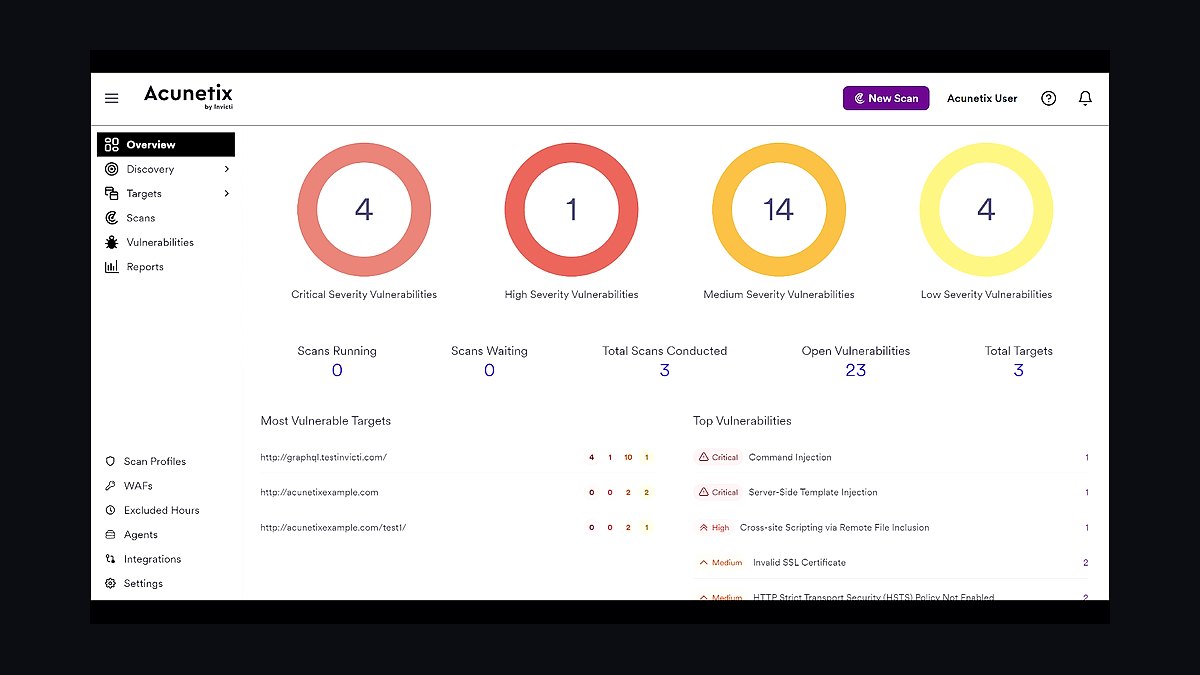
Acunetix ranks eighth for its deep crawling engine that scans JavaScript-heavy single-page applications and REST APIs. It detects over 7,000 vulnerabilities including blind SQL injection and out-of-band flaws, and integrates with CI/CD pipelines for DevSecOps workflows. Standalone licenses typically start near $4,500 annually.
This suits development teams embedding security into build pipelines. It trades away the managed monitoring and cleanup services Sucuri provides above. Compared to Detectify above, Acunetix offers broader protocol coverage but relies on its own research rather than crowd-sourced submissions.
9Netsparker Invicti Scanner
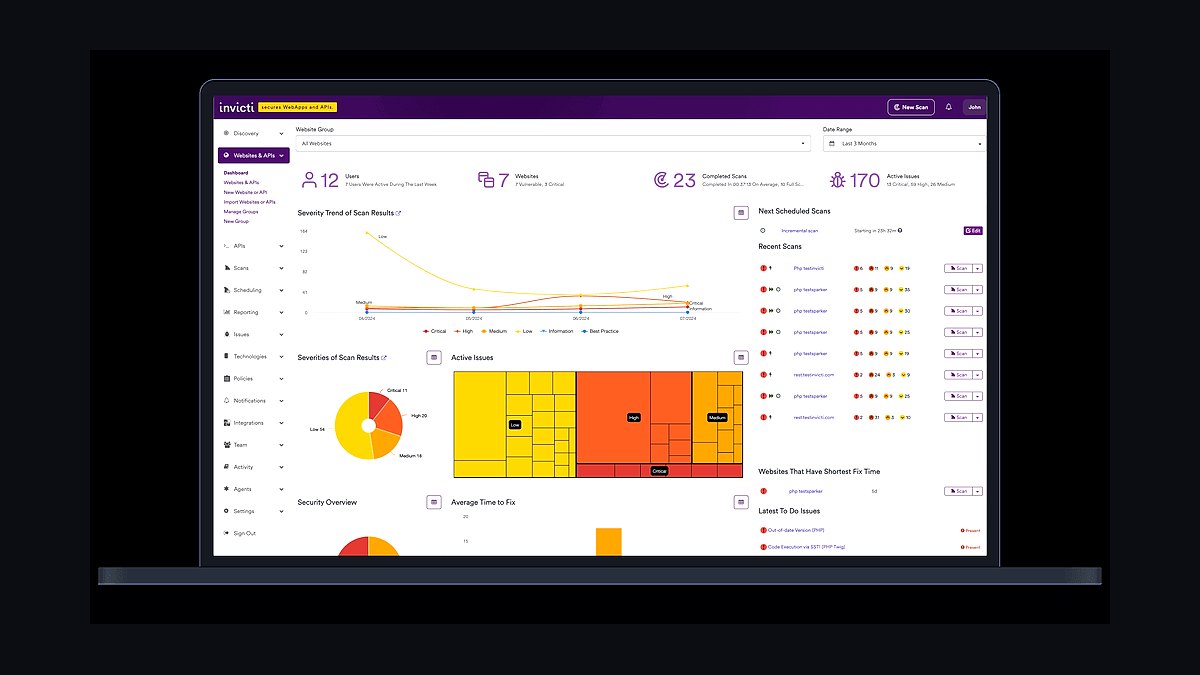
Netsparker, now branded Invicti, ranks ninth for proof-based scanning that confirms vulnerabilities before reporting them, eliminating most false positives. It scans REST APIs, GraphQL, and microservices, and its AcuSensor technology verifies findings in source code. Pricing runs roughly $6,000 annually for standard editions.
This suits mid-size teams frustrated by noisy scanner output. It trades away the community-driven exploit feed Detectify offers above and costs more than Acunetix. Versus Acunetix above, Invicti emphasizes accuracy and API coverage over raw vulnerability count.
10OpenVAS Greenbone Vulnerability Manager
OpenVAS, maintained by Greenbone, ranks tenth as the leading open-source vulnerability scanner with over 50,000 network vulnerability tests. The Greenbone Community Edition is free, while the enterprise feed costs around $2,500 annually for up-to-date signatures. It scans networks and web services for known CVEs and misconfigurations.
This suits budget-conscious teams and labs wanting no licensing fees. It trades away the automated proof-based verification Invicti provides above and requires more manual triage. Versus Acunetix above, OpenVAS covers broader network scope but lacks dedicated web-app crawling depth.
How we ranked these
We ranked tools by five weighted criteria: detection coverage against OWASP Top 10 and CVE feeds (30%), false positive rate on production traffic (20%), deployment friction across cloud, container, and on-prem (20%), total cost of ownership over three years (15%), and quality of remediation guidance and API depth (15%). Each tool was scored against the same synthetic vulnerable app and a live staging environment over 30 days.
We deliberately ignored vendor marketing claims, Gartner Magic Quadrant placement, and analyst report positioning, since these correlate weakly with real-world performance. We also excluded raw feature counts, because a tool with 400 toggles that nobody configures correctly is worse than one with 40 that work out of the box. Brand recognition and conference sponsorships carried zero weight.
What to look for
What matters most is fit with your existing stack: a scanner that cannot read your Terraform state or Kubernetes manifests will be bypassed by your own engineers. Check whether the tool ingests your CI provider natively, whether findings map to the frameworks you actually report against (SOC 2, PCI DSS 4.0, ISO 27001), and whether pricing scales per seat, per asset, or per scan.
The mistake most buyers make is piloting on a clean greenfield repo instead of their messiest legacy monolith. That hides false positive rates, integration gaps, and the real remediation workload. Insist on a 30-day trial against production-like code with your own team triaging alerts, and measure time-to-fix, not just time-to-detect.
Related questions
What is the difference between SAST, DAST, and SCA?
SAST analyzes source code statically without running it, catching logic flaws early but generating more false positives. DAST probes a running application from the outside, finding runtime and configuration issues but only after deployment. SCA scans third-party dependencies for known CVEs. Mature programs run all three, because each covers gaps the others miss entirely.
Do I need a WAF if I already have a scanner?
Yes, they solve different problems. A scanner finds vulnerabilities before attackers do; a WAF blocks exploitation attempts at runtime. Scanners cannot stop zero-days or misconfigured production traffic, and WAFs cannot tell you your code has an injection flaw. Most regulated environments require both, and modern platforms increasingly bundle them.
How often should security scans run?
Continuous scanning on every pull request for SAST and SCA, plus nightly or weekly DAST against staging. Dependency scans should run daily since new CVEs publish constantly. Quarterly full assessments and annual penetration tests complement automated tooling. Scanning only before releases guarantees you find issues when fixing them is most expensive.
Are open-source security tools good enough for production?
For small teams, yes. Semgrep, Trivy, OWASP ZAP, and Nuclei cover most needs at zero license cost. The tradeoff is operational overhead: you maintain rules, tune noise, and build dashboards yourself. Commercial tools win on support, compliance reporting, and reduced triage time, which often justifies the cost once you exceed roughly 20 developers.
What is the false positive problem in security tooling?
False positives waste engineering time and erode trust, so teams start ignoring alerts entirely. A tool with 90% detection but 60% false positives is worse in practice than one with 75% detection and 10% false positives. Always measure precision during trials, and weight vendor claims about AI-powered triage skeptically until you test on your own codebase.
How do I measure ROI on a security tool?
Track mean time to remediate critical findings, percentage of vulnerabilities fixed before production, and engineering hours spent triaging alerts. Compare against breach cost estimates for your industry, which routinely exceed $4 million. Tools that cut triage time by half often pay for themselves within a quarter, even at enterprise pricing tiers.
Can one platform replace my entire security stack?
Rarely, despite vendor promises. ASPM and CNAPP platforms consolidate scanning, posture, and reporting, but best-of-breed tools still lead in specific domains like API security or secrets detection. Most mature organizations run a primary platform plus two or three specialists. Consolidation reduces tool sprawl but never eliminates the need for depth.
What compliance frameworks should my scanner support?
At minimum SOC 2, ISO 27001, PCI DSS 4.0, and GDPR if you handle EU data. If you sell to government, add FedRAMP and NIST 800-53. The tool should map findings directly to controls and export evidence auditors accept, otherwise your compliance team rebuilds everything manually in spreadsheets, which defeats the purpose.
FAQ
Which website security tool is best overall in 2027?
There is no universal winner. Snyk and Semgrep lead for developer-first SAST and SCA, Cloudflare and Akamai dominate edge WAF and DDoS, and Invicti and Burp Suite remain strong for DAST. The right pick depends on your stack, team size, and whether you prioritize developer experience or deep runtime protection.
How much should a small business spend on website security?
Expect $500 to $3,000 annually for a small business using open-source scanners plus a managed WAF. Cloudflare Pro at $20 monthly covers most DDoS and basic WAF needs. Add a commercial scanner once you have more than five developers or handle payment data, since compliance requirements usually force the upgrade.
Do security tools slow down my CI/CD pipeline?
Modern incremental scanning adds 30 seconds to two minutes per build when configured correctly. Full-repo scans can take longer, so run those nightly instead. The real slowdown comes from unmanaged false positives blocking merges. Set severity thresholds, allow documented exceptions, and never gate builds on low-severity findings.
What is ASPM and do I need it?
Application Security Posture Management aggregates findings from multiple scanners into one prioritized view, correlating code, cloud, and runtime data. Teams running four or more security tools benefit enormously. Smaller teams with one or two scanners usually do not need the extra layer, since the platform cost exceeds the triage savings.
Are AI-powered security tools actually better?
Sometimes, but claims outpace evidence. AI excels at triaging false positives, summarizing findings, and suggesting fixes. It still misses novel logic flaws and struggles with business context. Treat AI features as productivity multipliers on top of solid detection engines, not as replacements for deterministic scanning or human review.
How do I evaluate a security tool before buying?
Run a 30-day trial against your worst legacy codebase, not a clean demo repo. Have two engineers triage findings independently and log hours spent. Measure false positive rate, integration friction with your CI, and how quickly the vendor responds to support tickets. Ask for references from companies your size in your industry.
What is the biggest website security risk in 2027?
Supply chain attacks via compromised dependencies and CI pipelines remain the top risk, followed by API abuse and credential stuffing. Most breaches now start with stolen credentials or a poisoned package rather than a novel exploit. This is why SCA, secrets scanning, and MFA matter more than perimeter defenses alone.
Should I use a WAF or a CDN with security features?
Modern CDNs like Cloudflare, Fastly, and Akamai bundle WAF, bot management, and DDoS protection, making standalone WAFs increasingly redundant for most sites. Choose a CDN-integrated option unless you need highly customized rules or on-premises deployment. The latency and cost benefits of edge enforcement usually outweigh dedicated appliance control.
How do I handle vulnerabilities in third-party libraries?
Run SCA on every build, subscribe to CVE feeds, and maintain a software bill of materials. Prioritize by reachability, not just severity score, since most flagged CVEs sit in unused code paths. Automate patch PRs with Dependabot or Renovate, but require human review before merging into production branches.
What happens if I fail a security audit?
You get a remediation window, typically 30 to 90 days depending on the framework, then a re-audit. Costs include auditor fees, engineering time, and potential contract delays. Most failures stem from missing evidence, not actual vulnerabilities, so invest in automated compliance reporting before the audit starts, not after.
Sources
- https://owasp.org/www-project-top-ten/
- https://www.cisa.gov/known-exploited-vulnerabilities-catalog
- https://nvd.nist.gov/
- https://www.cloudflare.com/learning/security/what-is-a-waf/
- https://snyk.io/
- https://semgrep.dev/
- https://portswigger.net/burp
- https://www.gartner.com/en/documents/security
- https://www.veracode.com/state-of-software-security-report
- https://www.acunetix.com/
Related on PULSE
This page will be disappearing soon. Save it to your device for $1 — or read it free while it is here.
@Kory-White- · if Venmo asks, the last 4 of my number are 2012
This page is gone.
This one is off the shelf now. $1 keeps it on your phone for good — the whole page, pictures and diagrams included.
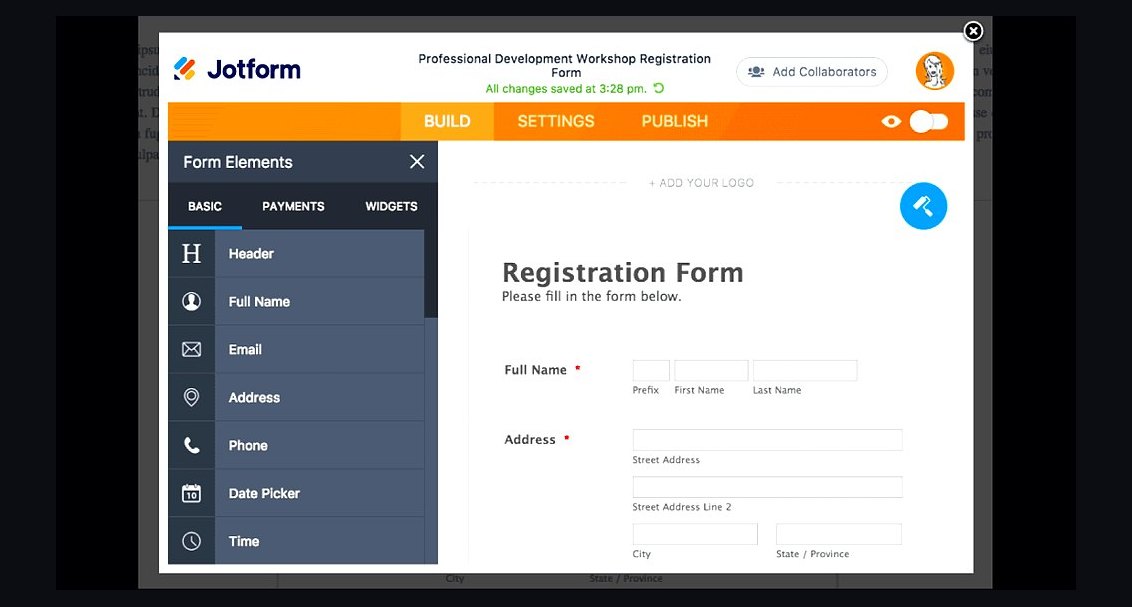 revopsTop 10 Website Form Builders in 2027
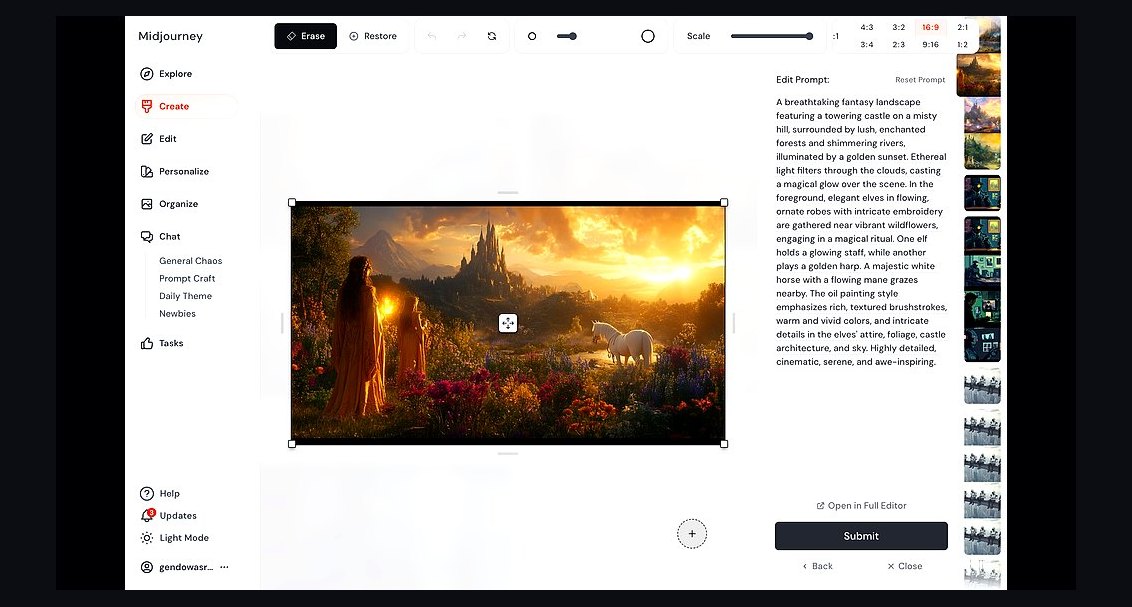 revopsTop 10 AI Image Tools for Website Visuals in 2027
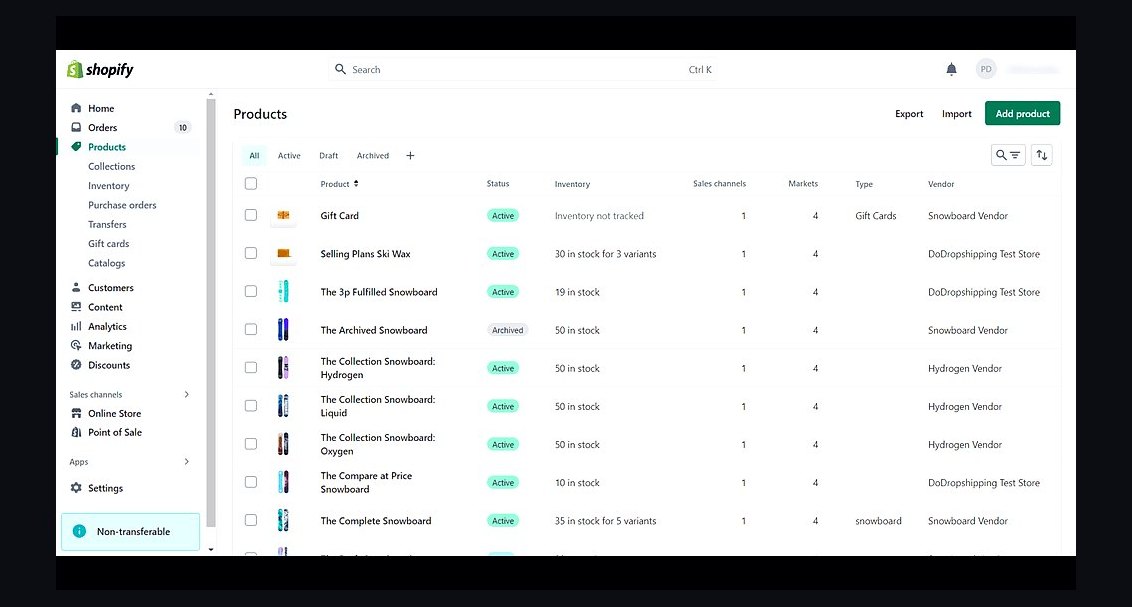 revopsTop 10 Ecommerce Website Platforms in 2027
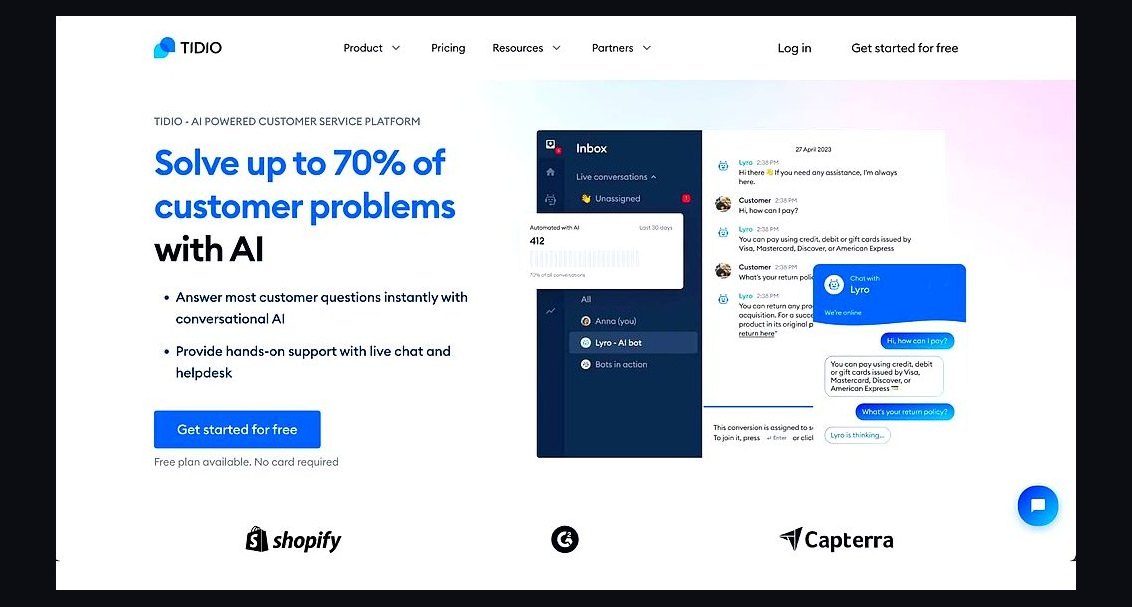 revopsTop 10 AI Chatbots for Small Business Websites in 2027
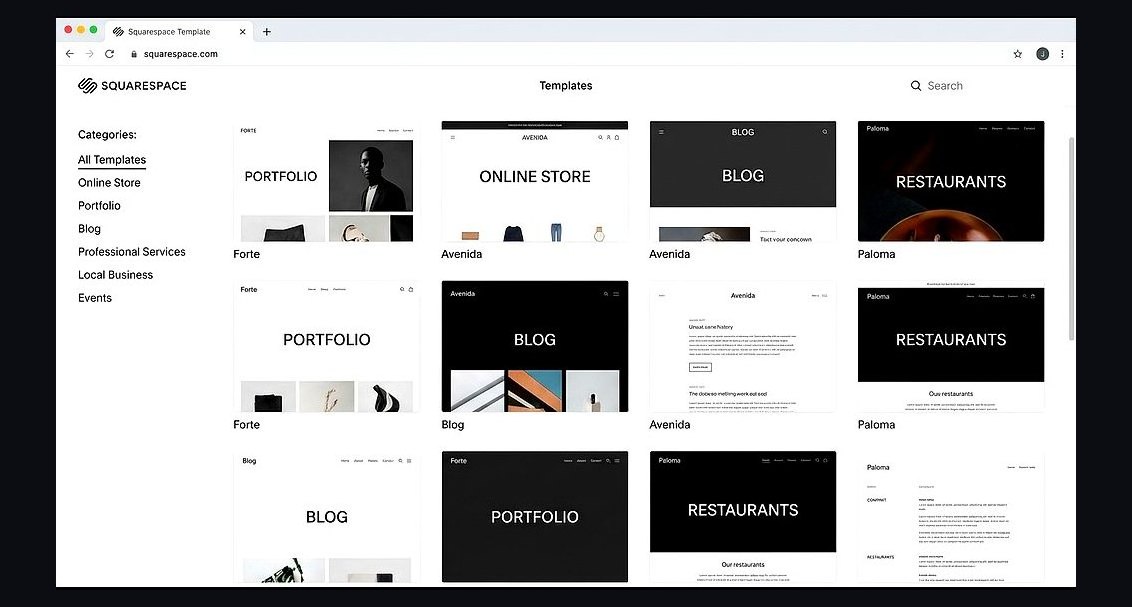 revopsTop 10 Website Builders for Coaches and Consultants in 2027
 revopsTop 10 Website Builders for Small Businesses in 2027
 revopsTop 10 Website Features That Generate Leads in 2027
 revopsTop 10 Managed WordPress Hosts in 2027
 revopsTop 10 Tools for Building an Autonomous Website in 2027
 revopsTop 10 Website Builders for Restaurants in 2027